Photorealism in AI-generated images crossed a threshold in 2026 that most people still haven't fully absorbed. The gap between a photograph taken with a $3,000 camera and an image created from a text prompt has shrunk to near-invisible for the untrained eye. Portrait skin pores, morning light scattering through a linen curtain, the wet sheen on cobblestone at dusk — all of it reproducible on demand, in seconds. If you have been asking which tools actually deliver on that promise, this is where the answer lives.
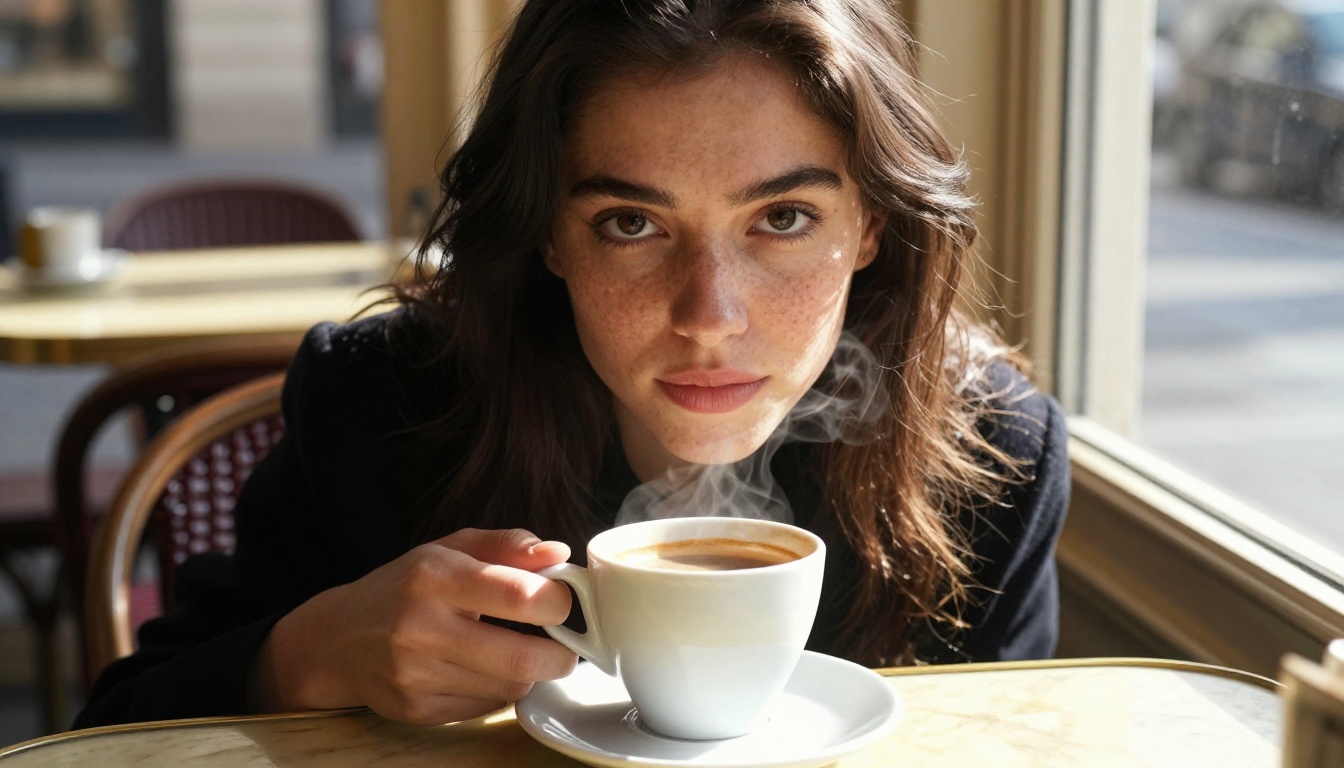
Why Photorealism Became the 2027 Standard
Three years ago, the typical critique of AI images was the same: hands look wrong, skin is too smooth, lighting has no logic. Those complaints are largely obsolete now, at least when you're using the right models with the right prompts. The shift happened because of two compounding forces working in parallel.
Diffusion Models Got Smarter About Physics
Modern text-to-image architectures no longer just pattern-match pixels. They have internalized a working model of how light behaves, how fabric drapes, how skin reads at different focal lengths. The result is that specular highlights now fall where they should, subsurface scattering gives skin its warmth, and shallow depth of field actually blurs the way an 85mm f/1.4 lens would. These are not cosmetic improvements. They are structural ones.
The Prompt Language Evolved
The community's understanding of how to write prompts for photorealism matured significantly. Phrases like "RAW 8K photography," specific camera and lens references, film stock names like "Kodak Portra 400," and lighting direction descriptors ("volumetric side light from the left") stopped being tricks and became reliable tools. Models trained on photography-heavy datasets respond to this language with measurable precision.
💡 The single biggest photorealism lever is lighting description. Specifying the light source, its direction, and its quality (hard, diffused, volumetric) does more for realism than any resolution modifier.
The Top Models Right Now
Not all AI image generators are built for photorealism. Some prioritize stylization, others speed. The models below are the ones that consistently produce images where a viewer's first instinct is to believe they are looking at a real photograph.
Flux 1.1 Pro Ultra
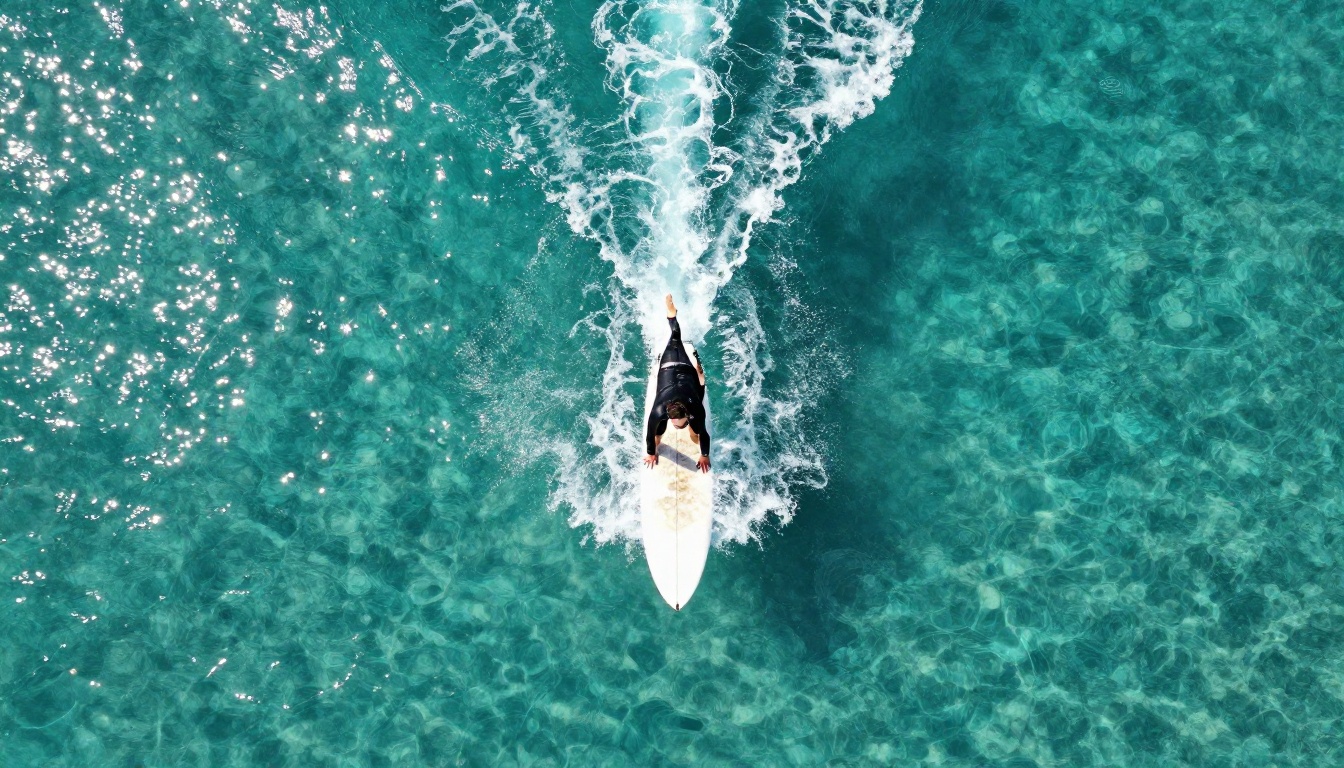
Flux 1.1 Pro Ultra from Black Forest Labs is currently the highest-fidelity option for photorealistic output at consumer-accessible pricing. Its strength is in complex scenes: crowds, architecture, natural environments. Skin rendering at portrait distances is exceptional, with visible pore structure and natural subsurface scattering in warm lighting. It handles high-contrast scenes without blowing highlights, and its shadow recovery is genuinely impressive.
Best for: Portraits, fashion photography, editorial looks, architectural shots.
GPT Image 1.5
GPT Image 1.5 from OpenAI brings a different strength to the table. Where Flux excels at naturalistic scenes, GPT Image 1.5 is extraordinarily capable with prompt fidelity — it does exactly what you describe, even with complex compositional instructions. The photorealism quality is high, particularly for indoor scenes with artificial lighting, product photography setups, and close-up textures.
Best for: Product shots, controlled studio setups, complex compositional prompts.
Imagen 4 Ultra
Imagen 4 Ultra from Google is the current benchmark for landscape and outdoor environmental photography. The model has an exceptional grasp of atmospheric depth, haze, volumetric light, and large-scale natural scenes. Portraits are solid but its real advantage is in environments where the interaction of light, atmosphere, and terrain needs to feel physically correct.
Best for: Landscapes, outdoor environmental shots, travel photography aesthetics.
How Models Handle Skin and Light
Skin is the hardest thing to render convincingly in AI imagery. It is where most models still show their seams, and it is the first thing a human eye picks up when something feels wrong.
Where Portraits Still Fail
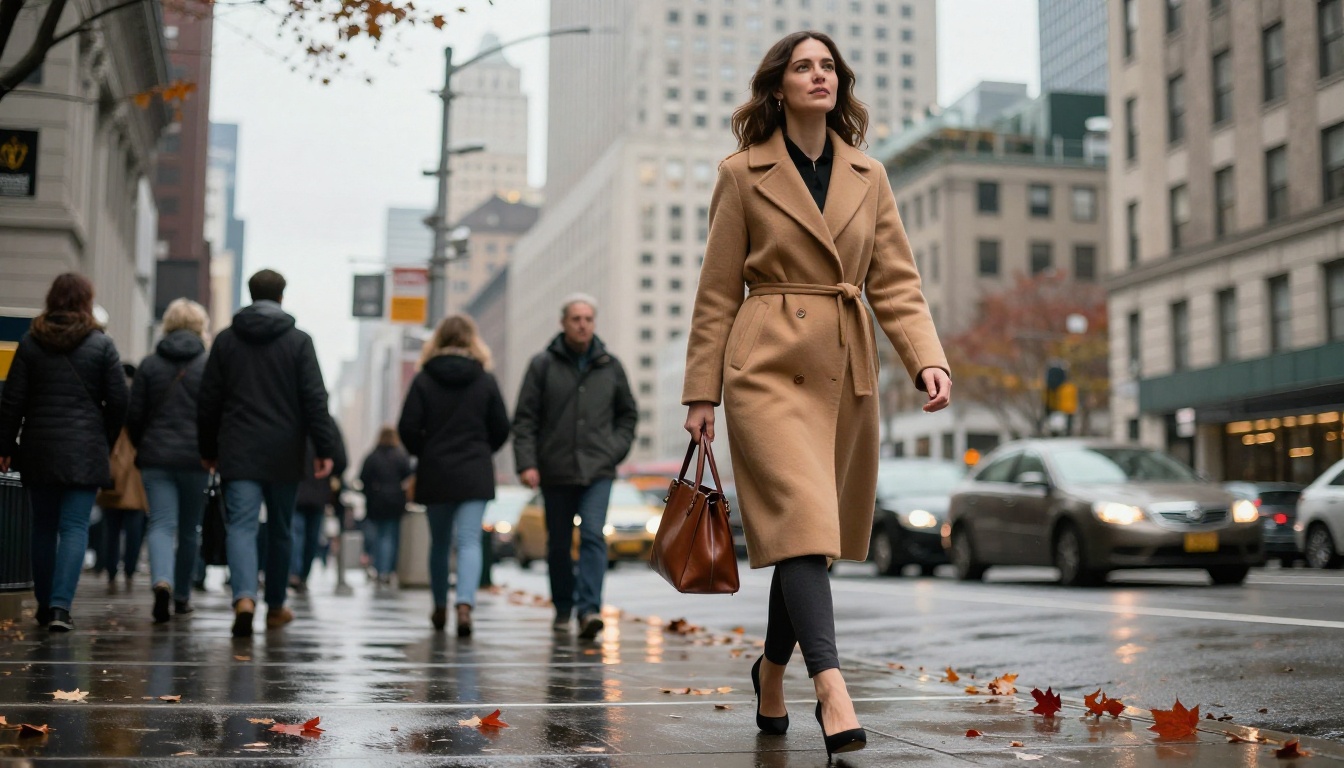
The classic failure modes are over-smoothing (skin that looks like plastic), symmetric lighting that has no real-world source logic, and eyes that are technically correct but lack the micro-imperfections of real irises. Cheaper or older models still produce these. The differentiator between a good portrait model and a great one is often the handling of pores, facial hair roots, lip texture, and the way moisture sits on skin surfaces.
The Lighting Logic Test
A reliable way to evaluate any model for photorealism is what you could call the lighting logic test: ask it to produce a scene with a specific, off-axis light source and check whether the shadows, highlights, and reflected light all behave consistently with that source. Models that have internalized photographic physics pass this test naturally. Models that have simply memorized "portrait photo" aesthetics fail it as soon as you move the light somewhere unusual.
Flux 2 Pro and Flux 2 Max both pass this test consistently. Imagen 4 passes it for natural outdoor light with high reliability but is less consistent with complex artificial lighting setups.
Specialized Models Worth Knowing
Beyond the flagship options, several more focused models produce outstanding realistic results for specific use cases.
Realistic Vision v5.1
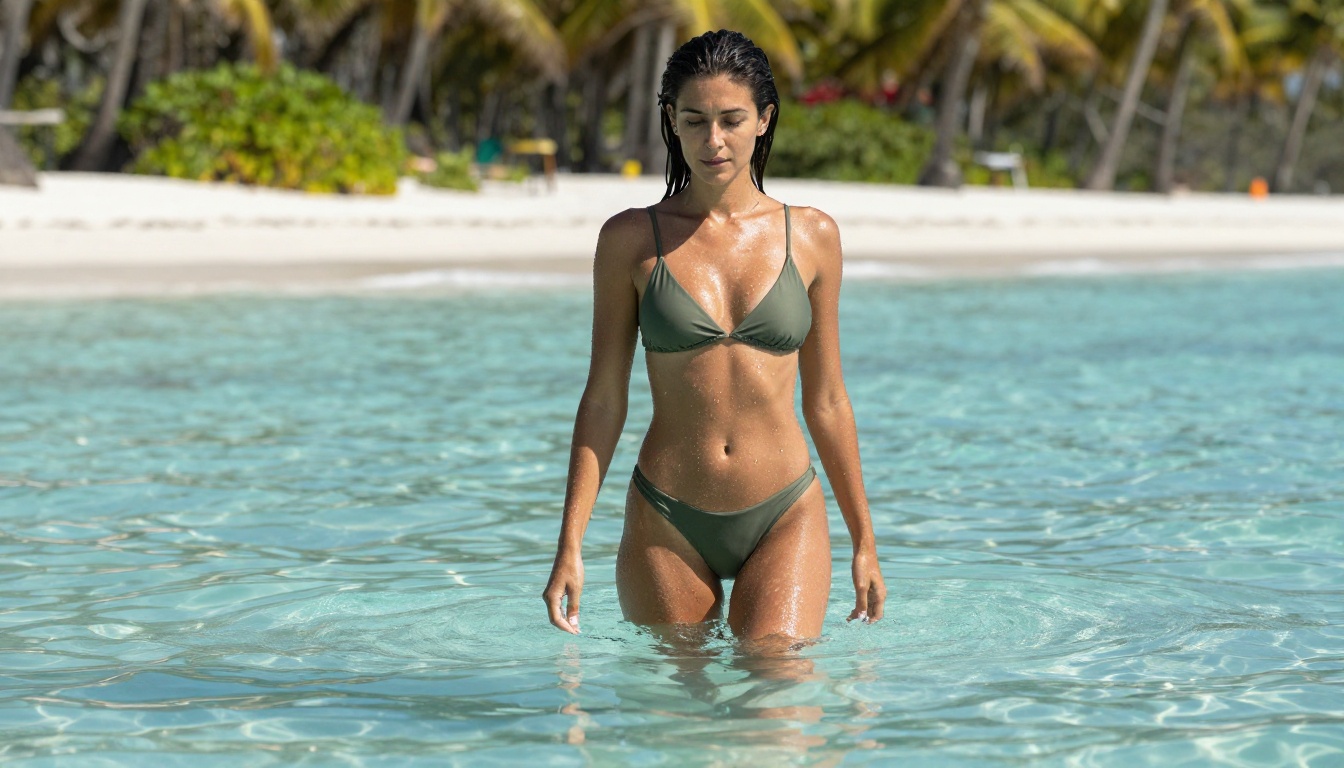
Realistic Vision v5.1 has been a favorite among photographers and content creators who need consistent portrait output with minimal prompt effort. It was built specifically for photographic realism and carries that specialization into every output. The skin rendering is among the best available for close-up portrait work, and its handling of natural light is exceptionally clean.
RealVisXL v3.0 Turbo
RealVisXL v3.0 Turbo brings the photorealism strength of Realistic Vision into the SDXL architecture, with the added benefit of significantly faster generation. For iterative workflows where you are testing multiple prompt variations before finalizing a shot, this speed advantage is substantial. Output quality for lifestyle, fashion, and portrait scenarios is consistently high.
Seedream 4
Seedream 4 from ByteDance focuses on ultra-high-resolution output and excels in scenarios where you need large print-ready images without post-processing upscaling. The native resolution and detail retention make it a strong choice for commercial imagery where output fidelity matters at full scale.
💡 For iterative portrait work: Start with RealVisXL v3.0 Turbo to test compositions quickly, then finalize with Flux 1.1 Pro Ultra for the hero shot.
Writing Prompts That Actually Produce Realistic Photos
The model is only half the equation. A photorealism-optimized prompt for the same model will produce dramatically different results from a generic description.
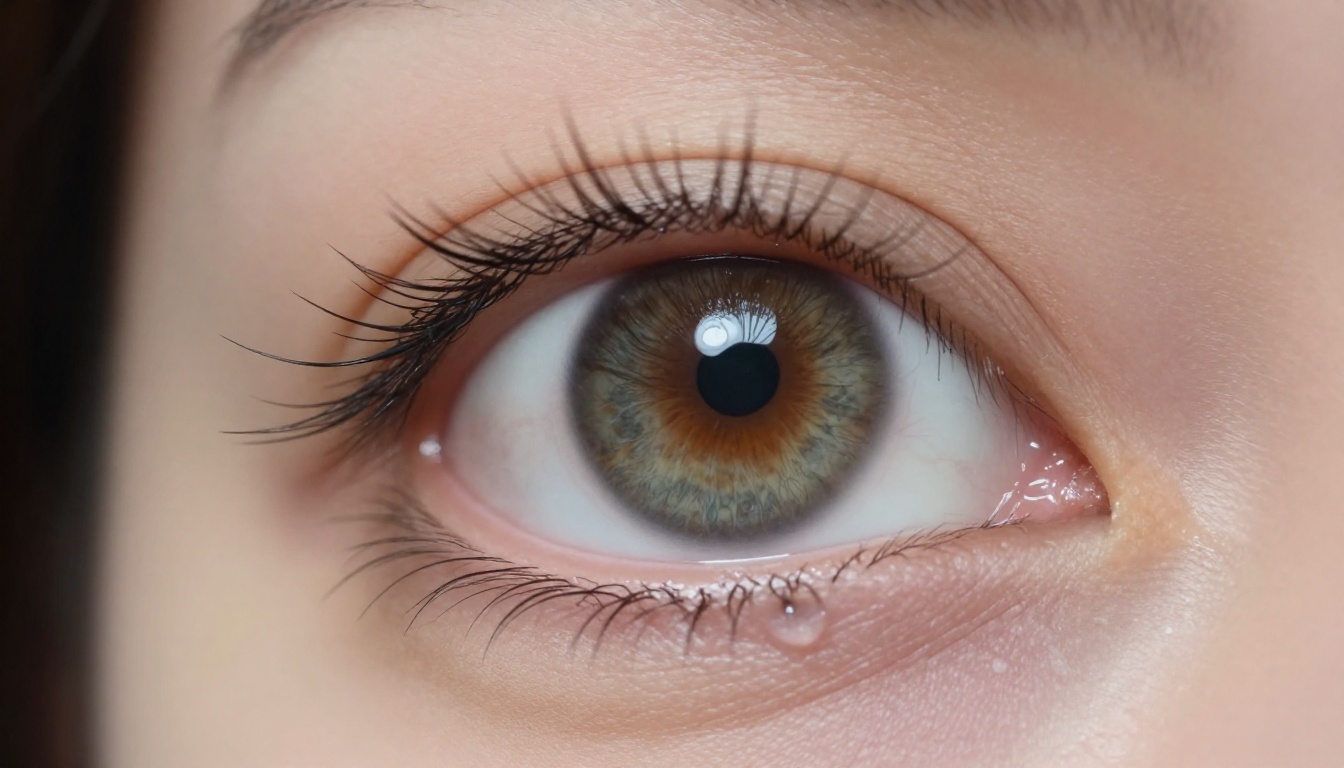
The RAW Photography Formula
The most reliable prompt structure for photorealistic output follows what experienced users call the RAW formula. It works because it mirrors the metadata language that gets attached to real photographs in training datasets.
The structure:
- Subject + action or pose
- Specific environment or background detail
- Lighting: source, direction, quality
- Camera body and lens with aperture
- Film stock or ISO/grain reference
- Technical suffix:
RAW 8K photography, photorealistic
Example prompt:
"A woman in her late 20s sitting at a sunlit window, reading a paperback book, wearing an oversized white shirt. Soft morning light from the left window casting long shadows across the wooden table. Shot with Canon EOS R5, 85mm f/1.8 lens, shallow depth of field. Kodak Portra 400 film grain, photorealistic RAW 8K."
Lighting Terms That Work
Not all lighting descriptors land equally. These specific terms produce measurably better results across most top-tier models:
- "Volumetric morning light from the left" — creates believable directional light with atmosphere
- "Overcast diffused light, no harsh shadows" — ideal for even skin tones in portraits
- "Rim light from behind, subject partially backlit" — creates natural depth separation
- "Golden hour, 30-degree side angle, long shadows" — triggers warm environmental light
- "Studio strobe at 45 degrees, single softbox" — produces clean commercial photography look
What to Avoid in Prompts
Just as important as what to include is what to leave out. Certain terms actively hurt photorealism by pulling the model toward stylization:
- "Cinematic" alone — often triggers color grading that removes photographic neutrality
- "Detailed" without context — models interpret this inconsistently
- "Realistic" without camera/lens info — weaker signal than specific technical references
- "Professional photo" — too generic to steer toward the specifics that matter
How to Use Flux 1.1 Pro Ultra on PicassoIA
Flux 1.1 Pro Ultra is available directly on PicassoIA, and using it effectively for photorealistic results involves a few specific practices beyond the prompt formula above.
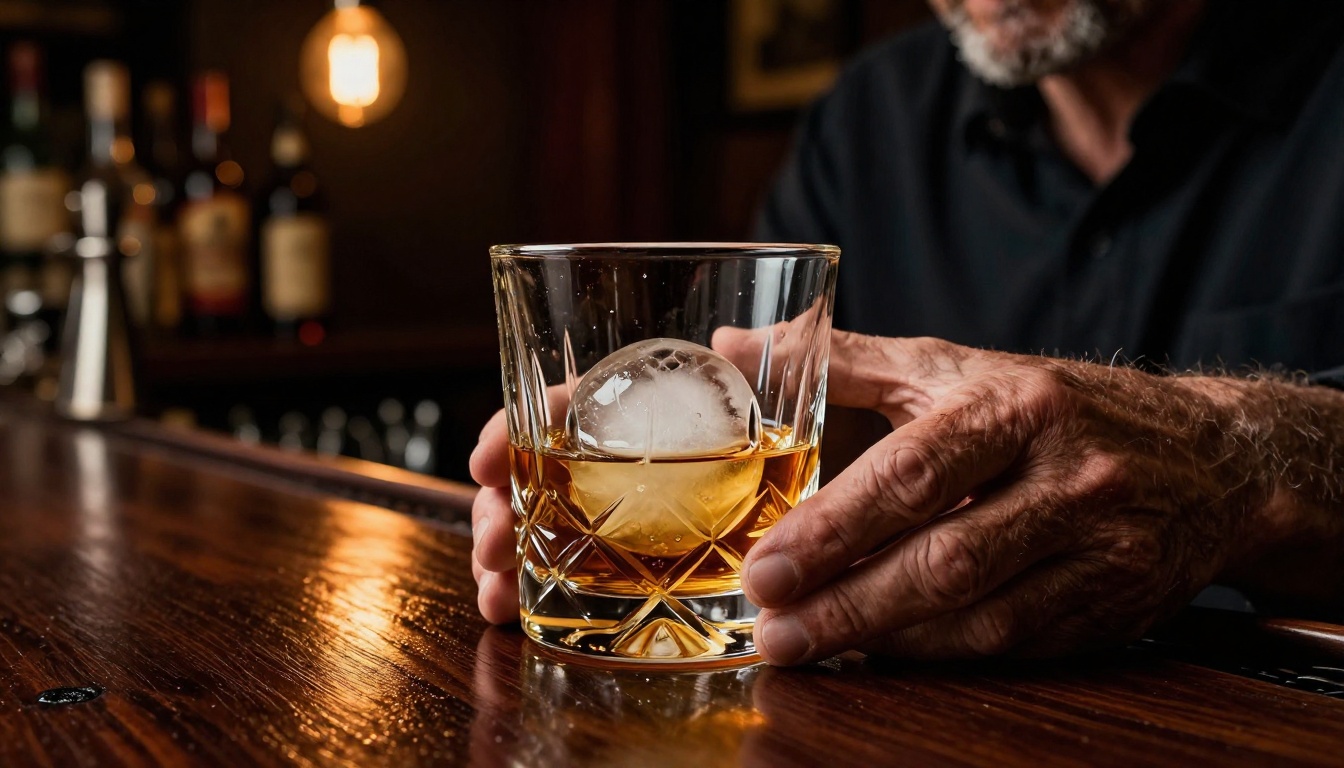
Step 1: Open the model page. Go to the Flux 1.1 Pro Ultra page on PicassoIA and click Try Model.
Step 2: Set the aspect ratio. For photographic outputs, 16:9 works for lifestyle and environmental shots. Use 2:3 for portrait photography to match the natural proportions of a 35mm frame.
Step 3: Write your prompt using the RAW formula. Include camera, lens, film stock, lighting direction, and a precise subject description. Longer, more specific prompts produce significantly better output with this model than short ones.
Step 4: Enable raw mode if available. Some PicassoIA model interfaces expose a "raw prompt" toggle. With Flux 1.1 Pro Ultra, using this setting prevents the model from adding its own interpretive layer to your prompt — what you write is what gets rendered.
Step 5: Iterate on lighting first. If the first output is good but not quite right, change only the lighting description in your next run. Lighting is the single variable with the highest impact on perceived photorealism.
💡 Pro tip: Use the --style raw suffix in your prompt when working with Flux 1.1 Pro Ultra. It suppresses the model's tendency to add stylistic embellishments and keeps the output anchored to photographic naturalism.
Beyond Still Images
The PicassoIA platform does more than static photography. For creators who need realistic imagery across multiple formats, the platform's broader tool set extends into video, editing, and enhancement.
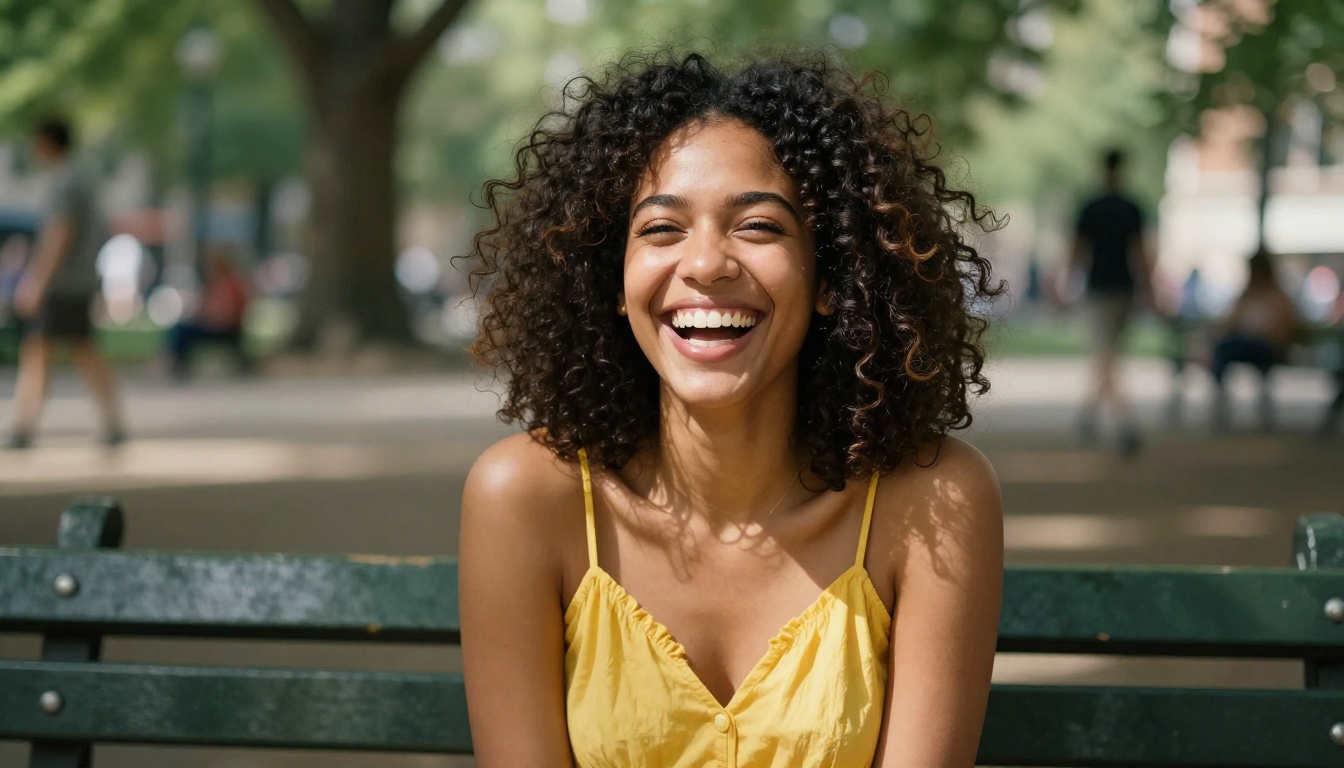
The Super Resolution tools allow you to upscale already-photorealistic images to 2x or 4x their generated resolution, which is essential for print or large-display use cases. The AI Image Restoration tools can take a slightly imperfect generation and recover fine detail, remove artifacts, or sharpen soft areas without destroying the natural look.
For portraits, the Face Swap AI tool enables realistic subject substitution while preserving the lighting and environment of the original image. This is particularly useful for content creators who need to place specific people into photorealistic scenarios already generated.
On the video side, if you want to bring a photorealistic still image to life, the Text to Video models (over 87 available) can animate a generated photo with natural camera motion, breathing, or environmental movement. Combined with wan-2.2-image for initial frame generation and Flux 2 Dev for refinement, this creates a complete photorealistic production pipeline within a single platform.
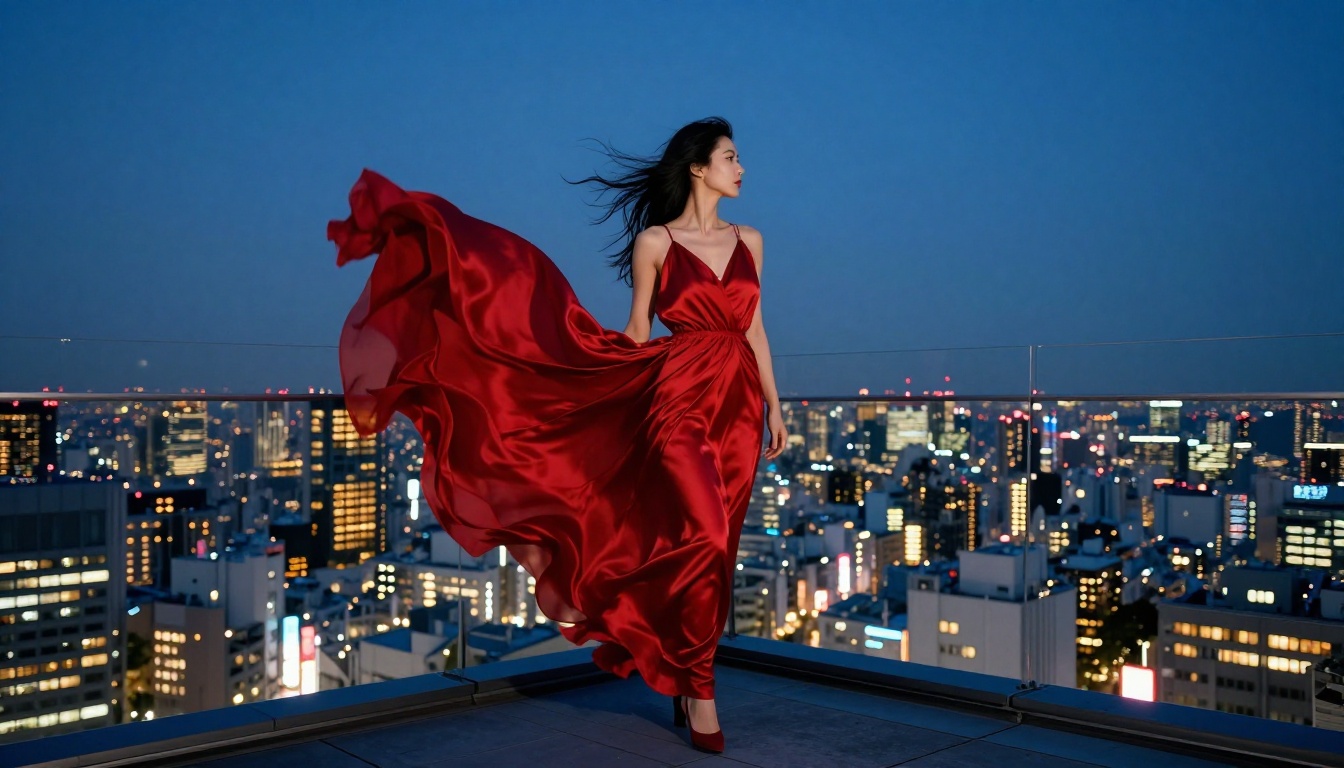
Speed vs. Quality: Picking the Right Tier
Photorealism does not always require the most expensive or slowest model. Matching model choice to use case is often more important than always reaching for the top tier.
| Use Case | Recommended Model | Why |
|---|
| Quick concept testing | Flux Schnell | Fast output, good enough for composition checks |
| Portrait hero shots | Flux 1.1 Pro Ultra | Best-in-class skin and lighting fidelity |
| Commercial product photos | GPT Image 1.5 | High prompt fidelity, clean textures |
| Landscape and travel | Imagen 4 Ultra | Atmospheric depth and outdoor light |
| Fashion and lifestyle | Realistic Vision v5.1 | Portrait-optimized with natural skin |
| Iterative prototyping | RealVisXL v3.0 Turbo | Photorealistic output at faster speeds |
| High-res print outputs | Seedream 4 | Native ultra-high resolution |
For most creators, a two-tier workflow covers everything: a fast model for ideation and prompt refinement, and a high-fidelity model for final output. The time saved in the iteration phase more than compensates for the slower generation time on the final shot.

Also Worth Watching
A few models that sit just outside the top tier but deserve attention for specific photorealistic scenarios:
- Qwen Image 2 Pro: Strong performance with complex multi-element scenes and detailed environmental photography
- Ideogram v3 Quality: Excellent for architectural and interior photography where clean lines and accurate perspective matter
- Flux Dev: A reliable open-weight option that balances photorealism with customizability for LoRA-based workflows
- Seedream 4.5: Updated resolution and color science from Seedream 4 with improved prompt adherence
The photorealistic AI image space is moving fast enough that rankings shift with major model releases. What stays constant is the underlying formula: the right model, a technically precise prompt, and a clear understanding of the lighting logic you are trying to achieve.
Try It for Yourself
The best way to understand what photorealistic AI images can do is to generate one that you actually need. Not a test image. Not a demo prompt someone else wrote. Pick a real project, a specific scenario, and write a prompt using the RAW formula from this article. Then run it through Flux 1.1 Pro Ultra or Realistic Vision v5.1 on PicassoIA.
The platform gives you access to over 91 text-to-image models alongside editing tools, upscalers, and video generation in one place. Whether you're building content for social media, commercial campaigns, or creative projects, the photorealistic output available in 2027 makes visual production faster and more accessible than it has ever been. The technical barrier is gone. What remains is the creative one.


