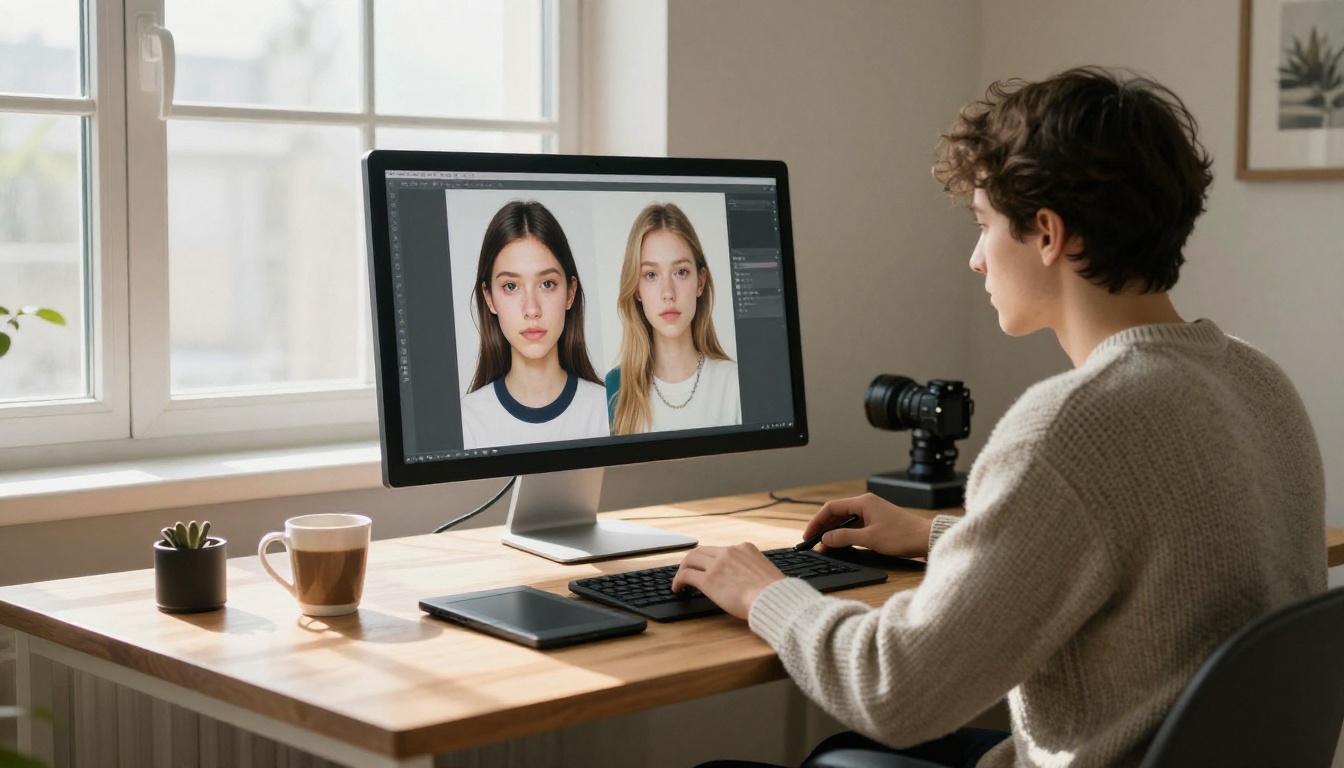
Most mainstream AI image tools ship with an invisible fence. Type the wrong word, request the wrong mood, or drift past a vague content line, and the generator quietly refuses, blurs the result, or hands back a watered down version of what you asked for. For photographers, digital artists, and adult content creators, that fence is the difference between a tool they can build a real workflow around and one that burns credits on rejected prompts. What follows is a straight ranking of the best AI image generators without restrictions: the platforms that produce sharp, believable results, run fast, and let you create freely while no filter second guesses every line of your prompt.
The market is crowded, yet only a handful of models actually deliver on the promise of open generation. The rest talk about creative freedom and then block half of what you try. This list cuts through that noise. Every model below is live on PicassoIA, runs without content filters getting in your way, and produces output realistic enough to pass for a real photograph. The ranking is built on three things that matter in production: how believable the images look, how fast they render, and how much you can create before a paywall or a refusal stops you.
💡 Quick take: If you want the single best all-around option, start with Seedream 4.5. It accepts adult content, edits images, and renders in under three seconds.
Why Content Filters Hold Creators Back
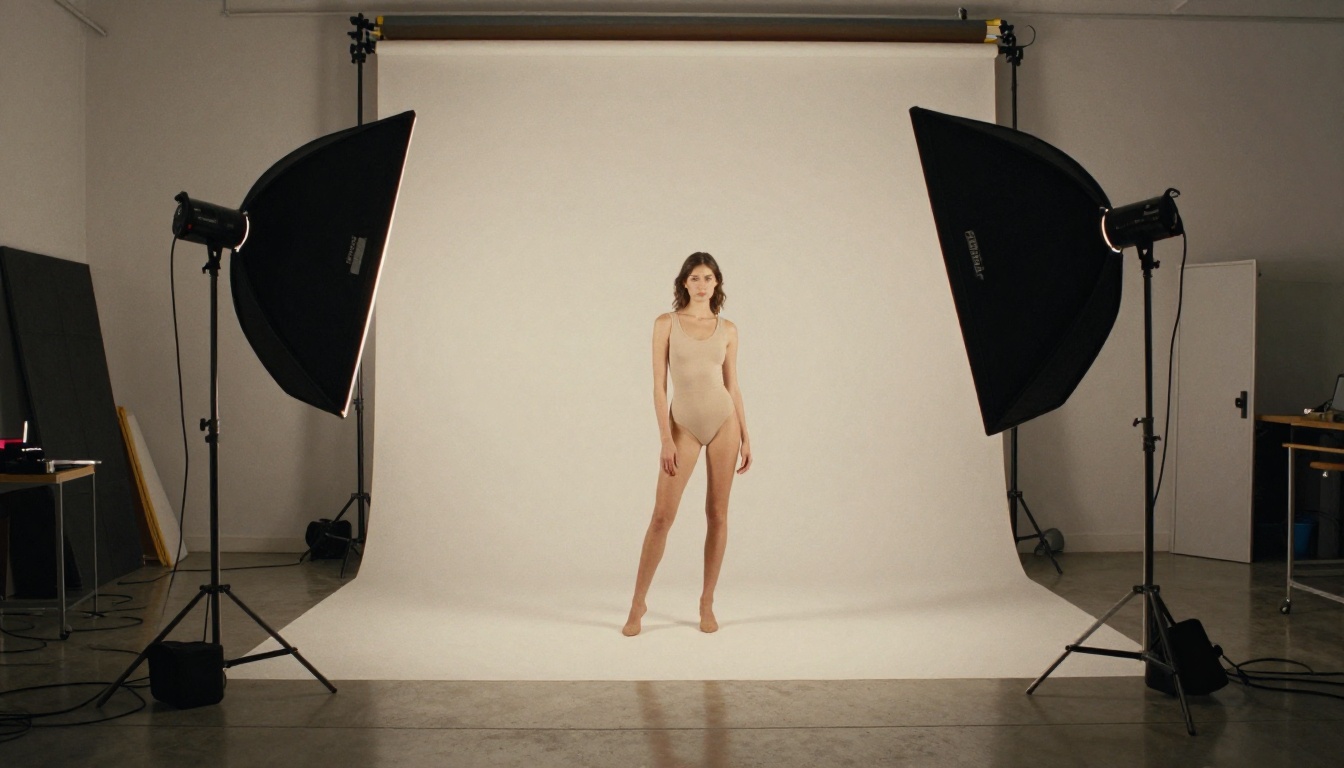
Restrictions sound responsible on paper. In practice, most filters are blunt instruments. They flag a swimsuit photo as explicit, refuse an artistic nude that a museum would hang on its wall, and reject fashion or medical prompts because a single word tripped a hidden keyword list. The people who pay the price for that overreach are the ones doing legitimate creative work, day in and day out.
The Real Price of Censored Tools
Every rejected prompt costs you something real. On credit-based platforms, a blocked generation can still drain a credit from your balance. On slower tools, you wait in a queue only to receive a polite refusal at the end of it. Over a month of serious production, those small losses pile up into actual money and hours you never get back. A tool that says no half the time is not a tool you can plan a shoot or a client deadline around. Reliability is a feature, and filters quietly take it away.
What No Restrictions Actually Means
Open generation does not mean anything goes with zero thought behind it. It means the model trusts you to create within the law and treats you like a professional rather than a suspect. You decide the subject, the wardrobe, the mood, and the level of suggestion. The generator renders what you described instead of arguing with it. That trust is exactly what separates the models on this list from the locked-down mainstream apps that assume the worst about every prompt you write.
What Makes a Generator Truly Open
Not every model that calls itself uncensored is worth your time. Freedom only counts if the output is good. Three things decide whether an open model earns a permanent spot in a real workflow, and a tool has to clear all three.
Realism Over Restrictions
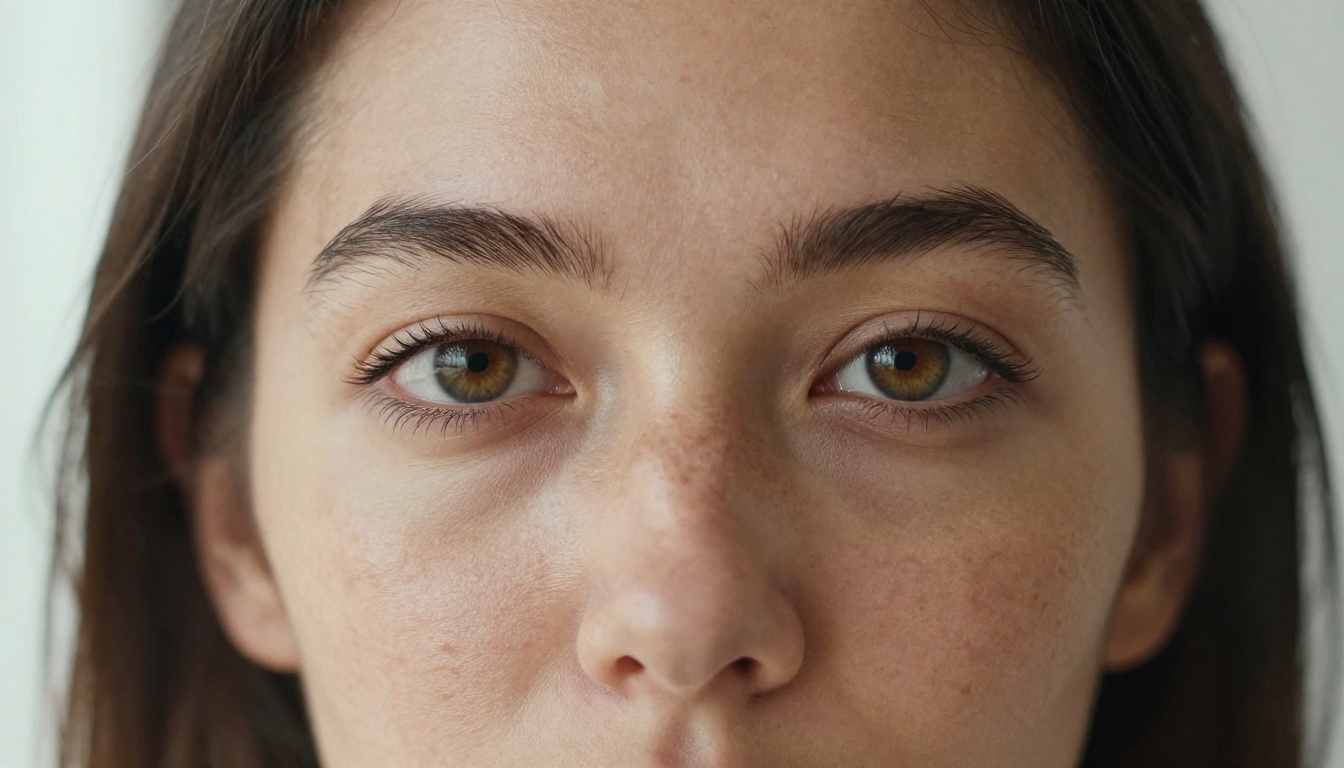
The whole point is believable images. Skin should have pores and fine texture, not a plastic sheen. Light should fall the way it does through a real window, with soft gradients and natural shadow falloff. The best open models render freckles, stray hairs, fabric weave, and the shallow depth of field you get from a 50mm lens wide open. If a model drops its filters but still outputs waxy faces and flat lighting, it has solved the wrong problem and left you with images you cannot actually use.
Speed and Volume Matter
Creative work is iterative by nature. You rarely nail the shot on the first prompt, so a model that takes a full minute per image quietly kills your momentum. Several of the models below render in one to three seconds, which means you can run twenty variations in the time a slow tool gives you a single result. Volume plus speed is what turns a novelty into a production engine, because it lets you treat each prompt as a draft instead of a precious, rationed attempt.
Top Unrestricted Models Ranked
Here is the ranking, ordered by realism, flexibility, and value. Every name links straight to its model page so you can try it in a couple of clicks. These are the models that consistently say yes when the mainstream apps say no.
Seedream 4.5 Sits at the Top
Seedream 4.5 is the strongest all-around pick on the platform. It accepts adult content, doubles as an image editor, and renders ultra-realistic results in under three seconds. The skin tones come out natural, the lighting holds together, and complex scenes with several subjects stay coherent instead of dissolving into mush. One detail worth flagging before you go shopping by name: the newer Seedream 5 Lite does not allow NSFW content, so stay on 4.5 for anything adult oriented.
Image Editor Pro and Unlimited Output
PicassoIA Image Editor Pro takes second place, and for many creators it is the smartest pick on cost alone. It is an image-to-image model with one standout advantage: unlimited generations. Need a thousand images? That is a thousand images at no extra charge on an Elite or Infinite plan. The same volume on a model like Nano Banana 2 would run you around one hundred dollars. It also accepts adult content, returns results in under a second, and includes a three-generation free trial that asks for no credit card.
💡 Value math: Unlimited output changes how you work. When each image is effectively free, you stop rationing prompts and start running them until the result is exactly right.
Qwen Image 2 Goes Open Source
Qwen Image 2 is the open-source choice on this list. Because the weights are open, it edits or creates almost anything in seconds with very detailed realism. It is a favorite among creators who want flexibility and fine control without a content gate sitting between them and the render they had in mind.
Grok Imagine and Recraft V4
Grok Imagine Image is built for image-to-image work and converts an existing photo into a realistic bikini format with convincing results. Recraft V4 is text-to-image only, but the realism it produces is hard to fault when you want a clean render straight from a written description. Both sit comfortably in the upper tier for anyone chasing photographic output.
P Image and Wan 2.2
P-Image from PrunaAI handles NSFW text-to-image and returns a render in under a second, which makes it ideal for rapid iteration when you are testing a concept. Wan 2.2 Image pushes for highly realistic images from text with no content filters in the way, a solid pick when fine photographic detail is the priority over raw speed.
Realism You Can Actually Use
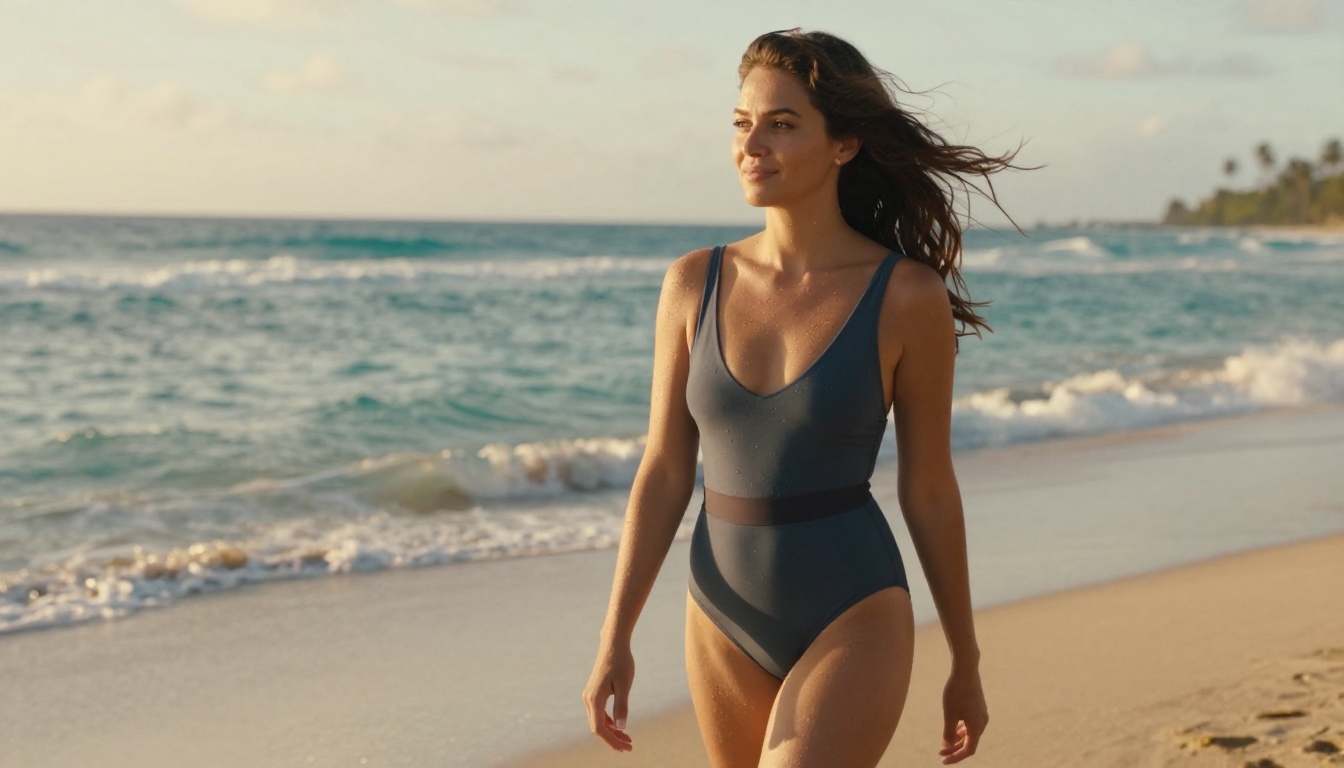
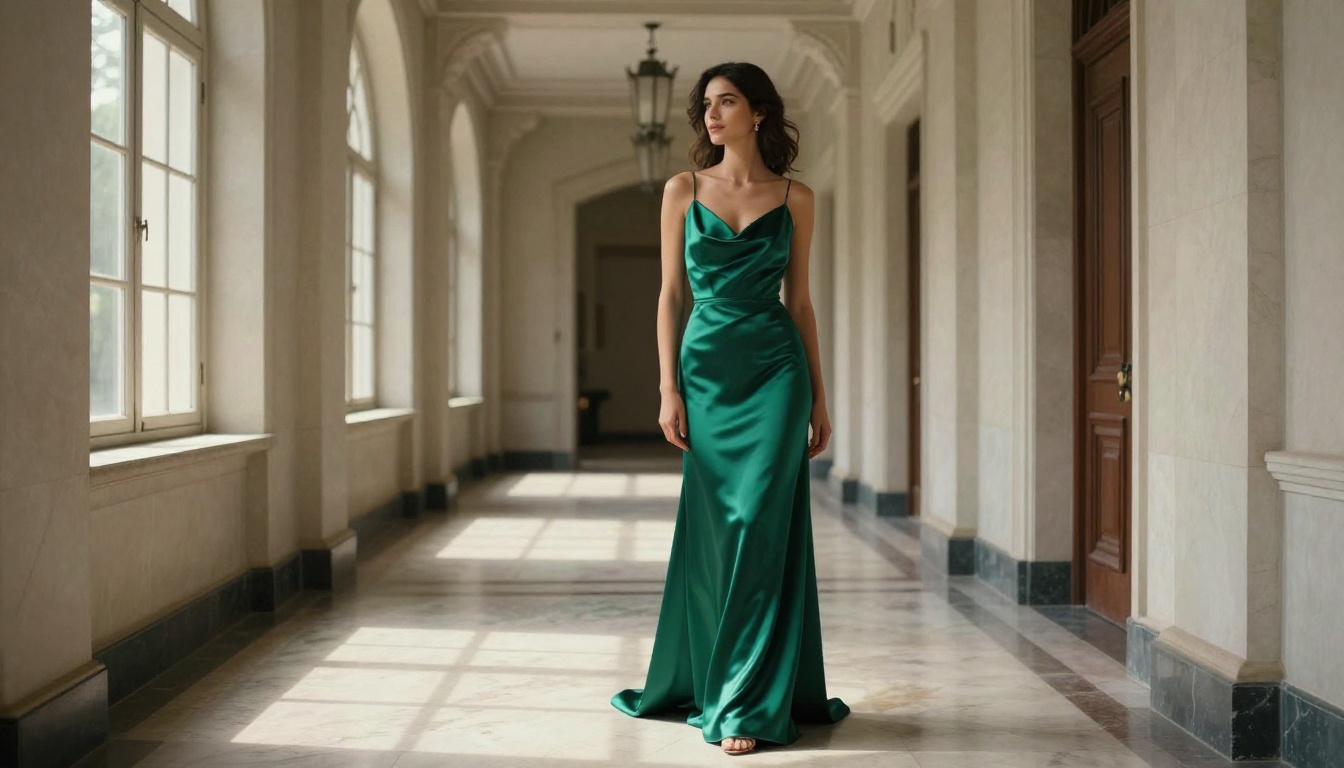
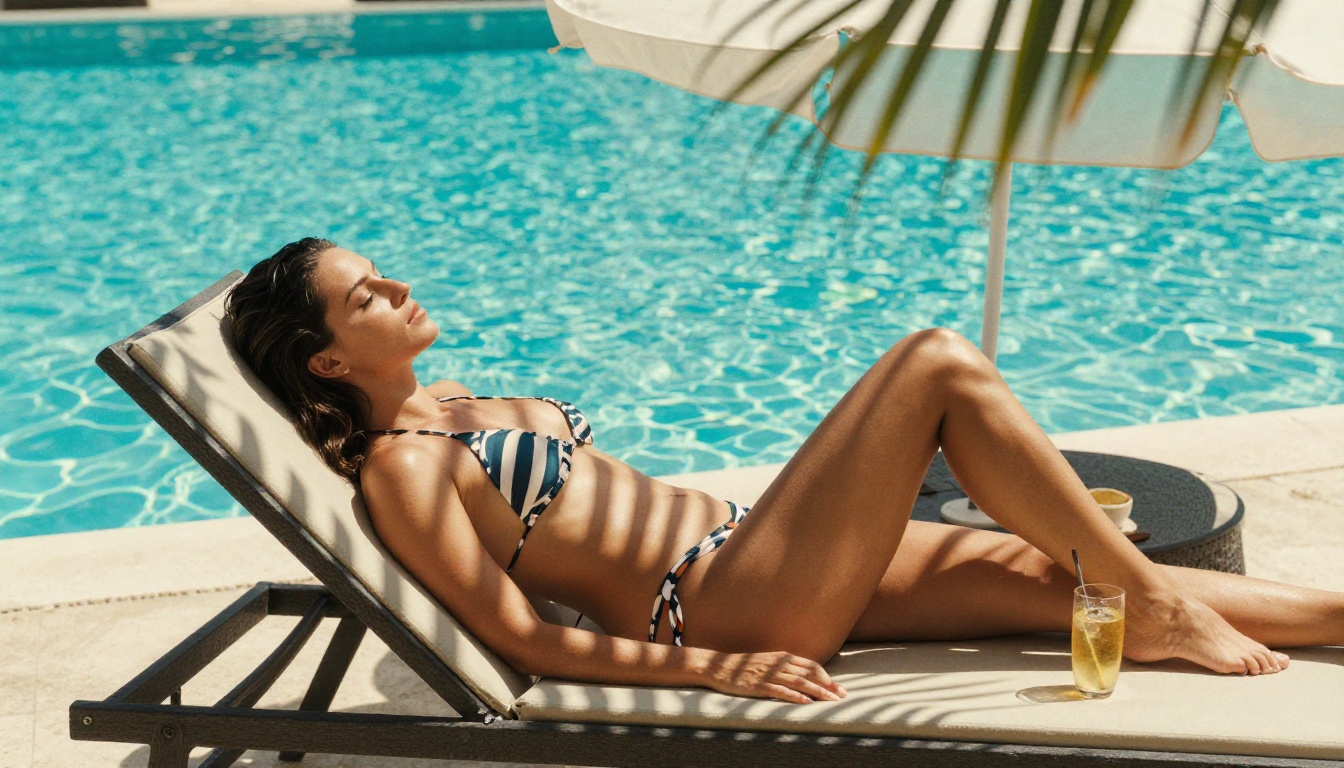
Open models live or die on output quality, so it is worth looking closely at what these tools actually produce. The portraits hold up at full resolution. Pores, fine hairs, and the soft falloff of window light all render the way a camera would capture them. Wardrobe details like satin sheen, denim weave, and the texture of knit fabric come through cleanly rather than smearing into a flat surface. This is the level that makes AI images usable for editorial, fashion, and glamour work instead of leaving you with quick throwaway drafts.
Detail That Holds at Full Size
Zoom into a render from one of the top models and the illusion holds together. Catchlights sit correctly in the eyes, shadows fall off naturally across a cheek, and hair separates into individual strands instead of forming a flat helmet. That fidelity is what lets you print an image or run it as a hero shot on a landing page without anyone stopping to ask whether it is a real photograph. The closer you look, the more the better models reward you, and the weaker ones fall apart.
Putting Still Images Into Motion
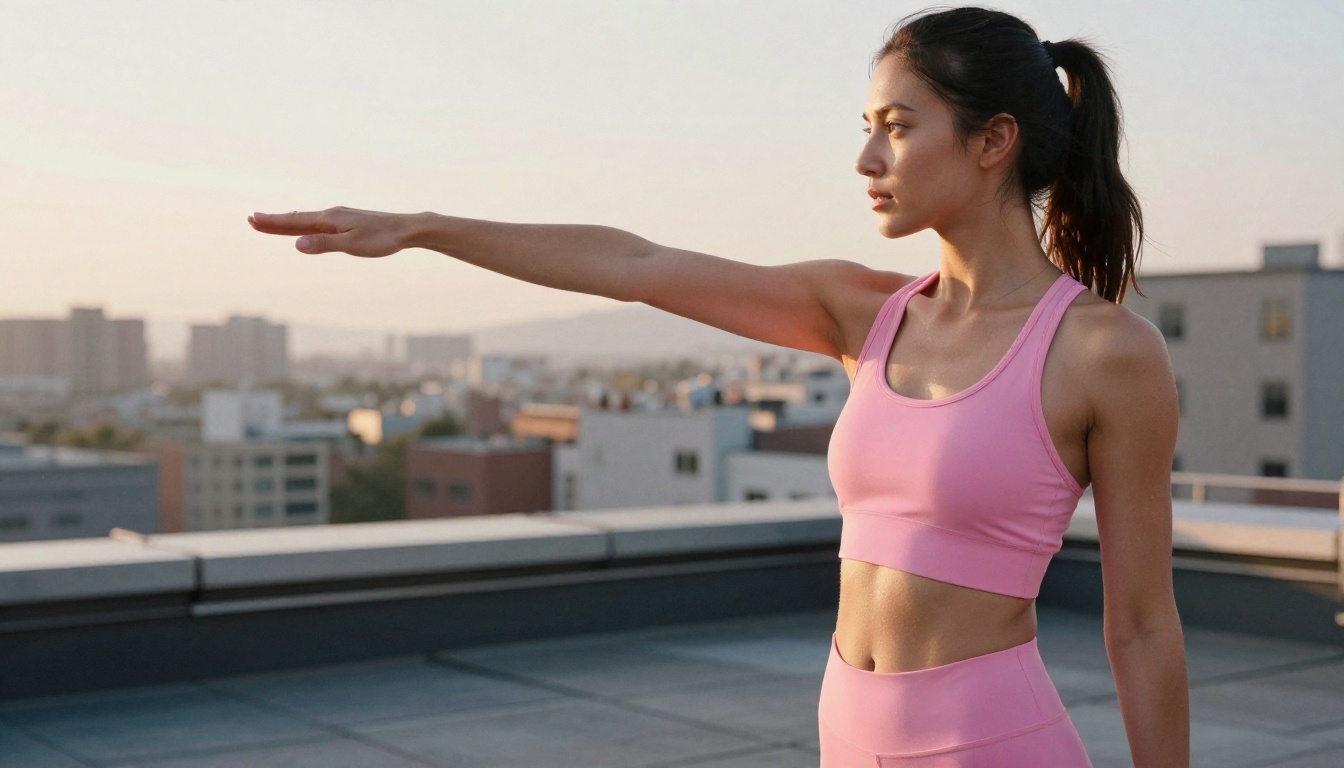
Open generation is not limited to stills. The same creative freedom carries straight into video, and PicassoIA runs several models that animate a still frame or build a clip from a text prompt with no content gate in the pipeline. If your work calls for short loops, social clips, or animated previews, these are the models to reach for.
PicassoIA Video and P Video
PicassoIA Video generates clips straight from text, and its biggest draw is unlimited video generation at up to 720p and five seconds per clip. Render as many as you want with no cap counting down on you. P-Video turns a prompt, an image, or an audio file into a clip at up to 1080p, with the safety filter off by default and a draft mode for instant low-res previews before you commit to the full render.
Grok Imagine Video and LTX 2.3 Pro
Grok Imagine Video produces clips up to fifteen seconds from text, an image, or an existing clip, with no watermarks and eight aspect ratios on offer. LTX 2.3 Pro is the highest-fidelity option, exporting up to 4K at 50fps with retake and extend editing, so you can swap a short segment or append footage without re-rendering the whole clip from scratch.
How to Use Seedream 4.5
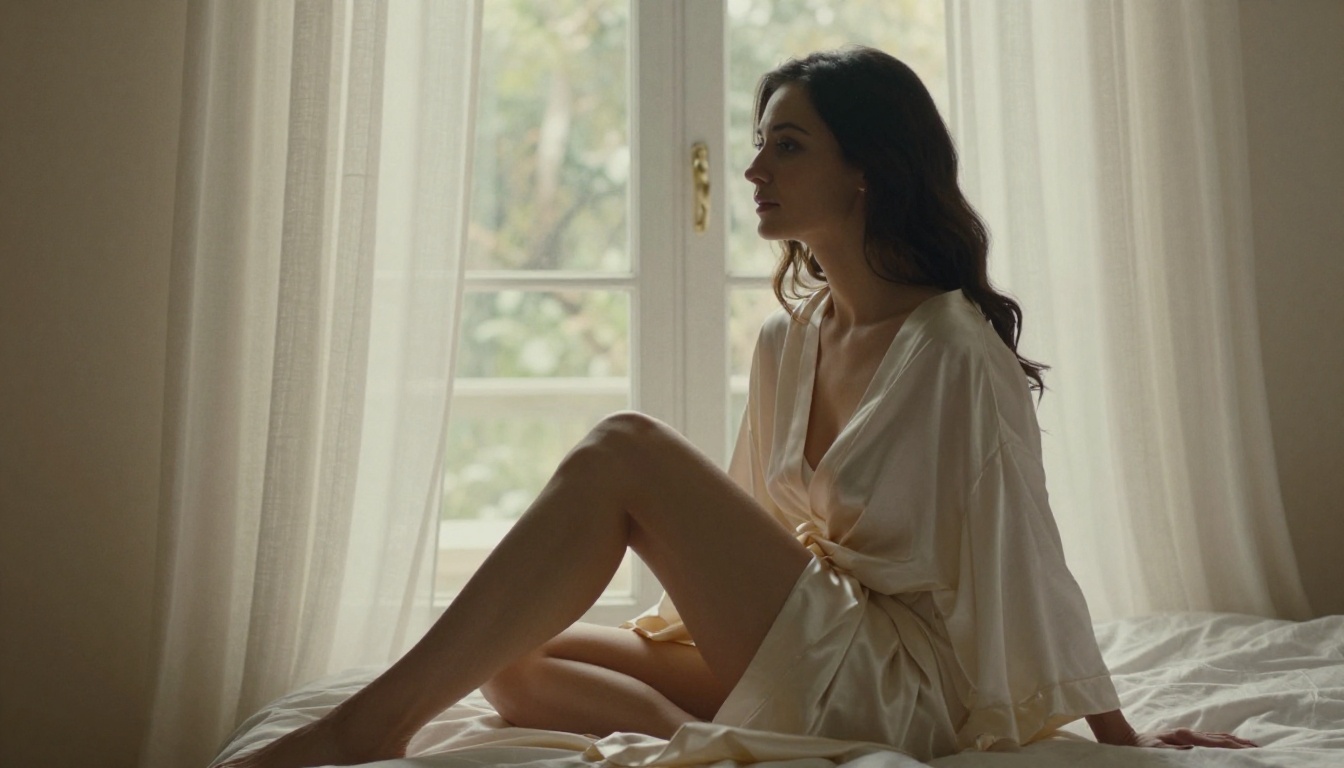
Since Seedream 4.5 tops the list, here is how to get a clean result from it on PicassoIA in a few short steps. The process is fast enough that your first usable image is usually only a minute or two away.
Step by Step on PicassoIA
- Open the Seedream 4.5 model page.
- Write your prompt in three parts: the subject and pose, the setting and wardrobe, and the lighting direction.
- Pick your aspect ratio. Use 16:9 for horizontal hero shots and 9:16 for vertical social content.
- Press Generate and wait a couple of seconds for the render to land.
- If you want changes, drop the result into the editor to adjust the background, wardrobe, or lighting without starting over.
- Download the finished image at full resolution with no watermark attached.
Prompt Tips for Sharp Results
Specificity is what pushes output from average to genuinely photographic. Name the lens and aperture, for example an 85mm at f/1.8, to get natural depth of field behind your subject. Spell out the light, such as soft window light from the left, instead of writing something vague like good lighting. Add a film stock like Kodak Portra 400 and the phrase RAW photography to steer the render toward realism rather than a glossy, illustrated look that gives the AI away.
💡 Tip: Build a reusable prompt skeleton. Keep your lens, lighting, and film stock lines fixed, then swap only the subject and setting. You get consistent quality across an entire batch instead of rolling the dice each time.
No single model wins every job. Match the tool to the task and you get better results with far less trial and error. Use the table as a fast reference when you are deciding where to send a given prompt.
| Model | Type | Stands Out For | Reach For It When |
|---|
| Seedream 4.5 | Text-to-image plus edit | Realism and speed | You want one model for almost everything |
| Image Editor Pro | Image-to-image | Unlimited output | You generate in high volume |
| Qwen Image 2 | Text-to-image plus edit | Open-source control | You want flexibility and fine control |
| Grok Imagine Image | Image-to-image | Realistic conversions | You start from an existing photo |
| Recraft V4 | Text-to-image | Clean realism | You work straight from a text prompt |
| P-Image | Text-to-image | Sub-second speed | You iterate fast and often |
| Wan 2.2 Image | Text-to-image | Photographic detail | Fine detail is the priority |
Build a Two Model Workflow
Most working creators settle on a pair rather than a single favorite. Use Seedream 4.5 as your main generator when quality is the priority, and lean on PicassoIA Image Editor Pro when you need to run dozens or hundreds of variations without watching a credit counter tick down. That combination keeps both quality and raw volume within easy reach, and it is the setup most heavy users land on once they stop testing and start producing.
Start Creating Without Limits
The platforms that win are the ones that get out of your way. Every model here renders realistic results, runs fast, and skips the filter that turns creative work into a guessing game. Open a model, write a prompt, and the image appears. Then do it again, as many times as you want, without a counter telling you to stop.
If you are picking a place to begin, start with Seedream 4.5 for quality and PicassoIA Image Editor Pro for unlimited volume. Run your first prompt, see how close the result lands, then push it further. PicassoIA hands creators full creative freedom with uncensored, high-performance models instead of a wall of refusals, and the only real limit is your own imagination.
👉 See the full lineup of open, high-performance AI models and create without limits at picassoia.com/en/all-models.