Most platforms say no before you finish typing. You describe something tasteful, slightly suggestive, maybe anime-inspired, and the generator returns a content policy warning before the first pixel renders. It's frustrating, and for creative professionals, adult content creators, and hobbyists who want genuine results, that friction kills workflow.
The good news: a small number of AI platforms have built around this constraint instead of adding to it. Below is a breakdown of the best AI NSFW generators for both anime and realism styles, ranked by actual output quality, speed, and flexibility.
Why Mainstream AI Tools Say No
The Content Filter Problem
Every major AI image platform runs some form of content filter at generation time. These systems flag prompts against a blocklist of terms and concepts, often with no nuance about context. A word like "lingerie" might pass on one platform and fail on another. Anime-style art that shows nothing explicit can trigger the same block as something far more graphic because the classifier isn't reading intent, only pattern-matching on surface-level language.
For anime content in particular, filters tend to be overly aggressive. Training data for classifiers often mixes up suggestive anime art with explicit material, making the false-positive rate extremely high. A stylized portrait in a swimsuit gets the same treatment as genuinely explicit content because the filter can't tell the difference.
This isn't just an inconvenience. For anyone trying to build a content workflow around AI image generation, constant rejections make the tool unusable. You can spend more time rephrasing prompts than actually creating.
What Uncensored Actually Means
When a platform markets itself as uncensored, it typically means one of two things: either the model was trained without NSFW filters baked in, or the safety classifier is disabled or set to a lower threshold during inference. Both approaches work, but they produce different trade-offs.
Models trained without filters from the start tend to have more natural, seamless results because they never learned to avoid certain compositions. Platforms that simply disable the classifier at the API level can sometimes produce oddly stiff results in suggestive contexts, because the base model was still conditioned to avoid them during training.
The strongest platforms give you access to multiple model types, so you can choose based on whether you want raw generation speed, editing capability, or maximum realism. That's exactly what PicassoIA offers.
Best Models for Anime NSFW Generation
What Makes Anime AI Different
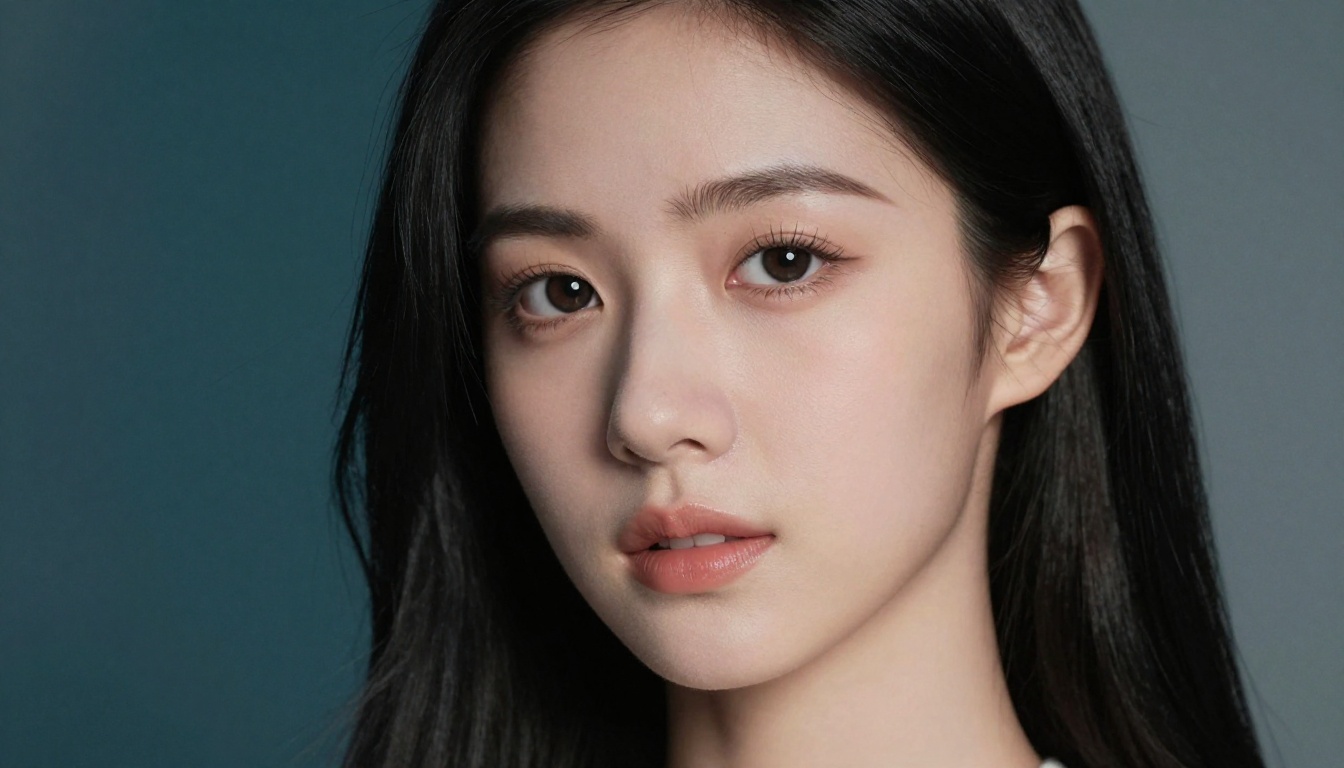
Anime-style NSFW generation occupies a specific niche. The aesthetic is defined by particular proportions, stylized facial features (large eyes, delicate noses, expressive mouths), and a distinctive relationship between line art and color fill that doesn't exist in photorealistic imagery.
Most diffusion models handle anime reasonably well for safe content. For adult or suggestive anime content, the challenge is finding a model that both understands the anime visual language and doesn't filter it away. The best results typically come from models trained on large datasets of anime art, or general-purpose models with enough capacity to handle style conditioning through careful prompting.
For creators who want photorealistic anime-inspired portraits (anime facial features rendered with photographic lighting and skin texture), the models below work extremely well. For pure 2D anime illustration style, the same platforms apply, with prompt language adjusted to lean harder into stylized visual descriptions.
Top Picks for Anime Styles on PicassoIA
Seedream 4.5 handles anime-inspired content with exceptional results. Its training gives it strong style conditioning, meaning you can push toward an anime aesthetic through prompt language without losing photographic quality. Describe the character's features in anime terms (wide expressive eyes, delicate features, luminous skin) and it will lean into that visual register while maintaining realism.
Qwen Image 2 is the open-source option that excels at anime-inspired photorealism. Because it was trained on a diverse dataset and runs without hard content filters, it handles anime-adjacent styles without resistance. You get detailed realism combined with stylized facial construction.
Grok Imagine Image takes a different approach: it's especially strong at image-to-image transformations. If you have a reference image (even a sketch or rough composition), it can convert it into a realistic NSFW render with anime-inspired characteristics. It's particularly effective at the bikini transformation use case, converting reference images into suggestive but non-explicit results.
💡 Tip: For anime-style results, add descriptors like "soft luminous skin texture, large almond-shaped eyes, delicate bone structure, anime-inspired proportions" to your prompts. Describe the specific visual qualities rather than just saying "anime."
Best Models for Photorealistic NSFW
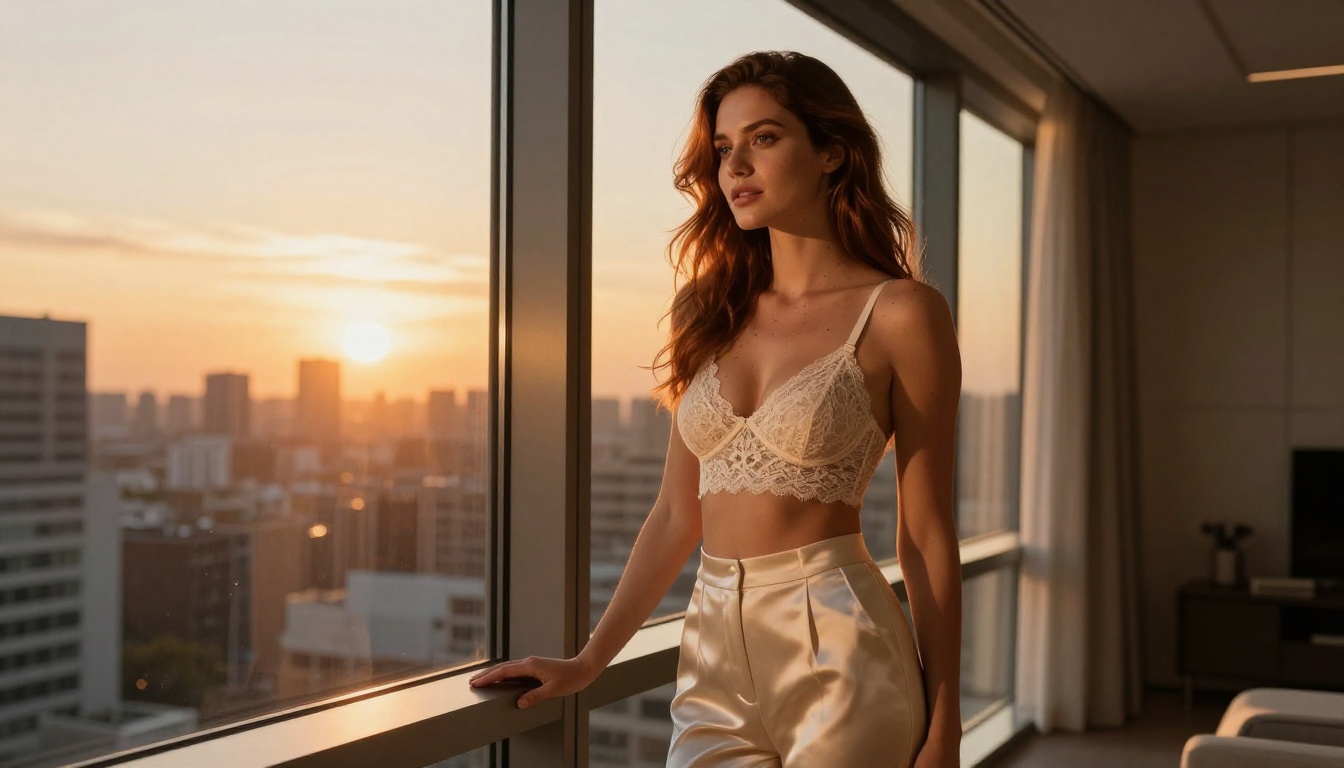
Photorealistic NSFW generation demands more from the model than anime styles do. The uncanny valley effect is real: a slightly wrong skin texture, incorrect lighting falloff, or implausible anatomy collapses the illusion immediately. The best models for realism were trained on high-resolution photographic data and have learned the physics of light on human skin at a level that produces genuinely convincing results.
Seedream 4.5 Takes the Top Spot
Seedream 4.5 is the strongest all-around performer for photorealistic NSFW generation. Several factors put it at the top of the list:
- Speed: Generates in under 3 seconds. At that pace, iteration is fast, which matters when you're refining a prompt across multiple attempts.
- Realism: Skin texture, lighting response, and anatomy are among the most convincing available on any platform.
- Flexibility: It handles both text-to-image generation and image editing, so you can generate from scratch or refine an existing image.
- Content policy: Accepts adult content without interference from safety classifiers.
One important note: Seedream 5 Lite, the newer version in the same family, does not support NSFW content. For adult content generation, use Seedream 4.5 specifically.
PicassoIA Image Editor Pro for Bulk Creation
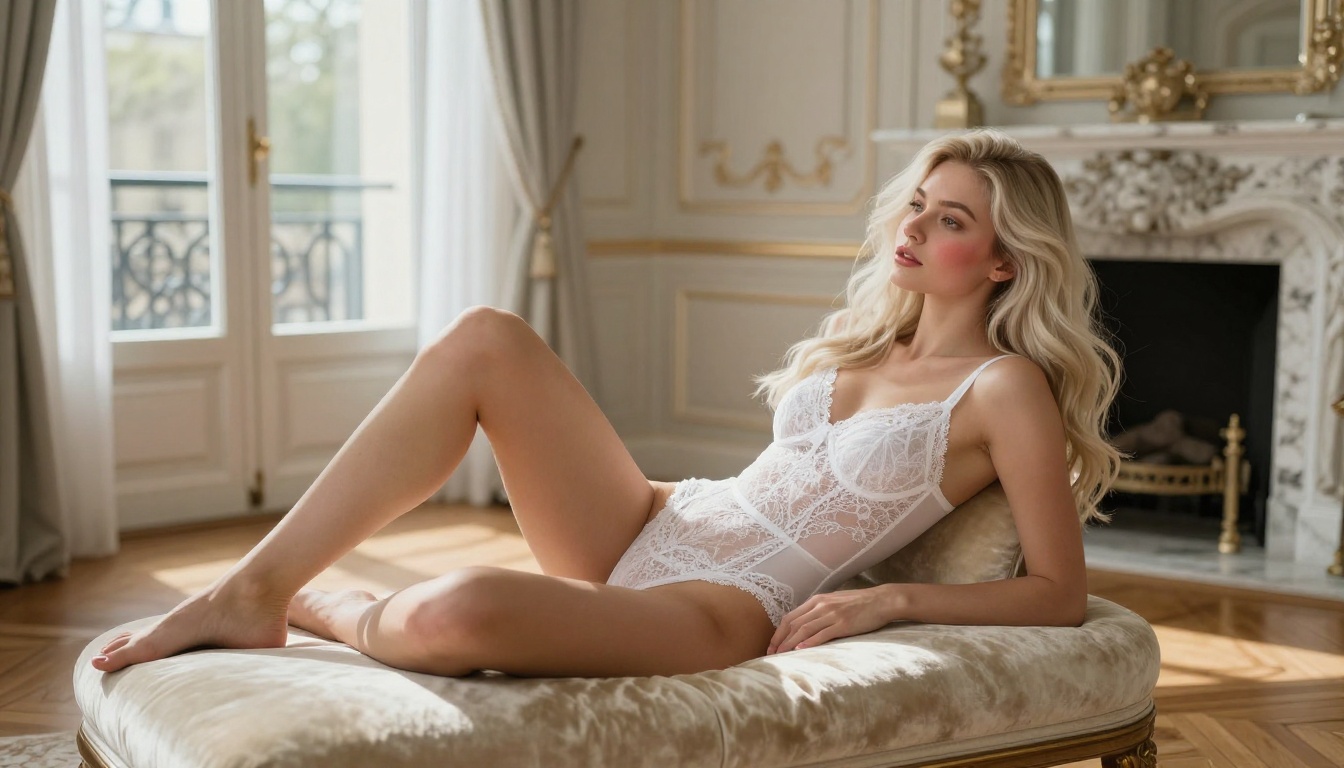
PicassoIA Image Editor Pro targets a specific use case: high-volume creation. If you need to generate hundreds or thousands of images, the per-image cost at most platforms becomes significant quickly.
The math is stark: generating 1,000 images on a model like Nano Banana 2 costs roughly $100. On PicassoIA Image Editor Pro with an Elite or Infinite subscription, those same 1,000 images cost nothing extra because generations are unlimited. For creators who run large batches for content libraries, adult platforms, or creative projects, that difference changes the entire economics of the workflow.
Speed is also a genuine advantage. Results come back in under 1 second. Combined with unlimited generations, a content batch that might take hours on a slower platform can be completed in minutes.
It includes a 3-generation free trial with no credit card required, which makes it easy to test output quality before committing to a subscription.
More Models Worth Testing
Recraft V4 produces very realistic results and accepts adult content, though it only works with text-to-image (no image editing capability).
P-Image is the fastest raw option at under 1 second per image. Output quality is strong for photorealistic NSFW content and it doesn't require complex prompting to produce results.
Wan 2.2 Image generates highly realistic images from text descriptions without content filters, making it a solid middle-ground option when you want photorealism without paying premium pricing.
Full NSFW Model Ranking on PicassoIA
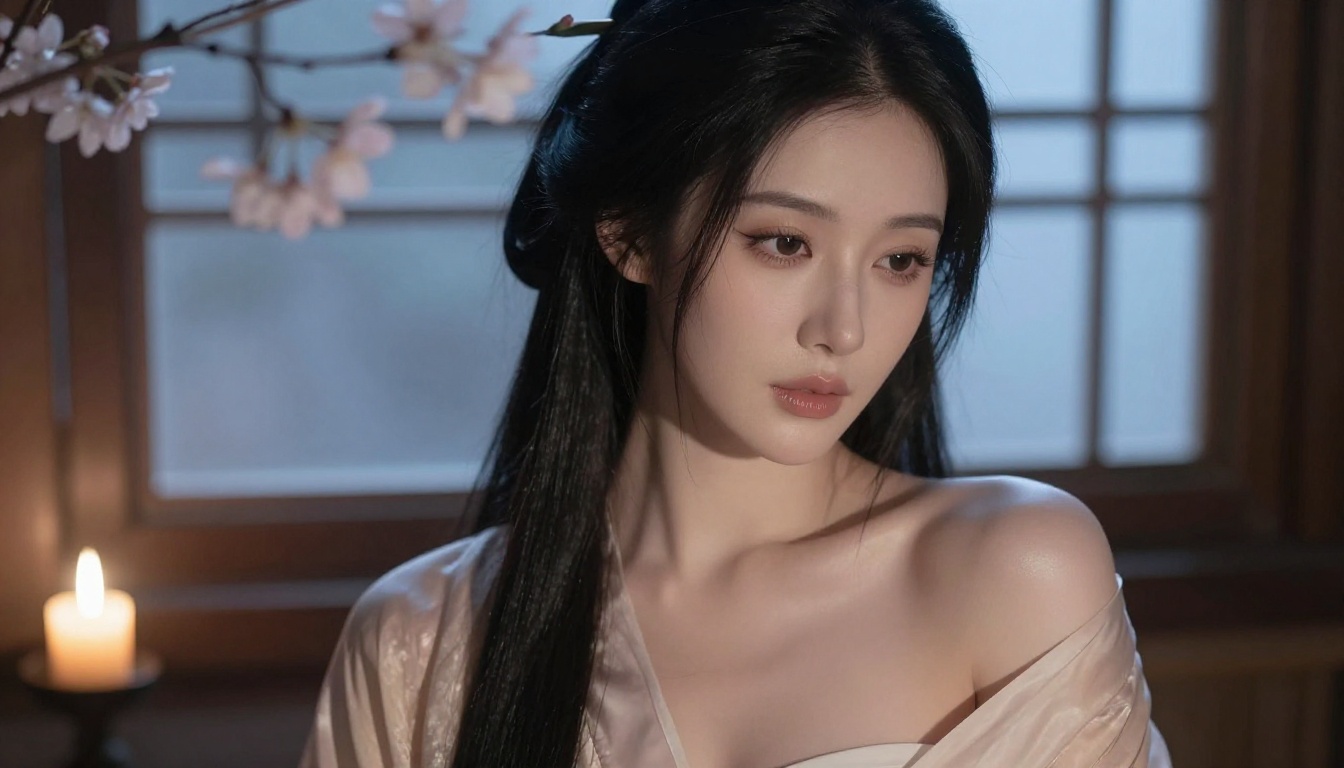
Here's the complete ranked list of NSFW-capable image models on PicassoIA, ordered by overall performance and value for adult content creation:
- Seedream 4.5 - Best all-around. Highly realistic, generates in under 3 seconds, accepts adult content, supports image editing.
- PicassoIA Image Editor Pro - Best for volume. Unlimited generations with Elite/Infinite plans, results in under 1 second.
- Qwen Image 2 - Open-source with detailed realism, excellent for both editing and creation.
- Grok Imagine Image - Best for image-to-image transformations, particularly bikini and lingerie conversions.
- Recraft V4 - Very realistic text-to-image results, strong for standalone generation.
- P-Image - Fastest available, under 1 second per image with strong NSFW support.
- Wan 2.2 Image - No content filters, reliable photorealism from text descriptions.
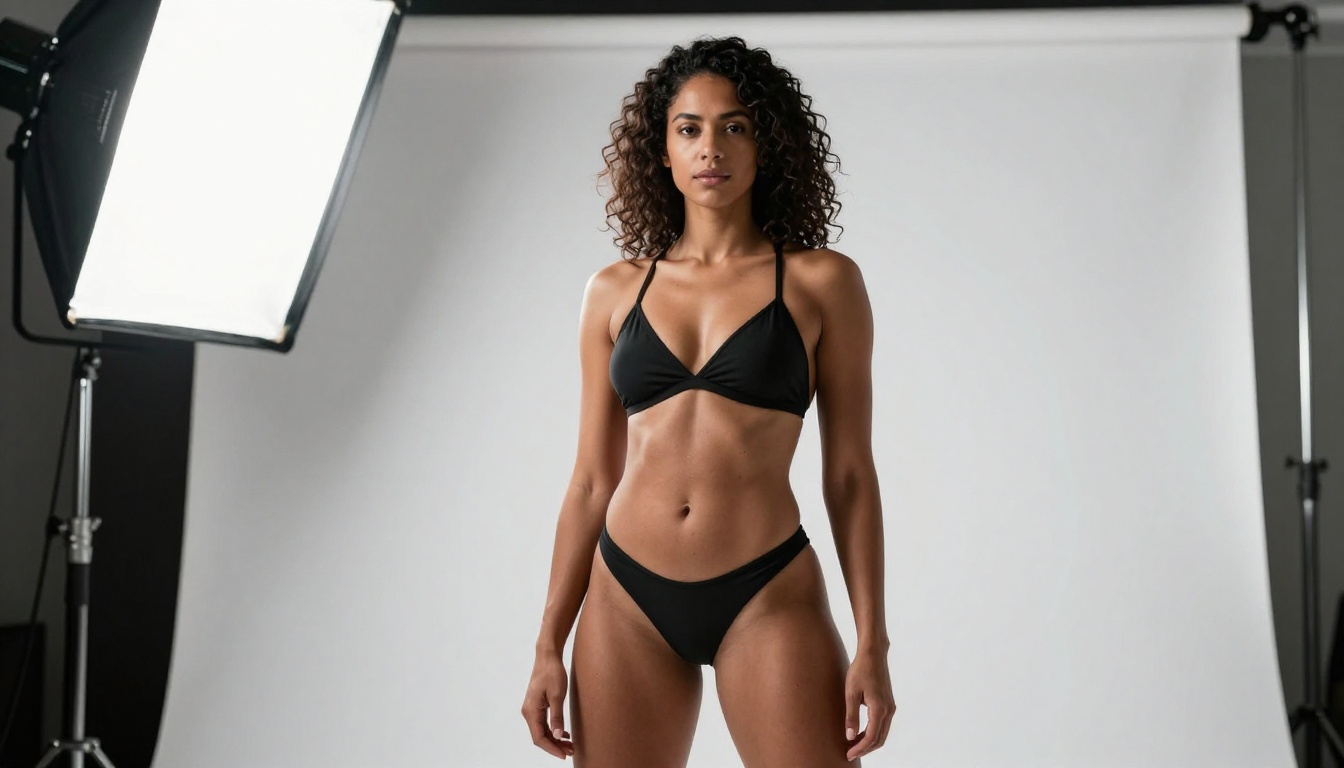
For video generation from your images, PicassoIA also offers several options with no content restrictions. PicassoIA Video offers unlimited text-to-video at up to 720p. P-Video goes up to 1080p with the safety filter off by default. Grok Imagine Video generates clips up to 15 seconds with no watermarks. And LTX 2.3 Pro is the highest-fidelity option at up to 4K and 50fps.
How to Write Prompts That Actually Work
Even with uncensored models, prompt quality determines output quality. Weak prompts produce weak results regardless of the model. Here's how to write prompts that consistently produce high-quality NSFW images on any platform.
Anatomy of a Great NSFW Prompt
A strong NSFW prompt follows a consistent structure:
Subject and Appearance: Describe who is in the image with specific physical details. Age range (adult), hair color and length, eye color, skin tone, body type. Specificity improves accuracy dramatically.
Attire and State: What they're wearing. Be specific about fabric, fit, and coverage. "Silk bikini, deep red, minimal coverage" gives the model far more to work with than just "bikini."
Environment: Where the scene takes place. Describe the setting, time of day, and atmosphere. "Sunlit beachside bungalow, late afternoon, warm light through palm fronds" grounds the composition.
Camera and Lighting: Specify the lens, angle, and lighting setup. "Shot from slightly below eye level with an 85mm portrait lens, warm window light from the left, natural skin tones" tells the model exactly what kind of image you want.
Texture and Detail: Describe skin texture, material properties, and specific micro-details. "Natural pore texture on shoulders, water droplets on skin, warm suntanned complexion with subtle freckles."
Quality Modifiers: Close with technical descriptors. "RAW photography, Kodak Portra 400 film grain, 8K, photorealistic, ultra-detailed" elevates the output quality consistently.
Common Mistakes That Get Flagged
Even on uncensored platforms, certain prompting patterns produce worse results:
- Vague descriptions: "Hot woman" produces generic output. Specific descriptions produce specific results.
- Contradictory style cues: Mixing "anime-style" with "photorealistic" can confuse the model. Pick one visual register and commit to it, or use bridging language that describes the specific qualities you want from both.
- No environmental context: A subject with no environment often produces flat, poorly lit results. Always include setting information.
- Overloaded prompts: Too many conflicting descriptors produce muddy results. Structure your prompt in logical order and remove redundancies before generating.
💡 Tip: Start with the subject description, then environment, then technical camera and lighting details. That order matches how the model processes contextual information and produces the most cohesive outputs.
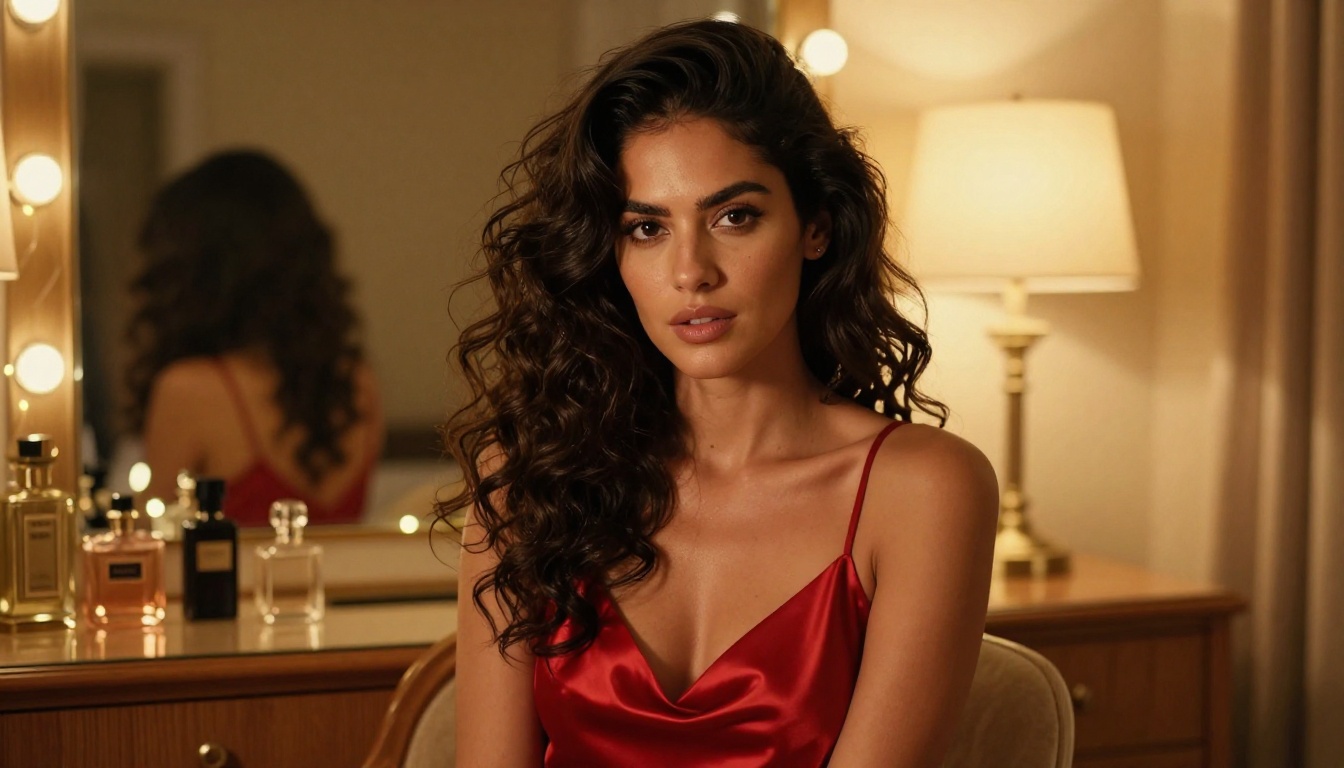
The market for AI image generation has a wide range of pricing models, and for NSFW content specifically, the free tier situation is very different from safe-for-work generation.
What Free Tiers Actually Let You Do
Most platforms with free tiers restrict NSFW content entirely at that level. Even platforms that support adult content on paid plans often put it behind a subscription specifically to comply with age verification and content responsibility requirements.
PicassoIA's approach is more generous than average. PicassoIA Image Editor Pro offers a 3-generation free trial with no credit card required, which is genuinely useful for testing output quality before purchasing. Other models on the platform also have trial credits available to new users.
Several platforms that advertise "free" NSFW generation either watermark every output, cap at 5-10 generations per day, apply significant quality degradation on the free tier, or collect your prompts and outputs for training data. None of those trade-offs are ideal for serious creative work.
When Unlimited Matters
The unlimited generation model on PicassoIA is the most significant differentiator for high-volume creators. Consider what 1,000 images looks like at different pricing structures:
- At $0.10/image: $100 total
- At $0.05/image: $50 total
- At $0.01/image: $10 total
- With PicassoIA Image Editor Pro (Elite/Infinite plan): $0 extra cost
For content creators who run campaigns, build libraries, or produce large batches of images, that cost structure changes the economics completely. The Elite and Infinite subscription plans are designed specifically with this use case in mind.
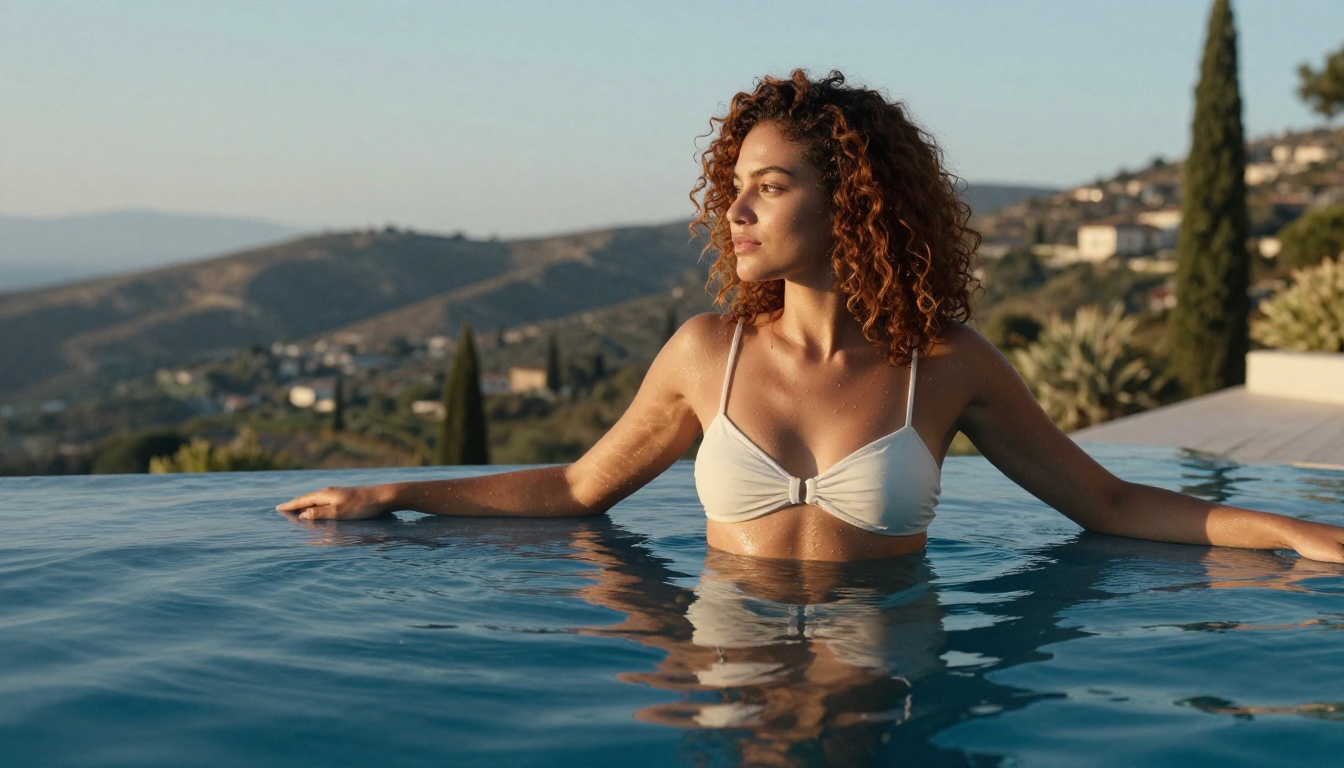
How to Use Seedream 4.5 on PicassoIA
Since Seedream 4.5 is the top recommendation for NSFW generation, here's exactly how to get the best results from it:
- Go to Seedream 4.5 on PicassoIA and open the generator.
- Write your prompt following the structure above: subject, appearance, attire, environment, camera and lighting, quality modifiers.
- Set aspect ratio: For portrait work, 4:3 or 9:16 works best. For wide compositions, 16:9.
- Generate and iterate: With results returning in under 3 seconds, you can refine prompts rapidly. Change one variable at a time to isolate what's working.
- Use the image editing mode: If a generated image is close but not exactly right, use the editing feature to adjust specific elements without regenerating from scratch.
- Save your best prompts: The prompts that produce great results will work consistently across sessions. Build a prompt library over time.
💡 Tip: Seedream 4.5 responds well to photographic language. Describe your image as a photographer would: lens choice, lighting direction, film stock, shooting distance. The more photographic your prompt language, the more photographic your results.
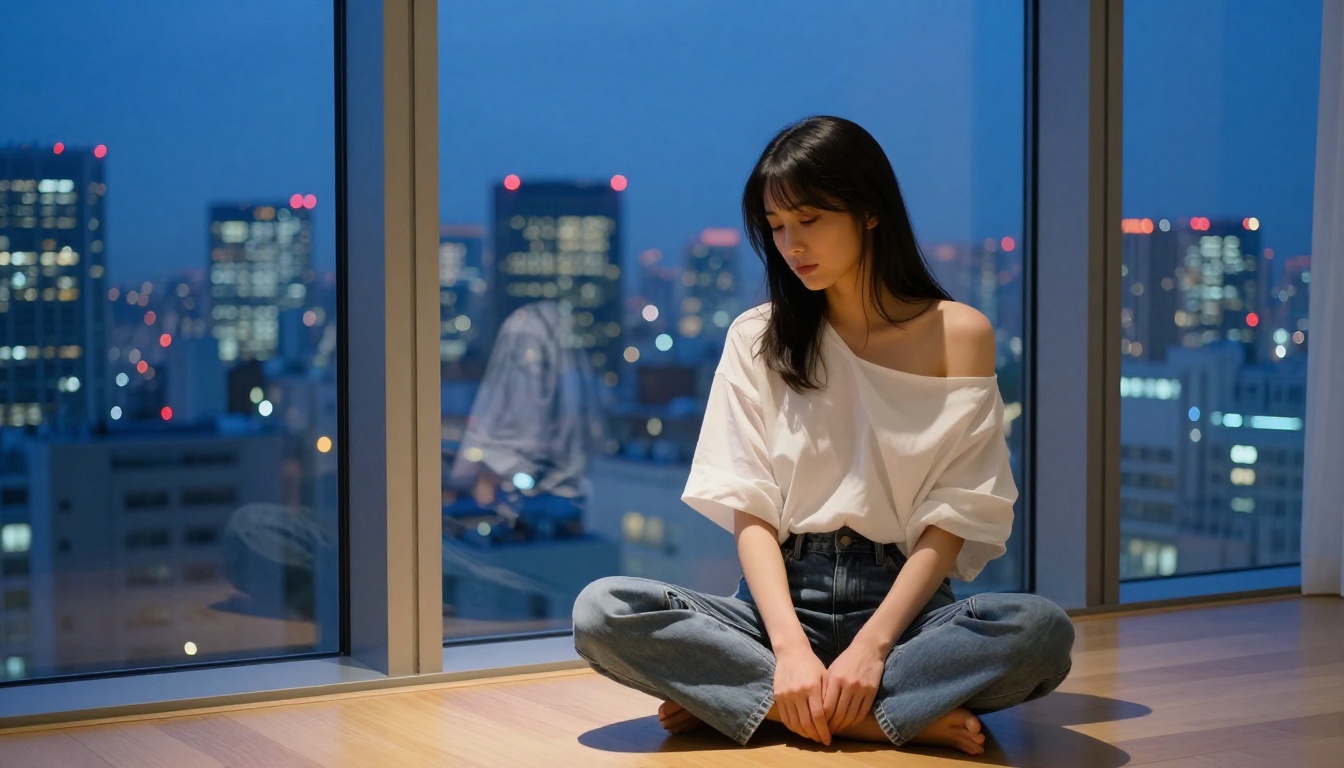
Where These Models Stand Out
The combination of speed, quality, and content freedom on PicassoIA's model lineup is difficult to match elsewhere. Most platforms require you to choose between quality and freedom. Here, the best models deliver both simultaneously.
For anime-inspired content, Seedream 4.5 and Qwen Image 2 cover almost every use case: generate from text, then edit to refine specific elements. For pure photorealism, P-Image and Wan 2.2 Image add two fast, unrestricted options that complement the flagship models at different price points.
If your workflow eventually extends into video, the same platform offers P-Video and LTX 2.3 Pro, which apply the same content freedom to motion clips, from 1080p up to 4K at 50fps.
👉 Browse the full model catalog, including every NSFW-capable option, at picassoia.com/en/all-models.
Start Creating Without Limits
The tools are available, the models are tested, and the platform doesn't put up walls where you don't need them. If you've been stuck on platforms that block your creative vision before you even finish writing the prompt, PicassoIA is worth testing today.
Start with Seedream 4.5 for your first generation. Three seconds, no watermarks, no content policy warnings. Then try PicassoIA Image Editor Pro for the unlimited generation workflow. See what you can actually make when the tool gets out of the way and lets you create.


