The internet is full of AI image tools that promise incredible results but block you the moment you try anything remotely mature. It is frustrating. You type a perfectly reasonable prompt and get a refusal, a blurred output, or worse, a lecture. The reality is that most AI platforms are built for corporate use cases, and that design choice filters out a huge creative space that artists, photographers, and content creators actually want to work in.
This is a straightforward breakdown of the best AI NSFW image generators available right now: what makes each one worth your time, what to avoid, and how to get started without wasting credits or hitting walls.

What Actually Makes NSFW AI Worth Using
Not all AI image generators are created equal, and the gap between a good NSFW tool and a bad one is enormous. Speed, realism, and freedom from filters are the three things that separate tools creators actually use from ones they abandon after the free trial.
Realism Is Non-Negotiable
The whole point of NSFW AI imagery is believability. Cartoonish or overly stylized outputs miss the mark entirely. The best models produce outputs that look indistinguishable from professional photography: natural skin texture, realistic lighting, accurate anatomical proportions, and no uncanny valley strangeness.
When evaluating any model, ask yourself: would this pass for a real photo at a glance? If the answer is no, the model is not worth your time for this use case.
Speed Matters More Than You Think
Creative workflows require iteration. If a model takes 30 to 60 seconds per image, you will lose momentum fast. The best tools on this list generate in 1 to 3 seconds, which means you can run through 20 variations in the time it takes slower platforms to produce one.
Speed also affects cost. Faster models typically consume fewer compute resources per generation, which translates directly to cheaper per-image pricing or more value from subscription tiers.
No Filters, No Refusals
This is the core differentiator. Many platforms claim to support mature content but then apply soft filters that water down outputs or simply refuse prompts without warning. The models recommended here have been tested and confirmed to generate NSFW content reliably, without refusing reasonable prompts or applying invisible censorship layers.
The 8 Best Models for NSFW AI Images
These are the specific models worth your attention in 2027, ranked by overall performance for adult content creation. All of them are accessible through PicassoIA, one of the few platforms that gives creators unrestricted access to genuinely capable models.
1. Seedream 4.5 (Top Pick)
Seedream 4.5 is the clear frontrunner for NSFW image generation right now. It accepts adult content, delivers photorealistic results with exceptional skin detail and lighting accuracy, and does it all in under 3 seconds per image. That combination of quality and speed is rare.
It also supports image editing, so you can use it to refine existing images rather than generating from scratch every time. This makes it an all-in-one tool for creators who want to iterate on existing assets.
💡 Note: Its successor, Seedream 5 Lite, does not support NSFW content. Stick with Seedream 4.5 for adult generation.
2. PicassoIA Image Editor Pro (Best for Volume)
PicassoIA Image Editor Pro takes an image-to-image approach, and its biggest advantage is not the output quality alone (though that is excellent) but the unlimited generations included in Elite and Infinite subscription plans.
In practice: on platforms like Nano Banana 2, generating 1,000 images costs roughly $100. With PicassoIA Image Editor Pro on an Elite or Infinite plan, those same 1,000 images cost nothing extra. For high-volume creators, this pricing model is a fundamental advantage.
It generates results in under 1 second and accepts NSFW content without issues. There is also a 3-generation free trial with no credit card required, so you can test before committing.
3. Qwen Image 2 (Best Open Source Option)
Qwen Image 2 is the open-source pick on this list. Being open source means fewer restrictions baked into the model at a fundamental level. It handles both text-to-image generation and image editing, delivers very detailed realism, and processes quickly.
For creators who want more transparency over what is happening under the hood, Qwen Image 2 is worth serious consideration.
4. Grok Imagine Image (Best for Transformations)
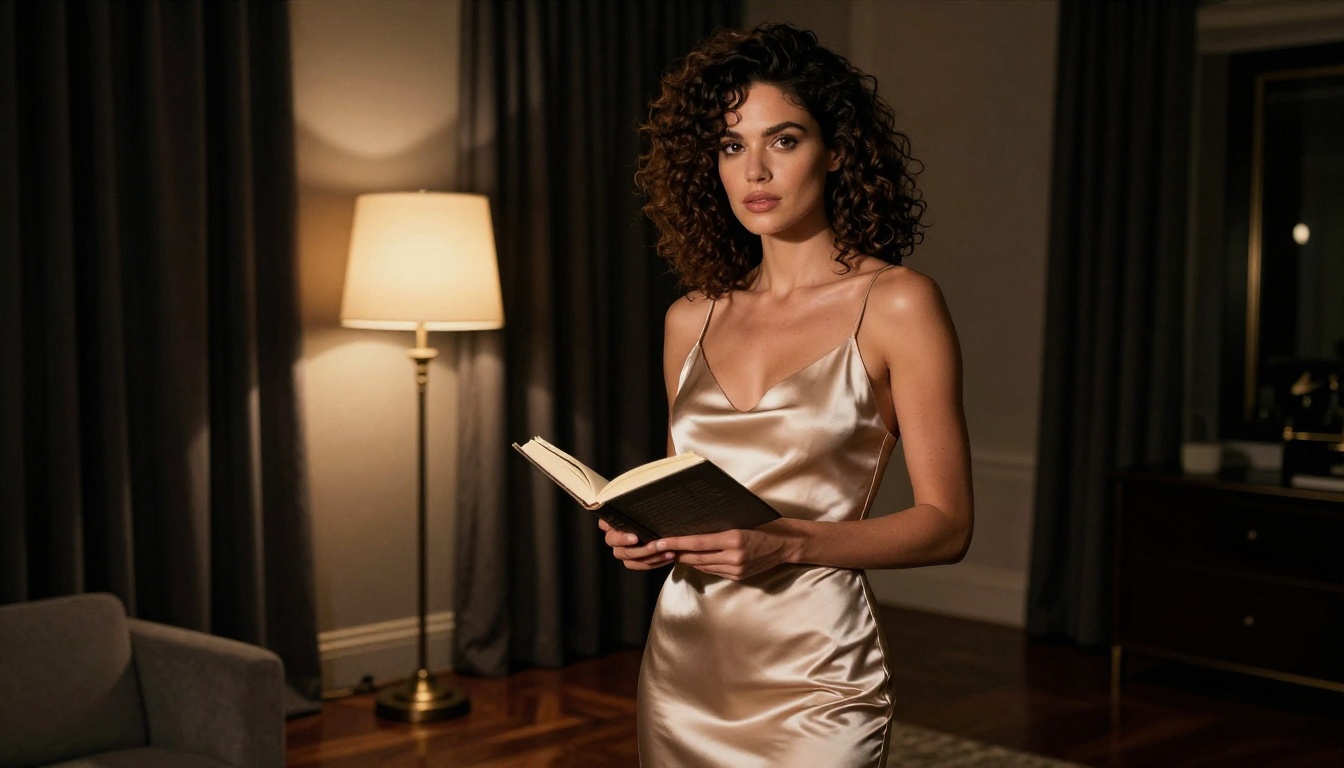
Grok Imagine Image specializes in image-to-image transformations, and its standout feature is converting any source image into a realistic bikini format. This makes it particularly useful for creators who work with reference photos and want to adapt them with natural-looking results.
The outputs are impressively realistic, with proper lighting consistency and accurate fabric rendering throughout.

5. Recraft V4 (Best Realism for Prompts)
Recraft V4 is text-to-image only, but what it does, it does exceptionally well. The realism level is very high, particularly for skin tones, hair detail, and environmental context. If your workflow starts from prompts rather than reference images, Recraft V4 delivers some of the most photographic outputs available.
6. P-Image by PrunaAI (Fastest Generation)
P-Image by PrunaAI is the speed champion. NSFW text-to-image generation in under 1 second is genuinely impressive, and the quality holds up well for rapid iteration workflows.
If you need to generate large batches quickly to find the right output before moving to a higher-quality final render, P-Image is the tool for that stage of the workflow.
7. Wan 2.2 Image (Detailed Realism from Text)
The Wan 2.2 Image model from PrunaAI generates highly realistic images from detailed text descriptions without applying content filters. It excels at complex scene descriptions with multiple elements, specific lighting conditions, and environmental detail that other models struggle to render accurately.
How to Use Seedream 4.5 on PicassoIA
Since Seedream 4.5 is the top recommendation, here is a straightforward process for getting the best results from it on PicassoIA.

Step 1: Access the model
Go to picassoia.com/en/collection/text-to-image/bytedance-seedream-45. You can start with the free trial or log into your existing account.
Step 2: Write a detailed prompt
Seedream 4.5 responds extremely well to descriptive, layered prompts. Be specific about:
- Subject description (hair color, skin tone, build, expression)
- Outfit or state of dress (be explicit but precise in your language)
- Environment and setting (beach, studio, bedroom, outdoor terrace)
- Lighting conditions (golden hour, window light, overcast, candlelight)
- Camera angle and perspective (close-up, wide shot, low angle, overhead)
💡 Tip: Include cinematic quality markers in every prompt: "photorealistic, 8k, natural skin texture, film grain, Kodak Portra 400" consistently improves output quality and realism.
Step 3: Refine with image editing
One of Seedream 4.5's strengths is its built-in editing mode. If you get a result that is 90% right but has a small issue (wrong clothing detail, awkward pose element, lighting inconsistency), use image editing to address just that aspect rather than regenerating from scratch.
Step 4: Iterate fast
Generate multiple variations by adjusting small prompt elements. Try different lighting descriptors, change the background environment, or shift the camera angle description. Since each image takes under 3 seconds, rapid iteration costs almost no time.
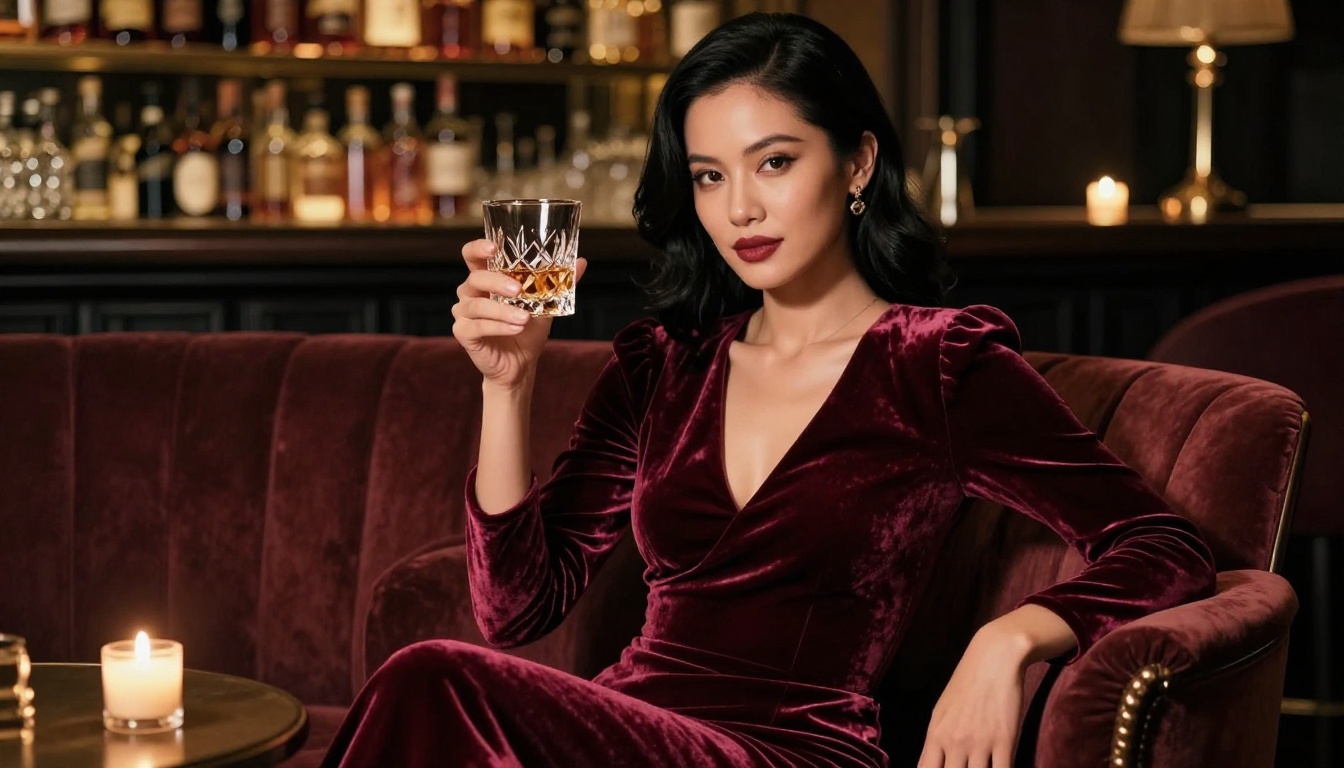
NSFW Video Generation: Beyond Still Images
Static images are only part of what AI can now produce for adult content creation. Several platforms offer NSFW-compatible video generation that turns your best images into cinematic short clips with natural motion.
PicassoIA Video (Unlimited Clips)
PicassoIA Video is the go-to for volume video generation. Its core advantage is unlimited video generation at up to 720p resolution and 5 seconds per clip. For creators who need to produce many clips consistently, this is the only platform where you can do that without watching your credits drain with every render.
P-Video by PrunaAI (Up to 1080p)
P-Video handles text, image, or audio-to-video generation at up to 1080p at 24 or 48fps. The safety filter is disabled by default, so you do not need to work around content restrictions. Duration is adjustable from 1 to 10 seconds, and draft mode gives you an instant low-res preview before committing to a full render.
Grok Imagine Video (Up to 15 Seconds)
Grok Imagine Video stands out for clip length. While most AI video tools cap at 5 to 8 seconds, Grok Imagine Video generates clips up to 15 seconds from a text prompt, reference image, or existing video. Outputs at 720p or 480p across eight aspect ratios, with no watermarks added.
LTX 2.3 Pro (Highest Fidelity)
LTX 2.3 Pro is the professional tier. It exports up to 4K at 50fps for client-ready work and runs five modes from one interface: text-to-video, image-to-video, audio-to-video, retake (replace a short segment without re-rendering the whole clip), and extend (append footage to the start or end). Camera-motion presets include dolly, jib, and focus-shift.
Wan 2.2 I2v Fast completes the video lineup as an image-to-video model that converts your static images into smooth, natural-looking short clips with realistic motion physics and frame consistency.
Free vs. Paid: What You Actually Get
Understanding where the real value lies in AI pricing matters before committing to a plan.
| Feature | Free Tier | Elite Plan | Infinite Plan |
|---|
| Image generations | Limited trial credits | Unlimited (Image Editor Pro) | Unlimited (all models) |
| Video generations | None | Limited | Unlimited |
| NSFW content | Depends on model | Full access | Full access |
| Max resolution | Standard | Up to 720p | Up to 4K (LTX Pro) |
| Queue priority | Standard | Priority | Priority |
| Image editing | Basic | Full | Full |
The free trial of PicassoIA Image Editor Pro (3 generations, no credit card required) is the best starting point if you want to test NSFW generation before committing. It gives you a real feel for output quality without any financial risk.
For creators who need volume, the Elite or Infinite plans are where the unlimited generations advantage becomes significant. Generating 1,000 images under those plans costs nothing extra, whereas per-image pricing on competing platforms adds up extremely fast at scale.
4 Mistakes People Make with NSFW AI
1. Using vague prompts and blaming the model
The model is only as good as your instructions. "A beautiful woman" produces generic results. "A woman with auburn hair and natural freckles wearing a silk robe, standing on a sunlit terrace, shot with 85mm lens, Kodak Portra 400 film grain" produces something specific, photorealistic, and usable.
2. Using Seedream 5 Lite for adult content
This is a very common mistake. Seedream 5 Lite is the newer model, but it does not support NSFW content. Always use Seedream 4.5 for adult generation. The model version matters enormously here.
3. Treating generation as the last step
The best creators use image generation as step one. Generate a strong base image, then use editing tools to refine it. Both PicassoIA Image Editor Pro and Seedream 4.5 support editing workflows that let you fix specific issues without starting over from scratch.
4. Generating one image and stopping
AI generation has natural variance. The first output is rarely the best one. Generate 5 to 10 variations with small prompt adjustments and select the strongest result. At under 3 seconds per image on Seedream 4.5, this entire process takes less than a minute.
Start Creating on PicassoIA
The models in this article are all available on PicassoIA right now, and most can be tested without a credit card.
Whether you are building a content library, experimenting with artistic adult imagery, or producing professional-grade visuals at scale, the platform has specific tools built for all of it:
The full catalog of over 90 image and video models is at picassoia.com/en/all-models. Stop working around platform restrictions that were never designed with your use case in mind. The tools that actually work are already there.


