A breakdown of the best AI NSFW tools for video creators in 2027. From uncensored image generation with Seedream 4.5 to professional adult video synthesis with Seedance 2.0, these platforms offer unlimited generations, fast render speeds, and high-quality output without content restrictions. Whether you shoot solo content or run an adult production studio, this is what actually works.
The adult content industry generates over $97 billion annually, and AI is reshaping how creators produce it. Whether you're a solo OnlyFans creator, an adult film director, or a digital artist selling NSFW content, the right AI tools cut production time by 80% while raising output quality to levels that previously required a full photography crew and a six-figure budget. The barrier to professional-grade adult content has never been lower, but only if you know which tools to use and which platforms actually let you use them without a fight.
This is a practical breakdown of the best AI NSFW tools available right now for video creators. No fluff, no moralizing. Just what works, what produces quality output, and where you can access it without hitting content walls every five minutes.
What AI Solves for Adult Video Creators
The Two Bottlenecks This Fixes
Most video creators face two persistent problems: they need more visual variety than a single shoot can produce, and they need that variety fast. A professional photographer shoots maybe 200 usable frames in a day. A quality AI image generator produces 200 images in under an hour, each with a different setting, lighting scenario, outfit, or composition.
For video creators specifically, AI solves the B-roll and thumbnail problem. Your hero footage stays real, but supporting visuals, promotional assets, scene-setting images, and subscription teasers can all be AI-generated. This cuts pre-production costs dramatically and allows you to maintain a posting cadence that would otherwise require a full production team.
There is also the flexibility argument. A physical shoot locks you into the light, location, and wardrobe of that day. AI generation gives you infinite art direction in post. You can produce a beach scene, a candlelit bedroom, and a rooftop terrace from a single session without ever leaving your desk.
Why Most Platforms Still Fail Adult Creators
The real frustration for adult creators is not generation quality. It is the constant collision with content filters. Mainstream platforms like Midjourney and DALL-E 3 block anything suggestive at the prompt level. You spend time crafting a precise, detailed prompt, only to get a "content policy violation" error on the first attempt. Even vaguely romantic framing gets flagged.
The platforms in this article were selected specifically because they offer uncensored or minimally censored generation, meaning you can produce suggestive, glamorous, and artistically nude content without routing every single prompt through elaborate workarounds. This is the non-negotiable baseline for adult creators.
The Best AI Image Generator for NSFW
Seedream 4.5: The Baseline for Serious Creators
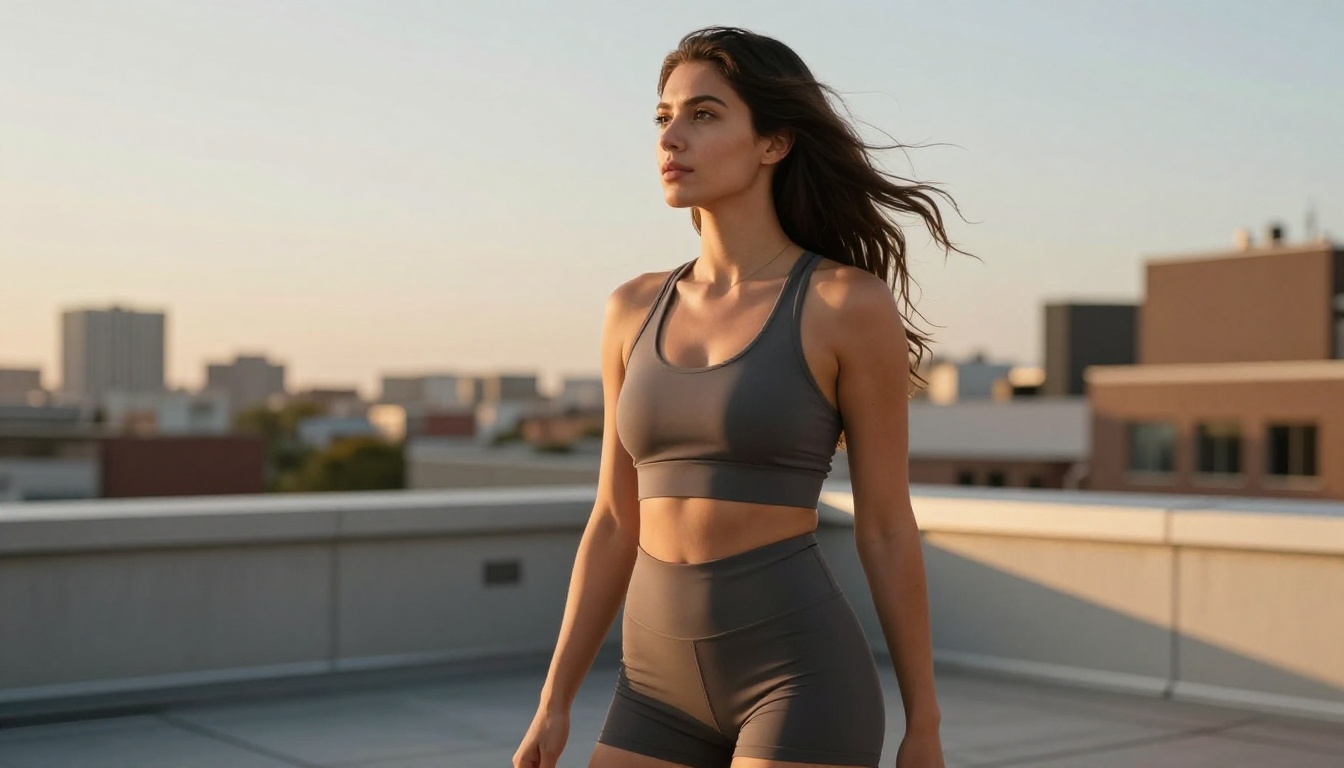
Seedream 4.5 from ByteDance is currently the strongest photorealistic NSFW image generator available to creators. It produces true 8K-level detail in skin texture, lighting, and material rendering, and it does not apply blanket content filters that reject tasteful adult content at the prompt level.
What separates Seedream 4.5 from older models is its handling of lighting physics. Previous generation models flatten skin tones and produce a characteristic "AI look" that immediately identifies the image as synthetic to a trained eye. Seedream 4.5 reproduces volumetric lighting, subsurface scattering on skin, and natural shadow falloff in a way that holds up to scrutiny even at 100% zoom. The grain structure, when prompted correctly with a film stock reference, is indistinguishable from scanned 35mm photography.
For video creators, the practical applications are:
Promotional thumbnails that grab attention without requiring a full shoot
Scene concept art to pitch visual ideas to collaborators or subscribers
Background and prop generation for custom virtual sets and photographic compositing
Character consistency across multiple scenes using reference images as style anchors
Subscription teaser content with sufficient visual variation to maintain audience interest
💡 Prompt tip: For the most photorealistic NSFW results with Seedream 4.5, specify camera lens (85mm f/1.8), film stock (Kodak Portra 400), lighting direction (morning side light from left), and skin texture descriptors (visible pores, natural freckles). This combination dramatically reduces the synthetic AI aesthetic.
PicassoIA Image Editor Pro: Unlimited Generations
PicassoIA Image Editor Pro solves the per-generation credit problem that makes other platforms economically unsustainable at scale. For creators who need to produce high volumes of images for content libraries, subscription services, or promotional campaigns, unlimited generation capacity is not a nice-to-have. It is the whole business model.
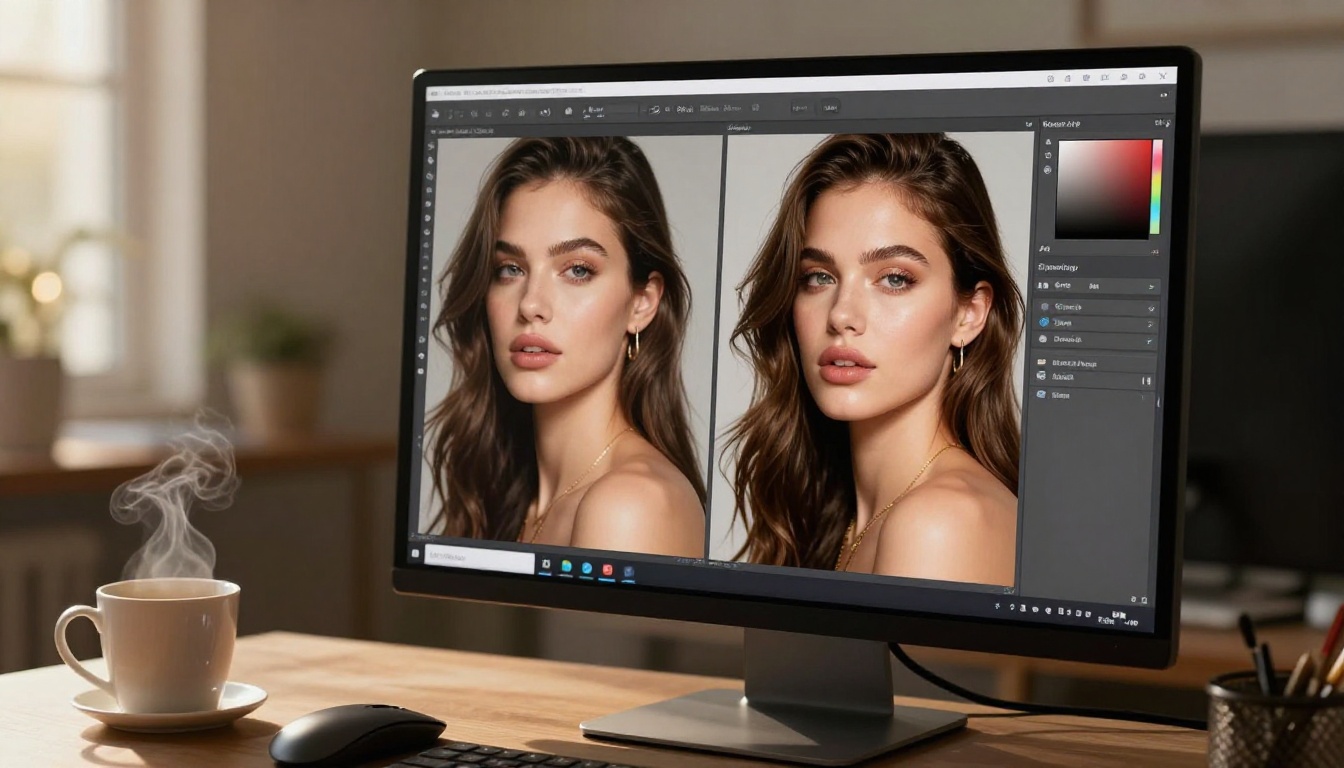
The Editor Pro also supports inpainting and outpainting natively. Inpainting lets you fix specific parts of a generated image without regenerating the whole composition: a hand that looks anatomically off, a background element that does not match the aesthetic, or a fabric texture that needs correcting. Outpainting lets you extend the canvas beyond the original frame, which is particularly useful for creating wider scene variations from a single strong base image. A tight portrait can become a full environmental shot with one outpainting pass.
Wan 2.7 Image Pro and Realistic Vision v5.1
For specific aesthetic styles, two additional image models are worth having in your rotation:
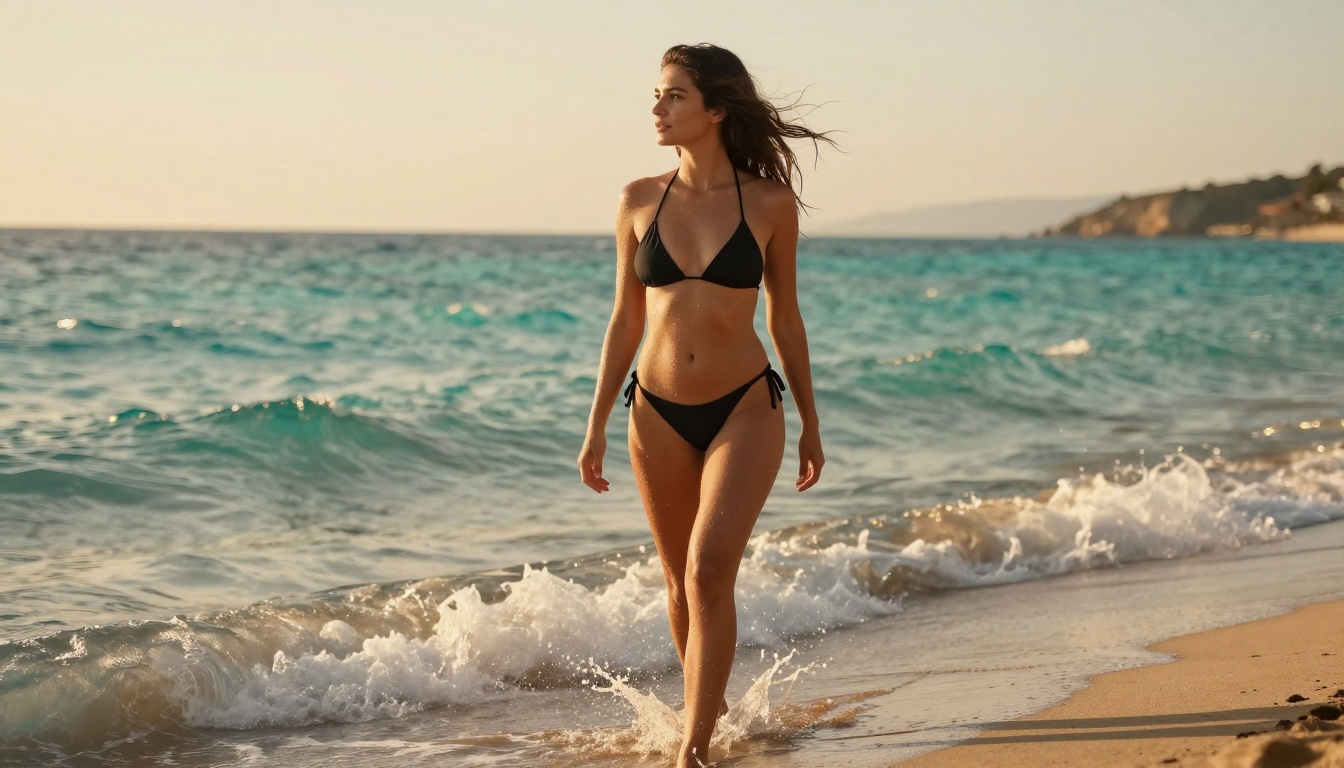
Wan 2.7 Image Pro delivers strong results for outdoor and natural light scenarios. It handles the visual complexity of dappled sunlight through foliage, beach environments with water reflections, and architectural backgrounds with a level of realism that surpasses most alternatives. If your content brand involves outdoor or lifestyle aesthetics, this model should be in your stack.
Realistic Vision v5.1 is a community favorite for portrait-focused generation. It was fine-tuned specifically on photorealistic human subjects and produces consistent facial generation with fewer anatomical errors than general-purpose models. For close-up portrait work or detailed figure studies, it consistently outperforms larger general models.
Best AI Video Generators for Adult Content
The jump from image generation to video generation is where most creators get stuck. Video requires temporal consistency, meaning the subject needs to look identical frame to frame with natural motion blur and realistic movement physics. AI video has now crossed the threshold of reliability for short-form clips, scene transitions, and animated promotional content.
Seedance 2.0: Professional NSFW Video at Scale
Seedance 2.0 is the video counterpart to Seedream 4.5. Also from ByteDance, it generates 1080p video with native synchronized audio and handles motion with significantly better temporal consistency than earlier-generation models.
For adult video creators, Seedance 2.0's strongest use case is generating scene transitions and ambient footage. Rather than using generic stock video for intro sequences or background ambience, you can generate custom clips that match your exact visual aesthetic and branding. It also works as a powerful image-to-video engine: feed it a Seedream 4.5 image as a starting frame, write a motion prompt, and get a 5-second animated clip that drops directly into your editing timeline.
Specs:
Output resolution: up to 1080p
Native audio generation synchronized to visual content
Image-to-video and text-to-video modes both supported
5 to 10 second clip length standard
Wan 2.7 I2V: Animate Your Generated Images
Wan 2.7 I2V specializes in image-to-video animation. You provide a source image from Seedream 4.5 or any other generator, write a motion description, and Wan 2.7 I2V produces a fluid animation of that image.
This workflow is particularly powerful for NSFW creators because it decouples the two hardest problems in AI generation: getting the right still frame, and then getting motion. You can iterate on the static image until it is exactly right, then animate it with Wan 2.7 I2V in a single pass without any of the compositional drift that happens when you try to get both right simultaneously.
Kling v3 Video: Cinematic Quality
Kling v3 Video produces cinematic 1080p output with strong camera movement control. It supports motion control prompts that let you specify camera moves alongside subject motion, giving you more directorial control than most competing models. Slow dolly shots, subtle handheld movement, and aerial pull-back moves are all achievable with clear prompt language.
For video creators building out content series, Kling v3's character consistency across multiple generations makes it practical for producing recurring character appearances across different scenes and settings.
Hailuo 2.3 and LTX 2.3 Pro
Two additional models earn their place in a serious creator's toolkit:
Hailuo 2.3 produces strong results at lower generation times than premium-tier models. For creators who prioritize volume and turnaround speed over absolute maximum resolution, Hailuo 2.3 is consistently faster without a significant quality penalty at social media output sizes. It is ideal for high-frequency posting schedules.
LTX 2.3 Pro is Lightricks' flagship 4K video generator. At maximum quality settings it produces the most cinematically polished output of any model on the platform, with sharp detail retention and smooth motion physics. Generation times are longer, but for hero content and featured productions, the quality justifies the wait.
AI Video Editing Tools That Do Not Censor
Generating content is half the workflow. Editing, upscaling, and refining it is the other half. These tools handle the post-production side without content restrictions on the input footage.
Wan 2.7 VideoEdit: Text-Based Editing
Wan 2.7 VideoEdit lets you edit existing video using natural language prompts. Write "change the lighting to candlelight," "remove the background and replace with a beach at sunset," or "change outfit to red dress," and the model applies those edits frame by frame with temporal consistency across the whole clip.
This changes the economics of adult video production in a real way. Scene variations that previously required a full reshoot can now be created in post with a single text prompt. One source clip becomes five deliverables with five different visual treatments.
Lucy Edit 2: Restyle Any Clip
Lucy Edit 2 from Decart specializes in full-video style transfer and restyling. You can take an existing clip and restyle it to a different visual aesthetic, change the time of day, or alter environmental conditions while preserving the original motion and subject appearance intact.
Aleph 2: Single-Frame Editing That Scales
Aleph 2 from Runway takes a precision-first approach: edit a single reference frame exactly as you want it, and Aleph 2 propagates those edits with full temporal consistency across the entire clip. For creators who need tight control over the final look rather than approximate style transfer, this is the most reliable editing workflow currently available.
Upscale to 8K Without Losing Quality
The Video Increase Resolution tool from Bria handles AI-powered video upscaling to 8K. For creators shooting at 1080p or delivering AI-generated video at lower source resolutions, this allows you to hit platform delivery requirements and premium content quality standards without regenerating original content.
LLMs That Improve Your NSFW Workflow
Large language models have a specific and underutilized role in the adult creator workflow: they help write better generation prompts, more compelling scripts, more persuasive subscription copy, and stronger scene descriptions. The LLMs on PicassoIA operate without the content policy restrictions of standard consumer-facing chatbots, making them practical for adult content work.
Claude Opus 4.7 for Script Writing
Claude Opus 4.7 is currently the strongest LLM available for long-form script writing, scene description, and character dialogue. Its instruction-following accuracy means you get structured, usable output on the first attempt rather than spending ten iterations correcting the model. For adult creators writing scripts, scene setups, fan interaction copy, or subscription page descriptions, Opus 4.7 delivers consistently professional-quality text output.
GPT-5 for Prompt Engineering
GPT-5 from OpenAI has strong performance on highly specific generation prompt expansion. Its training makes it particularly effective at taking a brief image concept ("woman in studio, soft light, minimal styling") and expanding it into a fully detailed 150-word generation prompt that consistently produces high-quality results with any diffusion model. For creators building prompt libraries or batch generation workflows, this is the most efficient prompt engineering tool available.
DeepSeek R1 for Volume Work
DeepSeek R1 handles high-volume prompt generation tasks at significantly lower cost than premium LLMs. For creators who need to generate 200 unique, non-repetitive prompts for a content batch run, DeepSeek R1 produces varied output quickly without the per-token cost of frontier models.
Seedream 4.5 is available directly inside the PicassoIA platform with no setup required. Here is how to get the best results from day one.
Step 1: Set Your Resolution and Ratio
Navigate to Seedream 4.5 and set your output ratio to 16:9 for video thumbnails and widescreen promotional assets, or 4:5 for vertical social formats and subscription platform previews. Do this before writing your prompt because the aspect ratio directly affects how the model composes the scene.
Step 2: Write a Technical Prompt
The biggest mistake new users make is writing short, vague prompts. Seedream 4.5 responds strongly to photographic specificity. Use this structure:
[Subject + pose or expression] + [environment + time of day] + [specific lighting direction] + [camera body, lens, aperture] + [film stock or grain] + [texture details]
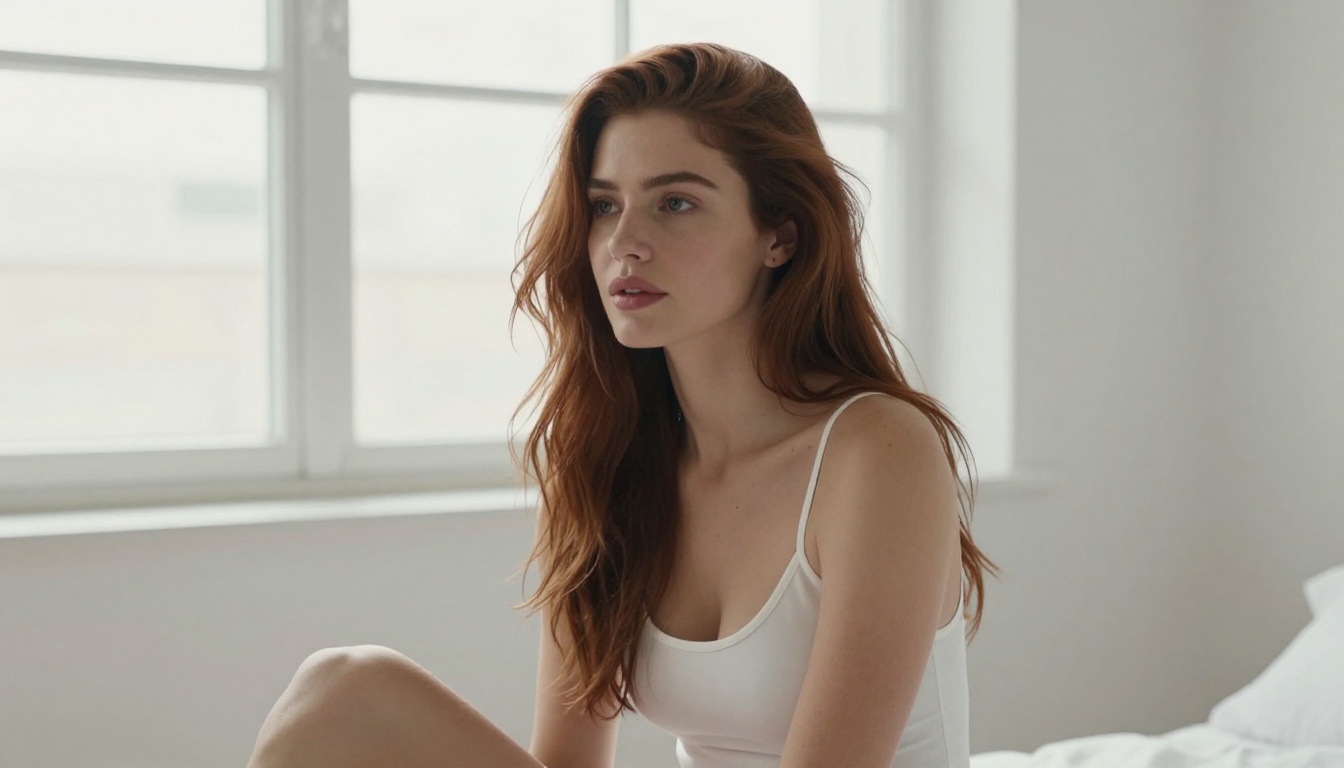
Example: "Confident woman in white bodysuit sitting by open window, morning light from the left creating soft shadows on wall behind her, Canon EOS R5, 85mm f/1.4, Kodak Portra 400 grain, visible skin pore texture, natural freckles on collarbone"
Step 3: Refine with Inpainting
After your first generation, open the result in PicassoIA Image Editor Pro to fix specific areas. Mask the face for targeted facial adjustments, or mask just the background to swap environments without touching the subject at all. This iteration workflow produces finished images faster than regenerating from scratch every time.
Step 4: Animate the Final Image
Once you have a strong still image, pass its URL to Wan 2.7 I2V. Write a simple, specific motion description: "slow camera dolly forward, subject turns head slightly toward camera, hair moves gently in light breeze, natural eyelid movement." Generate the 5-second clip and cut it directly into your video timeline.
What to Avoid
Not all models work equally well for adult content, and using the wrong one wastes generation credits:
Seedream 5 Lite applies stricter content filters than the 4.5 version and is not recommended for NSFW work. Stick to Seedream 4.5 for adult image generation.
Veo 3.1 from Google applies safety filters that reject explicitly suggestive content prompts.
Sora 2 from OpenAI is strong on realism but operates under OpenAI's consumer content policy, which blocks adult material at the platform level.
For NSFW work, the ByteDance models (Seedream 4.5 and Seedance 2.0) and the Wan series consistently offer the most permissive output combined with the highest photorealistic quality currently available.
The Real Workflow for Video Creators
The creators getting the most from AI tools are not using AI to replace their shoots. They are using it to produce what would previously have been economically impossible: a catalog of hundreds of visual variations, all consistent in quality and visual aesthetic, all produced in days rather than months. The AI handles the volume. The creator handles the creative direction and final quality control.
A production-ready workflow looks like this:
Generate concept images with Seedream 4.5 to establish your visual style and batch-produce promotional assets
Every model covered in this article is accessible in one place. PicassoIA brings together 90+ text-to-image models, 112 text-to-video models, and a full video editing toolkit without requiring you to manage separate API accounts, monthly billing across five platforms, or content policies that change without warning.
The full model library is at picassoia.com/en/all-models. Start with Seedream 4.5 for image generation and Seedance 2.0 for video. Run a few test generations to calibrate your prompt style, then build your first batch. The tools are there. The content policies are adult-creator-friendly. What you build with them is entirely up to you.