The digital art world has a quiet revolution happening. AI image generation has crossed a threshold where photorealistic human figures, intimate glamour shots, and artistically charged adult illustrations are no longer just possible but genuinely stunning. The question is not whether AI can do this. The question is which tools do it best, and which platforms let you actually use them without a fight.
This is a direct breakdown of the best AI tools for +18 digital art and illustration available right now: what they do well, where they fall short, and how to get results worth keeping.
Why Most AI Generators Disappoint
The Censorship Wall
Most consumer-facing AI image tools sanitize their outputs heavily. They apply automated safety filters that reject prompts involving implied nudity, suggestive poses, or anything remotely adult in tone, even when the creative intent is clearly artistic. The result is a frustrating experience for illustrators, character artists, concept designers, and photographers who work in mature creative spaces.
This does not mean quality has to suffer. Platforms that support adult content typically do so with the same underlying models everyone else uses. The difference is that they do not hobble the output with aggressive post-processing filters.
Where Quality Separates Winners from the Rest
For +18 digital art, quality is not just about resolution. It is about:
- Skin texture realism — Does the model render pores, subtle shadows, and light bounce off skin naturally?
- Anatomy coherence — Hands, proportions, and body structure that do not break in the final render
- Lighting nuance — Soft backlighting, rim light on hair, natural shadow falloff
- Fabric and material detail — Lace, silk, satin, and sheer fabric rendered with physical accuracy
- Facial consistency — A face that looks like a real person, not an averaged composite
These are the criteria that separate top-tier results from typical AI output.
Flux Models Are Leading the Space
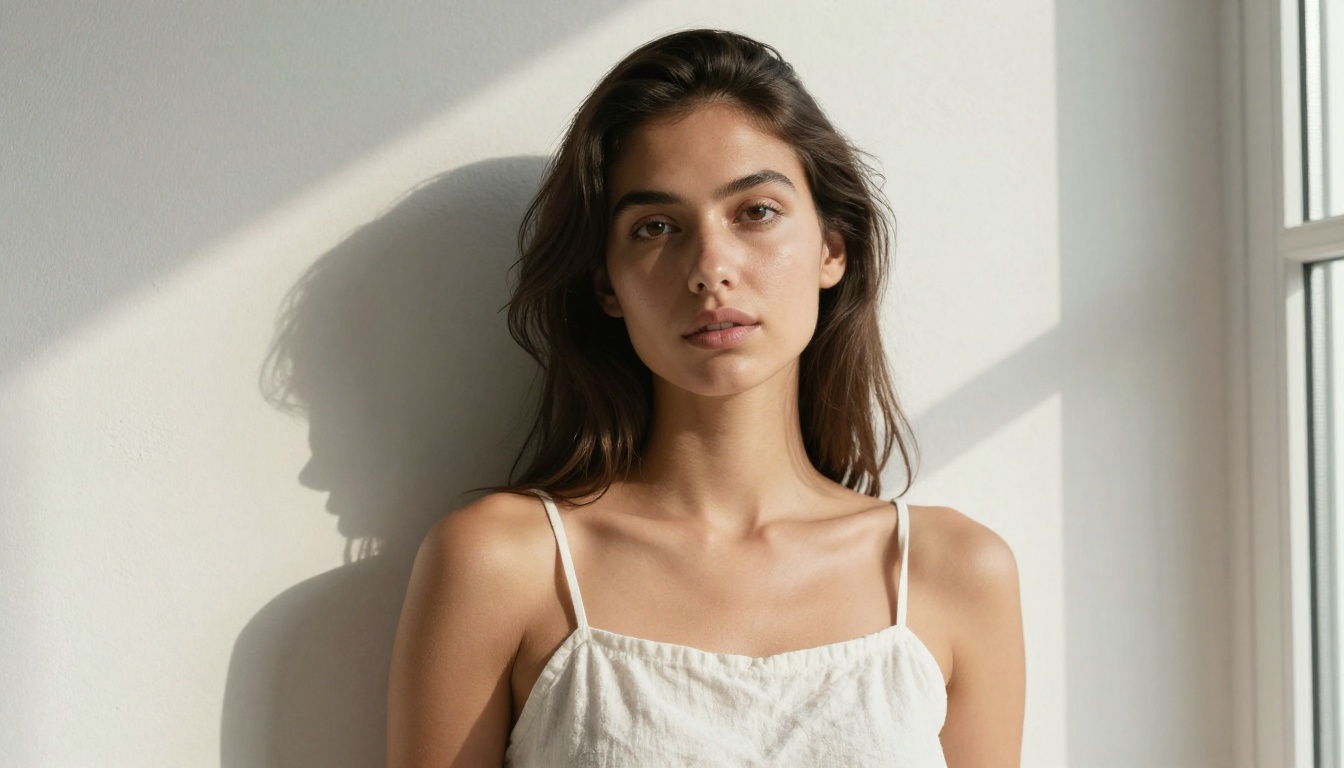
If you are working in adult digital art today, Flux from Black Forest Labs is the benchmark. The architecture produces images with genuinely photorealistic skin rendering, coherent anatomy, and a level of detail in hair and fabric that older diffusion models simply cannot match.
Flux 1.1 Pro Ultra vs Flux 2 Pro
Flux 1.1 Pro Ultra is the current best option for single-figure portrait work, especially when photorealism is the priority. The "Ultra" designation means higher resolution outputs and a stronger emphasis on real-world photographic characteristics. You get natural skin tones, coherent hands, and a depth-of-field simulation that looks genuinely optical.
Flux 2 Pro pushes further in compositional complexity. Where Flux 1.1 Pro Ultra excels in isolated portraits, Flux 2 Pro handles environments, multiple figures, and complex lighting scenarios with more consistency. For boudoir scenes, artistic glamour, or illustrated editorial shoots, this is often the better pick.
Flux 2 Max is the premium ceiling option. Slower to generate, but the output quality at full resolution is the best currently available on the platform. When the final result needs to stand up to close inspection, Flux 2 Max is the call.
💡 Tip: For Flux models, describe lighting first. "Soft window light from the left, volumetric morning rays" produces dramatically better skin rendering than prompts that jump straight to subject description.
How to Prompt for Skin Texture and Realism
The Flux architecture responds strongly to photographic language. Instead of writing "beautiful woman," try:
- "warm honey-brown skin, fine pore texture, soft shadow under the collarbone"
- "85mm f/1.8 lens, Kodak Portra 400 film grain, ISO 200"
- "natural eyelashes, slight gloss on lower lip, individual hair strands defined"
These micro-detail descriptors are what push the model from generic to genuinely photorealistic output.
Stable Diffusion Still Delivers
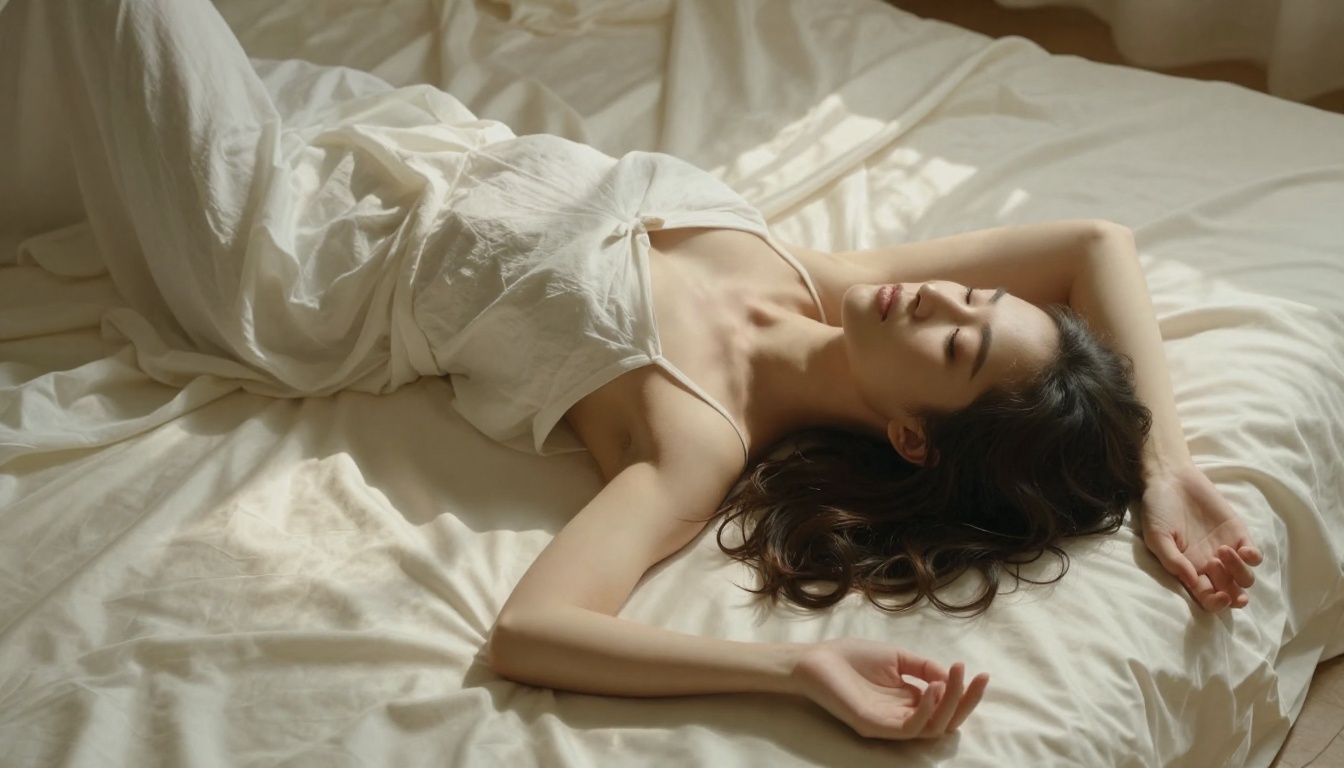
Black Forest Labs gets the headlines, but Stability AI's models remain workhorses worth keeping in your toolkit.
SD 3.5 Large for Full-Body Compositions
Stable Diffusion 3.5 Large handles full-body compositions better than most models at its tier. The architecture has strong spatial awareness, meaning it keeps proportions consistent from head to toe. For illustrated pinup-style work, artistic figure studies, or full-length editorial shots, SD 3.5 Large gives reliable results without the anatomy distortion that plagued earlier diffusion models.
Stable Diffusion 3.5 Large Turbo is the faster variant — lower inference time, slightly reduced detail in fine textures, but still solid for iteration and concept testing.
RealVisXL for Photorealistic Faces
RealVisXL v3.0 Turbo is a fine-tuned SDXL variant specifically optimized for photorealistic human subjects. The model has unusually strong face rendering, producing eyes with natural reflective highlights, lips with realistic texture, and skin that reads as organic rather than plasticky. For close-up portraiture and beauty-style shots, it consistently outperforms base SDXL.
The Best Models for Boudoir and Glamour Work
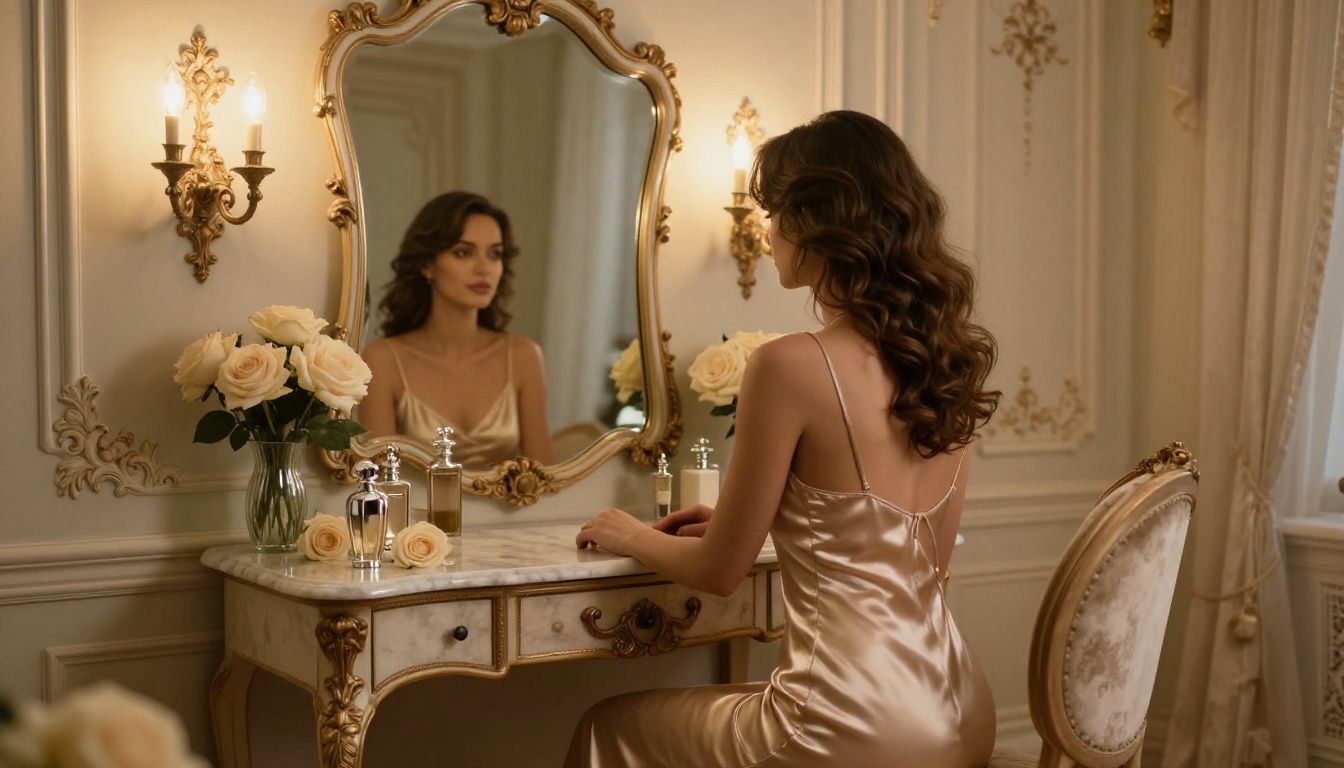
Realistic Vision v5.1 for Portraits
Realistic Vision v5.1 has a long reputation in the Stable Diffusion community for photorealistic output. It handles the intersection of fashion photography and intimate portraiture with particular skill. Skin tones are warm and natural, lighting feels physically grounded, and the model responds well to camera-style prompting.
Best for: close-up glamour portraits, beauty-style shots, single-figure boudoir compositions.
DreamShaper XL for Atmosphere
DreamShaper XL Turbo sits between photorealism and illustrated aesthetics. It produces results with painterly warmth without sacrificing anatomical coherence. If you want imagery that reads more like high-quality editorial photography with a slight artistic treatment rather than strict hyperrealism, DreamShaper XL delivers that balance consistently.
Best for: atmospheric boudoir scenes, editorial glamour, fantasy-adjacent adult illustration.
💡 Tip: For boudoir work specifically, use environment prompts heavily. "French baroque wall sconces, crushed velvet, antique mirror reflection" tells the model the aesthetic language more clearly than abstract style descriptors.
How to Use Flux 1.1 Pro Ultra on PicassoIA
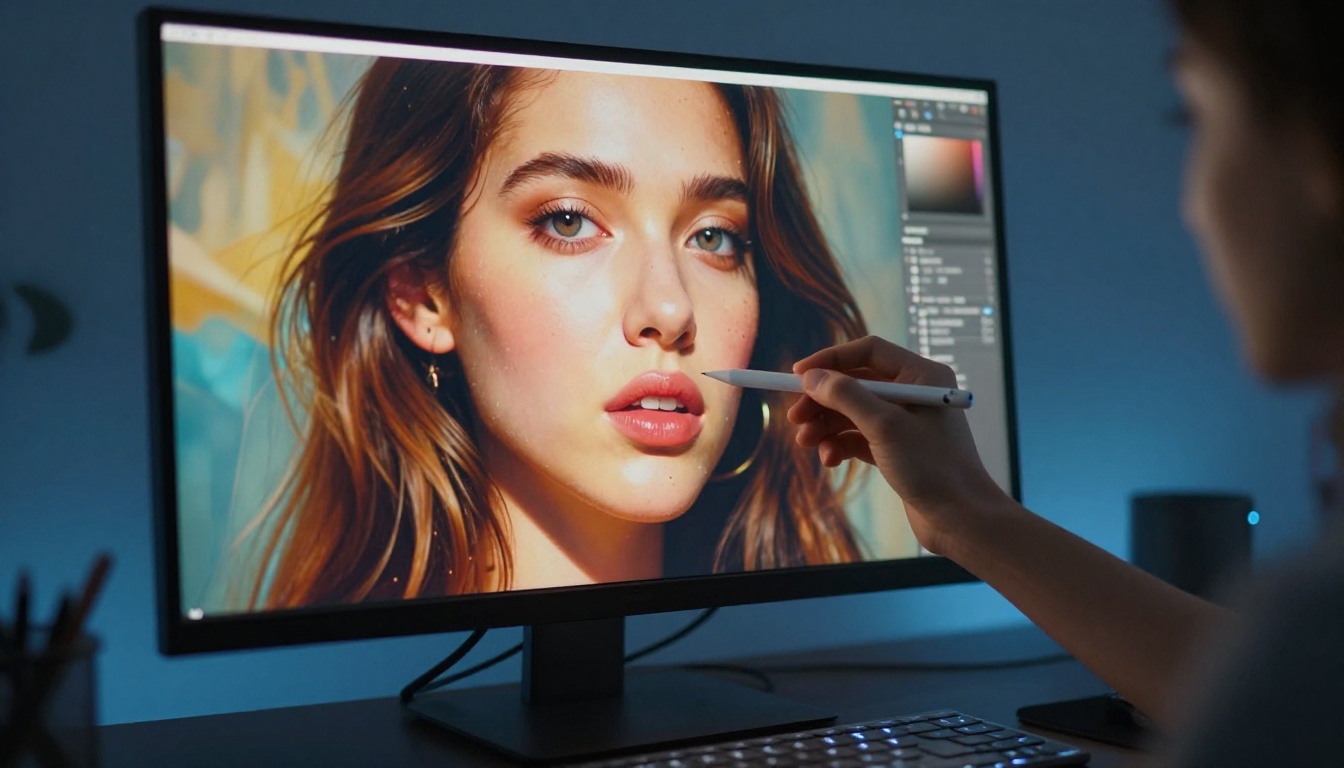
PicassoIA offers Flux 1.1 Pro Ultra directly in its text-to-image collection, without needing external API access or local model downloads. Here is how to get the best results:
Step-by-Step Setup
- Navigate to the Text-to-Image collection at PicassoIA and select Flux 1.1 Pro Ultra
- Set the aspect ratio to 16:9 for wide editorial compositions or 3:4 for portrait-oriented figure work
- Build your prompt using this structure:
[Subject] + [Environment] + [Lighting] + [Camera specs] + [Micro-detail]
- Include "RAW photography, 8K, Kodak Portra 400 film grain" in your text prompt for organic results
- Generate and assess: check for hand coherence, skin texture quality, and lighting consistency before finalizing
Parameter Reference for Better Results
| Parameter | Recommended Value | Why |
|---|
| Aspect Ratio | 3:4 or 16:9 | Matches real photography proportions |
| Prompt Length | 100-200 words | More context, more coherent anatomy |
| Style Tag | --style raw | Disables over-stylized output |
| Film Reference | Kodak Portra 400 | Warm organic skin tones |
| Lens Spec | 85mm f/1.8 | Natural portrait perspective |
Iterating for Quality
Do not stop at the first generation. Run 3-5 variations of the same prompt, then use PicassoIA's Inpainting capability to fix specific areas: hands, facial details, fabric edges. Inpainting lets you isolate a region and regenerate just that part while keeping the rest of the image intact. This one workflow change alone dramatically improves final output quality.
For serious adult digital art work, the image generation model is only part of the story. The platform capabilities around it determine whether you can achieve professional-grade results.
ControlNet for Pose Accuracy
Anatomy consistency across generations is one of the hardest problems in AI art. PicassoIA includes SDXL Multi ControlNet LoRA, which uses OpenPose data to lock in specific body positions before generation. You feed it a reference pose skeleton, and the model generates around that structure. The result is figures that hold the pose you actually wanted rather than whatever the model defaulted to.
For adult illustration specifically, this is significant. A specific pose, a particular angle, a defined body orientation: ControlNet makes these repeatable across a series.
Super Resolution for Print-Quality Output
After generating at standard resolution, PicassoIA's Super Resolution tools can upscale your output 2x-4x. This matters when producing work intended for print, large-format display, or high-resolution digital distribution. The upscalers in the platform use AI-based enhancement rather than simple interpolation, meaning fine skin texture and fabric detail are preserved and often improved in the upscaled version.
Inpainting for Detail Work
The platform's Inpainting capability is worth building into your standard workflow. After a successful base generation, use inpainting to:
- Sharpen facial features that came out slightly soft
- Fix anatomical quirks (hands, fingers, elbow joints)
- Refine fabric detail in specific areas without regenerating the full image
- Add or modify accessories, jewelry, or clothing elements
This iterative approach produces significantly better final results than relying on a single generation pass.
Prompt Writing That Works
The difference between mediocre and excellent AI-generated adult art usually comes down to prompt construction. Here is what actually works.
The Four-Layer Structure
Every strong prompt for photorealistic adult illustration should have four layers:
- Subject layer: Who is in the image, what they are wearing, their pose, expression, and physical characteristics
- Environment layer: Where they are, what surrounds them, what the background contains
- Lighting layer: Direction of light, quality (hard vs. soft), color temperature, and shadow behavior
- Technical layer: Camera body, lens, film stock, ISO, and depth-of-field behavior
Combine all four layers and you give the model an extraordinarily clear picture of what the final image should look like. Omit any one of them and the model fills in the gaps with its own defaults, which are often generic.
Negative Prompt Patterns That Save Time
Even on platforms that handle prompting well, negative prompts reduce iteration time considerably. For photorealistic adult work, consistently exclude:
cartoon, anime, illustration, CGI, 3D render, painting, digital artdeformed hands, extra fingers, anatomical errors, blurry faceneon colors, glowing effects, overexposed highlights, plastic skintext, watermark, logo, signature, frame
💡 Tip: Save your negative prompt as a reusable template. Running the same 40-word negative block across every generation builds consistency across a project or series.
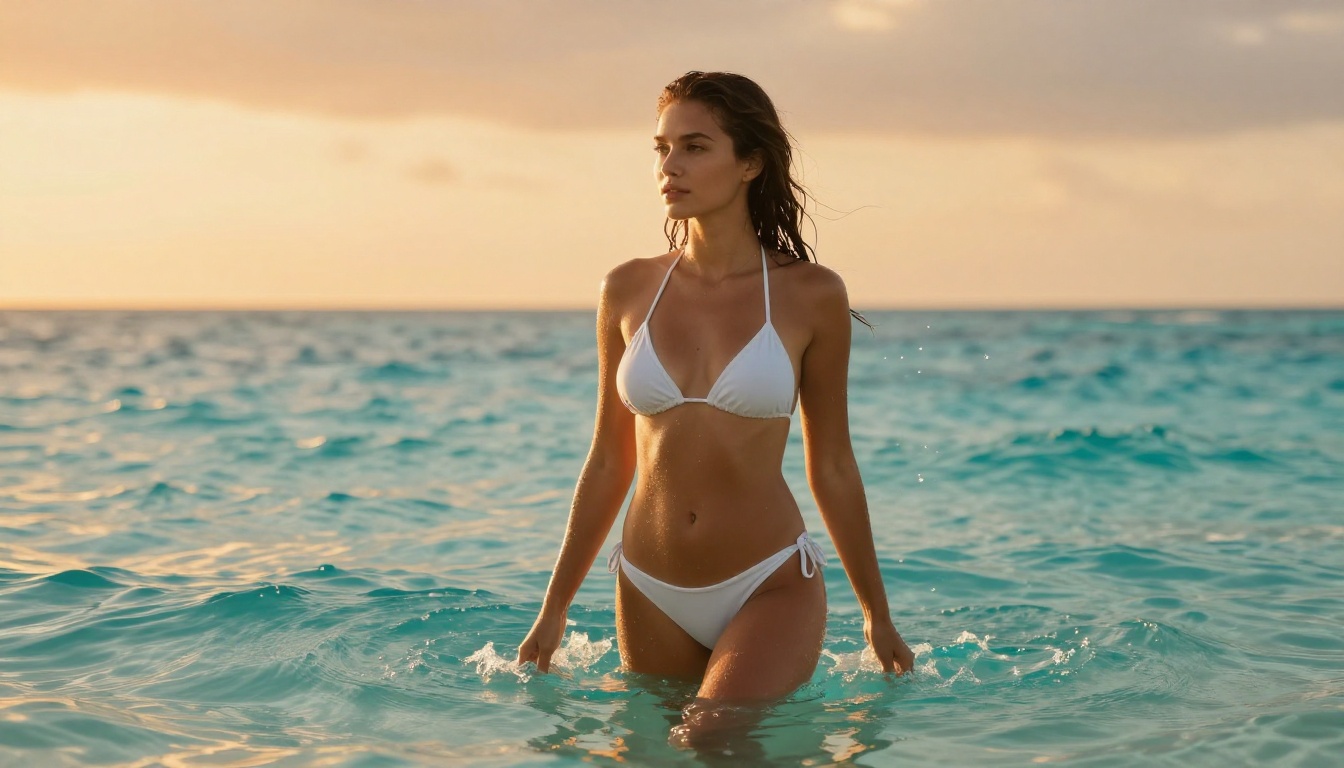
Top Models: A Direct Comparison
What PicassoIA Brings That Others Don't
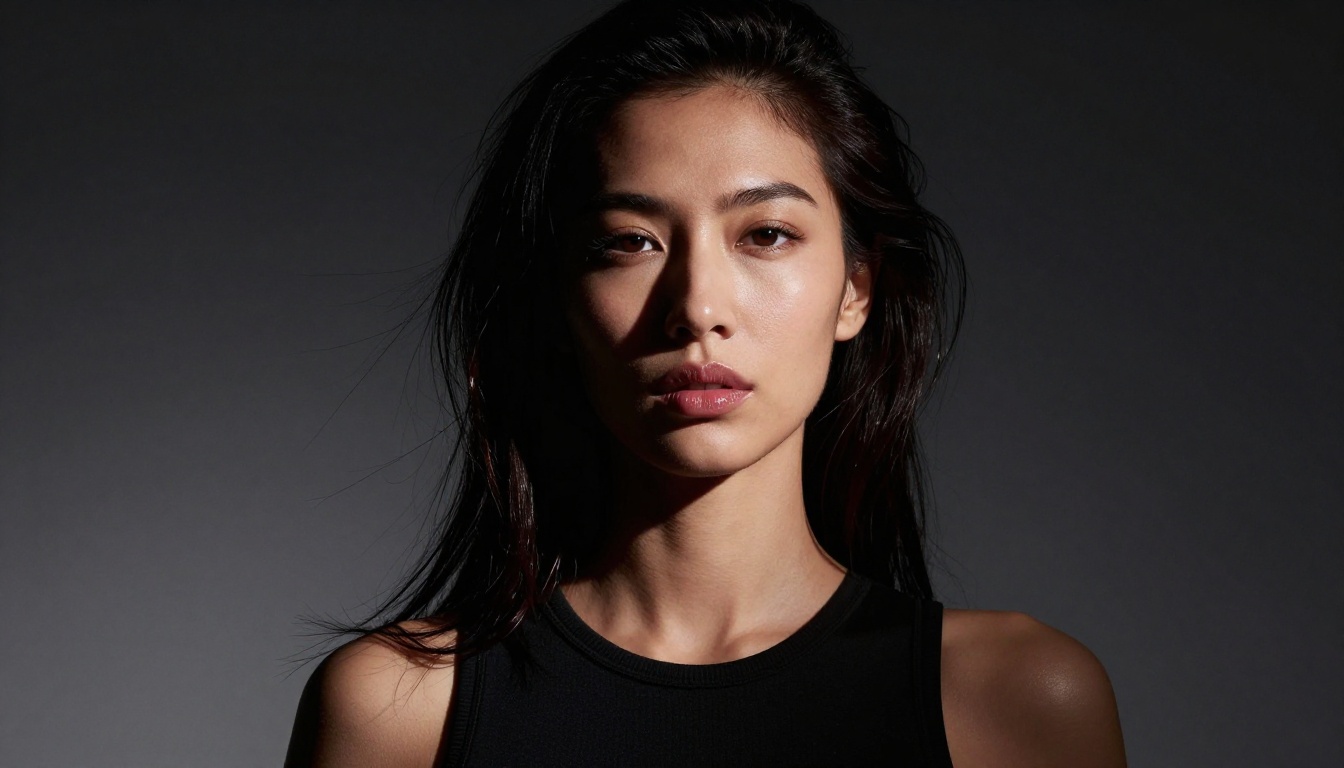
Most AI image platforms specialize. They do one thing well and route you elsewhere for everything else. PicassoIA takes a different approach: over 91 text-to-image models in a single interface, plus the surrounding ecosystem of editing, enhancement, and stylization tools that adult digital artists actually need.
Everything in One Pipeline
For adult digital art production, the workflow usually involves multiple steps: initial generation, resolution enhancement, inpainting for fixes, and background removal for compositing. In most setups, those are four separate tools from four separate providers.
On PicassoIA, that entire pipeline lives in one place. You generate with Flux 2 Pro, upscale with Super Resolution, fix details with Inpainting, and remove backgrounds in the same session without switching tools or re-uploading files.
No Hidden Throttling
One of the more frustrating realities of consumer AI platforms is rate limiting that kicks in unexpectedly. PicassoIA's model access handles volume without forcing you to wait mid-project. If you are producing ten variations of a scene or running a batch for a series, the platform handles that workload without interruption.
The LoRA Advantage
PicassoIA also exposes LoRA-powered variants including p-image-lora and SDXL ControlNet LoRA, which let you fine-tune stylistic behavior on top of base models. For artists who want consistent character aesthetics across a series, this is a significant capability that most platforms do not expose to regular users.
You can also run Flux Dev LoRA for style-specific generation that blends Flux's photorealism with a trained aesthetic layer. The combination of control and quality is not available on most competing platforms.
Start Creating Your Own
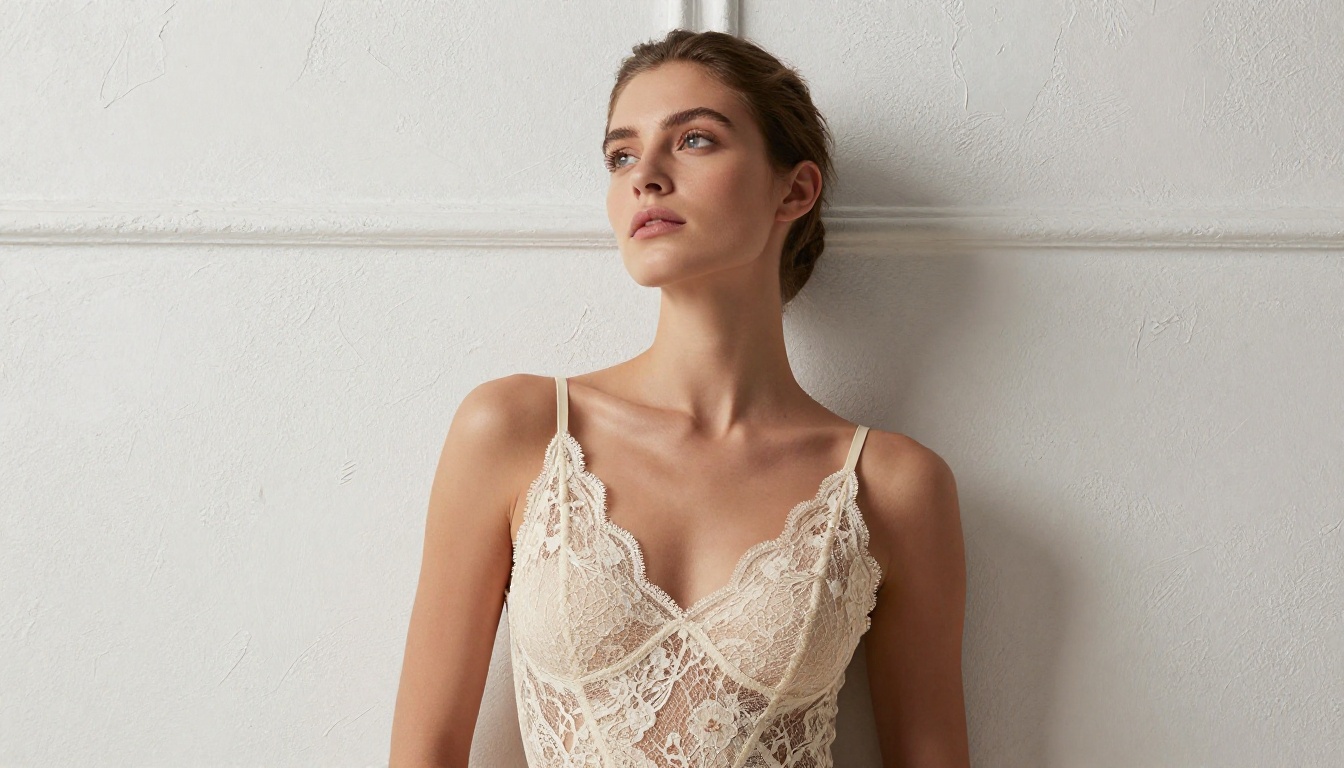
The tools are here. The quality is real. And you do not need a design background, a model subscription to four different services, or a local GPU to access any of it.
PicassoIA puts Flux 1.1 Pro Ultra, Flux 2 Pro, Realistic Vision v5.1, RealVisXL v3.0 Turbo, DreamShaper XL Turbo, and over 85 more models in one platform. You write a prompt, pick your model, and you get photorealistic adult digital art that would have required a professional photography setup five years ago.
Start with one of the Flux models. Use the four-layer prompt structure. Run several variations. Then use inpainting to bring the best one to its full potential.
The ceiling on quality keeps rising. Pick a model, write a real prompt, and see what you can produce today.


