E-commerce brands spend an average of $500 to $3,000 per product photography session, and that's before factoring in retouching, background removal, and the inevitable reshoot requests. In 2027, that math no longer adds up. A new generation of AI image tools generates studio-quality product shots in seconds, from a text prompt alone or by transforming an existing photo into something retail-ready. This roundup examines the best options available right now and shows you exactly how each performs on real product categories.
Why Product Photography Still Breaks Sales
The real cost of a bad image
A blurry thumbnail or flat, unlit product image costs more than a photography session. Studies consistently show that 75% of online shoppers rely on product images as the primary factor in purchase decisions. Poor visuals translate directly to abandoned carts and return rates that eat your margin.
Traditional product photography adds friction at every step: scheduling, logistics, props, models, studio time, and post-processing. A small brand launching 50 SKUs faces a serious financial and logistical barrier before a single unit ships.
What AI changes about the workflow
AI image generation tools eliminate most of that friction. The best in 2027 are not producing obviously artificial results. They understand lighting physics, material textures, and composition rules well enough to generate images that pass as professional studio work. For many product categories, the results are commercially usable without additional retouching.
Instead of coordinating a shoot, you write a prompt, iterate in real time, and have a finished image in under a minute. For brands managing large catalogs, the productivity gain is enormous.
The tools below span the full spectrum, from raw generation to editing and upscaling. Each has a distinct advantage depending on your product type and workflow needs.
1. Flux Pro
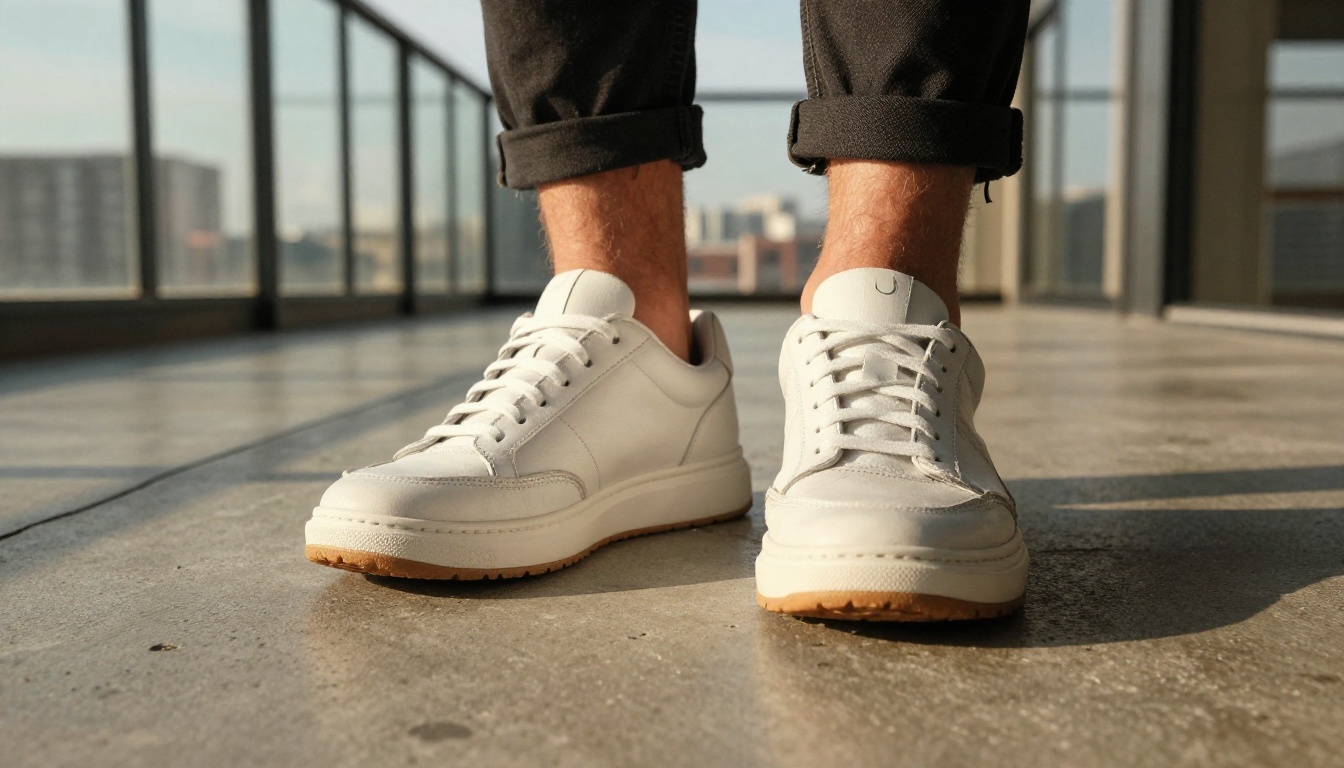
Flux Pro is the current benchmark for photorealistic text-to-image generation. Developed by Black Forest Labs, it handles product photography prompts with material fidelity that competing models often miss. Glass refractions, fabric weave detail, metallic reflections, all rendered with physics-based accuracy.
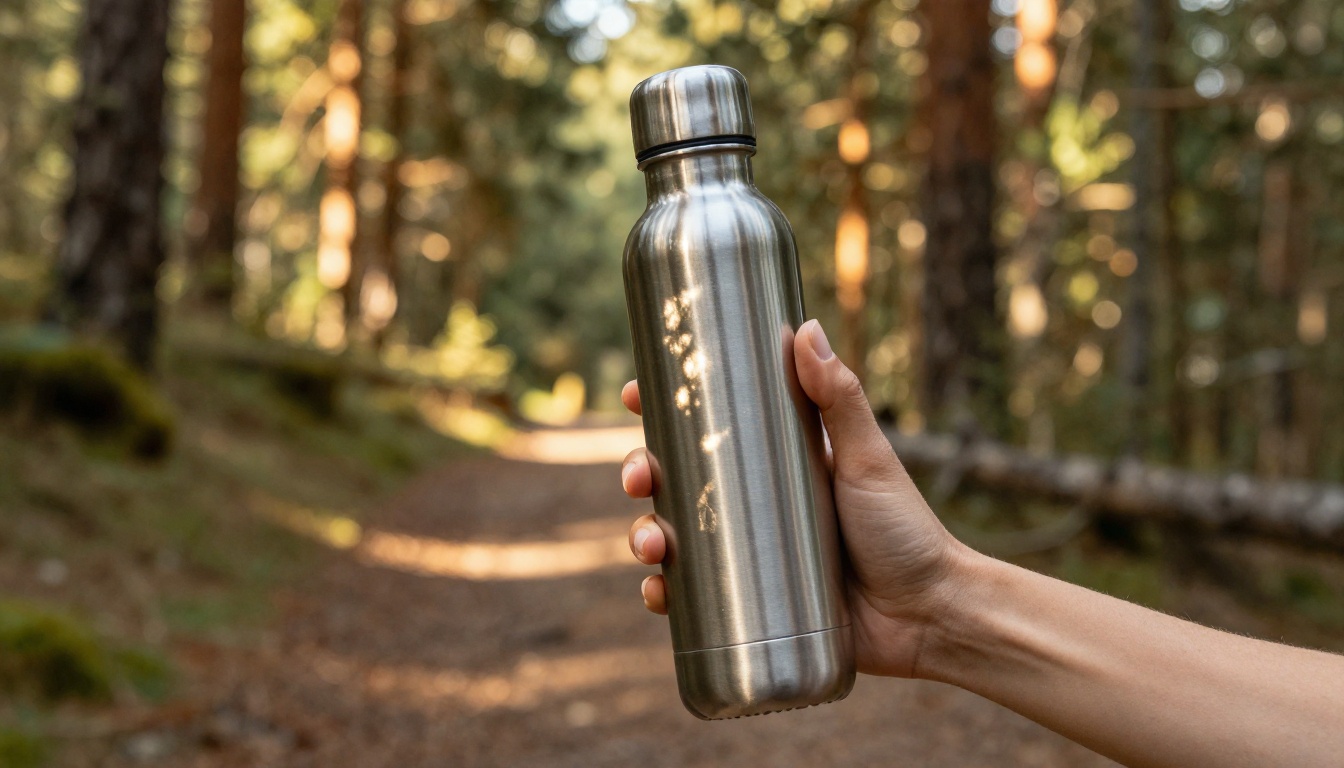
For e-commerce, its real strength is prompt responsiveness. When you specify "matte black aluminum bottle on a slate surface, diffused natural light from left, 85mm lens", Flux Pro delivers that scene precisely rather than approximating it. The gap between intent and output is narrower here than with any other model in this category.
Tip: Include the camera lens specification in your prompt (e.g., "50mm f/2.8") to control depth of field and the overall character of the shot.
2. GPT Image 2
GPT Image 2 from OpenAI is the fastest path from concept to commercial image. Its strength is consistency and predictability. Product shots come out clean, well-composed, and with accurate text rendering on packaging, something that historically derailed e-commerce workflows.
If your products have labels, logos, or branded packaging that needs to appear legibly in the image, GPT Image 2 is the tool to reach for. The text fidelity is unmatched by any other model in this roundup.
3. Recraft v4 Pro
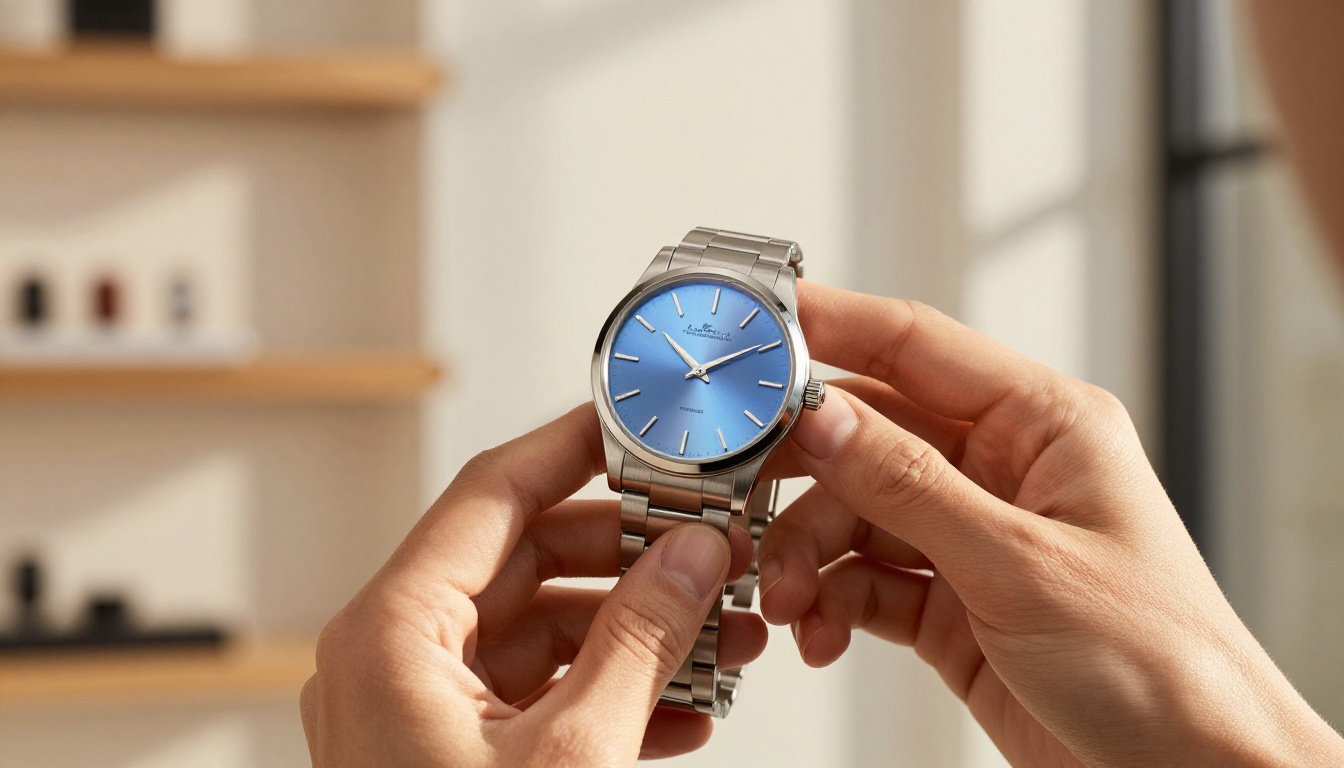
Recraft v4 Pro is purpose-built for commercial work. Unlike general-purpose models, Recraft is designed around design and brand applications, which makes it a natural fit for e-commerce product imagery. Outputs have a polished, advertising-ready quality straight from the prompt.
The style control is exceptional. You can steer results toward specific aesthetics, from minimal Scandinavian product photography to warm lifestyle shots, without fighting the model's defaults. For brands with strong visual identities, that control matters significantly.
4. Imagen 4 Ultra
Google's Imagen 4 Ultra delivers what its name promises: ultra-high detail in every output. For product categories where surface texture is the selling point, ceramics, leather goods, textiles, wood furniture, Imagen 4 Ultra renders material detail at a level that makes the product feel tangible through the screen.
The output resolution is also exceptional, making it well suited for hero images and banner placements where image quality is scrutinized at large display sizes.
5. Flux Kontext Dev
Flux Kontext Dev sits in a different category from pure generation tools. It is a context-aware image editor: you feed it an existing product photo and it intelligently modifies specific elements while preserving the rest of the image.
This is the tool that solves a very specific problem. You have a good product photo from a physical shoot, but the background is wrong, the shadow looks artificial, or a prop needs to be replaced. Flux Kontext Dev handles these surgical edits without the artifacts that ruin product image quality in traditional photo editors.
Use case: Upload a product photo on a white background and prompt Flux Kontext Dev to "place this product on a natural marble surface with soft morning light from the left." The product stays identical. The environment changes entirely.
6. Stable Diffusion 3
Stable Diffusion 3 offers something the other models don't: complete customization and fine-tuning potential. For brands with a distinctive visual identity, SD3 can be fine-tuned on existing brand photography to produce new images that match the exact look, feel, and lighting style of your established catalog.
Out-of-box quality for product photography is solid, though it requires more prompt precision than Flux Pro or GPT Image 2. The payoff is a model that eventually learns your brand's visual language.
Background Removal at Scale
No matter which generator you use, you will need clean product cutouts for marketplace listings, banner ads, and layered compositions. Dedicated background removal tools earn their place in any serious e-commerce workflow.
Bria Remove Background handles the edge cases that generic tools fail on: transparent glass, fur, fine jewelry chains, and complex hair. For beauty, accessories, and electronics, those edge cases are the rule, not the exception.
The processing is fast enough for batch workflows. Upload a folder of product images and get clean, marketplace-ready cutouts without any manual masking work.

Upscaling Product Images to Retail Quality
Generating an image at 1024px and placing it in an Amazon hero image slot at 2000px produces blurry results. AI upscaling tools now add genuine detail, not just interpolated pixels, to product images.
For product photography specifically, Topaz Image Upscale is the gold standard. It adds genuine micro-texture to surfaces: the grain in leather, the weave in fabric, the machining marks on metal. At 6x, you can generate at lower resolution and upscale to print quality without visible quality loss.
Clarity Pro Upscaler takes a different approach. It runs a creative detail-recovery pass that can restore sharpness from soft or compressed source images. For product photos shot on smartphone cameras, this tool frequently produces results better than the original capture.
Real-World Workflows by Product Category
The best AI tool for product shots depends significantly on what you are shooting. Different product categories have different visual priorities.
Fashion and apparel
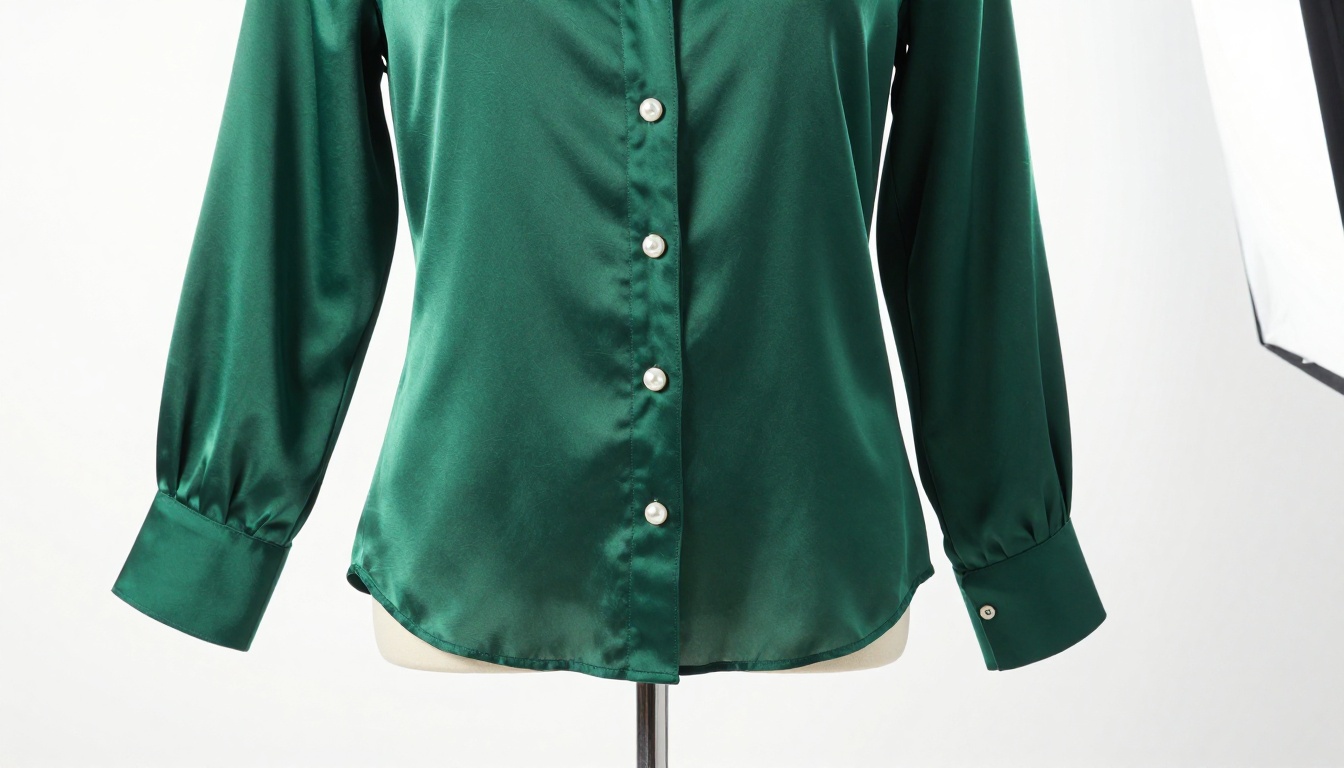
Fabric texture, drape, and color accuracy are critical. Flux Pro handles fabric rendering better than any competing model, particularly for silk, denim, and knitwear. For rapid iteration on colorways and styling variations, pair it with Flux Fast to move through options quickly.
For apparel brands managing hundreds of SKUs, Flux Kontext Fast is the efficient option for context-aware edits at speed.
Skincare and beauty
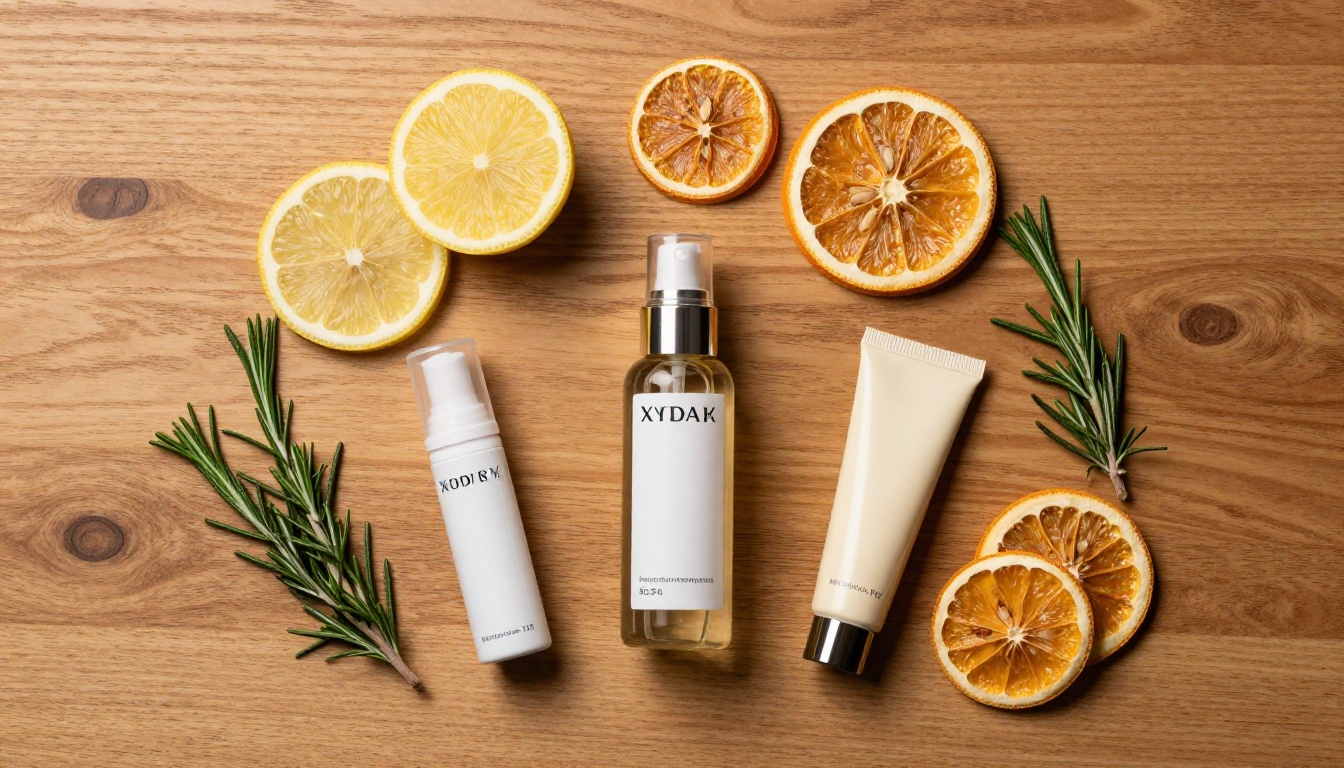
Skincare products sell on ingredient transparency and aspirational lifestyle. The flat-lay format works well here, products arranged with natural props suggesting the ingredient story: botanicals, minerals, or citrus depending on the formula.
GPT Image 2 excels for beauty packaging because it renders label text accurately. A product name or ingredient callout that reads correctly in the image is worth more than perfect material rendering.
Tech and electronics
Tech products demand precision: clean lines, accurate color, readable interface details. Recraft v4 Pro or Recraft 20B handle the commercial-clean aesthetic that tech brands require.
For hero shots of complex devices, Imagen 4 Ultra delivers the detail density that makes technical products feel premium at large display sizes.
Food and beverage
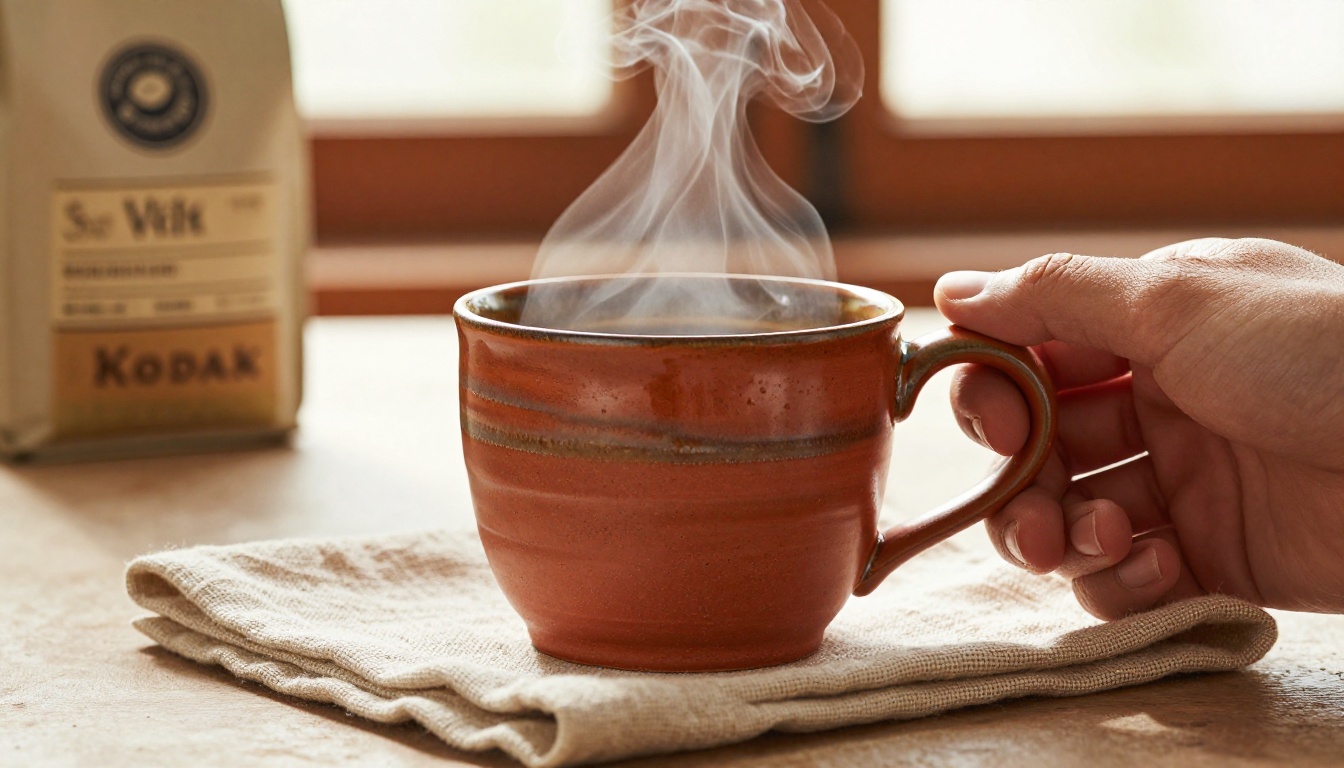
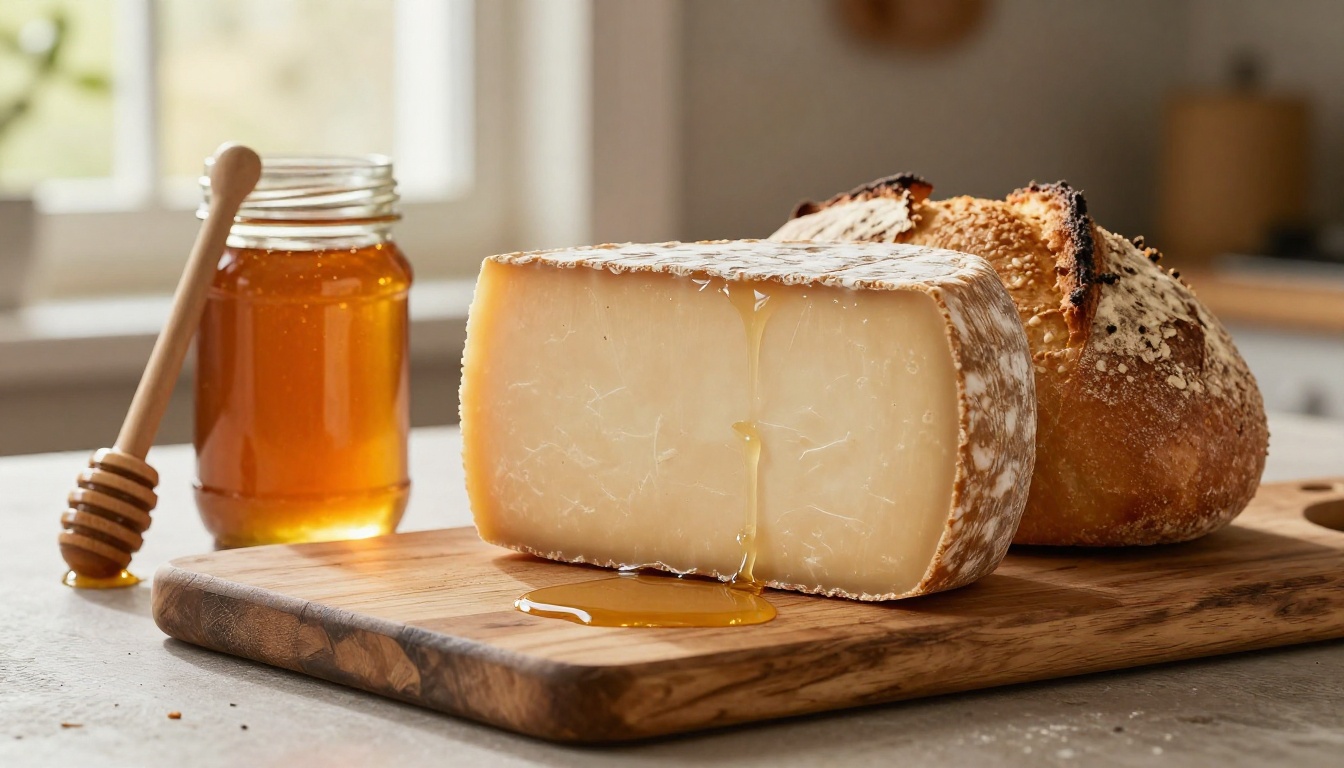
Food photography lives and dies on light quality. AI generation is catching up but still has limitations with steam, condensation, and texture-driven appeal. The best workflow for food brands: generate a base composition with Flux Pro, then use Flux Fill Pro for inpainting details like steam, liquid pour, or condensation droplets.
How to Create Product Shots on PicassoIA
PicassoIA puts all the models in this roundup on one platform, no API setup, no local GPU required.
Step 1: Pick your model. Navigate to the text-to-image collection and select based on your product category. Flux Pro for photorealism, GPT Image 2 for packaging with text, Recraft v4 Pro for commercial polish.
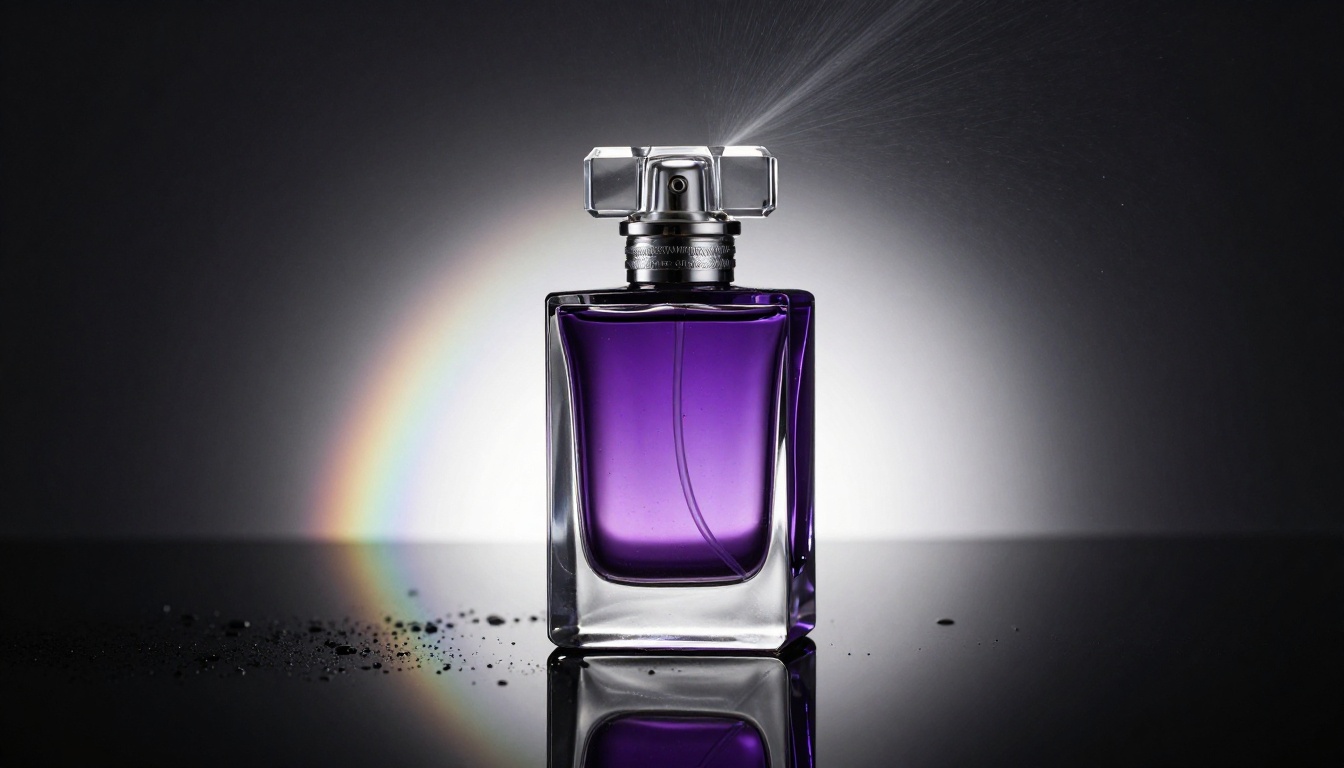
Step 2: Write a specific prompt. The difference between a generic result and a usable product shot is specificity. Include surface, lighting direction, camera angle, lens, and mood. Example: "Glass perfume bottle with gold cap on white Italian marble surface, volumetric morning light from upper left, 85mm f/1.8 shallow depth of field, photorealistic, 8K, commercial product photography."
Step 3: Generate variations. Produce 3 to 5 variations, changing the composition angle or lighting direction in each prompt. The flat-lay, the 45-degree angle shot, and the close-up detail shot are the three standard formats every listing needs.
Step 4: Remove the background. Pass the best result through Bria Remove Background to get a clean cutout for marketplace use.
Step 5: Upscale for delivery. Run the final image through Topaz Image Upscale or Clarity Pro Upscaler to hit the resolution requirements for your sales channel.
Amazon requires main product images at minimum 1000px on the longest side, with 2000px+ recommended for zoom. Generate at the highest quality your model supports, then upscale.
The Cost Math in Plain Numbers
| Approach | Time | Cost for 30 images |
|---|
| Traditional studio shoot | 1 to 2 days | $2,000 to $6,000 |
| Freelance product photographer | 3 to 5 days | $500 to $2,000 |
| AI generation, full workflow | 2 to 4 hours | $20 to $80 |
The quality gap that once justified the traditional cost has narrowed significantly. For most product categories, AI-generated shots are now commercially viable for marketplace listings, social advertising, and catalog use.
Try It on Your Products
The best way to calibrate what these tools do for your specific products is to run your own test. Pick one product. Write a detailed prompt: surface, lighting direction, camera angle, lens, atmosphere. Run it through Flux Pro, GPT Image 2, and Recraft v4 Pro simultaneously. Compare the outputs against the criteria that matter for your brand: color accuracy, material detail, background cleanliness, and overall commercial feel.
The first result shows which model fits your product category. By the tenth iteration, you will have a prompt formula that works consistently for your catalog. That formula becomes one of the most valuable production assets in your e-commerce operation.
PicassoIA gives you access to all these tools in one place. No platform switching, no API subscriptions, no GPU costs. Start with a single product and see what is now possible.


