Scroll through any major social media feed for sixty seconds and you will notice a pattern. The posts that stop you, the ones that make you linger or tap through, almost always have one thing in common: visuals that look like they cost money to produce. In 2025, most of them were made with AI, and the tools doing this work have gotten shockingly good.
This is a breakdown of the best AI tools for social media content right now, what they actually do, where they are worth your time, and which ones you can start using today without a design background or a large budget.

Why Social Media Content Is Harder Than It Looks
The attention window is brutal
The average person scrolls past roughly 300 feet of content per day across platforms. Your post gets about 1.7 seconds of attention before someone moves on. That single metric changes everything about how you should think about content production. Low-quality visuals do not get second chances.
The platforms themselves amplify this. Instagram, TikTok, and LinkedIn all use interaction signals to decide what gets shown to more people. A weak thumbnail, a blurry image, or a text-only post in a visual feed puts you at an immediate disadvantage in the algorithm, regardless of how good the underlying idea is.
What AI tools actually solve
The traditional content production chain looks like this: idea, brief, photography or design session, editing, caption writing, scheduling. That chain could take days and hundreds of dollars per piece of content. AI tools do not replace the creative thinking, but they collapse the production timeline dramatically.
The biggest gains come in three areas:
- Visual generation: Creating original, high-quality images from text descriptions in seconds
- Image editing and cleanup: Removing backgrounds, upscaling resolution, fixing noise and blur
- Writing assistance: Drafting captions, hashtag sets, and post copy that fits each platform

AI Image Generators That Actually Work
Not all AI image tools produce the same results. Some outputs look unmistakably synthetic, with plastic skin textures, impossible lighting, and compositional choices that no photographer would make. The models below consistently produce images that hold up in professional social media contexts.
Flux Dev for photorealistic posts
Flux Dev is a 12-billion parameter model built for detail and realism. When you write a specific prompt describing lighting, subject, and composition, it follows those instructions closely. That is not the default behavior of most image models, which interpret loosely and fill gaps in ways that often miss your intent.
For social media specifically, this matters because you often need something precise: a product on a certain surface, a person in a particular setting, lighting that matches your brand palette. Flux Dev delivers that consistency in a way that makes batching a week of content feel manageable.
It supports 11 aspect ratios, including the 4:5 ratio that Instagram favors for feed posts and the 9:16 vertical format that TikTok and Stories use. Run it in fast mode for quick drafts or standard mode when you need maximum fidelity on a final piece.
💡 Tip: Set a fixed seed in Flux Dev when you find a composition you like. This lets you iterate on the prompt while keeping the overall structure, which saves significant time during batch content sessions.
Flux Schnell for rapid prototyping
Flux Schnell is the speed-optimized version of the Flux family. It processes prompts in as few as four denoising steps and returns a finished image in seconds. The output quality is slightly lower than Flux Dev, but for content planning, mood boards, or testing ten different visual directions before committing to a final, it is the right tool.
On PicassoIA, Flux Schnell runs with no credit caps. You can generate 50 variations in a single session without watching a usage counter tick down, which completely changes how you approach the ideation phase of content production.
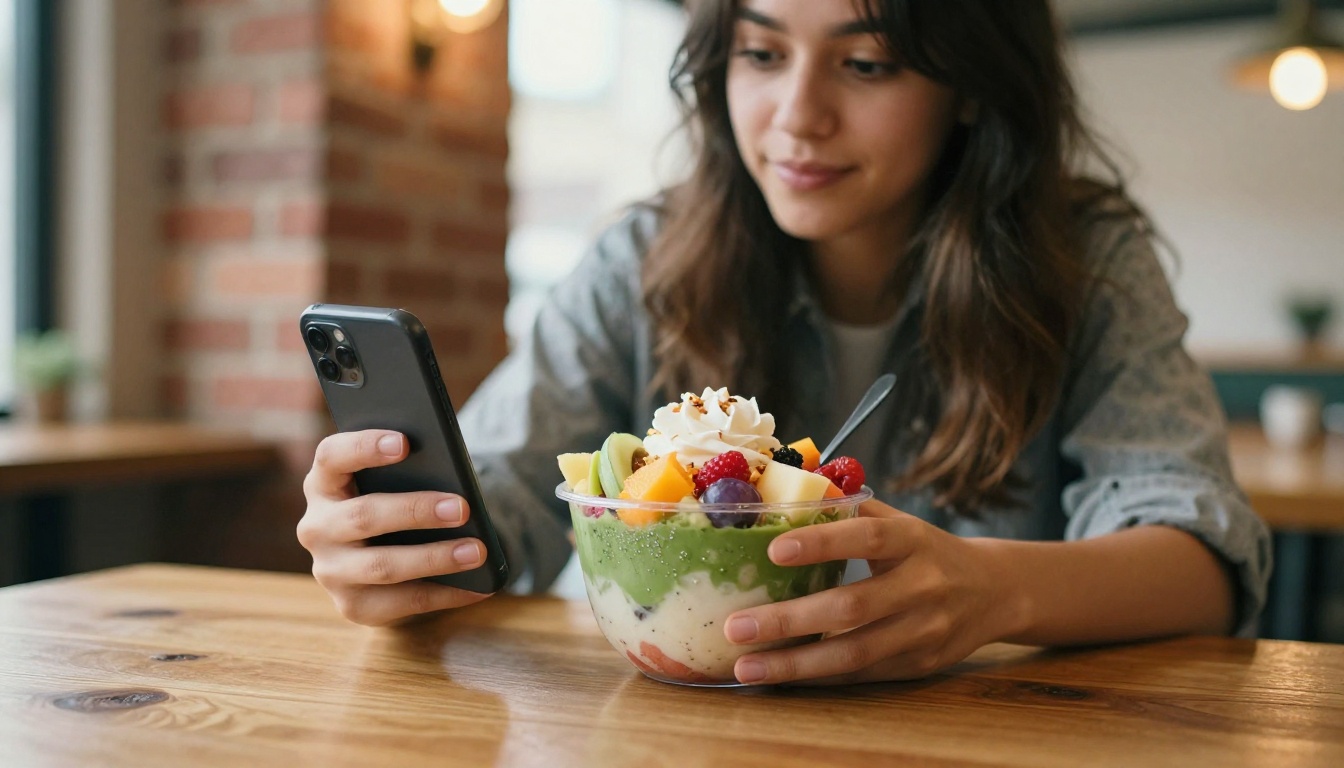
Flux Pro for precision-matched visuals
Flux Pro sits at the intersection of creative control and output quality. A guidance parameter determines how strictly the model follows your prompt versus composing more freely. High guidance produces tight, literal results. Lower guidance allows more compositional variation, useful when you want the model to surprise you within a general brief.
The interval setting in Flux Pro introduces variation in composition and color across runs. If you need five genuinely distinct visual options from a single creative brief, setting a higher interval and running the model multiple times gives you real variety rather than near-duplicate outputs.
For brand accounts that need a consistent visual identity across dozens of posts, Flux Pro's precision makes it the right choice for hero images and campaign visuals where the brief must be followed exactly.
Stable Diffusion for unlimited variation
Stable Diffusion has been the workhorse of AI image generation for years, and it remains valuable for social media content because of its flexibility. It supports six different schedulers that change how the image is constructed, a negative prompt system for removing unwanted elements from the output, and an adjustable guidance scale.
On PicassoIA, Stable Diffusion runs without per-generation credits. For teams producing high volumes of content across multiple brand accounts, this is a significant operational advantage.
| Model | Speed | Detail Level | Best Use Case |
|---|
| Flux Dev | Medium | Very High | Campaign visuals, product photography |
| Flux Schnell | Very Fast | Good | Rapid prototyping, batch testing |
| Flux Pro | Medium | High | Brand consistency, precise briefs |
| Stable Diffusion | Medium | Good | High-volume variation, custom styles |

How to Use Flux Dev on PicassoIA
Flux Dev is available directly on PicassoIA, making it the fastest path to generating professional social media visuals without any setup or technical knowledge.
Write a specific prompt
Open Flux Dev on PicassoIA and go to the prompt field. The quality of your output directly depends on the specificity of what you describe.
Weak prompt: "A woman holding a coffee cup"
Strong prompt: "A young woman in a cream linen shirt holding a ceramic coffee cup at a wooden café table, warm morning light from the left window, shallow depth of field, 85mm portrait lens, film grain"
Include the subject, the environment, the lighting direction, the camera angle, and the mood or color palette. These details separate outputs that look like editorial photography from outputs that look generic and interchangeable.
Set your aspect ratio
Before generating, choose the aspect ratio that matches where you are posting:
- 1:1 for Instagram feed square posts
- 4:5 for Instagram portrait posts (performs best in the feed)
- 9:16 for Stories, Reels, and TikTok
- 16:9 for YouTube thumbnails and LinkedIn banners
- 3:2 for Twitter/X and blog header images
Adjust inference steps
Leave inference steps at the default 28 for most content. If you need maximum detail for a hero image, increase to 40 or 50. Set guidance between 3 and 4 for natural-looking results. Higher guidance (5+) works well when you have a precise brief and need the output to follow it closely.
Lock the seed and iterate
When you produce a result you like, copy the seed value. Then adjust one element of the prompt at a time (lighting, background, subject detail) and regenerate. This method lets you build a coherent set of varied images from a single visual concept, which is exactly what a content calendar needs.
💡 Tip: Batch-generate 5 to 10 images per session, vary composition with different aspect ratios and minor prompt adjustments, and you will have enough content for a full week of posts in under an hour.

AI for Video and Short-Form Content
Video now dominates reach on every major platform. TikTok, Instagram Reels, YouTube Shorts, and LinkedIn video all receive priority placement in feeds. AI tools have made video creation significantly more accessible for solo creators and small teams.
Text to video generation
PicassoIA includes a full suite of text-to-video models that let you generate short video clips from written prompts. This is useful for creating motion content, B-roll footage, and ambient visual clips without a camera or production setup.
Short looping clips work well as background visuals for Stories, as accompaniment to audio content, or as standalone posts that capture attention without requiring dialogue. For brands that post daily but lack the budget for regular video production, AI-generated clips fill that gap with real creative flexibility.
AI video upscaling and restoration
Raw footage shot on a smartphone often looks flat or soft, particularly in lower light. PicassoIA's AI video restoration tools upscale, stabilize, and restore video quality so your existing footage reads well on high-resolution screens without a reshoot. For creators repurposing older content, this is a direct quality multiplier on assets you already own.

Background Removal and Image Editing
Why backgrounds matter for product posts
For product-focused social media accounts, cluttered or inconsistent backgrounds pull attention away from the subject and make a brand look unprofessional, regardless of product quality. Clean backgrounds are not an aesthetic preference. They are a conversion factor.
PicassoIA's background removal tools handle this automatically. Upload an image, remove the background, and place the subject on a clean white, transparent, or custom-generated setting. For brands posting product content at volume, this removes one of the most time-consuming steps in the production process and keeps visual output consistent across dozens of posts.
Upscaling older or low-resolution assets
Content shot in poor conditions, archive photography, or low-resolution assets can be restored and upscaled using PicassoIA's super-resolution models. These tools increase resolution by 2x to 4x while sharpening detail, making previously unusable assets viable for high-quality posts without a reshoot.
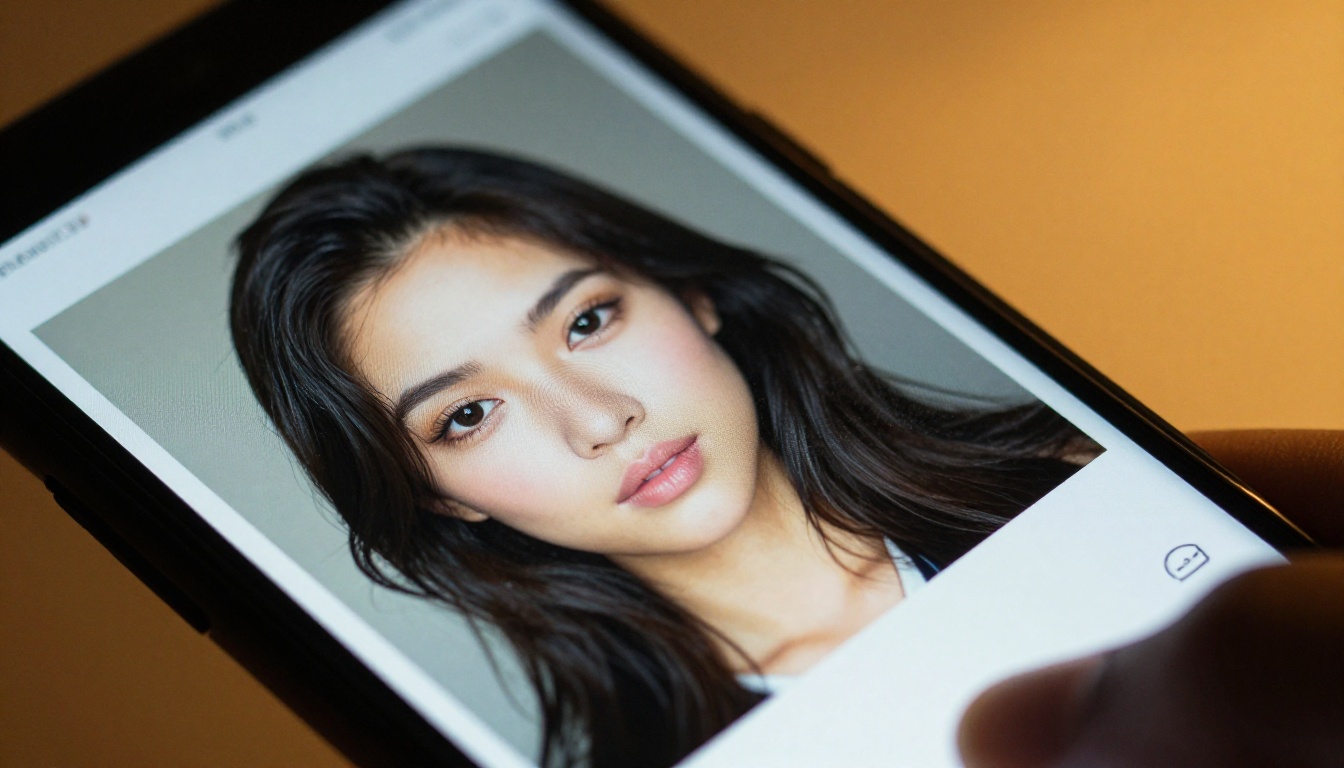
Different platforms have different content requirements. Matching your AI tool output to the platform's technical and cultural norms significantly affects how posts perform.
Platform-specific format guide
| Platform | Ideal Format | Recommended Model | Notes |
|---|
| Instagram Feed | 4:5 portrait | Flux Dev, Flux Pro | High detail matters here |
| Instagram Stories/Reels | 9:16 vertical | Flux Dev, Flux Schnell | Speed of iteration matters |
| TikTok | 9:16 vertical | Flux Schnell | Volume and variety matter |
| LinkedIn | 1:1 or 16:9 | Flux Pro | Professional tone required |
| Pinterest | 2:3 portrait | Stable Diffusion | Visual variation matters |
| YouTube Thumbnails | 16:9 | Flux Dev | Maximum detail and clarity |
| Twitter/X | 16:9 or 1:1 | Flux Schnell | Speed and quantity |
Consistency is the actual strategy
The accounts that grow fastest on social media do not post the best individual pieces of content. They post consistently, with a recognizable visual identity. AI image tools support this by letting you establish a visual style in a prompt (specific lighting, color palette, subject framing) and reproduce it reliably across dozens of posts.
Once you find a prompt structure that produces visuals consistent with your brand, save it as a template and swap out only the subject or setting for each new post. This is how solo creators operate at the output level of full creative teams.

3 Things Brands Get Wrong With AI Content Tools
Using outputs without any editing
AI image generators are a starting point, not a finished product. The strongest social media accounts use AI to create base visuals and then apply platform-specific refinements: color grading, text overlays with consistent typography, brand watermarks. Raw AI output shipped without any post-processing tends to look generic and indistinguishable from thousands of other AI-generated posts in the same feed.
Chasing trends instead of building identity
It is tempting to generate content in whatever visual style is currently popular. This works short-term but erodes brand identity over time. The better approach is to define your visual language first, write prompt templates that reflect it, and generate consistently within that framework while adapting only the subject matter to current topics.
Ignoring the caption entirely
A visually strong post with a weak caption underperforms. The AI writing tools available through PicassoIA's large language model collection can help you draft captions that match the visual tone, include relevant context, and close with a clear reason for the reader to respond.
💡 Tip: Write your visual prompt and your caption at the same time. The prompt describes what you want to see. The caption describes what you want the viewer to feel or do. Both inform each other, and the best posts have both working together.
What Sets PicassoIA Apart for Creators
Most AI tool platforms gate their best models behind credit systems that make bulk content production expensive. PicassoIA removes that ceiling. Models like Flux Schnell and Stable Diffusion run with unlimited generations, which fundamentally changes the economics of content production.
For solo creators, this means you can prototype freely without budget anxiety. For agencies managing multiple brand accounts, it means producing high volumes of original visual content without per-image costs stacking up over the month.
The platform also brings together image generation, video creation, background removal, super-resolution upscaling, and audio tools in one place. You do not have to manage subscriptions across five different AI services or context-switch between platforms when producing a single piece of content.
Image generation through Flux Dev, Flux Pro, and Stable Diffusion. Video production through the text-to-video suite. Asset cleanup through background removal and super-resolution. Writing support through large language models. All of it in one place, with no credit counters running in the background.

Create Your First AI Visual Right Now
The fastest way to see what these tools do is to run one. Open Flux Dev on PicassoIA, write a description of a visual you have been wanting to create, and generate it. Do not overthink the first prompt. The value of these tools is in the iteration, not the initial result.
If you want speed, start with Flux Schnell and generate ten variations on a concept in ten minutes. If you need a controlled output for a brand campaign, use Flux Pro and dial in the guidance until the result matches your brief exactly.
For product content, try the background removal tools on one of your existing product photos and see how a clean background changes the visual weight of the image. For short-form video, browse the text-to-video models and generate a looping clip you can use as a Stories background this week.
The tools that produce the best social media content are the ones you actually use consistently. Pick one model, run it 50 times this week with different prompts, and use what you produce to build a prompt template library your whole team can draw from.


