Video creation used to mean either a professional budget or years of learning expensive software. That's no longer the case. In 2027, a creator with a laptop and a decent internet connection can produce content that competes with studio-backed channels, mostly for free. The shift happened fast, and most creators haven't caught up with what's actually available right now.
This isn't a list of tools that cost $50 per month and promise to "revolutionize your workflow." These are the real, working AI tools that budget video creators can use today. Some are completely free. Some offer generous free tiers. All of them are available in one place: PicassoIA. If you've been holding off on AI video because you assumed it was expensive, this is the piece that changes that assumption.
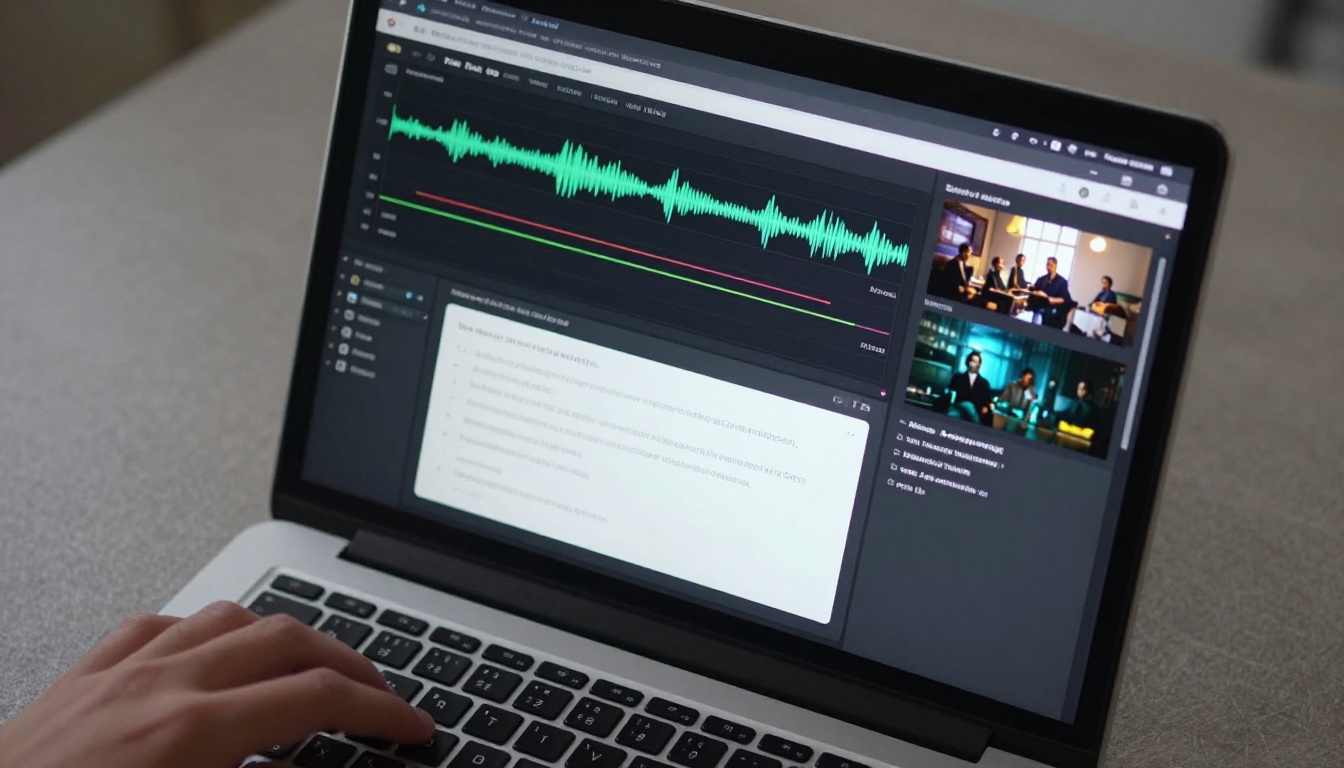
Why Budget Creators Now Have Pro-Level Power
The cost shift nobody talks about
Three years ago, generating a single AI video clip required either an expensive API subscription or access to research-level hardware. Today, models like Wan 2.1 T2V 480p run in the cloud for fractions of a cent per generation, and PicassoIA Video offers unlimited free AI video generation with no credit system whatsoever.
The economics changed because the underlying models became dramatically more efficient. Distilled model architectures, quantized inference, and intensely competitive hosting all pushed the price floor toward zero. Budget creators who know where to look now have access to the same fundamental technology as enterprise teams. The only real differences remaining are resolution ceilings and queue priority, both of which matter far less than the content itself.
That shift rewards creators who move fast and iterate often. A single 1080p clip from a premium model is less valuable than ten well-composed 720p clips built from a solid creative strategy. Budget constraints, when approached correctly, become an advantage.
Free vs. paid: where the real difference sits
The honest answer is that free tools address roughly 80% of what most creators actually need on a daily basis. The gap between free and paid shows up in specific, predictable areas:
| Feature | Free Tier | Paid Models |
|---|
| Resolution | 480p to 720p | 1080p to 4K |
| Clip length | 4 to 6 seconds | Up to 30+ seconds |
| Queue time | Slower | Priority processing |
| Watermarks | Occasionally | Rarely or never |
| Audio sync | Basic or none | Native AI audio |
For short-form content on TikTok, Instagram Reels, or YouTube Shorts, 720p is more than sufficient. Most mobile screens cap out at 1080p anyway, and compression from social platforms further levels the playing field. The free tools on PicassoIA get you to a publishable standard.
Best Free AI Video Generators
PicassoIA Video: actually unlimited, actually free
PicassoIA Video is the standout option for pure budget optimization. It's a free, unlimited AI video generator that accepts both text prompts and source images as input. There's no credit system and no monthly cap. You write a prompt and you get a video.
The output quality sits comfortably above what was considered impressive even two years ago. For social content, explainer clips, and b-roll replacement, it covers the vast majority of use cases without spending a dollar. Creators running high-volume faceless channels use it as their primary generation engine and only switch to paid models when a specific clip needs higher resolution for a thumbnail or hero moment.
💡 Smart approach: Use PicassoIA Video for high-volume, short-form output. Reserve paid credits for the specific clips that appear front-and-center in your content, like opening sequences or featured product shots.
Ray Flash 2 720p: fast output at no cost
Ray Flash 2 720p from Luma AI delivers crisp 720p video at generation speeds that make it practical for real production workflows. It handles motion prompts with above-average accuracy, meaning you can describe what the camera does, such as a slow pan left or a gradual zoom out, and the model follows through with reasonable fidelity.
For cinematic b-roll, short atmospheric clips, or establishing shots in longer edits, Ray Flash 2 720p is one of the best free options on the platform. The Luma cinematography DNA shows in how motion feels natural rather than mechanical.
Wan 2.1 T2V 480p: the reliable workhorse
Wan 2.1 T2V 480p is the no-frills workhorse of free text-to-video generation. It doesn't have the flashiest outputs, but it's consistent, fast, and free. Budget creators who need to generate many clips for testing concepts, roughing out storyboards, or producing high-volume social content find it indispensable.
It handles a wide range of subject matter without the occasional bizarre visual failures that affect some newer, less battle-tested models. For creators who prioritize reliability over peak quality, this is a strong daily driver. The Wan 2.1 T2V 720p variant is also available for free at the higher resolution.
Image to Video: Bring Stills to Life
This category is where budget creators gain the most outsized advantage. If you can generate or source a strong still image, these tools convert it into motion content without filming a single frame. For faceless channels, product demonstrations, automated content pipelines, and any scenario where physical filming isn't practical, image-to-video is the backbone of the entire operation.
The workflow is straightforward: generate an image with any text-to-image tool, then feed it into an image-to-video model with a motion prompt describing what should happen. The result is a video clip that starts from your exact desired composition rather than whatever the model decides to draw from scratch.
Wan 2.7 I2V: the current standard
Wan 2.7 I2V is the current first choice for image-to-video animation quality at an accessible price point. It preserves the character and composition of the source image while adding natural, physically plausible motion throughout the clip.
Where older generation models would drift away from the original image by frame 30, losing facial features or changing background elements, Wan 2.7 I2V holds subject consistency throughout the full clip duration. For creators generating product photos or portraits who want to add movement, this is the tool that handles it properly.
💡 What works best with Wan 2.7 I2V: Provide a clear single-subject image with open space around the subject. The model uses that space for natural motion without distorting the primary element in the frame.
Kling v2.1: motion that reads as filmed
Kling v2.1 from KwaiVGI handles motion with a quality that genuinely reads as filmed rather than generated. Camera movements, slow zooms, and environmental motion such as leaves moving or water rippling all feel organic rather than artificially smooth.
At 720p, the outputs are sharp enough for social platforms and most online publishing formats. The model also handles human subjects better than most alternatives, which matters for creators producing avatar content, talking-head videos, or any footage featuring people.
For creators who want to step into the 1080p tier, Kling v2.6 offers the same motion quality at higher resolution.
Wan 2.1 I2V 720p: free 720p animation from any image
Wan 2.1 I2V 720p delivers 720p animated video from still images at no cost. For budget creators who want to animate product shots, illustrated characters, generated portraits, or any still visual asset, this covers the need without requiring a subscription.
The motion quality isn't as refined as Wan 2.7 I2V, but the quality-to-cost ratio is unbeatable for high-volume content work where you need to produce many clips quickly. Use it for iterating and reserve the more refined model for your final outputs.
AI Video Editing Without the Price Tag

Generating video is only part of the workflow. Editing, cleaning, and polishing clips is where most creators spend the most time, and where AI tools offer some of the clearest, most immediate time savings. The tools in this section replace what used to require desktop software, a subscription, and hours of manual work.
Autocaption: captions without manual sync
Autocaption does exactly what its name implies. Drop in a video and it produces accurate, timed captions that burn directly into the output. For talking-head videos, interviews, tutorials, or any spoken content, captions are no longer optional. The majority of social video is watched without sound, and text-on-screen is the single change that most reliably increases average watch time.
The tool handles multiple languages and produces clean subtitle timing without the manual sync work that used to take significant time per video. For creators publishing in multiple markets or wanting to reach hearing-impaired audiences, this is an essential part of the post-production pipeline.
Video Remove Background: no green screen required
Video Remove Background by Bria removes backgrounds from footage without any physical green screen setup. For creators who want to place subjects in different environments, composite multiple video layers, or produce clean product shots, this removes the need for expensive studio rentals or physical backdrops.
Edge detection quality has improved significantly in recent model versions. Hair, fine details, and fast motion are all handled without the fringe artifacts that plagued early AI background removal tools. The result is clean enough for professional use in most contexts.
MMAudio and Video to SFX: sound without a library subscription
Sound is where most budget creators cut corners, which is exactly why AI-generated audio represents such a high-value addition to any workflow. Two tools on PicassoIA address this directly.
MMAudio generates contextually appropriate ambient sound and effects based on the visual content of your video. Drop in a clip of a forest scene and it generates matching ambient audio. A clip of a moving car produces engine and road sounds that sync with the visual action.
Video to SFX v1.5 takes a more targeted approach, focusing specifically on synced sound effects that match the on-screen action frame by frame. Both tools eliminate the need for a royalty-free sound library subscription, which is a recurring cost that adds up quickly for creators publishing frequently.
Trim, split, and merge for free
Basic structural editing operations are fully covered at no cost:
- Trim Video: Cut clips to an exact target length with simple in/out controls
- Video Split: Divide longer clips into timed segments automatically
- Video Merge: Combine multiple clips into a single output without watermarks
For creators without access to desktop editing software, these three tools address the structural editing work entirely in the browser.

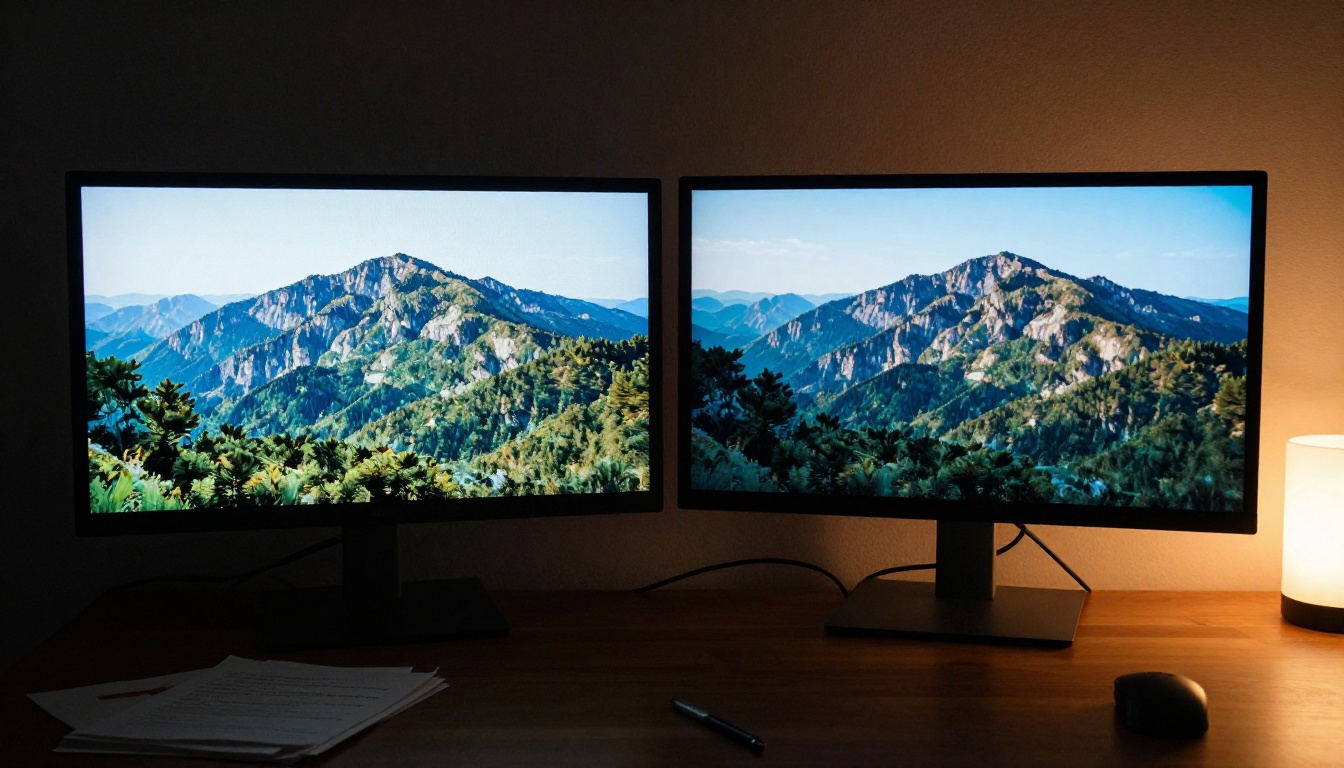
Old footage doesn't have to stay soft and dated. AI upscaling now makes it practical to take 720p archive clips, phone footage from older devices, or compressed social downloads and bring them up to usable quality. For creators repurposing older content, working with client-provided low-res material, or trying to extend the life of archive footage, this category is a direct cost-saver.
Real ESRGAN Video: 4K from almost anything
Real ESRGAN Video applies the well-established ESRGAN upscaling architecture trained specifically for video content. It handles compression artifacts, noise reduction, and soft focus recovery reasonably well across a wide range of source footage types.
For creators working with older brand footage, archive material from previous years, or client-provided low-resolution clips that need to appear on modern displays, this tool means less re-shooting and less explaining why the source material looks outdated. The processing runs in the cloud, so no local hardware requirements beyond a browser.
Video Increase Resolution: up to 8K ceiling
Video Increase Resolution from Bria pushes the ceiling further, targeting up to 8K output resolution. For creators producing content for large-format screens, digital signage, broadcast, or commercial licensing where clarity at scale matters, this is the high-ceiling option on the platform.
At the free tier, lower-resolution upscaling is accessible. Paid tiers unlock the full 8K processing for professional deliverables. For budget creators, the free tier often produces results that are already a significant step up from the source material.
How to Use Seedance 1 Lite on PicassoIA
Seedance 1 Lite from ByteDance is one of the most capable budget-accessible video models on PicassoIA. It produces 720p video with native synchronized audio, accepts both text and image inputs, and generates clips that sit well above their price point in terms of output quality.
Here's how to get consistent, strong results from it:
Step 1: Write motion-first prompts
Seedance 1 Lite responds significantly better to prompts that describe action and environment together rather than just appearance. Instead of "a woman at a coffee shop," write "a woman lifts her coffee cup slowly, steam rising from the surface, warm afternoon window light falling across the table, camera eases into a slow zoom." The motion instruction is what separates a clip that feels alive from one that looks like a slow dissolve between stills.
Step 2: Set your aspect ratio in the prompt text
The model respects aspect ratio instructions embedded in the prompt itself. For vertical social content, include "9:16 vertical frame" in your prompt text. For horizontal formats, specify "16:9 cinematic framing." This prevents the model from defaulting to square output when you need something specific.
Step 3: Use the native audio capability strategically
Seedance 1 Lite generates synchronized audio alongside the video. If your scene includes ambient sound, describe it in the prompt: "ambient rain sounds in the background," "quiet coffee shop chatter," "outdoor wind and distant traffic." The model weaves it into the output. This removes the need to add audio in post for most atmospheric clips.
Step 4: Iterate fast with short prompts first
Start with a 2 to 3 sentence prompt to confirm that the composition and motion direction are correct. Once the rough output looks right, extend the prompt with additional detail for the final generation. This approach saves credits and avoids spending on long detailed generations that turn out to be pointed in the wrong direction from the start.
Step 5: Stack editing tools in post
After generating, run the clip through Video to SFX v1.5 to add layered sound effects on top of the native audio, or through Autocaption if the video includes spoken content. This stacking approach produces finished outputs without requiring any additional software outside PicassoIA.
Smart Workflow for Independent Creators
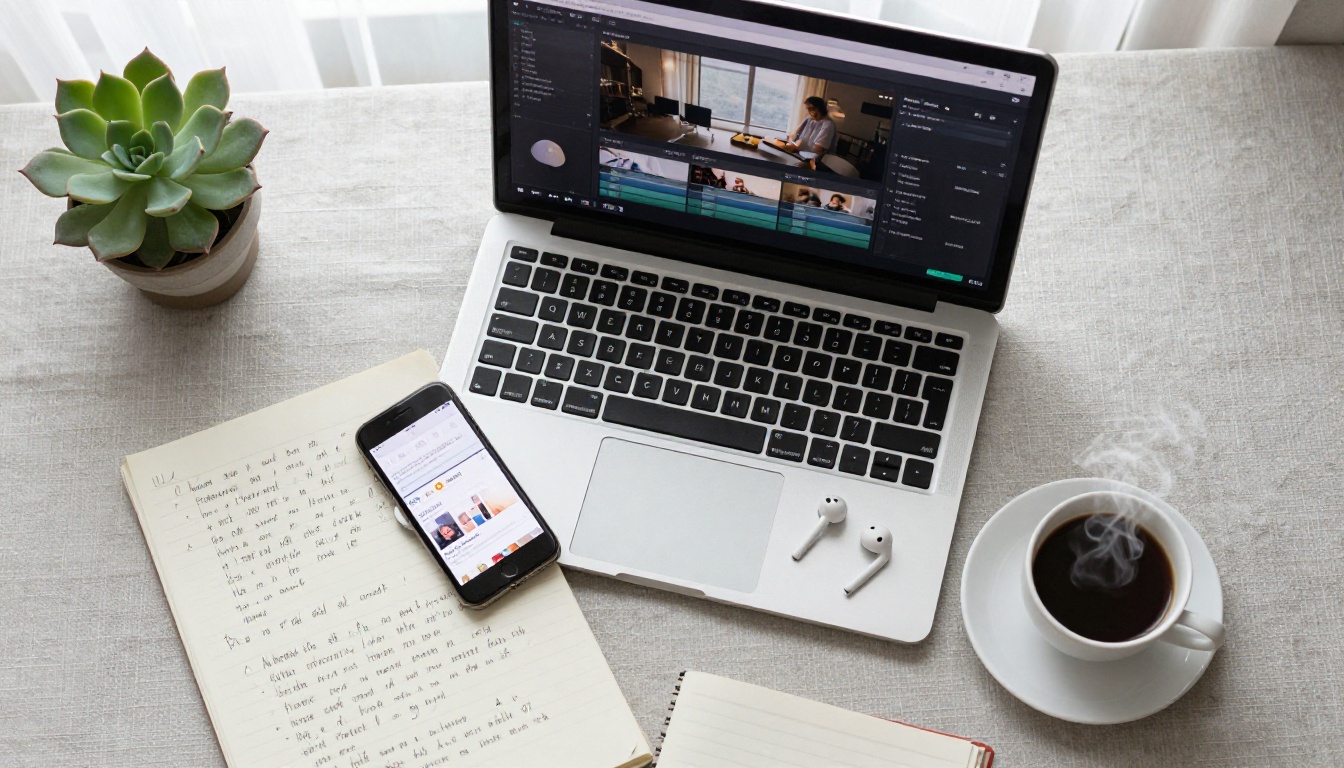
Having the right tools is one thing. Using them in a workflow that actually produces output consistently is another. The creators who benefit most from AI video tools aren't the ones who know the most about each model. They're the ones who have a repeatable process that minimizes decision fatigue and maximizes the ratio of usable clips per hour spent.
Batch your generations
The most expensive thing about AI video creation isn't the per-clip cost. It's the time lost to making individual decisions mid-session. Batching solves this:
- Plan 10 to 15 clips at once in a simple document before opening any tool
- Write all prompts in sequence without evaluating them too critically at this stage
- Generate in order without reviewing until the batch is finished
- Review all clips at the end and select the 3 to 4 that work
This approach consistently produces more usable material per hour than generating one clip, watching it immediately, deciding it needs adjustment, tweaking, regenerating, and repeating. The feedback loop in that pattern is slow and drains creative energy. Batch generating separates the creative thinking from the quality evaluation.
A working zero-cost pipeline
For creators who want to produce polished short-form content at no cost, here's a pipeline using only free tools on PicassoIA:
Total cost: $0. Total time per finished piece: 30 to 60 minutes once the workflow is familiar.
💡 When you do have a small budget: Adding Seedance 1 Lite or Wan 2.7 I2V for clips that need higher motion quality is the smartest single paid upgrade. Both produce results that justify the cost per generation without requiring a large monthly commitment.
When to spend and what to spend on
Not every creator operates on a strictly zero budget. When there's something to spend, these are the highest-value upgrades on PicassoIA for video creators:
- Seedance 2.0 for 1080p video with native synchronized audio at the top quality tier
- Kling v3 Video for cinematic motion quality that genuinely reads as filmed footage
- Lucy Edit 2 for text-based video editing where you describe the change and the AI executes it
- Video Upscaler from ByteDance for 4K 60fps delivery on final outputs
The pattern is consistent: use free tools for volume and iteration, use paid tools for the final version that goes in front of an audience. That approach maximizes quality on the clips that matter while keeping overall costs minimal.
Start Creating on PicassoIA Today
Every tool in this article is available on PicassoIA, and most of them are free to use right now without creating an account or entering a credit card. The platform brings together over 87 text-to-video models, 27 video editing tools, and video quality improvement options in a single interface, so you don't have to manage accounts across a dozen different services or spend time moving files between platforms.
If you're a budget creator, the smartest first move is to run the zero-cost pipeline above and see what you can produce before spending anything. Most creators are surprised by the output quality before they spend a single dollar. The gap between "expensive professional output" and "what free AI tools can do now" has narrowed far more than most people realize.
For those ready to scale output or hit 1080p quality, the paid models on PicassoIA are priced per generation rather than as monthly subscriptions. That pricing structure makes sense for creators who don't produce thousands of clips a month and don't want to pay for capacity they won't use.
Browse the full video model library at picassoia.com/en/all-models, pick the tools that fit your next project, and start generating. The barrier to entry is gone. The only thing left is to begin.


