Best Anime NSFW AI Image Generator for Art and Characters
A detailed breakdown of the best AI image generators for creating anime NSFW art and characters. From portrait generators to fantasy warrior scenes, this article covers top models, prompting techniques, style comparisons, and how to get the best results on each tool for your creative vision.
Anime art generation has changed completely. A few years ago, getting an AI to produce a recognizable anime character meant fighting the model at every step, dealing with warped hands, dead eyes, and proportions that looked nothing like the style you wanted. Today, dedicated anime AI image generators produce portraits, warriors, and complex scenes that can rival hand-drawn art in detail and atmosphere. And for artists and creators working in the NSFW space specifically, the options have never been better or more capable.
Why Anime AI Art Is Difficult
Why Anime Eyes Break AI Models
Anime characters live and die by their eyes. Large, expressive, and stylized, they follow proportions that directly contradict how photorealistic training data works. Early diffusion models were trained overwhelmingly on real photographs, which meant anything with exaggerated eye-to-face ratios got corrected back toward realism mid-generation. The result was that uncanny hybrid zone where a character looked neither anime nor real.
This is why anime-specific fine-tunes and LoRA training became so important. Models that have seen thousands of examples of manga panels, anime frames, and digital illustrations learn to accept those proportions as valid rather than treating them as errors to fix.
The Proportion Problem in AI Art
Beyond the eyes, anime character design uses a specific set of proportions: elongated limbs, narrow waists, structured hair with sharp geometry, and facial features grouped toward the lower third of the face. Standard text-to-image models flatten these characteristics unless explicitly guided. A prompt that says "anime girl" on a base SDXL model produces something recognizable but slightly off in ways that immediately betray its AI origin.
The deeper problem is consistency. Getting the same character across multiple generations requires either a strong LoRA fine-tune or extremely controlled prompting. This matters enormously for creators building character sets, comics, or NSFW art collections where the same character needs to appear in different scenarios.
How Modern AI Finally Solved It
The solution came from two directions. First, anime-specific models like Proteus v0.3 were trained specifically on anime and illustration datasets, making those proportions the default rather than the exception. Second, powerful base models like Flux 2 Pro became strong enough that they could follow highly specific character prompts with enough fidelity to produce consistent results without a dedicated fine-tune.
Best Models for Anime NSFW Art
Not every model handles anime NSFW well. Some produce generic results regardless of how detailed the prompt is. Others shine in specific scenarios like portraits but fall apart on full-body shots. Here are the ones actually worth using.
Proteus v0.3 for Pure Anime Style
Proteus v0.3 is the most direct option for pure anime aesthetics. Built specifically for anime image generation, it handles the characteristic large eyes, stylized hair, and smooth skin rendering that defines the style without requiring heavy prompt engineering to get there. For NSFW anime character creation, it produces results that feel native to the style rather than forced.
💡 Tip: Proteus v0.3 responds well to artist name modifiers in prompts. Adding references to specific illustration styles helps it lock onto the aesthetic you want.
It handles both portrait work and more complex compositions. The weakness is realism: if you want an anime character that sits closer to the realistic end of the spectrum, Proteus can look slightly flat. For that, you need a different tool.
Flux Series for Realistic Anime
The Flux 1.1 Pro and Flux 1.1 Pro Ultra models are not anime-specific but they handle character generation with enough precision that detailed anime-style prompts produce strong results. The ultra version in particular has exceptional prompt adherence, meaning what you describe is what you get rather than an approximation.
Flux 2 Dev and Flux 2 Max push this further. These are the go-to choices when you want anime-inspired characters that lean toward photorealism: the kind of hyper-detailed, almost-real portrait that blurs the line between illustration and photography. For NSFW art that aims for a realistic anime aesthetic rather than a pure cartoon look, the Flux series consistently outperforms.
SDXL and Its Anime Variants
SDXL remains one of the most versatile base models available. Its strength is the ecosystem around it: there are dozens of anime LoRAs and style fine-tunes built on SDXL that dramatically shift its output toward specific aesthetics. The SDXL Lightning 4-Step variant generates at high speed without sacrificing detail, making it practical for rapid iteration when you are dialing in a character design.
For controlled anime poses and character consistency, SDXL Multi ControlNet LoRA is extremely powerful. You can feed in pose references and style LoRAs simultaneously, giving you precise control over how a character stands, looks, and is rendered.
DreamShaper XL for Fantasy Scenes
DreamShaper XL Turbo handles fantasy and stylized character art exceptionally well. Where some models struggle with elaborate costume designs, fantasy armor, or magical environments around characters, DreamShaper produces them with natural-looking integration. For anime NSFW art that involves fantasy aesthetics like warrior characters, magical girls, or elaborate ceremonial attire, it is one of the strongest options on the platform.
How Prompts Change Everything
The model you choose matters. But even the best anime AI model produces mediocre results when given a weak prompt. Prompting for anime NSFW characters is a specific skill with its own patterns.
Building Your Character From Scratch
The most effective approach is to structure prompts in layers:
Subject and pose: Who the character is and what they are doing physically
Appearance details: Hair color, eye color, clothing, body type
Environment: Where they are, what surrounds them
Lighting: Direction, quality, color temperature
Technical specs: Camera angle, lens equivalent, film style
Quality tags: Specific modifiers that push the model toward high-detail output
For anime specifically, quality tags like masterpiece, best quality, highly detailed, 8k, soft skin, expressive eyes push results consistently upward. The more specific you are about appearance details, the more distinctive the character becomes.
Negative Prompts That Actually Work
Negative prompts are where anime generation gets fine-tuned. These are what you tell the model to avoid:
low quality, worst quality, normal quality removes the bottom tier of outputs
bad anatomy, extra limbs, extra fingers reduces deformed results
blurry, out of focus, watermark, text keeps the image clean
3d render, cgi (when you want realistic anime) keeps it from going fully cartoon
For NSFW anime work specifically, adding safe for work to the negative prompt is sometimes necessary to let the model actually produce the aesthetic range you are targeting.
Portrait vs. Full Body Differences
Portraits and full-body shots require different prompting strategies. Close-up portraits can lean heavily on face and expression details because the model only needs to fill a small spatial area. Full-body shots require you to describe the full figure: posture, what the hands are doing, the legs, the feet, and the surrounding space.
💡 Tip: If you are getting bad hands in full-body anime shots, add detailed hands, natural hand pose to your positive prompt and bad hands, fused fingers, extra fingers to your negative.
Styles Worth Getting Right
Anime NSFW art covers a wide range. Getting the style right requires knowing what you are targeting before you start prompting.
Bikini and Glamour Looks
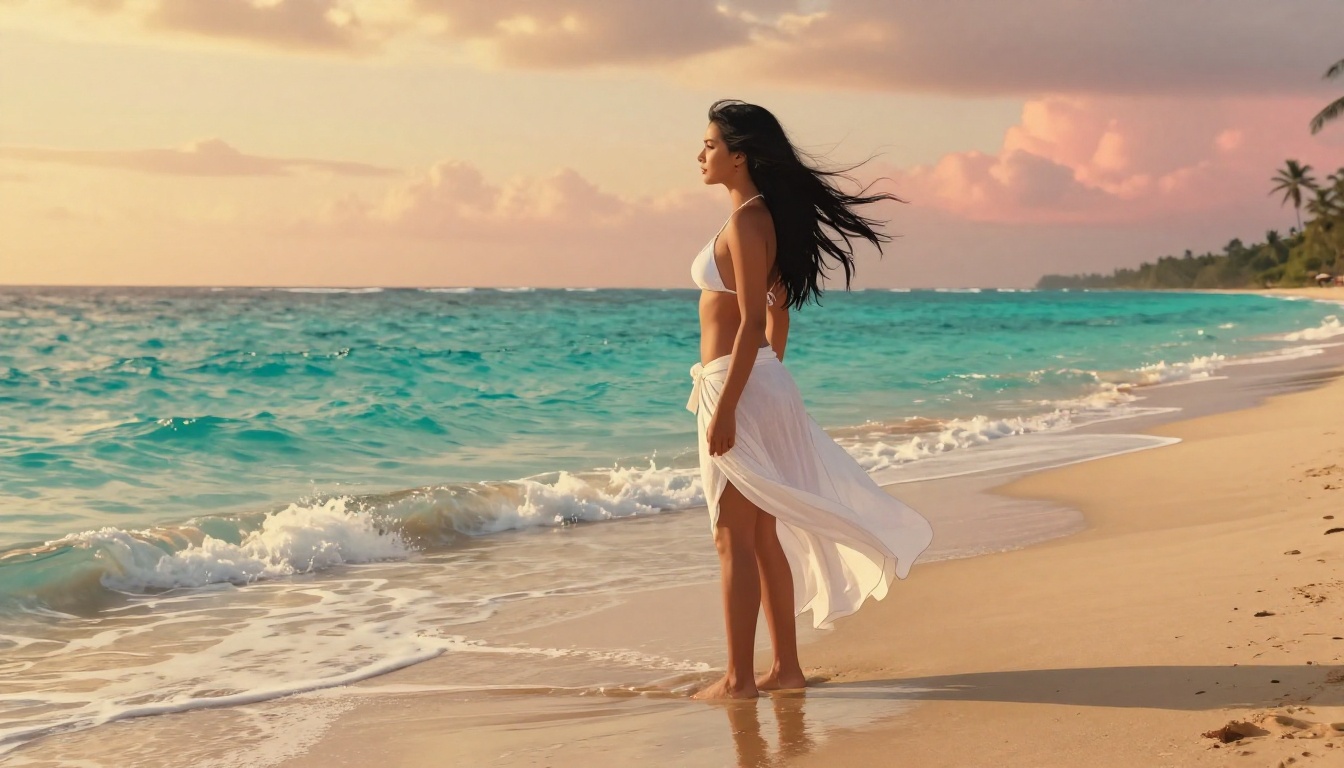
Beach scenes, poolside shots, and glamour portraits are among the most requested types of anime NSFW character art. What makes these work is lighting and environment specificity. Vague prompts produce generic results. Specific prompts produce something that looks intentionally crafted.
Describing the light source precisely (warm sunset light from the left, water reflection light from below) transforms a flat character into something with depth and atmosphere. Adding environment details like wet sand reflections, water droplets on skin, or soft ocean bokeh gives the model anchors to build a coherent scene around your character.
Warrior and Fantasy Characters
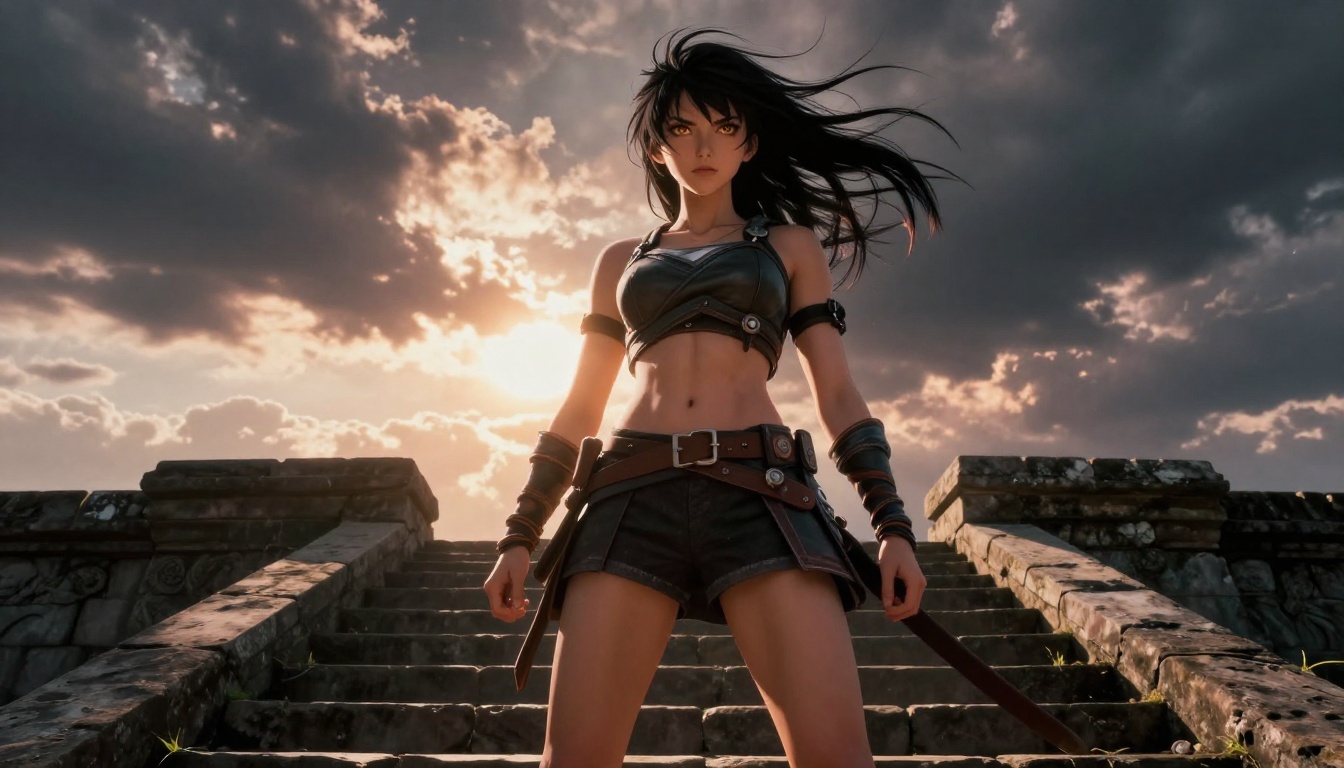
Fantasy anime characters, warriors, and action scenes require more attention to costume and environment coherence. The challenge is getting armor or elaborate costumes to look structurally sound rather than melting into the background.
DreamShaper XL Turbo and Realistic Vision v5.1 handle this category well. Describe materials explicitly: matte leather armor with silver buckles, layered silk robes with gold embroidery. The more specific the costume description, the more coherent the output becomes.
For dynamic poses, RealVisXL v3.0 Turbo combined with pose references using ControlNet gives you action scenes that stay anatomically correct even with dramatic camera angles.
Emotional Portraits and Closeups
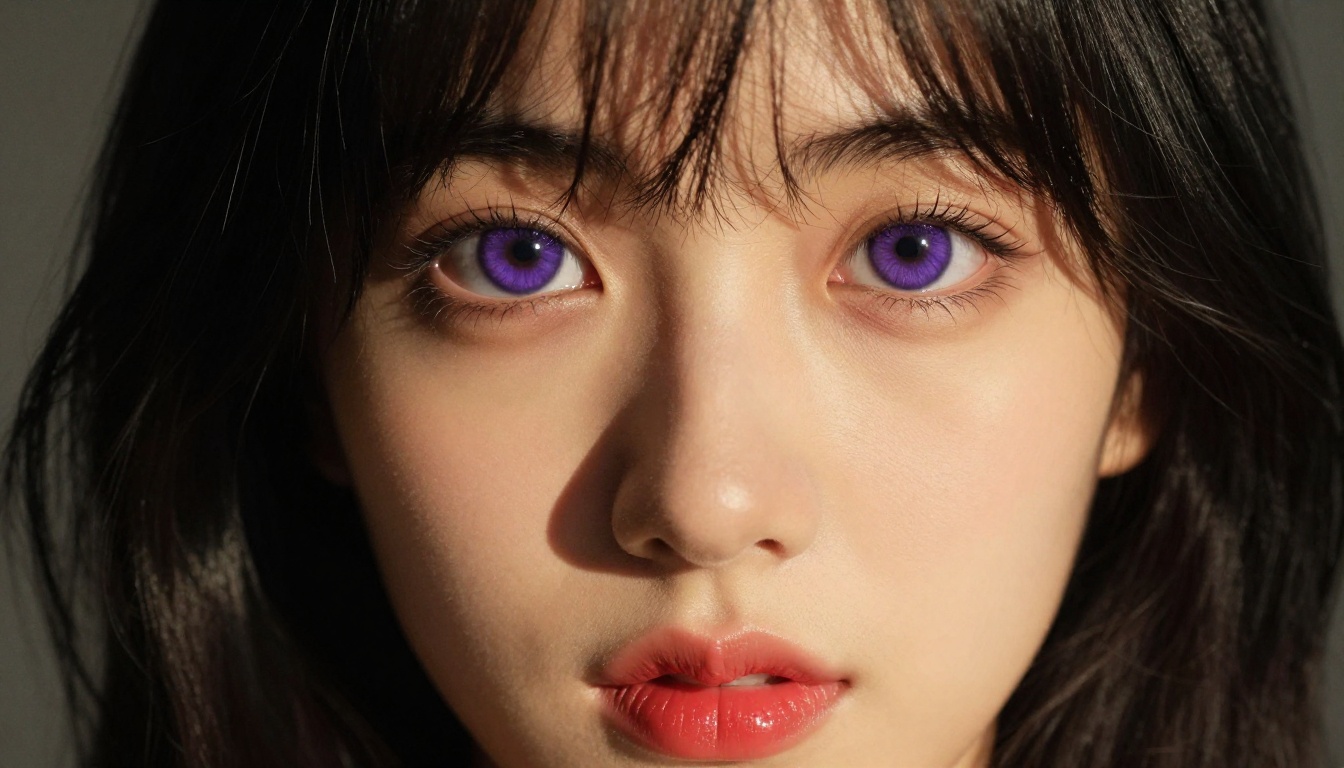
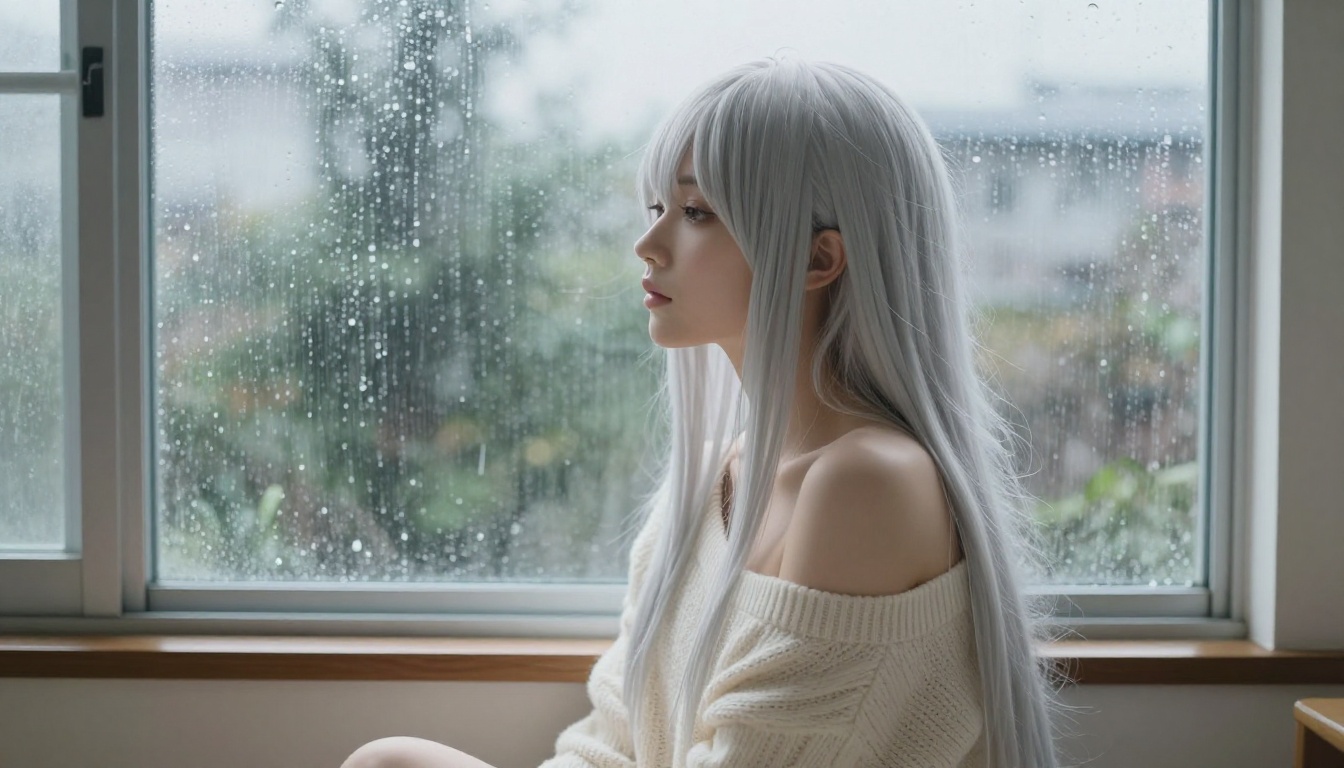
Close-up emotional portraits are where anime AI generation really shows its strength. The combination of large expressive eyes, nuanced lighting, and shallow depth of field creates images that carry genuine emotional weight.
For this type of work, Stable Diffusion 3.5 Large produces particularly strong results. Its handling of facial expressions is more nuanced than many alternatives, capturing subtle emotion without over-exaggerating.
💡 Tip: When prompting for emotional portraits, describe the character's internal state rather than just their expression. "A woman who has just heard unexpected news, eyes wide and lips parted slightly" produces more compelling results than "surprised face".
Using Proteus v0.3 on PicassoIA
Since Proteus v0.3 is the most directly anime-focused model on PicassoIA, here is a specific walkthrough for getting the best results with it.
Step 1: Setting Up Your Generation
Navigate to Proteus v0.3 on PicassoIA. Start with a structured prompt that establishes the character clearly:
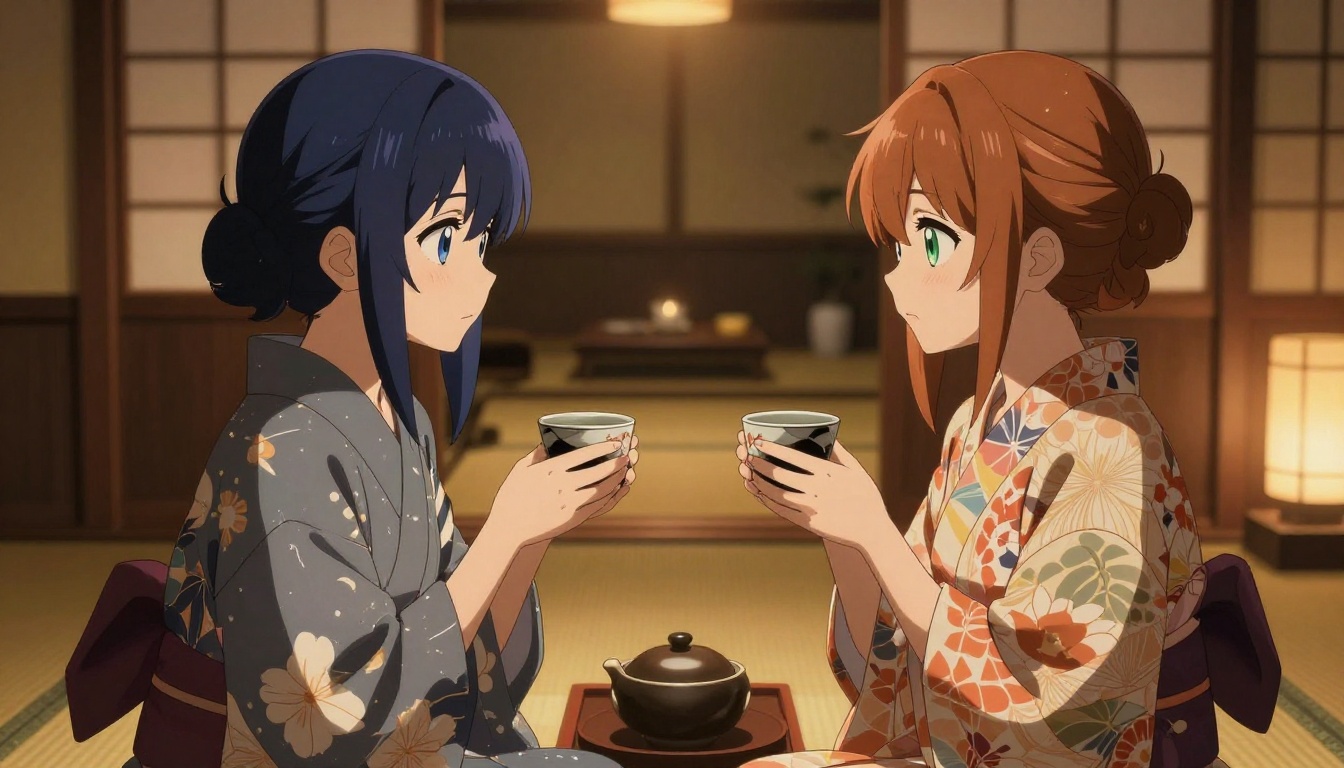
1girl, anime style, long silver hair, purple eyes, wearing white kimono,
sitting in Japanese garden, cherry blossoms, soft morning light,
highly detailed, masterpiece, best quality, 8k
Set your aspect ratio to 3:4 for portrait work or 16:9 for environmental scenes. The default guidance scale works well, but bumping it slightly higher (7-8) gives the model more direction to follow your prompt precisely.
Step 2: Fine-Tuning With Parameters
After your first generation, refine based on what you see. If the face looks off, add more face-specific detail to your prompt: symmetric face, detailed eyes, natural skin texture. If the clothing looks generic, describe it more precisely with material and pattern specifics.
Proteus v0.3 responds strongly to emotion descriptors. Adding confident expression, serene smile, or intense gaze shifts the character's presence significantly without requiring many extra words.
Getting Consistent Characters
For character consistency across multiple images, save the seed number from a successful generation and reuse it with modified prompts. The seed acts as an anchor for the character's overall appearance, reducing variation between shots. Combined with p-image-lora for LoRA customization, you can build a reliable character that appears consistently across different scenes and poses.
LoRA Makes Characters Consistent
LoRA (Low-Rank Adaptation) is the technology that bridges the gap between a general-purpose model and a highly specific character look. Understanding how it works changes what you can accomplish with anime NSFW character generation.
What LoRA Does for Characters
A LoRA is a small supplementary model trained on a specific set of images. When attached to a base model like SDXL or Flux Dev, it shifts the output toward whatever visual pattern it was trained on. An anime character LoRA trained on 20-30 images of a specific character can make that character appear consistently across any scene or pose with the right prompting.
For anime NSFW art creators, this is the path to building a character library rather than one-off generations. Train a LoRA on your character's reference images, then use it every time to maintain that visual identity across all of your work.
Mixing Styles With Multiple LoRAs
SDXL Multi ControlNet LoRA lets you run multiple LoRAs simultaneously. A character LoRA can be combined with a style LoRA (for a specific anime aesthetic) and a pose LoRA (for a specific body position) at the same time. This stack approach gives you control over character identity, visual style, and pose simultaneously.
Weight balancing is everything here. Running character LoRA at 0.8 weight and style LoRA at 0.5 weight lets the character identity dominate while the style influences the rendering. Experiment with these ratios based on which element matters most for your specific piece.
Model Comparison at a Glance
Different tasks call for different tools. This table covers the main use cases for anime NSFW art and which models perform best in each category.
The best anime NSFW AI image generator is the one that matches your specific creative goal. For pure anime aesthetics, Proteus v0.3 is the most direct path. For realistic character portraits that blend anime features with photographic quality, the Flux series delivers results that are hard to match. For fantasy warriors and elaborate scenes, DreamShaper XL Turbo handles the complexity that breaks other models.
What matters most is working with the prompt. Every model responds to specificity: the more precisely you describe lighting, clothing, expression, and environment, the more the output reflects your actual creative vision rather than a generic interpretation of it.
PicassoIA gives you access to all of these models in one place, without needing to set up environments, manage dependencies, or deal with separate API keys. You pick the model, write your prompt, and generate. If one model does not produce what you want, switching to another takes seconds.
Try starting with Proteus v0.3 for your first anime character. Write a detailed prompt covering appearance, pose, environment, and lighting. Run a few variations. Refine. Then take your best result and carry it into Flux 1.1 Pro to see what the same prompt looks like with a more realistic rendering pipeline. The difference is instructive and usually leads somewhere creatively interesting.
Your characters are already in the prompt. The models are ready.