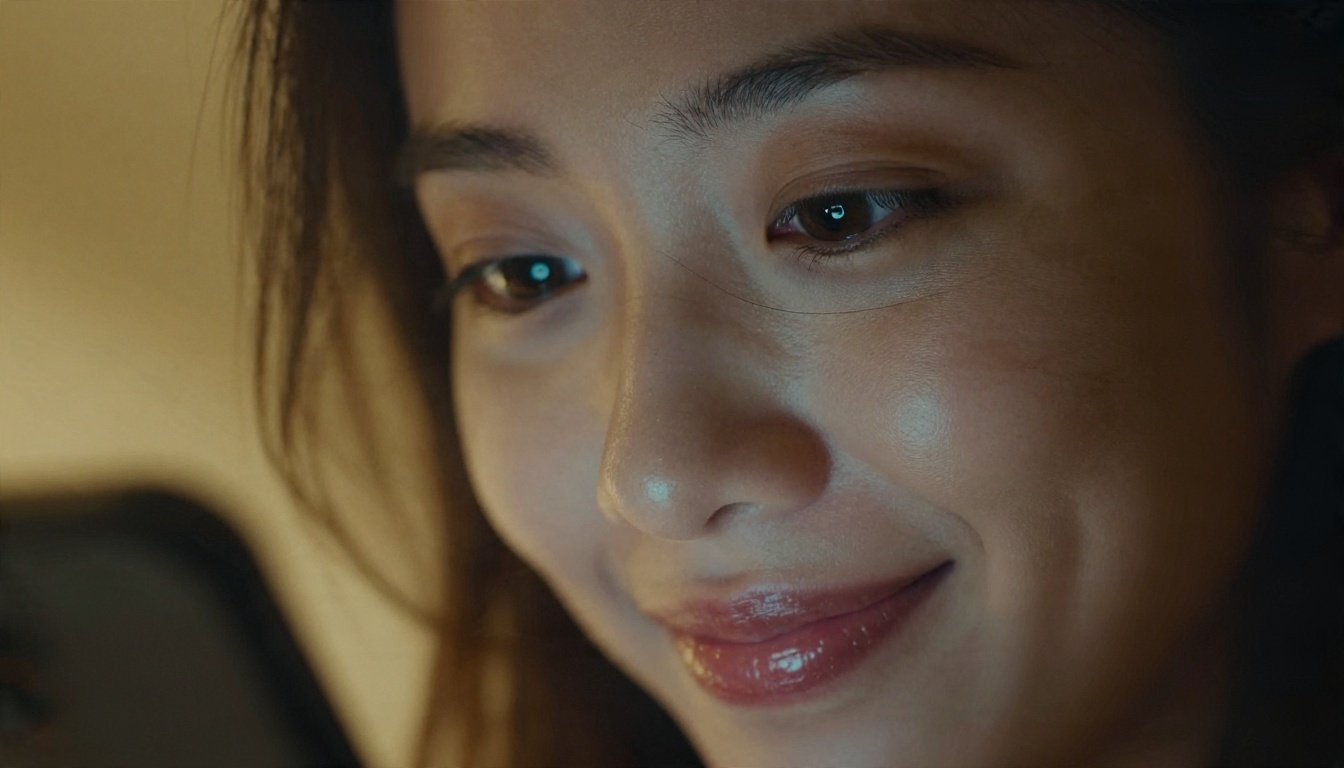
Search for an explicit AI chat and you get a wall of lists that all crown a different winner. That is not an accident. Most of those lists are written by the apps themselves or by affiliates paid per signup, and the word "uncensored" gets stamped on products that quietly clamp down after you create an account. This article sorts the noise into something usable: what these chatbots really are, which free options hold up, which apps fit which style of roleplay, and what to check before you hand over a credit card or a personal story. It is written for adults only (18+), and it stays on the tasteful side of the line while still being direct about what the tools do.

What Explicit AI Chat Really Means
An explicit AI chat is a text conversation with a language model that has been set up, or left unrestricted enough, to engage in adult, sexual or erotic roleplay. That is the whole definition. There is no special technology behind it. The difference between a mainstream assistant and an adult chatbot comes down to three things: the model that generates the replies, the filter layer wrapped around it, and the character setup you give it.
Text first, images second
Almost every popular adult chat platform started with text and bolted on images later. Text is cheap to run, so free tiers are generous. Images cost real GPU time, which is why they sit behind credits or subscriptions. If you only want conversation, you can often stay free for a long time. If you want pictures of your characters, expect to pay or to generate them separately, which is a point I will return to in the visuals section.
Why filters differ so much
Mainstream assistants follow their provider's content rules, and those rules generally restrict explicit sexual content. Character.AI is the classic example: reviewers consistently describe it as heavily filtered and text only. Dedicated adult platforms take the opposite route and market looser rules. In between sit open frontends where the content policy depends on whichever model you connect. Same idea, wildly different results, so the label on the box tells you very little.
💡 Quick test: Before paying anything, run the same mildly flirty scene on the free tier. If the app refuses, deflects or suddenly turns preachy within a dozen messages, the paid plan will not fix that.
Free Options That Actually Work
Free is where most people start, and also where most disappointment happens. Here is how the free landscape looks in late 2026, based on what reviewers and platform pages report. Treat any specific number as a snapshot, because limits change often.
Free tiers with daily message caps
CrushOn AI is frequently described as having one of the more generous free tiers, with reports of around 50 free messages a day earlier this year and a library of over a thousand characters. Candy AI is usually described as more limited on the free plan, pushing you toward paid credits quickly. Nastia promotes a free tier on its own site, so weigh that claim accordingly. The pattern is simple: free tiers are a trial, not a home.
Bring your own model
Janitor AI sits in a different category. It is commonly described as free to use if you connect your own model, which gives you a lot of freedom but also moves cost and responsibility onto you. If you plug in a paid API, token billing can quietly become more expensive than a flat subscription. SillyTavern goes further: it is a free app that runs on your own machine, and what it allows is decided entirely by the model you attach to it. That is the best fit for people who like tinkering and want control over their data.
No signup, no commitment
Joyland.ai is mentioned in several roundups as letting you chat before creating an account. That matters more than it sounds. A site that lets you try a full conversation before asking for an email is showing you its real behavior, not a polished landing page.

App Picks by Use Case
No single app wins every category. The honest way to choose is by what you want out of the conversation. The table below summarizes how the names that keep appearing in 2026 roundups line up. Rankings differ from site to site, so use this as a starting map, not a verdict.
| Platform | Best for | Free access | Watch out for |
|---|
| CrushOn AI | Big character library, casual roleplay | Daily message allowance | Caps change often |
| Janitor AI | Custom setups, flexible characters | Free with your own model | API token costs |
| Joyland.ai | Trying before signing up | Chat without an account | Paywalls on extras |
| SillyTavern | Full control, local use | Free app | Setup effort, needs a model |
| Candy AI | Companion style plus images | Limited free tier | Credits run out fast |
| Nastia | Companion chat | Free tier promoted by the app | Claims come from its own site |
| Character.AI | Safe, general characters | Free | Heavily filtered, not for adult chat |
Best for roleplay depth
If you want long stories with consistent characters, look at platforms with strong character cards and long memory. Janitor AI and SillyTavern are popular here because you can write detailed personalities, scenarios and rules, then keep them stable across hundreds of messages. This is the right choice for slow-burn fiction, fantasy settings and anything with plot.
Best for companionship
If what you want is a persistent partner you check in with, companion apps such as Candy AI and Nastia are built around that. They trade flexibility for convenience: a ready made personality, voice or photo features, and a clean mobile interface. The downside is that you are renting the experience, and the character can change or disappear when the company changes its rules.
Best for tinkerers
SillyTavern is the answer when you want to pick the model, edit the prompts and keep logs on your own disk. It takes an evening to set up and a bit of patience, but nothing else gives you the same control over both behavior and privacy.

Roleplay Tips That Improve Replies
Most weak adult chat sessions are weak because of the setup, not the model. A few habits change the quality of replies more than switching apps does.
Write a real character card
A single line like "flirty girlfriend" produces a generic voice. A short card with a name, age (adult characters only), speech habits, a backstory, three personality traits and a few things the character would never say produces dialogue with texture. Think of it as writing a short screenplay role. Specifics beat adjectives every time.
Set the scene and the boundaries first
Open with the setting, the relationship and the tone you want, then state your limits in plain words. Good platforms respect them, and stating them early saves you from steering the story back mid scene. It also tells you quickly whether the app behaves well, which is useful information before you invest hours.
Keep memory tidy
Long chats drift. Characters forget details, repeat phrases and slip into a bland tone. Summarize the story every so often in a short note, pin the important facts, and trim old messages if the app allows it. Treat memory like a small notebook you keep clean, and the character stays sharp for far longer.

Chatbots on PicassoIA for Story Drafting
Here is where I want to be careful, because honesty matters more than a sales pitch. The language models on PicassoIA are mainstream assistants, and mainstream models follow their providers' content rules, which typically restrict explicit sexual content. PicassoIA is not an adult chat app, and I am not going to tell you it is.
What those models are very good at is the work around the chat: drafting character cards, building worlds, outlining story arcs, writing non-explicit scenes, summarizing long conversation logs into clean memory notes, and polishing the prose you later paste into your favorite roleplay app. Useful starting points:
💡 Workflow idea: Draft the character card and story outline with a model above, then paste the finished card into the roleplay app you chose. You get a cleaner setup and keep the spicy part on a platform built for it.

Add Visuals With Seedream 4.5
Text is half of the experience for many people. The other half is a face, a mood, a setting. Instead of paying per image inside a chat app, you can generate photorealistic portraits of your characters separately, keep them consistent and reuse them anywhere. For adult-leaning, glamour style imagery, the order I would follow is simple.
Start with Seedream 4.5
Seedream 4.5 is my first pick for tasteful glamour and portrait work: sharp skin texture, believable fabrics and lighting, and strong prompt following. It is fast, which matters when you are iterating on a character's look.
- Open the model page and write one clear sentence for the subject: age (adult), hair, outfit, expression.
- Add the setting and the light, for example "warm lamp light from the left, dim living room, 85mm lens, film grain."
- Generate a batch, pick the face you like best, and note the exact wording that produced it.
- Reuse that wording as your character's "visual card" and change only the outfit, location or pose.
💡 Consistency tip: Keep the physical description identical word for word between prompts. Change one variable at a time, and the character stays recognizable.
Refine with Image Editor Pro
Once you have a portrait you like, PicassoIA Image Editor Pro lets you edit it in plain language: change the outfit, shift the background, fix the lighting, soften or sharpen details. It offers unlimited generations, so you can experiment freely instead of watching a credit counter. For anyone who has been burned by pay-per-image companion apps, that alone is a strong reason to move visuals here.

Other models worth trying
If you want different looks, these models are on PicassoIA and worth a test, roughly in the order I would try them:
| Goal | Model to try first | Why |
|---|
| Tasteful glamour portraits | Seedream 4.5 | Sharp skin, strong prompt following |
| Editing an existing image | Image Editor Pro | Plain-language edits, unlimited use |
| Natural everyday realism | Qwen Image 3 Pro | Believable faces and light |
| Same face every time | P Image Trainer | Custom LoRA for one character |

Privacy, Pricing and Red Flags
This is the section most roundups skip, and it is the one that saves you the most trouble. Adult conversations are among the most personal data you can generate, so they deserve a few minutes of attention.
What to check before signing up
Read the privacy policy for three things: whether chats are stored, whether they are used to train models, and how you delete your account and data. A published, specific policy is more informative than any "uncensored" banner. Several reviewers make this exact point: what a platform actually permits is written in its terms, not in its marketing.
Pricing traps
The common ones are easy to spot once you know them: a cheap first month that renews at a much higher price, credits that vanish when you subscribe, features locked behind a second paywall, and bring-your-own-model setups where token costs quietly climb. Do the math for a month of normal use before you commit.

Red flags worth walking away from
| Red flag | What it usually means |
|---|
| "No filters" advertised, then refusals after signup | Bait and switch on content rules |
| No clear way to delete chats or the account | Weak data handling |
| Pressure to pay within minutes | Revenue first, experience second |
| Vague or missing terms page | Little accountability |
| Asks for photos or personal details for no reason | Unnecessary data collection |
💡 Safer habit: Use a separate email for adult platforms, avoid sharing real names, workplaces or photos of yourself, and treat every chat as something that could be stored.
Know the limits of the medium
An AI partner can be fun, comforting and creative. It is still software that can forget, repeat itself or change overnight when a company updates a model. Plenty of users enjoy it alongside real relationships, and it works best when it stays a hobby instead of a replacement. If chatting starts to crowd out sleep, work or people, that is a good moment to step back.

Quick Picks If You Are in a Hurry
If you do not want to read everything above, here is the short version:
- Want free and easy: try CrushOn AI or Joyland.ai first and test the free tier honestly.
- Want deep roleplay: Janitor AI or SillyTavern with a model you trust.
- Want a companion with photos: Candy AI or Nastia, with a close eye on pricing.
- Want maximum privacy: SillyTavern running locally.
- Want visuals without per-image fees: Seedream 4.5 plus Image Editor Pro on PicassoIA.
- Want better story drafts: Claude Sonnet 5 or GPT 5.6 Luna to write the character card first.
Start Creating Your Own Images
The chat is where the story lives, but a face and a setting make a character feel real. You do not need to pay a companion app for every picture. Open Seedream 4.5 on Picasso IA, write one sentence describing your character, and see how it looks in a few seconds. Then bring that portrait into PicassoIA Image Editor Pro and change the outfit, the light or the room as many times as you like, because generations there are unlimited. Experiment with a few different looks, keep the prompts that work, and build a small library of characters that is entirely yours. When you want even more options, browse the full catalog at picassoia.com/en/all-models.