Flux 2 arrived and immediately broke every benchmark CivitAI creators had set for image quality. Not just a marginal improvement over FLUX.1, but a fundamentally different output: sharper skin, more coherent compositions, and prompt adherence that actually works. The result? CivitAI flooded with fine-tuned checkpoints, LoRA packs, and specialized variants within weeks of release. Picking the right one from thousands of uploads is the actual challenge now.
This article cuts through the noise. Below you will find the best Flux 2 checkpoints and models available on CivitAI right now, sorted by use case, with honest notes on what each one does well and where it falls short.
Why Flux 2 Took Over CivitAI
From FLUX.1 to Flux 2
FLUX.1 was already a step above Stable Diffusion in raw photorealism and text rendering. But it had a ceiling. Skin tones in harsh lighting looked slightly off. Complex scenes with multiple people fell apart at the edges. Fine details like lace, wet hair, or fabric weave needed heavy negative prompting to look right.
Flux 2 removed most of those ceilings. Black Forest Labs rebuilt the architecture around better spatial attention and a more refined noise schedule. The result is a model that handles lighting transitions naturally, produces fabric microdetail without prompting for it, and holds composition across longer prompts without drifting.
What Makes Flux 2 Different
The core difference between Flux 2 and its predecessor comes down to three things:
- Prompt fidelity: Flux 2 follows multi-clause prompts without dropping elements halfway through generation
- Texture realism: Skin, fabric, stone, and water all render at a noticeably higher fidelity at identical resolution settings
- Consistency across seeds: The same prompt produces coherent results across 10+ seeds, making creative iteration far more productive
💡 Tip: Flux 2 responds well to natural language. You do not need comma-separated tags. Full descriptive sentences produce sharper, more coherent results than keyword lists.
The Best Flux 2 Checkpoints for Realism
Top Photorealistic Finetunes on CivitAI
The photorealism finetune category is where Flux 2 checkpoints shine brightest on CivitAI. These models start from the flux-2-dev or flux-2-pro base and train on curated photography datasets to close the remaining gaps between generated and photographed output.
The top performers for photorealism consistently share these traits:
| Feature | What to Look For |
|---|
| Training data | Real photography, not synthetic renders |
| Resolution | Native 1024px or higher training size |
| CLIP score | High prompt alignment rating in model card |
| Sample variety | Multiple lighting conditions in preview images |
RealFlux2 variants tend to top download charts because they inherit Flux 2's base prompt adherence while adding tighter skin tone calibration from portrait photography datasets. Look for checkpoints with 20,000+ downloads and 4.8+ star ratings as a baseline quality filter when sorting CivitAI results.
For architectural and product photography checkpoints, models trained on commercial photography datasets preserve the geometric precision Flux 2 already handles well while adding sharper edge definition on hard surfaces and more accurate specular behavior on glass and metal.
Portrait-Focused Models Worth Having
Portrait finetunes are the most crowded subcategory on CivitAI for Flux 2. The best ones specialize in either:
- Natural light portraits: Soft window light, golden hour, outdoor diffused light conditions
- Studio lit portraits: Rembrandt, butterfly, and split lighting setups with accurate shadow behavior
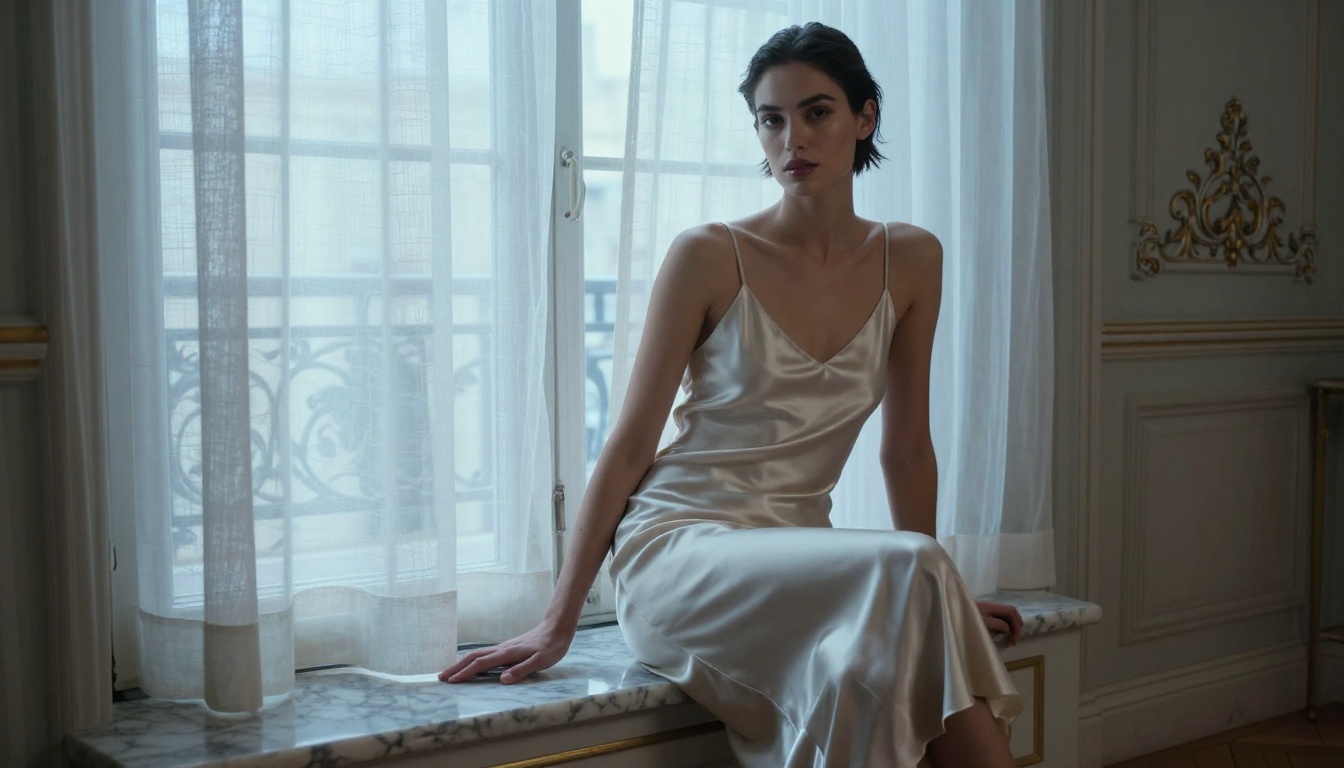
- Fashion editorial: High-contrast, dramatic shadows, styled subjects with complex fabric rendering
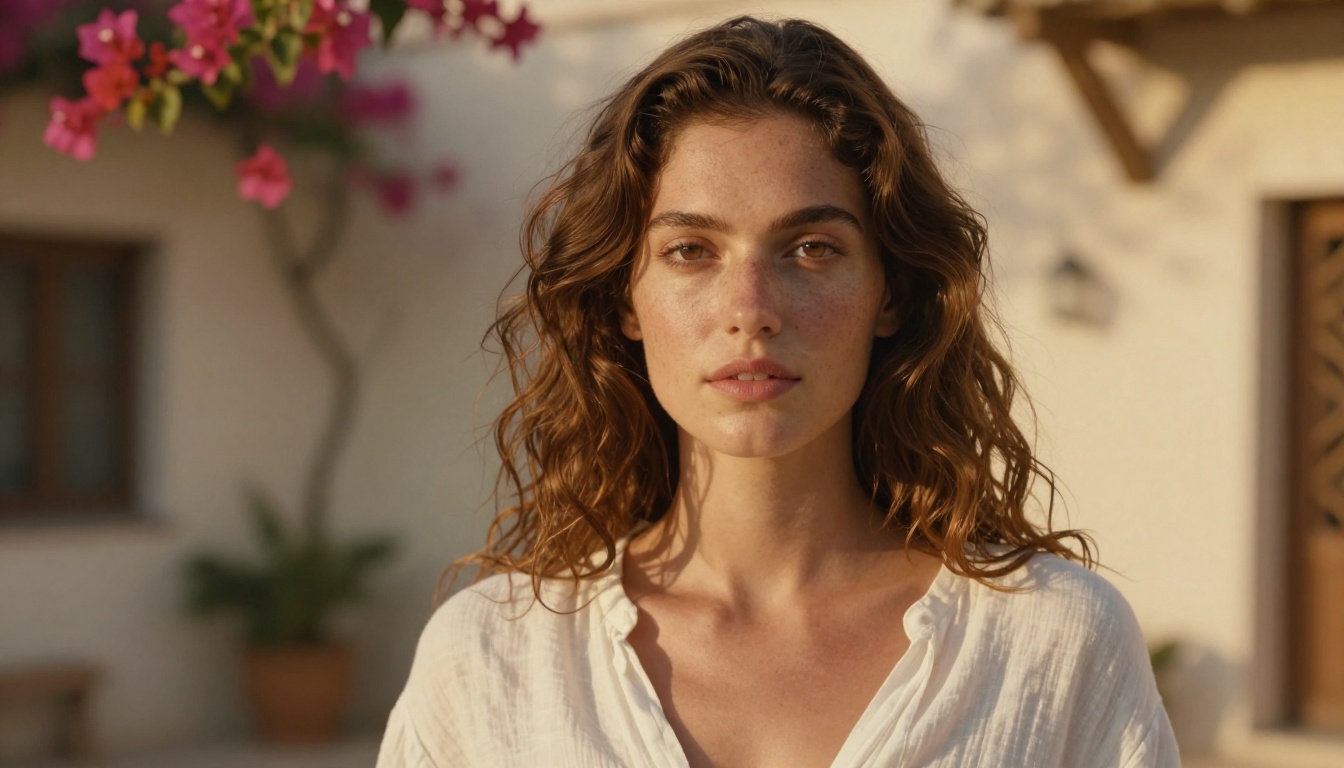
The standout detail across all top portrait checkpoints is how they handle the eye region. Base flux-2-dev already produces convincing irises, but dedicated portrait finetunes add the micro-reflections, eyelash separation, and pupil depth that separate "realistic" from genuinely "photographic."
Best Flux 2 LoRA Packs on CivitAI
How LoRAs Work With Flux 2
LoRAs (Low-Rank Adaptations) let you bolt a style, concept, or subject onto any base checkpoint without retraining from scratch. With Flux 2, LoRA training is faster and the results sharper than what was possible on SDXL or earlier FLUX.1 versions.
The key operational difference: Flux 2 LoRAs can operate at lower weights in the 0.4-0.7 range and still produce strong stylistic influence. Pushing them above 0.85 often degrades the base model quality rather than adding to it.
💡 Tip: Stack a maximum of 2 LoRAs on Flux 2. A style LoRA at 0.6 and a subject LoRA at 0.5 is a solid combination that adds control without introducing artifacts. Beyond two, quality degrades predictably.
The p-image-lora model on PicassoIA demonstrates this principle directly, offering LoRA-powered generation with controlled stylistic blending that preserves base model coherence across varied prompt types.
Top-Rated LoRA Categories Right Now
The highest-rated Flux 2 LoRA packs on CivitAI cluster into these categories:
Clothing and Fashion LoRAs
Specialized packs for specific garment types, from tailored suits to swimwear. These work best layered on top of portrait finetunes. The best ones include training images across multiple skin tones and lighting conditions, which prevents the washing-out of darker skin tones that affects more narrowly trained packs.
Film Stock Emulation LoRAs
Kodak Portra, Fujifilm Pro 400H, Ilford HP5. These are among the most downloaded Flux 2 LoRAs because they solve one of the few remaining gaps in the base model: subtle halation, grain structure, and the color science of analog film. A Portra 400 LoRA at 0.55 on top of a portrait checkpoint produces output that routinely passes as scanned film at first glance.
Architecture and Interior LoRAs
For anyone working in real estate visualization or interior design, these packs add the specular floor reflections, window light bloom, and shadow softness that architectural photography demands but that the base model only approximates.
Flux 2 Model Variants Compared
Dev vs Pro vs Max vs Flex
Understanding the Flux 2 family tree matters before downloading any CivitAI checkpoint, because the base variant determines what kind of finetune is possible and what output ceiling you are working with.
Most CivitAI finetunes worth using are built on flux-2-dev as the base. It gives creators enough architectural flexibility to train meaningful stylistic changes while preserving the structural quality the model was designed around.
flux-2-max is the choice when output heads to print or high-resolution display. Generation time runs longer, but detail density is categorically different from dev, particularly in fine fabric textures, hair strands, and architectural surfaces.
Which One to Pick
For portrait and fashion work: Start with flux-2-dev checkpoints on CivitAI, add a portrait LoRA at 0.55-0.65 weight. This combination covers 90% of portrait generation use cases at high quality.
For landscapes and architecture: Base flux-2-pro or a dedicated scenic finetune handles spatial composition better than any LoRA addition can. The model's spatial attention layers are where landscape quality lives.
For fast iteration and experimentation: flux-2-klein-4b produces usable results in seconds, making it the right tool for prompt development before switching to a heavier model for final output.
How to Use Flux 2 Models on PicassoIA
PicassoIA hosts the full Flux 2 family directly in the browser, so there is no need to manage local installations, VRAM limits, or file downloads. Every model runs at full quality from any device.
Step 1: Choose Your Model
Head to flux-2-dev for general use, or flux-2-pro if the output is destined for commercial or publishing purposes where maximum fidelity matters.
For speed during prompt development, flux-2-klein-4b lets you test multiple prompt directions in the time it would take a local install to run a single inference pass.
Step 2: Write Your Prompt
Flux 2 performs best with prompts that describe the scene the way a photographer would brief a shot:
- State the subject and their action or pose first
- Describe the environment and its light source with direction and quality
- Specify the camera perspective and lens characteristics
- Add texture and atmosphere details last
Example: "A woman in a cream silk blouse sitting by a floor-to-ceiling window in a Tokyo apartment, late afternoon golden light casting long shadows across tatami flooring, Canon 85mm f/1.4, shallow depth of field, Kodak Portra 400 grain"
Step 3: Adjust Parameters
- Guidance Scale: 3.5-4.5 is the sweet spot for Flux 2. Higher values over-saturate and harden edges in ways that are difficult to recover.
- Steps: 28-35 steps for dev, 20-25 for faster klein-based variants
- Resolution: Flux 2 is native 1024px. Pushing to 1280px adds detail density without introducing artifacts in most cases.
💡 Tip: The flux-2-flex model on PicassoIA is particularly forgiving with guidance scale variations, making it ideal for users still calibrating their prompt style and parameter preferences.
Step 4: Refine With LoRA or Inpainting
After your base generation, use flux-dev-lora for style additions, or take the output into an inpainting workflow to fix specific areas without regenerating the whole image. This is dramatically faster than iterating on full generations when only one part of the composition needs adjustment.
Best Styles Covered by Flux 2 Finetunes
Fashion and Glamour
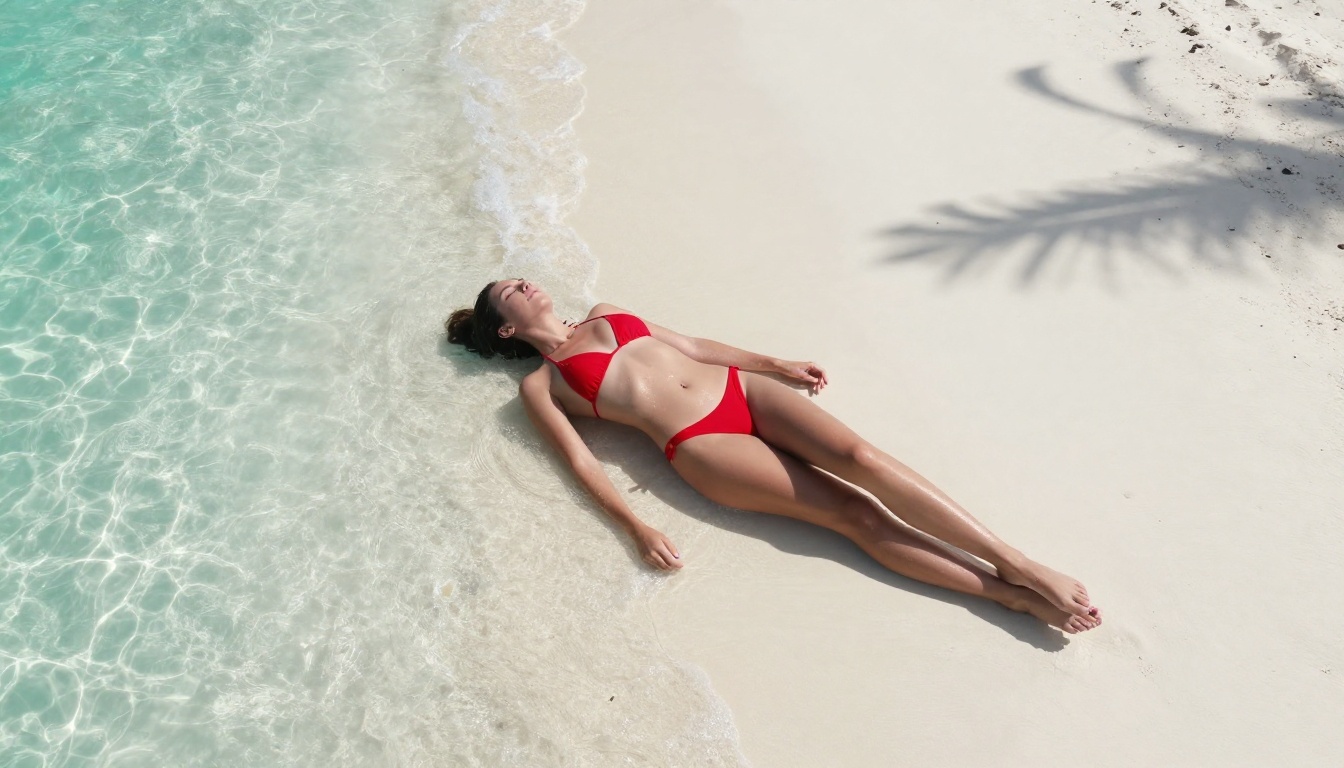
CivitAI's top fashion finetunes for Flux 2 produce editorial-quality output that was previously only achievable with significant post-processing. The best ones handle:
- Fabric microdetail including lace patterns, silk sheen, and chiffon layering
- Skin tone accuracy across the full range without requiring corrective prompting
- Pose coherence with complex clothing geometry like pleated skirts or layered jackets
- Lighting setups that match real studio conditions including softbox falloff and reflector fill
For glamour and beauty work, look for checkpoints that specifically list beauty photography or cosmetics campaigns in their training data. These models handle the extremely specific lighting beauty photography demands: catchlights in precise positions, specular highlights on lips, and shadow depth under cheekbones.
Landscape and Architecture
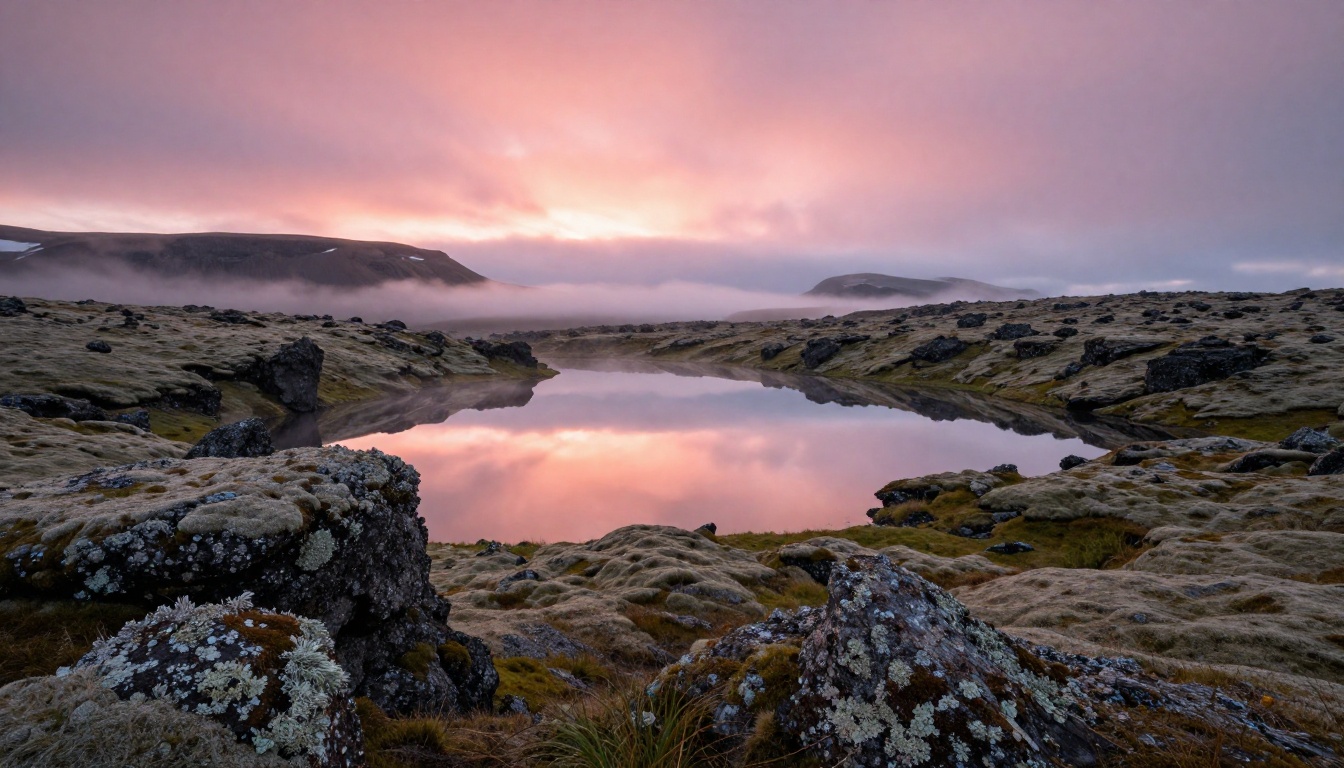
Flux 2 landscape finetunes on CivitAI separate themselves from the base model through atmospheric rendering quality. The best checkpoints add:
- Volumetric haze and mist behavior in valley and forest scenes
- Water surface behavior across states: calm reflections, mid-distance ripples, wave foam edges
- Sky gradient accuracy at different solar angles throughout the day
- Foreground-to-background focus fall-off that matches real optics rather than uniform sharpness
Architecture checkpoints take a different approach. The priority is geometric precision: straight vertical lines, correct perspective convergence, and window light that behaves physically correctly rather than approximating the distribution a diffusion model guesses from training data.
3 Mistakes People Make With Flux 2 Checkpoints
1. Over-Prompting
Flux 2 does not need keyword lists. Feeding it 200-word comma-separated prompts produces competing instructions that confuse the spatial attention layers. Keep prompts under 80 words for portrait and fashion work. For complex multi-element scenes, 100-120 words is the practical ceiling.
The model fills in believable details on its own. Trust that, and only specify things you actively need to control. Adding "realistic skin texture, natural pore detail, authentic fabric weave" to a Flux 2 prompt is redundant. The base model produces those without being asked.
2. Using Wrong LoRA Weight
The sweet spot for Flux 2 LoRAs is narrow. Too low (below 0.3) and the LoRA has no perceptible effect. Too high (above 0.85) and the base model quality degrades visibly with artifacts appearing in textures and lighting. The 0.5-0.7 range covers most use cases.
Test in 0.1 increments and stop at the first sign of artifact introduction. The right weight is always lower than it feels like it should be when you are trying to see a clear effect.
3. Ignoring Aspect Ratio
Flux 2 was trained primarily on 1:1 and 16:9 ratios. Unusual ratios like 3:1 or 9:16 work but the model needs explicit composition guidance. If you are generating vertical portrait format (9:16), include "vertical composition, portrait orientation" in the prompt or the model will compose for a horizontal frame and the crop will feel wrong.
Start Creating Without the Setup
Downloading checkpoints, managing VRAM, configuring ComfyUI or Automatic1111, dealing with dependency conflicts: that is the reality of running Flux 2 locally from CivitAI files. It is worth it for custom workflows that need full control. But for most people, most of the time, it is unnecessary friction between an idea and the image.
PicassoIA runs flux-2-dev, flux-2-pro, flux-2-max, flux-2-flex, and both flux-2-klein variants directly in the browser. No installation. No local GPU required. The same output quality available to someone running a $5,000 workstation, accessible from any device with a browser.
For LoRA-based work, p-image-lora and flux-dev-lora let you apply stylistic control without sourcing and configuring LoRA files manually. If you have been holding off on Flux 2 because the local setup felt too involved, the browser-based option removes every obstacle. Pick a model, write a prompt, and see what Flux 2 produces at full quality.