There's a gap between what mainstream AI image generators promise and what they actually let you create. Most of them fold the moment your prompt includes anything remotely adult, throwing error messages or producing bleached-out results that look nothing like what you asked for. If you're new to this space and tired of hitting those walls, this article gives you a direct answer: the best free NSFW AI generators for beginners, ranked by speed, image quality, and how few restrictions they impose on your creative work.
We cover eight platforms in depth, explain why content filters exist and what to do about them, share beginner-friendly prompt strategies, and walk you through your first image on the top-rated model.
Why Free AI Tools Block Adult Content
The short answer is liability. Consumer-facing AI image generators are built with moderation layers that scan every prompt before sending it to the underlying model. That scanning exists to protect the platform from legal exposure and advertiser pressure.
The filter problem
When you type a prompt that includes anything adult, the system either refuses outright, produces a heavily sanitized image, or flags your account entirely. Tools like DALL-E 3, Adobe Firefly, and Canva AI operate this way by design. They work well for commercial and professional use cases, but their content policies leave no room for adult creative work, regardless of how artistically the request is framed.
What uncensored generation actually means
An uncensored AI generator doesn't mean there are zero standards. It means the platform has made a deliberate product decision to remove the generation-stage content filter. The model processes your prompt based on its training data, and the output reaches you without a moderation step stripping or altering the result. For NSFW content specifically, this means the model was trained with realistic human imagery in its dataset, and no downstream filter sanitizes the output before you see it.

Top Free NSFW AI Generators in 2027
These are the models worth using, ranked by performance and how accessible they are for someone just starting out.
1. Seedream 4.5: Fastest, Most Realistic
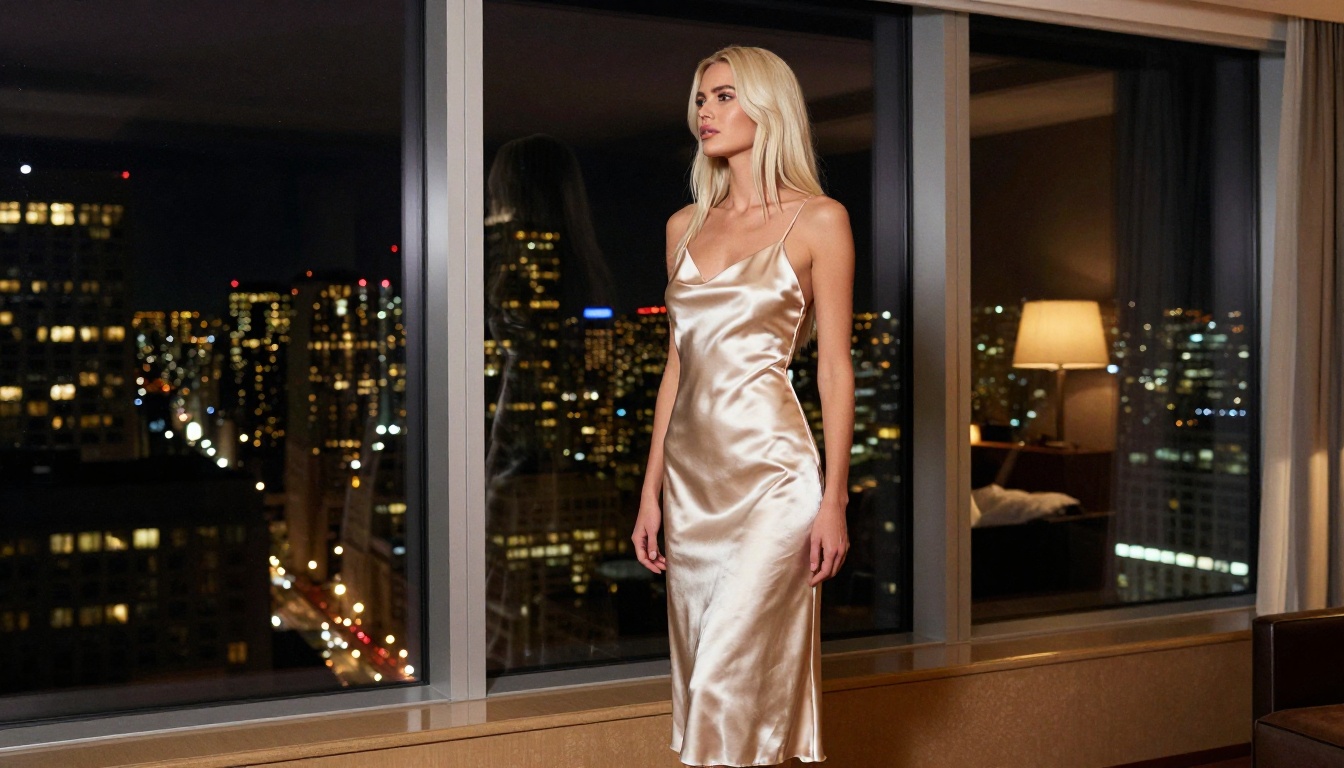
Seedream 4.5 is the top recommendation for anyone new to NSFW AI art. Built by ByteDance, it accepts adult content without filtering at the generation stage and produces ultra-realistic results in under 3 seconds, which is exceptional for a model at this quality level.
What makes it the right starting point:
- Speed: Results arrive in under 3 seconds, so you can iterate quickly without waiting on server queues
- Realism: Highly accurate skin tones, natural proportions, cinematic lighting response
- Image editing included: Refine specific areas of an output without regenerating from scratch
- No prompt sanitization: Your descriptions aren't scanned or modified before processing
💡 One important note: The newer Seedream 5 Lite from the same creator does not support NSFW content. On PicassoIA, always use Seedream 4.5 specifically for adult content generation.
2. PicassoIA Image Editor Pro: Unlimited
PicassoIA Image Editor Pro is an image-to-image model with one major differentiator: unlimited generations on Elite and Infinite subscription plans. Most platforms charge per image. Here, you can generate 1,000 images for exactly what you paid for your subscription and nothing more.
To put that in perspective, generating 1,000 images on a credit-based model like Nano Banana 2 would cost approximately $100 in credits. On PicassoIA Image Editor Pro, that same volume is included at no extra cost.
| Feature | PicassoIA Image Editor Pro | Typical Free Tool |
|---|
| Monthly generation limit | Unlimited | 15-50 |
| Generation speed | Under 1 second | 10-30 seconds |
| NSFW support | Yes | No |
| Credit card required to try | No | Usually |
| Image editing (img2img) | Yes | Rarely |
| Watermarks on output | No | Often |
A 3-generation free trial is available with no credit card required, making it one of the lowest-friction ways to test a professional-grade NSFW AI generator before committing to a plan.
3. Qwen Image 2: Open Source
Qwen Image 2 is an open-source model from Alibaba. Being open source means no proprietary content filter is baked into the model's inference pipeline. It can edit or create realistic images across a wide subject range with very detailed output. Works for both text-to-image generation and image modification, which gives you more flexibility when working from a reference photo.
4. Grok Imagine Image: Style Conversion
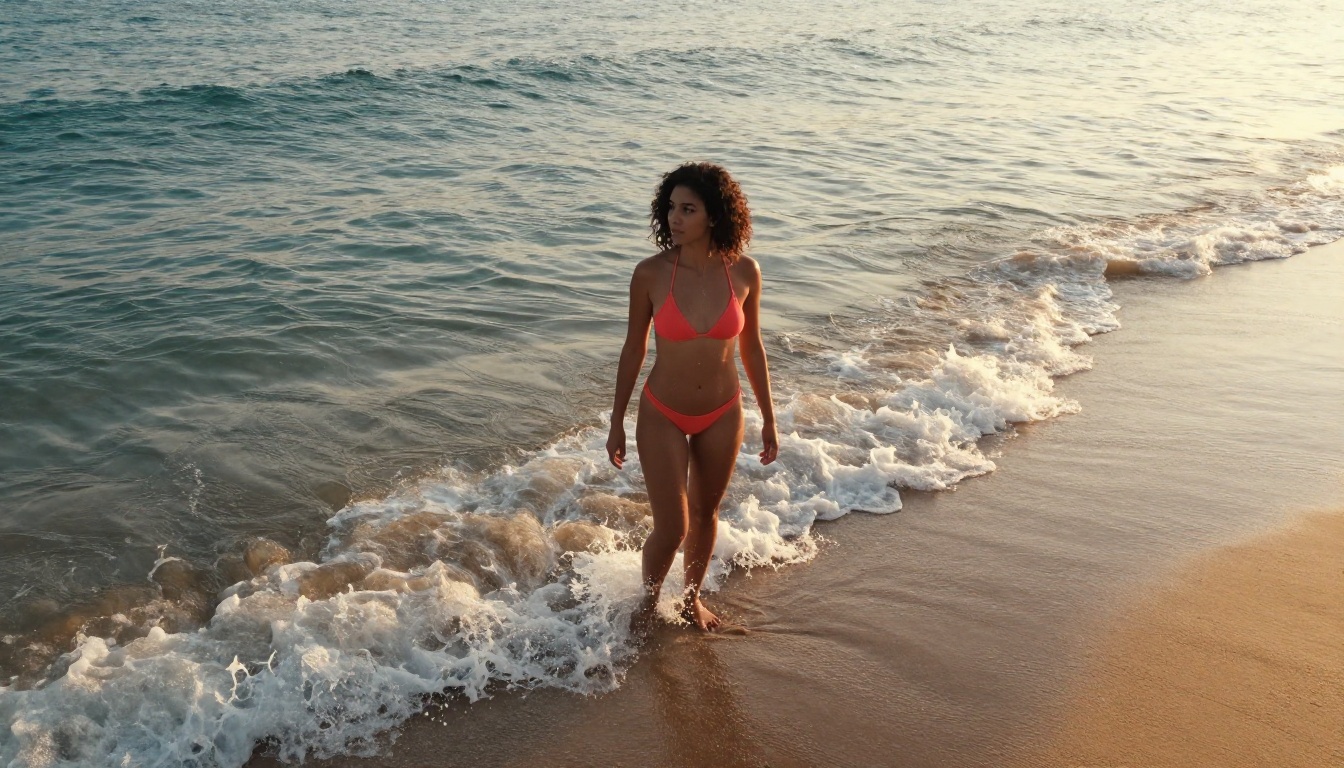
Grok Imagine Image from xAI is particularly useful for style conversion work, especially converting clothed reference images into bikini or beach-style results. The output stays highly realistic and doesn't suffer from the uncanny valley issues that affect many image-to-image models.
5. Recraft V4: Pure Photorealism
Recraft V4 is a text-to-image model that prioritizes photorealism above everything else. It doesn't offer image editing, but for purely text-based generation where you want clean, realistic output with minimal artifacts and accurate human rendering, it consistently delivers strong results.
6. P-Image by PrunaAI: Sub-Second Speed
P-Image generates NSFW text-to-image results in under 1 second. That speed is unmatched in this category. If you're iterating through prompt variations quickly and need fast feedback on what's working, P-Image keeps up with a high-velocity workflow in a way that slower models simply can't.
7. Wan 2.2 Image: No Restrictions
Wan 2.2 Image (PrunaAI) generates highly realistic images from text descriptions without content restrictions. Built for accuracy in human subject rendering, it works well as a consistent model with reliable output quality across a wide range of descriptive prompts.
How to Use Seedream 4.5 on PicassoIA
Since Seedream 4.5 is the top pick, here is exactly how to get started with it.
Step 1: Create your account
Go to picassoia.com and sign up. The process takes under two minutes: email, password, done. No phone number required, and a free trial is available without a credit card.
Step 2: Find the model
In the model catalog, search for "Seedream 4.5" or browse the text-to-image section. Click the model to open the generation interface.
Step 3: Write your prompt
Type your description in the prompt field. Be specific about subject, setting, lighting, and camera angle. The model responds well to photography-style language. Vague prompts return generic, inconsistent results.
Step 4: Generate and refine
Click generate. Results arrive in under 3 seconds. Use the built-in image editing mode to refine specific elements without starting over from scratch.
💡 Tip: Run 3-5 variations of the same prompt before settling on a direction. Small phrasing changes can significantly alter the output. The speed of Seedream 4.5 makes iteration fast and low-risk.
The word "free" means very different things depending on the platform. Here is what actually matters when comparing your options.
The real cost of free tiers
Most free tiers offer a small number of generations per day or month, then require a subscription or credit purchase to continue. Free-tier generations often run on slower infrastructure, produce lower-resolution outputs, or include visible watermarks. For NSFW content in particular, most free tiers block it entirely, making the free access functionally worthless for adult creative work.
Unlimited plans and why they matter
When a platform caps you at 20 free images and then charges per generation, costs scale quickly for any serious creator. A content creator producing 50 images per week would spend far more on per-generation pricing than on a flat unlimited subscription.
PicassoIA Image Editor Pro on Elite or Infinite plans removes that variable cost entirely. One monthly fee, no generation cap, under-1-second results, NSFW included. The value of unlimited isn't obvious until you try to work seriously with AI-generated images. Once you start iterating properly, per-generation pricing becomes a friction point that limits how fast you can produce.
Writing Better NSFW Prompts
The quality of your AI-generated images is almost entirely determined by how well you describe what you want. Here is what separates strong prompts from weak ones.
The five elements of a strong prompt
1. Subject: Who or what is in the image. Be specific about appearance, age presentation (adult), expression, and pose. "A woman" is too vague. "A young adult woman with long dark hair, sitting with her back to the camera, looking over her shoulder" gives the model something concrete to work with.
2. Setting: Where the scene takes place and what surrounds the subject. Specify textures, colors, indoors or outdoors, and background objects. "A minimalist hotel suite with floor-to-ceiling windows overlooking a city skyline at night" is far more useful than "a nice room."
3. Framing: Camera angle and shooting distance. "Aerial shot from directly above," "low-angle looking up," "close-up from the side." These directly control the composition the model produces.
4. Lighting: The single biggest factor separating photorealistic output from flat, lifeless images. Always specify a light source, its direction, and its quality. "Volumetric morning light entering from the left," "warm golden hour backlight from behind," "dramatic single-lamp side lighting from the right."
5. Style modifiers: Signal the photographic quality and character. "RAW 8K photography," "photorealistic," "natural skin texture," "Kodak Portra 400 grain," "Canon 85mm f/1.4 lens."
Common mistakes beginners make
Too vague on setting: The model fills in details randomly when you leave them out. Results become inconsistent because there's nothing anchoring them.
Ignoring lighting: Lighting is everything in photography, and it's no different in AI generation. A prompt without lighting direction produces flat, directionless results.
Quality tags without description: "High quality, 4K, realistic" without real descriptive content still returns mediocre images. Quality tags amplify good descriptions. They can't replace them.
Generating once and giving up: Most models need 3-5 attempts before landing on something strong. The iteration is part of the process.
Prompt structure to use
[Subject + appearance + pose] + [specific setting with texture detail] + [lighting source and direction] + [camera angle and lens] + [film stock modifier] + photorealistic, RAW 8K photography
Example:
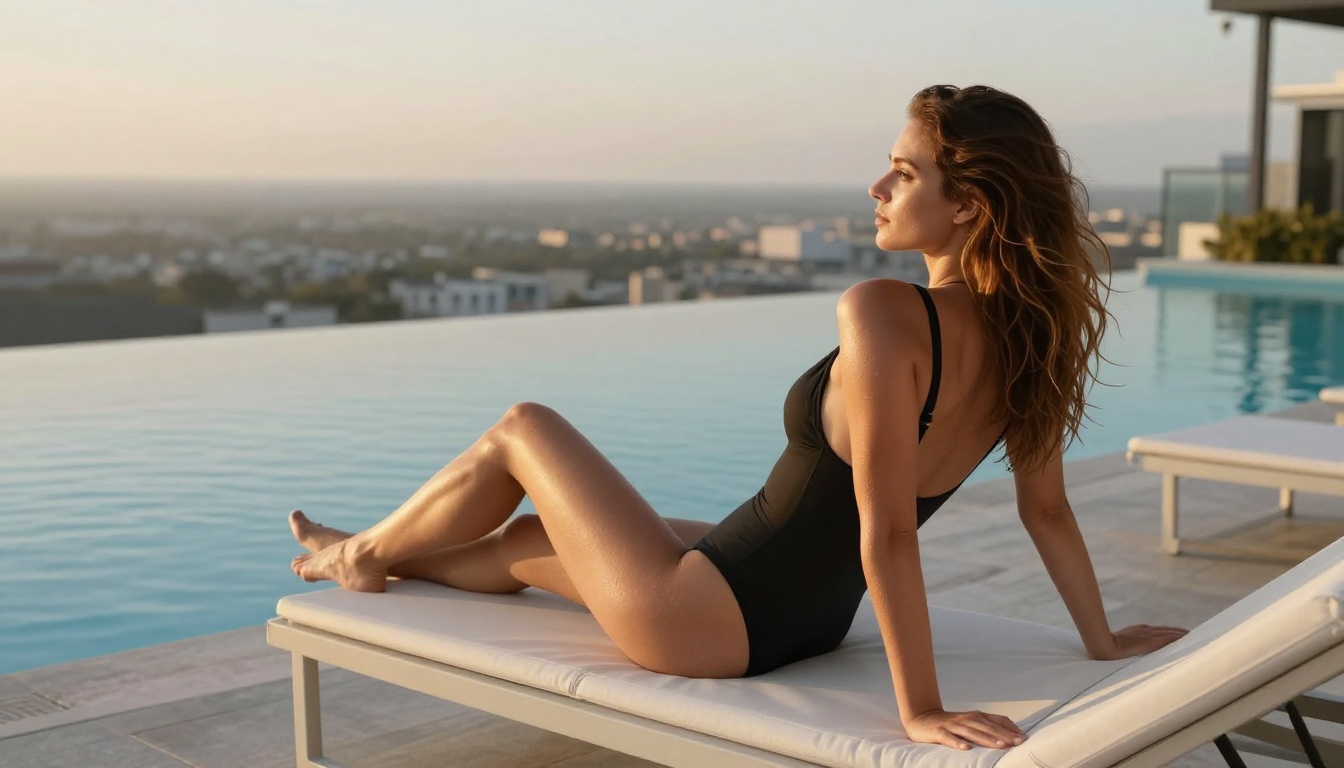
"Young adult woman with wavy dark hair standing at the edge of a rooftop pool, wearing a black one-piece swimsuit, looking toward the horizon. Infinity pool reflects the evening sky, city lights visible in background. Late afternoon sun from the right at a low angle, casting long warm shadows. Eye-level medium shot, Canon 70mm f/2.8. Kodak Portra 400 grain. Photorealistic, RAW 8K photography."
Side-by-Side Model Comparison
What About NSFW Videos?
If you want to animate your AI-generated images into short clips, PicassoIA also has video generation models that accept adult content:
- PicassoIA Video: Unlimited video generation from text prompts at up to 720p, 5 seconds per clip. The only unlimited video generation option in this space.
- P-Video: Text, image, or audio input, up to 1080p with safety filter disabled by default. Draft mode available for fast low-res previews before final render.
- Grok Imagine Video: Clips up to 15 seconds, no watermarks, 720p or 480p output across eight aspect ratios.
- LTX 2.3 Pro: Highest fidelity at up to 4K/50fps, with retake and extend editing for frame-level control.
Start Creating on PicassoIA
If mainstream platforms have been a dead end for adult AI content, PicassoIA is the direct alternative. Every model listed above is available in one catalog, with no need to juggle multiple accounts or move images between services.
Start with Seedream 4.5. It's fast, it's realistic, and it doesn't require a complex setup or technical background. Once you're comfortable with prompt writing and iterating on results, move to PicassoIA Image Editor Pro for unlimited volume work, or try Grok Imagine Image for image-to-image style conversion.
The full catalog, including all image and video models, is at picassoia.com/en/all-models. Pick a model, write your first prompt, and see what it actually delivers without a filter standing between your idea and the output.


