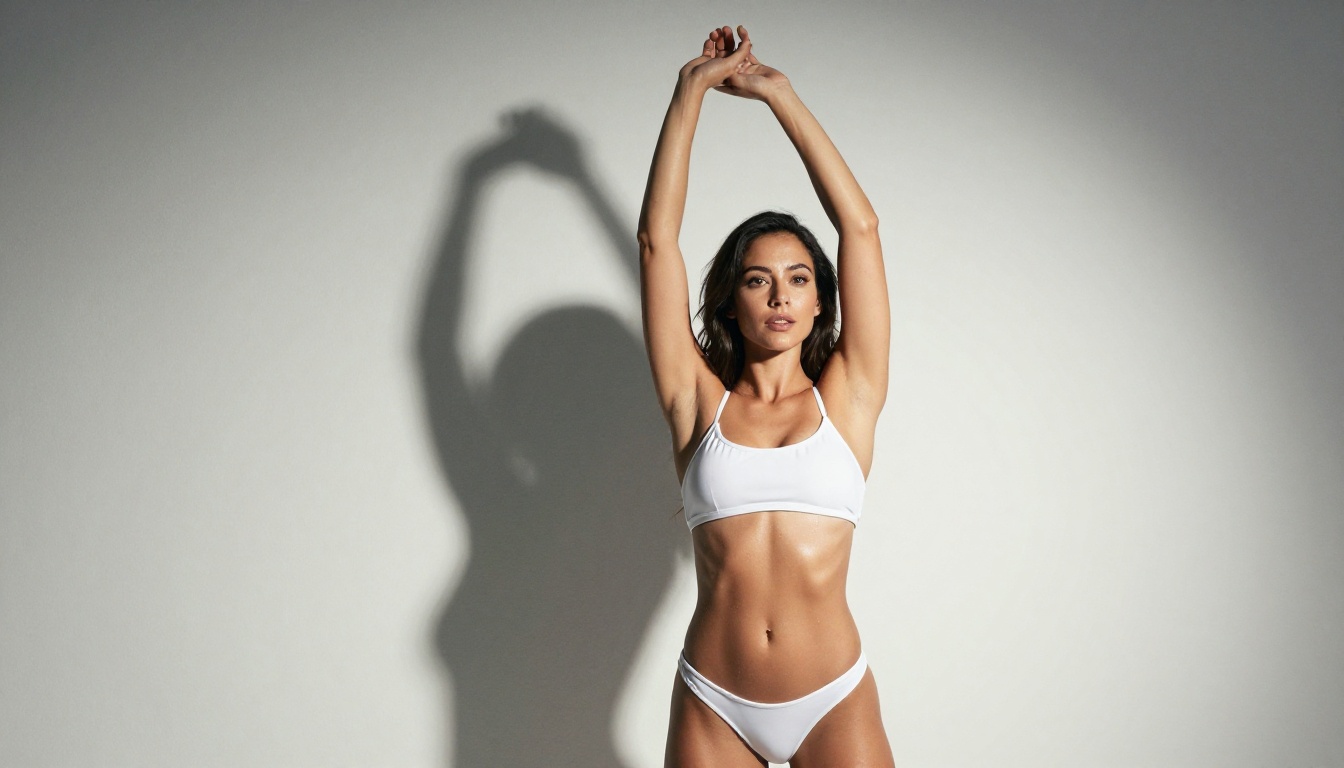
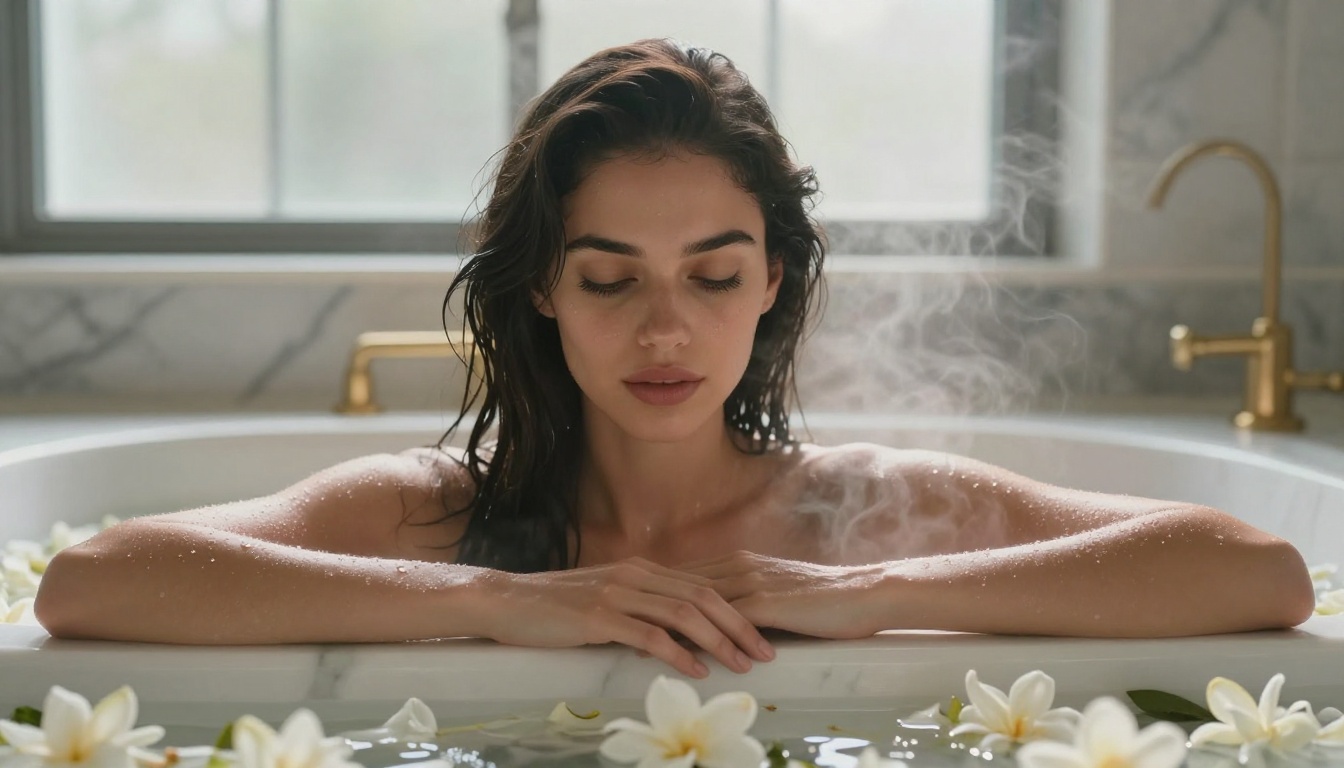
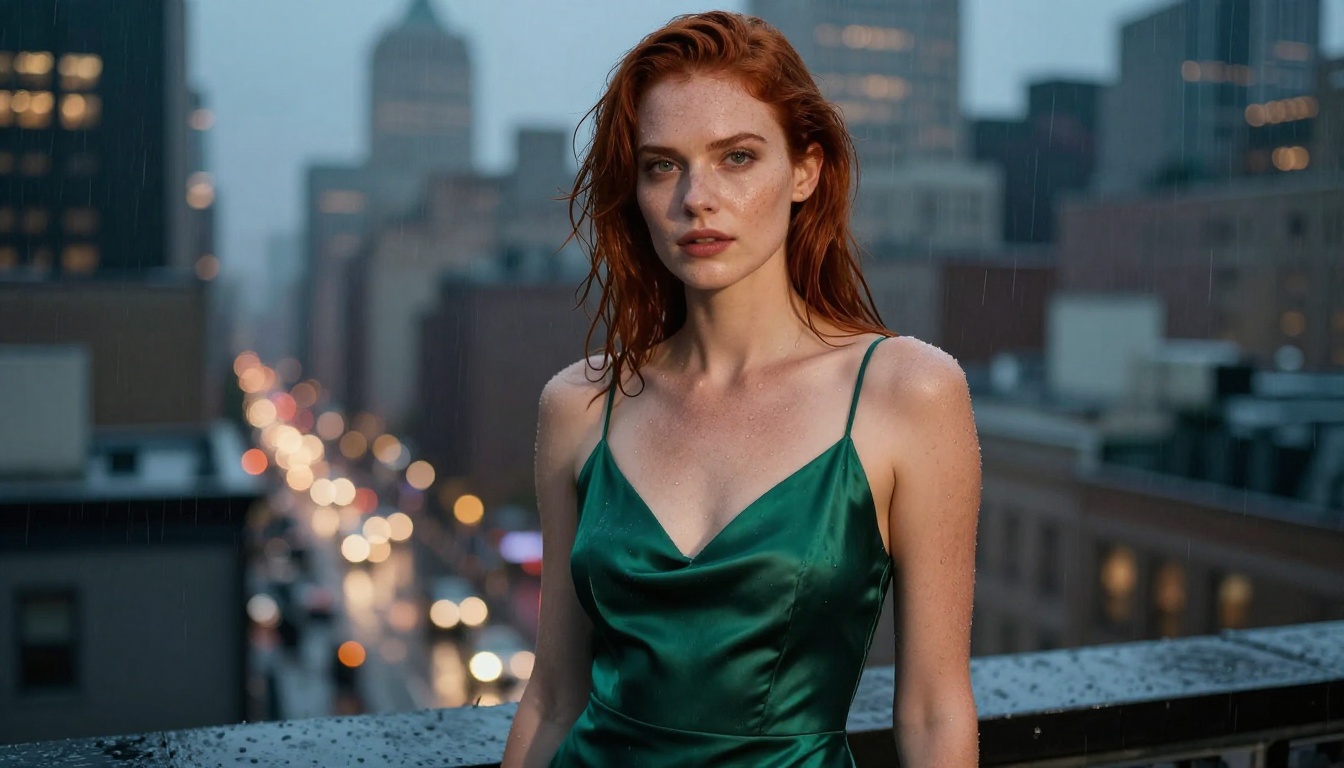
A deep-dive into the best free NSFW AI image generators that actually work right now. From Flux Dev and Stable Diffusion to specialized platforms, this article breaks down what each tool offers, how they compare, and how to get photorealistic, suggestive, and artistic images without spending a dollar.
Free doesn't mean limited when it comes to NSFW AI image generation. The space has matured fast, and right now you have access to genuinely powerful open-source and free-tier models capable of producing photorealistic, suggestive, and artistically beautiful images without paying a cent. The problem isn't finding a tool. It's knowing which ones are worth your time.
What "Free" Actually Means in NSFW AI
Before getting into the list, there's an important distinction to make. "Free" in this context means at least one of three things:
Open-source weights: Models you can run locally on your own hardware, no subscription required.
Free tier access: Cloud platforms that give you a set number of daily or monthly credits without a credit card.
Community deployments: Replicate, HuggingFace Spaces, and similar platforms where community members host models at no cost.
Each has trade-offs. Local running gives you total freedom but requires a decent GPU. Free tiers are convenient but often come with image queues or resolution caps. Community deployments can disappear at any time.
Free Tiers vs Truly Free
Most "free" NSFW generators fall into the free-tier category. You get 10 to 50 images per day, sometimes fewer at higher resolutions. The real value of free tiers is that they let you test models without commitment before you decide to pay for more output.
The distinction matters because many lists online conflate "free to try" with "actually free." A tool that watermarks your output or caps you at three images per day is not the same as a tool with a genuine free tier.
Open Source Freedom
The open-source models are a different beast entirely. When you run Flux Dev or Stable Diffusion locally, nobody is monitoring your prompts, throttling your generations, or watermarking your output. That's a meaningful freedom that free-tier cloud tools can't match.
The catch is hardware. Running Stable Diffusion 3.5 Large locally requires 12GB+ VRAM. Not everyone has that. That's where platforms like PicassoIA fill a real gap, giving you access to these powerful models through a clean interface with no local setup.
The Top Free NSFW AI Image Generators Right Now
These aren't ranked by hype. They're ranked by actual output quality and real-world usability in 2027.
Flux Dev: The Current Gold Standard
Flux Dev from Black Forest Labs is the most capable free NSFW model available right now. Its prompt adherence is exceptional, meaning what you type is what you get with very little deviation. The model handles anatomy, lighting, and material textures with a realism that earlier Stable Diffusion variants simply couldn't achieve.
What makes Flux Dev stand out:
12B parameter architecture with guidance distillation for sharper adherence to complex prompts
Exceptional anatomy accuracy compared to older SDXL-based models
Apache 2.0 license, meaning you can use it commercially without restrictions
Available free on HuggingFace and via platforms like PicassoIA
The trade-off is speed. Flux Dev is slower than its distilled sibling Flux Schnell, but the output quality justifies the wait for serious work. For quick drafts and prompt testing, Schnell is the better option.
💡 Tip: Use the Flux Dev LoRA variant when you want to apply custom style fine-tunes on top of the base model. The results can be significantly more stylized without losing the underlying realism that makes Flux Dev exceptional.
Stable Diffusion 3.5 Large
Stable Diffusion 3.5 Large represents the current peak of Stability AI's open-source work. The 3.5 architecture introduced a multimodal diffusion transformer (MMDiT) that dramatically improved text rendering and compositional accuracy.
For NSFW use specifically, SD 3.5 Large handles:
Complex multi-figure compositions with accurate spatial relationships
Precise clothing, fabric, and texture rendering
More natural skin tones across diverse subjects
Better facial proportions than SD 2.x or even the base SDXL architecture
The downside is VRAM requirements. You need at least 12GB for comfortable use, and 16GB+ for consistent high-resolution output at 1024px and above.
SDXL and Its Variants
SDXL on its own is already a strong base for realistic image generation. Where it becomes truly powerful for NSFW work is through LoRA fine-tunes. The LoRA ecosystem for SDXL is enormous, with thousands of community-trained models for every aesthetic, style, and subject matter you can think of.
Realistic Vision v5.1 is a fine-tuned SD model specifically optimized for photorealistic human subjects. It's one of the most trusted models in the community for a reason: consistent natural skin tones, believable facial features, and plausible anatomical proportions across a wide range of prompts.
It's based on SD 1.5, which means lower VRAM requirements (6GB minimum) and faster generation times than newer architectures. The native resolution is lower at 512x512, but with upscaling tools this rarely matters in practice.
DreamShaper XL Turbo
DreamShaper XL Turbo occupies the middle ground between pure photorealism and artistic stylization. Its strength is portrait work, where it combines ultra-detailed skin rendering with a slightly painterly quality that makes subjects look simultaneously real and idealized.
For NSFW glamour work, this subtle quality is actually an asset. Images feel elevated rather than clinical.
How to Use Flux Dev on PicassoIA
PicassoIA gives you direct access to Flux Dev without any local setup or hardware requirements. Here's the fastest way to get high-quality results.
Step 1: Open the Model
Navigate to the Flux Dev page on PicassoIA. You'll see the prompt input field and parameter controls on the left with the output preview on the right.
Step 2: Write a Structured Prompt
Flux Dev responds well to natural language, but structured prompts produce the most consistent results. Use this pattern:
A gorgeous brunette woman in sheer silk lingerie lying on white linen sheets, soft morning light from left window, shot with 85mm lens, photorealistic, 8K, Kodak Portra 400 grain
Step 3: Set the Right Parameters
Guidance Scale: Keep between 3.5 and 4.5 for Flux Dev. Higher values increase prompt adherence but can over-saturate colors.
Steps: 28 to 35 steps gives a strong quality-to-time ratio. Going above 40 rarely adds visible improvement.
Resolution: 1024x1024 or 1344x768 (16:9) for the sharpest output.
Step 4: Add Negative Prompts
Even though Flux Dev handles anatomy better than most, these negatives consistently help:
deformed hands, extra fingers, bad anatomy, blurry, watermark, text, lowres, oversaturated
Step 5: Upscale for Print
If you need large-format output, PicassoIA's super-resolution tools can scale your result 2x to 4x without quality loss. This is ideal for high-resolution printing or large display work.
💡 Pro tip: Use Flux Dev LoRA to apply a custom fine-tune on top of the base model. This lets you dramatically shift the visual style while keeping the underlying anatomical accuracy intact.
Model Comparison: Which One Fits Your Needs
Knowing which model to reach for in a specific situation saves time and frustration. Here's an honest breakdown:
For most people starting out, Realistic Vision v5.1 or DreamShaper XL Turbo are the best entry points. Lower VRAM requirements, fast generation times, and very forgiving prompting behavior make them ideal for learning what works.
Prompting for Photorealistic NSFW Results
The model is only half the equation. A mediocre prompt will produce mediocre results from even the best free model.
The Anatomy of a Strong Prompt
Every effective NSFW AI prompt shares the same core structure, regardless of which model you're using:
Subject: Who is in the image. Be specific about features, ethnicity, hair, and body type.
State and clothing: What they're wearing. Use specific fabric names and garment types for accuracy.
Environment: Where the scene takes place. The more specific, the more believable the result.
Lighting: Single-source lighting descriptions produce the most dramatic and realistic results. "Soft light from a window to the left" beats "good lighting" every time.
Camera and lens: Including a focal length and aperture gives the AI specific visual language to work with. "85mm f/1.4" signals portrait photography with shallow depth of field.
Quality modifiers: "Photorealistic, 8K, Kodak Portra 400, RAW" consistently improves output across all models.
Negative Prompts That Actually Help
These negatives are universally useful across all free models:
ugly, deformed, bad anatomy, extra limbs, blurry, watermark, text overlay, cartoon,
anime, illustration, CGI, 3D render, oversaturated, plastic skin, doll-like
For SD 1.5 and SDXL-based models, also add:
bad hands, missing fingers, extra fingers, fused fingers, poorly drawn face
Style Modifiers That Work
Not all quality modifiers produce equal results. These consistently improve photorealistic output:
Kodak Portra 400 or Fujifilm Pro 400H for warm, natural skin tones
Shot on 85mm f/1.4 for the classic portrait depth-of-field effect
Natural film grain to break up the over-smooth AI look
RAW photography to push away from the illustrated or painted aesthetic
Volumetric lighting when you want dramatic shadows and atmosphere
💡 Add cinematic color grading to shift any image from feeling like a snapshot to something intentional and editorial.
Free Models with LoRA Support
LoRA (Low-Rank Adaptation) is the single biggest multiplier available for free NSFW AI generation. A base model combined with the right LoRA can produce results that would otherwise require expensive specialized models.
SDXL Lightning 4Step
SDXL Lightning 4Step generates images in just four diffusion steps without noticeable quality loss. For rapid iteration and prompt testing, nothing comes close. You can test 20 prompt variations in the time a standard SDXL run completes three generations.
Full LoRA compatibility means any SDXL-compatible fine-tune works with Lightning 4Step, making it ideal for creative workflows where you're experimenting with different aesthetics before committing to longer, higher-quality generation runs.
Proteus v0.3
Proteus v0.3 is an SDXL fine-tune with a strong lean toward vivid stylization. If straight photorealism isn't what you're looking for, Proteus produces images with sharp lines, vivid color saturation, and exaggerated but internally consistent proportions.
It handles stylized NSFW aesthetics particularly well, with better clothing physics simulation and more varied facial expressions than most base SDXL variants.
Playground V2.5
Playground V2.5 was trained with heavy emphasis on human aesthetic preference data. Its default output tends to be immediately visually appealing without heavy prompting. For NSFW work, this translates to images that look polished and intentional without requiring the detailed prompt engineering that Flux Dev demands.
Particularly strong for images where mood and atmosphere matter more than strict technical photorealism.
Speed vs Quality: Picking the Right Trade-off
Speed and quality exist on a spectrum with free models. Here's when to prioritize each:
Prioritize speed when:
Testing prompt ideas and variations before committing to a final version
Creating multiple options to choose from quickly
Working on low-resolution mockups or composition references
Prioritize quality when:
Creating final output intended for printing or large display
Working with complex scenes requiring accurate anatomy or multi-figure compositions
Fine detail matters: skin texture, fabric, environmental depth
Flux Schnell is the fastest high-quality option available. Latent Consistency Model pushes even further toward speed with minimal diffusion steps, though quality concessions become visible at larger output resolutions.
One capability that separates serious AI image creators from casual users is ControlNet. Instead of describing a pose in text and hoping the model interprets it correctly, ControlNet lets you feed in a reference image or skeleton diagram and have the model follow that exact structure.
For NSFW work, pose control means you can reproduce specific compositions reliably, which is valuable for consistent character work or recreating a specific aesthetic across multiple images.
PicassoIA offers SDXL Multi ControlNet LoRA, which combines the SDXL base with both ControlNet structure control and LoRA style application simultaneously, giving you precise control over both composition and aesthetics.
💡 Combine ControlNet pose control with a Flux Dev LoRA fine-tune for maximum consistency across multiple generations with varied prompts.
Try It Yourself Right Now
The best free NSFW AI image generators aren't hidden behind paywalls or obscure community forums. They're accessible today, with clean interfaces and no technical setup required.
PicassoIA gives you access to over 91 text-to-image models right now, including:
Pick a model, write a structured prompt using the framework from this article, and see what comes back. The gap between a mediocre first result and a great one is usually just one or two prompt refinements away. Start with the lighting description. Get that right, and everything else falls into place.