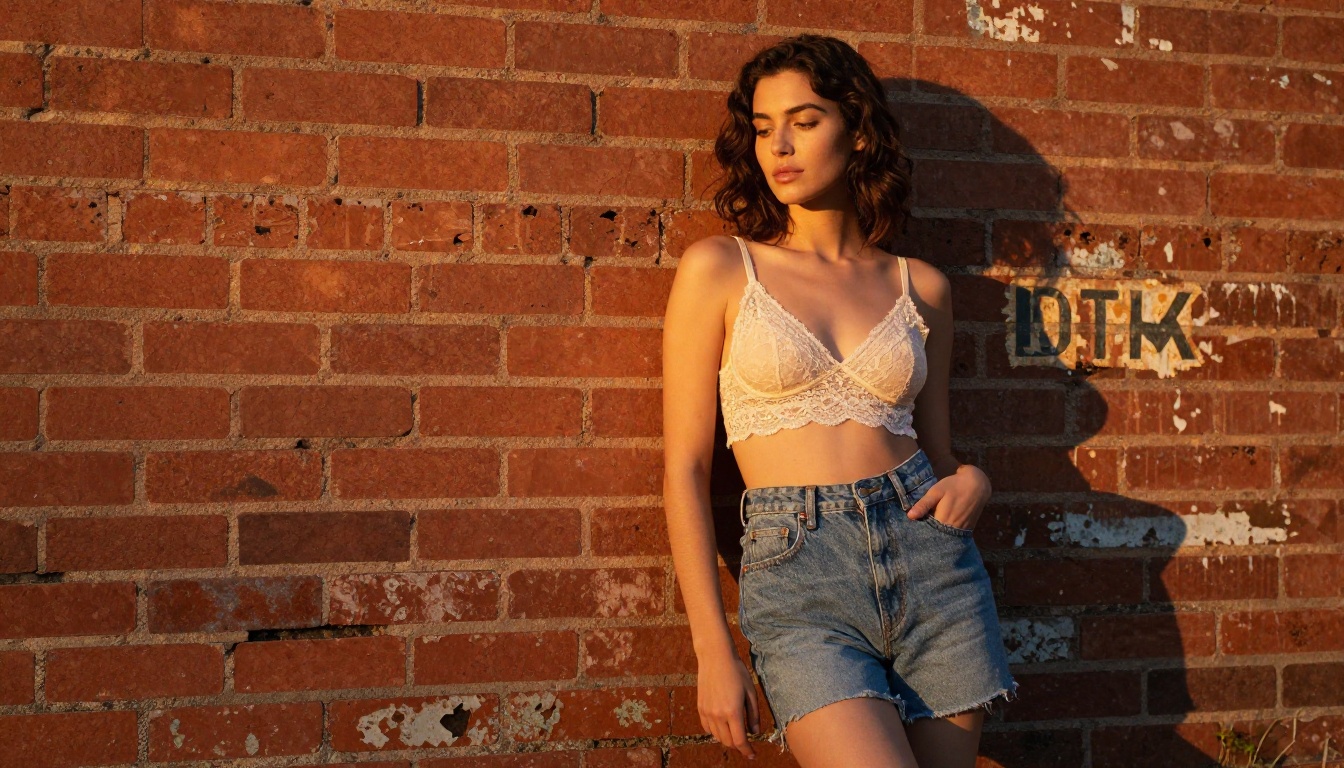
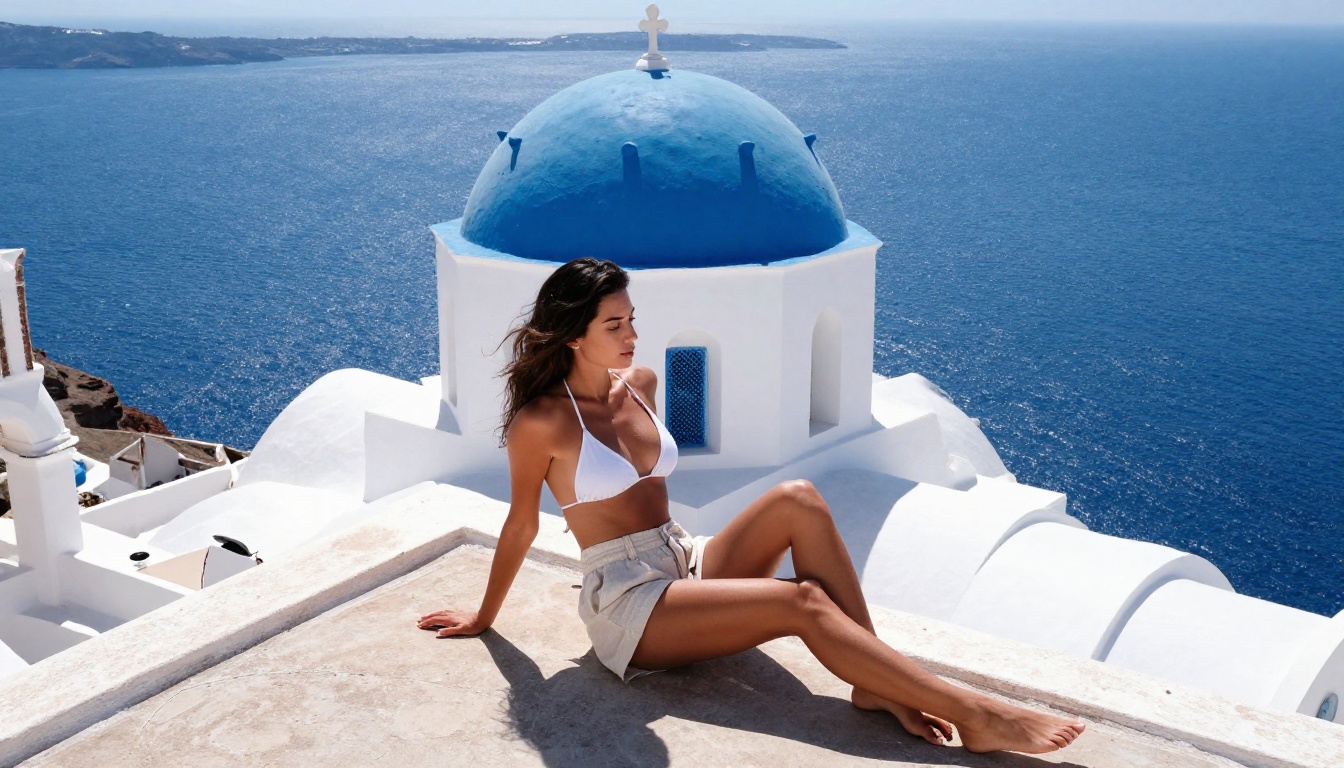
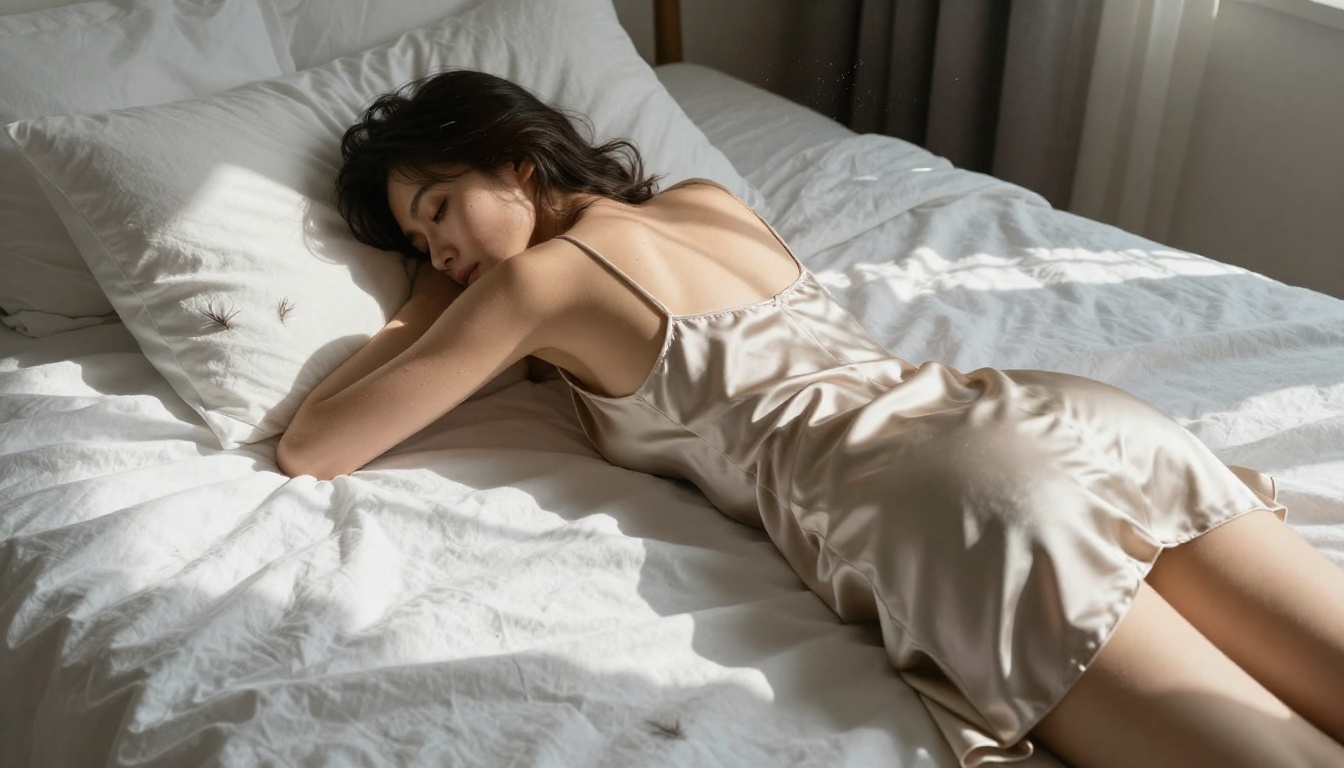
A complete breakdown of the best free NSFW AI art generators available today, including what actually works without paywalls, which models produce photorealistic uncensored results, and how to write prompts that maximize image quality on platforms like PicassoIA.
Most NSFW AI tools promise freedom and deliver frustration. You get two free generations before hitting a paywall, or the model quietly sanitizes your prompt into something you never asked for. The search for free, genuinely uncensored AI art is real, and the options that actually work are fewer than you'd think.
The good news: the best options exist, they're accessible, and some of them sit inside platforms that don't require a credit card to get started. This article breaks down which models perform, which platforms give you real free access, and what you need in your prompts to get photorealistic, high-quality results.
Why Most Free NSFW AI Tools Disappoint
The pattern is consistent: a platform launches with generous free tiers, builds an audience, and then restricts the features people actually came for. Sometimes it is moderation pressure. Sometimes it is just monetization. Either way, you end up burning credits on watered-down results.
The Filter Problem
Most image generators ship with content filters set to maximum restriction. These aren't surgical tools. They catch anything remotely suggestive, including perfectly legal, artistic content that any photography magazine would publish. A standard swimsuit prompt gets blocked. A lingerie reference gets flagged. The models themselves might be capable of beautiful, artistic work, but the guardrails prevent you from getting there.
The result is a generation that looks like it was approved by a committee: bland, stiff, and creatively inert.
The Hidden Paywall Reality
Free tiers on most platforms exist to demonstrate the product, not to actually serve your creative needs. You get 10-20 free credits, they disappear fast, and you're pushed toward a subscription before you've had a chance to evaluate whether the quality is worth paying for.
This matters especially for NSFW content because the models that handle it well, the ones trained on diverse datasets with fewer censorship layers, tend to be the premium offerings. The free tier gives you the safest, most restrictive version.
💡 What actually works: Focus on platforms that give you direct model access rather than wrapping everything in a proprietary interface with its own content policy layer on top.
Seedream 4.5 Is the Best Free NSFW Option Right Now
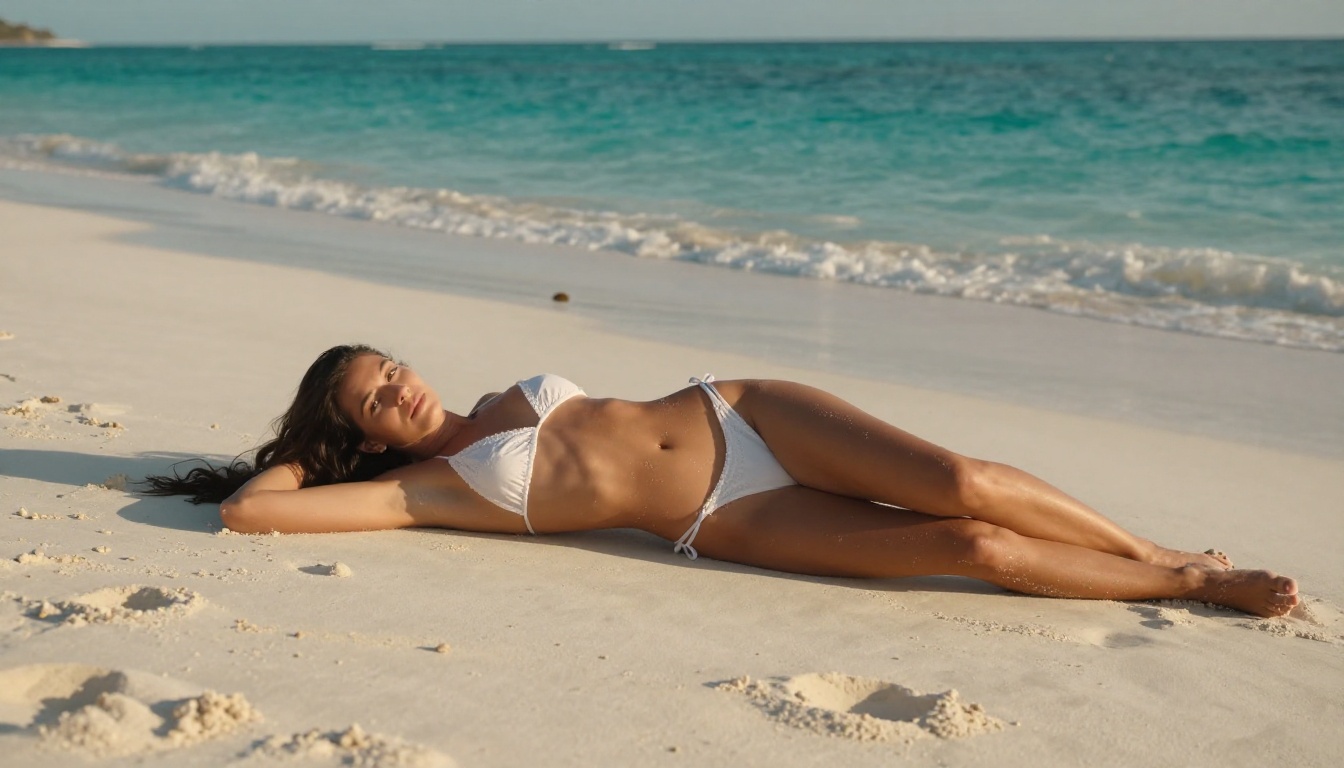
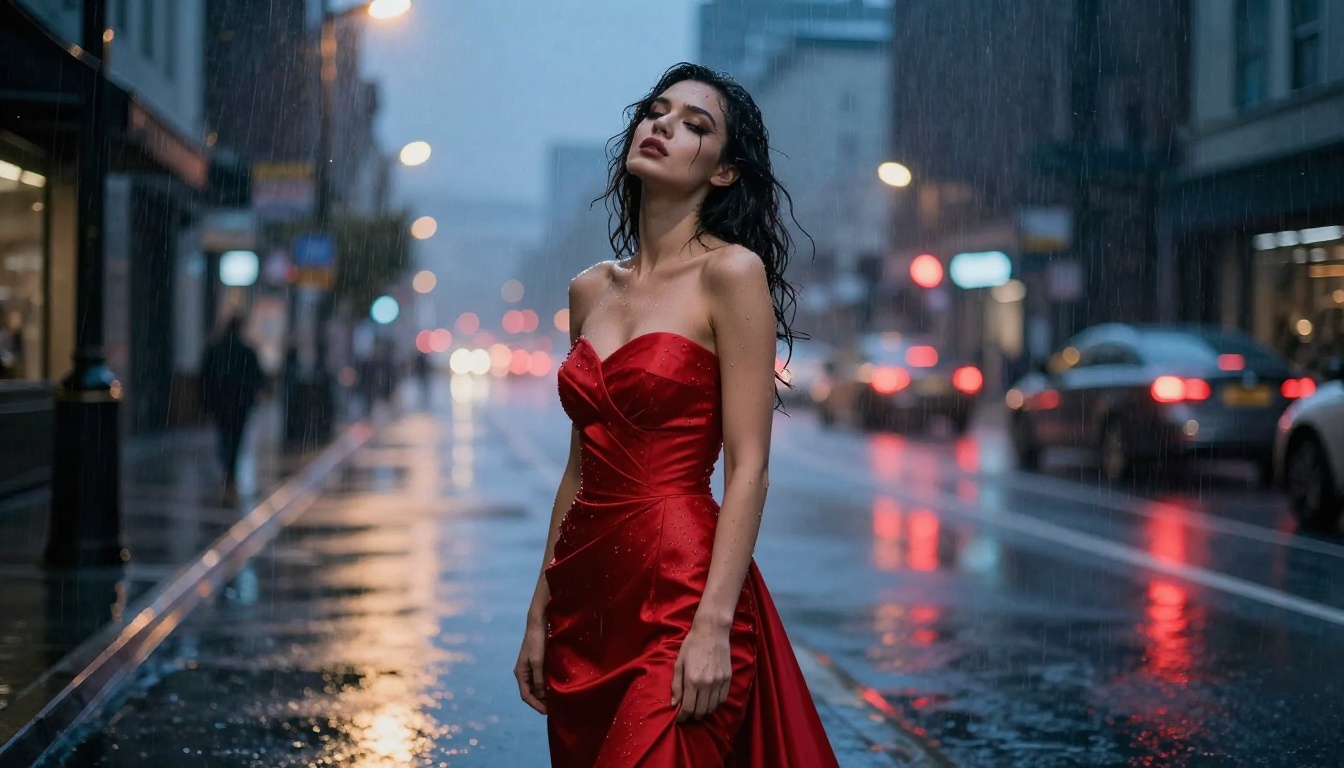
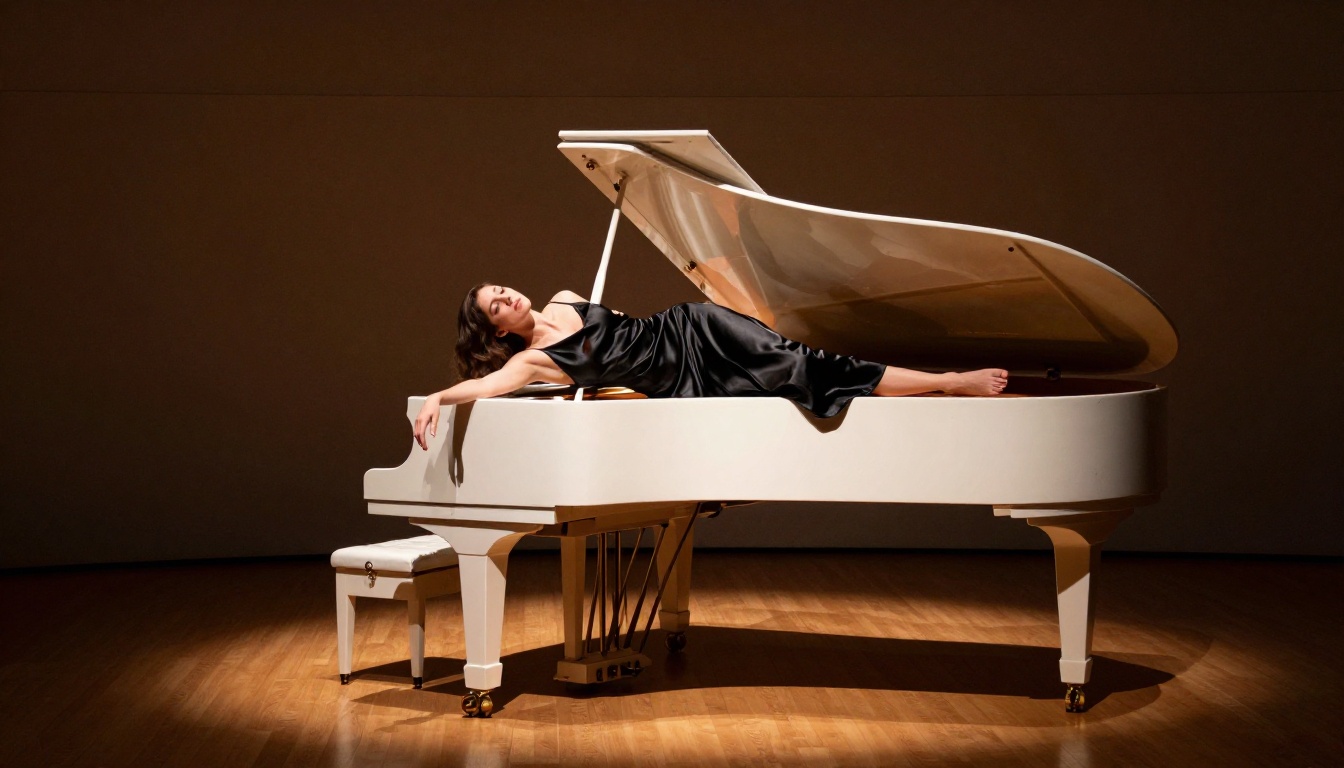
Seedream 4.5 from ByteDance is the strongest free option for high-quality, suggestive AI images. It generates at 4K resolution, handles human anatomy with photorealistic accuracy, and doesn't apply the aggressive censorship layers that cripple most alternatives.
On PicassoIA, Seedream 4.5 is available with free credits and produces results that rival paid generators on competing platforms. The difference in detail quality, particularly skin texture and lighting realism, is visible at first glance.
Resolution: Native 4K output. Most free generators cap at 512px or 1024px. Seedream 4.5 starts where others peak.
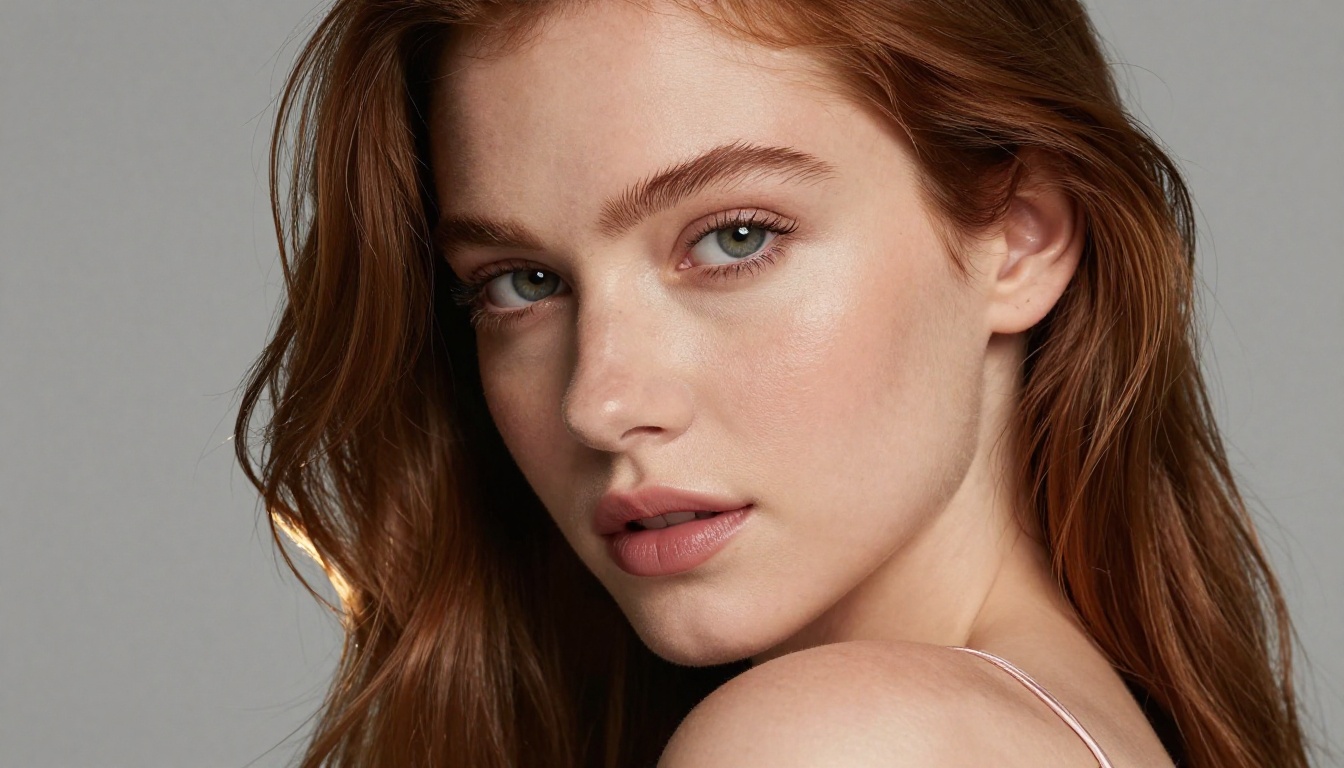
Photorealism: Skin textures, fabric detail, and lighting reactions are trained on real photography datasets. Faces don't have the uncanny valley effect that plagues other models without LoRAs.
Prompt adherence: It follows complex, specific prompts accurately. You describe the lighting direction, the camera lens, the fabric texture, and it delivers.
Select your aspect ratio: 16:9 for cinematic, 9:16 for portrait
Write a detailed prompt covering subject, clothing, environment, lighting direction, and camera specifics
Start with free credits to test your prompts before committing to higher-quality runs
Use the negative prompt field to exclude anything that degrades realism (no cartoon, no illustration, no watermark)
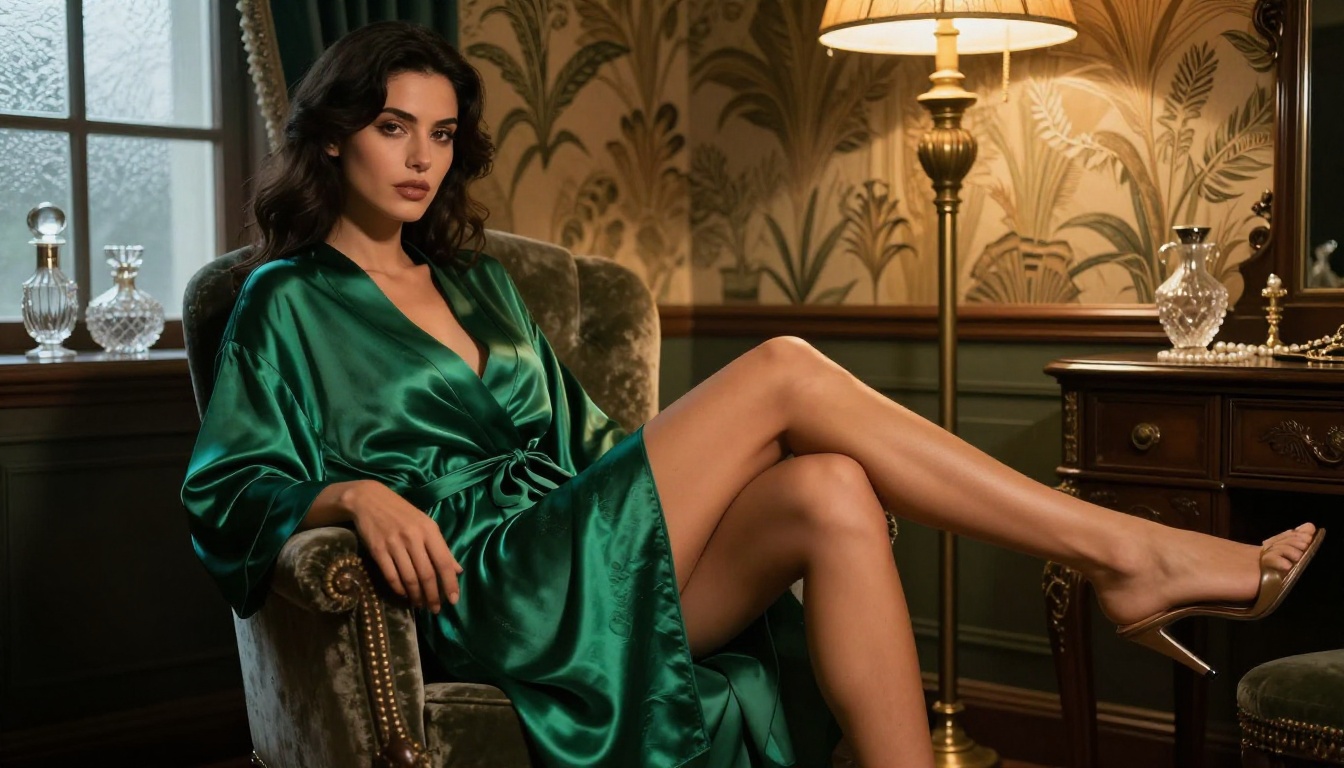
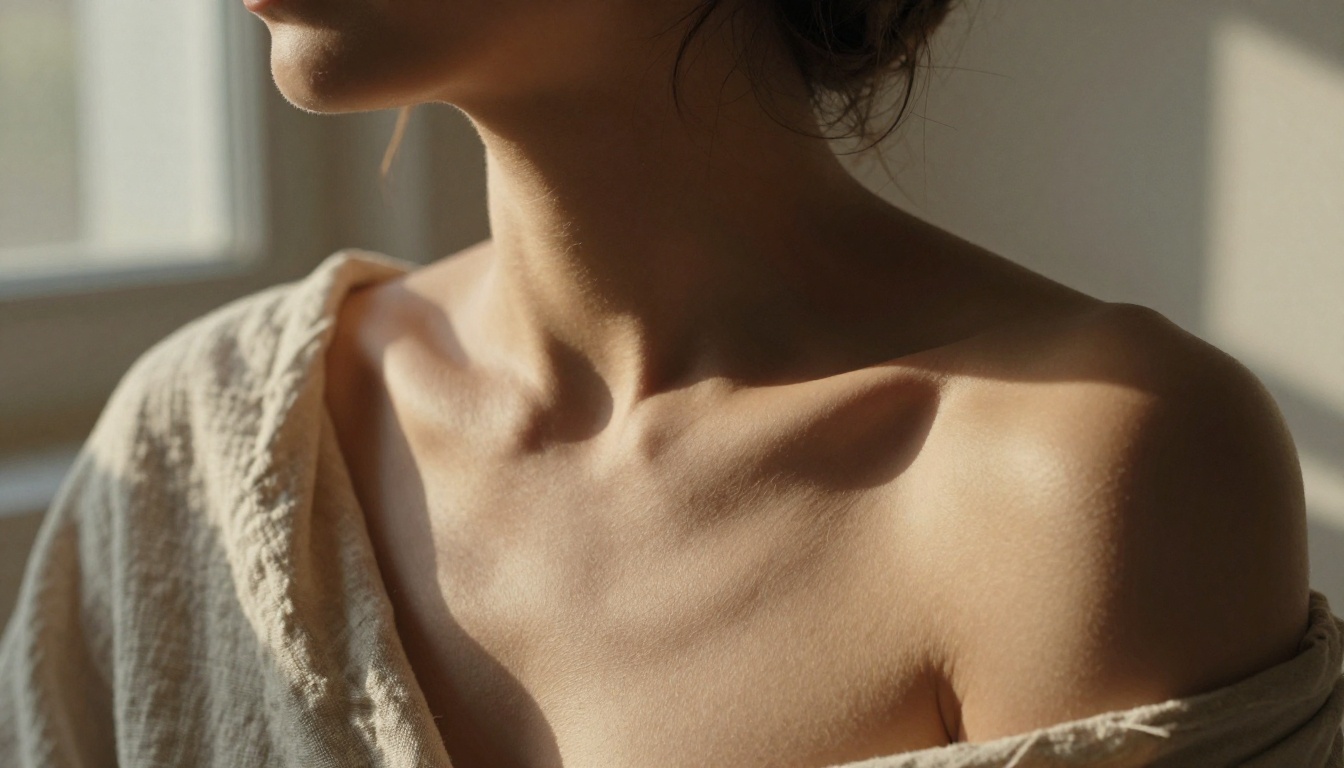
💡 Pro tip: Seedream 4.5 responds especially well to photography-style prompts. Instead of "beautiful woman," write "woman, late 20s, soft freckles, 85mm f/1.8 portrait, golden hour backlight, Kodak Portra 400."
PicassoIA Image Editor Pro: Unlimited Generations
For users who need volume without constant credit anxiety, PicassoIA Image Editor Pro is the answer. It offers unlimited AI image generations and combines text-to-image with powerful editing tools in a single interface.
Why Unlimited Matters for NSFW Content
Getting the right suggestive image isn't a one-shot process. It requires iteration. You adjust the lighting direction, refine the pose description, change the background. Each iteration consumes a credit on most platforms.
With PicassoIA Image Editor Pro, that creative loop is frictionless. You generate, evaluate, adjust, and generate again without watching a credit counter drain. For artists, content creators, or anyone building a consistent visual style, this is the difference between a creative workflow and a constrained one.
Getting Maximum Quality with the Editor
The editing capabilities extend beyond pure generation. Key features include:
Inpainting: Fix specific areas of an image, adjust hair, refine hands, correct anatomical details, without regenerating the entire image
Outpainting: Expand the canvas beyond the original frame, adding environment context or extending composition
Object Replacement: Swap clothing items, change accessories, or replace background elements with text instructions
These tools are particularly relevant for NSFW-adjacent content because first-generation results rarely nail every detail. The ability to make targeted edits means you get from "good" to "perfect" without starting over.
Flux Models Worth Your Time
Black Forest Labs' Flux architecture produces some of the most photorealistic image generation available. On PicassoIA, several Flux models are accessible with free credits.
Flux 1.1 Pro Ultra Finetuned
Flux 1.1 Pro Ultra Finetuned produces 4-megapixel output with LoRA fine-tuning support. For NSFW-adjacent imagery, the combination of high resolution and customizable fine-tuning means you can push style and subject specifics further than the base model allows.
The Pro Ultra variant is particularly strong at:
Skin and hair realism: Individual hair strands, skin pores, and subsurface scattering on lit areas
Fabric rendering: The way silk, lace, or sheer fabric drapes, catches light, and creates shadows
Depth of field simulation: Shallow DoF backgrounds that replicate real lens behavior at wide apertures
Flux Schnell LoRA
Flux Schnell LoRA trades some of Flux Pro's resolution ceiling for speed. It generates in seconds rather than minutes, which makes it ideal for rapid prompt iteration.
The workflow: use Flux Schnell LoRA to test 10 variations of a prompt quickly, identify the strongest one, then run that exact prompt through Flux 1.1 Pro Ultra Finetuned for the final high-resolution output. Speed for testing, precision for the final result.
Flux Redux Dev
Flux Redux Dev handles image variations, taking an existing image and generating stylistically consistent alternatives. For building a cohesive series of images with a consistent subject or aesthetic, this is the practical choice. One strong source image becomes a whole collection.
Other Models Worth Trying
The PicassoIA library extends well beyond Seedream and Flux. Two models that perform specifically well for the type of imagery discussed here:
Stable Diffusion 3
Stable Diffusion 3 from Stability AI remains a strong base model with a long track record of community fine-tuning. Its open architecture means the training data and model weights have been extensively modified for photorealism.
On PicassoIA, Stable Diffusion 3 is available as a free-to-use option. It handles complex compositional prompts well, particularly scenes with multiple elements, specific environmental conditions, and detailed background descriptions.
Wan 2.7 Image Pro
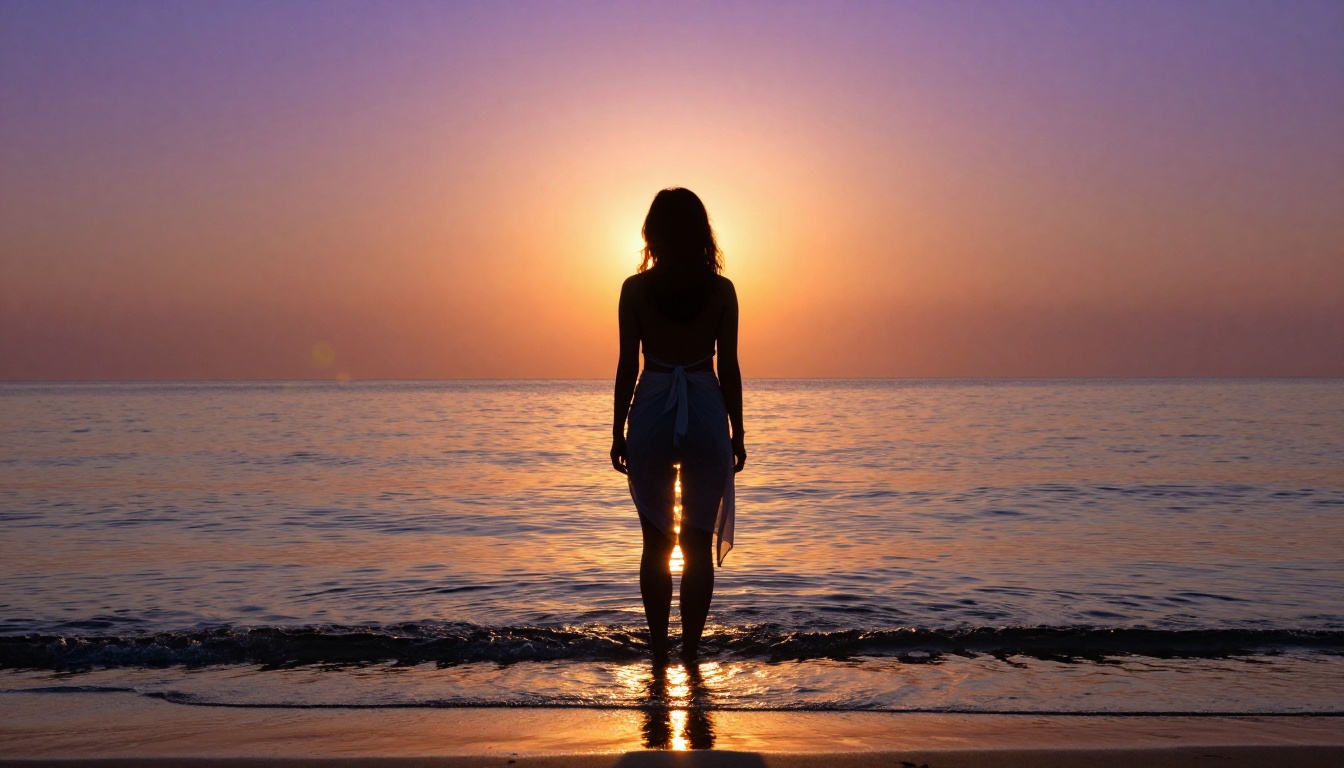
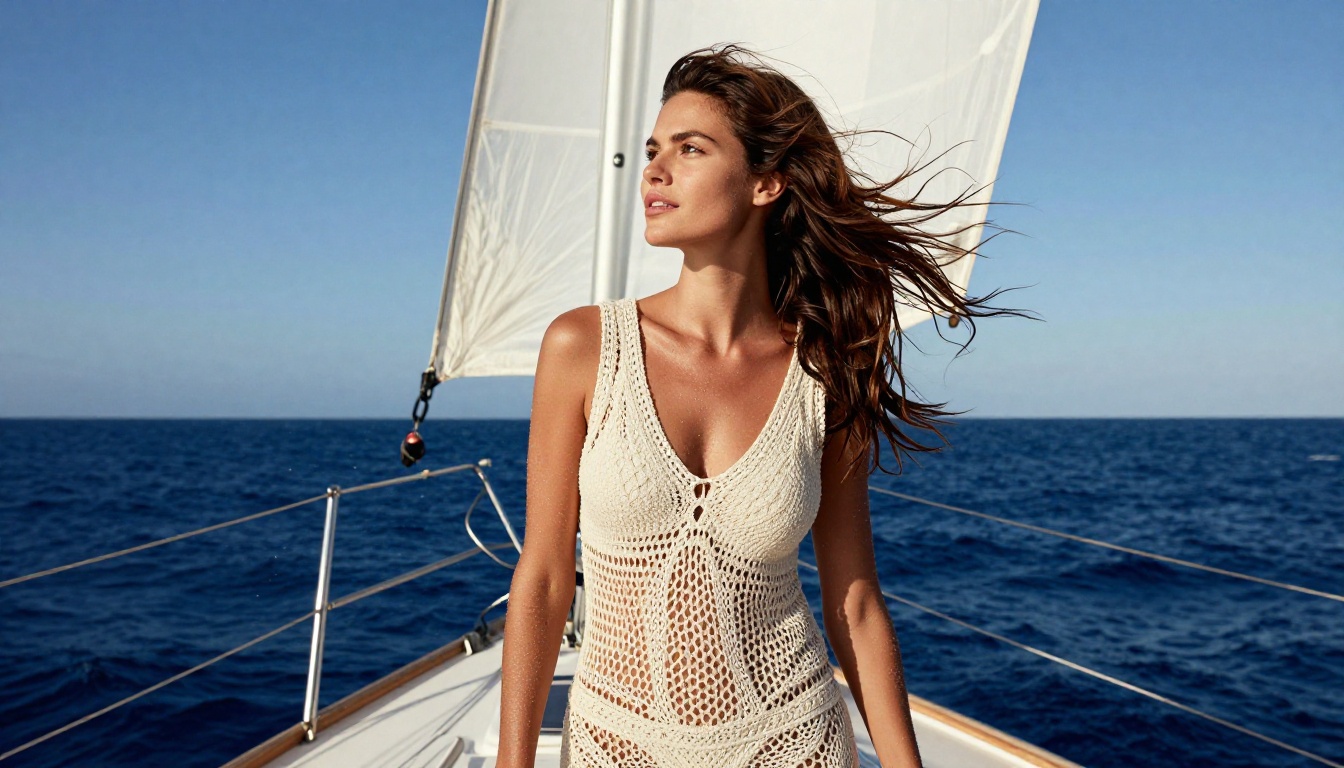
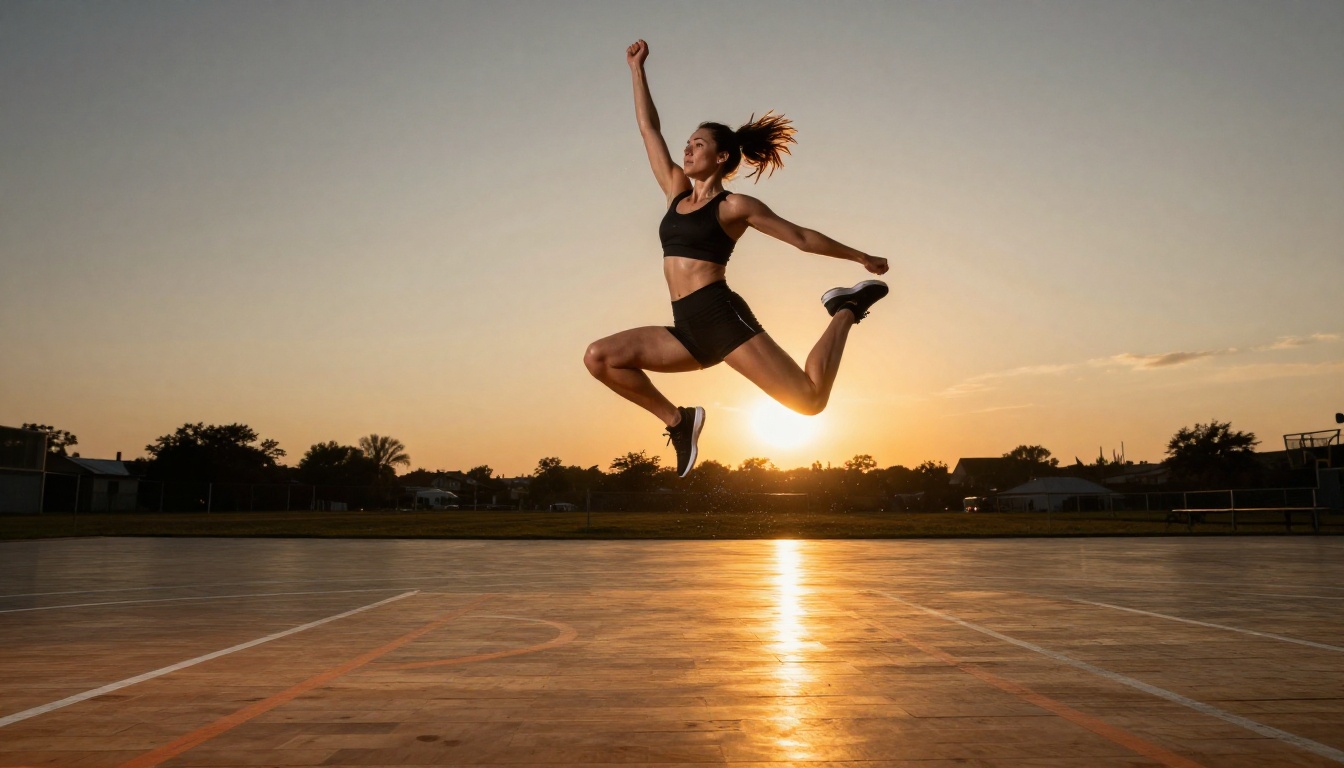
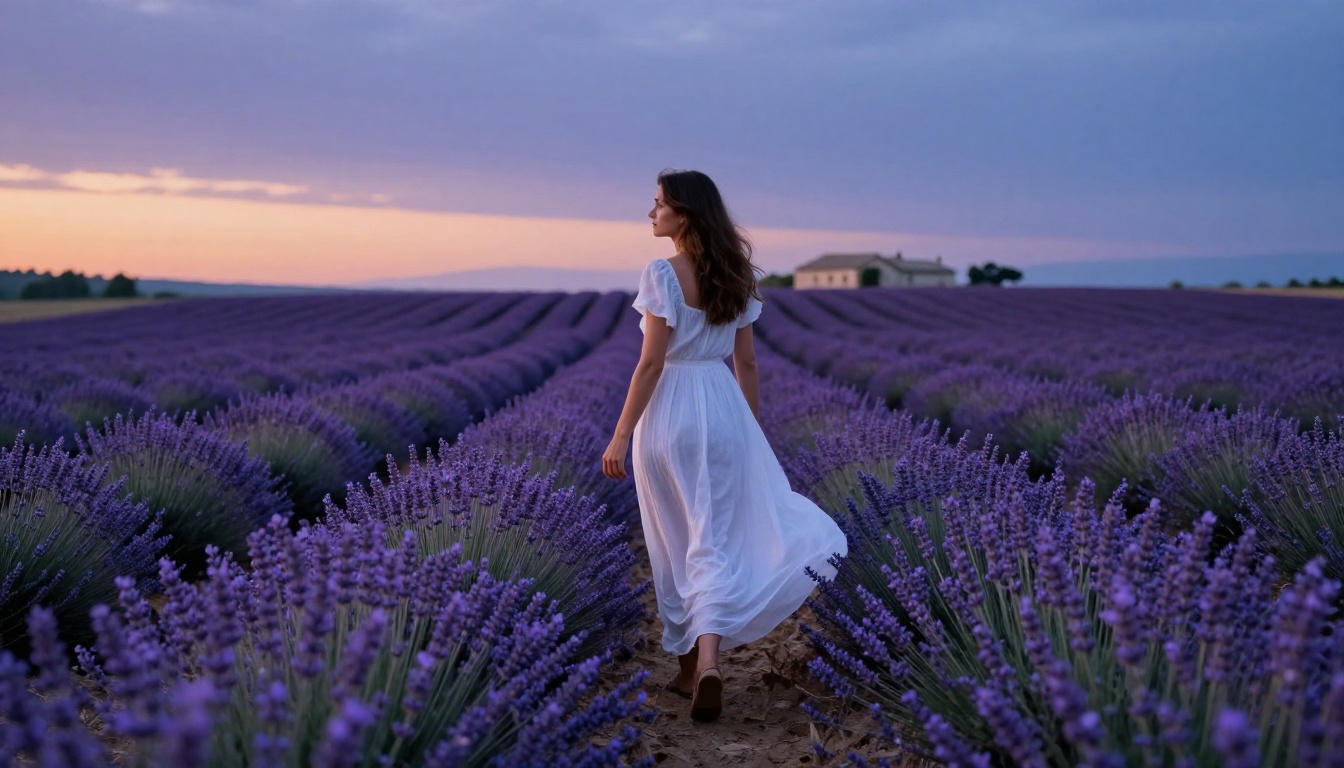
Wan 2.7 Image Pro is a newer contender generating at 4K. It delivers particularly strong results for outdoor scenes with complex natural lighting. Golden-hour beach shots, mountain backdrops, natural environments with real weather conditions: Wan 2.7 Image Pro handles these more naturally than studio-focused models.
For those who prefer a more editorial, outdoor-lifestyle aesthetic in their AI images, this is the model to start with.
The quality gap between a mediocre NSFW AI image and a genuinely stunning one almost always comes down to the prompt. Models like Seedream 4.5 are capable of extraordinary photorealism, but they need specific instructions to get there.
Lighting Descriptions That Work
Lighting is the single most important variable in photorealistic AI image generation. Models trained on photography data respond to precise lighting descriptions better than vague aesthetic adjectives.
Use these structures:
warm 5600K morning light from left at 30 degrees (direction and color temperature)
volumetric backlight from window creating rim light on hair and shoulder (light source and effect)
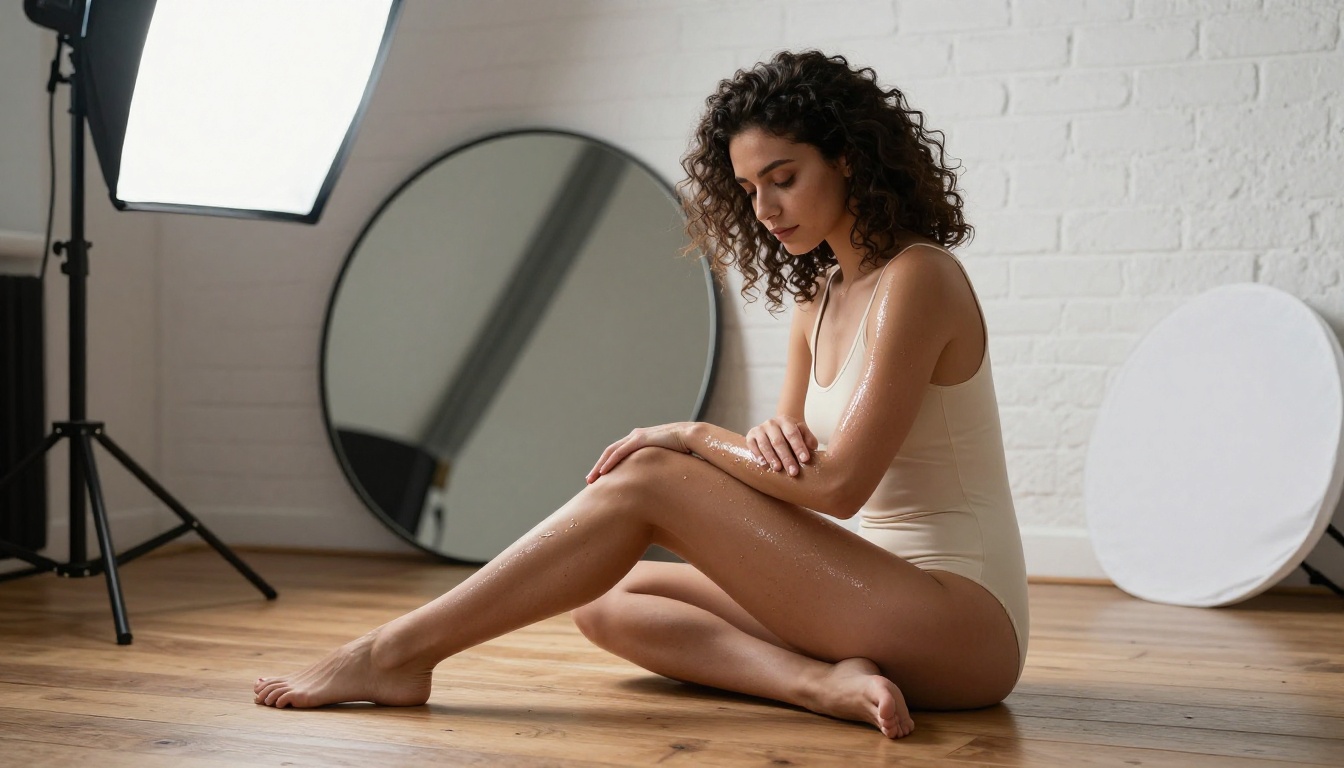
octabox overhead-left as key light, white reflector fill from right (studio setup language)
harsh noon sun directly overhead creating strong shadow under chin (time of day)
Avoid:
"Beautiful lighting" (non-specific)
"Good lighting" (meaningless to the model)
"Natural lighting" without any direction or temperature specified
Style Descriptors That Actually Raise Quality
Adding photographic style references signals to the model to prioritize realism over illustration.
High-impact additions:
Kodak Portra 400 film grain or Fujifilm Pro 400H color science
85mm f/1.4 shallow depth of field
RAW photography, photorealistic 8K
cinematic, natural textures, no CGI
Anatomy and Subject Specifics
Rather than relying on the model to interpret "beautiful woman," give specifics:
Age range: woman, early 30s
Physical details: slight natural muscle definition, sun-bronzed skin with fine arm hair
Expression: calm and introspective expression, lips slightly parted, eyes focused at camera
Position: seated cross-legged, one arm resting on knee, weight forward
The more specific your subject description, the more the model allocates generation capacity to precision over generic defaults. Vague subjects produce generic results; specific subjects produce specific results.
Negative Prompts to Always Include
Most free-tier platforms allow negative prompts. Use them consistently:
cartoon, illustration, CGI, 3D render, watermark, logo, text, painting, anime, plastic skin, symmetrical face error, extra fingers, deformed hands
This removes the most common degradation patterns in image generators and forces the model toward photorealistic output. It's one of the fastest, easiest quality improvements available.
Beyond Images: AI Video for NSFW Content
The same principle that applies to images applies to video: most free-tier AI video tools apply aggressive filtering and deliver low-resolution results at limited frame rates. PicassoIA's video generation changes that.
The image-to-video pipeline gives you a consistent subject across frames. Generate a high-quality still with Seedream 4.5, then convert that image into a 5-second 720p video clip with natural motion. The subject remains anatomically consistent throughout, which is the core problem most AI video tools struggle with.
💡 For video prompts, describe the motion chronologically: "she slowly turns her head toward the camera, hair lifting in a breeze, camera dolly-in over 5 seconds." This matches the model's internal temporal processing and produces smoother, more intentional motion.
For video, the same photorealistic approach applies. Prompts that reference real cinematic motion, natural lighting, and describe action frame-by-frame consistently outperform generic motion descriptions. Think in terms of what a cinematographer would call out: camera movement type, subject action, and lighting behavior.
All 90+ Models in One Place
Beyond the specific models covered here, PicassoIA runs over 90 text-to-image models across artistic and photorealistic styles. You're not locked into a single generation engine. If Seedream 4.5 doesn't give you the exact aesthetic you want, switch to Wan 2.7 Image Pro, Flux Redux Dev, or one of the Seedream 4 variants in two clicks.
The full model library is at picassoia.com/en/all-models. Browsing by category shows you what's available across image, video, audio, and enhancement tools without needing to know model names in advance.
The variety matters for NSFW-adjacent work specifically because different models have different aesthetic strengths. Some produce warmer, more cinematic skin tones. Others render fabric and texture with more fidelity. Others are faster to iterate with. Having all of them available under one roof, with free access, is the actual advantage.
Start Creating Now
The tools described in this article are live and accessible. You don't need a waitlist, a referral, or a credit card to try Seedream 4.5. Open the model, write a detailed photography-style prompt, and run your first generation.
The gap between what most people get from free NSFW AI tools and what's actually possible is almost entirely a prompting problem. A model like Seedream 4.5 or Flux 1.1 Pro Ultra Finetuned with a precisely written prompt produces results that rival professional photography. The same model with a vague prompt produces something forgettable.
Spend five minutes on the lighting vocabulary. Add a camera lens spec to your next prompt. Try the negative prompt list. The quality jump from your first generation to your tenth, using the techniques in this article, is real and measurable.
The PicassoIA Image Editor Pro is the right starting point for anyone who wants unlimited generations without a credit ceiling. From there, layer in Seedream 4.5 for your best quality outputs, and use the Flux models for rapid iteration and variation.
The best free NSFW AI options are not hidden. They're running right now at picassoia.com/en/all-models, free to try, waiting for a prompt specific enough to show you what they can actually do.