The demand for uncensored AI anime art has reached a tipping point. From independent artists building visual novel assets to hobbyists who want characters rendered exactly as imagined, the need for platforms that do not interrupt the creative process has never been more clear. And in 2027, the tools to do this properly are finally accessible without needing expensive hardware or technical expertise.
The core frustration for most people searching for the best free uncensored AI art generator for adult anime is not the technology itself. The technology is extraordinary. The problem is access. Most platforms place strict content filters at the prompt level, blocking anything that hints at mature themes before a single pixel gets rendered. Understanding why those filters exist, and how to work around them legally and effectively, changes everything about how you approach this type of creative work.
This article covers which models actually perform best for adult anime art, how to access them through platforms that respect your creative intent, and the exact prompting strategies that separate mediocre results from genuinely impressive character art.
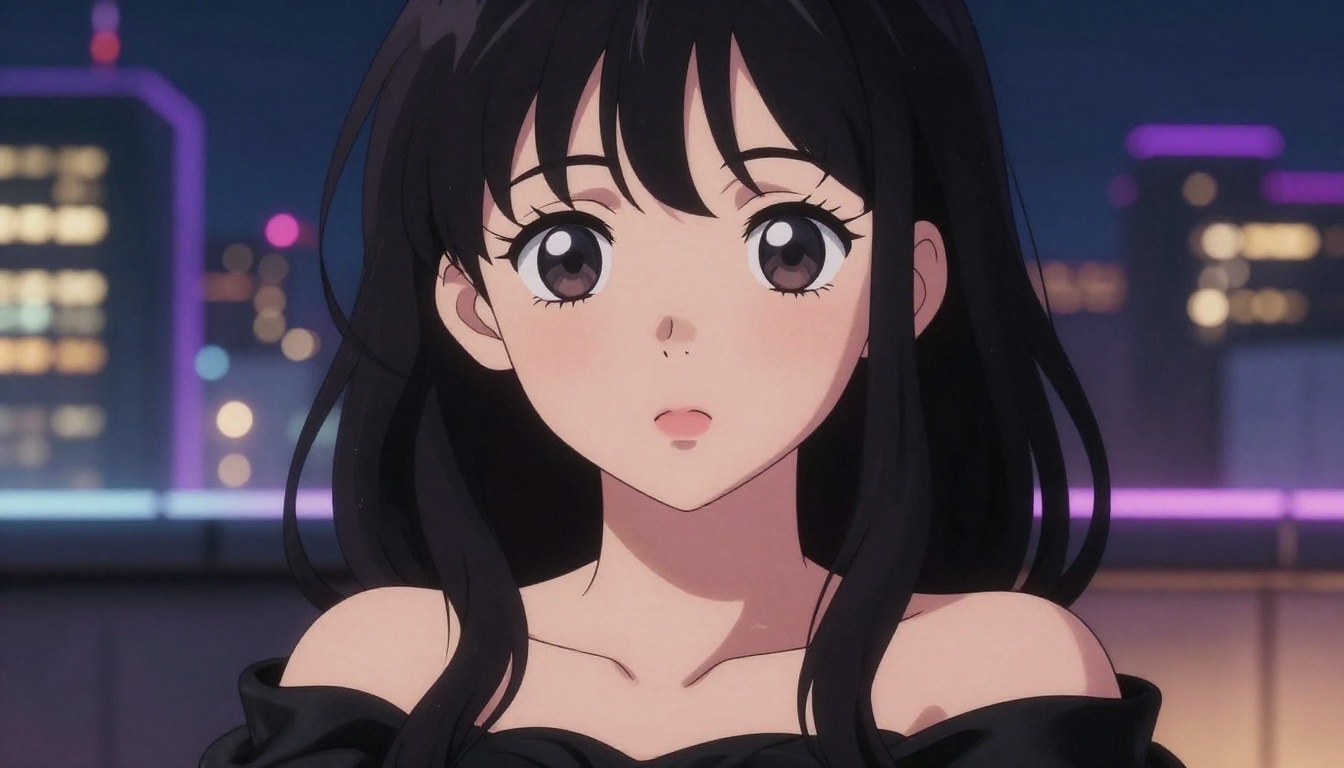
What "Uncensored" Actually Means
Filtered vs. Unrestricted Models
There is a distinction between the AI model itself and the platform that delivers it, and understanding this distinction will save you hours of frustration.
The model, whether it is Flux Dev, SDXL, or Proteus v0.3, is a neural network. It does not have opinions about your prompt content. What blocks your output is the safety layer the platform wraps around that model before your request even reaches it.
Filtered setups run your prompt through a content classifier first. If any flagged term appears, the request is rejected outright. You never reach the model. Major commercial tools like DALL-E and Adobe Firefly operate this way. They produce excellent images within their allowed scope, but that scope is narrow.
Unrestricted setups pass your prompt directly to the model with minimal or no interference. Whether the output contains mature content depends on what the model was trained on and what fine-tuning was applied. Open-source models like Stable Diffusion and Flux have been fine-tuned extensively by the community to handle mature anime content with strong visual quality.
The practical takeaway: The model itself is rarely your limiting factor. The platform wrapper is. Choosing a platform that gives you direct model access without aggressive prompt-level filtering is the single most important decision you will make.
Why Filters Exist on Most Platforms
Commercial platforms filter content for three primary reasons: payment processor compliance, legal liability, and advertiser relationships. Visa and Mastercard have explicit policies requiring platforms processing their payments to implement restrictions on adult content. Any business that wants to stay operational and financially viable has to respect these requirements.
Platforms that offer genuine freedom for mature content typically operate through age-verified memberships, separate payment structures, or by positioning themselves as professional tools for adult content creators. The open-source AI art ecosystem largely sidesteps these issues through community-run platforms that offer raw model inference with minimal upstream restrictions.
When evaluating a platform, the question is not just "does it allow adult content?" but rather "does it give me direct access to the base model, or does it add a filter layer between my prompt and the generation?" The answer to that second question determines your actual creative ceiling.
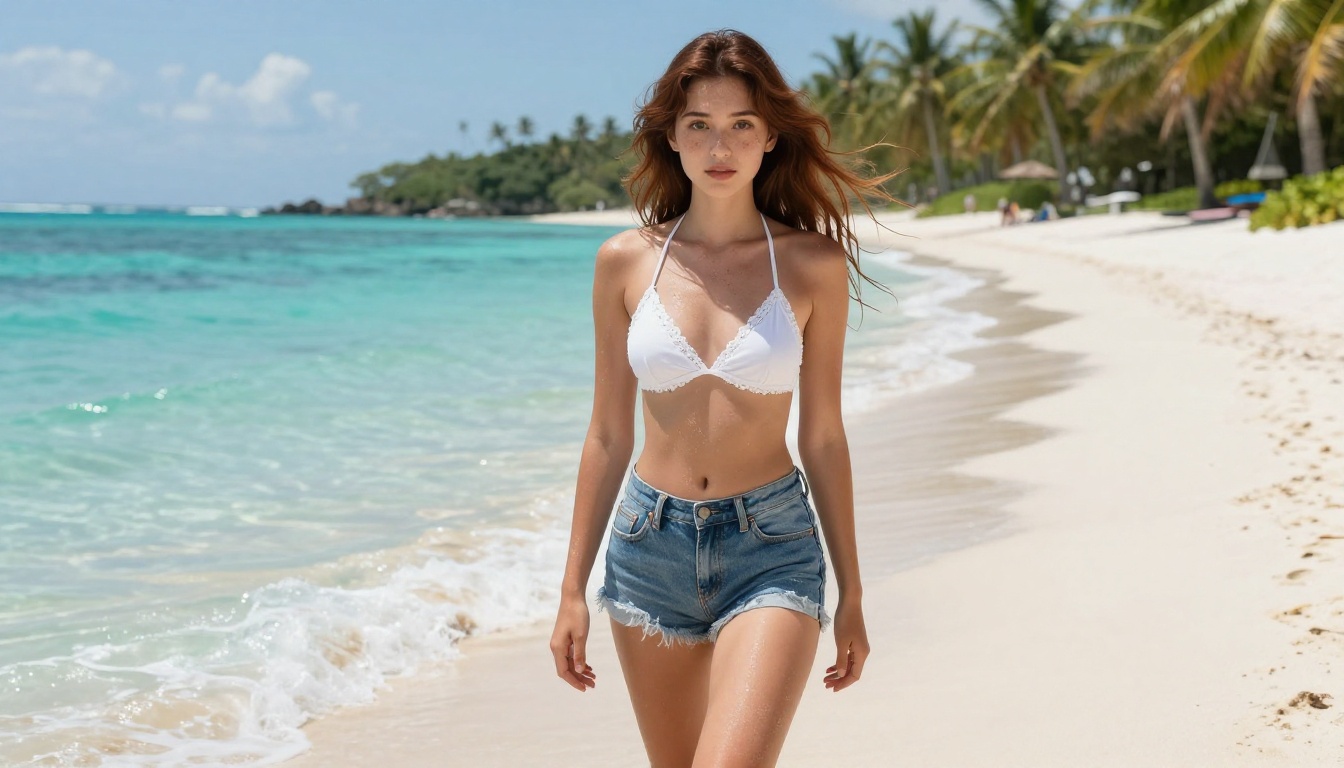
Top Free Models for Adult Anime Art
Flux Dev: The Strongest General Option
Flux Dev from Black Forest Labs has become the most capable freely accessible model for high-quality character art. Its transformer-based architecture produces exceptional detail in fabric, hair, and skin texture, all qualities that matter critically when generating expressive anime characters where visual fidelity drives emotional impact.
For rapid prompt testing at lower computational cost, Flux Schnell generates images in seconds rather than minutes. The quality ceiling is lower, but it is the right tool for iterating on prompt phrasing before committing to a full render.
The next-generation Flux 2 Dev and Flux 2 Pro models offer significant improvements in anatomical consistency and lighting coherence. When generating characters in complex poses or with detailed clothing layering, these models produce noticeably fewer errors than their predecessors.
Core strengths for anime art:
- Exceptional skin and hair texture rendering at 8K equivalent resolution
- Strong prompt adherence for long, detailed character descriptions
- Consistent anatomy across multiple generations from the same seed
- Natural photographic lighting behavior that feels grounded rather than artificial
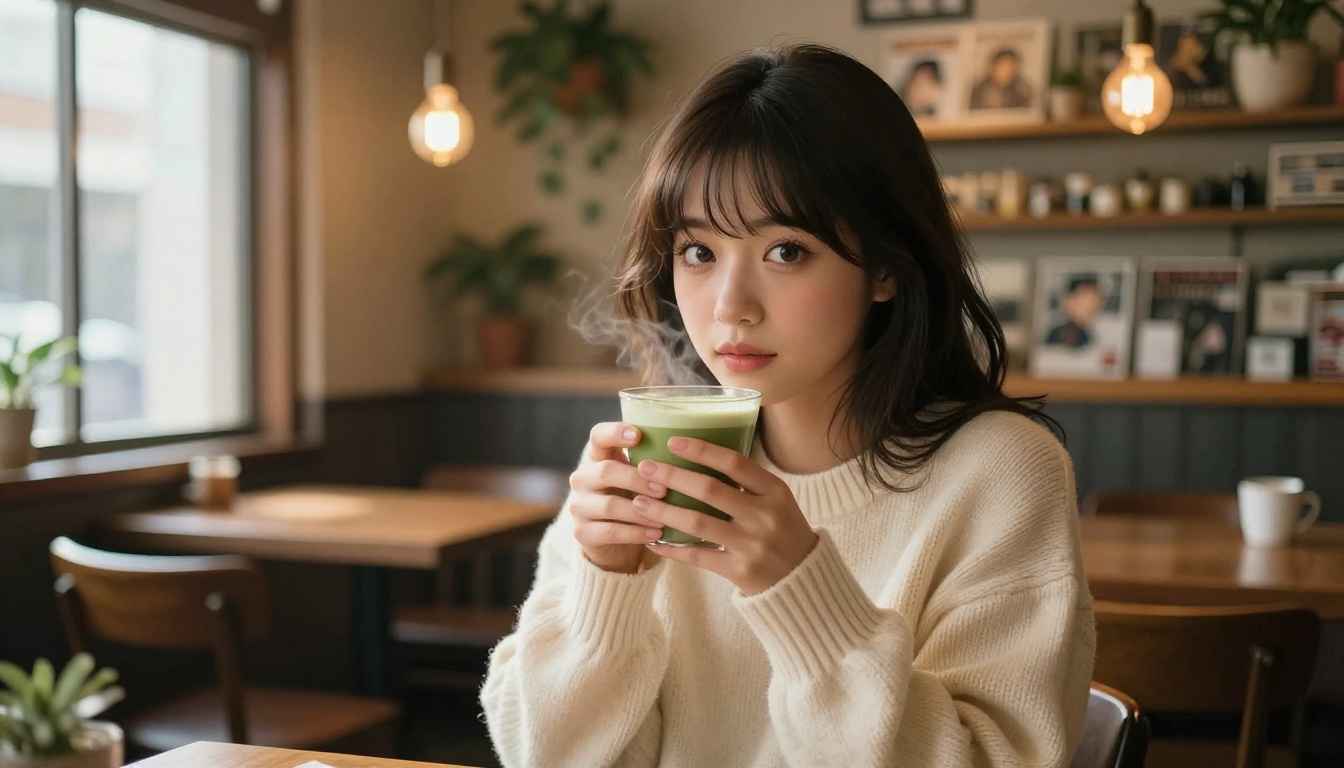
Proteus v0.3: Purpose-Built for Anime
Proteus v0.3 stands apart because it was specifically fine-tuned on anime and manga datasets. Where general-purpose models require significant prompt engineering to produce recognizably anime-styled output, Proteus defaults to it naturally.
The difference is immediate. Proteus produces large expressive eyes, stylized proportions, and the characteristic skin shading of quality anime art without needing "anime style" appended to every prompt. It simply knows what anime looks like.
Its predecessor, Proteus v0.2, is also worth keeping available. Some users prefer its slightly more painterly aesthetic for certain character types, particularly those with retro or shoujo manga influence.
Pro tip: Proteus responds exceptionally well to genre-specific descriptors from anime culture. Terms like "kunoichi," "shrine maiden," "magical girl," and similar vocabulary activate genre-specific training patterns and produce dramatically better-composed results than generic equivalents.
SDXL and DreamShaper XL Turbo
SDXL from Stability AI remains one of the most versatile base models for anime art, largely due to the extensive community ecosystem built around it. Hundreds of SDXL-compatible LoRA fine-tunes target specific anime art styles, character aesthetics, and sub-genre conventions. On its own, the base SDXL model produces solid output. Paired with the right LoRA, it can match dedicated anime models on specific style targets.
DreamShaper XL Turbo fine-tunes SDXL for artistic and fantasy content with a generation speed advantage. It produces results that feel like polished anime promotional artwork, the kind used on game covers and light novel illustrations. The speed makes it particularly useful when high output volume is required for a project.
For structural control over compositions, SDXL Multi ControlNet LoRA lets you feed pose reference images to guide character positioning. This eliminates one of the most persistent challenges in AI anime art: getting a character into a specific pose consistently across multiple generations. When compositional precision matters, ControlNet support is a significant workflow upgrade.
The SDXL Lightning 4Step variant from ByteDance produces SDXL-quality results in four diffusion steps rather than 20 to 30, making it one of the fastest high-quality options when speed matters more than maximum detail.
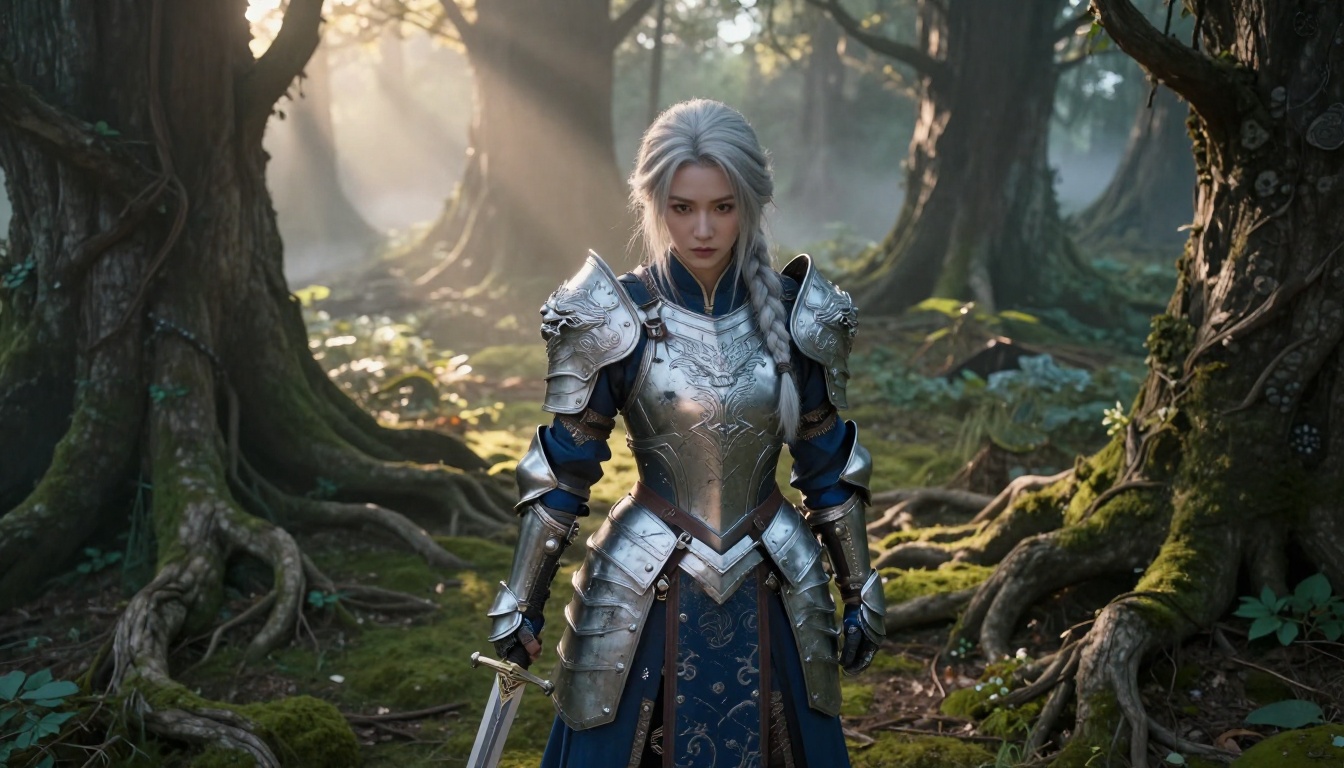
Stable Diffusion 3.5 Large for High Detail
When output quality is non-negotiable, Stable Diffusion 3.5 Large delivers. Its multimodal diffusion transformer architecture handles complex prompts with multiple scene elements, intricate character details, and layered lighting conditions more reliably than older SD versions.
The Stable Diffusion 3.5 Large Turbo variant reaches most of that quality ceiling at significantly higher speed. For anime art requiring intricate clothing details and realistic environmental backgrounds, the SD 3.5 Large family is worth using alongside Flux.
RealVisXL for Photorealistic Anime
RealVisXL v3.0 Turbo occupies a specific and compelling niche: photorealistic imagery with anime-influenced facial aesthetics. If you want characters that feel physically real while retaining the expressive eyes, refined features, and proportions that define anime character design, RealVisXL consistently delivers that blend.
It is particularly strong for "real-life anime" aesthetics, characters that could be photographed in the real world but read unmistakably as anime-influenced. This style has significant demand in adult content creation and character art for games and multimedia projects.
How to Use Proteus v0.3 on PicassoIA
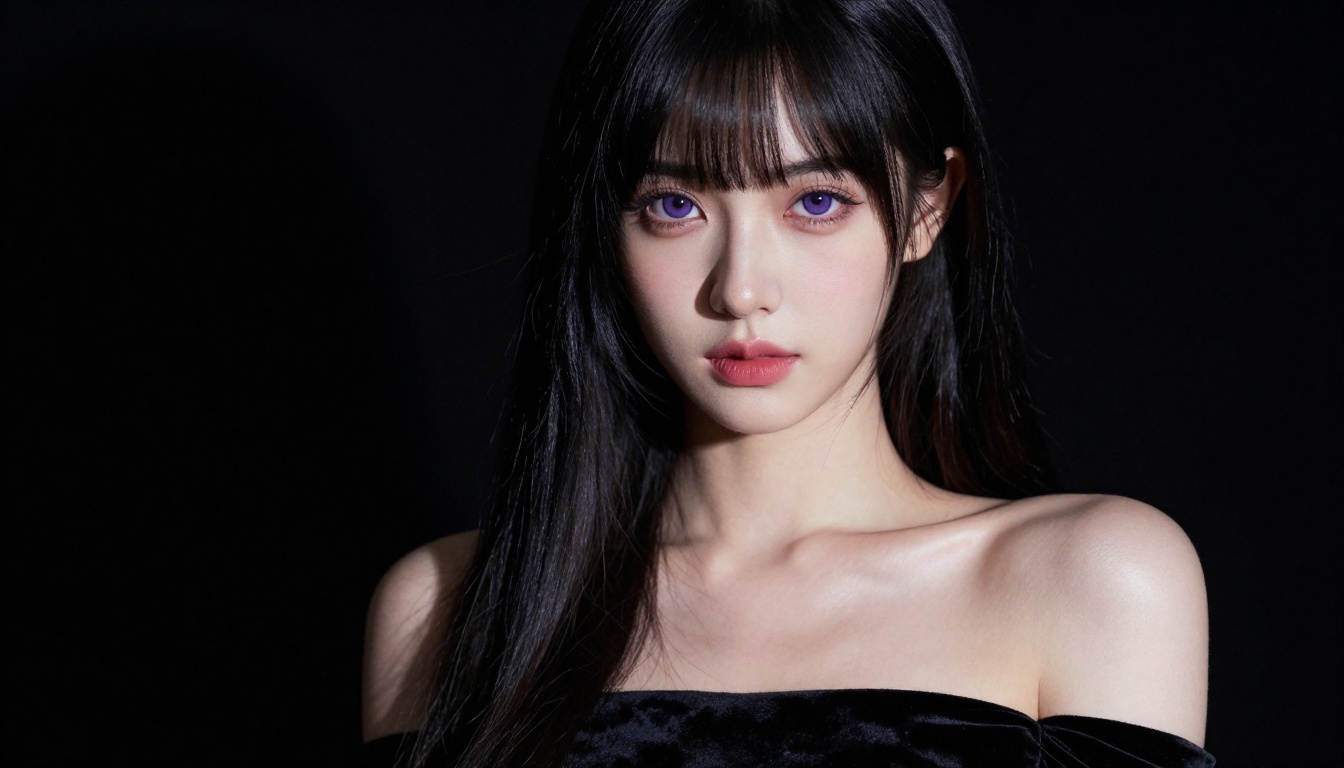
Proteus v0.3 is accessible directly through PicassoIA with no installation, no GPU required, and no configuration. Here is the full workflow:
Step 1: Open the model
Navigate to Proteus v0.3 on PicassoIA. The interface shows the text prompt field and generation parameters.
Step 2: Build your positive prompt
Structure your prompt in this order for best results: character description, appearance, clothing, pose and expression, environment, lighting, quality modifiers.
Example: young woman, long silver hair, large violet eyes, gentle expression, wearing white sundress, sitting on stone temple steps, soft morning light from the left, sakura trees in background, photorealistic, 8k, high detail
Step 3: Add negative prompts
Negative prompts are essential for consistent quality:
ugly, deformed, bad anatomy, extra fingers, missing fingers, fused limbs, blurry face, low quality, jpeg artifacts, watermark, flat colors, worst quality
Step 4: Set your parameters
| Parameter | Recommended Value |
|---|
| Steps | 30 to 40 |
| CFG Scale | 7 to 8 |
| Sampler | DPM++ 2M Karras |
| Resolution | 768x512 or 1024x768 |
Step 5: Lock seeds for consistency
When you generate an output worth developing, note the seed value and lock it. Adjust individual prompt elements one at a time to refine details like outfit or background without losing the overall character composition.
Prompt tip for Proteus: Add masterpiece, best quality, absurdres at the start of your positive prompt. These are standard quality-boost tokens in the anime diffusion community and Proteus responds well to them.
Prompting Tips for Adult Anime Art
Subject and Pose Descriptions
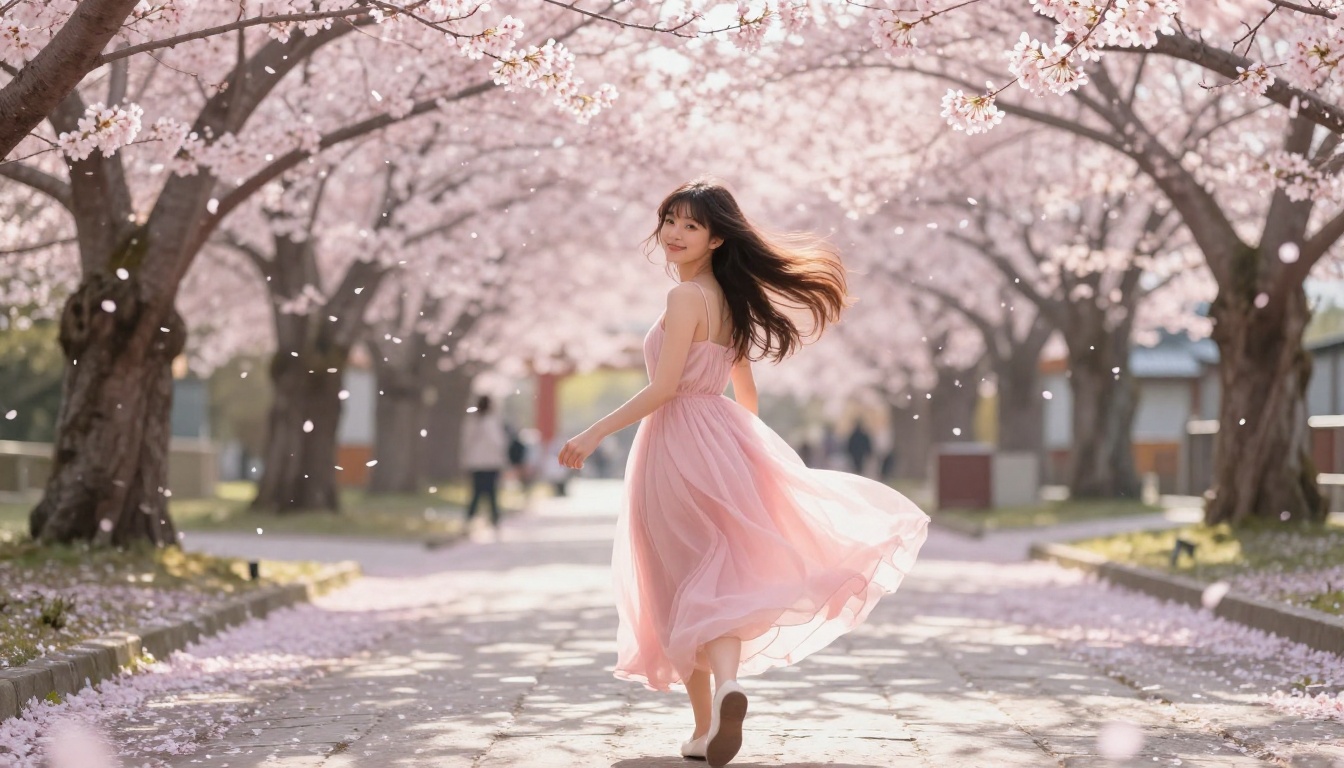
The most impactful improvement you can make is specificity in subject descriptions. Vague prompts produce generic results. Layered, detailed prompts push the model toward intentional, realized output.
Instead of: "anime girl in bikini"
Try: "young woman, large amber eyes, wavy auburn hair, wearing high-cut white bikini, standing in shallow ocean waves, noon sunlight overhead, wet hair clinging to shoulders, sand visible through crystal-clear water, gentle waves at her knees"
The second prompt provides lighting direction, environmental interaction, and physical detail that gives the model meaningful signals to work with.
Effective character descriptors:
- Eye details:
heterochromia, gradient irises, cat-slit pupils, long lashes, heavy lidded
- Hair:
twin tails, braided, wind-swept, soaking wet, decorated with flowers, split-color dye
- Pose and expression:
looking over shoulder, arms raised, relaxed seated, confident smirk, bashful expression
Lighting and Style Modifiers
Lighting descriptors are underused in most anime art prompts, but they produce some of the most significant quality improvements. Specific lighting conditions change the entire mood and realism of the output.
Strong lighting modifiers:
soft volumetric morning light from leftdramatic chiaroscuro side lightingwarm golden hour backlight with lens flarecool moonlight from above with indigo shadowsneon-lit urban night scene with colored catch lights in eyes
For visual consistency across multiple images of the same character, lock in camera specifications: 85mm f/1.4 lens, shallow depth of field, RAW 8K, Kodak Portra 400 film grain, photorealistic.
Negative Prompts That Work
Negative prompts eliminate the most common AI anime art failures: misshapen hands, inconsistent anatomy, flat unlit faces, and muddy background textures.
Core negative prompt for anime art:
ugly, deformed, bad anatomy, extra fingers, missing fingers, fused limbs, blurry face, low quality, jpeg artifacts, watermark, signature, worst quality, low resolution, flat shading
For mature content where anatomy is central to the composition, extend with: extra limbs, deformed body, unrealistic proportions, distorted face
Comparing Results Across Models
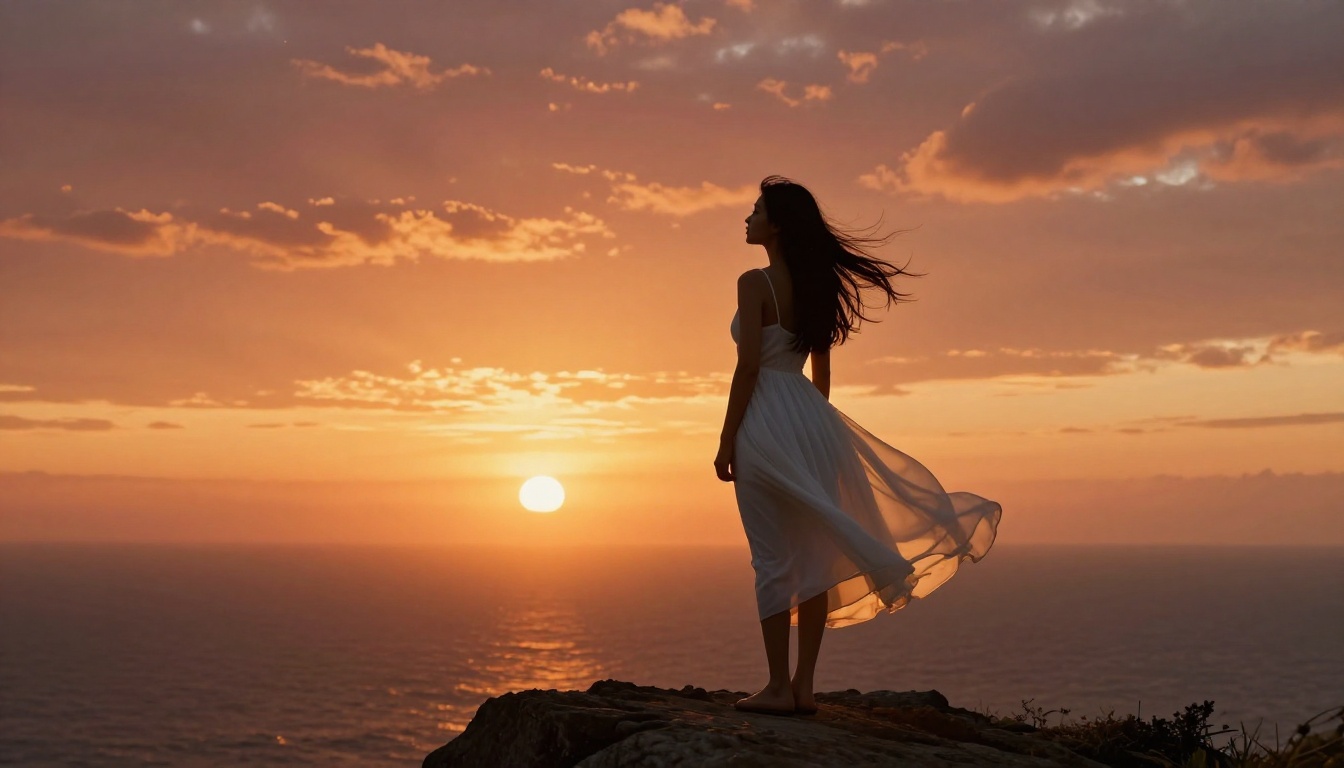
Here is how the main models compare for adult anime art across the dimensions that matter most:
For pure anime aesthetics and character work, Proteus v0.3 delivers the best style fidelity with minimal prompt engineering. For photorealistic quality with anime-influenced aesthetics, Flux Dev and RealVisXL are the stronger choices.
Free vs. Paid: What You Actually Get
Daily Generation Limits
Most platforms offering free model access operate on a credit system. Free tiers typically provide enough credits for 15 to 30 standard-resolution generations per day. This is sufficient for learning and prompt iteration, but limited for production-level creative work.
What free tiers routinely exclude:
- Priority queue position (your generations wait behind paid users)
- Access to the newest, highest-performing models
- Commercial licensing rights for generated images
- API access for bulk or automated generation
- Maximum resolution outputs (often capped at 512x512 or 768x768)
When Upgrading Makes Sense
If you are generating images for any commercial purpose, including visual novels, character art portfolios, or adult content platforms, upgrading is the right call for both quality and licensing reasons.
Paid access typically adds:
- Higher resolution: 1024x1024 and above outputs with full detail retention
- Priority generation: Dramatically reduced wait times during peak usage
- More generation steps: Higher step counts produce more refined, detailed results
- Full model catalog: Including Flux 2 Max and Flux 1.1 Pro Ultra that significantly outperform free-tier models on demanding prompts
Worth noting: Running these models locally requires a GPU with at least 8GB VRAM. For most users, using a cloud platform like PicassoIA is far more practical. You get over 91 text-to-image models in one place without any local setup, and that includes everything listed in this article.
For anyone producing consistent character art across a project, the productivity difference between free and paid tiers typically justifies the cost within the first week of regular use.
Start Creating Your Own Anime Art
You now have a complete picture of which models perform best for adult anime art and exactly how to use them. The combination of Proteus v0.3 for style-accurate anime characters, Flux Dev for photorealistic quality, and the prompting structure covered in this article will produce results that most people cannot reach after weeks of unguided trial and error.
The practical path forward: open Proteus v0.3 on PicassoIA, build a detailed character prompt using the structure from above, and run your first generation. Adjust one element at a time, lock seeds when you find a composition worth developing, and refine from there.
When you are ready to push quality further, Flux 1.1 Pro Ultra delivers cinematic-grade output for your most demanding prompts. SDXL ControlNet LoRA gives you precise pose control when compositional accuracy matters most. And for any image that needs to be scaled up to display or print resolution, PicassoIA's super resolution tools upscale your best outputs without quality loss.
PicassoIA gives you direct access to over 91 text-to-image models in one platform, no downloads, no GPU required, no configuration needed. Pick a model, write your prompt, and see what is actually possible when the tools are not working against you.


