Most people searching for a hentai AI generator hit the same wall within ten minutes. The "free" tool turns out to be twenty images a day. The queue takes four minutes per render. The credits vanish faster than the pricing page suggested. And the one that finally looks good wants a monthly subscription before it shows you anything. This article lays out what the free picks really give you, where the limits sit, what the paid plans cost, and which alternatives are faster and more generous in 2027.
A quick note before we start: everything here is about adult-oriented, anime-style content involving adult characters only. Any serious generator should block depictions of minors and youthful-looking characters, and should not be used to make explicit images of real people. If a tool doesn't say that clearly in its terms, skip it.
What Readers Really Want
The search term sounds simple, but the intent behind it splits into four groups:
- Free first: people who want to try anime-style adult art without a credit card.
- Volume seekers: people who want dozens of renders per session without hitting a wall.
- Quality hunters: people tired of mangled hands, melted faces and flat colors.
- Control fans: people who want to keep a character consistent across many images.
Most reviews you find online treat all four the same. They aren't the same. A free tier that suits a curious beginner is useless for someone building a character set, and the cheapest paid plan can still run dry in an afternoon.
💡 Quick rule: judge any generator by cost per usable image, not cost per month. A $10 plan that gives you 200 good renders beats a free tier that gives you 20 bad ones a day.
The Four Things to Check
Before you sign up anywhere, check these four points:
- Daily or monthly limit: how many images, in real numbers.
- Queue speed: how long a free user waits at peak hours.
- Content rules: what is blocked, and how strict the filter is.
- Output rights: whether you can use the images, and whether they sit on a public feed.
Free Picks Worth Trying
The free landscape is messy. Most services run on a credit or "stamina" model that refills daily, and the details change often. Here is how the common free options behave based on recent reviews and roundups. Treat the numbers as a snapshot, because they shift with every pricing update.
SeaArt
SeaArt gives free users a daily allowance of stamina, roughly 130 points per day, which the platform says works out to around 21 image creations. It resets every day and does not roll over. A paid Pro tier sits around $9.99 a month. It is a decent place to test anime styles, but 21 images vanish fast once you start iterating on prompts.
Mage.space
Mage.space has a free tier, but free users sit in a slower processing queue. One reviewer reported waiting about four minutes for a single image at peak time. Other roundups list it as unlimited on the free plan, so the limits are unclear and seem to depend on traffic. Fine for patient users, frustrating for anyone testing prompts quickly.
OurDream AI and Promptchan
OurDream AI is described by some roundups as offering daily free generation with no card, while others call the free tier "limited." Promptchan uses a credit system that several reviewers describe as confusing, with credits running out faster than expected. Both are popular, but you should read the current terms before you pay anything.
Perchance
Perchance needs no login and has no credits, which makes it the easiest free option to start with. The trade-off is lower output quality and little control over the result.
| Generator | Free tier | Main catch | Paid tier |
|---|
| SeaArt | Daily stamina, around 21 images | No rollover, resets daily | About $9.99/month |
| Mage.space | Free, slower queue | Waits at peak hours | Paid plans available |
| OurDream AI | Limited daily access (reports vary) | Rules change often | Subscription |
| Promptchan | Small credit pool | Credits drain quickly | Credit packs |
| Perchance | No login, no credits | Lower quality, little control | None |
| Lewdora | No free plan | Trial or paid only | Subscription |
💡 Reality check: many "best of" lists online are affiliate-driven, and their numbers contradict each other. Check each vendor's own pricing page before you spend money.
Limits Nobody Mentions Upfront
The headline number (images per day) is only part of the story. These are the limits that actually slow you down.
Hidden Caps That Hurt
- Resolution caps: free renders are often small, and the HD version costs extra credits.
- Batch size: one image at a time on free plans, so iterating on a prompt eats the whole day's allowance.
- Style locks: some free tiers only offer a few preset models.
- Public galleries: your free images may be posted to a shared feed by default.
- Filter swings: a prompt that worked yesterday can be blocked today after a rules update.
Why Daily Resets Mislead
A daily reset sounds generous until you count what a good image takes. Most people need 5 to 10 attempts to get one render they like, because hands, hair and outfit details rarely land on the first try. So "21 images a day" is closer to 2 to 4 keepers a day. That is the number to compare across tools.
The Consistency Problem
Hentai-style work lives and dies on consistent characters. Free tools rarely let you keep the same face, hair and outfit across a series. If you want a recurring character, you need either a tool with reference-image support or an image editor that can take your best render and vary it without drifting.
The Real Cost of Paid Plans
Paid plans range from a few dollars to well over $30 a month, and the cheap ones have the sharpest limits. Here is how to think about the money.
What You Pay For
- More credits: the obvious one, but check how many credits one HD render costs.
- Priority queue: this removes the four-minute waits.
- Private mode: no public feed.
- Commercial rights: only matters if you sell the art.
A Simple Cost Test
Take the monthly price and divide it by the number of keepers you expect, not total renders. If you need 8 attempts per keeper, a plan with 400 credits at 2 credits per image gives you 200 renders, or about 25 keepers. At $10 a month that is 40 cents per keeper. Run the same math on any plan before you commit.
| Plan type | Typical monthly cost | Renders | Real keepers (8 tries each) |
|---|
| Free daily tier | $0 | 20 to 30 per day | 2 to 4 per day |
| Entry paid plan | $10 | About 200 to 400 | 25 to 50 |
| Mid-tier plan | $20 to $30 | 600 to 1,500 | 75 to 190 |
| Unlimited plan | Varies | No cap | Limited only by your time |
Alternatives That Skip the Wall
If the dedicated hentai sites keep boxing you in, a general-purpose image platform with strong models and no hard daily cap is the easier route. PicassoIA is built around that idea: a large model library, fast renders and an unlimited editor, so your budget is no longer the bottleneck. These are the models to try, in the order I would use them.
Seedream 4.5 First
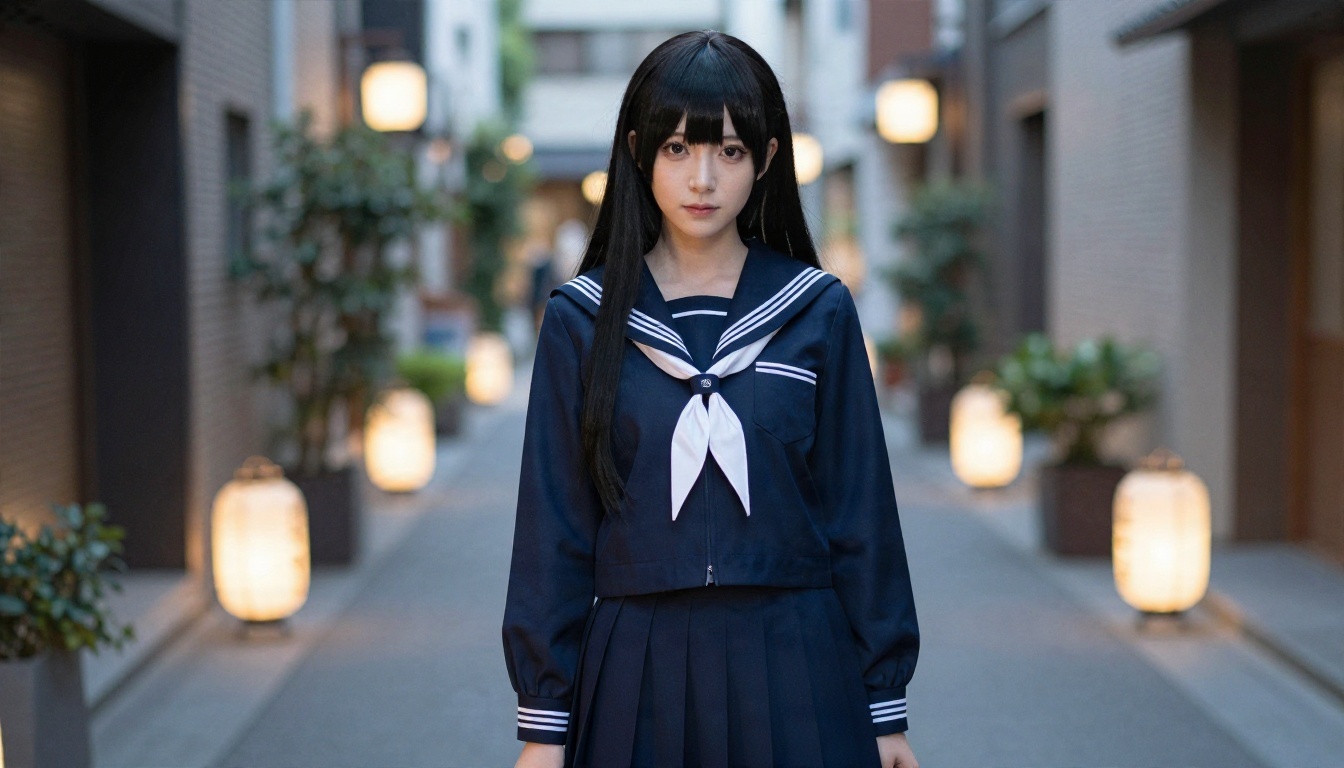
Seedream 4.5 is the first model to open for adult-oriented, anime-inspired work. It follows long prompts closely, handles outfits, hair and lighting with clean detail, and produces up to 4K output. It is also much less jumpy about suggestive themes than mainstream models, so you spend less time rewording prompts around refusals. It is quick, and the images come out sharp enough to use as a base for further edits.
PicassoIA Image Editor Pro Second
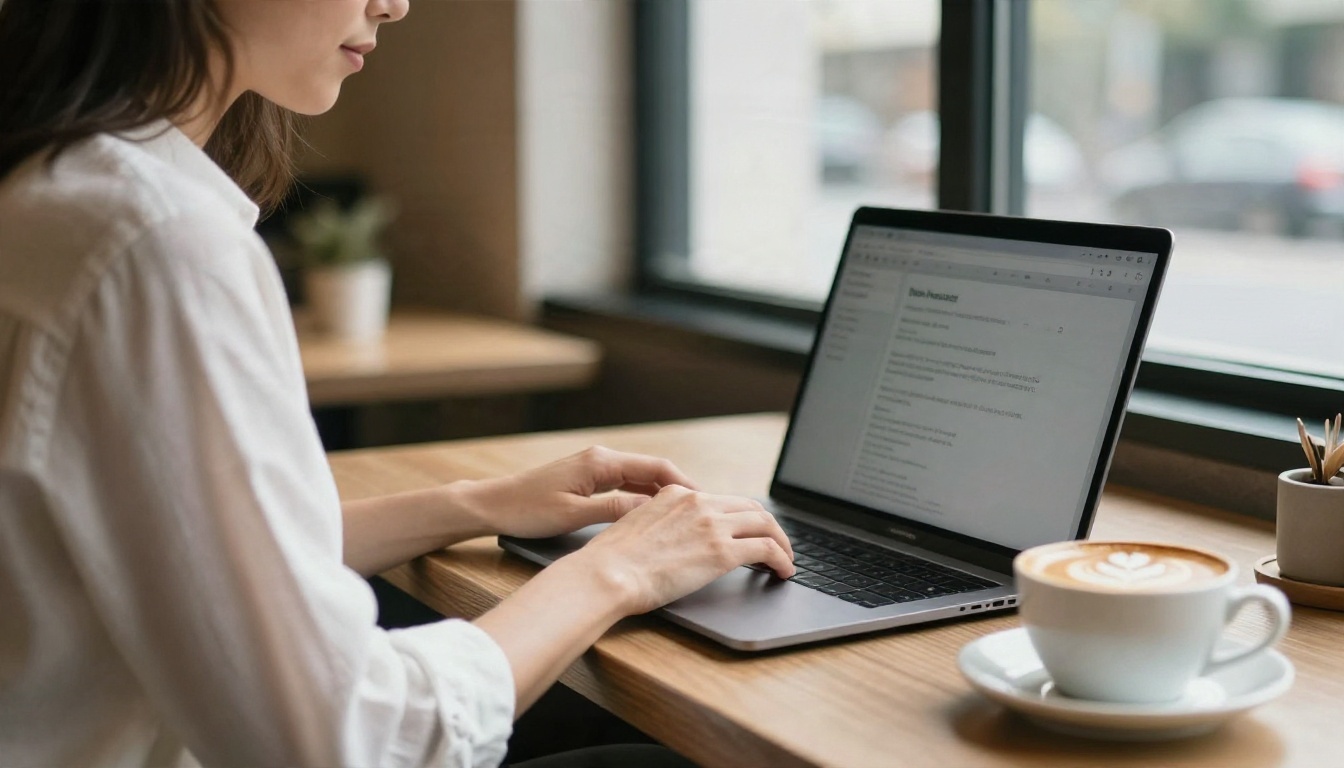
PicassoIA Image Editor Pro is where the free-tier math stops mattering. It offers unlimited generations, so you can run 8, 20 or 50 attempts on the same idea without watching a counter. It also edits: change the outfit, adjust the hair color, swap the background or fix a hand on a render you already like. That solves the consistency problem, because you keep one good image and vary it instead of rolling the dice from scratch.
Other Models Worth a Try
After those two, these models add range:
💡 Tip: use Z Image Turbo to test five prompt ideas in a minute, then move the winner to Seedream 4.5 for the final render.
| Model | Best for | Speed | Link |
|---|
| Seedream 4.5 | Detailed, sharp 4K renders | Fast | Open |
| Image Editor Pro | Unlimited tries and edits | Fast | Open |
| Qwen Image 3 Pro | Realistic cosplay-style takes | Medium | Open |
| Z Image Turbo | Rapid prompt testing | Very fast | Open |
| Krea 2 Medium | Anime and painterly style | Medium | Open |
| Proteus v0.3 | Anime character art | Medium | Open |
How to Use Seedream 4.5 on PicassoIA
Here is a short workflow that works for anime-style, adult-oriented renders.
Step by Step
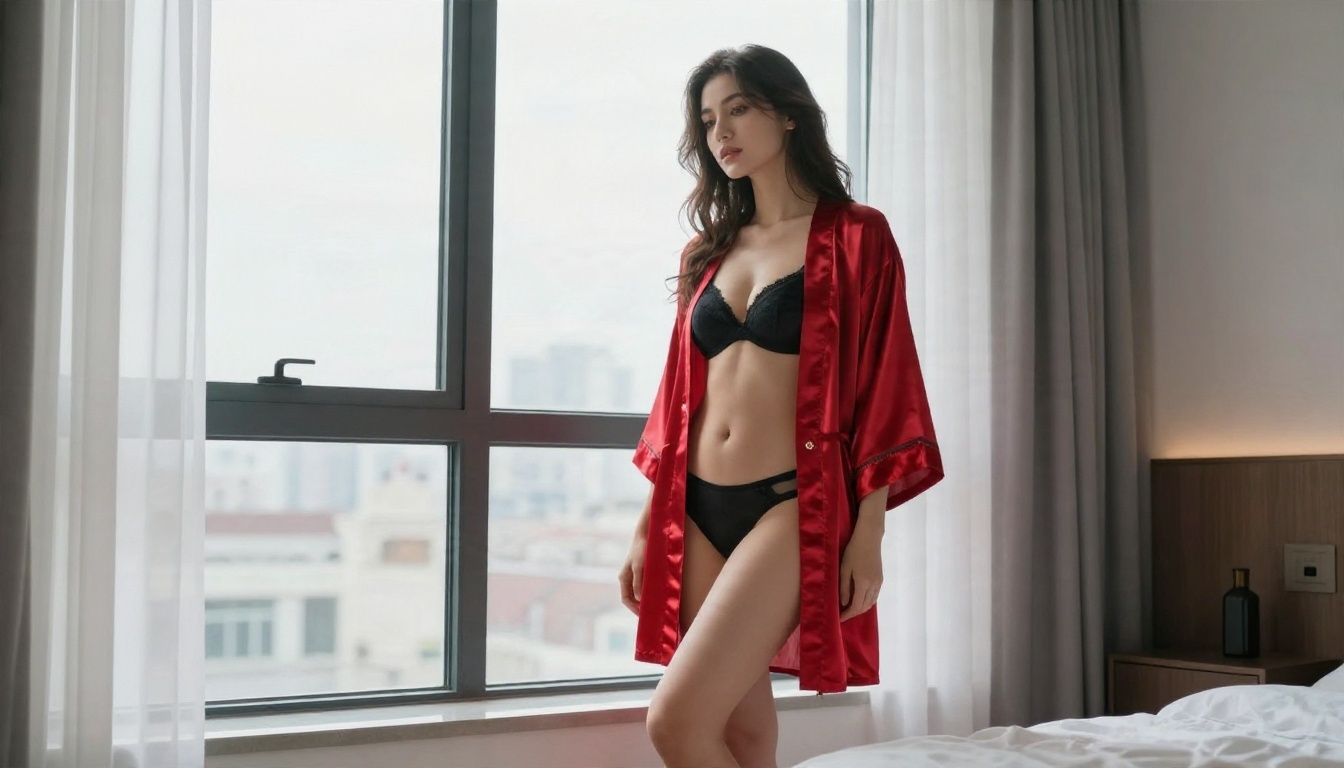
- Open Seedream 4.5 on PicassoIA.
- Write your prompt in this order: character, outfit, pose, setting, lighting, style.
- Pick a 16:9 or 3:4 ratio depending on whether you want a scene or a portrait.
- Generate 4 to 6 versions and keep the best one.
- Send the keeper to Image Editor Pro to adjust outfit, hair, or background without losing the face.
- Optionally run a super resolution pass to sharpen the final file.
Parameter Tips
- Be specific about the adult age of your character, for example "adult woman, mid-twenties".
- Name the lighting: "soft rim light from the left" gives cleaner results than "good lighting".
- Keep prompts under 80 words for the first pass, then add details through the editor.
- Fix one thing at a time when editing, so the face stays stable.
Prompt Tips for Sharper Results
A good prompt matters more than the model once you pass the free-tier stage.
The Prompt Skeleton
Use this order: subject, outfit, expression, setting, light, lens or style. For example: "adult woman in her mid-twenties, pastel satin corset outfit, long lavender hair, playful smile, sunlit studio apartment, golden hour light from the window, 85mm portrait look."
Details That Raise Quality
- Hair: color, length and how it falls ("long waves over one shoulder").
- Fabric: satin, lace, knit or leather, because textures read well in renders.
- Light direction: left, right, behind, above.
- Expression: one clear emotion, not three.
Words That Cause Trouble
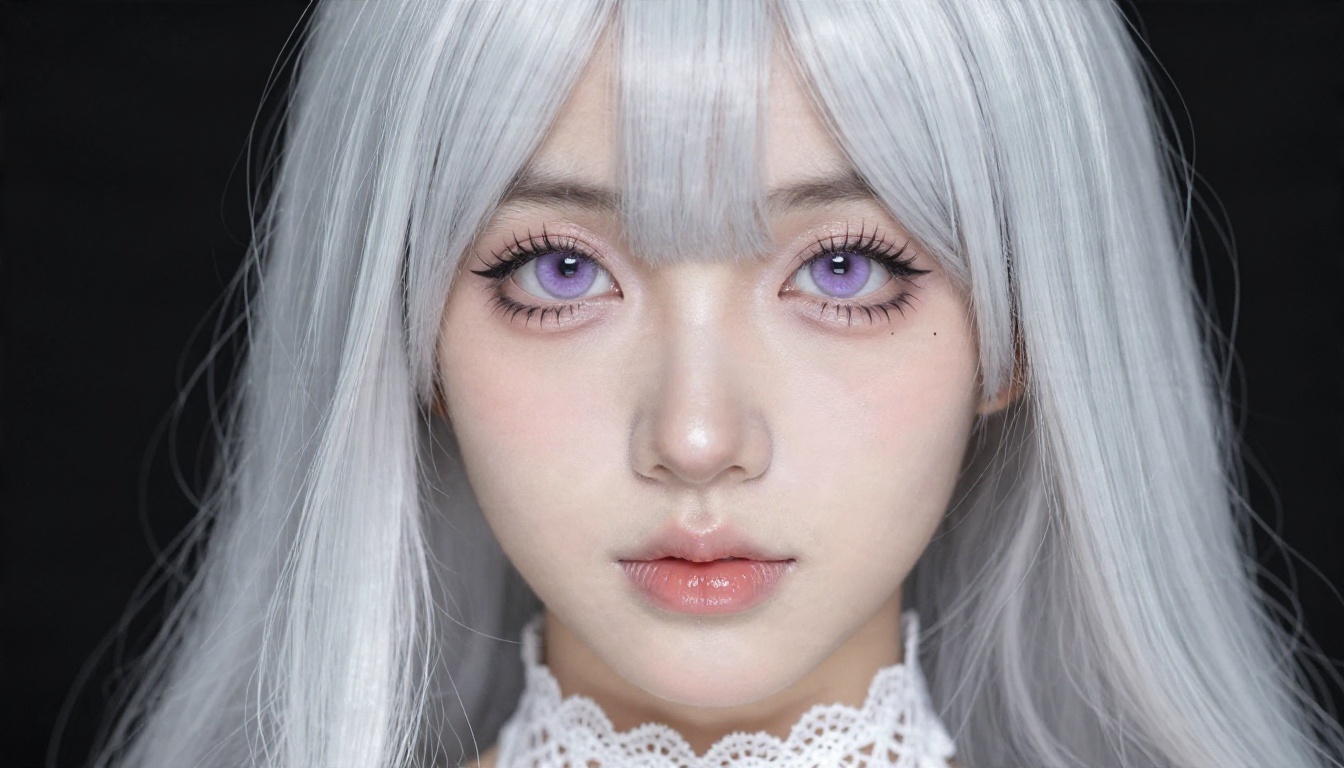
Vague stacks like "masterpiece, best quality, ultra detailed, 8k, HD" add little on modern models. Spend those words on real details. Long lists of contradicting adjectives also confuse the result, so keep one mood per prompt.
Three Common Mistakes
Chasing Every Free Tier
Signing up for six free tools and juggling daily limits costs you more time than a single unlimited tool. Pick one place for experiments and one for final renders.
Ignoring Content Rules
Filters differ between platforms and change without notice. Read the terms. Keep characters clearly adult and never use a real person's likeness for explicit content. Platforms that don't enforce this are a risk for you, not just for them.
Skipping the Edit Step
Many people regenerate from scratch when a render is 90% right. That is the slowest path. Fix the remaining 10% by editing the image. With an unlimited editor, it costs you nothing but a few seconds.
Your Turn to Create
Free hentai generators are fine for a first look, but the daily caps, slow queues and credit systems make them poor tools for real work. If you want speed and room to experiment, the setup is simple: start in Seedream 4.5, refine with PicassoIA Image Editor Pro, and use Z Image Turbo for quick tests. Mix in Krea 2 Medium or Proteus v0.3 when you want a flatter anime look.
Pick one character idea, write a short prompt, and run ten variations tonight. You will know within an hour whether the results beat what the free tiers gave you. When you are ready to try more options, browse every model at picassoia.com/en/all-models and build your own image set on PicassoIA.