Typing a sentence and getting back a photograph that looks like it came out of a real camera still feels slightly unreal. In 2027 it is also ordinary. The hard part is no longer making an image. The hard part is choosing which image generation AI deserves your time, because there are dozens of options, the free tiers keep changing, and half the "top 10" lists online contradict each other.
This article cuts through that. You will find the best models by use case, what "free" really means, which picks are less restrictive for glamour and mature-leaning (but non-explicit) content, prompt formulas that work, and real photographic examples of what modern models can produce.

What Makes an Image AI "Best"
There is no single winner. A model that is perfect for product shots can be mediocre at faces, and a model that renders crisp signage may produce flat skin. Before you compare names, decide what you actually need.
The five things worth judging
- Photorealism: skin pores, fabric weave, believable light.
- Prompt accuracy: does it follow a long, detailed instruction?
- Text rendering: can it spell words on posters and packaging?
- Speed: seconds per image matters when you iterate twenty times.
- Freedom: how many reasonable creative requests does it accept before refusing?
If you generate ten images a week for a blog, speed barely matters. If you are testing fifty prompt variations for a client, it is everything.
Why benchmarks only tell half the story
Public leaderboards reward images that look impressive at thumbnail size. Your real test is different: open the image at full size, check the hands, the eyes, the background edges. Then run the same prompt three times. A model that gives you one great image in three tries is less useful than one that gives you three good ones.
💡 Quick test: use one prompt with a person, a hand holding an object, some text on a sign and a window light source. Any weakness shows up immediately.
Free Options That Are Actually Worth It
"Free" is the most searched word in this topic and the most misleading one. Roundups from mid 2026 disagree on daily limits, and several of the quotas they print are already wrong. Treat any number you read as a starting point and check the current allowance yourself.
The honest map of free
| Type of free | What you get | The catch |
|---|
| Chatbot free tiers | A few images per day inside a chat app | Limits shift without notice |
| Credit-based sites | Daily or weekly credits that refill | Slow queues, lower resolution |
| Local open weights | Unlimited generations on your own PC | Needs a strong GPU and setup time |
| Model pages on PicassoIA | Browser access, no install | Check each model page for current free allowance |
Stable Diffusion running locally is still the only truly unlimited route, but you pay in hardware and patience. Ideogram is often praised as the best free-tier option for text inside images. Midjourney remains a favorite for stylized, painterly work, though it is paid.
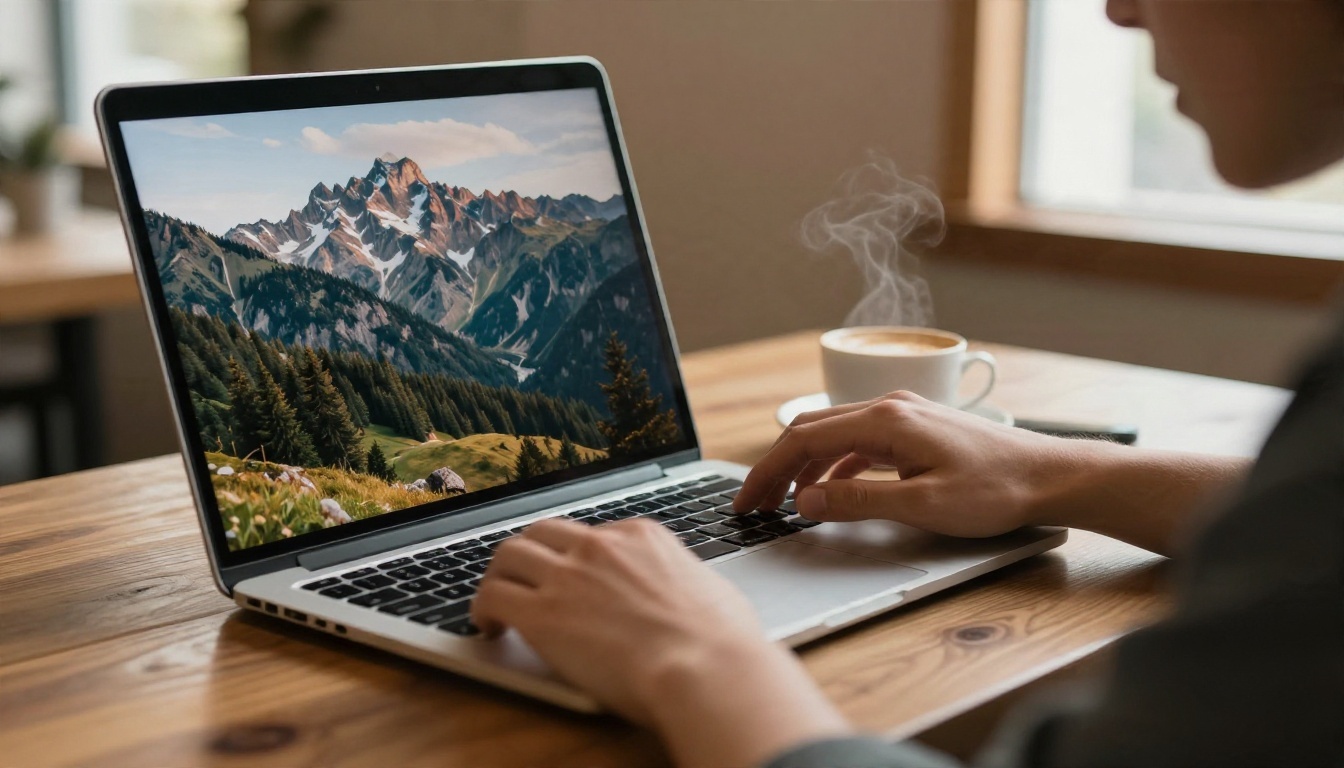
Fast and light models for testing
When you want volume, pick a quick model first and save the heavy one for the final pass. Flux Schnell returns images in seconds and suits rough concept work. Z Image Turbo is another speed-first choice with surprisingly sharp output. Nano Banana 2 Lite is a good budget option when you also want to edit by instruction. For a lightweight fine-tunable base, look at Flux 2 Klein 4B.
A practical free workflow
- Draft ten ideas with a fast model.
- Pick the two best compositions.
- Re-run those two prompts on a high-detail model.
- Upscale only the final winner.
This keeps your free allowance for the images that matter.
Uncensored Picks for Glamour and Mature Themes
Plenty of people search "uncensored" simply because mainstream tools refuse harmless requests: a bikini beach shoot, a boudoir style portrait, a fashion editorial with bare shoulders. Those are legitimate creative needs. Here is how to handle them well.
⚠️ Boundary: everything recommended here is for tasteful, non-explicit work: glamour, swimwear, fashion, artistic implied styling. Explicit or pornographic content is not the goal, and it is never appropriate with real people's likenesses or minors.
Seedream 4.5 comes first
Seedream 4.5 is the model to try first for glamour and mature-leaning (non-explicit) themes. It is far more relaxed about swimwear, lingerie-style fashion and sensual editorial lighting than most big-brand tools, and it renders skin with a natural, non-plastic texture. Output goes up to 4K, which matters when you want a print-quality fashion look.
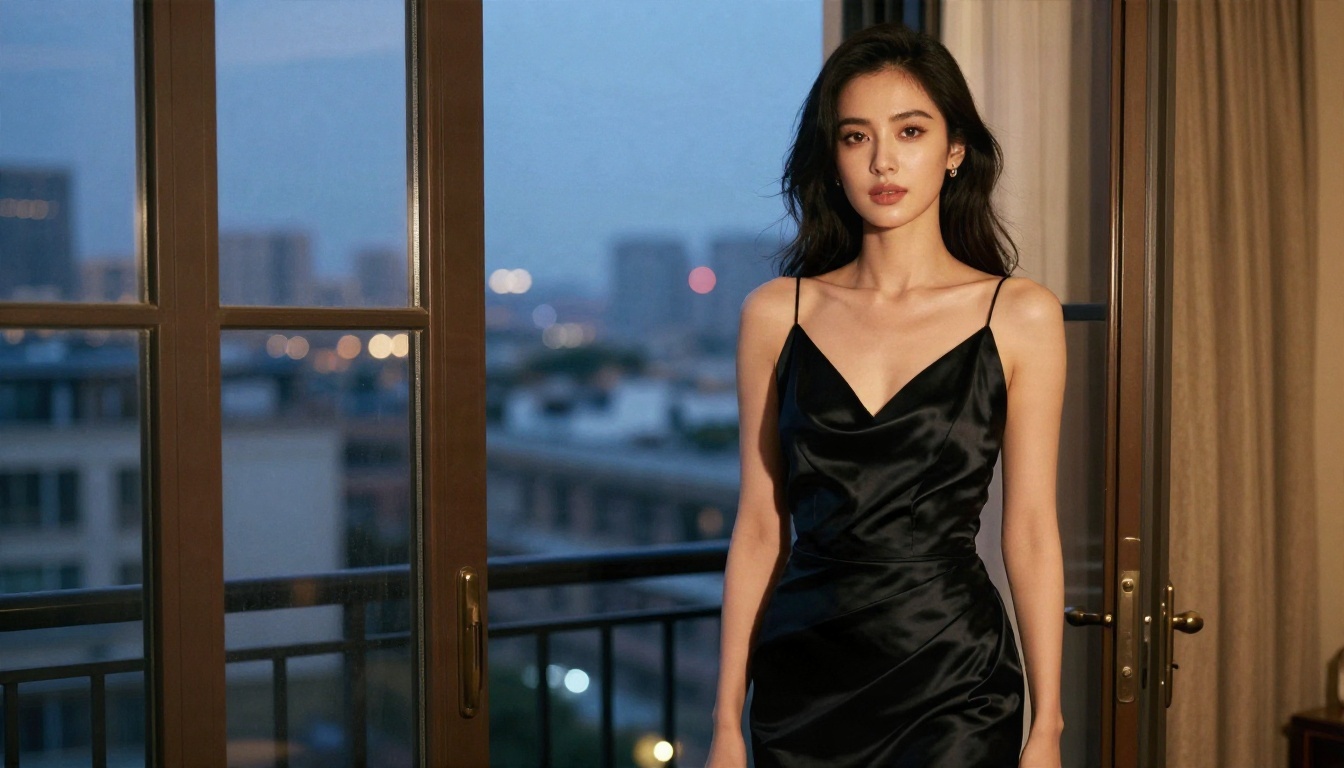
The image above is the kind of result you aim for: suggestive through mood, silk and light, not through anything explicit. Satin sheen, a soft skin glow and warm interior light do the work.
Unlimited editing with Image Editor Pro
PicassoIA Image Editor Pro is the second stop. Its big value is unlimited generations, so you can keep refining wardrobe, pose and lighting without watching a counter. It handles instruction-based edits too: change the dress color, swap the background, soften the shadows, all in plain language.
Other models worth testing
For the full catalog, browse all PicassoIA models.
Why "uncensored" often disappoints
Models with no filters at all tend to produce messy anatomy and generic faces, because the effort went into removing limits instead of improving quality. A model with sensible boundaries and top-tier realism will beat a lawless but sloppy one almost every time.
Best Models by Use Case
Here is a fast comparison. Speeds and strengths are general impressions from testing, so run your own prompt before committing.
Photorealism: Imagen 4 and Qwen Image 3
If your goal is images that pass as photographs, Imagen 4 delivers well-balanced light and natural color. Qwen Image 3 is another strong realism choice, and Qwen Image 3 Pro pushes detail further.
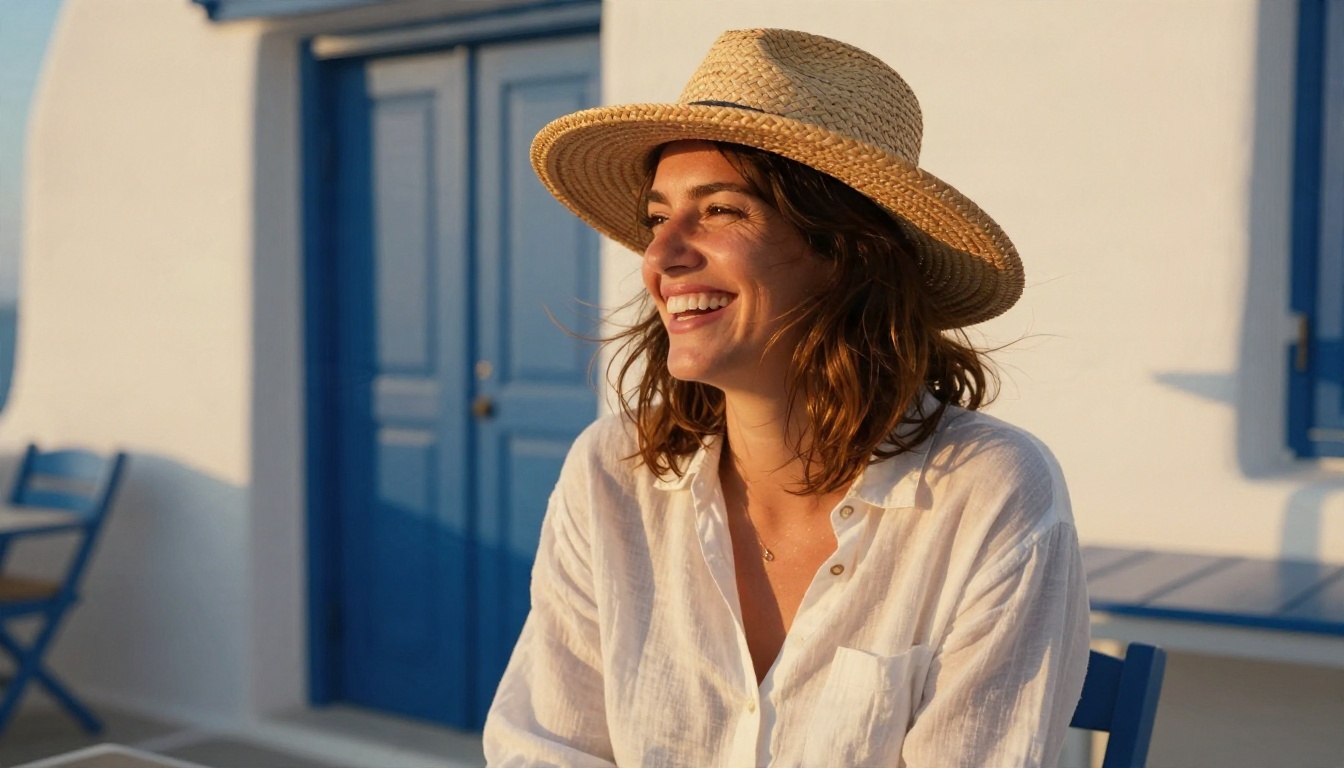
Notice what makes this kind of portrait convincing: backlight on the hair, visible linen weave, a real laugh instead of a posed smile. Those are details you ask for in the prompt.
Text and design: Ideogram and GPT Image
Posters, menus, packaging mockups and logos live or die on spelling. Ideogram v4 Quality and its faster sibling Ideogram v4 Balanced are built for this. GPT Image 2 is excellent when your prompt has many instructions that all need to be respected. Newer variants like GPT Image 2.5 Flare and GPT Image 2.5 Sunburst add speed and editing.
Vectors and logos
If you need clean SVG output instead of pixels, Arrow 1.1 Vectorize turns logos into scalable files.
Prompts That Actually Work
A good prompt reads like a photographer's shot note, not a wish. The more physical details you give, the less the model has to invent.
The five part formula
Subject and action + environment + light + camera and lens + texture and mood
Here is that formula in a real example:
A weathered fisherman mending a net on a misty harbor dock at dawn, deep wrinkles, salt stained wool sweater, cool soft light from the left, 100mm macro lens at f/2.8, shallow depth of field, damp rope fibers, subtle film grain.
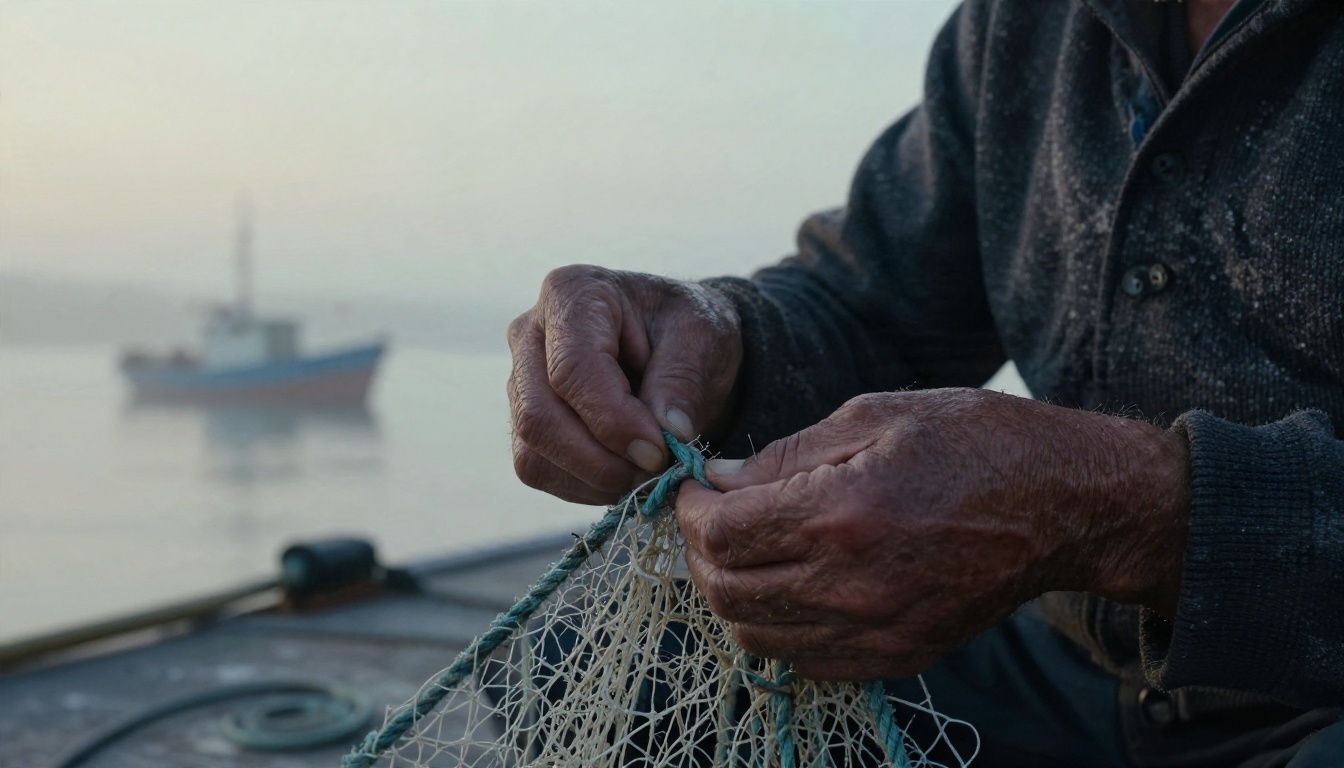
That one prompt names light direction, lens, texture and grain. Remove those and you get a generic stock face.
Ten words that lift realism
- Lens: "85mm f/1.8", "35mm", "100mm macro"
- Light: "soft window light", "golden hour backlight", "overcast"
- Texture: "visible pores", "fabric weave", "wet stone"
- Film: "Kodak Portra 400", "fine grain", "gentle halation"
Copy-ready prompt examples
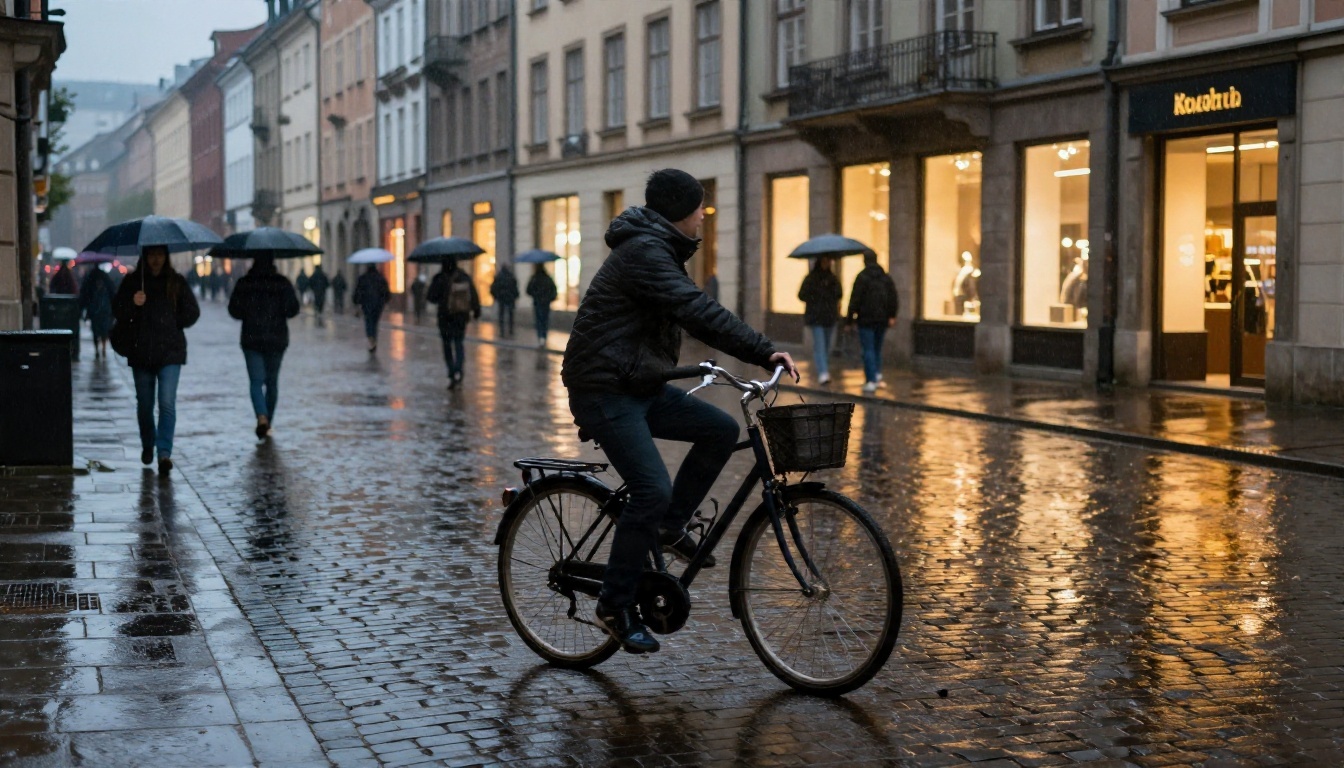
Street scene:
Low angle shot of a cyclist crossing a rain wet cobblestone plaza at dusk, warm shop window light reflecting in puddles, blurred pedestrians with umbrellas, 28mm f/2 lens, natural color, film grain.
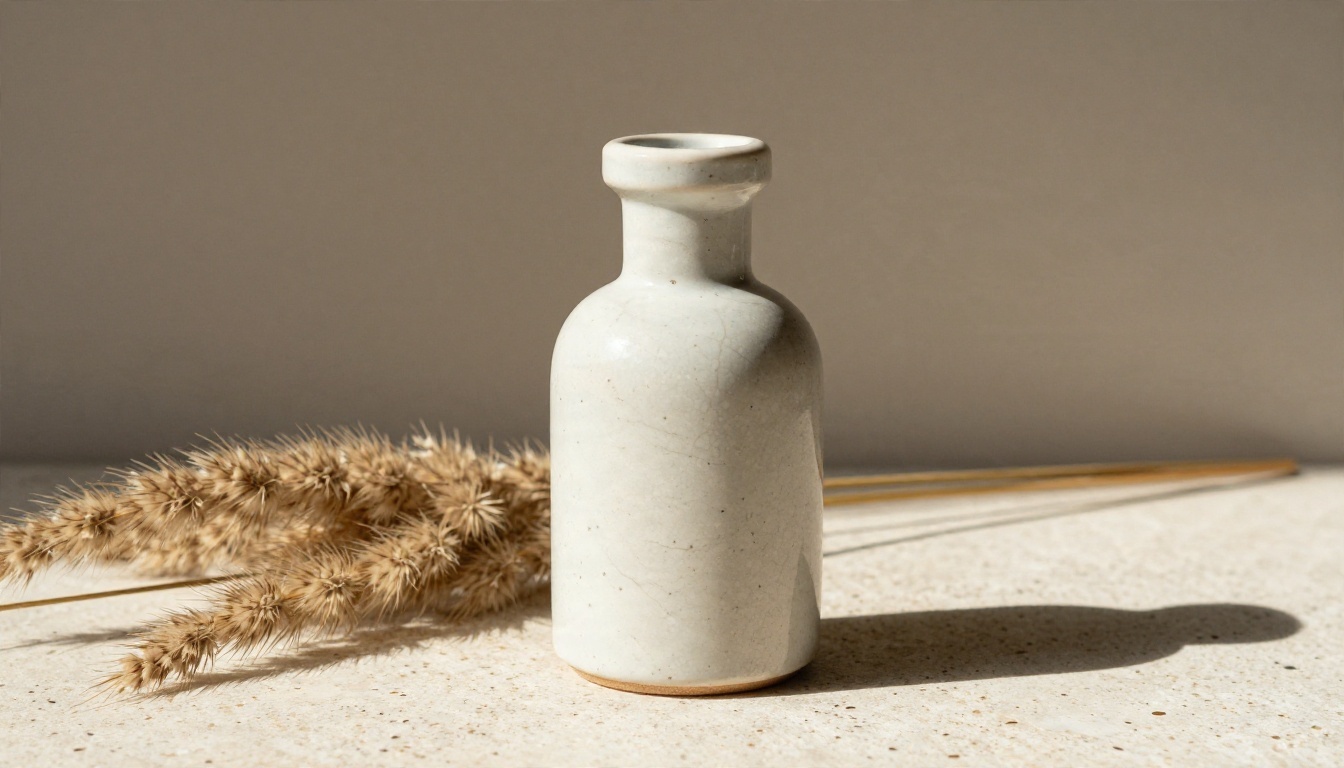
Product shot:
Handmade ceramic perfume bottle on a travertine slab beside dried pampas grass, hard side light from the right, crisp long shadow, 100mm lens, visible glaze crackle.
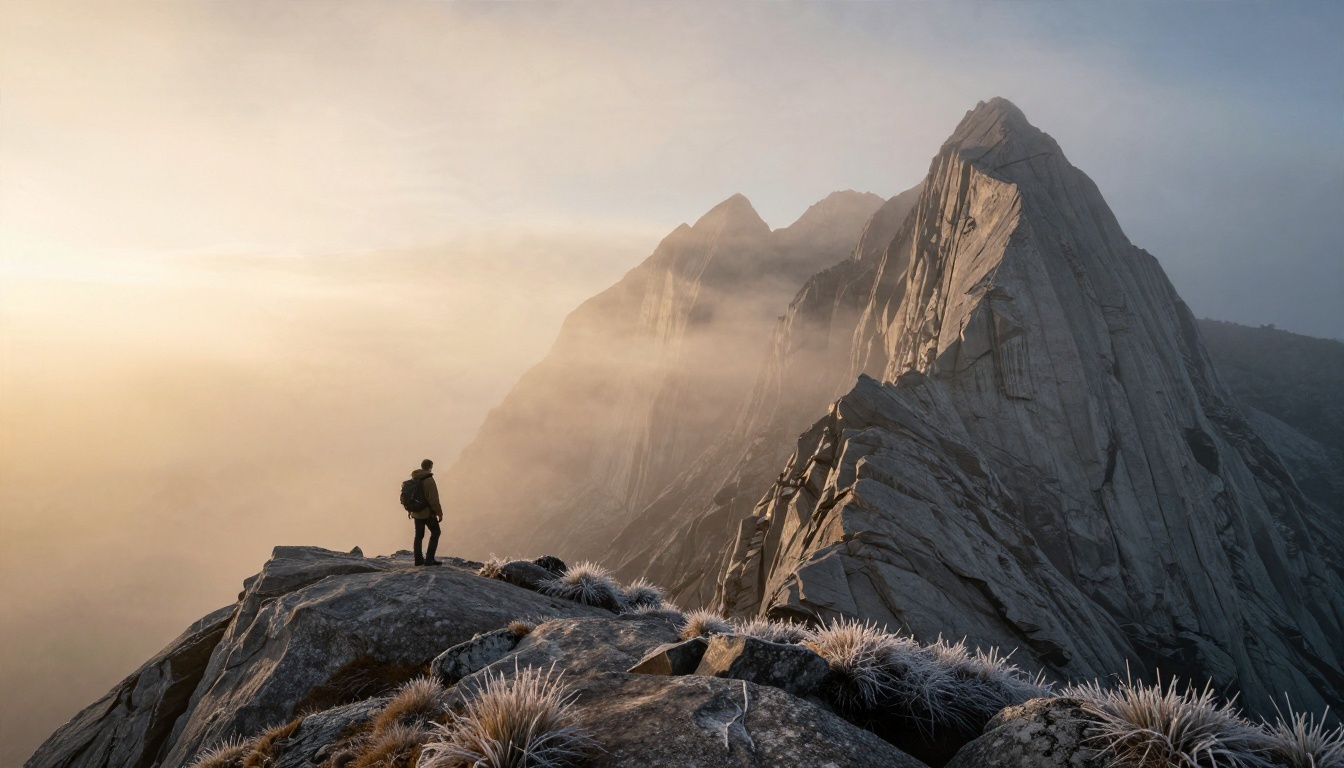
Landscape:
Lone hiker on a ridge above a sea of fog at sunrise, long golden light from the right, jagged granite peaks, 24mm lens, frost on the grass, natural color grading.
Three common prompt mistakes
- Stacking adjectives: "stunning, beautiful, epic, ultra" adds nothing. Describe things you can see.
- No light source: without direction, models default to flat, even lighting.
- Too many subjects: three people, two animals and a car will confuse any model. Start simple, then add.
💡 Negative habits: instead of listing what you do not want, describe what you do want. "Natural skin texture" works better than "no plastic skin".
Free Does Not Mean Low Quality
Plenty of people assume paid equals better. In practice, the gap closes quickly when your prompt is strong. A well written prompt on a lighter model often beats a lazy prompt on the flagship.
The print test
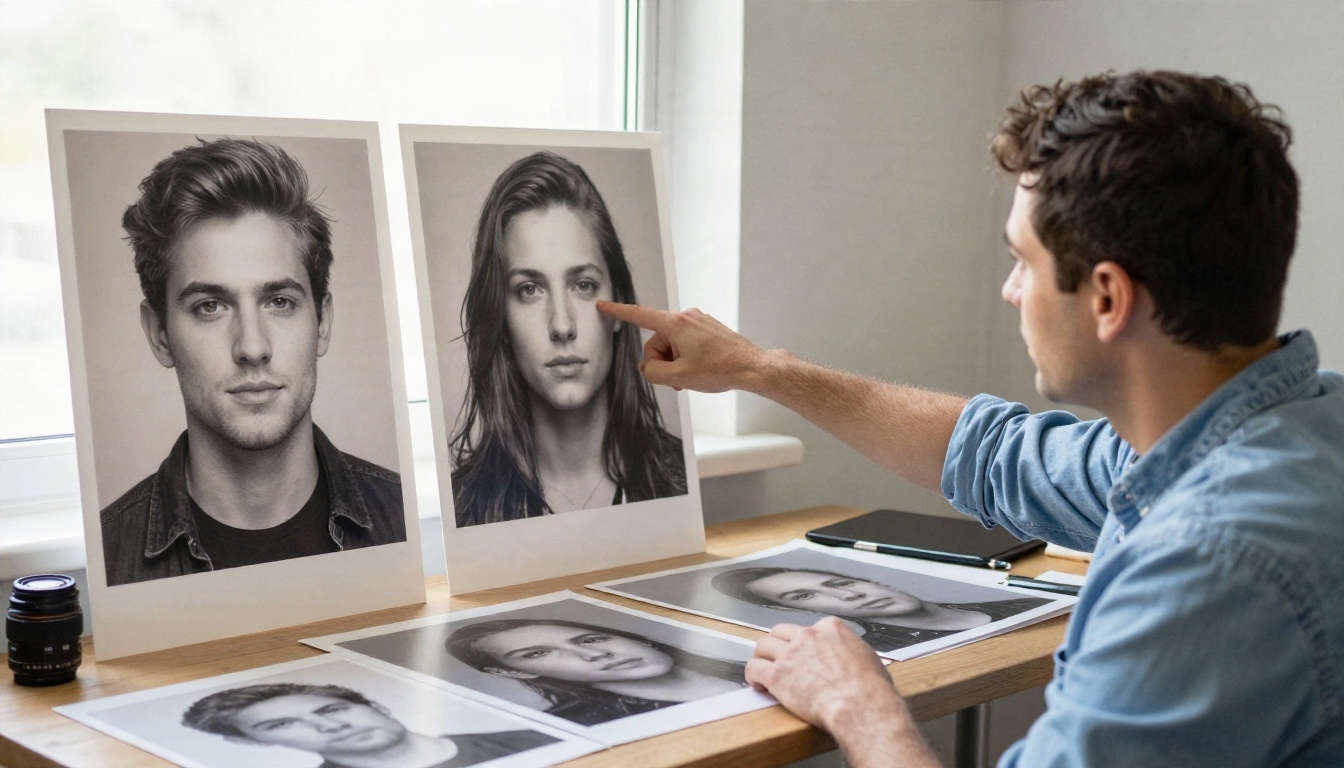
Print your best image at A4 size and place it beside a real photograph. Check the eyes, the hairline, the way light falls off. If the image holds up on paper, it will hold up on a screen.
Where free tiers fall short
- Lower resolution on the first pass
- Queues at busy hours
- Fewer editing tools
- Usage terms that may limit commercial work
Always read the license before you sell or publish. Rules differ between tools and change over time.
When paying makes sense
If you generate daily, need 4K output, or work for clients, a paid plan or an unlimited editor pays for itself quickly. For occasional use, a free allowance is plenty.
A Simple Workflow From Idea to Final
Speed comes from a routine, not from a single magic model.
Step by step
- Write the shot note. Use the five part formula from above.
- Draft fast. Run three variations on a quick model like Flux Schnell.
- Pick a direction. Choose the strongest composition, not the prettiest face.
- Finish on a detail model. Move to Seedream 4.5 or Imagen 4 Ultra.
- Edit, do not regenerate. Fix small flaws with Image Editor Pro instead of rolling the dice again.
- Upscale last. Only the winner deserves extra resolution.
Quick parameter tips
- Aspect ratio: 16:9 for headers, 4:5 for social feeds, 1:1 for avatars.
- Seed: lock it when you like a composition and want small variations.
- Prompt length: 50 to 80 words is a sweet spot for most models.
- Iteration: change one thing at a time, so you know what caused the difference.
Make Your First Image Today
You do not need to test every model on the market. Pick one goal, pick one model from the table, and write a prompt with real photographic details: a lens, a light direction, a texture. Run it three times and compare.
For glamour and tasteful mature themes, start with Seedream 4.5, then keep refining with unlimited generations in PicassoIA Image Editor Pro. For realism, text or speed, use the picks above. Everything lives in one place at picassoia.com/en/all-models, so you can switch models without switching accounts.
Open a model page on Picasso IA, paste one of the prompts from this article, change the subject to something of your own, and see what comes back. The first result is rarely the best one, and the third usually surprises you.


