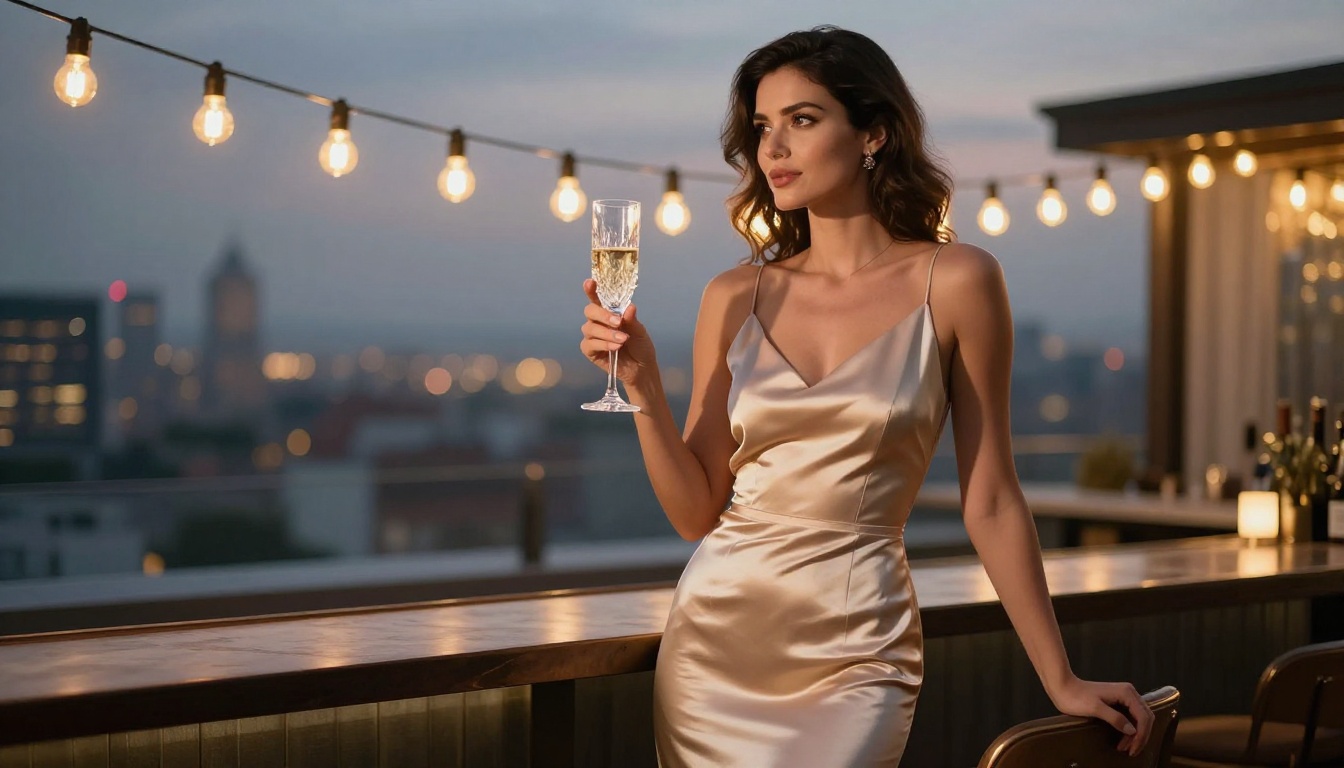
Best NSFW AI for Creating Adult Characters in 2027: Ranked by Output Quality
A no-filter ranking of the best NSFW AI platforms for creating adult characters in 2027. From hyper-realistic portraits to full-body character design, these tools deliver uncensored freedom, stunning image quality, and fast outputs. Whether you are an artist, writer, or character designer, this breakdown shows exactly which AI handles adult content best and why.
Most AI image generators block adult content before you finish typing the prompt. The filters are aggressive, vague, and often random. You describe a woman in a swimsuit and the model refuses. You ask for a boudoir photograph and the system throws a policy violation. For creators working in adult fiction, character design, visual storytelling, or artistic photography, this is a real problem that no amount of clever phrasing fixes.
This breakdown covers the best NSFW AI tools for creating adult characters in 2027, ranked by what matters: image realism, freedom from censorship, prompt adherence, and speed. Every model listed here is available on PicassoIA, which gives you access without a credit card wall or per-image fees that drain your budget mid-session.
Why Standard AI Blocks Adult Content
The Moderation Wall Is Getting Worse
The major consumer AI platforms have been tightening safety filters since 2023. What started as blocking explicit pornography expanded into refusing suggestive poses, bikini imagery, romance fiction illustrations, and even medical content. Midjourney, DALL-E, and Adobe Firefly all have this problem to varying degrees. The models themselves can handle the content; the companies chose to block it at the output layer.
The result is a massive gap for creators. Adult fiction writers need character reference sheets. Pinup artists need digital assistants. Game designers need character concept art. Visual novelists need scene illustrations. These are real creative needs that mainstream platforms refuse to serve.
What Separates Good NSFW AI
Not every uncensored model delivers the same quality. The factors that separate top-tier NSFW AI from mediocre alternatives:
Prompt fidelity: Does the model produce what you actually described?
Fabric physics: Does silk look like silk? Does lace look like lace?
Face consistency: Can you get the same character across multiple generations?
Speed: How long per image?
No hidden blocking: Does it quietly rewrite your prompt to something "safer"?
The models ranked below score well across all seven criteria.
SeeDream 4.5: The Top Pick Right Now
SeeDream 4.5 is the strongest all-around model for adult character creation available on PicassoIA in 2027. It handles suggestive, glamour, and artistic NSFW content with high anatomical accuracy and no prompt rewriting. What you type is what you get.
What Makes It Stand Apart
SeeDream 4.5's training data includes a wider range of photorealistic human anatomy than most competing models. Hands are correctly proportioned, faces maintain consistent features across generations, and skin texture responds realistically to different lighting scenarios. Portrait work is exceptional. The model handles complex prompts with multiple elements without losing detail on any of them.
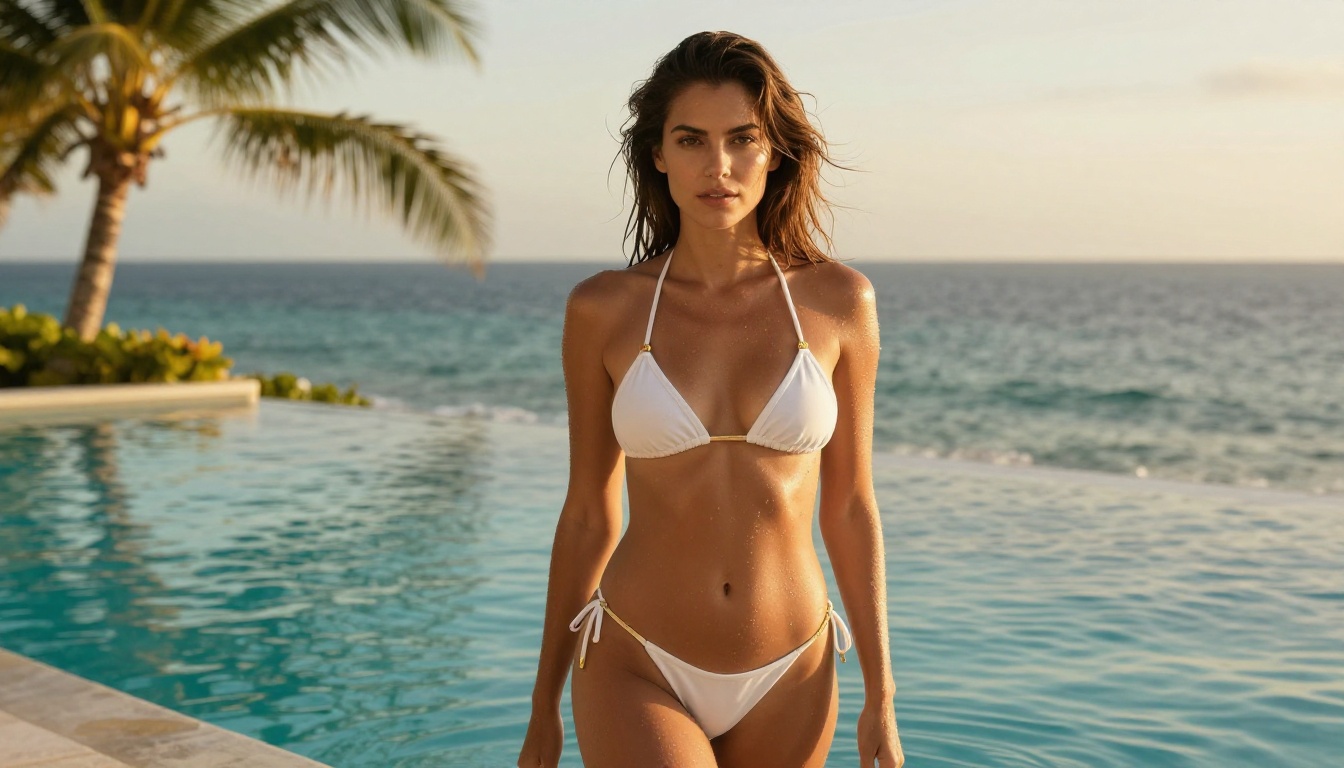
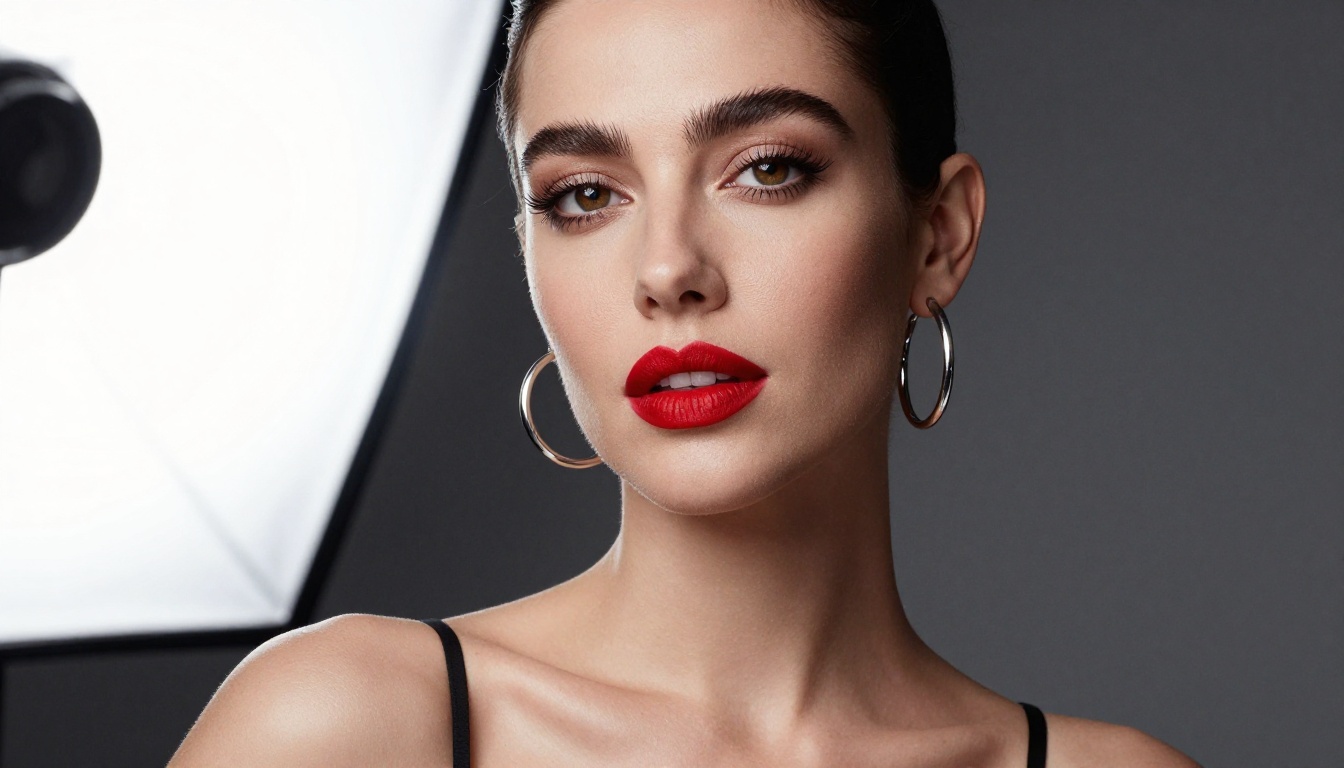
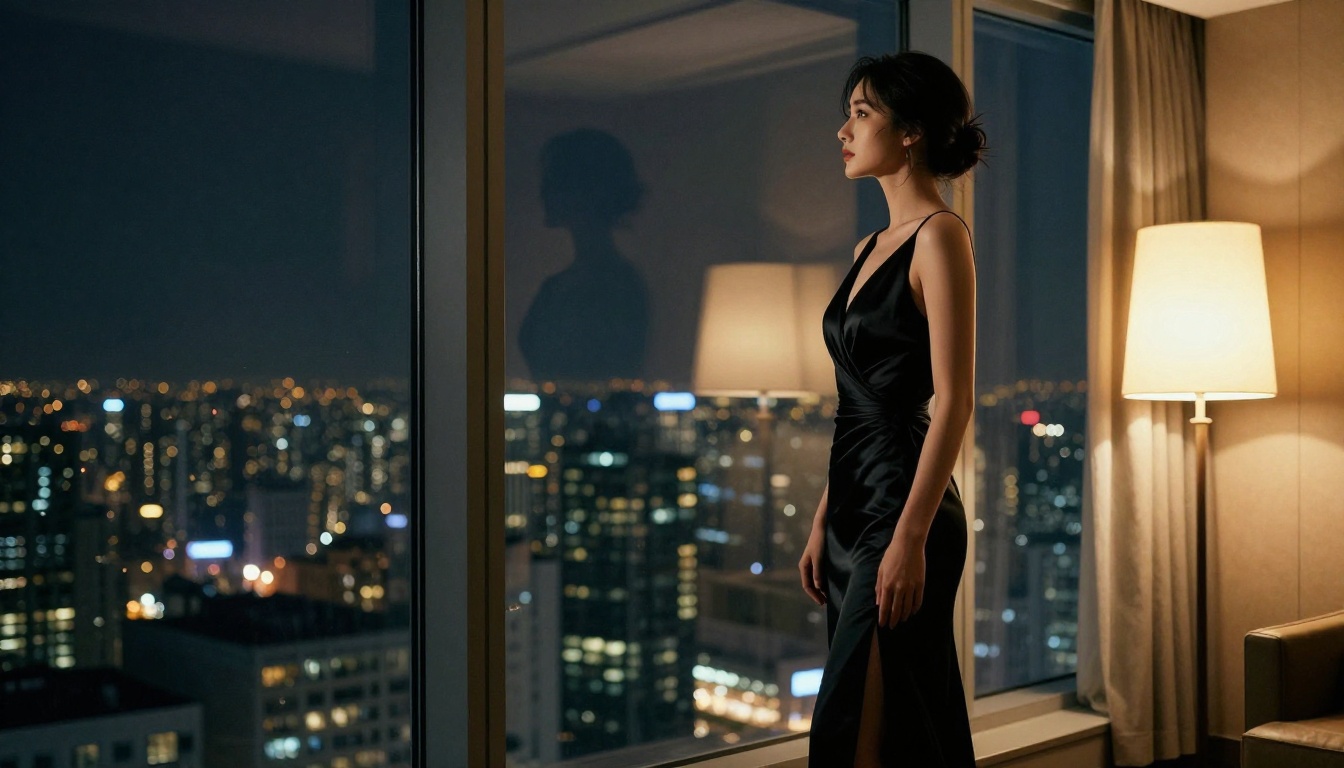
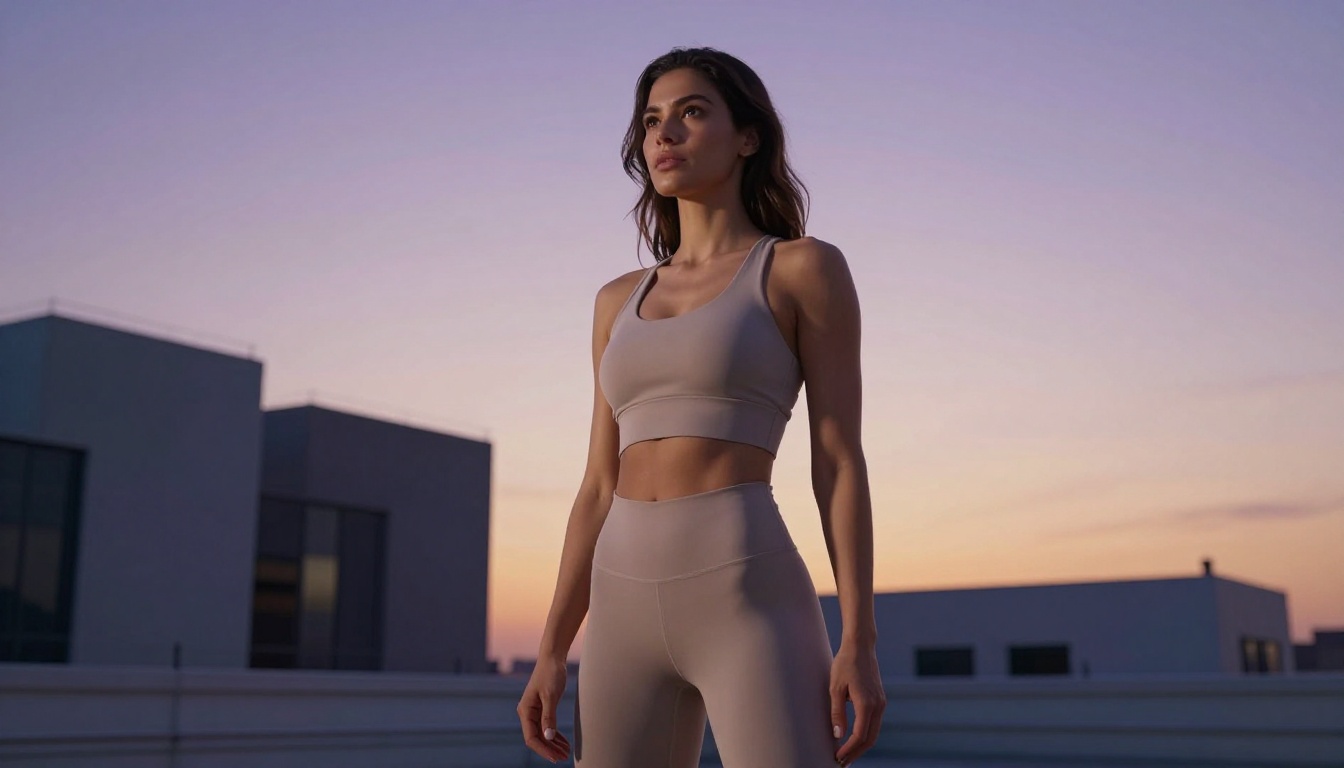
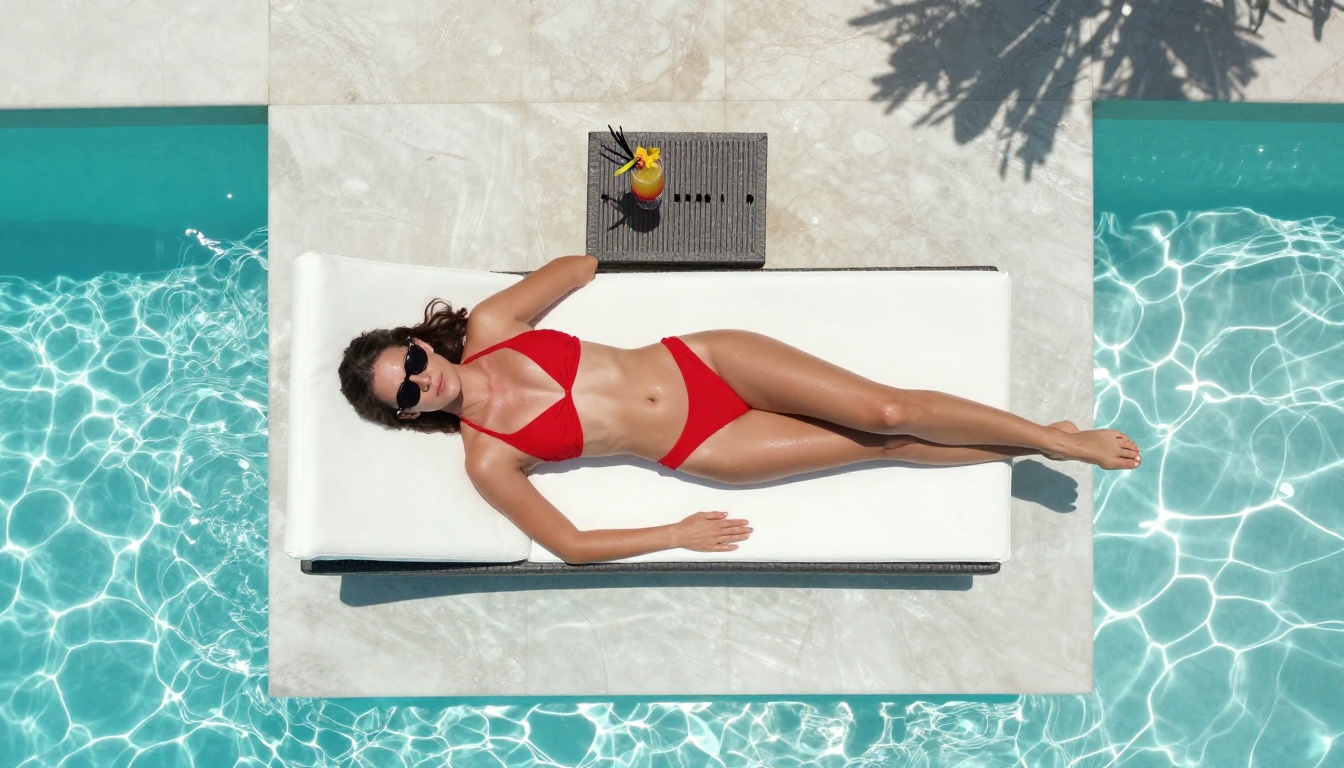
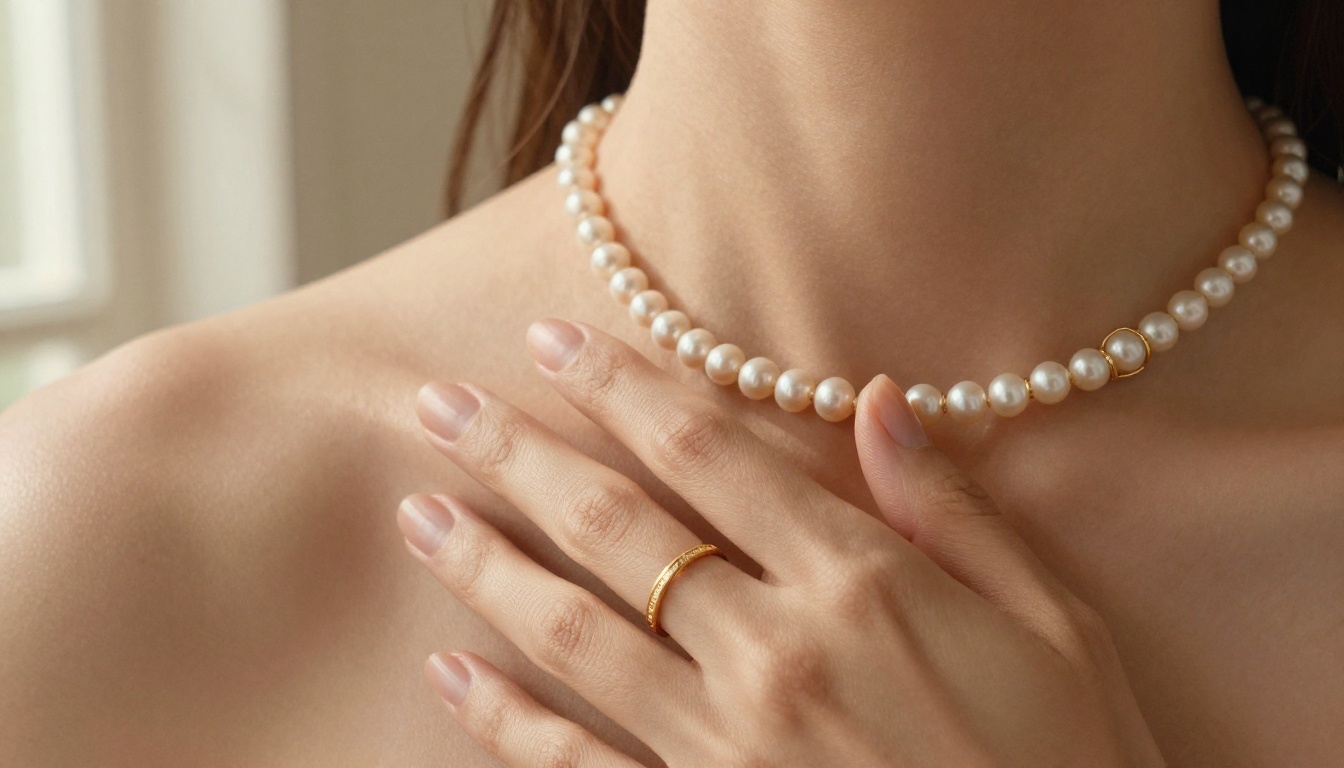
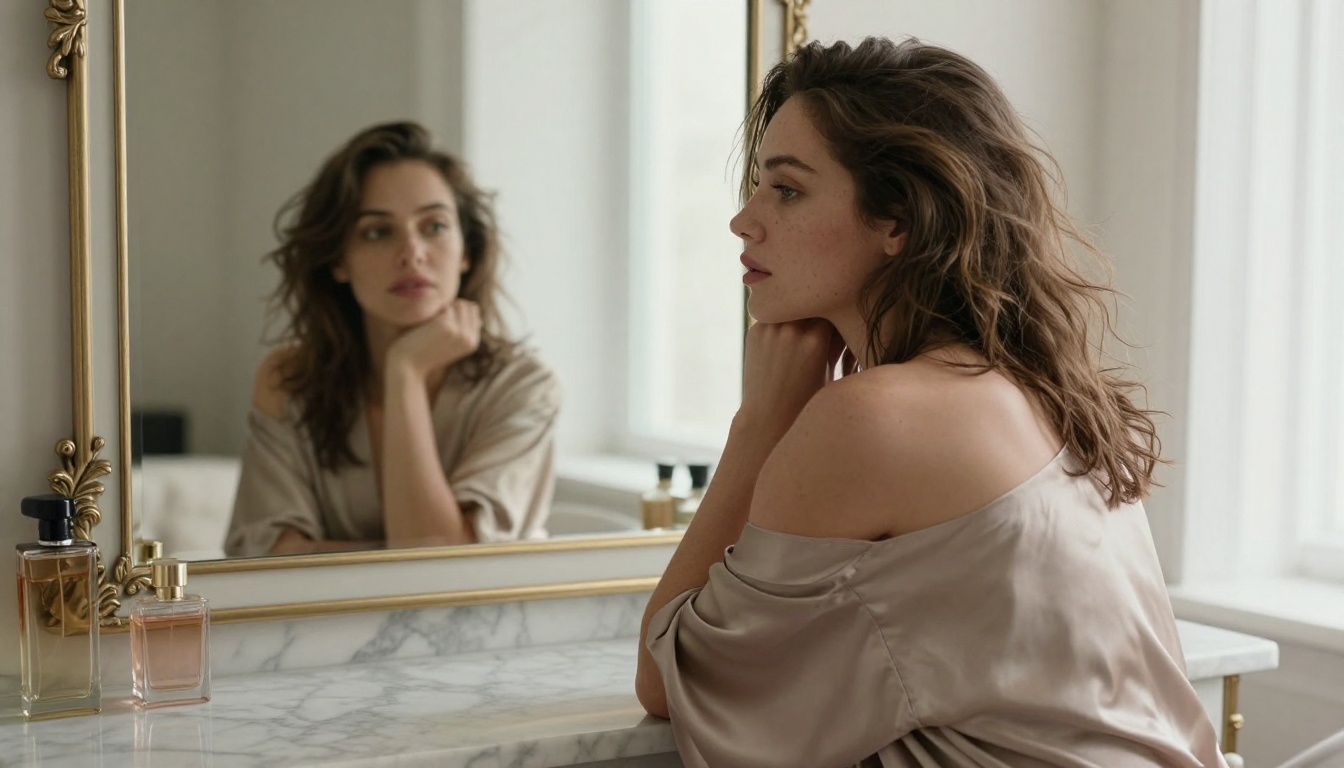
Output from SeeDream 4.5 passes the "would I think this was a photograph" test more consistently than any other option at this price point. For character design, that means realism holds at any crop or zoom level, which matters enormously for romance fiction art, pinup series, or character references for visual novels.
Speed: SeeDream 4.5 generates a 1024x1024 image in approximately 8-12 seconds on PicassoIA's infrastructure. Fast enough for iterative workflows.
Prompt Structure That Works With SeeDream 4.5
Long-form prompts consistently outperform short ones with this model. Structure your prompt like this:
Subject: Who is the character, what are they wearing, what pose
Environment: Where they are, what is behind them
Lighting: Direction, quality, color temperature
Camera details: Lens type, angle, depth of field
Film and texture: Kodak Portra, RAW photography, grain level
Negative prompts matter too. Always add: low quality, blurry, cartoonish, 3D render, distorted anatomy, extra limbs
Important note: SeeDream 5 Lite does NOT support adult content. It carries stricter filtering by design. Use SeeDream 4.5 or SeeDream 4 for NSFW work.
PicassoIA Image Editor Pro: Unlimited Generations
PicassoIA Image Editor Pro is the platform's own powerhouse model and it ships with unlimited generation credits. No per-image cost, no throttling after ten images. For creators who iterate rapidly, test many prompt variations, or build large character libraries, this is the practical workhorse of the platform.
Editing Without Limits
Image Editor Pro excels at refinement workflows. Generate a base character with SeeDream 4.5, then use Image Editor Pro to:
Adjust outfit details without regenerating the full composition
Change lighting from studio to natural with targeted prompting
Swap backgrounds while preserving character appearance
Refine poses from the existing base image
The model handles inpainting and outpainting tasks effectively, making it useful for extending scenes or correcting minor issues in otherwise strong generations.
The Unlimited Advantage
Most AI image platforms charge per generation or cap free tiers at 10-25 images daily. At scale this becomes expensive fast. A serious character design session might require 50-100 iterations to arrive at final versions you want. With Image Editor Pro, those iterations cost nothing extra beyond your base subscription, which makes it ideal for professional-volume workflows.
Flux Models: Photorealism at Scale
The Flux family from Black Forest Labs represents the current state of the art in photorealistic text-to-image generation. Several Flux variants are available on PicassoIA, each offering different tradeoffs between speed, quality, and control.
Flux 1.1 Pro Ultra
Flux 1.1 Pro Ultra is the highest-quality Flux model available on the platform. It generates images at true high resolution with exceptional detail in facial features, fabric textures, and environmental elements. For hero images or any output where maximum visual quality is the priority, this is the Flux variant to use.
Anatomy handling is strong throughout. Hands, which most AI models notoriously fail on, render correctly more often than with competing models. Full-body shots maintain consistent proportions from head to foot.
The tradeoff is generation time. Pro Ultra takes longer than other Flux variants, which slows iterative workflows. Use it for final renders after you have confirmed your prompt works correctly with a faster model.
Flux 2 Pro
Flux 2 Pro offers the best balance between quality and generation speed in the Flux lineup. It handles adult character prompts with high fidelity and generates at a pace that supports rapid iteration. For building a full character sheet with multiple poses and outfits, Flux 2 Pro is the practical choice for the bulk of your generations.
Flux Dev for Experimentation
Flux.1 Dev is ideal for prompt testing. Faster than Pro variants while maintaining strong quality, it lets you validate prompt structures before committing to heavier models. Run a concept through Flux Dev, refine the language, then finalize with Flux 1.1 Pro Ultra.
Realistic Vision v5.1: Classic Film Aesthetics
Realistic Vision v5.1 has been a community favorite for photorealistic NSFW generation since its release. Based on Stable Diffusion and fine-tuned specifically for human subjects, it produces results with a distinctly photographic feel that differs from Flux's sharper computational aesthetic.
When to Choose Realistic Vision
Realistic Vision v5.1 performs particularly well when you want:
Film photography aesthetics: grainy, warm, slightly imperfect natural look
Candid poses: natural, unposed moments rather than staged compositions
Vintage glamour: 1970s and 1980s photography feel
Budget-conscious workflows: faster generation with lower resource cost per image
The model's weakness is face consistency across multiple generations of the same character. Facial features vary between runs, which is fine for one-off illustrations but problematic for series work where you need the same character recognizable across many scenes.
Prompt Tips for Realistic Vision
This model responds well to photography-style descriptors:
Film stock references: Kodak Gold 200, Fujifilm Superia, Ektachrome
Camera model callouts: shot on Contax T2, Canon AE-1
Photographer or era references for specific aesthetic direction
SDXL and Fine-Tuned Character Workflows
Stable Diffusion XL (SDXL) is the base model powering a wide ecosystem of fine-tuned character models. It has long been used in adult content communities because of its mature support for LoRA adapters, which inject specific character styles, faces, or aesthetics into the generation process.
SDXL Lightning for Speed
SDXL Lightning 4-Step reduces generation to four diffusion steps without significant quality loss. For rapid iteration workflows where you need dozens of variations fast, Lightning is hard to beat.
Prompt quality is the single biggest factor separating mediocre results from great ones. These specific strategies apply across all the models above.
Describe the Photo, Not Just the Subject
Bad prompt: sexy woman in lingerie
Good prompt: photorealistic close-up portrait, woman sitting on the edge of a bed in ivory lace lingerie, early morning light through sheer curtains from the right, 85mm f/1.8 lens, Kodak Portra 400 film grain, skin texture natural and unretouched, looking over shoulder at camera
The good version tells the AI what kind of photograph this is, not just what is in it. Camera settings, lighting conditions, film stock, and composition details guide the model far more effectively than subject-only descriptions.
Negative Prompts Are Not Optional
Every generation benefits from a strong negative prompt. Start with this baseline and add specifics as needed:
low quality, blurry, deformed, extra limbs, bad anatomy, cartoonish, 3D render, CGI, anime, digital art, oversaturated, plastic skin, doll-like, text, watermark, signature
Anchor the Lighting
Lighting is where most prompts fall short. Be specific:
volumetric morning light from the left
three-point studio setup with softbox primary light
golden hour backlit, rim light on shoulders
cool blue ambient fill, warm tungsten primary light
The difference between a flat result and a cinematic one is almost always the lighting description. Two identical prompts with different lighting callouts produce dramatically different outputs.
Control the Camera
Add lens and camera details to every prompt:
Portrait: 85mm f/1.4, shallow depth of field
Full body: 35mm f/2.8, medium depth of field
Environmental: 24mm wide-angle, deep focus
Detail close-up: 100mm macro, f/4
How to Use SeeDream 4.5 on PicassoIA
PicassoIA makes the workflow simple. Here is exactly how to get started with SeeDream 4.5 for adult character generation:
Step 1: Open the model page
Navigate to SeeDream 4.5 on PicassoIA. You can test immediately without an account wall.
Step 2: Set your parameters
Resolution: 1024x1024 for portraits, 1024x768 for three-quarter shots, 768x1024 for full-body vertical
Steps: 30-40 for quality output, 20 for fast iteration
CFG Scale: 7-8 for balanced results, 5-6 for more interpretive generation
Step 3: Write your positive prompt
Follow the subject-environment-lighting-camera-texture structure described in the prompting section above.
Step 4: Add your negative prompt
Always include the negative prompt baseline. SeeDream 4.5 responds well to negative guidance and significantly reduces anatomical errors when you specify what you do not want.
Step 5: Generate and refine
Run 4-6 variations on your first prompt. Identify what worked and what did not. Adjust one variable at a time rather than rewriting the entire prompt at once.
Seed locking: When you get a result with the right facial structure, save the seed number. You can regenerate with that same seed while changing only the clothing or background to build a consistent character across multiple scenes.
PicassoIA vs Other Platforms
Feature
PicassoIA
Midjourney
DALL-E 3
SD Online
NSFW support
Full
Blocked
Blocked
Partial
Uncensored models
Multiple
None
None
Few
Photorealism tier
Excellent
High
High
Variable
Flux models
Yes, all variants
No
No
Some
Unlimited generations
Yes, Image Editor Pro
No
No
No
Speed
Fast
Fast
Medium
Variable
Price
Free tier available
Subscription required
Pay-per-use
Free/Paid
The competitive advantage is straightforward: PicassoIA offers uncensored access to the same state-of-the-art models that power the best mainstream platforms, without the arbitrary content restrictions. SeeDream 4.5 and Flux 1.1 Pro Ultra are genuinely top-tier models. The fact that they work without content throttling for adult character creation is a practical advantage that no mainstream alternative currently matches.
PicassoIA currently hosts 91 text-to-image models, including every major photorealistic option relevant to adult character creation. The platform does not apply a single unified content filter across all models. Model-level behavior applies, meaning a model trained on broad photorealistic data will generate accordingly.
For creators this means:
No prompt refusals that interrupt your session mid-flow
No account penalties for generating suggestive content within platform terms
Model variety to match different aesthetic needs across projects
Iteration speed that supports professional character design at volume
The Super Resolution tools on the platform also allow you to upscale your best generations to print-quality resolution after confirming a composition works. Useful for character reference sheets, illustration collections, or any output intended for high-resolution display or print.
Try It Now
The quality of NSFW AI character generation in 2027 is genuinely impressive. SeeDream 4.5 delivers photorealistic adult characters with strong prompt fidelity and no content blocking. PicassoIA Image Editor Pro gives you unlimited iterations for refinement work. Flux 1.1 Pro Ultra sets the standard for technical image quality when you need maximum resolution output.
Pick the model that fits your workflow, write a detailed and specific prompt, and generate. The gap between what you can imagine and what AI can produce has never been smaller. All of it is accessible right now at picassoia.com/en/all-models.