If you've spent more than ten minutes with any NSFW AI image generator, you already know the frustration. You craft the perfect prompt, get a breathtaking result, tweak something minor for the next image, and suddenly you're looking at a completely different person. Different nose, different jaw, different eyes. The character you had in your head is gone. This is the single biggest pain point in AI-generated NSFW content, and it's the reason character consistency has become the most searched topic in the AI art community.
The good news: in 2027, several models and techniques have finally cracked this problem. Not perfectly, but close enough to build entire series of images with the same character across wildly different scenes, outfits, and lighting conditions. This breakdown covers the models that do it best, the LoRA tools that make consistency reliable, and the prompting strategies that professionals actually use.
Why Character Consistency Is So Hard
The Problem Most Generators Skip
Standard text-to-image models generate from randomness. Every time you run the same prompt, the model samples from a probability distribution, which means your character's features drift between outputs. Eye shape, jaw width, nose bridge, even skin tone can shift just by changing one word in a prompt. For casual generation, this is fine. For creating a coherent character who appears across multiple images, it is a serious problem.
Most generators focus on prompt responsiveness and image quality. Character lock, the ability to anchor specific facial geometry across generations, is a technical challenge that requires either seed management, LoRA training, or reference-based conditioning.
What "Consistency" Actually Means
Character consistency does not mean pixel-perfect cloning. It means the character reads as the same person across different images, the same way an actor looks like the same person in different movie scenes. The test is simple: could someone look at ten images and believe they all feature the same woman? That is the bar.
Three factors drive consistency:
- Seed locking: Using the same random seed across generations anchors the noise pattern
- LoRA training: Fine-tuning a model on reference images of your specific character
- Reference conditioning: Using image-to-image techniques or ControlNet to carry features forward
Top Models for Consistent NSFW Characters
Flux 1.1 Pro Ultra
Flux 1.1 Pro Ultra from Black Forest Labs has become the gold standard for photorealistic character generation. Its internal architecture responds to highly detailed character descriptions with remarkable stability across prompts. When you lock a seed and maintain your core character descriptor block (a paragraph describing the specific person), Flux 1.1 Pro Ultra holds facial geometry better than almost any other model at this level.
What makes it exceptional for NSFW work: it generates skin texture, depth, and natural anatomy with a realism that older models cannot touch. The shadow behavior in low-light scenes is particularly impressive, and the model handles suggestive, glamour-style content without the uncanny valley artifacts that plague lesser generators.
💡 Tip: In your prompt, always write your character description first, before any scene or action descriptors. This forces the model to prioritize the person's features before building the environment around them.
Realistic Vision v5.1
Realistic Vision v5.1 was purpose-built for photorealistic human generation. Its training dataset skews heavily toward portrait photography, editorial imagery, and fashion-adjacent content, which is exactly why it delivers consistent, naturalistic results for character-focused work.
The model responds well to photography-style prompts: specify the lens, the aperture, the lighting setup, and the film stock. This specificity is not just aesthetic framing. It signals to the model to constrain its output to a narrower photographic space, which reduces feature drift between generations.
For NSFW glamour content specifically, Realistic Vision v5.1 handles skin tones, body proportions, and fabric textures with a naturalness that feels editorial rather than synthetic.

SDXL Multi-ControlNet LoRA
For users who want the deepest level of character control, SDXL Multi-ControlNet LoRA is in a different category. ControlNet layers let you provide structural references, pose skeletons, depth maps, or face reference images on top of a text prompt. Combined with a character-specific LoRA, this creates a three-layer consistency system that is extremely difficult for the model to break.
The trade-off: it requires more setup. You need reference images, you need to configure the ControlNet weight correctly, and you need to balance the text prompt against the conditioning inputs. But for users who want professional-grade character consistency for extended series work, the setup cost is worth it.
RealVisXL v3 Multi-ControlNet LoRA
RealVisXL v3 Multi-ControlNet LoRA combines the photorealistic strengths of the RealVisXL architecture with the structural control of multi-ControlNet conditioning. This is the model to reach for when you need both maximum realism and maximum consistency at the same time. It is particularly strong for portrait series where face and body proportions need to remain locked across scene changes.
LoRA and Why It Changes Everything
Training a Character LoRA
LoRA (Low-Rank Adaptation) is a fine-tuning technique that specializes a model around specific visual concepts. When you train a character LoRA, you give the model 15-30 reference photos of your character from different angles and in different lighting. The model learns the specific topology of that face: the exact shape of the eyes, the particular curve of the jaw, the hairline geometry.
Once trained, the LoRA weight acts like a persistent anchor on the model's output. Every generation that uses the LoRA will pull character features back toward your reference images, no matter how much the scene or pose changes. For NSFW character series, this is the single most powerful tool available.
The best platform for LoRA-based generation is p-image-lora, which allows LoRA stack loading and gives you direct control over the trigger word and weight balance.
Best LoRA Models for Portraits
Beyond character-specific LoRAs, several style and anatomy LoRAs dramatically improve NSFW portrait quality:
- Skin detail LoRAs: Improve pore rendering, subsurface scattering, and natural skin imperfections
- Anatomy correction LoRAs: Fix common distortions in hands, fingers, and body proportions
- Lighting LoRAs: Anchor specific lighting aesthetics (golden hour, studio, dramatic Rembrandt)
- Film grain LoRAs: Add Kodak Portra, Fuji 400H, or Ilford Delta textures to any generation
Stacking a character LoRA with a skin detail LoRA and a film grain LoRA is the professional workflow for high-quality consistent character series.
💡 Tip: Keep your LoRA weight between 0.6 and 0.85. Going above 0.9 often causes face artifacts and detail collapse. The sweet spot varies per model, so test in increments of 0.05.
Also worth exploring: Flux Dev LoRA, which allows custom LoRA loading on top of the Flux Dev base model, giving you Flux's superior realism combined with character-level LoRA control.
How to Use Flux for Character Consistency
Setting Up Your Character
The most effective workflow for Flux-based character consistency on Flux 1.1 Pro or Flux 2 Pro starts with a character descriptor block. This is a fixed paragraph that describes your character in precise physical terms. It does not change between prompts.
A strong character descriptor block includes:
- Age range ("mid-20s woman")
- Hair (color, texture, length, how it falls)
- Face shape (oval, heart, square jaw, etc.)
- Eyes (shape, color, spacing)
- Distinguishing features (freckles, moles, lip shape, brow arch)
- Skin tone with photographic reference (e.g. "warm golden beige, Fitzpatrick type III")
Paste this block at the start of every prompt. After the block, add your scene description. This structure forces the model to establish the character first.
Keeping the Same Face Across Scenes
Beyond the character block, several technical choices improve cross-scene consistency:
- Lock the seed: Use the same random seed for every generation in a series. The seed controls the initial noise pattern, and with a stable character block, this creates a reliable starting point.
- Keep the camera angle consistent: Changing from a frontal shot to a sharp side profile will always alter perceived facial geometry. If you need different angles, do it gradually.
- Avoid drastic lighting changes: Hard directional lighting changes perceived face shape significantly. Stick to consistent lighting setups within a series.
- Use img2img at low denoising: For scene changes, start from a previous image and use image-to-image at 30-45% denoising strength. The model will change the scene while preserving the character.
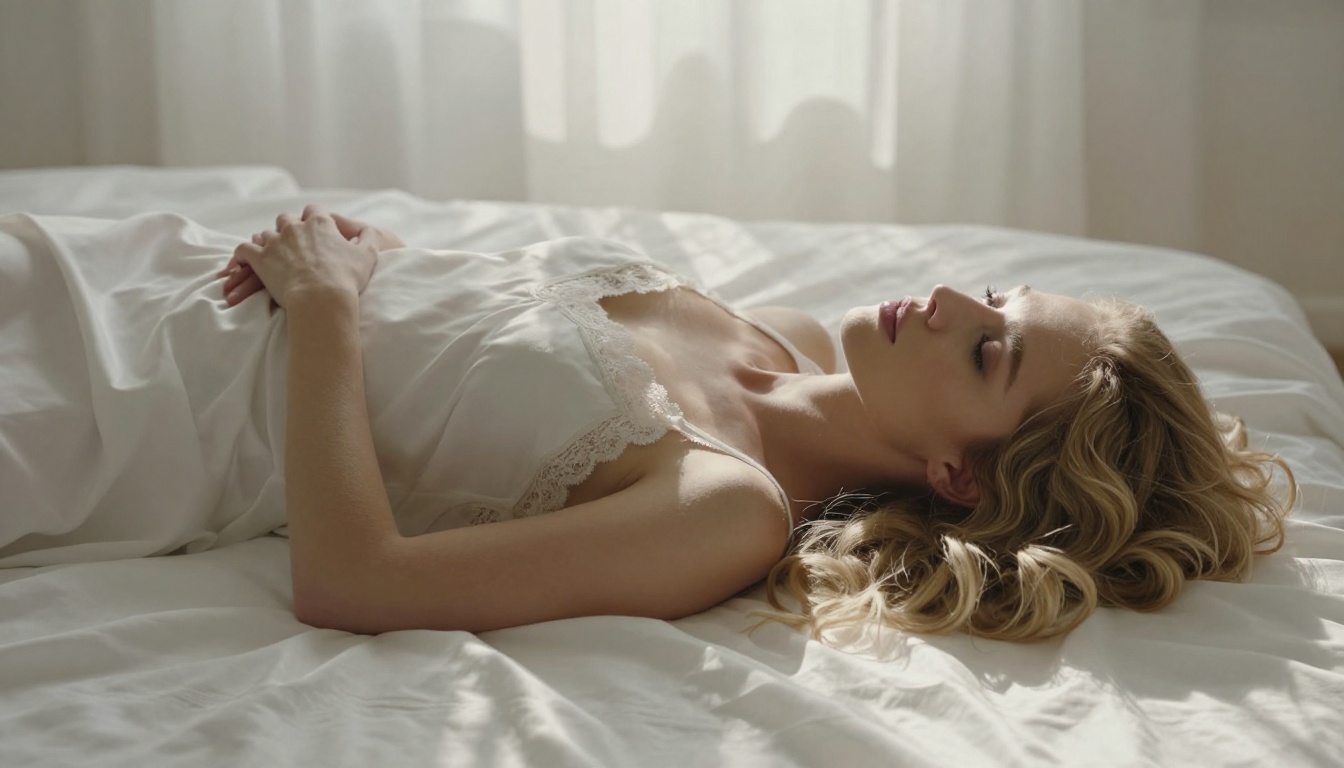
Comparison: Top NSFW AI Generators
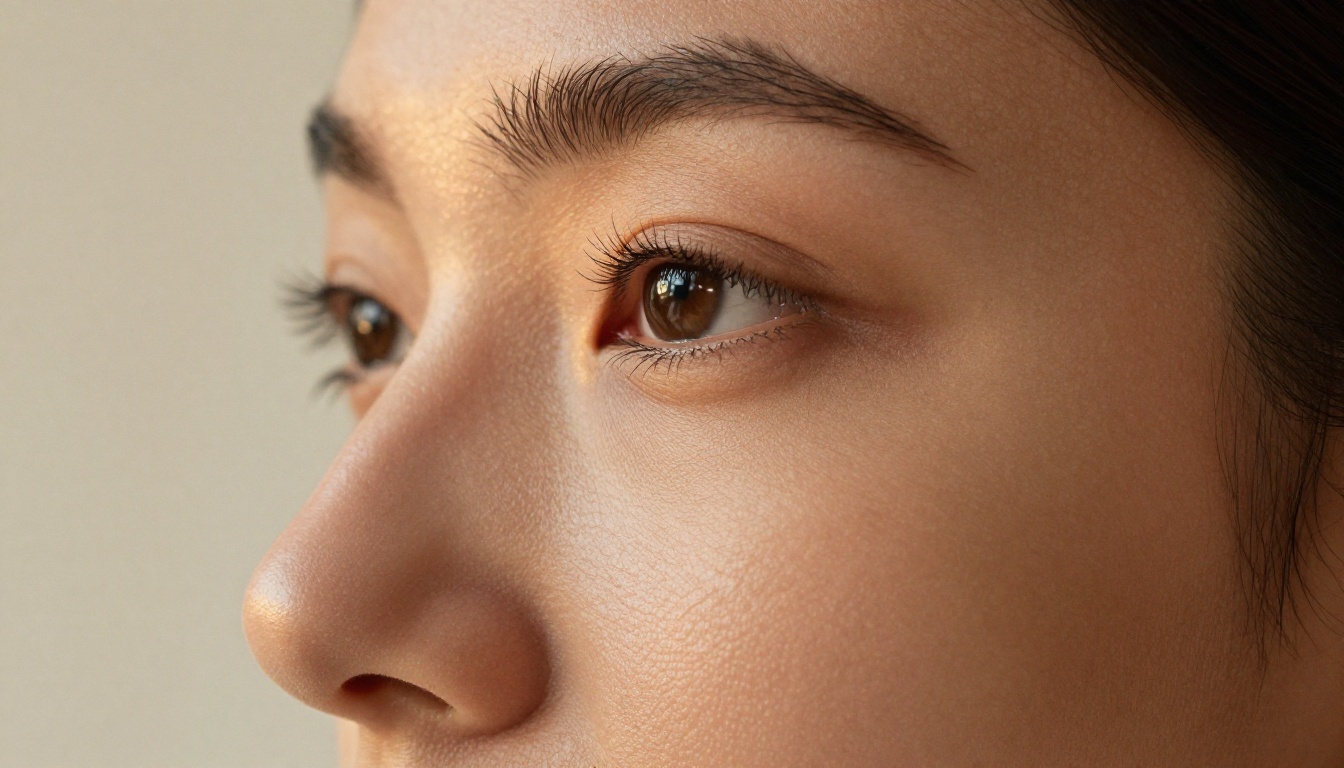
Prompting Tips That Actually Work
Seed Locking and Style Anchors
Most platforms expose a seed parameter. Copy the seed from any generation you want to continue. Combined with your character block, the same seed acts as an identity anchor that significantly reduces feature drift.
Style anchors work alongside seed locking. These are specific technical phrases that constrain the visual output space:
"Kodak Portra 400, 85mm f/1.8, natural light" pulls the model toward editorial photography"Rembrandt lighting, studio setup, white backdrop" locks the lighting schema"frontal portrait, eye-level camera" prevents unintended angle drift
Layer these style anchors consistently across your series, and even without LoRA, you will see dramatically more consistent character output.
Reference Image Techniques
Several SDXL-based workflows support image prompting or face reference injection. In these modes, you provide an image of your character alongside the text prompt. The model uses both inputs to generate, with the image providing the facial geometry that text alone cannot perfectly specify.
This technique is particularly powerful when combined with ControlNet. Use the reference image as a face/canny ControlNet input at a weight of 0.4-0.6, then let the text prompt handle the scene. The result: the character's face is anchored to your reference, while everything else responds to your creative direction.
💡 Tip: For the reference image input, use a clean, frontal, neutral-expression portrait with flat lighting. High-contrast or dramatic lighting in reference images confuses the conditioning and bleeds into your output lighting.
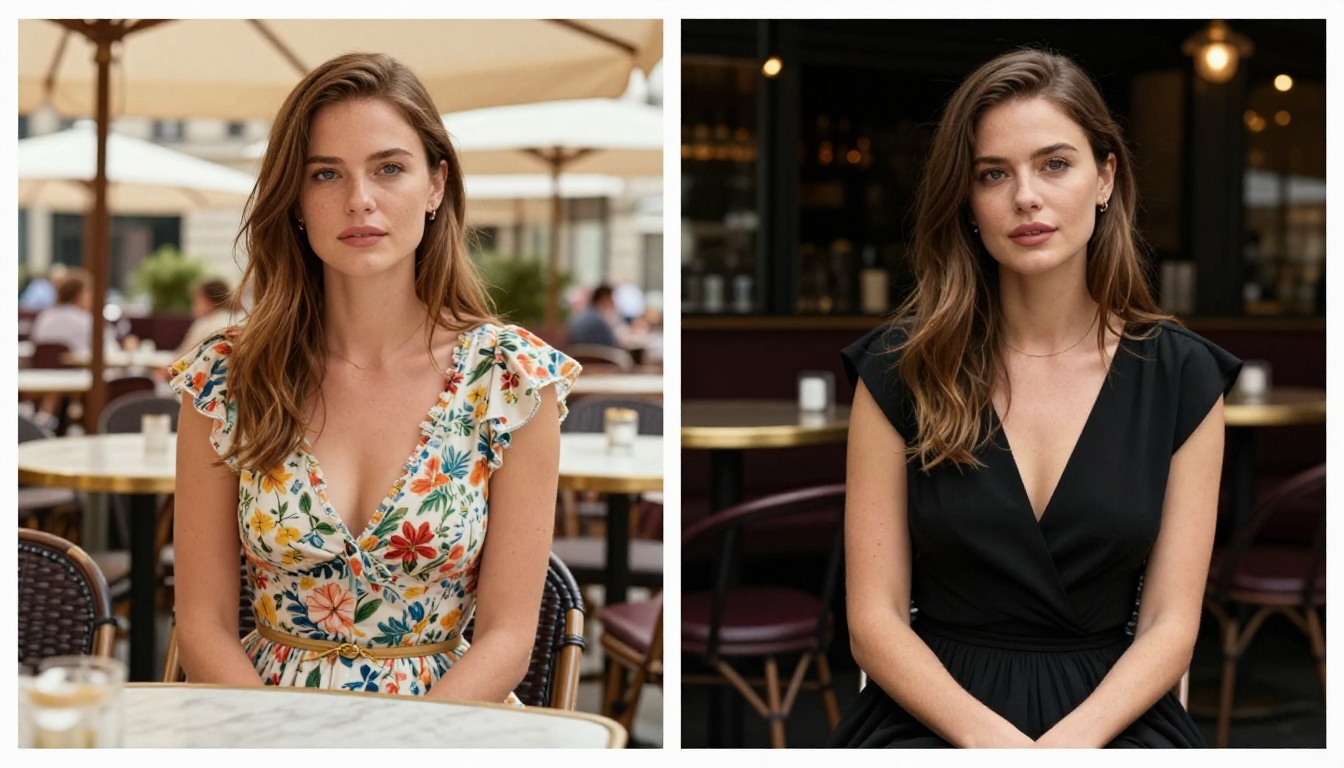
The Role of Super Resolution
Once you have consistent character images, the workflow does not stop at generation. Super-resolution upscaling preserves and enhances the fine details, skin texture, hair strands, and fabric weave that prove character consistency at large print or screen sizes.
The super-resolution tools available on PicassoIA can upscale 2x-4x while preserving the photographic grain and skin detail that make NSFW character images look genuinely real rather than synthetically smooth. Running your final images through a 2x upscale pass is the professional finishing step that separates polished character series from rough outputs.
Similarly, if any generated image shows facial artifacts or slightly off anatomy, inpainting tools can surgically fix individual regions without regenerating the entire image. This is especially useful for preserving a great body pose and expression while correcting a slightly inconsistent eye shape.

Common Mistakes That Break Consistency
Even with the right models, these habits destroy character consistency:
- Changing the character descriptor mid-series: Even small word changes alter how the model interprets the character. Write it once, freeze it, paste it everywhere.
- Ignoring negative prompts: Without negative prompts blocking deformations and cartoon styles, models drift toward their default biases. Always include
"deformed, blurry, cartoon, illustration, painting" in negatives.
- Switching models mid-series: Every model has its own interpretation of the same prompt. Switching models means starting over on character calibration.
- Over-describing the scene: When the scene description overwhelms the character block in length, the model prioritizes scene over character. Keep scene descriptions shorter than the character block.
- Skipping seed management: Without seed locking, every generation is a new lottery. The seed is free to use and takes three seconds to note down. Always save it.
Start Creating Your Own Character Series
The technology to produce consistent, beautiful NSFW character images now exists and is fully accessible. The models listed here are all available on PicassoIA, where you can run Flux 1.1 Pro Ultra, Realistic Vision v5.1, SDXL Multi-ControlNet LoRA, and the full suite of LoRA-enabled generators in one place.
Start with a character you can describe in detail. Write the descriptor block. Pick a seed. Run ten variations of the same character in different scenes. Refine the block based on what the model responds to. After a few iterations, you will have a reliable character formula that produces consistent results every time.
The gap between "AI image" and "AI character series" is not technology. It is the workflow. Now you have it.