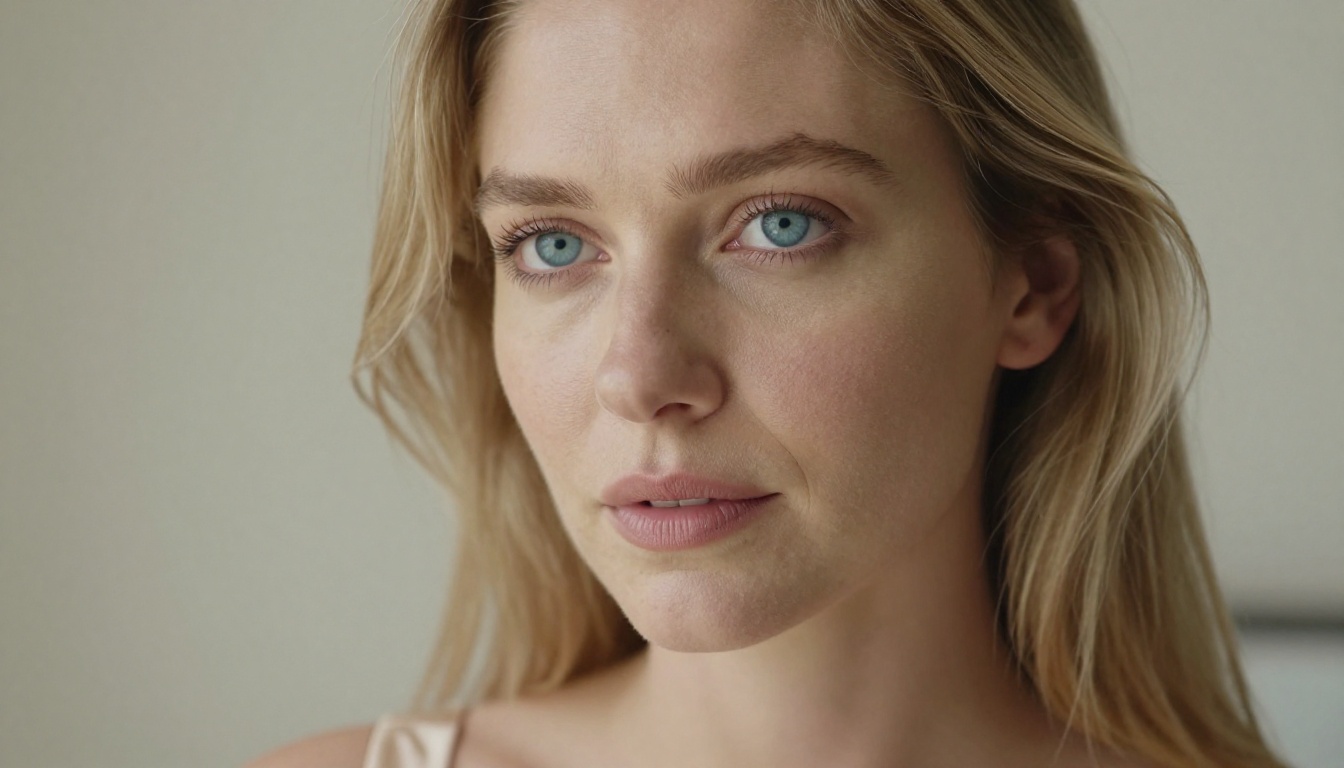
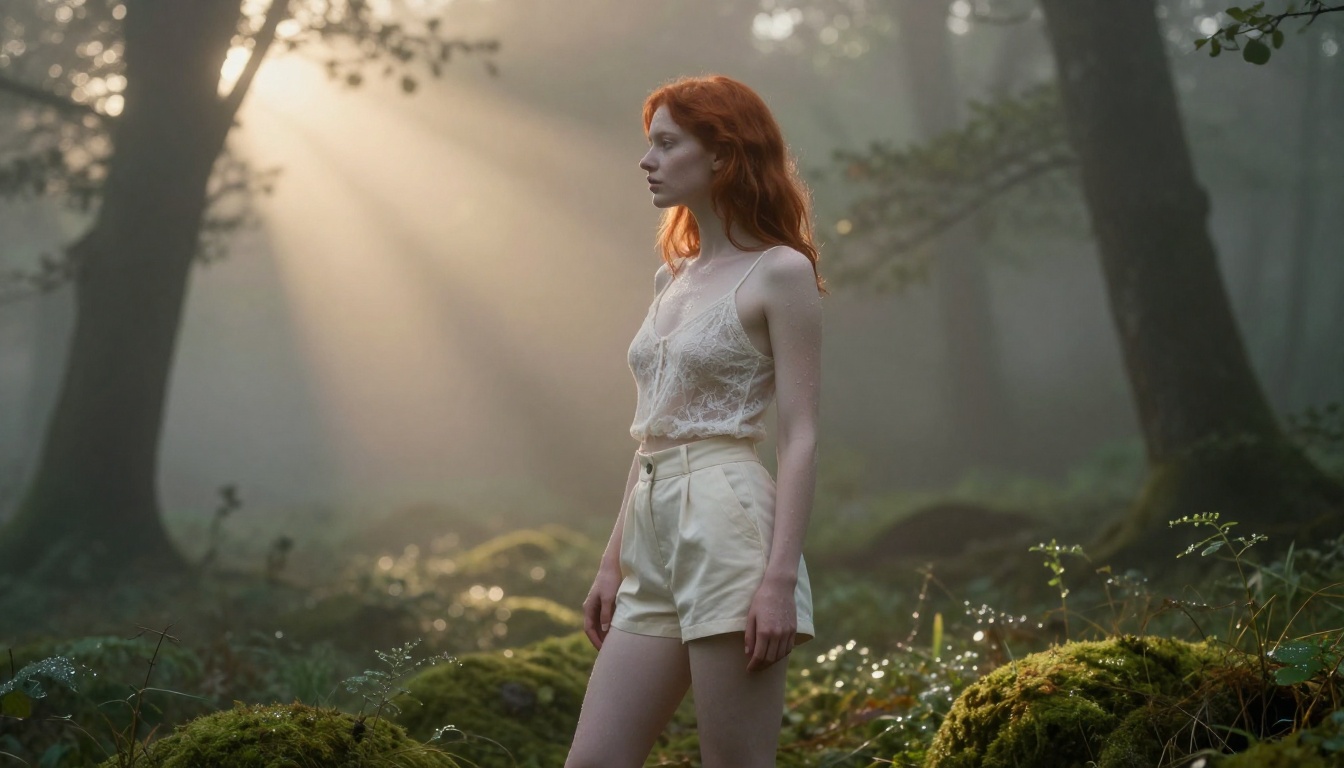
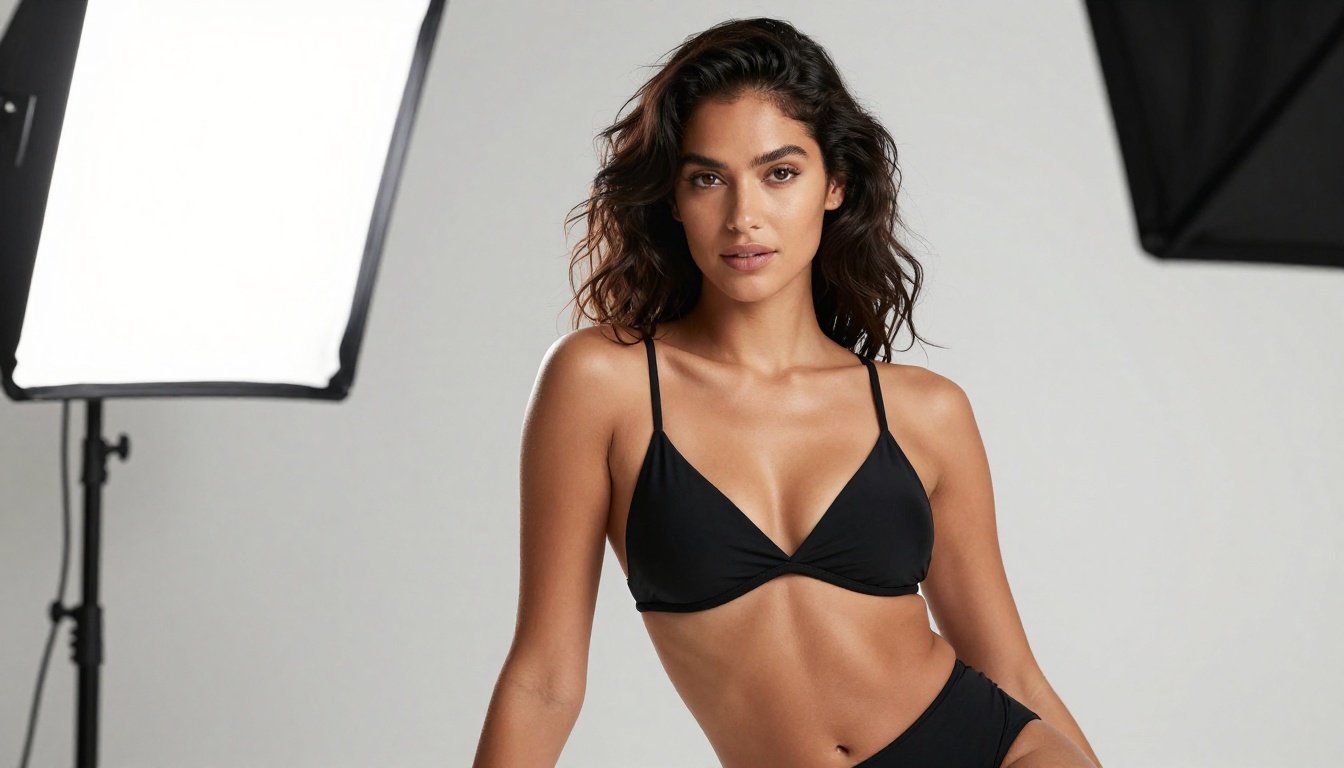
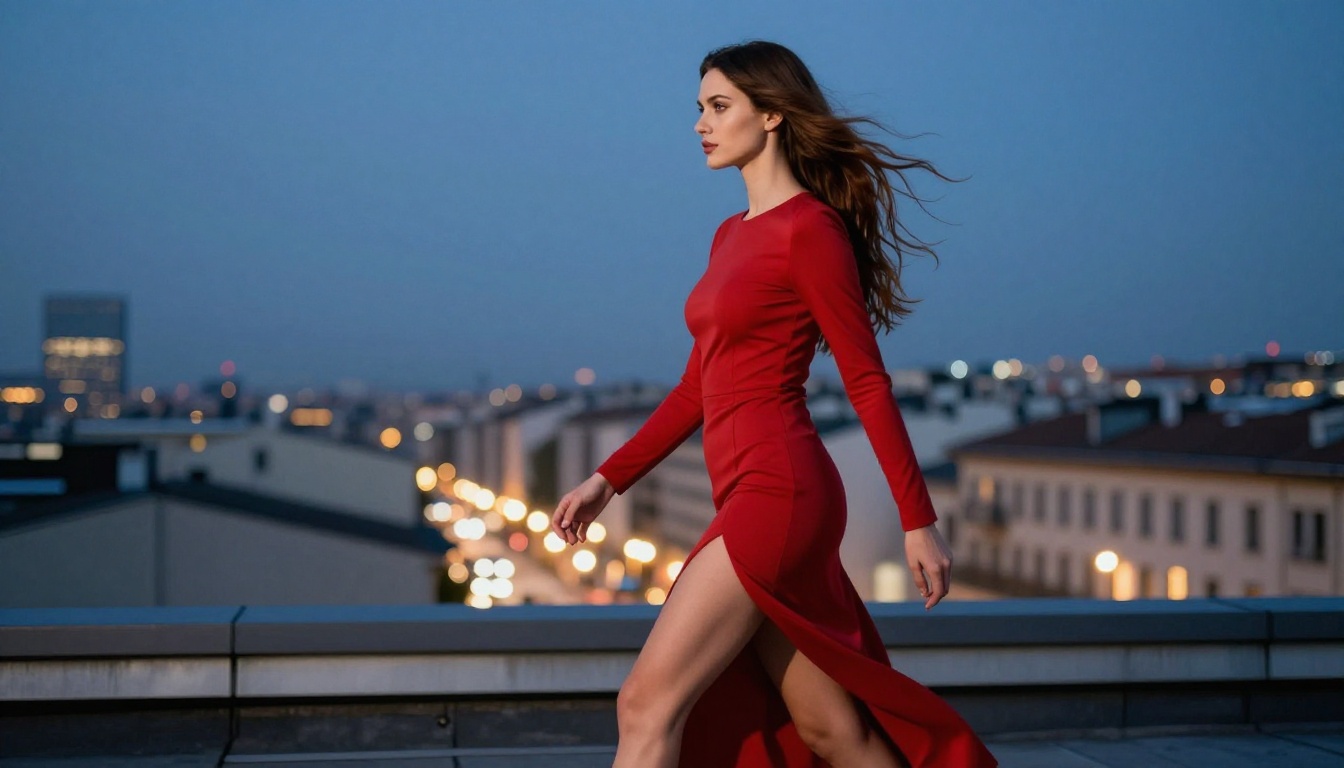
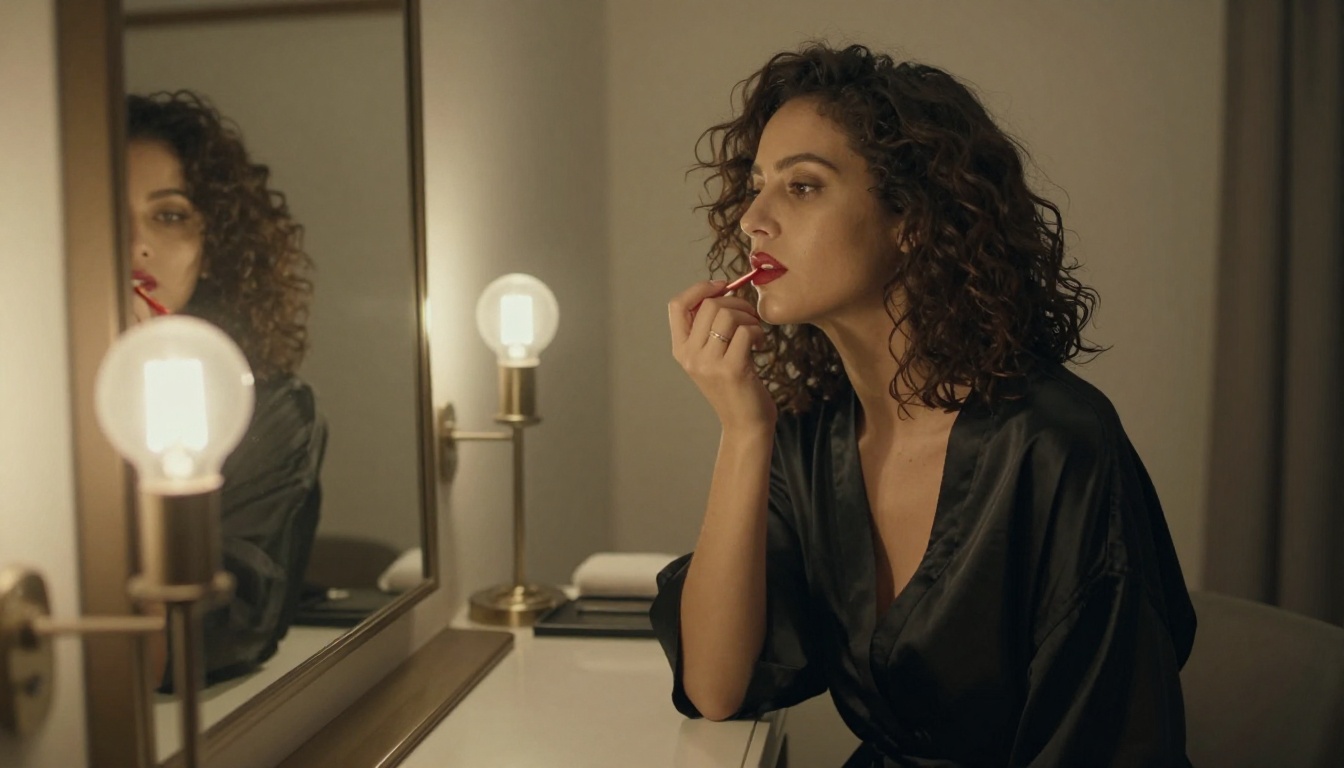
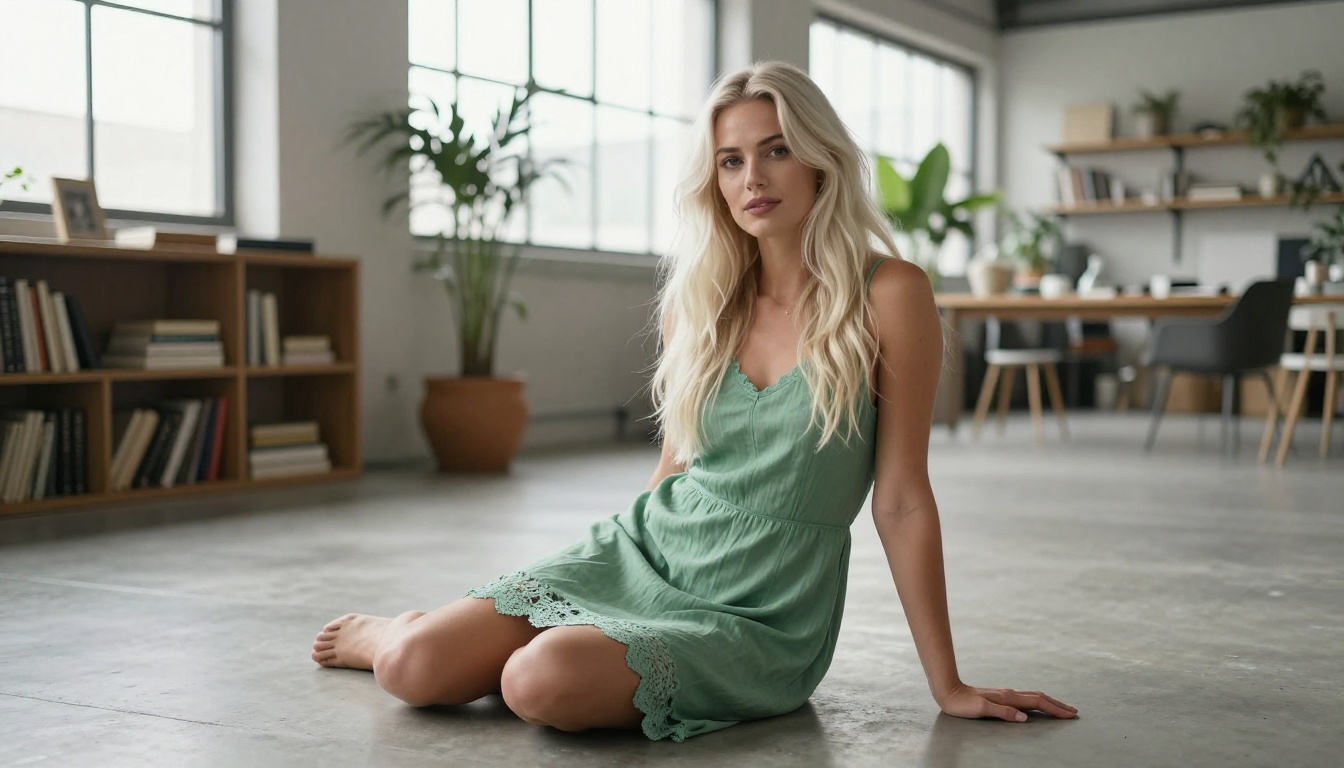
Creating NSFW AI art that keeps your characters looking exactly the same across dozens of images is one of the hardest challenges in AI generation. This article breaks down the best tools, models, and techniques for achieving perfect character consistency in adult AI art, from LoRA fine-tuning to ControlNet pose locking, all available on a single platform.
If you have ever generated 20 images of the same character only to get 20 completely different people, you already know the pain. Character consistency in NSFW AI generation is not just a nice-to-have feature; it is the difference between a polished creative project and a pile of random faces. The good news is that the technology has caught up, and specific AI models now exist to solve exactly this problem.
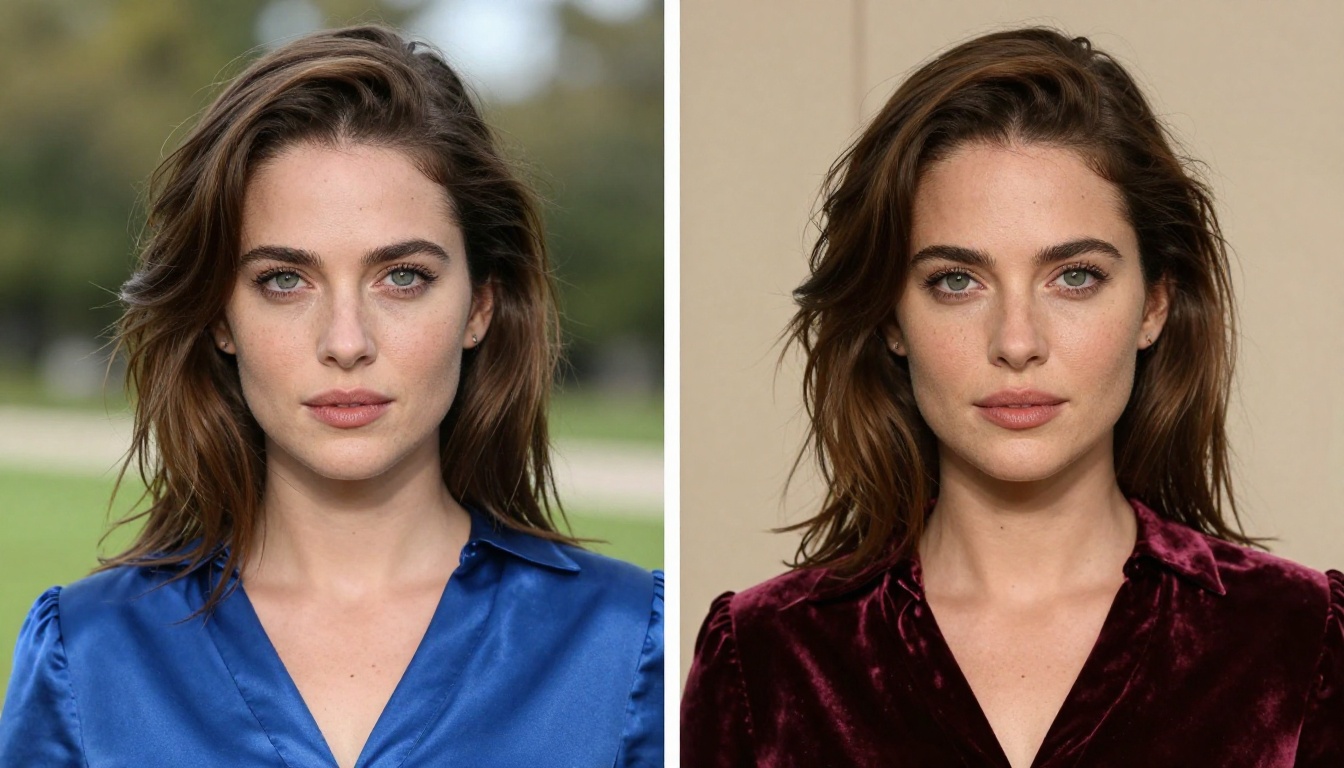
Character consistency means your character looks the same in every single image, regardless of lighting, outfit, pose, or scene. The same jawline. The same eyes. The same body proportions. Getting this right with AI requires choosing the right model, using the right techniques, and having access to the right tools.
Why Your Current Setup Is Failing
Most people jump into AI generation with a simple text prompt and expect magic. They get beautiful images, but each one shows a different person. That is not a bug in your prompting; it is a fundamental limitation of how base text-to-image models work.
The Random Face Problem
Standard AI models do not have memory. Every time you generate an image, the model picks randomly from its training data distribution. Your "blue-eyed brunette in her 20s" prompt matches thousands of possible faces, and the model picks a different one each time.
This becomes a serious problem when you are building a character-driven creative project. A story needs the same protagonist. A photo series needs one recognizable face. NSFW content designed around a specific character needs that character to actually exist across scenes.
What Real Consistency Looks Like
True character consistency covers several dimensions at once:
Facial features: Same nose shape, eye spacing, lip size, jawline
Body proportions: Same height-to-torso ratio, shoulder width, build
Skin tone: Consistent coloring across different lighting conditions
Distinctive marks: Freckles, beauty marks, scars stay in the same position
Hair: Same natural texture, curl pattern, and color base
Getting all of these right simultaneously requires more than a good prompt. It requires a specialized approach.
LoRA: The Technology That Actually Works
LoRA stands for Low-Rank Adaptation. In practical terms, it is a small file that contains learned information about a specific character, style, or subject. When you attach a LoRA to a base model, it pulls the generation toward that specific person, dramatically reducing random variation.
This is why LoRA-powered models are the gold standard for character consistency in NSFW AI generation. The model does not guess what your character looks like; it has been told.
p-image-lora on PicassoIA
p-image-lora is one of the most flexible LoRA-powered models available on PicassoIA. It allows you to inject custom LoRA weights directly into the generation pipeline, meaning you can create a character once and reproduce them reliably across any scene or setting.
The key advantage here is that p-image-lora supports multiple LoRA stacks, so you can combine a character LoRA with a style LoRA or a lighting LoRA without losing your character's core identity.
flux-dev-lora for Photorealistic Results
For the highest-quality photorealistic output, flux-dev-lora brings Flux's exceptional image quality together with LoRA flexibility. Flux as a base model already produces some of the most realistic skin textures, hair detail, and lighting accuracy in the industry. Add a LoRA on top, and you get that realism applied to a locked character.
💡 Tip: Start with a simple character LoRA before stacking. Once your character generates consistently, then add lighting or environment LoRAs to get the exact scene you want.
ControlNet: Locking Down the Pose
LoRA handles who your character is. ControlNet handles what they are doing. For NSFW content, pose control is critical. You need your character in specific positions without the model guessing and producing something unexpected.
SDXL Multi ControlNet LoRA
SDXL Multi ControlNet LoRA combines both technologies in a single model. You can define your character through LoRA weights and then constrain their pose using a ControlNet reference image. This is particularly powerful for creating a series of images where the same character appears in different positions but remains recognizably the same person.
The SDXL base brings strong anatomical understanding, which matters a lot for NSFW content where body proportions need to remain realistic and consistent.
RealVisXL Multi ControlNet LoRA
RealVisXL v3 Multi ControlNet LoRA takes this further by pairing ControlNet's pose precision with RealVisXL's photorealism engine. RealVisXL specializes in producing images that look like actual photographs rather than AI-generated art. For NSFW character work, this means your character does not just stay consistent; they look real.
💡 Tip: Use a pose reference image from your previous generations as the ControlNet input. This creates a visual loop where each new image stays physically consistent with the last.
Top Models Ranked for Character Consistency
Here is a direct comparison of the models on PicassoIA best suited for NSFW character consistency work:
Flux Kontext Pro represents a different approach to character consistency. Instead of LoRA training, it uses context-based editing, meaning you give it a reference image of your character and instruct it to generate variations while preserving that identity.
This makes it ideal for people who do not have LoRA files but want strong consistency starting from existing images.
Step 1: Open Flux Kontext Pro
Navigate to Flux Kontext Pro on PicassoIA. This model accepts both a reference image and a text prompt.
Step 2: Upload Your Reference Image
Upload a clear, well-lit image of your character. The best references have the face unobstructed, neutral expression, and good lighting. A simple portrait works better than an action shot.
Step 3: Write Your Edit Prompt
Your prompt should describe what you want to change, not what you want to keep. For example: "Change the setting to a beach at sunset, keep the same person." The model preserves what you do not mention.
Step 4: Adjust the Consistency Strength
Flux Kontext Pro has a parameter controlling how closely the output follows the reference. Higher values keep your character more locked. For NSFW character work, start at 0.8 and adjust from there.
Step 5: Generate and Lock the Seed
Once you get a result you like, note the seed number. Using the same seed with slight prompt variations keeps the character anchored while changing the scene around them.
💡 Tip: For hero shots where maximum detail matters, use Flux Kontext Max. The premium variant handles fine skin texture and hair detail at an exceptional level, while Kontext Pro handles bulk scene generation.
Prompt Architecture for Consistent Characters
The way you write prompts matters as much as the model you choose. A consistent character requires a consistent description applied to every single generation.
Build a Character Card
Create a fixed text block with every visual detail about your character:
Character: Elena
Age appearance: mid-20s
Hair: natural auburn, shoulder-length, slight wave
Eyes: green, almond-shaped
Skin: light warm tone, scattered freckles on nose and cheeks
Build: slender, defined collarbones
Distinctive: small beauty mark below left eye
Paste this directly into every prompt. When combined with a LoRA, this written anchor reinforces the visual one and stops the model from drifting across long generation sessions.
The Seed Number Strategy
Seeds are deterministic inputs. If you use the same seed with the same model and a very similar prompt, you get very similar outputs. This is the simplest form of character consistency available on any platform.
For NSFW series work, generate 10 to 20 images with the same seed and similar prompts. Pick the best one as your canonical character, note that exact seed, and use it as your starting point going forward. Combine this with flux-dev-lora and a character LoRA, and your consistency rate will be dramatically higher than prompt-only approaches.
Flux 2 Pro and Stable Diffusion 3.5 as Base Models
When you need raw image quality as a foundation, two models stand out as powerful bases even before adding LoRA or ControlNet.
Flux 2 Pro delivers state-of-the-art photorealism with exceptional prompt adherence. Its prompt following is so precise that detailed character descriptions in text produce remarkably consistent results across generations, especially when combined with seed locking. For users who prefer not to manage LoRA files, Flux 2 Pro with a detailed character card is a strong starting point.
Stable Diffusion 3.5 Large brings years of community fine-tuning to a modern architecture. Its strength for NSFW character work is the massive ecosystem of available LoRAs built specifically for realistic human figure generation, many of which are compatible with the SD 3.5 backbone.
💡 Tip: Use flux-1.1-pro-ultra when you need your character at maximum resolution for prints or detailed close-up scenes. The ultra variant handles fine skin texture and hair detail better than any standard resolution model on the platform.
Qwen Image Edit Plus LoRA for Scene Changes
Sometimes consistency means editing an existing image without changing the person at all. Qwen Image Edit Plus LoRA excels at exactly this. You can change outfits, backgrounds, lighting, and accessories while leaving the character's face and body completely untouched.
This is the fastest way to build a diverse image series from a single strong base image, and it sidesteps the consistency problem entirely by never regenerating the character from scratch.
3 Mistakes That Break Character Consistency
Even with the right model, these common errors destroy consistency:
1. Changing your prompt structure too much
If your base prompt describes Elena as "a young woman with auburn hair and green eyes," do not suddenly describe her as "a girl with reddish hair and emerald eyes" in the next generation. The AI reads these as different descriptions and produces a different person.
2. Mixing incompatible LoRAs
Some LoRAs were trained on very different data distributions and actively fight each other. If two LoRAs both try to define facial features, you will get blended or distorted results. Always test each LoRA alone before combining them, and use a model like p-image-lora that explicitly supports multi-LoRA stacking.
3. Ignoring aspect ratio across a series
A character generated at 1:1 portrait and then at 16:9 landscape will show different amounts of the body, making proportions appear inconsistent even when they are not. Stay consistent with your aspect ratio settings throughout a project.
Pick one character, write your character card, choose a model that fits your workflow, and start building. The first consistent series you generate will permanently change how you think about AI art. What you can create when your character stays the same across scenes is orders of magnitude more powerful than random generation.
PicassoIA puts 91 text-to-image models at your fingertips, including every LoRA and ControlNet model covered in this article. Start with Flux Kontext Pro if you already have reference images, or dive into flux-dev-lora if you want LoRA-level control from the start. Your character is waiting.