The best AI image generators for NSFW photoshoots are not just about removing content filters. The real competition is photorealism, pose accuracy, and the kind of lighting control that separates a mediocre output from something that looks like it came straight from a fashion editorial. This article breaks down which models win that fight, how to prompt them effectively, and how to get consistent, high-quality results every single session.
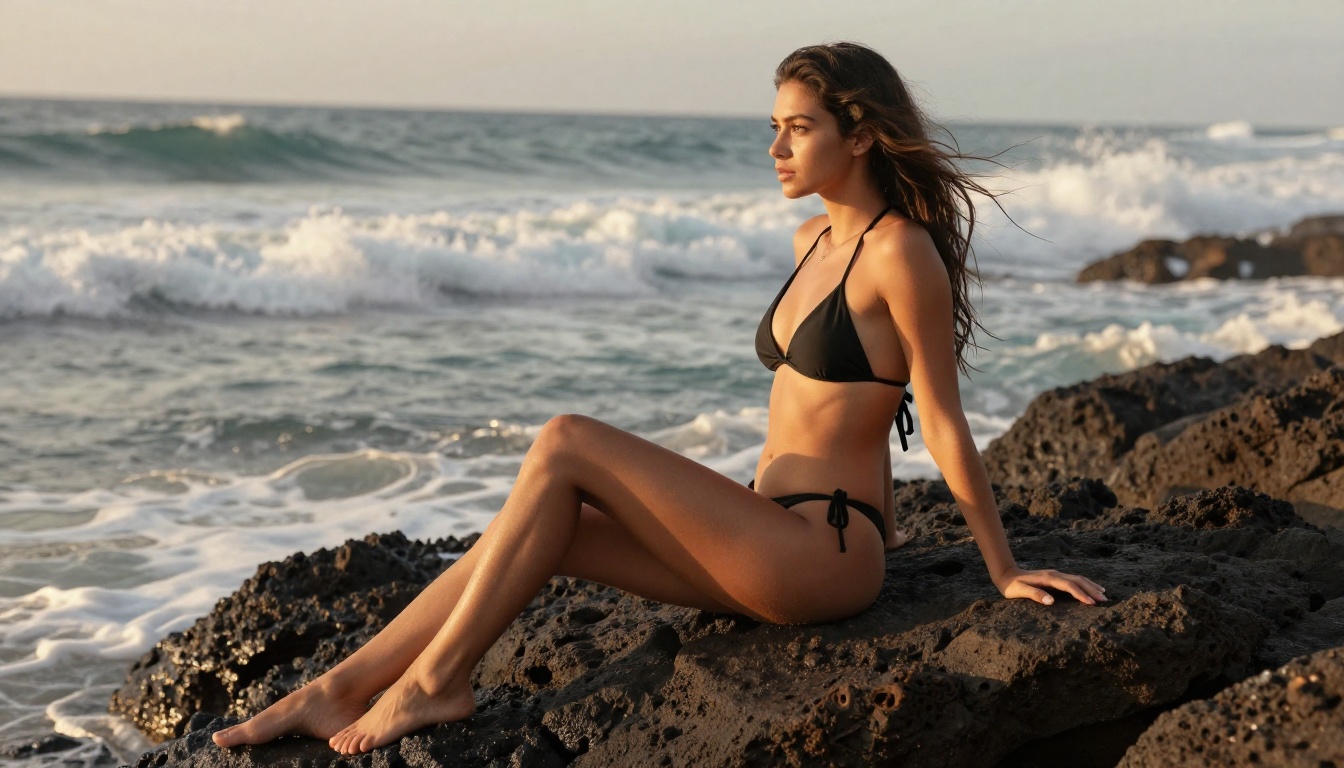
Why Realism Is the Only Metric That Matters
Most conversations about NSFW AI generators focus on content policies. That misses the point entirely. The real barrier to quality output is not what the model allows. It is what it renders. An image that looks like a painting instead of a photograph fails regardless of its content rating. The models worth your time in 2027 all share one characteristic: they treat photorealism as a non-negotiable baseline.
The Skin Texture Problem
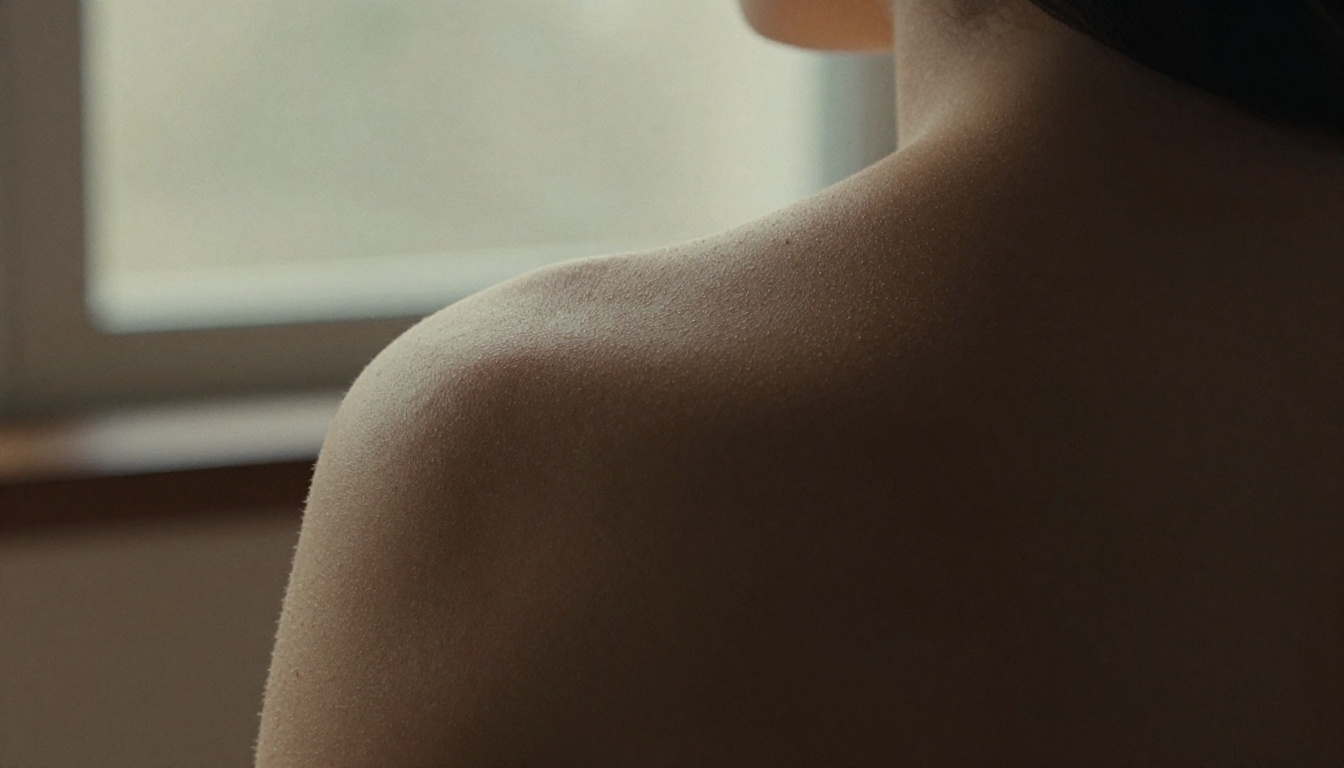
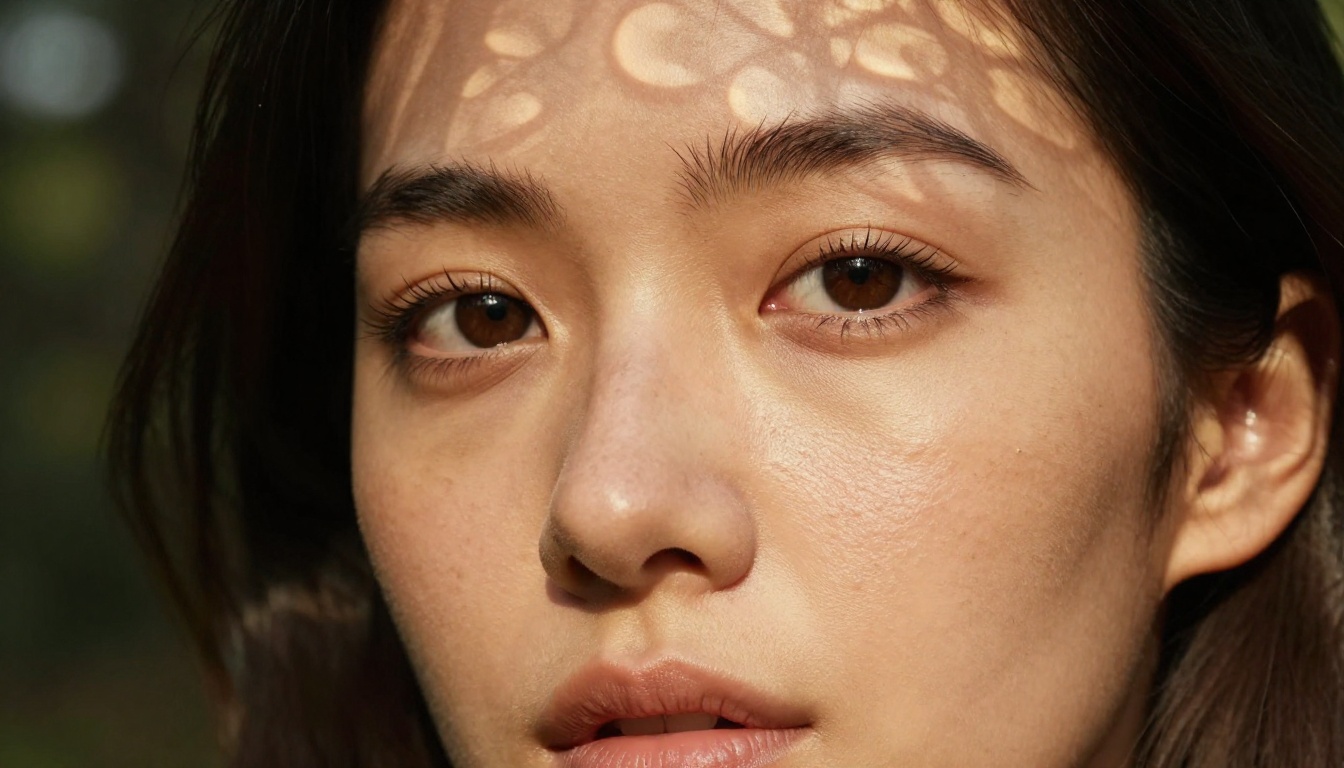
Skin is the hardest surface for any AI model to render convincingly. It has pores, fine hairs, subtle color variation, and a subsurface scattering quality that shifts with lighting angle. Most base diffusion models smooth skin into a plasticky sheen that immediately signals "AI-generated" to any trained eye.
The models that crack this problem use massive training datasets of RAW photography, not processed JPEG files. The difference shows immediately. Flux 1.1 Pro Ultra and Realistic Vision v5.1 both score exceptionally here, producing skin that shows natural imperfection: pores at correct scale, subtle tone variation across the face, and the micro-texture that only appears in photographs taken at f/2.8 or wider.
RAW Mode Changes the Game
The phrase --style raw in a prompt is not just stylistic preference. It signals the model to suppress its tendency to beautify images through smoothing, saturation boosting, and contrast punching. Combined with explicit film simulation names, this produces output with:
- Natural grain that reads as organic rather than digital noise
- Open shadows that retain detail instead of crushing to black
- Desaturated highlights that prevent skin from looking over-processed
- Film-accurate color science that adds warmth without looking filtered
💡 Add "Kodak Portra 400 film simulation, fine grain, open shadows" to any photoshoot prompt to immediately shift the output from digital to analog-feeling.
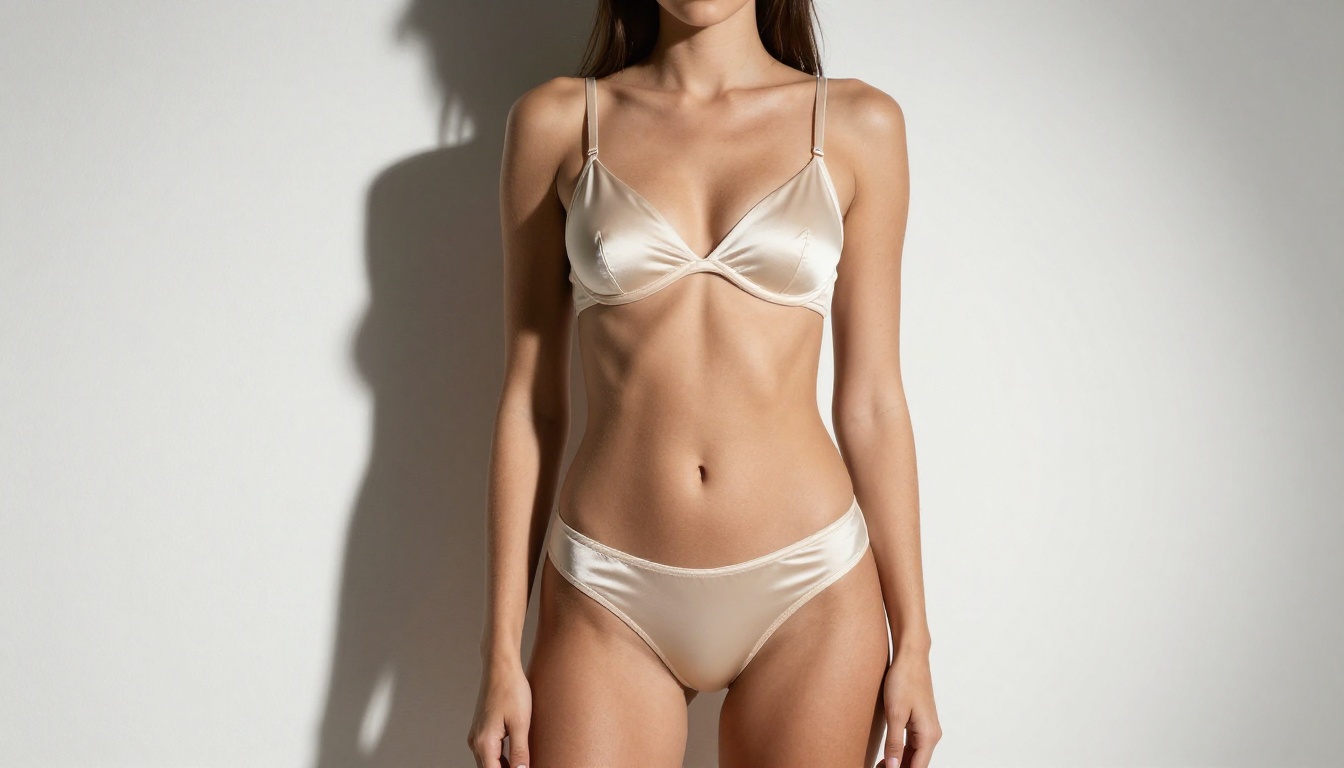
The Models That Win for Photoshoots
Not every text-to-image model is built for human photography. Here are the ones that consistently deliver for NSFW photoshoots and poses.
Flux 1.1 Pro Ultra: The Benchmark
Flux 1.1 Pro Ultra is the gold standard for photorealistic human generation in 2027. Its architecture handles three things exceptionally well:
- Anatomical accuracy: Fingers, hands, and limbs render correctly in most poses without the deformations that plague earlier diffusion models
- Lighting response: It respects specific lighting descriptions, placing shadows precisely where you specify them
- Detail at scale: Even at 16:9 aspect ratios, fine details like individual hair strands, fabric weave, and skin texture remain sharp
For NSFW photoshoots, this model handles suggestive content with the sophistication of a professional photography studio. Glamour, boudoir, and artistic nudity all fall within its rendering capability.
Realistic Vision v5.1: Built for Human Photography
Realistic Vision v5.1 was specifically fine-tuned on photographic datasets with an emphasis on human subjects. The results show. It handles:
- Portrait close-ups with accurate facial proportions and authentic skin rendering
- Three-quarter body shots without the perspective distortion that affects other models
- Environmental context where the subject integrates naturally with the background
This model is particularly strong when the prompt specifies a specific body pose in a specific environment. It reads spatial relationships better than most.
RealVisXL v3.0 Turbo: Speed Without Sacrifice
RealVisXL v3.0 Turbo delivers near-identical quality to the full RealVisXL model at significantly faster generation speeds. For iterative work, where you generate 10 to 15 variations to find the right pose or lighting angle, this speed advantage matters. It handles glamour photography particularly well, producing images that look like high-budget editorial shoots with natural depth of field and clean subject isolation.
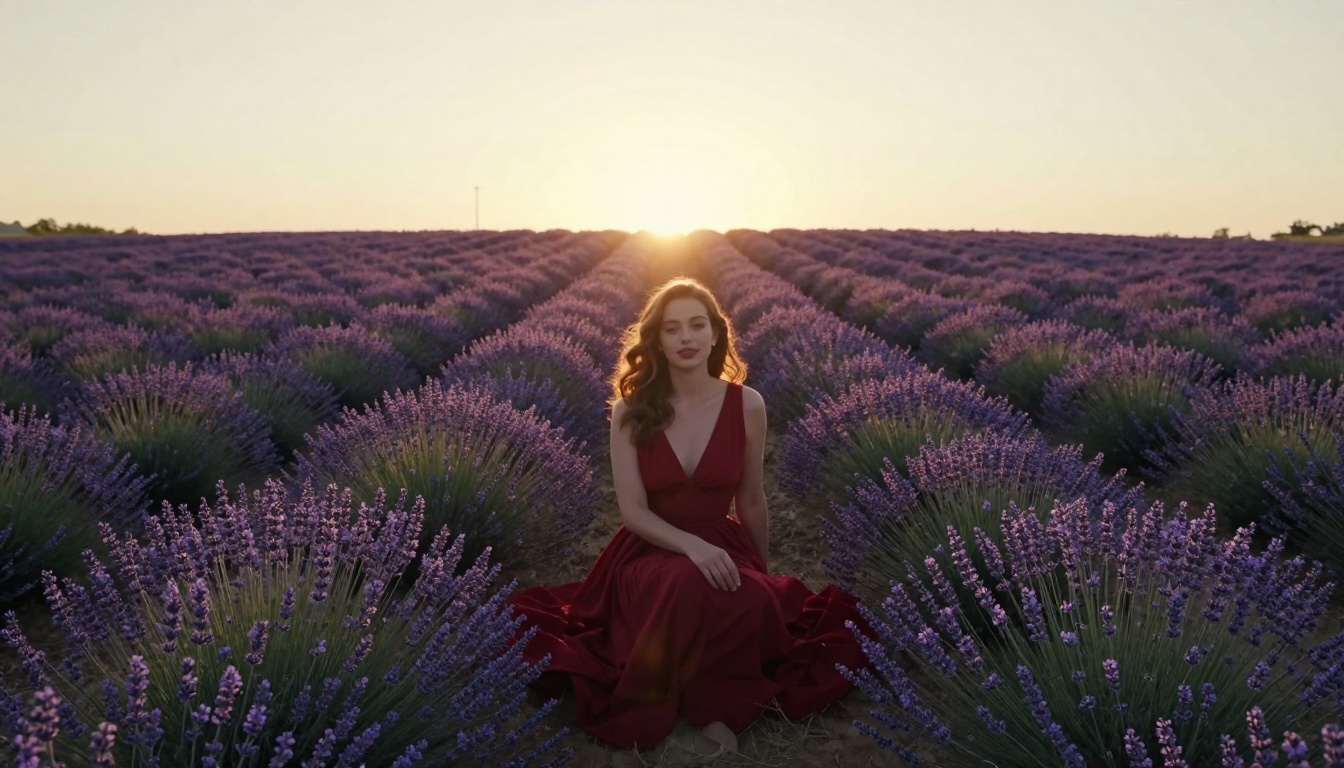
DreamShaper XL Turbo: Versatile Glamour
DreamShaper XL Turbo sits in a sweet spot between pure realism and stylized beauty. It renders subjects with a slight polish to lighting and color that makes images feel professionally finished without crossing into obvious AI-smoothing territory. Think high-end beauty photography rather than documentary fine art.
For bikini photoshoots, boudoir sessions, and glamour poses, this model consistently delivers commercially polished results.
Flux 2 Pro and Flux Dev: The Reliable Workhorses
Flux 2 Pro and Flux Dev form the backbone of most serious photoshoot workflows. While Flux 1.1 Pro Ultra sits at the top, these models offer strong quality with more flexibility:
Flux Schnell is ideal for sketching out compositions before committing to a high-quality generation with the Pro model.
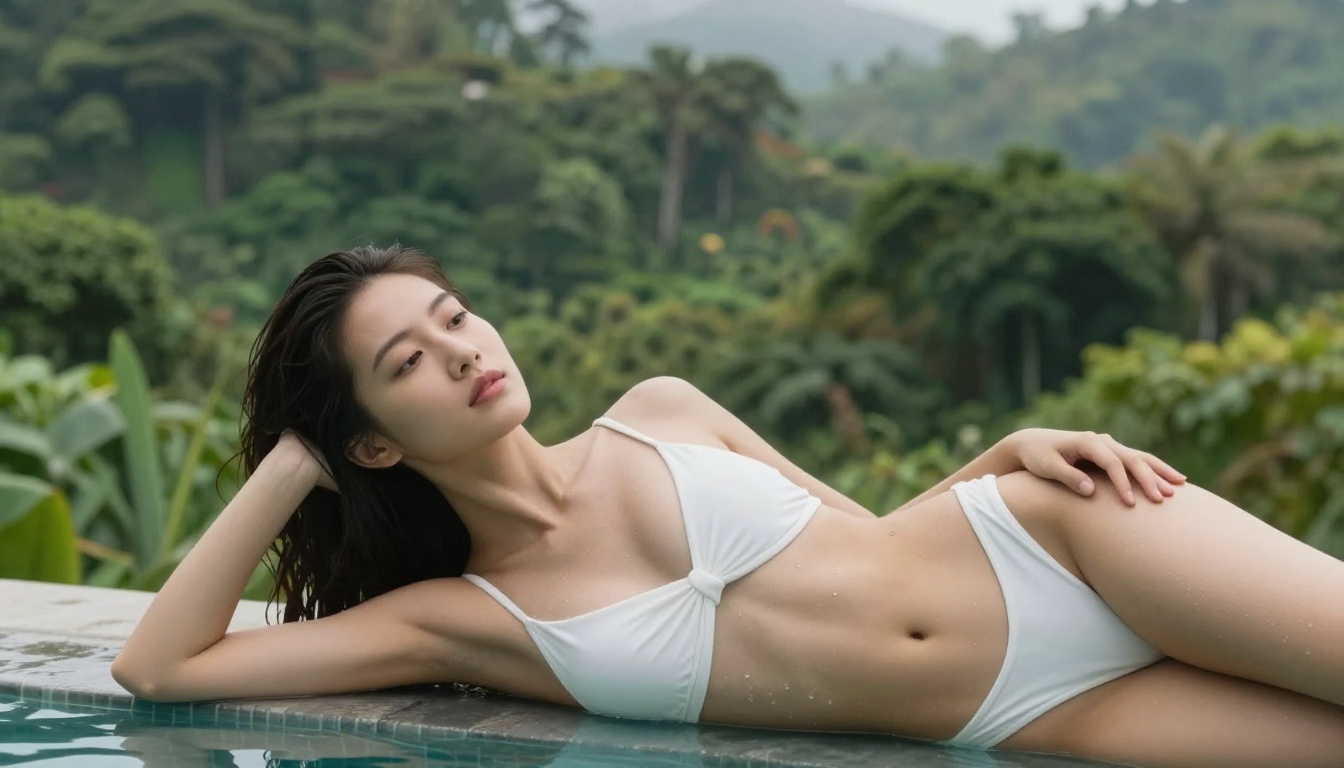
Poses That Consistently Work
The pose you specify in a prompt is as important as the model you choose. Some poses photograph naturally in AI generation. Others create anatomical challenges that no model handles well.
Standing Poses That Photograph Best
Standing poses are the most reliable for AI generation because they minimize complex joint angles that confuse models.
High performers:
- Weight-shifted contrapposto: One hip raised, weight on one leg. The natural S-curve renders beautifully across all photorealism models.
- Three-quarter turn: Subject facing 45 degrees from camera. Avoids the flatness of a straight-on shot and adds compositional depth.
- Hand-on-hip: Arms bent at natural angle, one hand resting on the hip. Confident and grounded.
What to avoid: Straight arms held rigidly at sides. AI models struggle with hand placement at this angle and often produce subtle finger deformations that break the illusion.
Seated and Reclining Poses
Seated poses introduce more complexity but offer more intimacy and visual interest.
💡 For seated poses, always specify where the subject is seated: "sitting on warm volcanic rocks," "seated on the edge of an infinity pool," "reclined on white linen sheets." Context anchors the pose and reduces anatomical errors significantly.
- Side-seated on steps: One leg extended, one drawn up. Creates a natural triangular composition.
- Reclined on side: Lying on one side with the upper arm supporting the head. Elegant and consistently photographic.
- Cross-legged on floor: Low camera angle looking slightly up. Creates intimacy and editorial quality.
Environmental Poses
Some of the most striking photoshoot results come from integrating the subject's pose with the environment as one inseparable description:
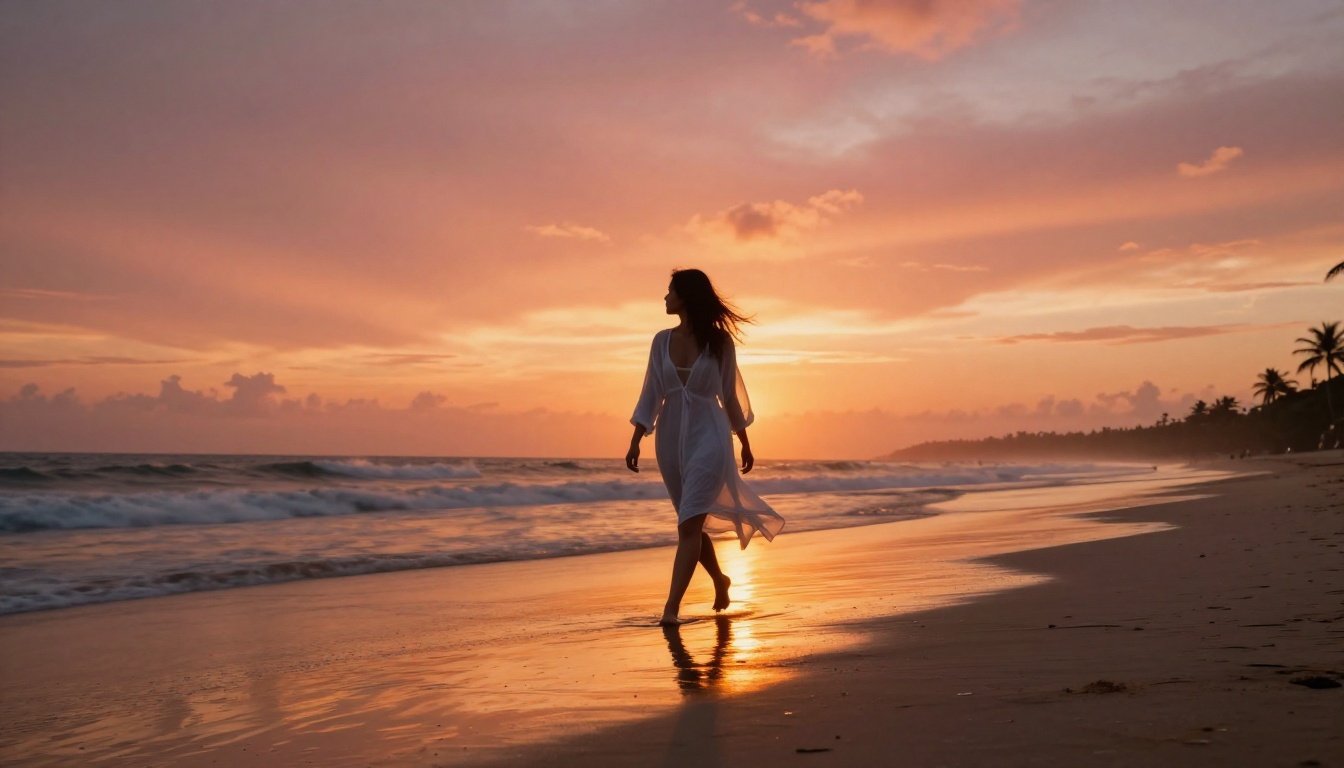
- "Walking through shallow ocean waves, dress trailing in the water behind her"
- "Leaning against a weathered terracotta wall, both arms raised above her head"
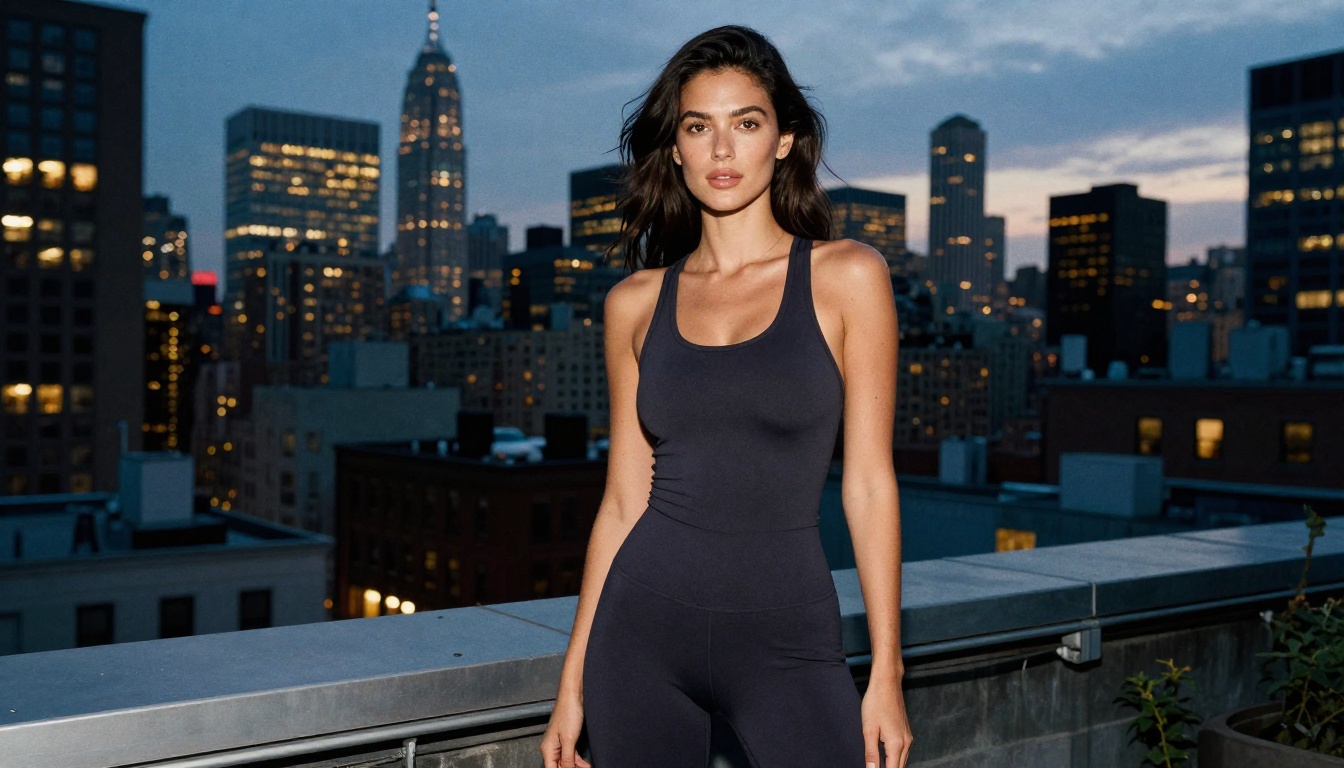
- "Standing at the edge of a rooftop terrace, city lights below, hair blown back by wind"
These prompts force the model to solve for the physical relationship between the body and the environment, which produces far more believable results than floating the subject in front of a generic background.
How to Write Prompts That Deliver
The difference between a mediocre and an exceptional AI photoshoot output almost always comes down to how the prompt describes three things: lighting, camera specification, and atmospheric texture.
Lighting Descriptions That Elevate Results
Generic lighting descriptions produce generic results. Specific lighting descriptions produce cinematic results.
Weak: "good lighting"
Strong: "volumetric golden hour light from camera left at 30 degrees elevation, casting long warm shadows that sculpt the subject's face, soft rim light separating hair from the background"
Lighting vocabulary that works consistently:
- Direction: "from camera left," "from camera right," "from above at 45 degrees," "from the horizon"
- Quality: "hard directional sunlight," "soft diffused overcast," "dappled through leaves"
- Color temperature: "warm tungsten 3200K interior," "cool blue morning hour," "golden amber at sunset"
- Secondary fill: "fill light from white-washed wall on the right," "practical lamp creating background warmth"
Camera and Lens Specs in Prompts
Specifying a real camera lens tells the model how to render depth of field, background compression, and perspective distortion. These are not arbitrary numbers. Each lens produces a specific visual signature:
| Lens | Visual Effect | Best Photoshoot Use |
|---|
| 85mm f/1.4 | Soft background bokeh, natural face proportions | Portraits and boudoir |
| 35mm f/2.8 | Moderate background context, moderate depth | Fashion with setting |
| 100mm macro | Extreme detail, compressed perspective | Beauty close-ups |
| 24mm f/4 | Wide environment, deep depth of field | Full-body with location |
The Film Simulation Formula
Film simulations are the most underused tool in AI photoshoot prompting. Adding them shifts color science, grain structure, and tonal response in ways that instantly elevate realism:
- Kodak Portra 400: Warm skin tones, open shadows, slightly desaturated blues. The editorial standard.
- Fujifilm Pro 400H: Cool, pastel palette, soft highlights. Beautiful for outdoor natural-light work.
- Kodak Ektar 100: High saturation, fine grain, vivid greens and reds. Striking for location shoots.
- Ilford HP5 (black and white): High contrast monochrome, visible grain structure for fine art work.
💡 Combine a film simulation with "shot on full-frame digital camera" in the same prompt. This hybrid description reads as photographic without being nostalgically retro.
How to Use Flux 1.1 Pro Ultra on PicassoIA
Flux 1.1 Pro Ultra is the most capable photorealism model available on the platform. Here is how to use it for photoshoots.
Step 1: Open the Model
Navigate to the Flux 1.1 Pro Ultra model page. Select 16:9 as your output ratio for photoshoot-style horizontal compositions that match standard screen formats.
Step 2: Build Your Prompt
Structure your prompt in this specific order to get consistent results:
- Subject and pose: "Confident woman in a black bikini, sitting on warm volcanic rocks"
- Environment: "at a secluded tropical beach, morning light"
- Camera specification: "shot with 35mm f/2.8 lens, shallow depth of field"
- Lighting detail: "golden morning light from camera left, sea foam in foreground as soft bokeh"
- Film simulation: "Kodak Portra 400, fine grain, photorealistic 8K"
- Style suffix: "--style raw"
Each component adds a layer of specificity that constrains the model toward the result you want.
Step 3: Parameter Settings for Photorealism
- Guidance scale: Set between 3.5 and 4.5 for photorealistic output. Higher values produce more literal prompt interpretation but can over-sharpen textures.
- Steps: 28 to 35 for best quality. Below 20 introduces soft details and muddy skin rendering.
- Seed: Save seeds from successful generations to iterate variations on the same composition without losing what worked.
💡 Use Flux Schnell at 4 steps to test a prompt composition first, then switch to Flux 1.1 Pro Ultra for the final high-quality render. This saves generation credits during the experimentation phase.
ControlNet for Precise Pose Control
For photoshoots where you need a specific pose rather than an approximated one, ControlNet changes everything. SDXL Multi ControlNet LoRA lets you supply a reference pose image and the model will render your subject in that exact body position.
How ControlNet Works
ControlNet reads skeleton data, depth maps, or edge maps from a reference image and uses them as structural constraints for the generated output. Your prompt still controls everything else: lighting, subject appearance, clothing, environment, and style. But the body position matches the reference.
This is particularly powerful for:
- Recreating specific editorial poses from photography references
- Consistent pose across multiple generations (same position, different lighting or clothing)
- Complex body positions that text descriptions alone struggle to communicate accurately
Best Settings for Photoshoots
With SDXL ControlNet LoRA, keep the ControlNet weight between 0.6 and 0.8 for photoshoot work. Higher values make the output rigidly match the reference. Lower values allow more creative interpretation while maintaining the general compositional structure.
💡 Use a high-quality stock photograph as your pose reference. The more clearly the skeleton reads in the reference image, the more accurate the pose transfer will be in the final result.
Squeeze More From Every Generation
Even with the best models and prompts, workflow optimization separates casual users from power users.
The Iteration System
Do not generate one image and evaluate it in isolation. Generate 4 to 6 variations of the same prompt with different seeds. From those results, identify which elements succeeded (lighting response, pose accuracy, composition) and which did not (facial expression, background integration, clothing detail). Refine the prompt to lock in what worked and correct what did not.
This approach typically converges on a high-quality result within 3 to 4 rounds rather than requiring dozens of random attempts.
Upscale With Super Resolution
Most AI-generated images benefit from a post-processing upscale pass. The Super Resolution tool on the platform uses AI to sharpen details, improve skin texture definition, and clarify fine elements like hair strands at 2x to 4x magnification. For photoshoot images intended for any significant display size, this step is worth the extra generation.
The results are particularly noticeable in fine hair, fabric texture, and background detail that appears slightly soft at native generation resolution.
LoRA Models for Specific Styles
Flux Dev LoRA and p-image LoRA allow loading fine-tuned style weights on top of the base model. For photoshoot work, LoRAs trained on specific photography styles (boudoir, fashion editorial, sports photography) produce more consistent tonal and compositional results than prompting alone can achieve. They are worth experimenting with once you have a base prompting workflow that produces reliable results.
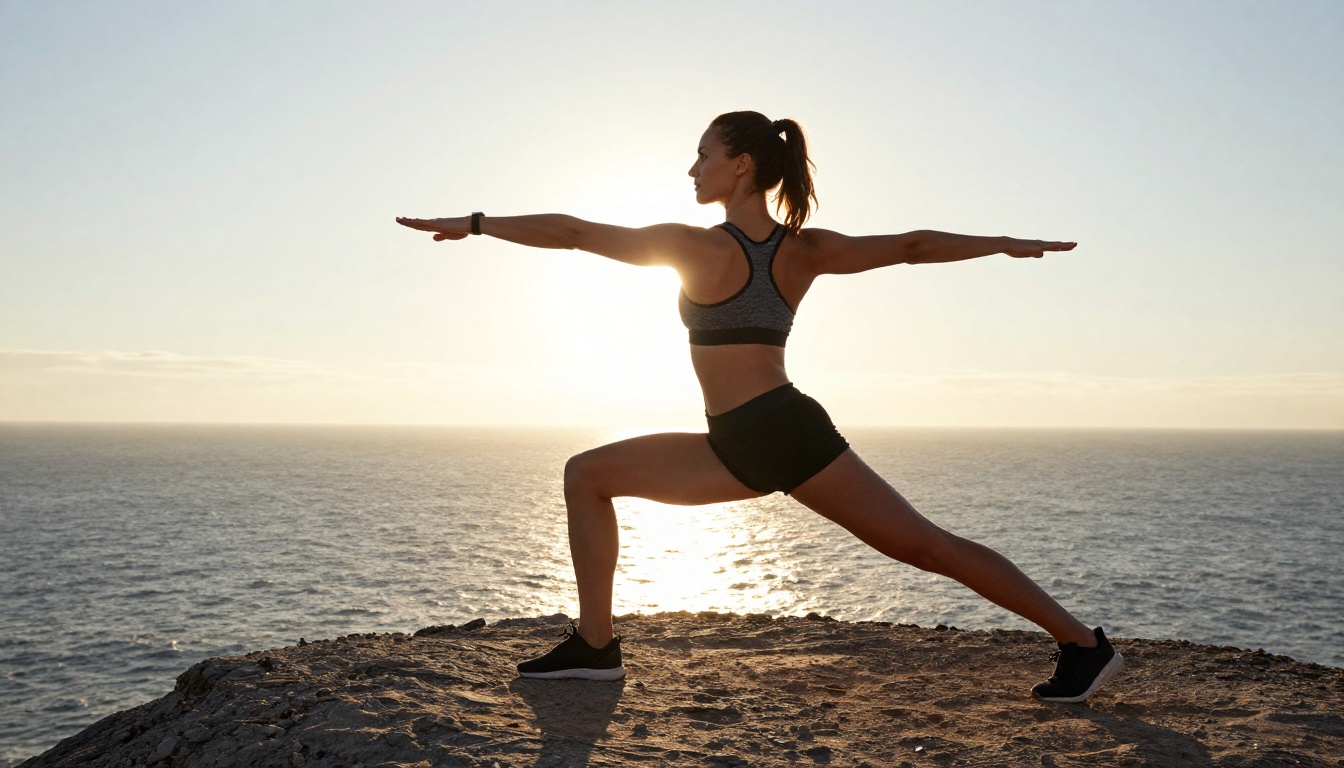
Start Creating Your Own AI Photoshoots
The barrier to producing photorealistic AI photoshoots is now the quality of your prompt, not access to expensive hardware or a professional studio. With models like Flux 1.1 Pro Ultra, Realistic Vision v5.1, and RealVisXL v3.0 Turbo, producing editorial-quality photoshoot images is a matter of writing a precise prompt and iterating through variations.
The prompting frameworks in this article, specific lighting directions, real lens specifications, film simulations, and pose vocabulary grounded in spatial context, give you the building blocks to work with any of these models effectively.
Try running the same prompt across three different models and compare the results. The differences in how each model handles skin texture, background integration, and lighting response will tell you more about which model fits your workflow than any specification sheet could.
PicassoIA has all of these models available for immediate use, with no setup required. Start your first photoshoot prompt today and see what this generation of AI photography tools can actually produce.


