The gap between "AI-generated" and "photographed" has nearly closed. In 2027, the best NSFW AI image generator for photorealistic results does not just approximate human form, it renders pores, catches subtle specular highlights on skin, and replicates the physics of studio and natural light with unsettling accuracy. But not all models do this equally well. The difference between a lifelike portrait and an obvious AI artifact often comes down to three things: the right model, a precisely crafted prompt, and understanding what "photorealism" actually requires at the technical level.
This breakdown details the top generators, what separates the contenders from the pretenders, and the exact prompting architecture that produces high-fidelity, cinematic NSFW imagery.
What Makes an NSFW Generator Actually Photorealistic
Skin Texture and Micro-Detail
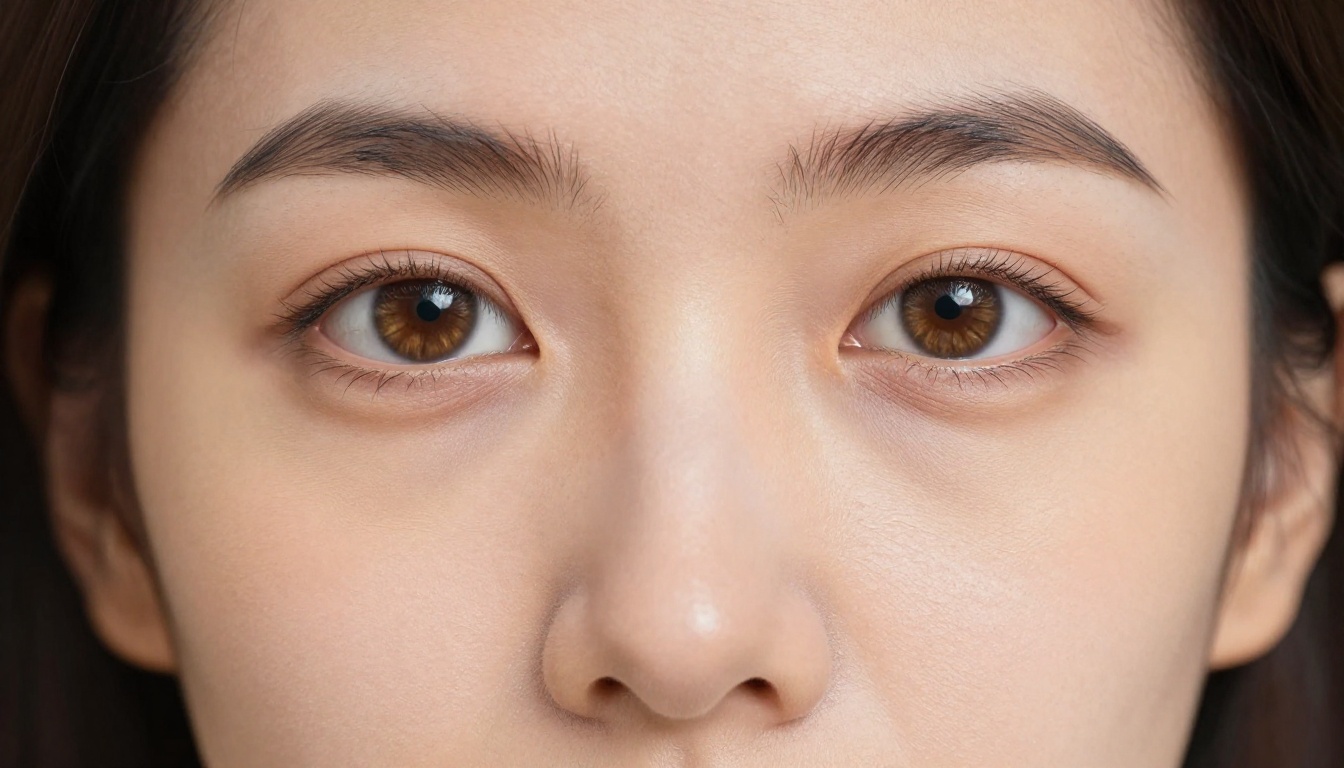
The most immediate tell of a failed photorealism attempt is skin. Real skin has pores, fine hairs, subtle discoloration, tiny vessels near the surface, and variable oil distribution across different zones. Generic AI outputs flatten all of this into a smooth, plasticky surface that reads as fake the moment you zoom in.
The best models handle this differently. Flux 1.1 Pro Ultra and Realistic Vision v5.1 both allow explicit micro-detail descriptions in the prompt to propagate through to the output. When you write "Kodak Portra 400 film grain, visible pores, natural skin texture," these models respond with measurably more realistic skin compared to their peers.

💡 Tip: Always include a film stock reference in your prompt. "Kodak Portra 400," "Fujifilm Pro 400H," or "Cinestill 800T" each carry trained aesthetic associations that push the output toward photographic naturalism rather than digital smoothness.
Lighting Physics and Shadow Accuracy
A photo looks real because light behaves predictably. Shadows fall in consistent directions. Subsurface scattering makes skin glow where it is thin (earlobes, nose tip, fingers). Specular highlights follow the angle of incidence.
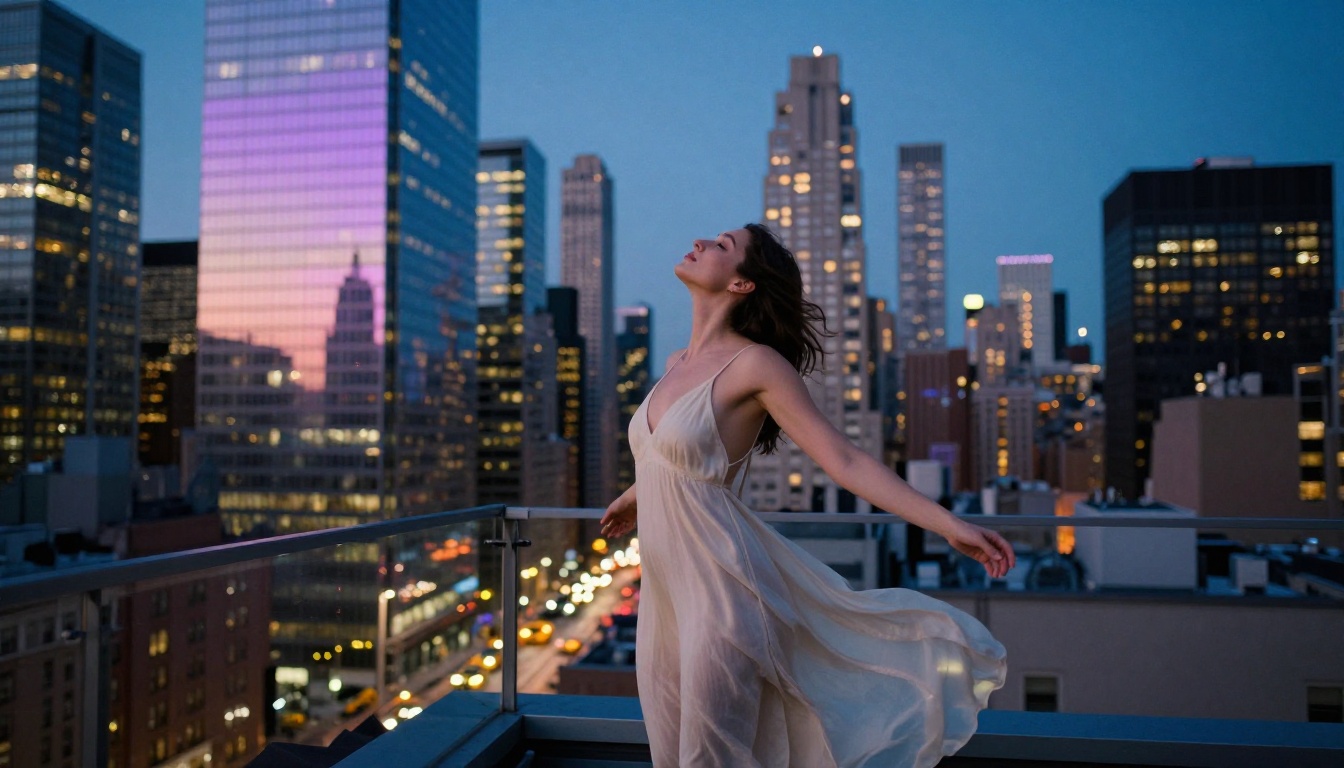
The models that produce genuinely photorealistic NSFW imagery are the ones where you can describe lighting direction and have it honored. With Flux 2 Pro, writing "volumetric morning light from the left at 30 degrees" produces a scene where shadows fall consistently in the correct direction. Lesser models ignore direction entirely, producing light that appears to originate from nowhere specific.
Compositional Realism
Real photographs have lens characteristics: depth of field, chromatic aberration at edges, slight vignetting, and focus fall-off. Specifying lens focal length and aperture in your prompt ("85mm f/1.4, shallow depth of field, natural bokeh background") triggers trained associations that add photographic texture to the composition and distinguishes the output from a render.

Top Models for Photorealistic NSFW Images
Flux 1.1 Pro Ultra: The Realism Benchmark
Flux 1.1 Pro Ultra from Black Forest Labs currently sits at the top of the photorealism stack for NSFW content. It outputs at ultra-high resolution natively, handles complex skin textures without artificial smoothing, and responds accurately to lighting direction prompts.
Its core strength: it was trained on a massive corpus of professional photography, which means it has deeply internalized the difference between "photographed skin" and "rendered skin." The outputs carry a natural imperfection that sells realism, with subtle asymmetry, micro-shadows under facial features, and natural color variation across skin surfaces.
Best for: Full-body portraits, boudoir compositions, editorial-style glamour, and any scene requiring accurate skin rendering across the entire frame.
Realistic Vision v5.1: Built for Portraits
Realistic Vision v5.1 was purpose-built for photorealistic human subjects. It handles facial anatomy with particular accuracy: correct ear placement, natural nostril structure, eyes that read as genuinely alive rather than glassy or uncanny.
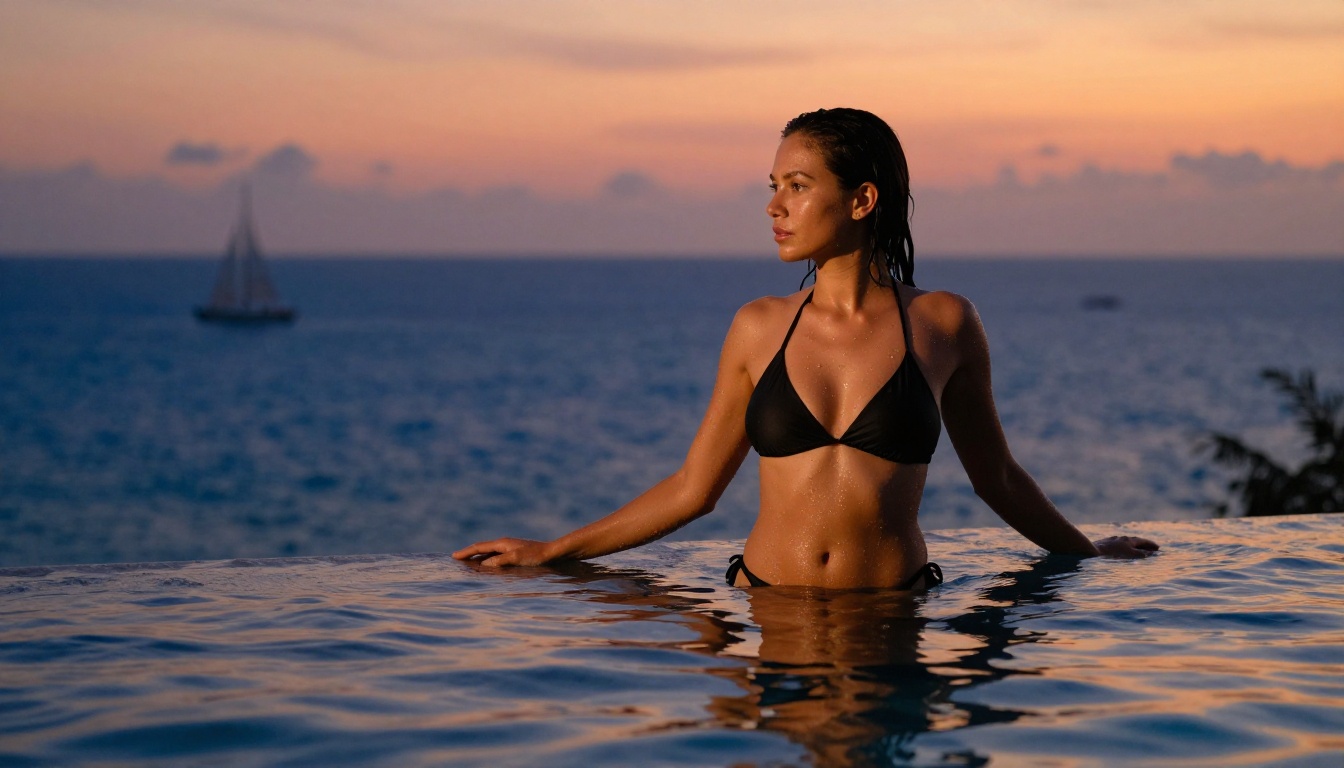
For NSFW applications specifically, Realistic Vision v5.1 excels at portraits and mid-range shots where facial believability is the primary challenge. It accepts harder prompting than most models without losing structural coherence, which makes it ideal for pushing skin detail descriptions to an extreme.
Best for: Face-forward shots, close-up portraits, upper body compositions where the face dominates.
RealVisXL v3.0 Turbo: Speed Without Sacrifice
RealVisXL v3.0 Turbo compresses generation time significantly without degrading the photorealism that makes the RealVis line worth using. It runs on an SDXL base, giving it broad scene understanding alongside its photorealism tuning.
The "Turbo" designation is not marketing. It generates in under 4 steps with SDXL Lightning optimization, making it viable for rapid iteration when testing prompt variations at scale. The photorealism quality holds up to the slower non-turbo variant in most scenarios, with the main tradeoff being some loss in extreme micro-detail at 100% crop in high-frequency texture areas.
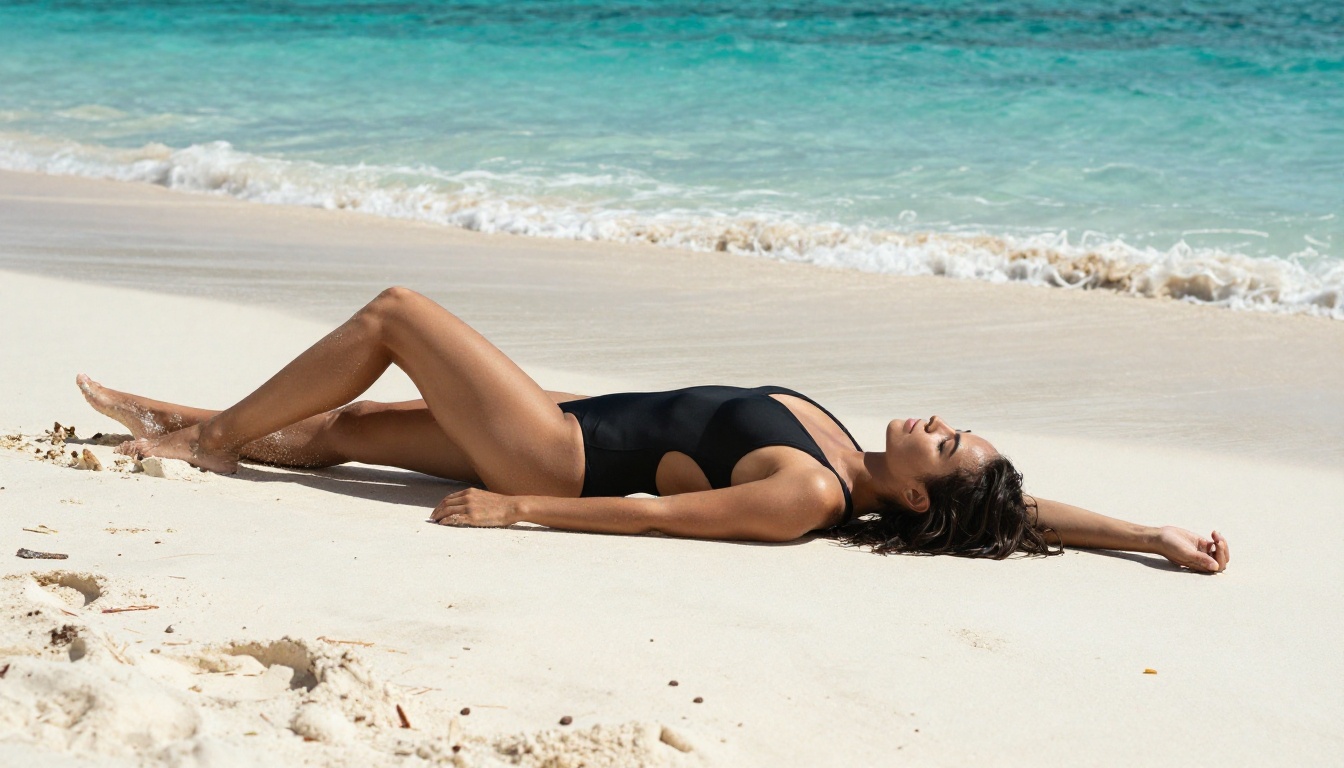
Best for: Rapid iteration, high-volume generation, swimwear and lifestyle shots where speed matters more than absolute maximum detail.
Flux 2 Pro and Flux 2 Max: Next-Gen Sharpness
Flux 2 Pro and Flux 2 Max represent the second generation of Black Forest Labs' architecture. Compared to Flux 1.1, they show improved handling of complex lighting scenarios: multiple light sources, mixed indoor and outdoor light, and rim lighting situations that often confuse earlier models.
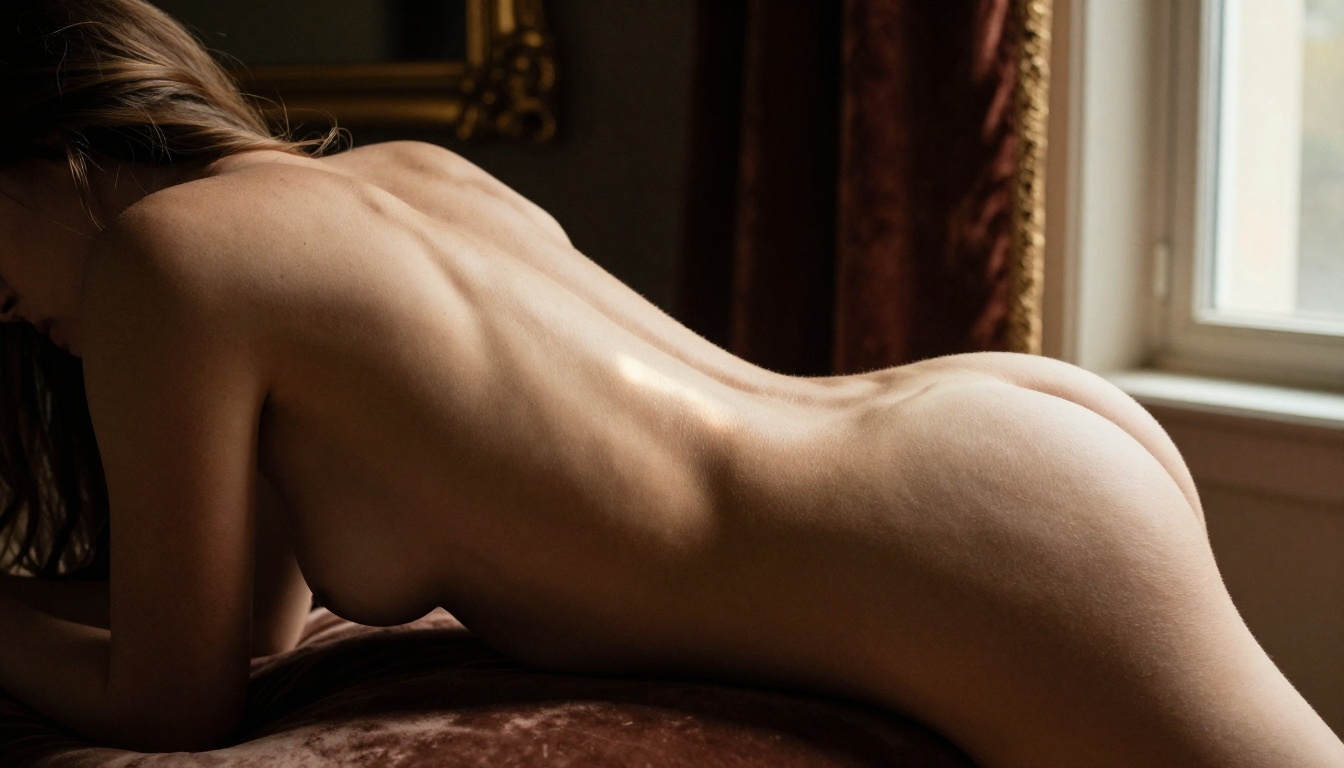
Flux 2 Max in particular produces sharper 8K outputs with better overall detail consistency across the frame. For full-scene NSFW compositions where both the subject and the environment need to be equally convincing, Flux 2 Max often edges out the competition on total image fidelity.
Best for: Complex environmental shots, dual light source scenes, full-body compositions with detailed backgrounds that need to match the subject's resolution.
Flux 2 Dev and Flux Dev: The Creative Variants
Flux 2 Dev and Flux Dev are the research-oriented variants in the Flux lineup. They permit more experimental prompting and respond better to unusual or creative lighting descriptions than the Pro variants. Their outputs carry a slightly more artistic quality that suits certain boudoir or fine-art NSFW styles where clinical photorealism is not the specific goal.
How to Prompt for Photorealistic Results
The model is only half the equation. A mediocre prompt on Flux 1.1 Pro Ultra will still produce mediocre results. Photorealism in AI-generated NSFW imagery is a prompting discipline as much as a model selection problem.
The Anatomy of a High-Fidelity Prompt
Every successful photorealistic prompt follows a consistent architecture:
- Subject with specific physical descriptors and pose
- Environment with material and texture details
- Lighting with direction, quality, and color temperature
- Camera setup with lens focal length, aperture, and shooting distance
- Film or sensor reference for aesthetic calibration
A weak prompt: "beautiful woman in bedroom, realistic"
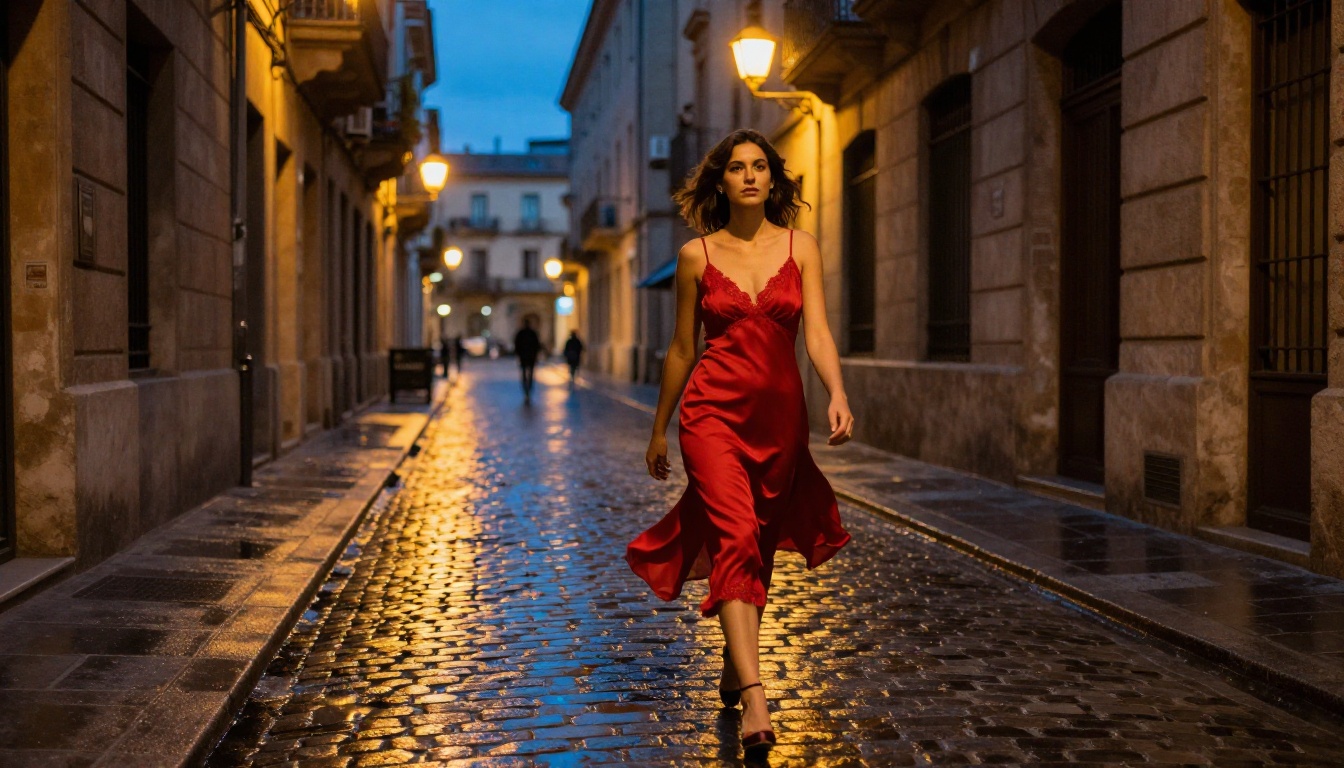
A strong prompt: "beautiful woman in a silk slip dress, seated on a velvet chaise in a dimly lit Paris hotel suite, single softbox from the left creating Rembrandt-pattern shadows on her face, shot with Sony A7R V 85mm f/1.4, natural skin texture with visible pores, Kodak Portra 400 film grain, raw 8K photography"
The difference in output quality between these two approaches is not marginal. It is the difference between an AI image and a photograph.
Camera and Lens Parameters That Work
| Focal Length | Effect on Output | Best Use Case |
|---|
| 24-35mm | Wide scene context, slight edge distortion | Environmental full-body |
| 50mm | Natural "eye" perspective, neutral compression | Casual intimate portraits |
| 85mm | Slight compression, flattering facial rendering | Close-up portraits |
| 100-135mm | Strong compression, background isolation | Intimate NSFW portraits |
| Macro (100mm) | Extreme close-up, maximum texture detail | Skin and body detail shots |
Including f-stop values matters as much as focal length. "f/1.4" signals maximum background blur and a shallow plane of focus. "f/8" suggests environmental photography where everything stays sharp and in context.
Lighting Descriptions That Sell Realism
💡 The three lighting parameters that matter most: direction (from the left/right/above/behind), quality (hard/soft/diffuse), and color temperature (warm/cool/mixed).
- "Golden hour sunlight from the left" = warm, directional, low-angle raking light
- "Single softbox at 45 degrees" = controlled, soft shadows, studio feel
- "Overcast natural window light" = diffuse, even, no harsh shadows, lifestyle aesthetic
- "Practical tungsten room light with cool ambient window fill" = mixed color temperature, cinematic contrast
- "Rim light from behind at 20 degrees above horizon" = silhouette separation, dramatic edge definition
Model Comparison at a Glance
How to Use Flux 1.1 Pro Ultra on PicassoIA
Flux 1.1 Pro Ultra is available directly through PicassoIA with no local setup, no GPU requirements, and no installation. Here is how to get the best photorealistic NSFW results out of it.
Step-by-Step Generation
- Open Flux 1.1 Pro Ultra on PicassoIA
- Set the aspect ratio to 16:9 for widescreen compositions or 3:2 for portrait-oriented photography
- In the prompt field, structure your input as: subject, environment, lighting, camera, film stock
- Set output quality to maximum (8K or 4K depending on your plan tier)
- Run your first generation and evaluate the skin texture and lighting at 100% zoom before iterating
- Refine by adding more specific lighting direction, skin descriptor depth, and film stock references
Parameter Tips for NSFW Photorealism
- Negative prompt: A strong negative prevents the most common AI tells. Include: "plastic skin, smooth skin, airbrushed, CGI, illustration, 3D render, cartoon, anime, overexposed, washed out"
- Guidance scale: Keep between 3.5 and 5.0 for photorealism. Higher values add prompt fidelity but can introduce an artificial over-sharpened look that breaks the photographic illusion
- Steps: 28 to 35 steps produces the best skin detail balance without over-rendering surfaces into unnaturally perfect textures
- Seed: Lock your seed once you find a composition you like, then iterate on the prompt. This isolates prompt variable changes from random composition variation
💡 Pro workflow: Generate your first image with a broad prompt to establish composition and lighting. Then add granular micro-detail descriptors in follow-up generations with the same locked seed. The composition stays stable while detail depth increases dramatically.
Common Mistakes That Kill Realism
Vague Skin Descriptions
Writing "realistic skin" tells the model almost nothing useful. Writing "visible pores on nose and cheeks, natural skin unevenness, subtle flush across cheekbones, fine hairs on forearms catching backlight, slight oil sheen on the forehead" gives the model specific targets to hit. The more granular the skin description, the more convincing the output.
Missing Lighting Direction
"Good lighting" is a useless prompt term. Light has direction, quality, and color temperature, and specifying all three transforms output from generic to photographic. "Raking sidelight from the right at 15 degrees above horizon, warm 5000K color temperature, soft fill from a white reflector on the left" reads like a cinematographer's shot notes. That precision shows in the output with consistent shadow falls, accurate subsurface scattering, and specular highlights that behave as physics dictates.
Wrong Model for the Job
Using SDXL for a close-up boudoir portrait when Realistic Vision v5.1 exists is like using a point-and-shoot for a fashion editorial. The architecture fundamentally limits the ceiling of what photorealism is achievable. Match your model to your shot type first, then worry about prompt optimization. Model selection is the foundation; prompting is the finishing work.
PicassoIA gives you more than raw text-to-image generation. For NSFW photorealism workflows, several additional capabilities directly raise the quality ceiling:
Super Resolution: After generating at 4K with Flux 1.1 Pro Ultra, run the output through the Super Resolution upscaler for 2x to 4x additional detail. Skin texture at this stage becomes nearly indistinguishable from scanned film at print resolution.
Inpainting: Fix specific areas without regenerating the entire image. A hand that reads as slightly off, an awkward background element, or a lighting inconsistency in one corner can be corrected in-region while preserving everything else exactly.
Face Swap AI: Swap in specific faces with photorealistic consistency, useful for maintaining character continuity across a set of NSFW images without regenerating full compositions.
AI Image Restoration: Recover detail from noisy or slightly blurred outputs without losing the organic texture that sells realism. Particularly useful for outputs that are close but not quite at the detail level needed.
💡 Workflow that works: Generate with Flux 1.1 Pro Ultra, fix specific issues with Inpainting, then run through Super Resolution. This three-step process produces results that are nearly indistinguishable from professional photography at final output resolution.
Now It's Your Turn
The models are available and the prompting architecture is clear. Flux 1.1 Pro Ultra gives you the realism ceiling. Realistic Vision v5.1 gives you portrait-specific skin accuracy that no general model matches. RealVisXL v3.0 Turbo gives you the iteration speed to test ten prompt variations in the time it takes another model to produce one.
The platform's inpainting, face swap, and super-resolution tools close the final gap between "good AI image" and "indistinguishable from photography."
The remaining variable is your prompt. Every image in this article was produced using the principles outlined above: specific lighting direction, camera and lens references, film stock emulation, and micro-detail skin descriptions. Put those elements together with the right model, and the photorealism achieves a level that would have been impossible two years ago.
Open PicassoIA and start testing. Your first generation will not be perfect. Your fifth iteration will be.


