The adult content industry generates billions in revenue annually, and AI has completely changed what solo creators can produce. With the right NSFW AI tools, a single person can now output professional-quality images that rival full production studio shoots, without the overhead, without the scheduling, without the logistics. The question is no longer "can AI do this?" but "which tools actually deliver?" This breakdown covers what works, what falls short, and how to build a repeatable workflow that produces results you can actually monetize.
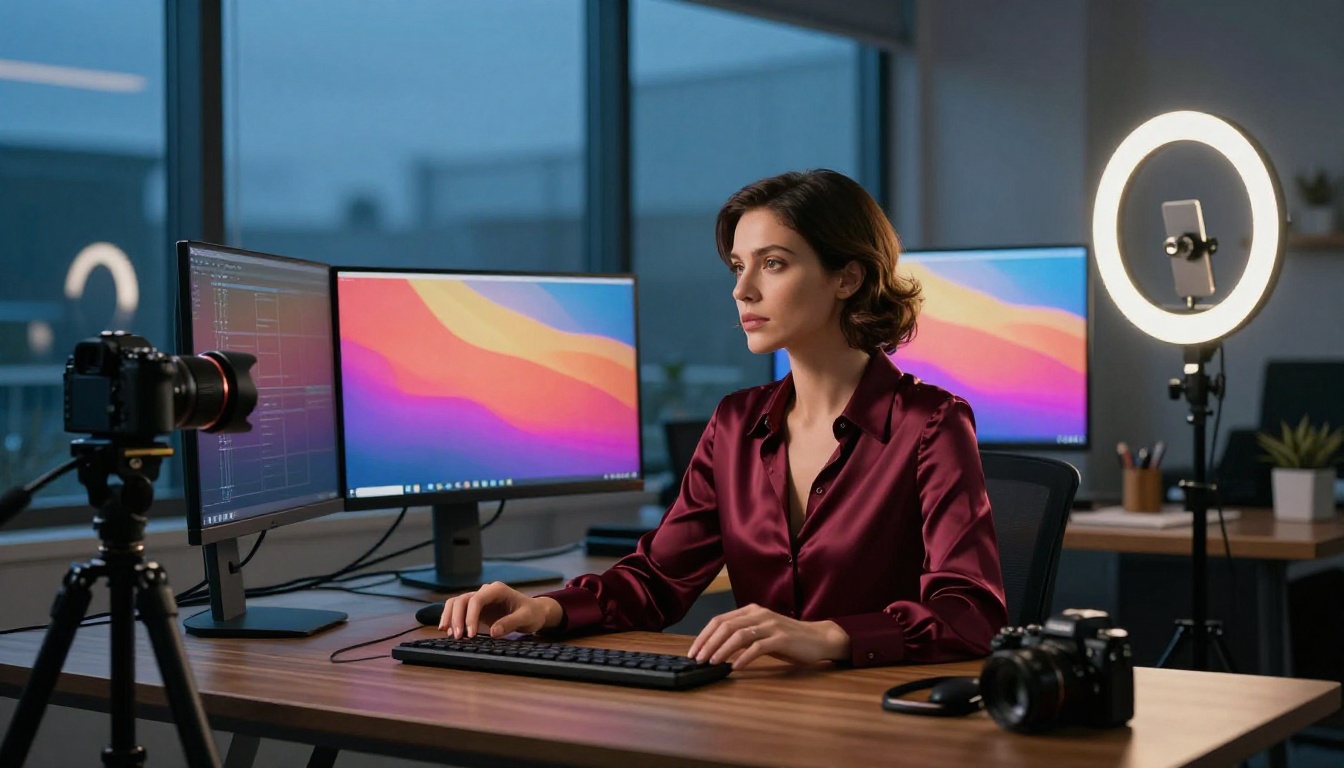
Most consumer-facing AI image generators are engineered with strict content filters that block anything remotely suggestive. That works fine for generating product mockups or travel photos, but it creates a hard wall for adult content creators who need tools that can handle beauty, glamour, implied nudity, and suggestive aesthetics with photographic precision.
The Censorship Problem
Mainstream platforms apply conservative content policies that flag even mildly suggestive prompts. A prompt like "woman in a bikini" can be rejected outright, while the same image appears in every fashion magazine without question. This inconsistency forces creators to either work around filters using vague language, which degrades output quality significantly, or find platforms purpose-built for this use case.
The filter problem runs deeper than prompt rejection. Many censored models are trained on sanitized datasets that lack the naturalistic human imagery needed for realistic adult content. Even when a filtered model generates something technically allowed, the result often has a clinical, sterile quality that does not serve creators in this space.
What Serious Creators Actually Need
The real requirements for adult content creation are more specific than most platform comparisons acknowledge:
- Photorealistic skin rendering: Pores, texture, and lighting on skin need to read as genuinely human, not painted or smoothed over
- Consistent anatomy: Fingers, hands, and joints must be correct or the image immediately registers as AI-generated
- Tight prompt adherence: The model needs to follow precise outfit, pose, and environment descriptions without drifting to generic interpretations
- High resolution output: Subscribers expect crisp, zoomable images, not blurry 512px exports
- Batch generation speed: Professional creators produce dozens of images per session
- Iterative editing: Repainting specific zones without regenerating the whole composition saves enormous time
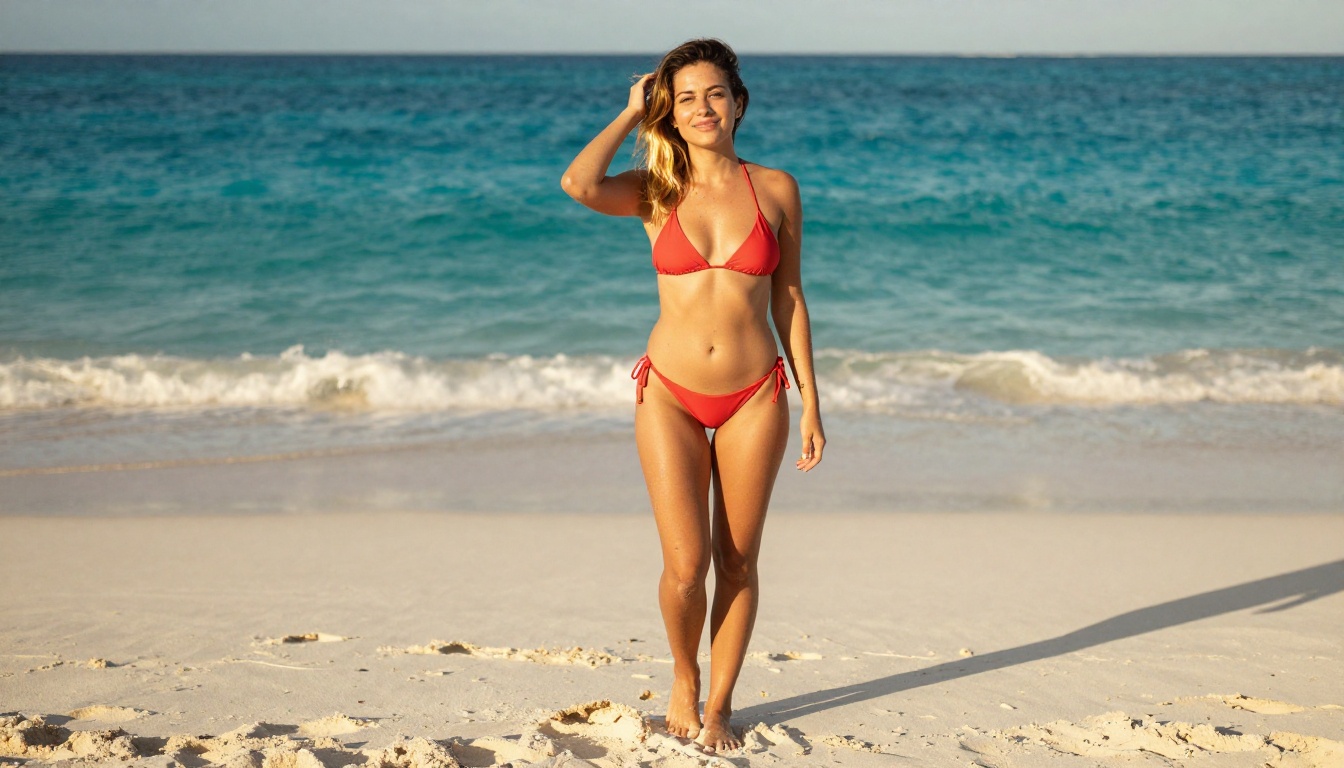
Not all text-to-image models deliver when it comes to photorealistic human figures. Here are the ones that consistently produce work worth selling.
Flux 1.1 Pro Ultra for Raw Realism
Flux 1.1 Pro Ultra has become the standard-bearer for photorealistic human image generation. Its ability to render fine skin detail, manage complex lighting scenarios, and maintain anatomical consistency puts it above most alternatives in this category.
What sets it apart is its raw mode output, which reduces the model's tendency to stylize or over-smooth images. Real human skin has texture, asymmetry, and natural imperfection. Flux 1.1 Pro Ultra in raw mode reproduces those qualities with striking accuracy.
For adult content specifically, the model handles:
- Low-cut necklines and back exposures without degrading adjacent anatomy
- Wet skin and sheer fabric with realistic translucency effects
- Natural body proportions across diverse physiques
- Eye contact and subtle facial expression nuance that reads as genuine
Flux 1.1 Pro is the lighter variant that runs faster and works better for high-volume batch work. It trades a small amount of detail fidelity for significantly improved throughput, making it the right choice when you are iterating through 20 pose variations to find the one that works.
💡 Tip: For portrait work, include Leica 75mm f/1.4, shallow depth of field, Kodak Portra 400 in your prompt. Photography-specific terms push the model toward film-like naturalism rather than digital smoothness.
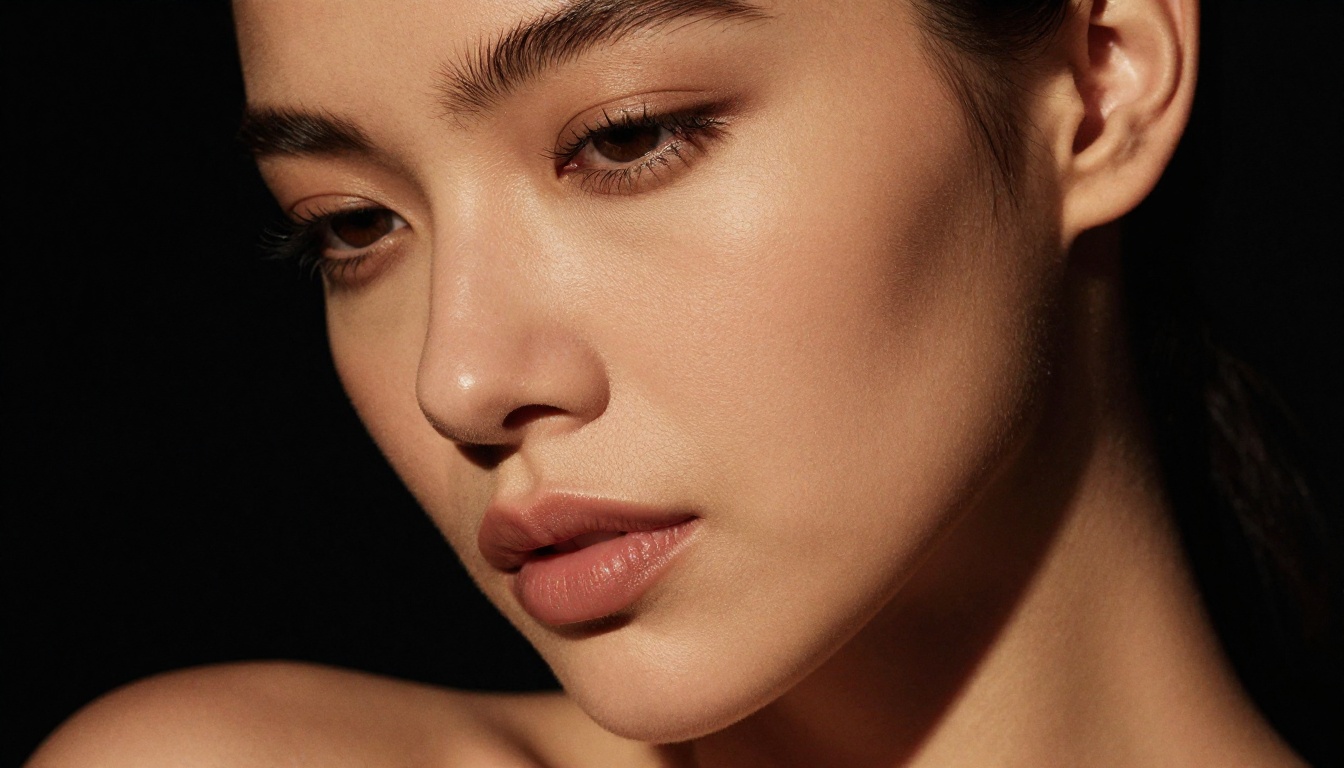
Realistic Vision v5.1 for Portrait Work
Realistic Vision v5.1 is a fine-tuned model built specifically for photorealistic portraits. It has been trained heavily on photography datasets and shows a consistent ability to render faces that read as genuinely human from the first generation, with minimal touch-up needed.
Its core strengths:
- Detailed eye rendering with accurate catchlights and iris depth
- Natural lip texture with subtle expression micro-variations
- Accurate hair strand simulation with volumetric light interaction
- Skin tones across a wide range of ethnicities without the washed-out or gray-toned output common in less specialized models
For close-up and portrait-focused content, this model frequently outperforms much larger general-purpose models on the metrics that matter most: face believability and skin naturalism.
SDXL Variants for Full-Body Control
The SDXL architecture forms the backbone of dozens of specialized fine-tunes, many purpose-built for adult aesthetics. The base SDXL model handles full-body composition better than older SD 1.5 derivatives, managing proportions and pose relationships more coherently at higher resolutions.
Paired with SDXL Lightning 4Step, you can generate consistent SDXL-quality results in seconds rather than minutes. That speed difference matters enormously when you are running 30 prompt variations in a single session to nail the right outfit and pose combination.
RealVisXL v3.0 Turbo takes the SDXL foundation and pushes it toward photographic realism specifically, combining turbo inference speed with the visual quality of a carefully tuned photorealism model. It is one of the most practical models for adult creators who need both speed and output quality without compromise.
Stable Diffusion 3.5 Large for Detail Density
Stable Diffusion 3.5 Large delivers high-resolution outputs with noticeably better spatial coherence than previous SD versions. Its multimodal diffusion transformer architecture processes text and image relationships differently from earlier models, resulting in tighter prompt adherence and less anatomical drift in complex multi-element scenes.
For multi-figure compositions, elaborate environmental scenes, or images where the background needs to be as detailed as the subject, SD 3.5 Large holds structure more reliably than most SDXL fine-tunes.
PicassoIA for NSFW Content Creation
A model is only as useful as the platform running it. PicassoIA hosts over 90 text-to-image models with a consistent interface, fast inference, and the infrastructure needed to produce images at professional scale, without requiring local hardware or technical setup.
The Model Library That Matters
The depth of what is available on PicassoIA means you can move from Flux 1.1 Pro Ultra for maximum photorealism to DreamShaper XL Turbo for a more stylized aesthetic, or switch to Flux 2 Pro when you want the latest generation architecture, all from one platform.
The newest additions to the library include Flux 2 Max and Flux 2 Dev, both of which show significant improvements in human anatomy coherence compared to their predecessors, particularly in full-body shots where proportion accuracy has historically been a weakness.
Step-by-Step on the Platform
Using Flux 1.1 Pro Ultra on PicassoIA follows a straightforward workflow:
- Select the model from the text-to-image collection
- Write a layered prompt structured as: subject description, environment, lighting, camera details, mood
- Set aspect ratio to 16:9 for editorial or 9:16 for vertical mobile content
- Enable raw mode for maximum photorealism
- Run a batch of 4-8 variations with the same prompt before making adjustments
- Select the best output and use inpainting for targeted refinements
💡 Tip: For consistent character outputs, note the seed number when you generate a face you like. Reusing that seed across different prompts produces a loose visual continuity without full LoRA training.
Parameters That Change Everything
| Parameter | Effect | Recommendation |
|---|
| Raw Mode | Reduces stylization | Always on for photorealism |
| Aspect Ratio | Output proportions | 16:9 editorial, 9:16 vertical |
| Prompt Upsampling | AI expands short prompts | Off if your prompt is already 60+ words |
| Seed | Reproducible character | Save seeds that produce faces you want to use again |
| Guidance Scale | Prompt adherence strength | Higher for specific outfits, lower for natural variation |
| Platform | Model Quality | NSFW Range | Speed | Pricing Model |
|---|
| PicassoIA | Excellent (90+ models) | Broad | Fast | Credit-based |
| Local ComfyUI | Variable | Fully open | Hardware dependent | Free (hardware cost) |
| Tensor.Art | Good | Moderate | Medium | Credit-based |
| CivitAI | Variable | Open | Slow | Free tier limited |
| NovelAI | Good | Moderate | Fast | Subscription |
Free Tiers Worth Trying
Most platforms offer limited free generation credits. Use those initial credits on Flux Schnell for rapid iteration since it is the fastest model in the library. Once your prompt is dialed in, switch to Flux 1.1 Pro Ultra for the final high-quality outputs. This two-phase approach stretches your credits much further than running Pro Ultra on every experimental iteration.
When to Pay for Premium
The math shifts quickly once you factor in time cost. If you spend three hours iterating on prompts with slow free-tier generation to produce what a paid plan produces in 20 minutes, the paid plan is the better investment. For creators who monetize their output, the cost per image on premium platforms is small relative to what high-quality content generates. The real cost of free tiers is not money. It is time.
4 Workflows Top Creators Use
These are the actual methods professionals rely on, not theoretical suggestions.
The Batch Portrait Method
Generate 20 variations of the same prompt in a single batch using Flux Schnell for speed. Pick the top 3 outputs. Apply Super Resolution upscaling to those 3. You now have 3 high-quality polished images in the time it would take to manually iterate a single one. This is the most time-efficient production approach for creators who need volume.
Iterative Refinement With Inpainting
Start with a full-body composition from SDXL or Flux 1.1 Pro. Once the overall layout is locked, use inpainting to refine the face at higher detail, then address the hands, then adjust any clothing or background element that reads as off. Each pass improves without restarting from scratch. This workflow produces results that are difficult to distinguish from a professional photo edit.
The Seed-Lock Character Method
Run 50 generations with varied environment and outfit prompts but the same seed and base model. Identify which seeds produce a face you want to build content around. Lock that seed, then systematically vary the setting, wardrobe, and pose across that seed value. The result is a loose but visually consistent character across a content set, without any fine-tuning or LoRA training.
ControlNet Pose Stacking
On SDXL Multi ControlNet LoRA, you can drive pose from a reference image while controlling style through a separate LoRA layer. This gives you precise control over body position, particularly for dynamic or unusual poses that free-text prompts rarely produce accurately. Stack a style LoRA on top for aesthetic consistency across a full content series.
Privacy Is Not Optional
Adult content creators face specific privacy risks that differ from other creative industries. A platform leak, face recognition hit from an uploaded reference, or payment record connecting your real identity to adult content creation can create serious professional and personal consequences. Before choosing a platform, verify:
- Where images are stored: Is your output retained on platform servers, or processed and discarded immediately?
- Account data policies: Does the platform share usage data with third parties or advertisers?
- Payment anonymity: Does your billing statement show a neutral company name, not "adult content platform"?
- Terms of service on generated images: Some platforms claim ownership of outputs or the right to use them for future model training
Platforms that process generation requests without logging images are preferable for sensitive work. Read the privacy policy before your first paid generation, not after you have built a month of content on the platform.
3 Common Mistakes That Cost Creators Time
Mistake 1: Writing prompts that are too vague. "Beautiful woman in lingerie" produces generic, often anatomically inconsistent results. Specific photography language, outfit detail, and lighting descriptions are not optional. They are the difference between an output that looks AI-generated and one that looks like a real photograph.
Mistake 2: Ignoring aspect ratio for platform context. A 1:1 square image that looks fine as a thumbnail becomes unusable on a subscription platform that displays content in vertical 9:16 format. Generate for the destination, not for convenience.
Mistake 3: Not saving seeds and settings. When a generation comes out exactly right, many creators just save the image without noting the seed, model, or prompt structure. Recreating that quality by memory later is nearly impossible. Keep a prompt library from your first session onward.
Start Creating Right Now
The barrier to professional-quality adult content has dropped to the lowest point in history. With the right model, the right platform, and a structured prompt, a single creator can produce images that compete with expensive production shoots. The tools exist. The models are here.
PicassoIA gives you the full stack in one place: Flux 1.1 Pro Ultra for maximum photorealism, Realistic Vision v5.1 for portrait depth, SDXL variants for compositional control, Flux Kontext Pro for text-driven editing, and super resolution upscaling to bring every output to print-quality resolution.
Start with a strong, photography-style prompt. Run a batch of variations. Lock the seeds that produce results you want to build on. Refine with inpainting instead of starting over. The creators producing the best work right now are not the ones with the most expensive hardware. They are the ones who know which models to use and how to prompt them. Go build something.


