The market for AI-generated visual content exploded in 2025 and shows no sign of cooling down in 2026. Content creators who work in glamour, fashion, artistic photography, and adult-adjacent niches are no longer burning budgets on professional shoots or paying licensing fees for stock libraries they barely use. They are generating photorealistic visuals in minutes with tools that, used correctly, produce results most audiences cannot distinguish from a real camera.
But choosing the wrong tool wastes time, money, and creative energy. Some generators censor heavily without warning. Others produce plastic-looking skin, dead eyes, and awkward anatomy that breaks the illusion instantly. And a few are genuinely excellent at suggestive, glamour, and mature-themed content, treating creators as professionals rather than suspects.
This is the breakdown you need: the best NSFW AI tools available to content creators in 2027, what each one does better than its competitors, where each falls short, and how to access every one of them through PicassoIA's platform without touching a GPU or running a local install.
Why NSFW AI Changed the Creator Economy
The Shift Away from Traditional Production
Before AI image generation hit critical mass, producing high-quality suggestive or glamour visuals meant booking models, renting studio space, hiring photographers, and then spending hours in post-production. For independent creators, that workflow was either prohibitively expensive or required personal relationships with the right professionals.
AI collapsed that barrier entirely. A solo creator with a clear vision and strong prompting skills can now produce a full content library, from swimwear shoots to elegant boudoir series, without any of that infrastructure. The result is a leveled playing field where creative skill matters more than production budget.
Who Is Actually Using These Tools
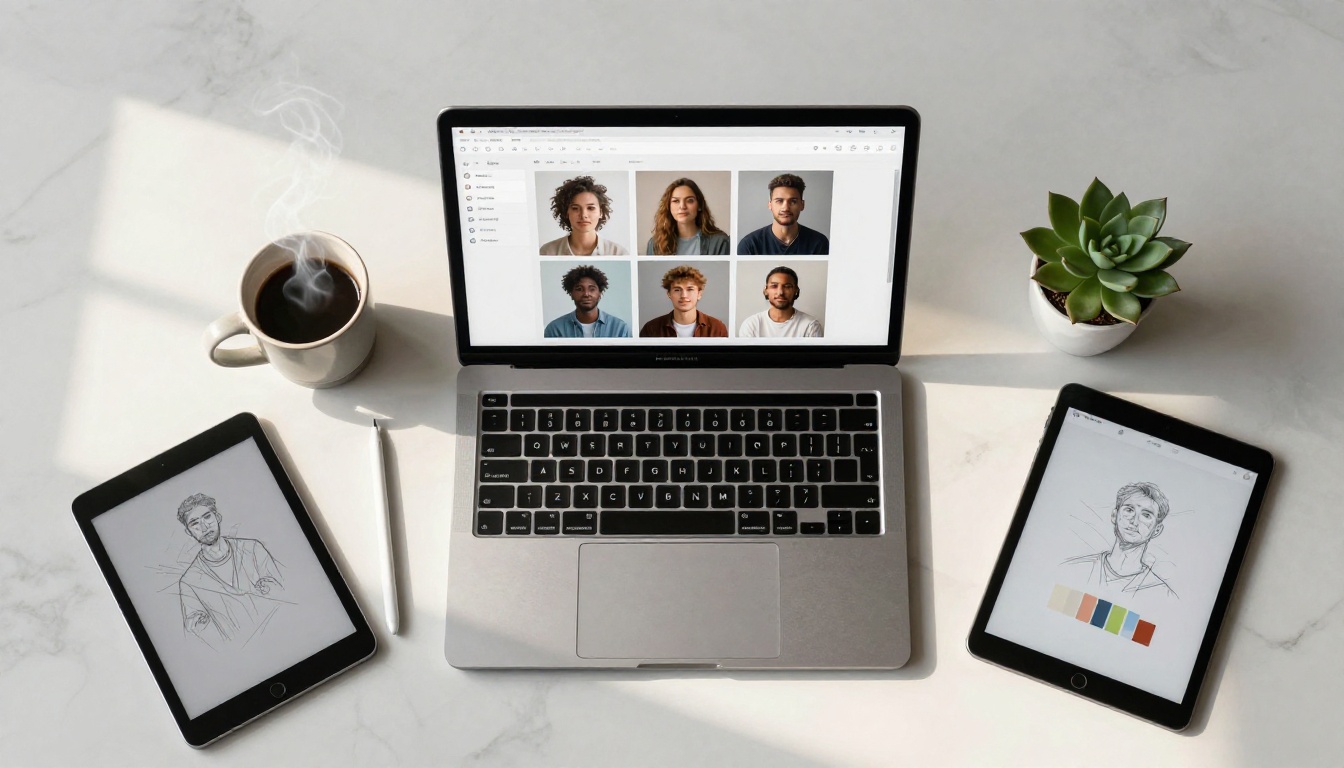
The audience for NSFW AI tools is broader than most people assume. The heaviest users in 2027 include:
- Independent content creators on subscription platforms who need consistent, high-volume visual output
- Digital artists building stylized adult illustration series or pin-up art collections
- Social media managers for adult-adjacent brands (lingerie, swimwear, beauty) who need model-quality imagery without model costs
- Game developers and storytellers who need character sheets and narrative-driven visuals
- Photographers who use AI to prototype shots before booking real shoots
The common thread is a need for photorealistic output at speed, without the cost and logistics of traditional production.
The Generators Worth Your Attention in 2027
Not every model on the market delivers for this category of work. Below are the ones that consistently perform at the level serious creators require.
Flux 1.1 Pro Ultra: The Photorealism Standard
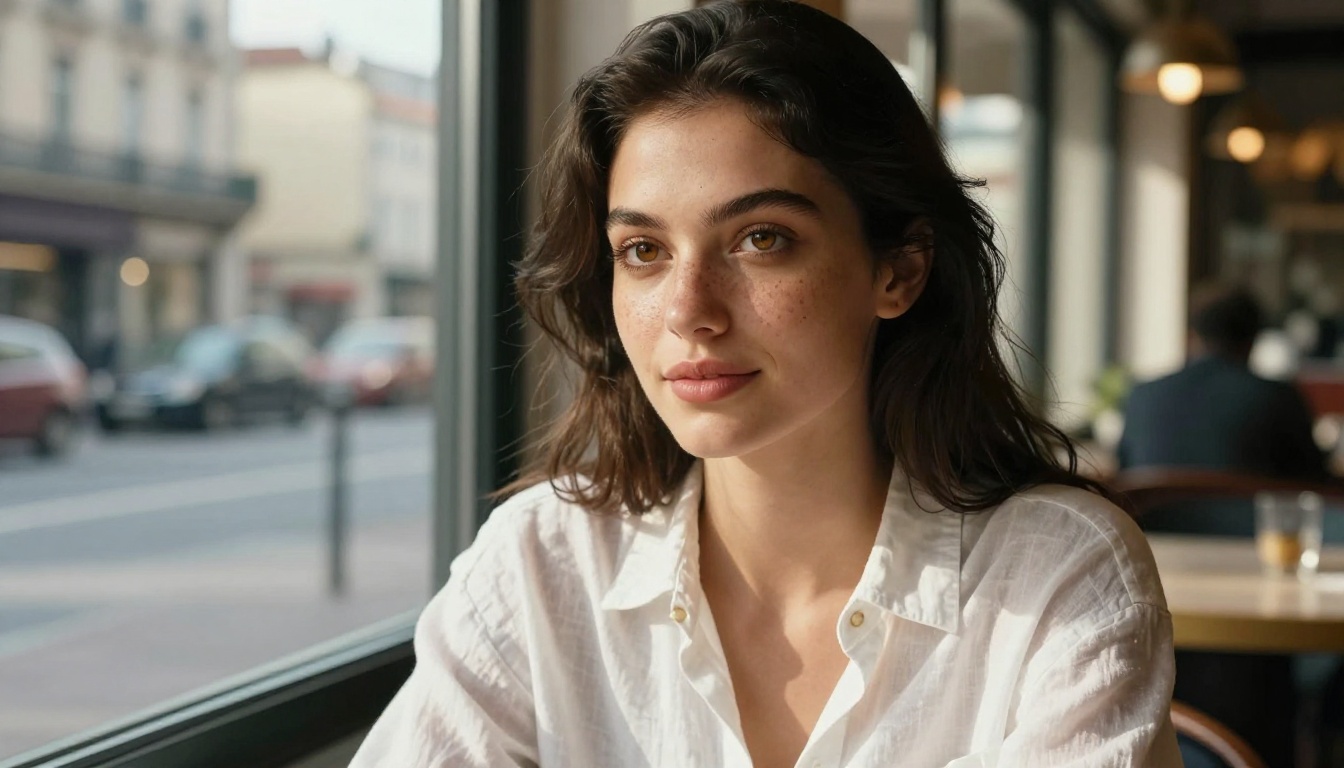
Flux 1.1 Pro Ultra from Black Forest Labs is the most frequently referenced model in serious NSFW creator communities in 2027. Its strength is in human figure rendering: it handles skin tone gradients, fabric texture, lighting transitions, and facial features better than anything else at its tier.
Where most models flatten skin into a plastic sheen, Flux 1.1 Pro Ultra preserves the micro-detail that makes an image read as photographic. Pores, fine hairs, the slight translucency of skin near a light source: all of it renders naturally at full resolution.
Worth knowing: Flux 1.1 Pro Ultra performs best with camera-style prompts. Specify lens (85mm f/1.4), lighting direction (volumetric light from the left), and film stock (Kodak Portra 400) to push output quality significantly higher.
Flux 2 Pro: The 2027 Upgrade
Flux 2 Pro builds on everything that made its predecessor strong, with improved prompt adherence and notably better anatomy in complex poses. Creators working in lingerie, swimwear, and glamour photography specifically note that Flux 2 Pro handles hands, shoulders, and full-body compositions without the distortions that plagued earlier models.
Generation speed is faster than Flux 1.1 Pro Ultra while maintaining nearly equivalent output quality for most use cases. For high-volume content workflows, this speed-quality balance makes it the practical daily driver for many creators. Flux 2 Max is available for situations where you need the absolute ceiling on quality, though generation times are longer.
Realistic Vision v5.1: Built for Human Figures
Realistic Vision v5.1 has been a community favorite for years and earns its continued spot on this list. It was specifically fine-tuned for photorealistic human figure generation, and that specialization shows clearly in its output.
Skin texture on Realistic Vision v5.1 has a warmth and depth that many larger, more generalist models miss. For creators focused on pinup aesthetics, boudoir work, or glamour series, the results sit closer to actual photography than anything else at this price point.

Stable Diffusion 3.5 Large: The Open Standard
Stable Diffusion 3.5 Large remains the most important model in the open-source ecosystem. Its significance for content creators is less about raw output quality and more about flexibility: the SD 3.5 architecture supports ControlNet, LoRA fine-tuning, and custom checkpoints in ways that closed models do not.
For creators who want to train a custom model on a specific aesthetic, body type, lighting style, or character design, SD 3.5 Large is still the starting point. Stable Diffusion 3.5 Large Turbo offers a significantly faster version with a modest quality trade-off, which makes sense for prototyping.
SDXL: Still Relevant
SDXL may be two generations old at this point, but it remains in active use. The community-built ecosystem around SDXL, specifically the number of NSFW-capable LoRAs, inpainting workflows, and ControlNet adapters built for it, means it still solves problems that newer models handle less smoothly.
For creators who already have established SDXL workflows and a library of trained LoRAs, there is no compelling reason to abandon those assets. For those starting fresh in 2027, it is a secondary option behind Flux and Realistic Vision.
RealVisXL v3.0 Turbo: When Speed Matters
RealVisXL v3.0 Turbo is the go-to model for rapid iteration. When you need to generate 30 variations of a concept to find the right composition, angle, and expression before committing to a final high-quality render, RealVisXL Turbo handles that prototyping workflow efficiently.
Output quality is strong for a turbo model: anatomy is solid, faces are expressive, and lighting behaves predictably. It is not the ceiling for photorealism, but it is the most practical tool for the research-and-iteration phase of production.
Comparing Top Models at a Glance
How to Use PicassoIA for NSFW Content Creation
No Local Setup Needed
One of the friction points most creators hit with open-source NSFW models is the technical barrier: configuring a local install, managing GPU memory, dealing with dependency conflicts. PicassoIA eliminates all of that. Every model listed above runs directly in the browser, with no downloads, no hardware requirements, and no technical setup.
Access to Flux 1.1 Pro Ultra, Flux 2 Pro, Realistic Vision v5.1, SDXL, and 85+ other text-to-image models is available through the same platform interface, all from a single account.
How to Generate Your First Image
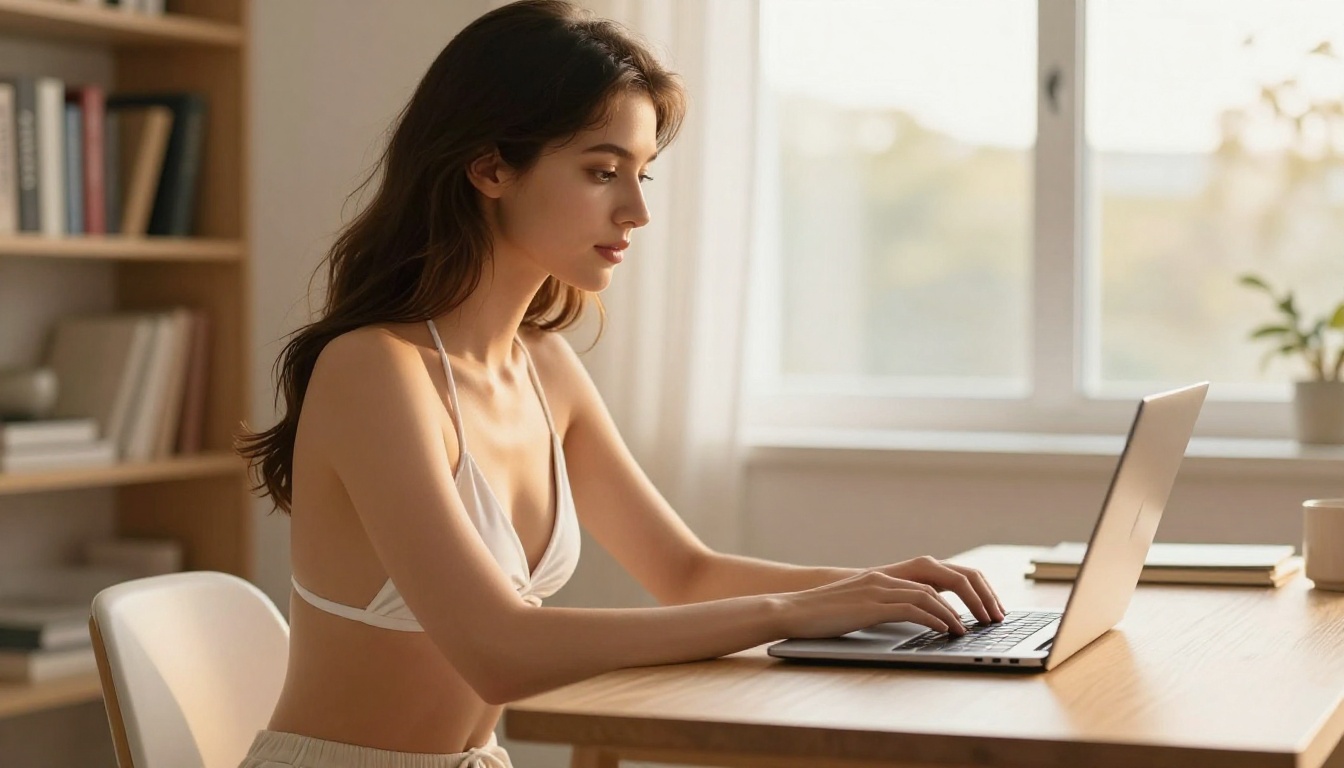
Step 1: Navigate to the model page for the generator you want. For glamour and NSFW content, start with Flux 1.1 Pro Ultra.
Step 2: Write a detailed prompt using camera-language structure:
- Subject: Describe the person, their expression, pose, and clothing
- Environment: Set the scene with specific location and material details
- Lighting: Name the light source, direction, and quality (golden hour, volumetric, diffused window light)
- Technical: Add lens specs and film stock (85mm f/1.4, Kodak Portra 400)
Step 3: Set your aspect ratio. For social media posts, 1:1 works well. For editorial-style content, 16:9 or 4:3 gives a more photographic feel.
Step 4: Generate, evaluate, and iterate. Use the first result to refine your prompt: adjust the lighting description, be more specific about the pose, change the environment.
Step 5: Once you have a strong base image, use Flux Kontext Pro for text-based editing: adjust the background, change clothing details, or modify lighting without regenerating the entire image from scratch.
Prompt tip: The phrase "photorealistic, 8K, film grain, Kodak Portra 400" added to any prompt consistently lifts output quality. Camera model specifications (Sony A7R V, Canon EOS R5) also push results toward photography rather than illustration.
Beyond Generation: Editing and Finishing Your Visuals
Fix and Refine with Inpainting
Raw generation is rarely perfect. A face might be slightly off, a hand might look awkward, or the background might not match the intended mood. Inpainting lets you isolate and regenerate a specific region of an image while leaving the rest untouched.
On PicassoIA, inpainting works across multiple models. Select the region you want to fix, write a new prompt for that area, and regenerate just that segment. For NSFW content, this is particularly useful for correcting anatomy issues without starting over completely.
Super Resolution for Print-Quality Output
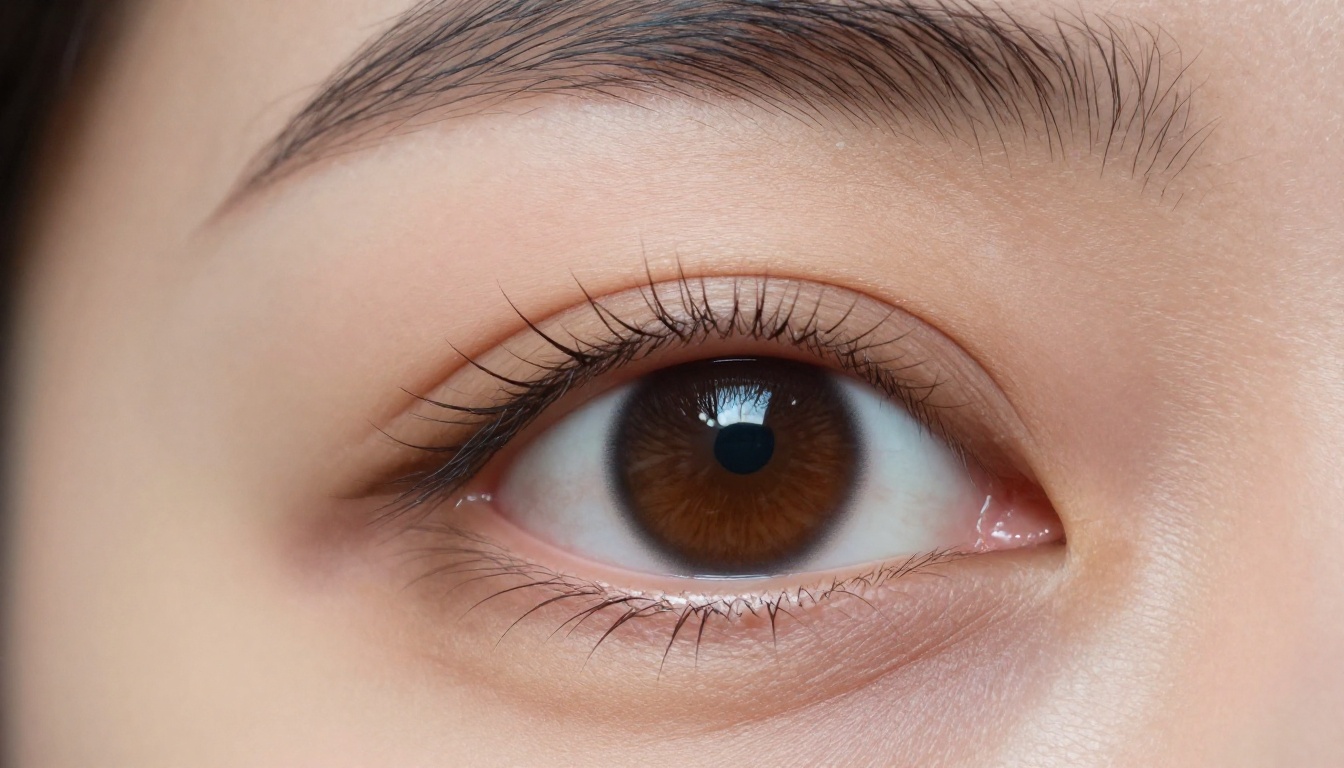
If you are producing content for print, merchandise, or large-format digital displays, standard 1024px output will not be sufficient. Super resolution tools on PicassoIA upscale images 2x to 4x while preserving and adding detail rather than simply stretching pixels.
The difference between a standard resolution output and a 4x upscaled version is visible in exactly the details that matter for NSFW content: skin texture, fabric weave, hair strands, and the fine gradients in lighting transitions across the frame.
Background Removal for Cleaner Composites
The background removal tool on PicassoIA produces clean subject masks with accurate edge detection around hair, fabric edges, and complex silhouettes. For creators who build composite images, placing a generated figure into a separately generated background, this eliminates the manual masking step entirely.
What Makes a Prompt Actually Work
Specificity Beats Vagueness Every Time
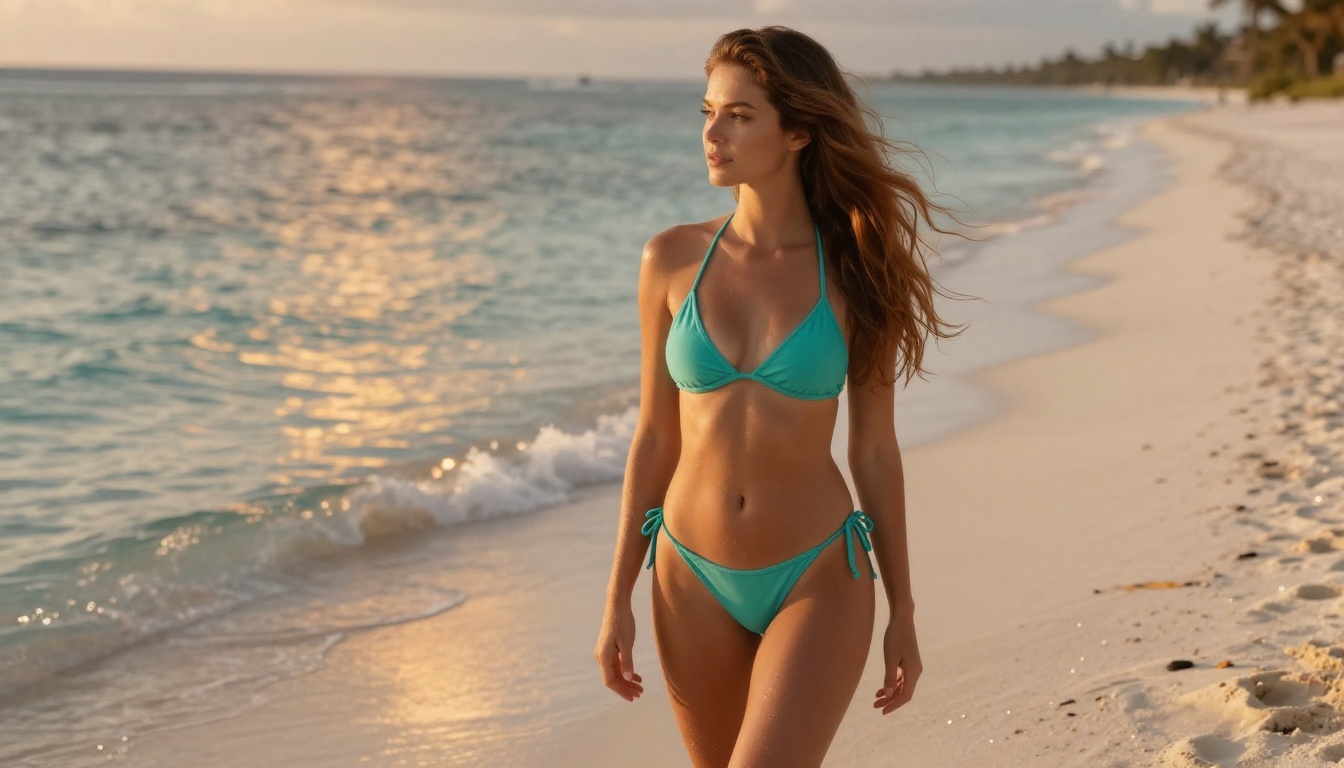
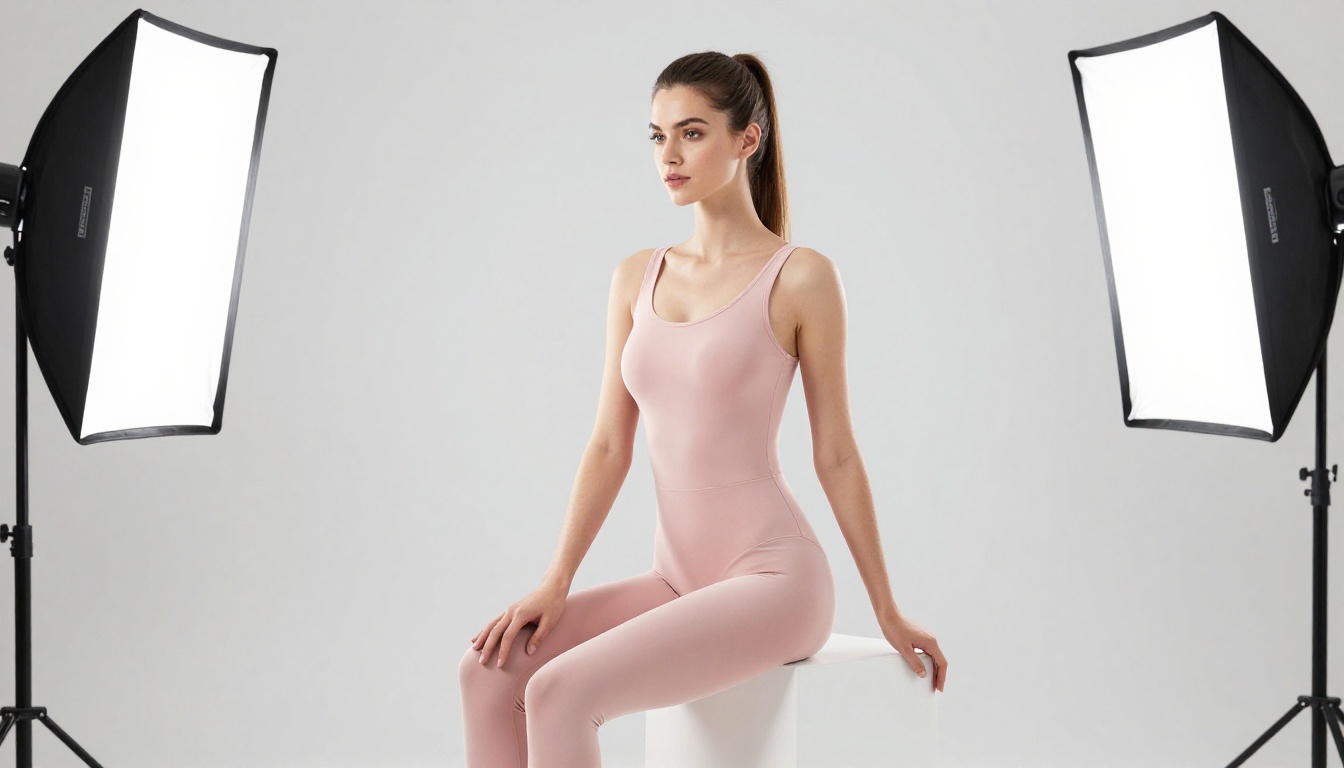
The most common mistake new creators make with NSFW AI prompts is being vague. "Beautiful woman on a beach" produces mediocre results. "A 25-year-old woman with auburn wavy hair in a turquoise string bikini standing at the shoreline of a tropical beach, shot at eye level with a 135mm f/2 telephoto lens during golden hour, Kodak Portra 400 film grain" produces something worth publishing.
Every detail you add reduces the model's guesswork. Clothing material (silk, linen, cotton knit), skin tone description, specific lighting conditions, and camera specifications all constrain the output toward what you actually want rather than what the model defaults to.
The 4-Part Prompt Structure
The most reliable NSFW prompt structure in 2027 follows this pattern:
- Subject — who, what they are wearing, their pose, their expression
- Environment — exact setting with materials and architectural details
- Lighting — source, direction, quality, color temperature
- Technical — camera, lens, aperture, film stock, resolution
Real example: "Young woman in a cream silk slip dress seated at a marble vanity in a Paris penthouse, golden hour light from the left window, 85mm f/1.4, Kodak Portra 400, 8K, photorealistic"
This structure works across Flux 1.1 Pro Ultra, Flux 2 Pro, Realistic Vision v5.1, and Stable Diffusion 3.5 Large with consistent, high-quality results.
Common Mistakes to Avoid
- Prompting for mood instead of photography: Saying "beautiful" or "stunning" adds nothing. Describing the camera lens and lighting direction does everything.
- Ignoring aspect ratio: Different platforms require different ratios. Set yours before generating to avoid awkward cropping later.
- Skipping iteration: The first result is rarely the best one. Treat it as a direction, not a finished product.
- Using one model for everything: Each model has a specialty. Matching the tool to the task produces significantly better results than forcing a single model through every use case.
What PicassoIA Offers Beyond Generation
| Feature | Use Case for Creators |
|---|
| 91 text-to-image models | Access every major generator in one place |
| Inpainting | Fix anatomy, backgrounds, and clothing details |
| Outpainting | Expand image canvas for wider compositions |
| Super Resolution | 2x to 4x upscaling for print-ready output |
| Background Removal | Clean subject masks for compositing |
| Face Swap AI | Apply facial references to generated figures |
| Image to Text | Generate captions and descriptions automatically |
| ControlNet | Pose and structure control for consistent characters |
The Advantage of One Platform
Fragmented workflows kill productivity. When your generator is one tool, your upscaler is another, your background remover is a third, and your inpainting editor is a fourth, the time spent moving files between platforms adds up fast. PicassoIA consolidates all of these capabilities into a single interface with persistent project history and direct download.
For high-volume creators producing content daily, that consolidation has a measurable impact on output speed and the consistency of the final work.
Choosing the Right Model for Your Work
The Decision Framework
Not every creator needs the same tool. Here is how to match your workflow to the right model:
Maximum photorealism for a hero image or cover:
Use Flux 1.1 Pro Ultra. Accept the slightly longer generation time. The output quality justifies it for your most important pieces.
High-volume daily content production:
Use Flux 2 Pro for its speed-quality balance. Switch to Flux 2 Max for the pieces that need to stand out from your regular output.
Warm, natural skin tones for boudoir or pinup work:
Start with Realistic Vision v5.1. Its tuning for human figures specifically serves this aesthetic better than general-purpose models.
Training a custom model on your own aesthetic:
Stable Diffusion 3.5 Large with LoRA fine-tuning is the correct starting point. No closed model gives you this level of control.
Rapid iteration and concept prototyping:
RealVisXL v3.0 Turbo or Flux Schnell for rapid-fire concept testing at minimal cost per generation.
3 Mistakes That Waste Your Budget
- Paying for high-quality generations during prototyping: Use Turbo models to find the right concept first, then switch to Pro models for the final render.
- Not saving strong prompts: A prompt that produced a great result once will produce great results again. Keep a library of your best-performing prompts.
- Skipping post-processing: Super resolution and inpainting cost a fraction of a new generation and often close the gap between "good" and "publishable" faster than regenerating from scratch.
Start Creating Your Own Visuals Today
The gap between what independent creators can produce with AI and what professional production teams deliver has narrowed to almost nothing in 2027. The only real limitation is the quality of your prompts and your willingness to iterate toward the result you want.
Flux 1.1 Pro Ultra, Flux 2 Pro, Realistic Vision v5.1, Stable Diffusion 3.5 Large, and 87 other models are available directly on PicassoIA. No downloads. No GPU. No setup costs.
Pick a model, write a detailed prompt using the 4-part structure above, and generate your first image. Refine it. Try a different angle. Adjust the lighting description. Use Flux Kontext Pro to edit it. Apply super resolution to finish it.
You will have a publishable, photorealistic visual within your first session on the platform. The tools are there, and so is every model you need to use them at a professional level.


