If you've spent time searching for an NSFW AI video generator that actually delivers, you already know the frustration. Half the tools are broken, the other half quietly censor your prompts the moment you type "lingerie" or "bikini," and the ones that do work charge a premium before showing you a three-second clip with artifact-ridden skin texture. In 2027, that story has changed. The models have matured, the platforms have multiplied, and a select group of AI video generators now produce photorealistic, adult-adjacent video that holds up to real scrutiny. This article cuts through the noise and shows exactly which generators work, which models to use, and what to type to get results that look real.
The market split two years ago. Mainstream platforms doubled down on content restrictions while a new wave of more permissive tools launched, backed by open-source models that don't answer to corporate content policies. Both worlds have winners and losers. Knowing which is which saves hours of frustration.
The Censorship Wall Nobody Warns You About
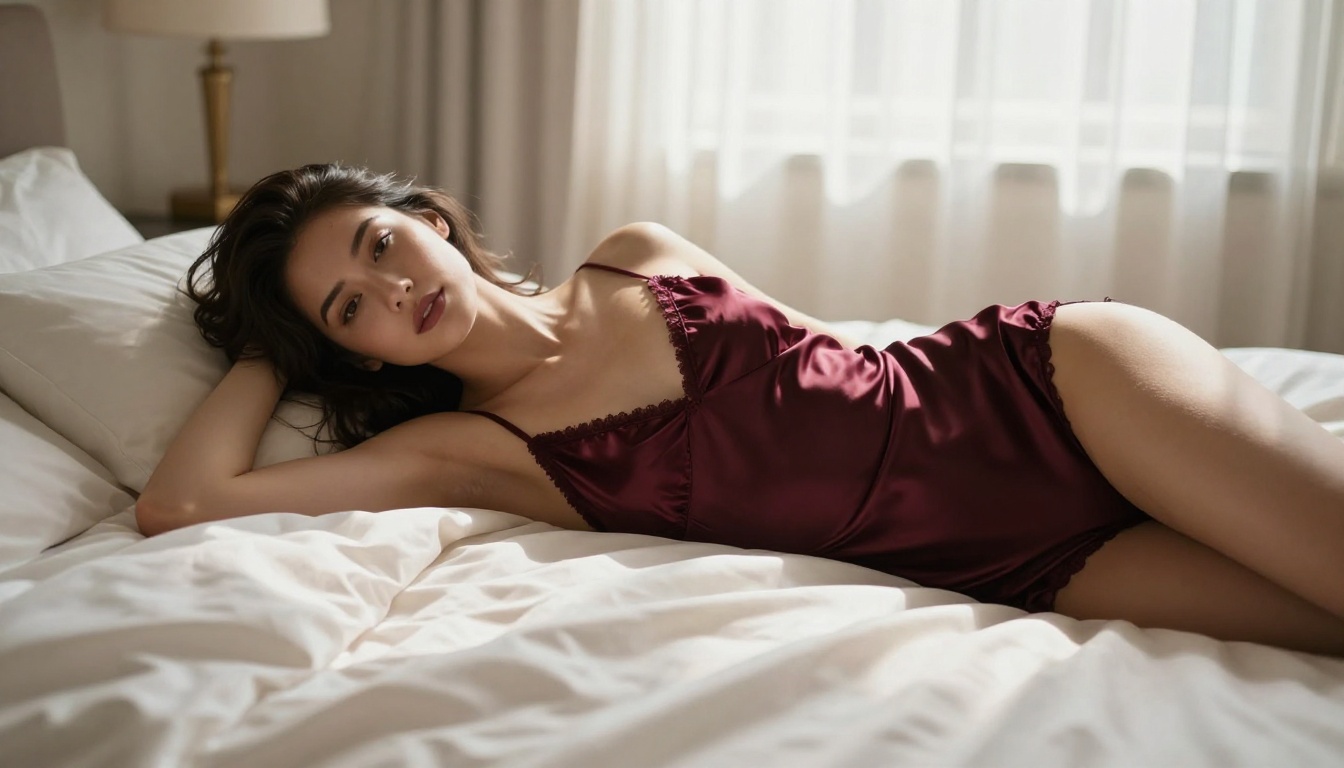
Most mainstream AI video platforms built their content filters before they refined their engines. That means tools like Sora 2 Pro and Veo 3.1 will outright reject prompts containing suggestive language. Not explicit content. Just suggestive language. The word "seductive," the phrase "revealing outfit," or a description of bare shoulders in certain contexts triggers a refusal on platforms tied to strict corporate content policies.
The frustrating part is that these platforms produce technically stunning video. The problem is policy, not capability. For users looking to create glamour photography sequences, boudoir animations, or sensual artistic content, those policies create a dead end.
💡 The fix: Use models hosted on platforms that allow adult content with proper account settings and age verification. You don't need explicit content to hit a wall. You just need the wrong platform for what you're trying to create.
What "Actually Works" Really Means
When people search for NSFW AI video generators that work, they're asking for three things:
- No unexplained rejections for non-explicit content like swimwear or implied nudity
- Photorealistic output with natural skin texture, coherent motion, and no uncanny valley
- Consistency across frames so characters don't morph between cuts
That third point is where even otherwise capable models fail. A model can render a beautiful single frame and still produce video where the subject's face changes shape mid-clip. True frame consistency is what separates the tools worth using from the ones worth skipping.
The Best NSFW AI Video Generators Right Now
Wan 2.6 — Realism Without Compromise
Wan 2.6 T2V is currently the strongest open-weight model for producing photorealistic adult-adjacent content. Built by Wan Video, the 2.6 generation handles skin texture, fabric physics, and soft lighting better than any previous version. When you describe a woman in a silk dress walking through a candlelit room, Wan 2.6 renders the fabric drape and light interaction in a way that reads as genuinely captured on camera.
The image-to-video variant, Wan 2.6 I2V, is even more useful for NSFW workflows. You generate a photorealistic still image first, then animate it. This means your starting frame is exactly what you want, and the model handles the motion layering on top of that baseline. Far less risk of the subject morphing into something unrecognizable.
What it's good at:
- Long flowing hair and fabric in motion
- Soft-body physics with realistic weight and movement
- Consistent facial features across a 5-10 second clip
- Prompt adherence for clothing and pose descriptions
Kling v3 — Motion That Feels Human
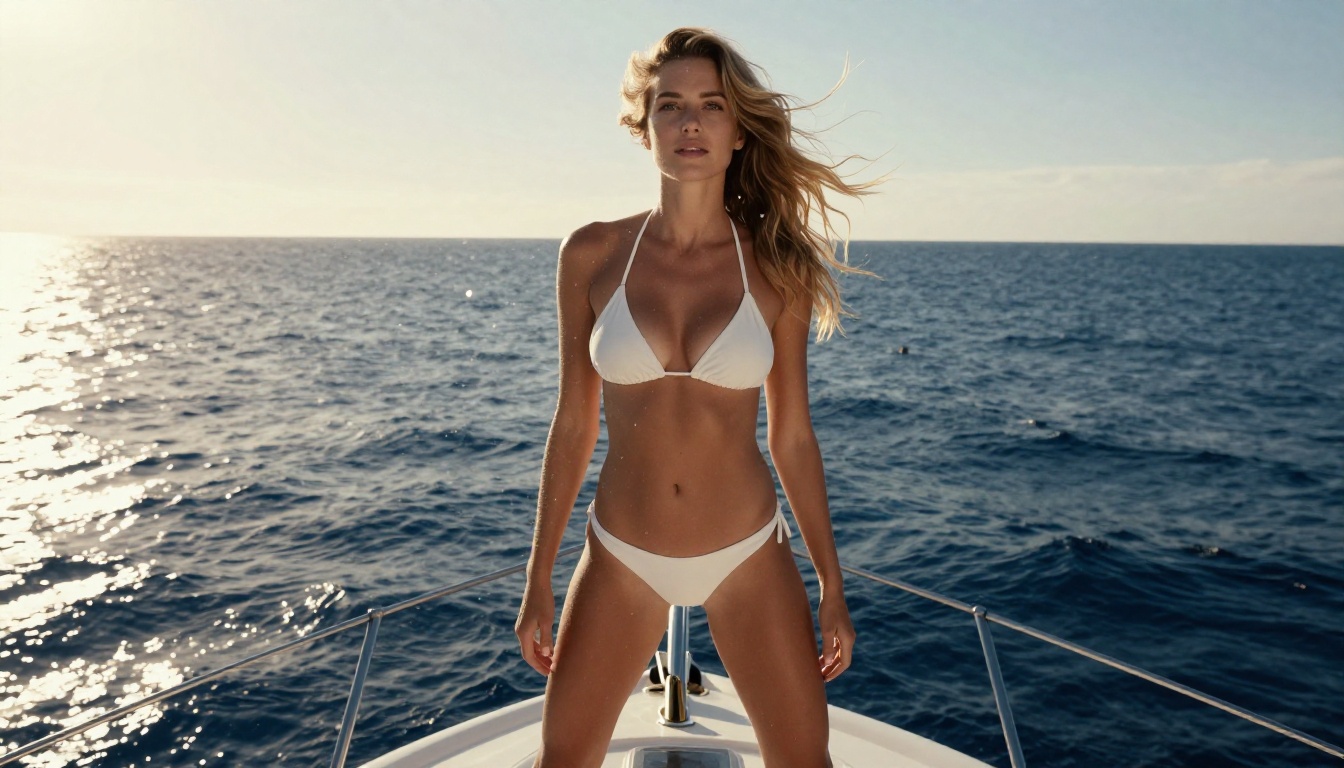
Kling v3 Video from Kwai's AI division is the current benchmark for natural human motion. Where other models produce slightly robotic or floaty movement, Kling v3 generates motion with the micro-jitter and weight distribution of a real person. A model sitting down looks like someone actually sitting down, not a mesh object transitioning between keyframes.
For NSFW content specifically, this matters enormously. The difference between "this looks like AI" and "this looks real" often comes down to how a person shifts their weight, breathes, or turns their head. Kling v3 handles all three convincingly.
Kling v3 Omni Video adds text and image input, giving you the option to start from a reference photo and describe the action you want, which removes a lot of ambiguity from the generation process.
Why it stands out:
- Best human motion physics of any 2027 model
- Excellent performance with low-light and moody scenes
- Handles complex clothing interactions naturally
- Reliable character consistency in standard 5-second clips
Hailuo 2.3 — Speed When You Need It
Speed matters. If you're iterating on prompts trying to find the right angle, lighting, or pose, waiting three minutes per generation is a workflow killer. Hailuo 2.3 Fast by MiniMax outputs results in under 30 seconds on most hardware, with quality that sits comfortably in the "good enough for serious work" category.
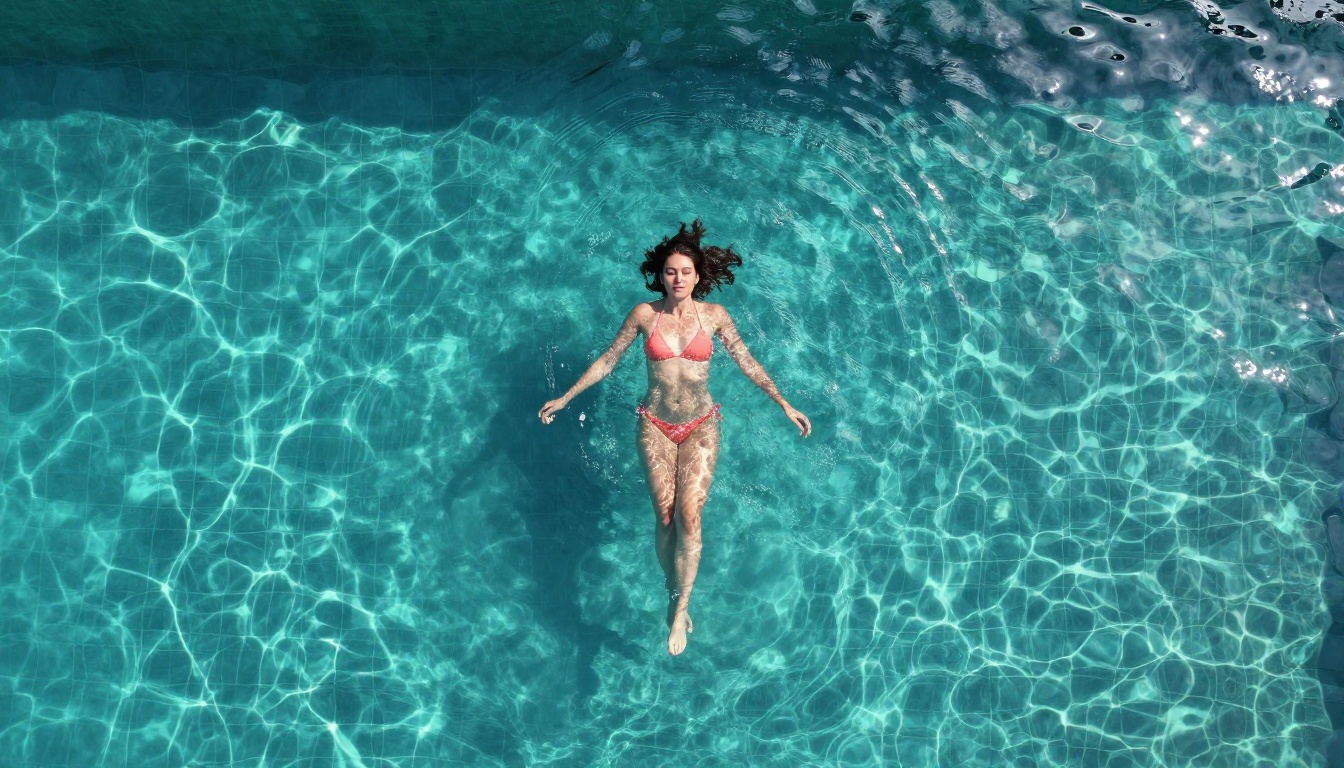
The standard Hailuo 2.3 model offers higher fidelity when speed isn't the priority, and it's particularly strong at underwater and wet scenes. If your concept involves water, beach settings, or anything involving reflective surfaces, Hailuo 2.3 handles light-on-water interaction more convincingly than its competitors.
Best for: Rapid iteration, batching prompt variants, water and beach environments
PixVerse v5.6 — Style and Flexibility
PixVerse v5.6 earns its place on this list for one specific reason: style range. While Wan and Kling excel at raw photorealism, PixVerse gives you more control over the visual tone of your output. Whether you want a filmic, grainy aesthetic or a cleaner, more polished look, the model responds to stylistic direction in the prompt more obediently than most competitors.
It also handles portrait-orientation video better than most, which matters for content designed for phone consumption rather than widescreen display.
Standout features:
- High style-prompt adherence
- Portrait video quality above average
- Consistent performance in indoor and studio settings
- Strong results with dramatic lighting contrasts
How to Use Wan 2.6 on PicassoIA
The Wan 2.6 family is available directly on PicassoIA without any external setup. Here's how to get the best results from it for NSFW-adjacent content.
Setup in 3 Steps
- Go to the model page: Navigate to Wan 2.6 I2V for image-to-video, or Wan 2.6 T2V if you want to generate directly from a text description.
- Prepare your reference image (for I2V mode): Use a photorealistic portrait or full-body image. The higher the detail and realism in your starting frame, the better the output. PicassoIA's text-to-image models are well suited for generating this reference before you move to video.
- Write your motion prompt: Don't describe what the scene looks like. Describe what moves. "Her hair sways gently in the breeze" works better than "a beautiful woman with flowing hair in a field." Motion verbs are your primary tool.
Prompts That Actually Work
The biggest mistake people make with Wan 2.6 is treating the video prompt like an image prompt. For video, motion description is everything. Here are prompt patterns that consistently produce strong results:
What works:
[Subject] slowly [movement], [environment detail], soft natural light, 8K photorealisticCamera slowly pushes in on [subject] as she [action], golden hour, Kodak Portra grainLow angle, [subject] walks toward camera in [outfit], [environment], cinematic
What doesn't work:
- Overly long descriptions of static appearance (the model can't act on "her eyes are sapphire blue and her skin is flawless")
- Multiple simultaneous actions ("she walks, turns her head, and adjusts her hair at the same time")
- Abstract concepts instead of physical descriptions
💡 Pro tip: Set the first frame explicitly. If you're using I2V mode, your reference image is doing 60% of the work. Spend time getting that right before you even write the video prompt.
Parameters Worth Adjusting
When using Wan 2.6 on PicassoIA:
| Parameter | Recommended Setting | Why |
|---|
| Duration | 5 seconds | Best quality-to-consistency ratio |
| Resolution | 720p or 1080p | 480p shows artifacts at close range |
| Motion strength | 0.6-0.75 | Higher values introduce jitter |
| Seed | Fixed for iterations | Easier to compare prompt variations |
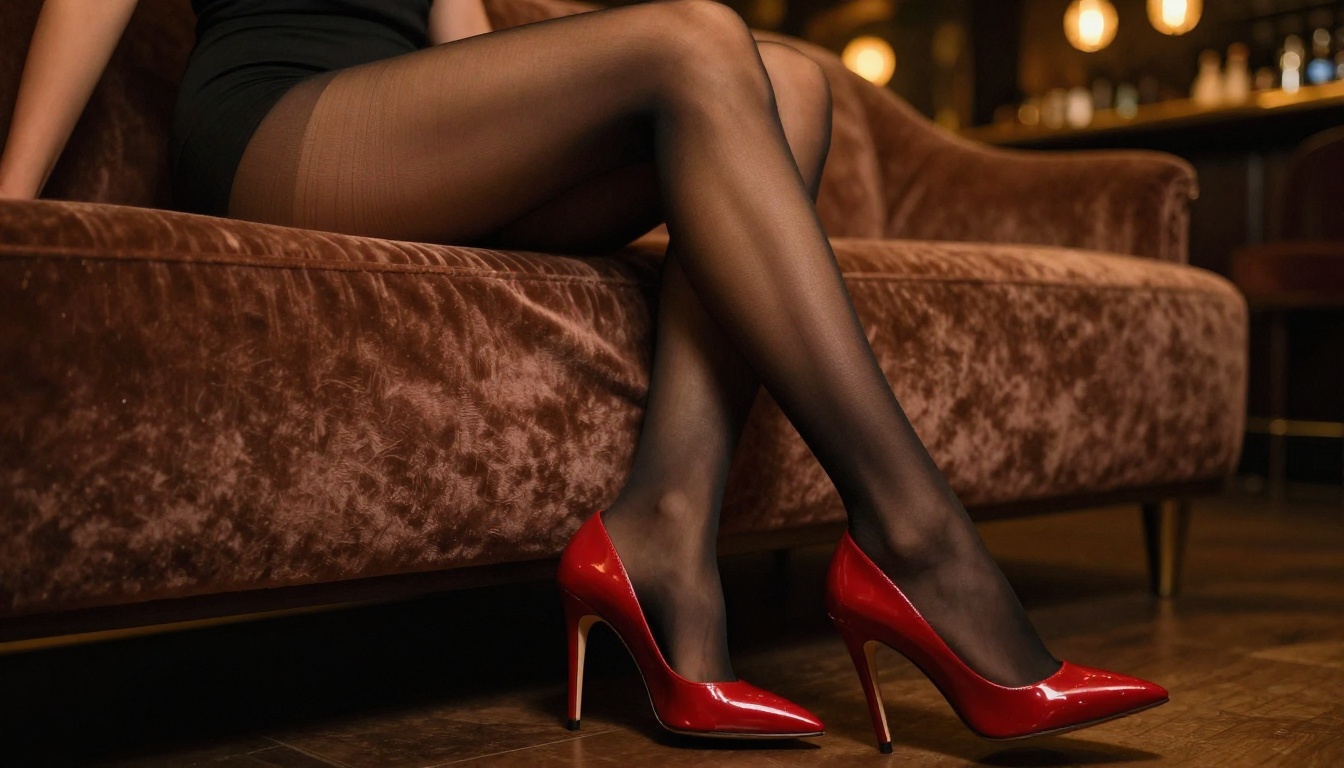
Model Comparison at a Glance
Different workflows call for different tools. Here's how the top models stack up across the criteria that matter most for NSFW content creation.
💡 On NSFW tolerance: "High" means the model generates bikini, lingerie, implied nudity, and suggestive content without triggering refusals under standard platform settings. Always verify your account's content preferences before starting.
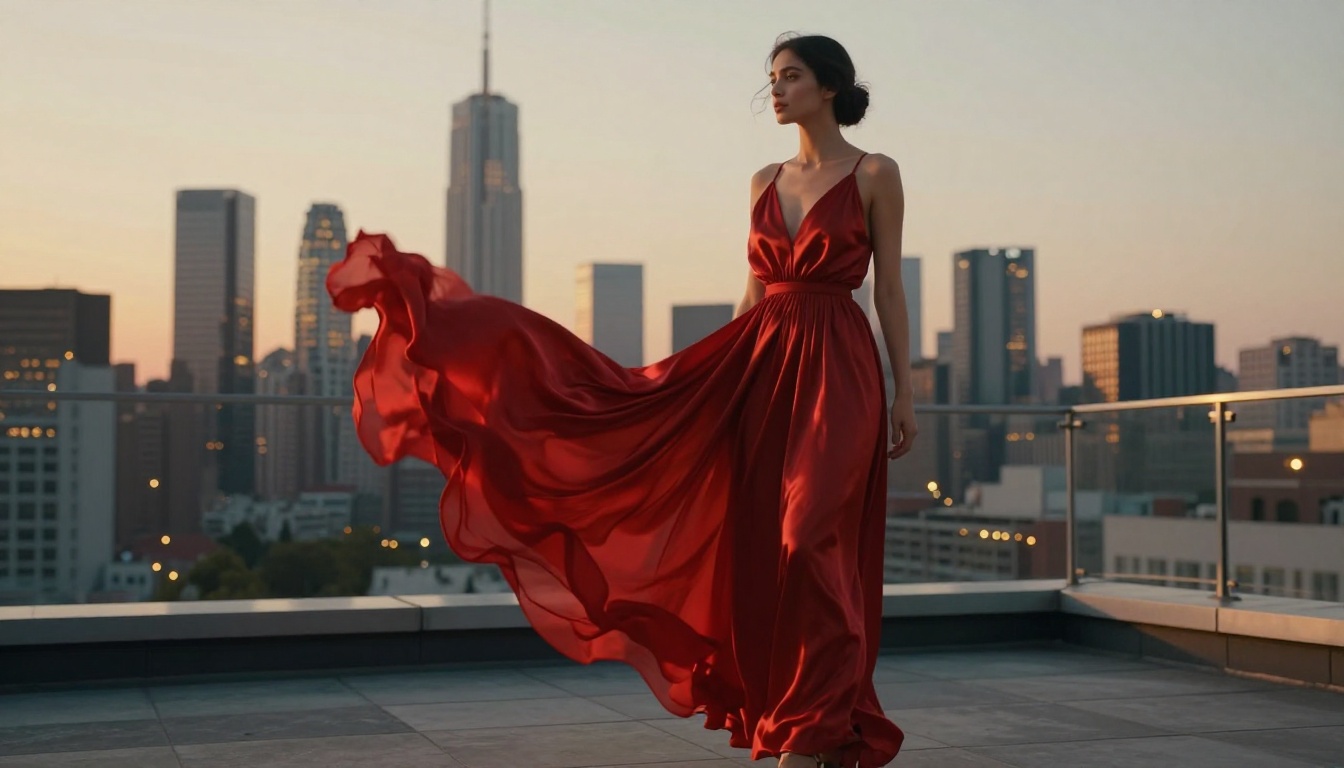
What Separates Good from Great
Most people who try NSFW AI video generation get mediocre results not because of the model, but because they don't know what visual realism actually requires. The gap between a clip that looks fake and one that looks real comes down to three specific things.
Skin Texture and Lighting
AI-generated skin still fails in predictable ways. It tends to be either too smooth (plastic, mannequin-like) or oversaturated in color response. The models that handle this best are trained on real photography, and the prompts that produce the best skin use photography-specific language: "Kodak Portra 400 grain," "natural skin texture with visible pores," "soft fill light from window."
Lighting direction is the other major lever. A prompt that specifies the light source ("afternoon sun from the left casting a soft shadow across her collarbone") gives the model spatial information it can use. A generic "good lighting" prompt gives it nothing actionable.
Motion Coherence Across Frames
This is where most models still struggle. Frame consistency means the subject's proportions, face shape, and clothing details remain stable from frame one to frame five. The models best at this are Kling v3 Video and Wan 2.6 I2V with a fixed reference image. Both treat the starting frame as an anchor rather than a loose suggestion.
For clips longer than five seconds, frame consistency degrades across every current model. The practical solution is to generate 5-second segments and stitch them in post, rather than attempting a 15-second clip in a single pass.
Prompt Specificity Matters More Than You Think
Vague prompts produce vague video. "A beautiful woman in lingerie" tells the model nothing useful. "A woman in dark burgundy silk lingerie seated on the edge of an ivory satin bed, morning light from the left, camera slowly rising from knee level to eye level" gives the model scene geometry, lighting, clothing specifics, and a camera move to execute. The second prompt will always produce better results.
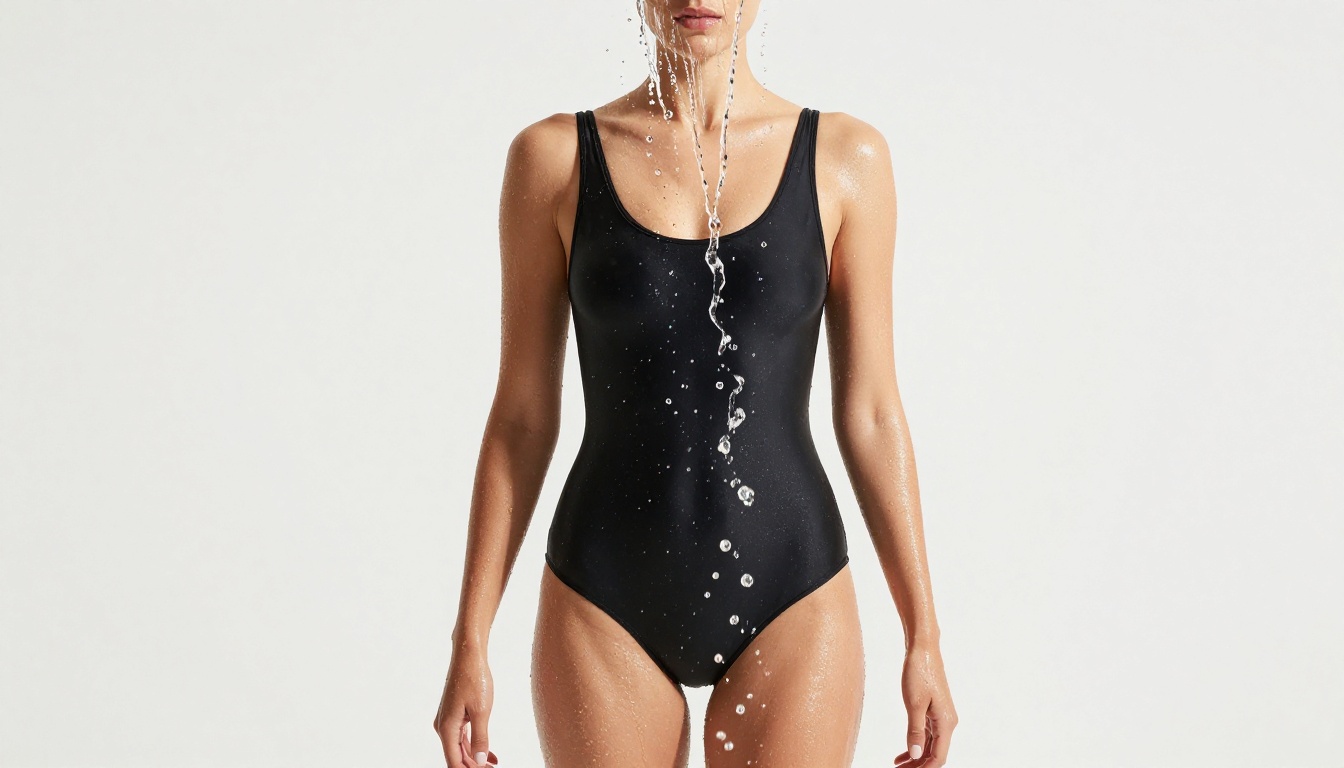
3 Mistakes That Kill Your Results
1. Using text-to-video when image-to-video would work better.
If you already have a strong reference image or can generate one, use Wan 2.6 I2V or Hailuo 2.3 Fast in image-to-video mode. Starting from a fixed frame eliminates half the variance in the output. Your subject won't drift between frames.
2. Ignoring motion strength settings.
Every model has some version of a motion intensity control. Beginners set it to maximum because they want "more motion." The result is jitter, artifacts, and a character that shakes continuously. For human subjects, 0.6-0.75 is almost always the right range. Save high motion values for abstract or environmental content, not for people.
3. Not iterating on the same seed.
When you find a generation that's 80% right, fix the seed and adjust only the prompt. Random seeding every iteration means you're essentially starting over each time. Fix the seed, change one variable, and work toward the target incrementally. This is how professional AI video workflows actually operate, and it's the fastest way to get from "almost there" to "exactly right."
Other Models Worth Knowing
A few models outside the top tier are worth having in your toolkit for specific situations.
Seedance 1.5 Pro by ByteDance produces cinematic output with particularly strong performance on long-hair movement and flowing fabric. If your content involves subjects with long hair in motion, Seedance 1.5 Pro handles individual strand physics better than any competitor right now.
P-Video offers a good balance of speed and quality for users who want one reliable option without choosing between multiple architectures. It accepts text, image, and audio input, which opens up possibilities for syncing video to music or narration.
DreamActor-M2.0 deserves mention for character animation specifically. If you have a portrait image and want to animate a character performing a specific movement, DreamActor-M2.0 is purpose-built for this. It animates from a single reference photo, making it one of the more practical tools for creating character-driven NSFW content without a full video production pipeline.
Gen 4.5 by Runway rounds out the list as the most cinematic option available. Its output has a distinctly film-like quality, with natural color grading and camera movement that feels intentional rather than procedural. For finished, polished content rather than rough iteration, Gen 4.5 is worth the generation cost.
Wan 2.2 Animate Replace is worth knowing for a very specific use case: swapping characters in existing video. If you have a clip with the right motion but the wrong subject, Animate Replace lets you substitute characters while preserving the underlying movement. It's a niche tool, but for users with existing footage it's uniquely powerful.
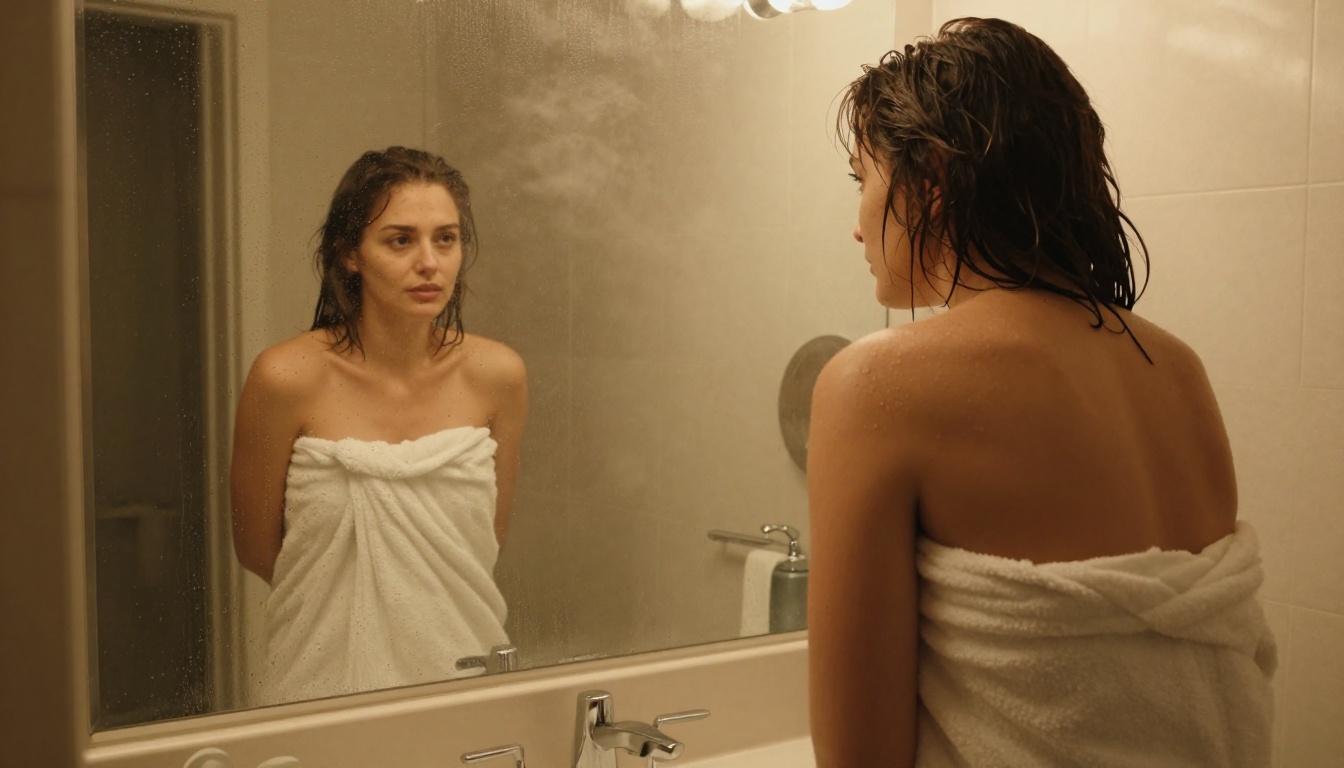
Start Creating Now
The tools covered here are all accessible on PicassoIA without needing to stitch together separate accounts, API keys, or local installations. You can go from zero to a finished NSFW-adjacent video clip in under 10 minutes using the workflow above: generate your reference image with one of PicassoIA's text-to-image models, feed it into Wan 2.6 I2V or Kling v3 Omni Video, write a motion-first prompt, and iterate on a fixed seed until you get exactly what you're after.
The creative ceiling in 2027 is genuinely high. These models can produce work that looks like it came from a professional production set. The difference between a beginner result and a professional one isn't which tool you use. It's knowing what the model needs from you, which is exactly what this article was built to provide.
Ready to try it? Browse the full collection of text-to-video models on PicassoIA and pick the one that fits your workflow. The first generation is always the hardest. After that, it gets fast.


