If you have spent any time with Veo 3.1, you already know the gap between a mediocre output and a genuinely cinematic one comes down almost entirely to how you write the prompt. The model is capable of stunning, film-quality footage. Getting there requires precision, intentionality, and a working vocabulary borrowed from real filmmaking.
This article lays out the best prompts for cinematic AI videos with Veo 3.1, organized by visual goal. Whether you are chasing sweeping landscape shots, intimate emotional scenes, or kinetic action footage, the examples here will give you a concrete starting point and a framework to build on.
What Makes a Veo 3.1 Prompt Actually Work
Most people approach AI video prompts the way they approach search queries: a few keywords and a rough idea. Veo 3.1 responds far better to something closer to a shot description from a professional screenplay. The model has been trained on real film and broadcast footage, so it responds to the language cinematographers use.
Subject Clarity Beats Generic Description
The model cannot guess at ambiguity. A prompt that says "a person walking" will produce something generic. A prompt that says "a woman in her 30s in a charcoal wool coat walks slowly along a fog-covered pier, hands in pockets, looking down at the worn wooden planks" gives the model five specific anchors to work from: demographics, wardrobe, environment, posture, and attention direction.
💡 Tip: Describe your subject as if writing a character description for a casting brief. The more specific the visual attributes, the more distinctive the output.
Motion Is a First-Class Citizen
Veo 3.1 is a video model, not an image model that learned to animate. It processes temporal descriptions and generates real physical motion. If you do not specify how things move, the model makes low-confidence choices. Always define:
- Subject motion: How is your subject moving? (walks briskly, drifts slowly, turns abruptly)
- Camera motion: How is the camera moving? (slow dolly forward, drone banking left, locked-off static)
- Environmental motion: What else is moving? (leaves in wind, passing traffic, rippling water)
Lighting Changes Everything
After motion, lighting is the single biggest lever for cinematic quality. Vague prompts get flat, even lighting. Specific lighting descriptions get atmosphere.
| Lighting Type | Cinematic Effect | Sample Prompt Phrase |
|---|
| Golden hour backlight | Warm silhouettes, rim glow | "low sun behind subject, warm backlight at f/2.8" |
| Overcast soft box | Emotional, intimate | "flat overcast daylight, soft shadows, no direct sun" |
| Practical lights only | Gritty, authentic | "lit only by a single tungsten desk lamp, deep shadows" |
| Moonlight | Mystery, scale | "full moon overhead, cold blue light, long shadows" |
| Fog with light beam | Drama, isolation | "single shaft of light through morning fog, volumetric" |
15 Cinematic Prompt Examples for Veo 3.1
These prompts have been structured to produce consistent, high-quality cinematic results on Veo 3.1. Copy them directly or use them as templates.
Epic Landscape Shots
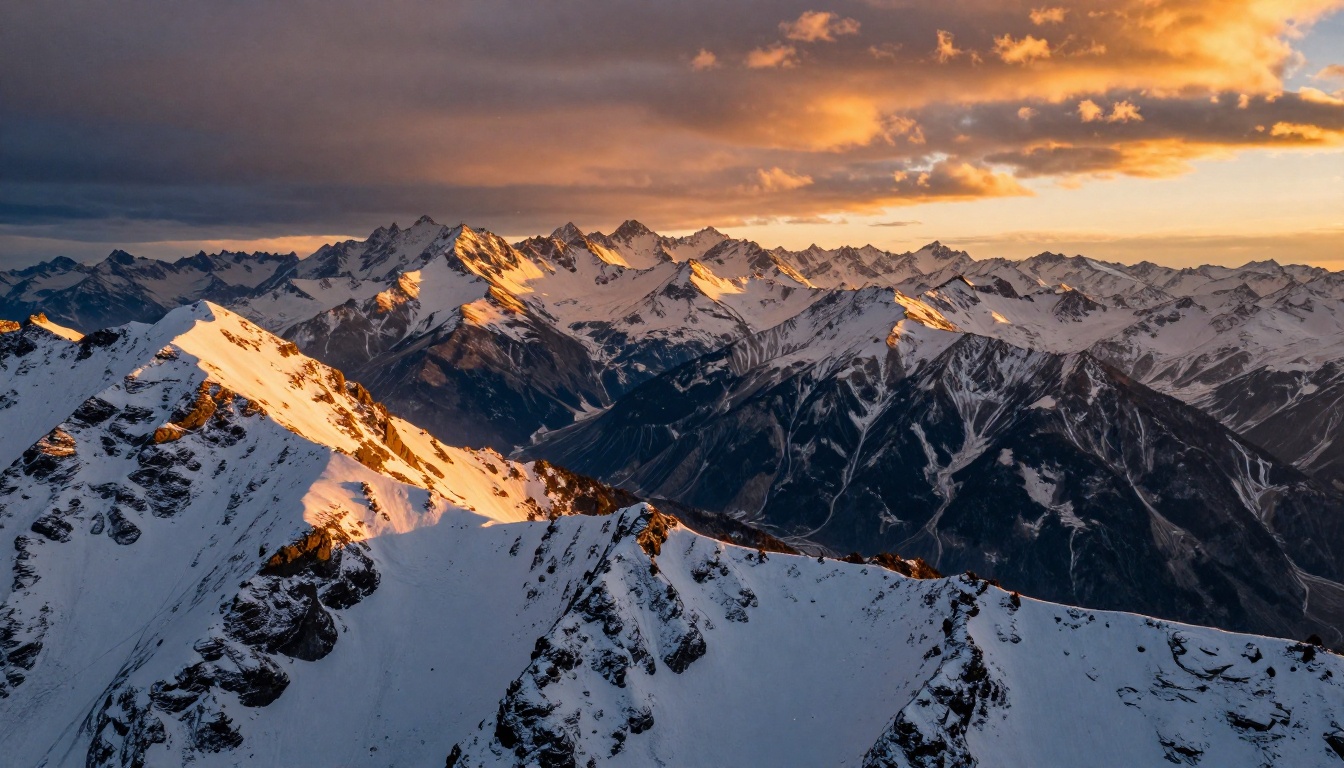
Mountain storm arrival:
A slow aerial drone shot pushes forward over a vast alpine valley, 800-meter granite peaks on both sides, a massive dark storm front rolling in from the right with rain curtains visible in the distance, warm golden light on the valley floor contrasting with the dark blue-gray storm clouds, shot at 24fps with a subtle lens flare from the low sun, photorealistic, 8K
Desert sunrise timelapse:
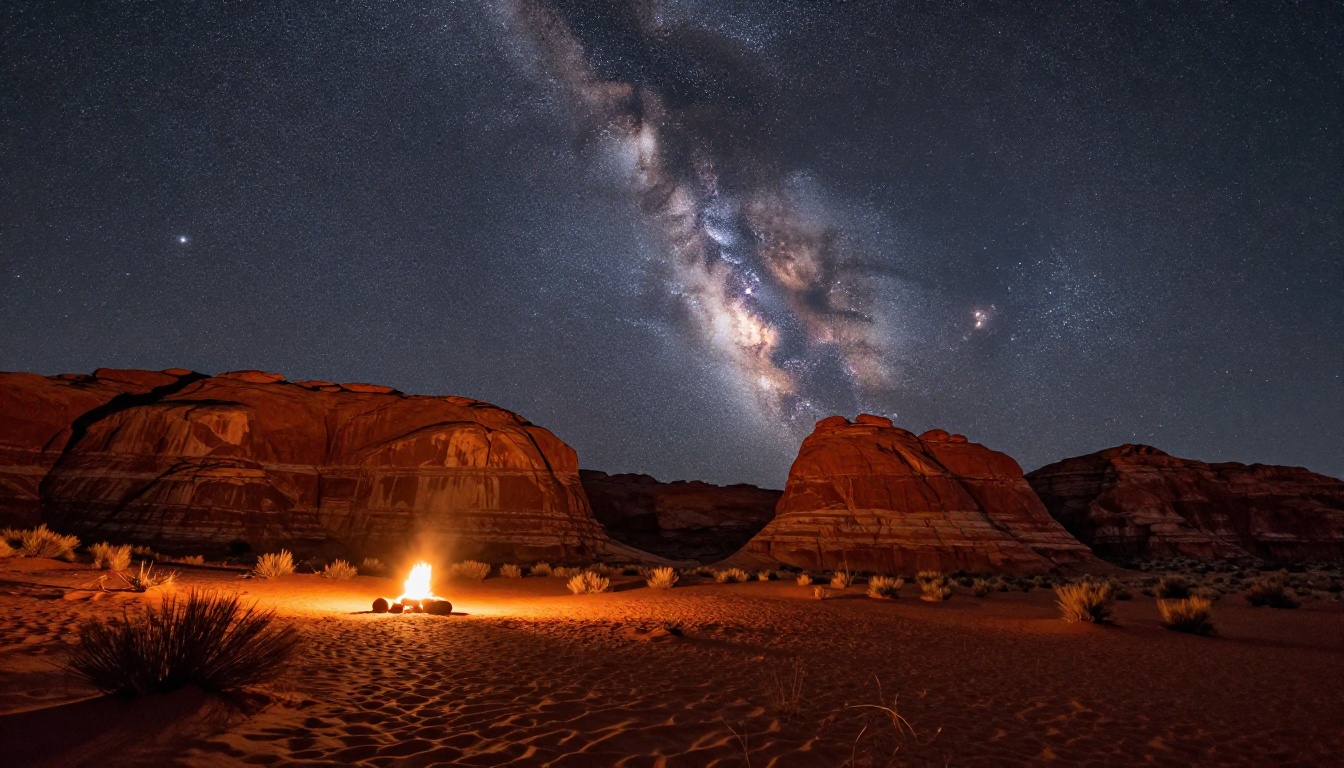
Locked-off wide shot of a red sandstone canyon from the canyon rim, the pre-dawn sky transitioning from deep navy through orange to gold over 10 seconds of footage, long shadows sweeping across the canyon floor as the sun crests the eastern wall, no people, Kodak-style warm color grade, 4K RAW
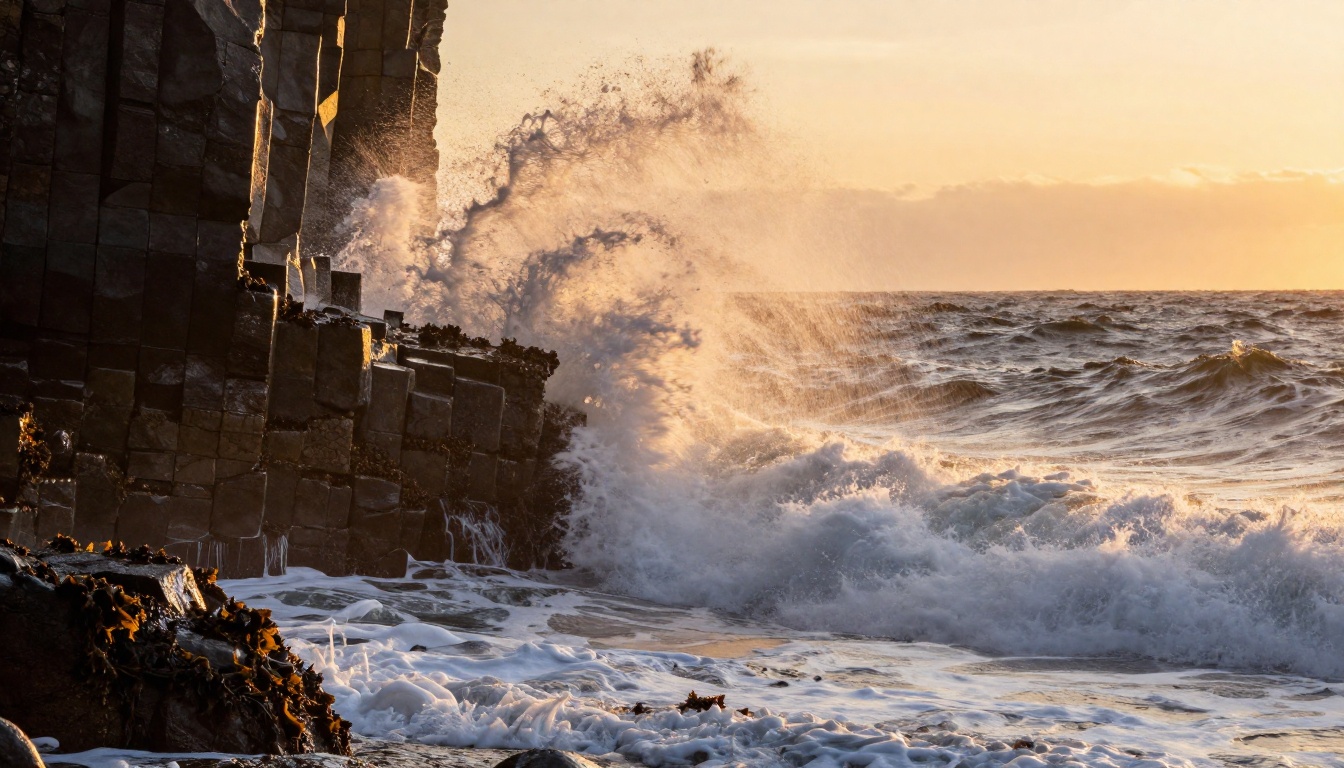
Ocean wave impact:
Extreme low-angle camera mounted at the base of a sea cliff, a 5-meter ocean wave rises into frame, the water face translucent and lit from behind by noon sunlight, the wave breaks and crashes sending white foam directly at the lens, slow motion at 240fps, spray particles catching the light individually, salt texture on the lens edge
Intimate Character Moments
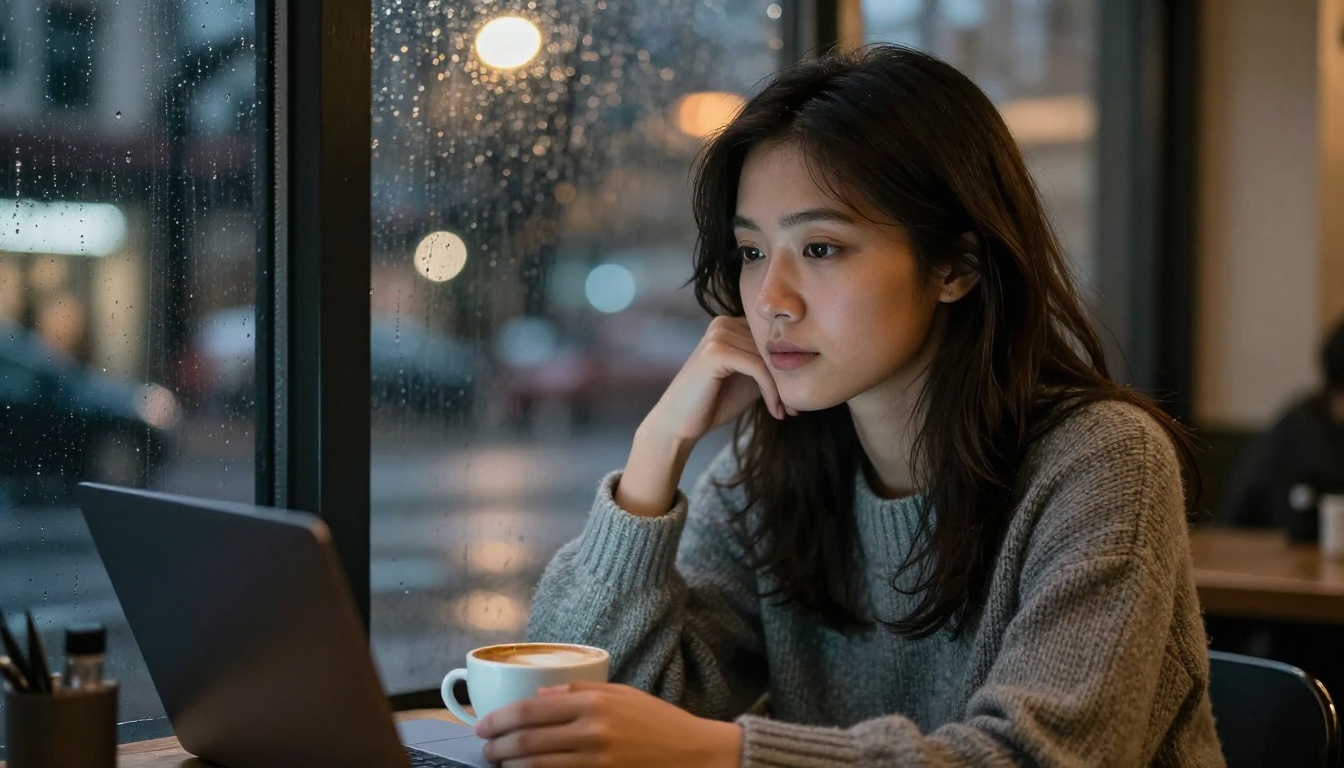
Cafe window scene:
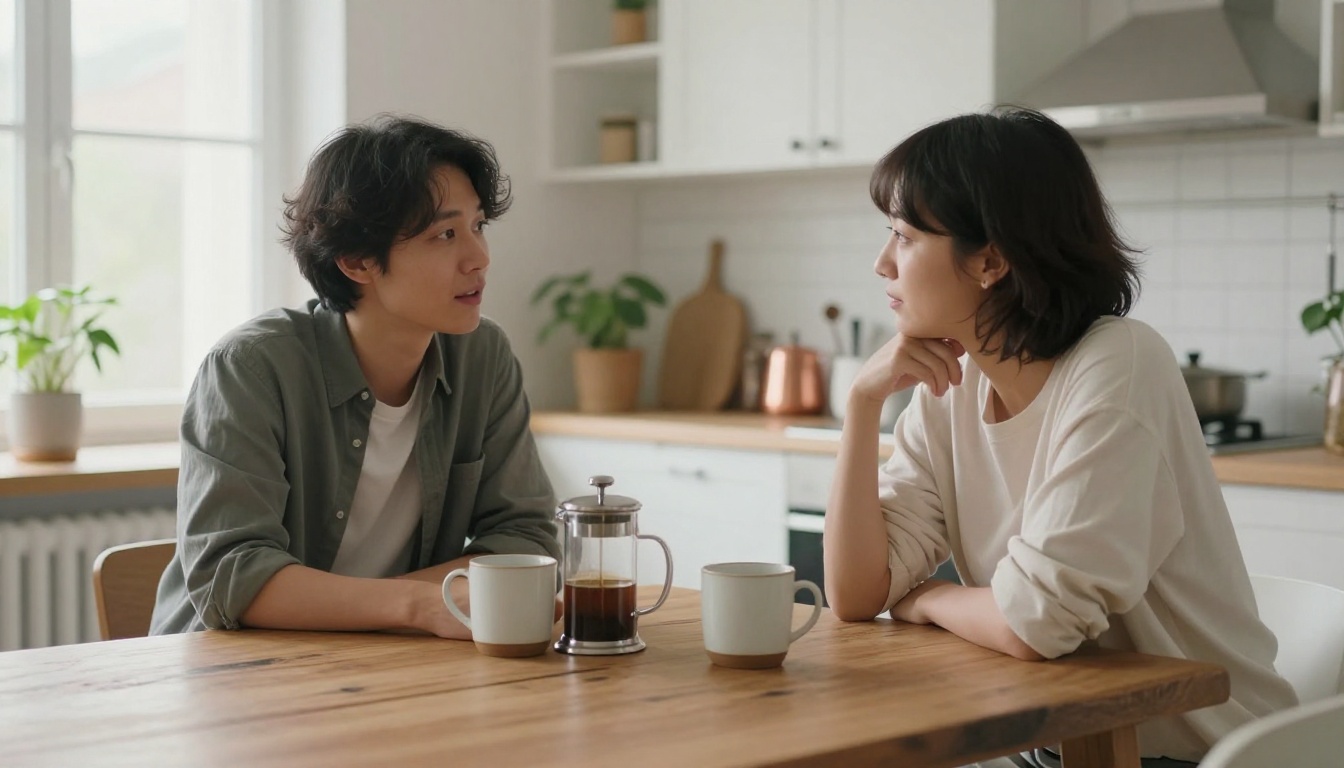
A woman in her late 20s sits at a small cafe table beside a rain-streaked window at night, she holds a ceramic coffee cup in both hands and stares at the drops running down the glass, natural window light mixed with warm interior practicals, 85mm lens, rack focus from the cup to her face, slow pull back on dolly, no dialogue, Fujifilm Pro 400H aesthetic
The phone call:
Medium close-up of a man in his 40s sitting in a parked car at night, suburban street lights outside the window, he finishes a phone call and lowers the phone slowly, a range of micro-expressions cross his face over 8 seconds, he exhales and looks up at the ceiling of the car, locked-off camera, single practical window light source, Kodak Portra 800 color grade
💡 Tip: For character emotion, specify "micro-expressions" in your prompt. Veo 3.1 renders subtle facial movement with impressive fidelity.
Urban and Architecture Footage
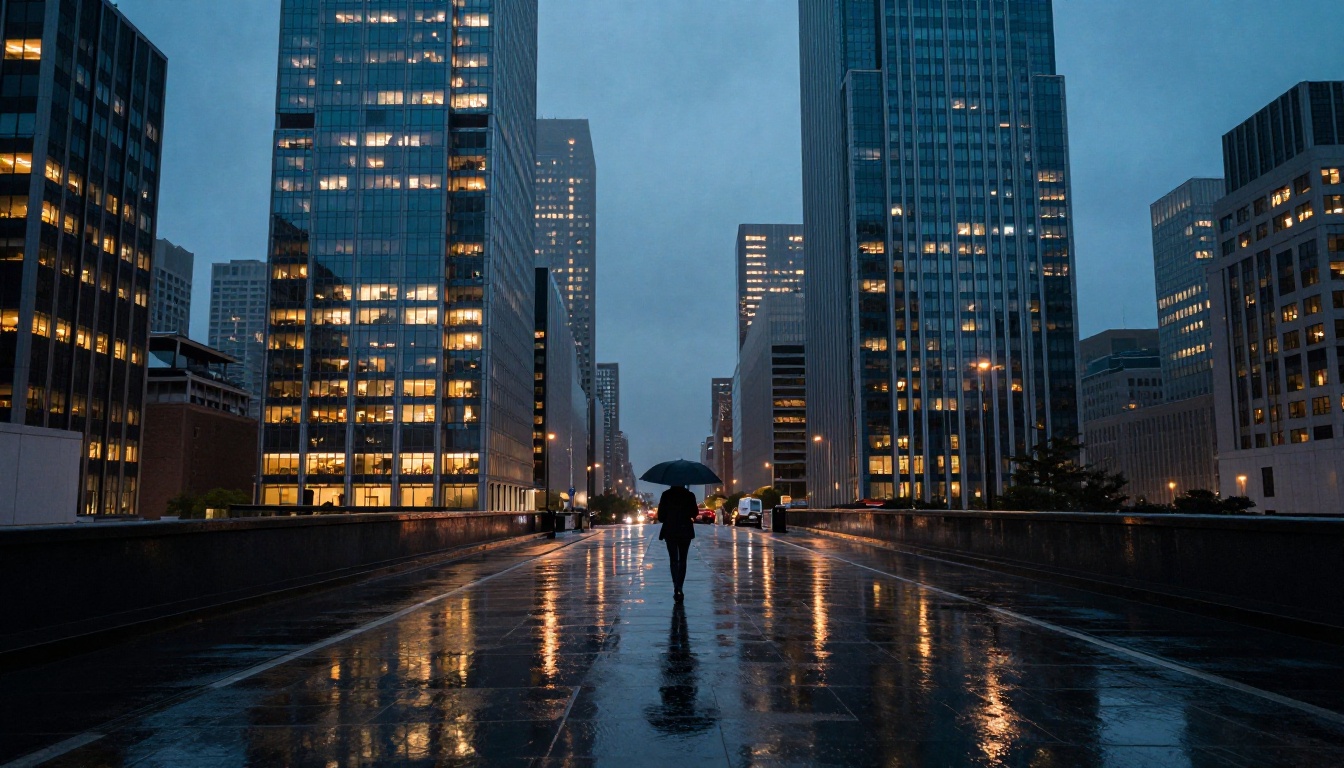
Blue hour city reflection:
Wide establishing shot of a modern urban boulevard at blue hour, wet pavement after recent rain reflects the full skyline in near-perfect mirror quality, a lone figure with an umbrella walks through the center of the frame at medium pace, shot from a rooftop with a 70mm lens, teal and orange color grade, Fujifilm Pro 400H grain, no visible CGI elements
Office tower abstraction:
Slow vertical tilt up the glass facade of a contemporary 40-story office building, the glass reflects passing clouds and the surrounding city, camera tilts from street-level looking up over 8 seconds reaching the sky at the top of frame, late afternoon overcast light, no people, architectural, photorealistic, large format camera
Action and Motion Sequences
Forest sprint:
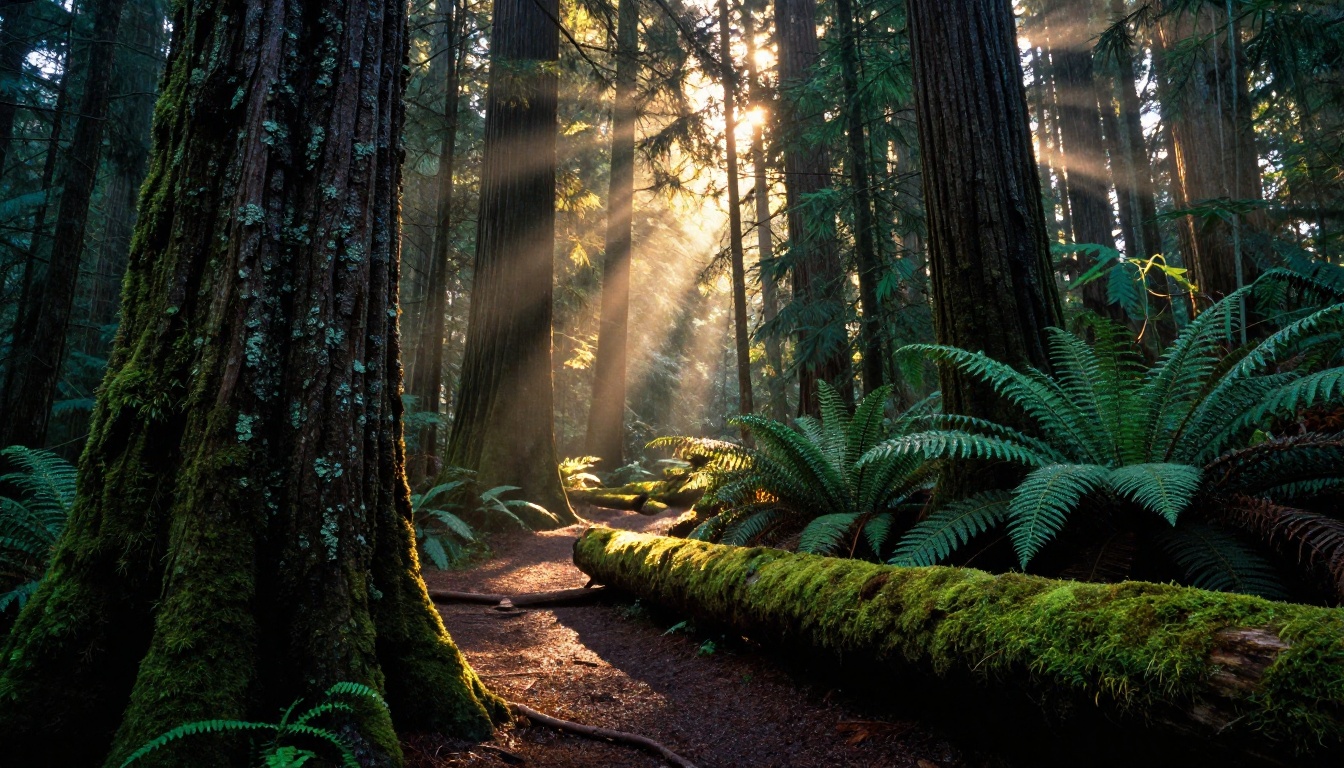
Tracking shot following a runner from behind through a dense Pacific Northwest forest at speed, the camera handheld and slightly unstable, morning light shafts cutting through the canopy illuminating dust and pollen, branches and ferns blur past the frame edges, the runner's breath visible in the cold morning air, medium telephoto, Kodak Ektar 100 aesthetic
Golden field sprint:
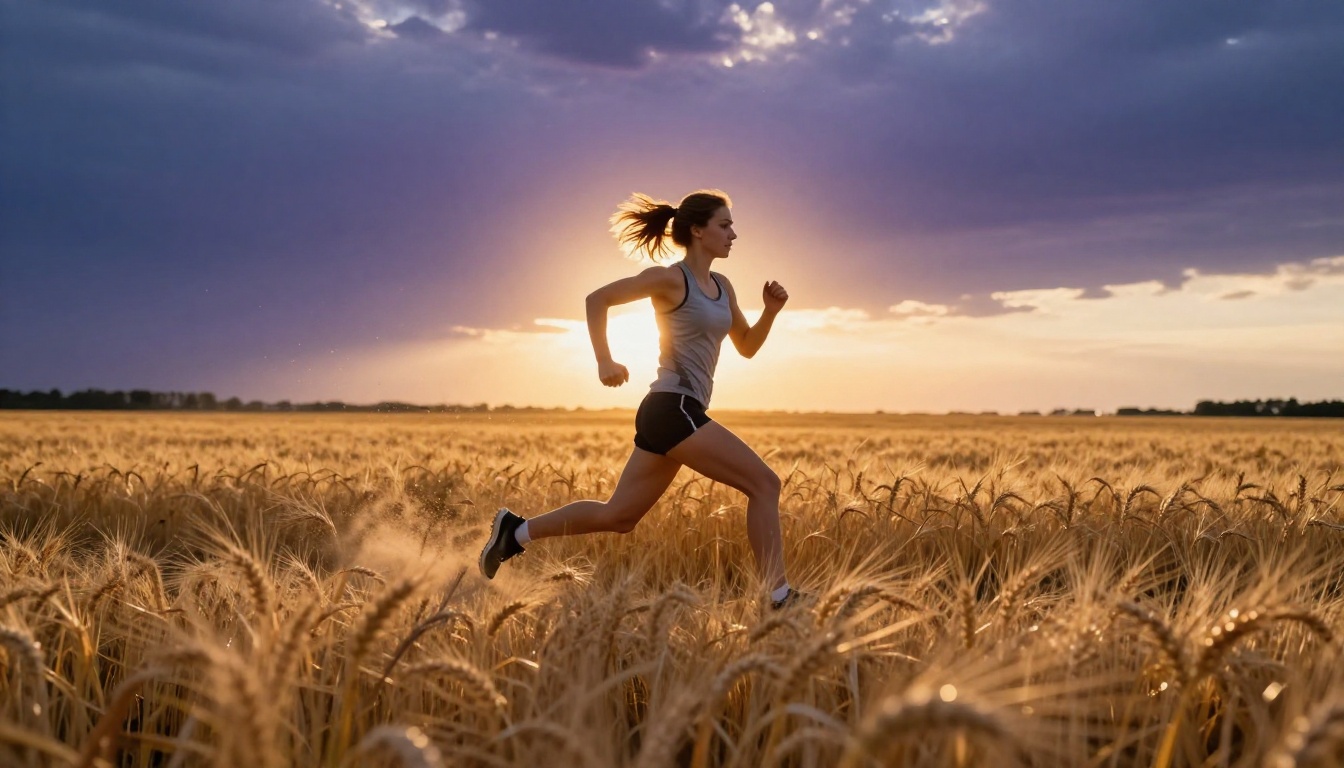
Slow-motion panning shot following a woman sprinting through a golden wheat field at sunset, 135mm telephoto tracking at 120fps, the setting sun behind her creating a warm rim light and individual wheat stalks backlit translucently, motion blur on the wheat in the foreground while her face stays sharp, dramatic purple and gold sky behind, Kodak Portra 800
How to Use Veo 3.1 on PicassoIA
Veo 3.1 is available directly through PicassoIA without needing API access or any technical setup. Here is how to get your first shot running.
Step 1 — Open the Model
Navigate to the Veo 3.1 model page on PicassoIA. You will also find Veo 3.1 Fast in the same section for quicker preview iterations, and the earlier Veo 3 model if you want to compare outputs across generations.
Step 2 — Write Your Prompt
Use the prompt field to enter your shot description. Follow the structure outlined in this article: subject plus motion plus environment plus lighting plus camera. Avoid writing in bullet points inside the prompt itself. Write in full sentences as if describing a scene to a cinematographer.
💡 Tip: Keep your first prompt to a single shot. Multi-shot sequences require separate generations or careful scene transition language.
Step 3 — Set Parameters
Veo 3.1 on PicassoIA gives you control over aspect ratio and duration. For cinematic work:
- Aspect ratio: 16:9 for standard film framing
- Duration: 5-8 seconds per shot for maximum quality
- Resolution: Select the highest available option for final exports
Step 4 — Generate and Refine
Hit generate and allow the model to run. Veo 3.1 typically takes 60-90 seconds per clip. Review the output, note what worked and what missed, then refine the prompt accordingly. The Veo 3.1 Fast variant cuts generation time significantly if you are iterating rapidly through multiple prompt variations.
Camera Movement Prompts That Work
Camera movement language is one of the highest-leverage areas of Veo 3.1 prompt engineering. Most users ignore it entirely, leaving the model to fill in defaults that rarely feel cinematic.
Dolly and Tracking Shots
Dolly shots create a sense of revelation or pursuit. Describe them explicitly:
- "slow dolly forward toward the subject over 6 seconds"
- "camera tracking left to right following the subject at walking pace"
- "reverse dolly pulling back from close-up to wide establishing shot"
Aerial and Crane Moves
For elevated movements, specify altitude and direction:
- "drone pushing forward at 80 meters altitude over the forest canopy"
- "crane shot rising from ground level to 20 meters over 8 seconds revealing the full plaza"
- "aerial banking turn to the right revealing the full coastline, altitude 150 meters"
Handheld and POV Footage
Handheld adds a documentary intimacy that static shots cannot replicate:
- "handheld camera following behind the subject, slight natural sway"
- "POV shot walking through a crowded morning market, jostled perspective"
- "steadicam following close behind, smooth but with subtle breathing movement"
Lighting and Atmosphere Prompts
Golden Hour and Sunset Scenes
Golden hour footage requires specific temporal language. Do not just say "golden hour." Tell the model what phase of the hour and where the sun is positioned:
"the sun is 5 degrees above the horizon directly behind the subject, warm orange backlight creating a hard rim on the hair and shoulders, slight lens flare from camera left, long soft shadows stretching forward toward camera"
Night and Low-Light Footage
Night scenes are where most AI video models struggle. Veo 3.1 handles them better than most if you define the light sources precisely:
"the only light sources are: a red neon sign reflected in the wet pavement below, a single yellow street lamp 20 meters to the right, and the faint glow of interior bar lights through frosted glass windows"
Naming every light source, its color temperature, and its direction gives the model enough to construct a coherent low-light scene instead of a flat dark image.
Interior and Studio Lighting
Controlled interior lighting allows for the most repeatable results across multiple generations:
| Light Setup | Prompt Language |
|---|
| Rembrandt portrait | "single large softbox at 45 degrees camera left, above subject eye level, deep shadow on far cheek" |
| Split lighting | "hard light from 90 degrees left, total shadow on the right half of the face, no fill" |
| Window soft box | "overcast natural light through a north-facing window, even diffuse wrap light, minimal shadows" |
| Practical ambience | "warm tungsten table lamp to the right, fireplace glow from off-left, no overhead lights" |
Comparing Veo 3.1 with Other Video Models
Veo 3.1 vs Veo 3 Fast
Veo 3 and Veo 3 Fast are predecessor models available on PicassoIA. Veo 3.1 outperforms them in several measurable areas:
- Motion coherence: Objects maintain consistent form through motion at higher fidelity
- Lighting physics: Specular highlights and shadow behavior are more physically accurate
- Prompt adherence: Complex multi-element prompts are followed more precisely
- Temporal consistency: Characters and environments stay consistent across the full clip duration
For quick concept tests, Veo 3 Fast remains a useful option. For final-quality work, Veo 3.1 is the clear choice.
Veo 3.1 vs Kling v3 and Gen-4.5
The broader text-to-video landscape on PicassoIA includes Kling v3 and Gen-4.5 by Runway, both of which produce excellent results with different strengths.
| Model | Strength | Best For |
|---|
| Veo 3.1 | Prompt fidelity, realistic motion | Narrative shots, nature, realism |
| Veo 3.1 Fast | Speed, rapid iteration | Prototyping and drafts |
| Kling v3 | Character motion, dynamic action | Action sequences, human movement |
| Gen-4.5 | Stylized outputs, creative control | Artistic and stylized films |
| LTX-2.3-Pro | Speed at high quality | Quick high-resolution generations |
| Hailuo 2.3 | Smooth motion, detail retention | Character closeups, fluid motion |
Common Prompt Mistakes to Avoid
Overloading the Scene
The biggest beginner error is trying to get too much into one prompt. A 10-second clip cannot plausibly contain an establishing shot, a conversation, an action sequence, and a location change. Each shot should have a single primary action and one clear visual goal.
Overloaded: "A woman walks down the street and enters a coffee shop and sits down and orders coffee and looks out the window"
Focused: "A woman in her 30s walks along a rain-wet city sidewalk at dusk, hands in coat pockets, slight upward glance at the buildings, slow tracking shot from the front at medium distance"
Ignoring Temporal Language
AI video prompts need to describe what happens over time, not just what exists in the scene. Include phrases that anchor the model to duration and progression:
- "over the course of 6 seconds"
- "the camera slowly rotates 15 degrees clockwise"
- "she gradually turns to face camera"
- "the light transitions from warm to cool as clouds pass overhead"
Skipping Camera Details
Leaving out camera specifications means the model picks defaults. Those defaults are often mediocre. Every prompt should specify at minimum: camera movement or "locked-off static", approximate lens focal length described as wide, medium, or telephoto, and depth of field as shallow or deep.
Start Creating on PicassoIA
The prompts in this article are ready to use right now. Open Veo 3.1 on PicassoIA, drop one in, and see what the model produces. Then start modifying: change the lighting, adjust the camera movement, swap the environment. The real skill in working with Veo 3.1 comes from iteration, from understanding how each element of a prompt shifts the output.
PicassoIA gives you access to Veo 3.1 alongside Veo 3.1 Fast, Kling v3, Gen-4.5, LTX-2.3-Pro, Hailuo 2.3, and 80+ other text-to-video models in one place. That makes it straightforward to test the same prompt across multiple models and pick the one that produces the output closest to your vision.
Cinematic AI video is not about having a perfect prompt. It is about having a systematic approach to describing what you see in your head with enough specificity that a model built on real filmmaking data can reconstruct it. Use the frameworks here, run the examples, and build your own prompt vocabulary from there.


