If you've been burning through credits on vague prompts and getting blurry, glitchy results, you're not alone. The gap between a mediocre Sora 2 Pro video and a jaw-dropping one comes down almost entirely to how you write the prompt. This article breaks down exactly what works, with ready-to-use prompt formulas, real-world examples, and structural tips that make your outputs look less "AI-generated" and more like something a cinematographer actually shot.
Why Sora 2 Pro Changes the Rules

Sora 2 Pro represents a significant leap from the original Sora release. Where the first version often struggled with consistent physics and human anatomy, Sora 2 Pro delivers noticeably tighter motion coherence, better spatial depth relationships, and significantly more accurate rendering of fabric, skin, water, and environmental textures.
What "Realistic" Actually Means in AI Video
"Realistic" in the context of text-to-video generation is not just about sharpness or resolution. It means four things working together:
- Physics coherence: water behaves like water, hair moves with gravity, cloth folds correctly
- Lighting consistency: shadows match the stated light source across the entire clip duration
- Temporal stability: objects don't morph, flicker, or warp between frames
- Human anatomy: fingers, joints, and body proportions stay accurate through motion
Sora 2 Pro handles all four better than most alternatives in the market right now. But it still responds dramatically to prompt quality, and a weak prompt will produce weak output regardless of model capability.
Sora 2 vs Sora 2 Pro: The Real Difference
Sora 2 is the standard version, faster and cheaper, suitable for quick iteration cycles. Sora 2 Pro runs at higher quality settings, produces longer clips with more stable motion, and responds better to complex multi-element scene descriptions.
For any output you plan to actually publish or use professionally, the Pro version is worth the extra cost. For rapid testing and prompt drafting, the standard Sora 2 is more efficient.
💡 Tip: Use Sora 2 for fast prompt testing, then switch to Sora 2 Pro for final generation once you've refined your prompt structure.
The Anatomy of a Great Sora 2 Pro Prompt
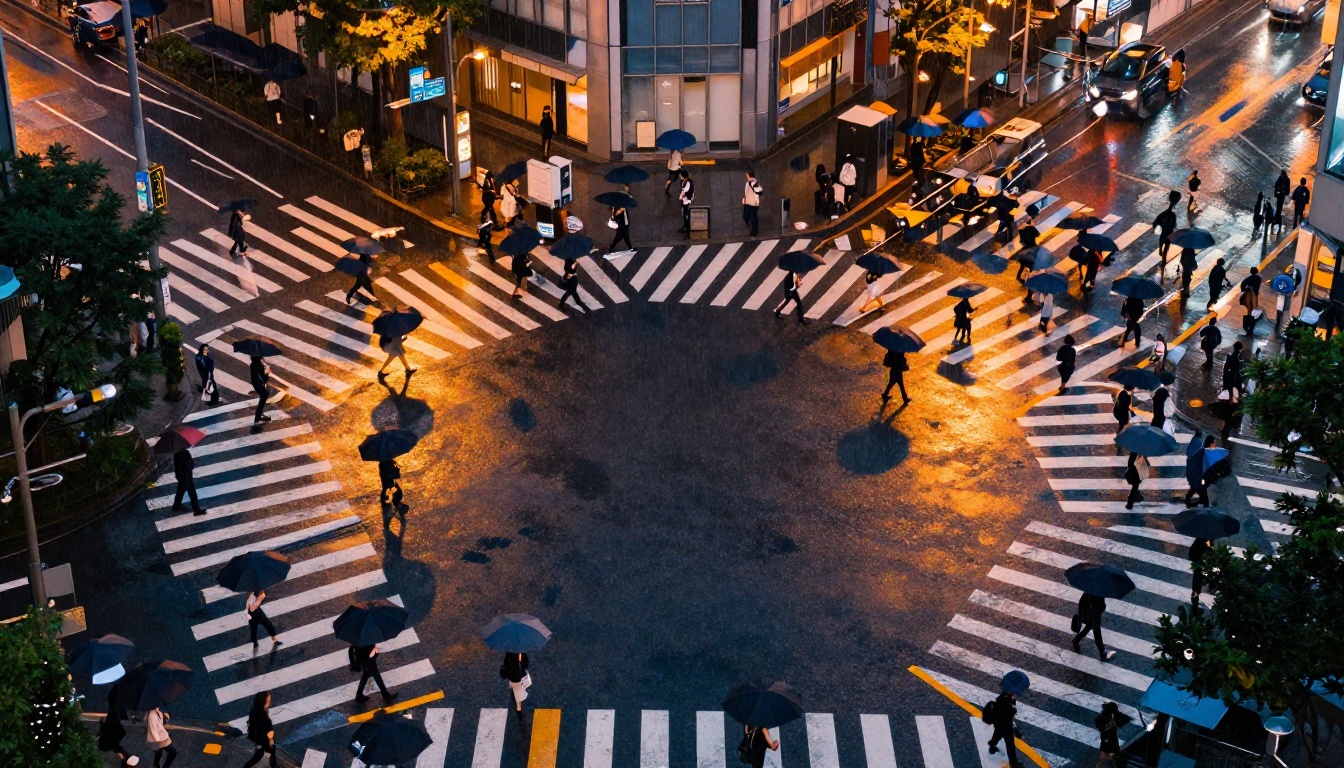
Every effective Sora 2 Pro prompt follows a predictable structure. Once you internalize it, writing prompts becomes fast and consistently reliable.
Subject + Action + Environment
The base formula is simple: who is doing what in where.
| Element | Weak Version | Strong Version |
|---|
| Subject | "a woman" | "a woman in her late 30s with short dark hair, wearing a navy linen blazer" |
| Action | "walking" | "walking briskly, checking her phone, bag swinging at her hip" |
| Environment | "a city" | "a rain-slicked Tokyo side street at dusk, yellow taxi headlights reflecting off the pavement" |
The strong version adds roughly 15 words but produces footage that looks intentional rather than randomly generated. That specificity is the entire difference.
Light Is Everything
Sora 2 Pro is exceptional at rendering complex lighting, but only when you describe it precisely. Vague prompts like "good lighting" or "natural lighting" produce nothing useful. Specific lighting descriptors produce cinematic results.
Lighting language that consistently works:
- Volumetric morning light from the upper left, casting long diagonal shadows
- Overcast diffused light, no harsh shadows, cool desaturated blue tones
- Single practical lamp source from camera right, warm amber cast on subject
- Golden hour backlight creating a rim halo on the subject's hair
- Blue hour street lighting, sodium vapor orange mixing with cool sky blue
Camera Language That Works

Camera instruction is where most people leave quality on the table. Sora 2 Pro responds well to standard cinematographic terminology:
slow dolly push toward subject = camera moves forward slowlylow-angle tracking shot = camera follows subject from belowslight handheld shake = adds naturalistic, documentary camera movementlocked-off static wide = no camera movement, wide establishing framerack focus from foreground to background = focus plane shifts mid-shotorbital movement around subject = camera circles the subject smoothly
Add these to the end of your prompt for immediate improvement in perceived production quality.
Best Prompts for Human Subjects
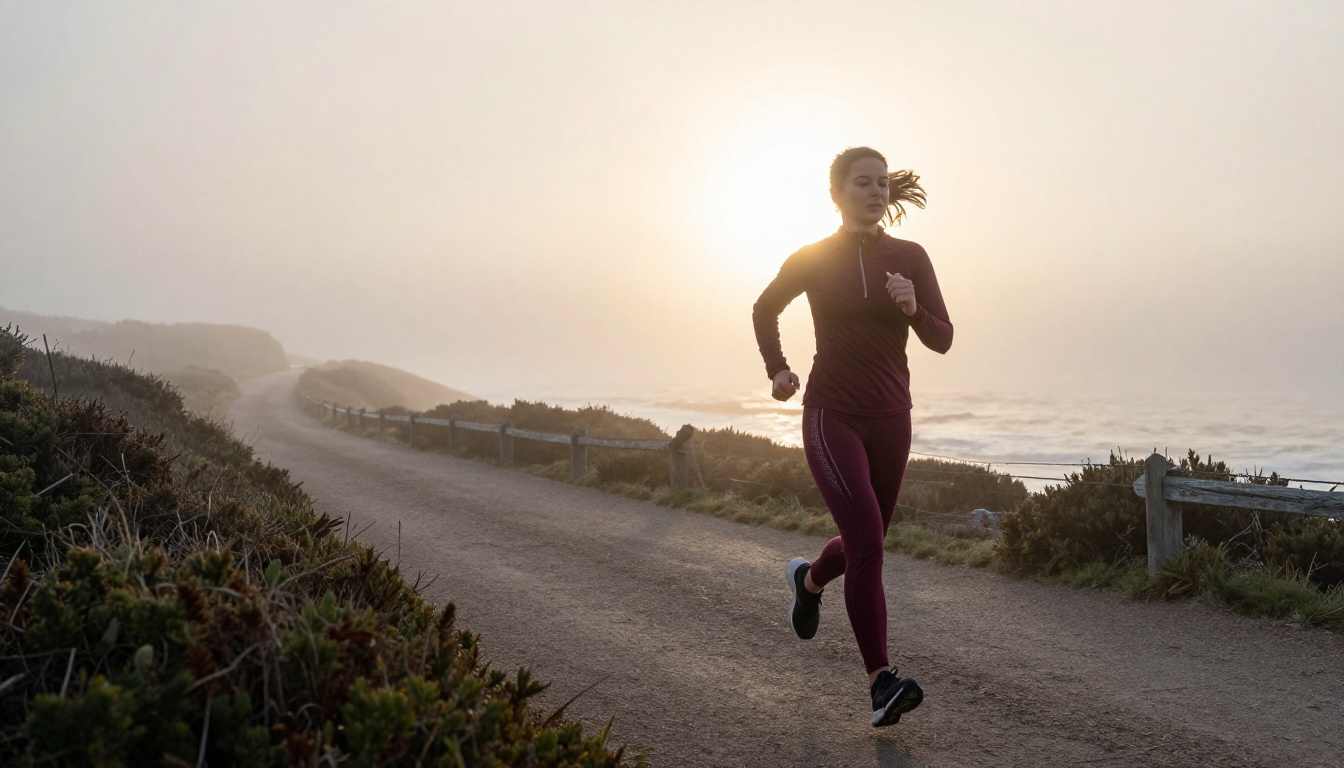
Human subjects are the hardest element to get right in AI video generation. The model needs to maintain anatomy, handle natural motion, and keep faces consistent across the entire clip. These prompt formulas hold up:
Daily Life Scenes
Prompt 1: Coffee Shop Morning
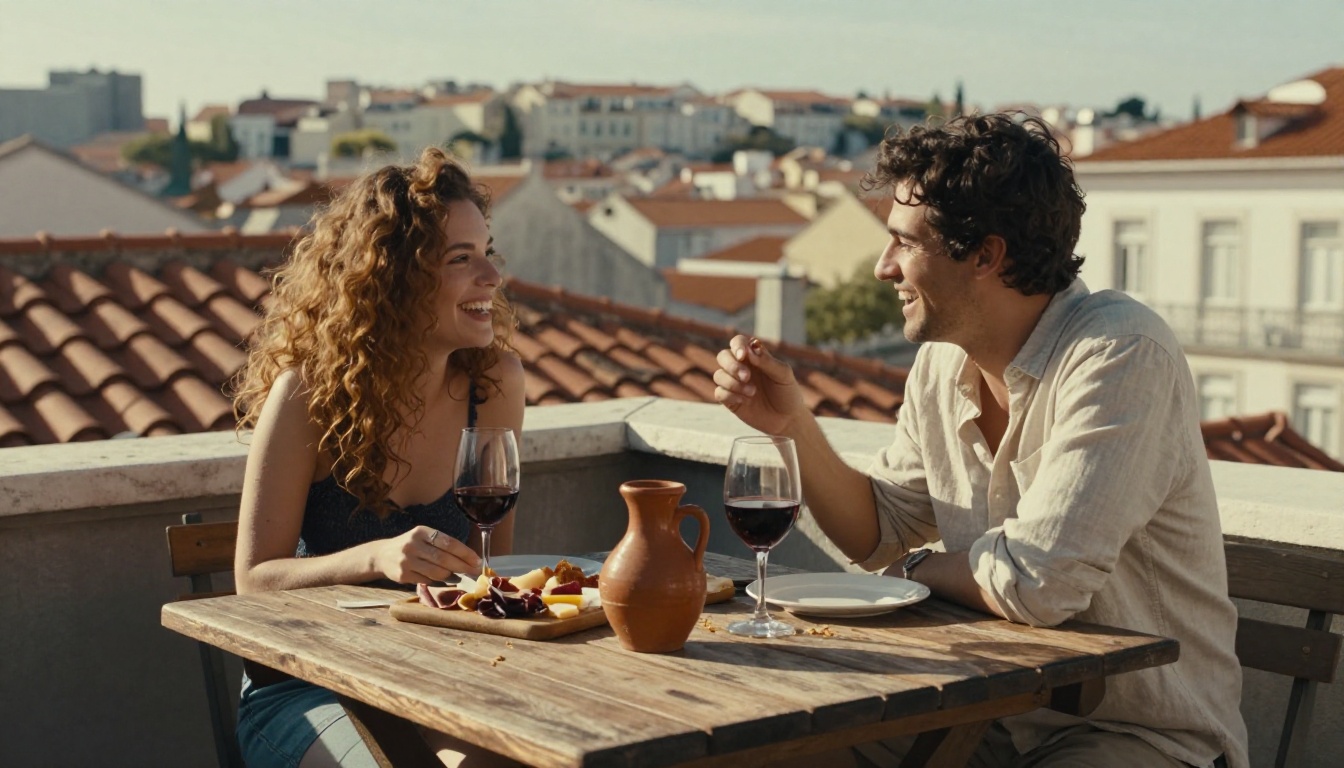
A woman in her early 30s with loose auburn hair sits at a small marble café table, both hands wrapped around a ceramic mug. Steam rises from the coffee in a slow soft curl. Morning light streams through tall windows to her left, casting a warm rectangle of light across her forearms and the wooden table. She stares slightly off-frame, a faint smile crossing her lips. Slow push-in, 50mm equivalent, shallow depth of field. Kodak Portra color palette.
Prompt 2: Commuter in Rain
A man in his 40s in a grey wool overcoat, carrying a worn leather briefcase, walks through a London crosswalk during light rain. His umbrella is half-lowered, water beading and dripping off the canopy edge. Other pedestrians blur past in the background. Overhead streetlights reflect orange on the wet pavement. Low-angle tracking shot, 35mm, slight handheld movement.
Prompt 3: Child at the Beach
A young girl around 8 years old runs barefoot along a wet sand beach at low tide. Her floral dress catches in the wind behind her. She jumps over a shallow tide pool, arms spread wide, laughing. Backlit by late afternoon sun, her silhouette casts a long shadow across the sand. Wide tracking shot, 24mm, slow motion 120fps.
Portrait and Emotion Shots
Prompt 4: Close-Up Emotion
Extreme close-up of a woman's face, mid-40s, weathered skin with visible pores and fine lines around her eyes. She listens intently to someone off-frame. Her eyes shift slightly left, then back. A tear forms in the corner of her right eye without falling. Soft overcast light from above, no fill light. 85mm f/1.4, locked-off static.
Prompt 5: Elderly Man Portrait
An elderly man around 80 sits on a wooden porch in rural Montana. He wears a faded flannel shirt, the fabric showing years of washing and wear. He looks directly into the camera for three full seconds, then looks slowly down at his hands. Evening golden light from his right, long shadows across the porch boards. 85mm, static, rack focus from his eyes to his hands at the end of the clip.
Action and Movement
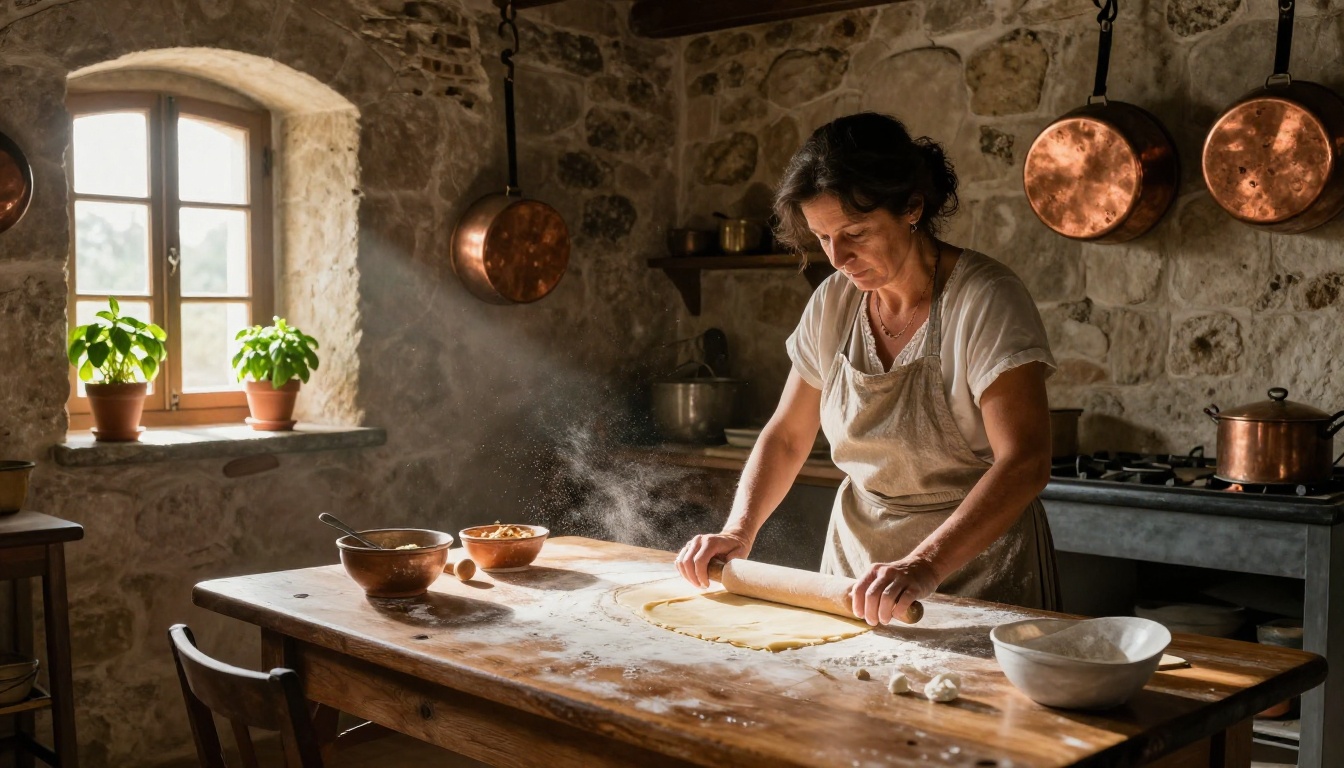
Prompt 6: Running Through a Crowd
A young man in a red jacket sprints through a dense crowd in a busy market street. People part around him. His breath is visible in cold air, condensation puffing with each stride. His sneakers slap on damp cobblestones. Camera follows at chest height from slightly behind, 35mm, natural handheld movement. Overcast grey sky, cool flat light.
Prompt 7: Dancer in Studio
A female dancer in her late 20s performs a slow contemporary piece alone in a large empty dance studio. Hardwood floor reflects her form. Sunlight from high clerestory windows creates dramatic bars of light across the floor that she moves through. Camera circles her slowly at medium distance, 50mm, slight motion blur on fast arm movements.
Best Prompts for Cinematic Landscapes
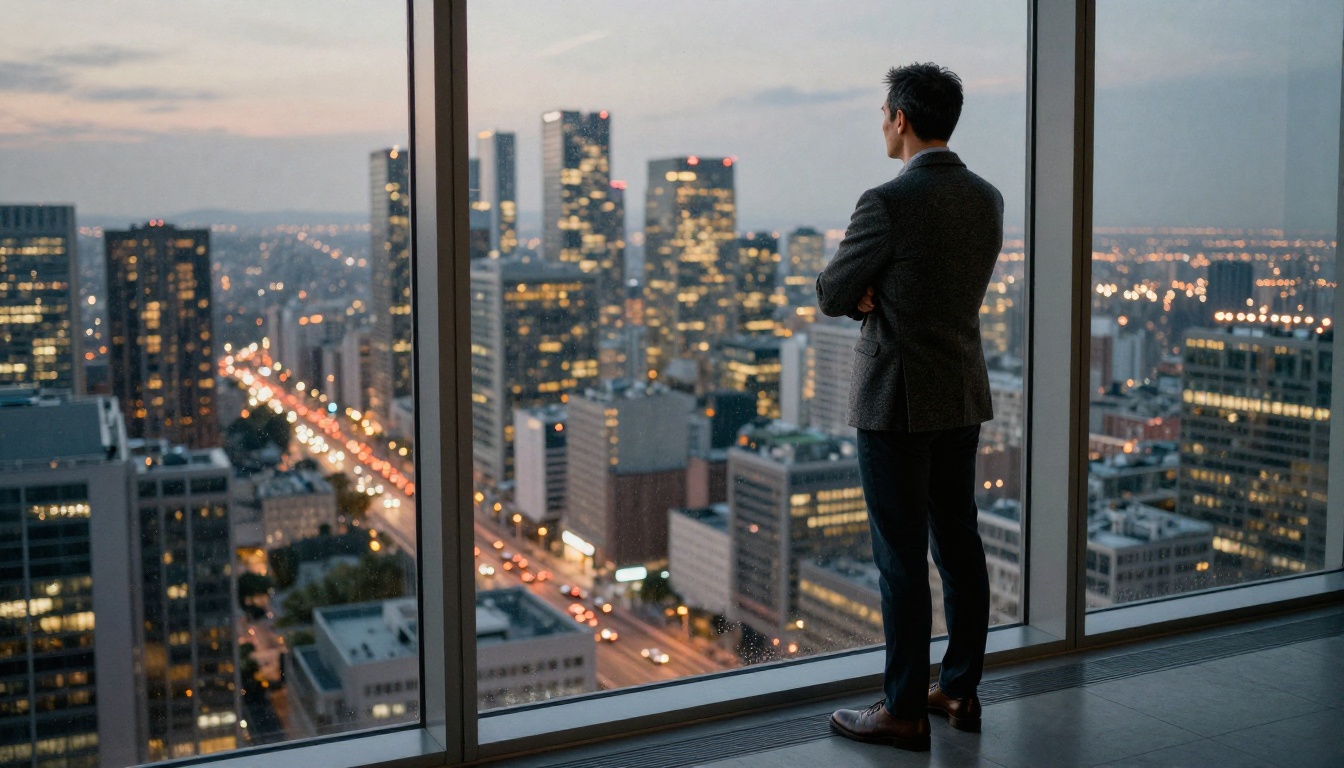
Landscape scenes without human subjects let Sora 2 Pro focus purely on environmental physics, which is one of its strongest areas. These prompts consistently produce high-quality results:
Natural Environments
Prompt 8: Foggy Mountain Valley
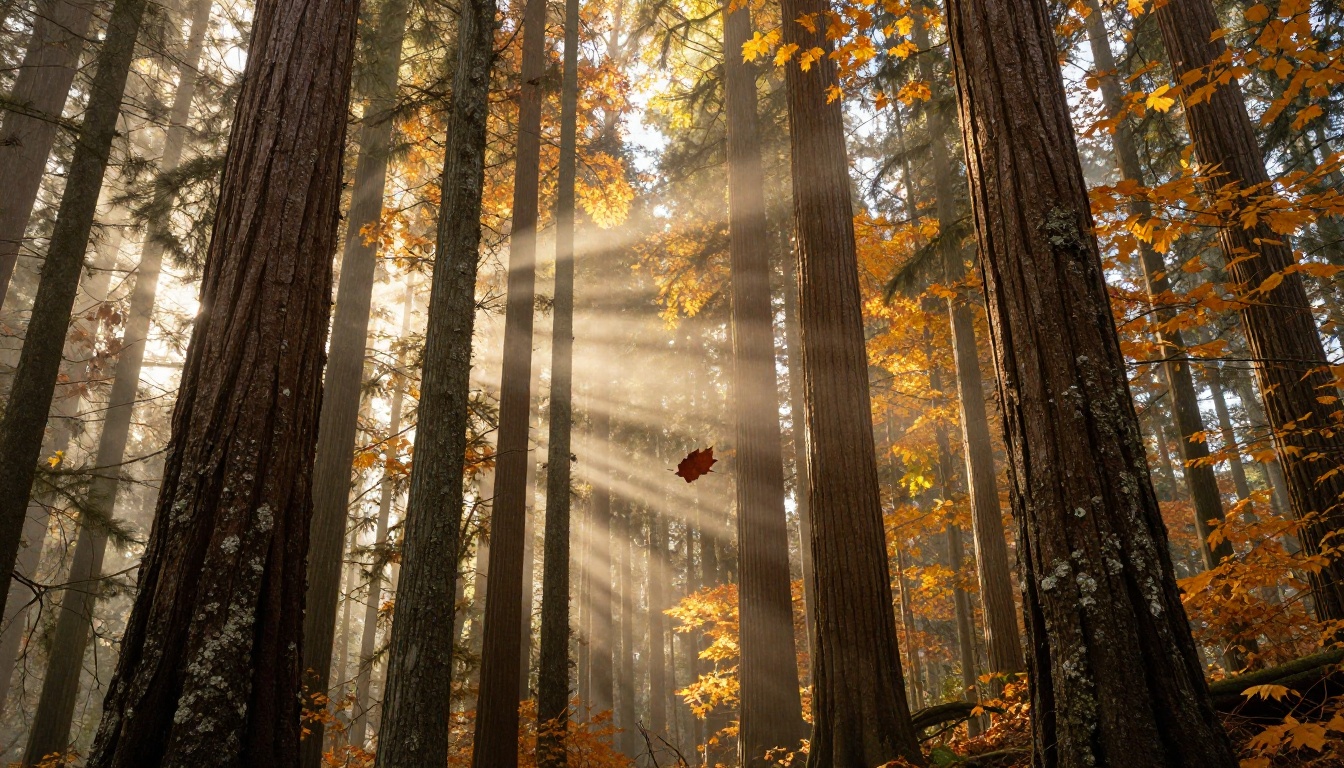
Dawn in a Norwegian fjord valley. Low-lying fog fills the valley floor between dark forested ridges. A narrow river catches the first grey light of morning. No wind. Absolute stillness, the fog completely motionless. Slow aerial push from left to right at 200 meters elevation. 50mm equivalent, golden hour light just cresting the ridgeline to the right.
Prompt 9: Desert Thunderstorm
Wide shot of the Arizona Sonoran Desert at dusk. Towering cumulonimbus clouds build in the distance, orange and purple at their tops, dark grey at the base where rain falls in curtains onto the desert floor. Saguaro cacti silhouetted in the foreground. A single bolt of lightning strikes in the mid-ground. Static wide shot, 24mm, no camera movement.
Prompt 10: Ocean at Sunrise
A Pacific Ocean horizon at sunrise, 100 meters above sea level. Large rolling swells move from left to right in slow rhythm. The sun breaks the horizon line, casting a blinding gold path across the water's surface toward the camera. Three seabirds glide through frame without wingbeats. Locked-off static, 85mm, slight telephoto compression.
Urban Scenes at Night
Prompt 11: Rainy Tokyo Alley
A narrow alley in Shinjuku, Tokyo, at 2am. Neon signs in Japanese characters reflect in long ribbons on the wet stone street. A single figure in a yellow rain jacket walks away from camera toward a lit doorway. Steam rises from a grate in the pavement. Slow push forward, 35mm, slight handheld. Rain sounds, distant traffic, footsteps.
Prompt 12: New York Subway Platform
A crowded New York City subway platform at rush hour, underground, fluorescent and warm incandescent lights mixing. People stand tightly packed, faces uniformly forward. A train arrives from the right in a rush of warm air that ripples clothing and hair. Handheld at shoulder height, tracking left to right. 35mm, natural movement.
How to Use Sora 2 Pro on PicassoIA
Sora 2 Pro is available directly on PicassoIA without any API setup or technical configuration. Here's exactly how to use it:
Step 1: Open the model page
Go to the Sora 2 Pro page on PicassoIA. You'll see the prompt input field and parameter controls immediately.
Step 2: Write your prompt
Use the structure from this article: Subject + Action + Environment + Lighting + Camera. Aim for 60 to 120 words in your prompt. More detail generally produces better results, but there's a point of diminishing returns past 150 words.
Step 3: Set your parameters
Parameters to focus on:
- Duration: 5 to 20 seconds. Shorter clips maintain better temporal stability.
- Resolution: 1080p for publishable output.
- Style: Leave on "default" for realistic results. "Cinematic" can sometimes add unwanted stylization artifacts.
Step 4: Generate and review
First generation is rarely the final one. Look for: physics issues (hair moving against gravity, water behaving oddly), anatomy problems (incorrect finger count, unusual joint angles), and lighting inconsistencies across the clip duration.
Step 5: Iterate on the prompt
When something looks wrong, add specificity to fix it. If lighting is inconsistent, add: "consistent directional light from camera left throughout". If motion looks unnatural, add: "natural realistic motion, no speed ramping, no slow-motion artifacts".
💡 Pro Tip: Add static locked-off camera to your prompt when you want maximum stability. Add slight handheld movement when you want the clip to feel more naturalistic and documentary in tone.
Other Models Worth Trying
Not every video concept needs Sora 2 Pro. PicassoIA gives you access to 87 text-to-video models, and several are worth having in your workflow:
For most realistic video use cases, Sora 2 Pro and Kling v3 are the two strongest options right now. Veo 3 leads specifically on natural environment physics and outdoor scenes. Gen-4.5 is the pick when you want a more stylized film-look aesthetic rather than pure documentary realism.
5 Mistakes That Kill Realism
Being Too Vague
"A beautiful landscape with nice lighting" tells the model almost nothing. You'll get something generic, low-detail, and forgettable. Every element of your scene needs specificity: what kind of landscape, what time of day, what weather conditions, what camera distance, what camera position.
Fighting the Physics
If your prompt describes something physically impossible or internally contradictory, the model will glitch trying to reconcile it. Common offenders:
- "soft gentle light from all directions" — light always has a direction
- "a calm still ocean with large crashing waves" — contradictory states
- "slow motion but very fast movement" — contradictory instructions
Keep your scene internally consistent. If something looks wrong in the output, check whether your prompt described a physically real scenario.
Ignoring Camera Movement
The default camera behavior in Sora 2 Pro is static. If you don't specify movement, you get a locked shot. That's sometimes the right choice, but for scenes that need energy or a sense of space, add explicit camera direction: slow dolly push, tracking left, orbital movement around subject, crane shot rising slowly.
Skipping Time of Day
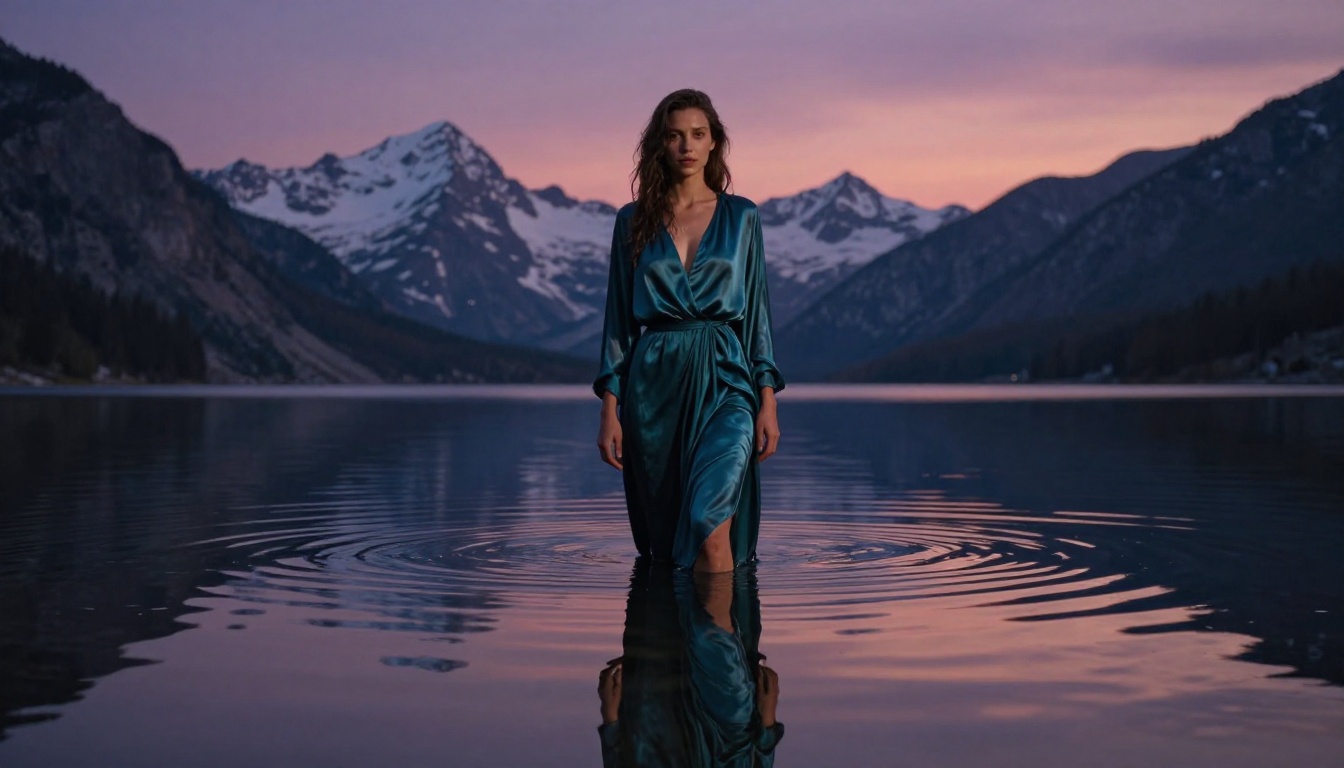
Time of day dictates everything: light quality, shadow direction, atmosphere, color temperature, and even what kinds of activity are plausible in the scene. "A street scene" gives the model nothing. "A street scene at 6pm on a cloudy October afternoon" gives it the full picture.
Over-Specifying Style Tags
Appending generic tags like "8K", "cinematic", "photorealistic", or "award-winning photography" at the end of prompts adds noise without adding precision. These words mean different things in different contexts. Instead, describe the specific visual qualities you actually want: "visible film grain at ISO 800", "shallow depth of field with bokeh at f/1.8", "natural color grading with desaturated shadows and warm highlights".
Create Your Own Realistic Videos
Every prompt in this article is ready to copy, paste, and run directly in Sora 2 Pro on PicassoIA. But the real value comes from adapting them to your own subjects and scenes.
Take any prompt here, swap the subject, change the location, adjust the lighting condition, and you have something entirely original. The structure holds regardless: Subject + Action + Environment + Light + Camera. That formula is the backbone of every high-quality AI video being produced right now.
PicassoIA gives you direct access to Sora 2 Pro, Kling v3, Veo 3, Gen-4.5, and 83 more text-to-video models from a single platform with no API setup required. Start with Sora 2 for fast prompt iteration, then move to Sora 2 Pro when you're ready to generate your final output at full quality.
The prompts are here. The model is live. The only thing left is to run it.


