Not every Stable Diffusion model handles NSFW prompts well. Some produce muddy skin tones, distorted anatomy, or flat lighting that kills the realism you're after. In 2027, the gap between the top performers and the average ones has widened significantly. This breakdown cuts through the noise and ranks the models that actually deliver, with clear notes on when to use each one.
What Makes a Model Good at NSFW
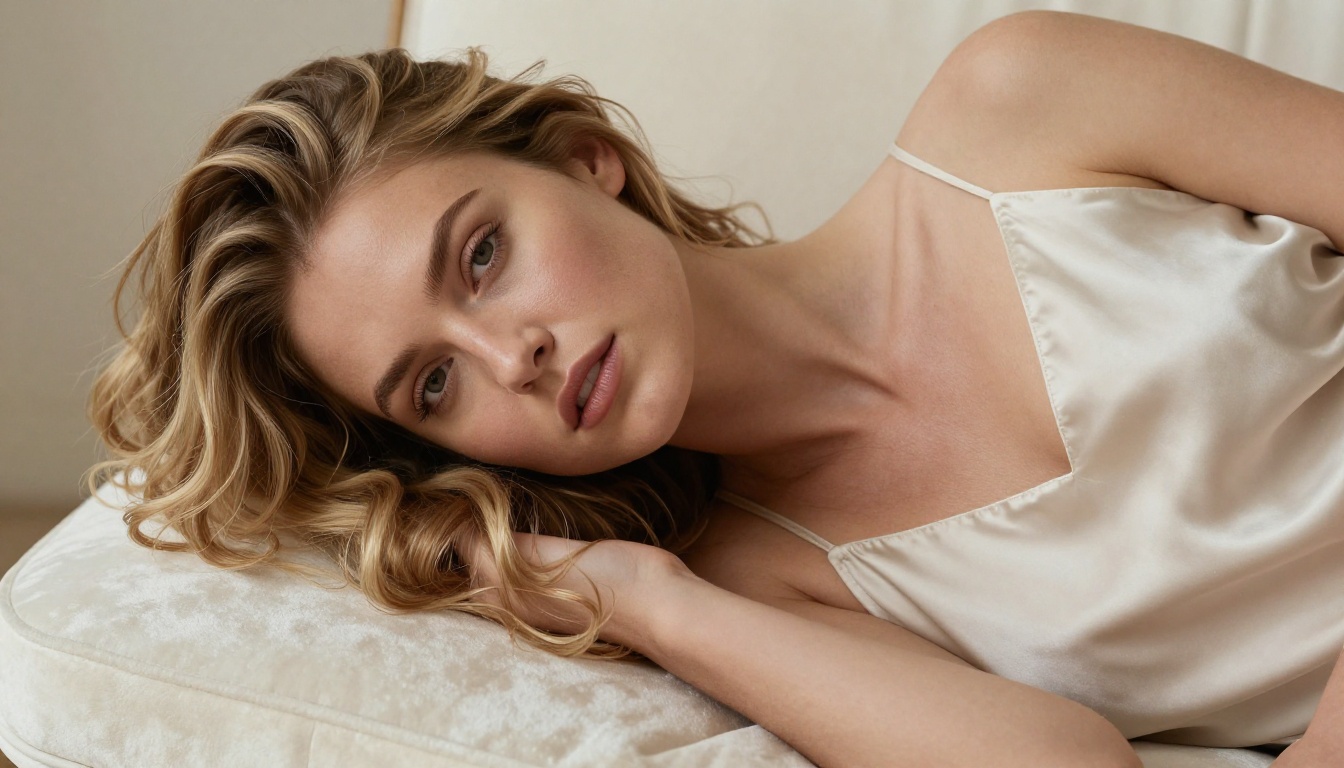
Not all Stable Diffusion checkpoints are trained equally. A model that excels at landscapes can completely fall apart when generating human figures. For NSFW content specifically, you need a few things working together:
- Skin rendering accuracy: Realistic pore texture, natural undertones, believable subsurface scattering
- Anatomical consistency: Proper proportions, coherent limb placement, no finger mutations
- Lighting response: How fabric, skin, and hair interact with directional light sources
- Prompt adherence: Does it do what you ask without hallucinating random elements?
💡 The model is only half the equation. CFG scale, sampling steps, and negative prompts matter just as much. A mediocre model with great settings often beats a great model with lazy prompting.
The models below are ranked based on real outputs, not marketing claims.
SD 3.5 Large: The Realism Benchmark
Stable Diffusion 3.5 Large sits at the top of the 2027 ranking for one reason: it handles complex scenes with multiple subjects without falling apart. The third-generation architecture brought a fundamentally different approach to latent space compression, which translates directly into better skin texture and more natural body proportions.
Why it leads in 2027
The model responds exceptionally well to lighting descriptors in prompts. Tell it "golden hour side light" and it actually produces it, not a vague approximation. For NSFW content, Stable Diffusion 3.5 Large handles sheer fabrics, water on skin, and complex fabric interactions better than any previous Stability AI release.
| Feature | SD 3.5 Large | SD 3.5 Medium | SD 3.5 Large Turbo |
|---|
| Realism | ★★★★★ | ★★★★☆ | ★★★★☆ |
| Speed | Slow | Medium | Fast |
| VRAM need | High | Medium | High |
| Best for | Final renders | Drafts | Quick iterations |
Stable Diffusion 3.5 Large Turbo is the distilled speed variant that trades some detail fidelity for generation time. Still excellent, but the full Stable Diffusion 3.5 Large wins when quality is the priority. Stable Diffusion 3.5 Medium is the sweet spot for users with mid-range hardware.
Best settings for this model
- CFG Scale: 6-7 for natural output, 4-5 for more creative interpretation
- Steps: 30-40 for full quality
- Sampler: DPM++ 2M Karras or Euler a
- Negative prompt: Always include
deformed, blurry, bad anatomy, poorly drawn face, mutation, extra limbs
RealVisXL v3.0 Turbo: Speed That Holds Up
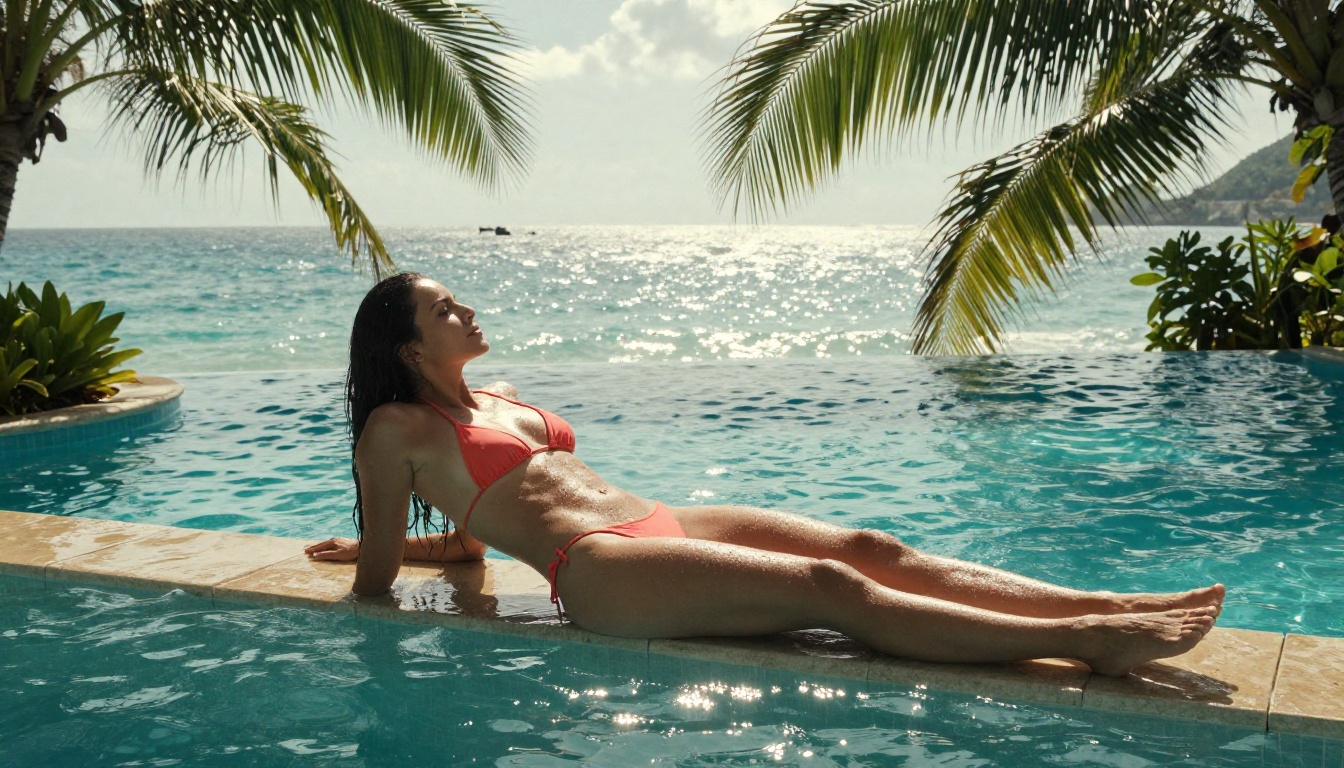
RealVisXL v3.0 Turbo was built specifically for photorealistic human generation. The "XL" base gives it resolution headroom, and the Turbo distillation keeps generation times reasonable.
Where it shines
This model has a particular strength in rendering faces. Where many SDXL fine-tunes produce an uncanny valley effect, RealVisXL v3.0 Turbo consistently generates faces that read as genuinely photographic. The eye detail alone is impressive: catchlights, natural iris variation, and realistic eyelid structure. For NSFW portrait work, this is arguably the best face generator in the SD ecosystem right now.
What it handles well:
- Close-up portraits with visible skin texture
- Multiple subjects in a single frame
- Indoor scenes with artificial lighting
- Swimwear and lingerie against neutral backgrounds
Where it struggles:
- Very complex outdoor backgrounds
- Non-European facial features (slight training bias)
- Extreme wide shots
💡 For best results, keep resolution at 1024x576 or 1216x832 for 16:9 outputs. Upscale afterward with a super-resolution model if needed.
Realistic Vision v5.1: The Veteran Still Delivers
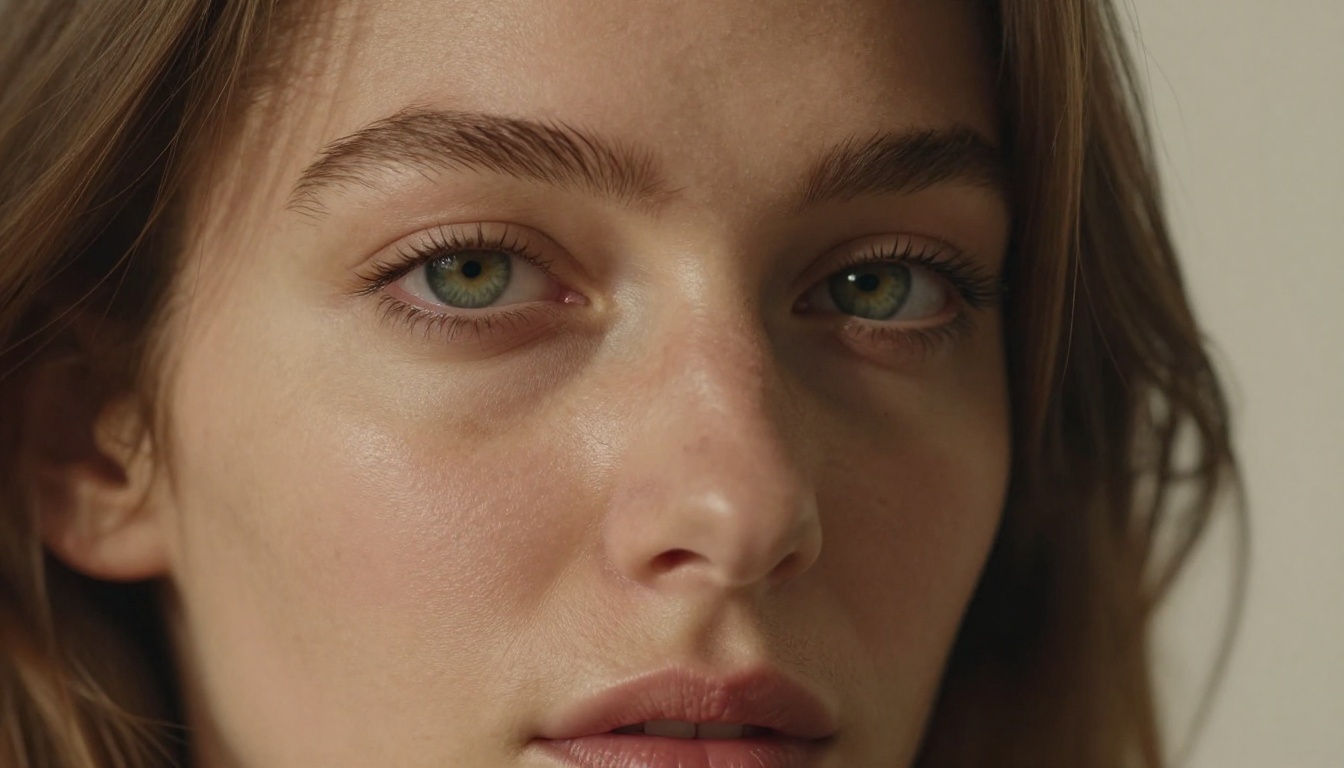
Realistic Vision v5.1 is one of those models that refuses to be retired. It launched several years ago and has been maintained consistently, with each version fixing the issues of the last.
What it gets right
The training dataset for Realistic Vision v5.1 is heavily weighted toward real photography rather than artistic renders. This creates a model that defaults to photographic output without you having to fight it. Compared to newer models, it produces slightly softer skin that some users prefer for glamour-style outputs. It reads less clinical than SD 3.5 Large's hyper-detailed renders and more like a professional photographer's edited output.
Specific strengths:
- Bedroom and indoor scenes
- Lingerie and swimwear on realistic body types
- Consistent hand anatomy (a rarity in SD models)
- Fast generation even on SD 1.5 base hardware
The trade-off is resolution ceiling. v5.1 runs on the SD 1.5 architecture, which caps native output at 512x512 before upscaling. For final renders, run outputs through a super-resolution pass.
SDXL and Its Best Variants
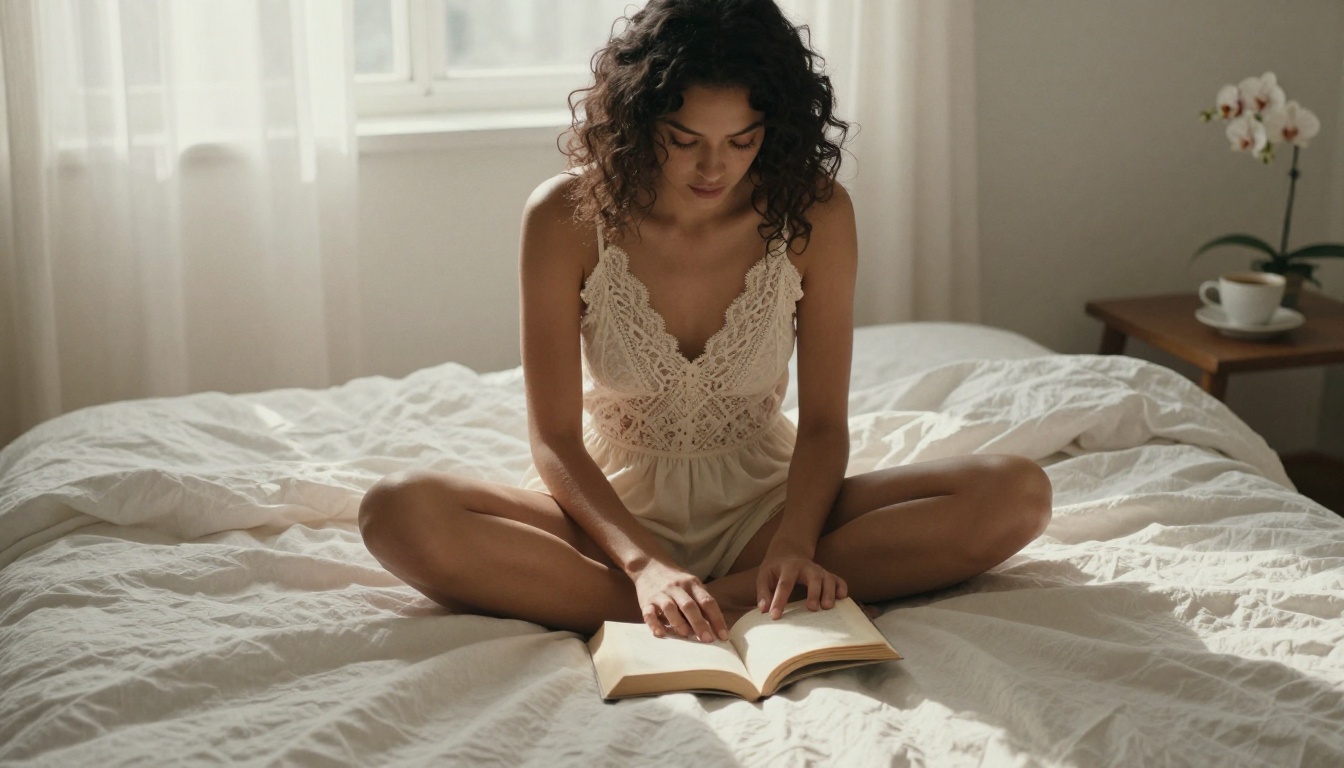
SDXL was the architecture shift that changed everything. The move from 512px to 1024px native resolution gave fine-tuners a dramatically better canvas to work with, and the results are obvious.
SDXL Lightning 4Step
SDXL Lightning 4Step is a ByteDance distillation of SDXL that generates full-quality images in just 4 sampling steps. This sounds too good to be true, but the outputs are genuinely competitive with 30-step standard SDXL. For NSFW generation workflows where you're doing heavy iteration, this speed advantage is significant. You can test 20 prompts in the time it takes to do 5 with a standard checkpoint.
💡 With 4-step models, keep CFG scale between 1.5 and 2.5. Higher values create artifacts and color blowout at this step count.
SDXL Multi ControlNet LoRA
SDXL Multi ControlNet LoRA gives you structural control over your generations. For NSFW work, this matters more than most people realize. ControlNet lets you dictate pose, body position, and composition before the model fills in the details. The combination of ControlNet for pose control and a fine-tuned SDXL checkpoint for realism is one of the most powerful setups in the entire SD ecosystem.
DreamShaper XL Turbo: Versatility King
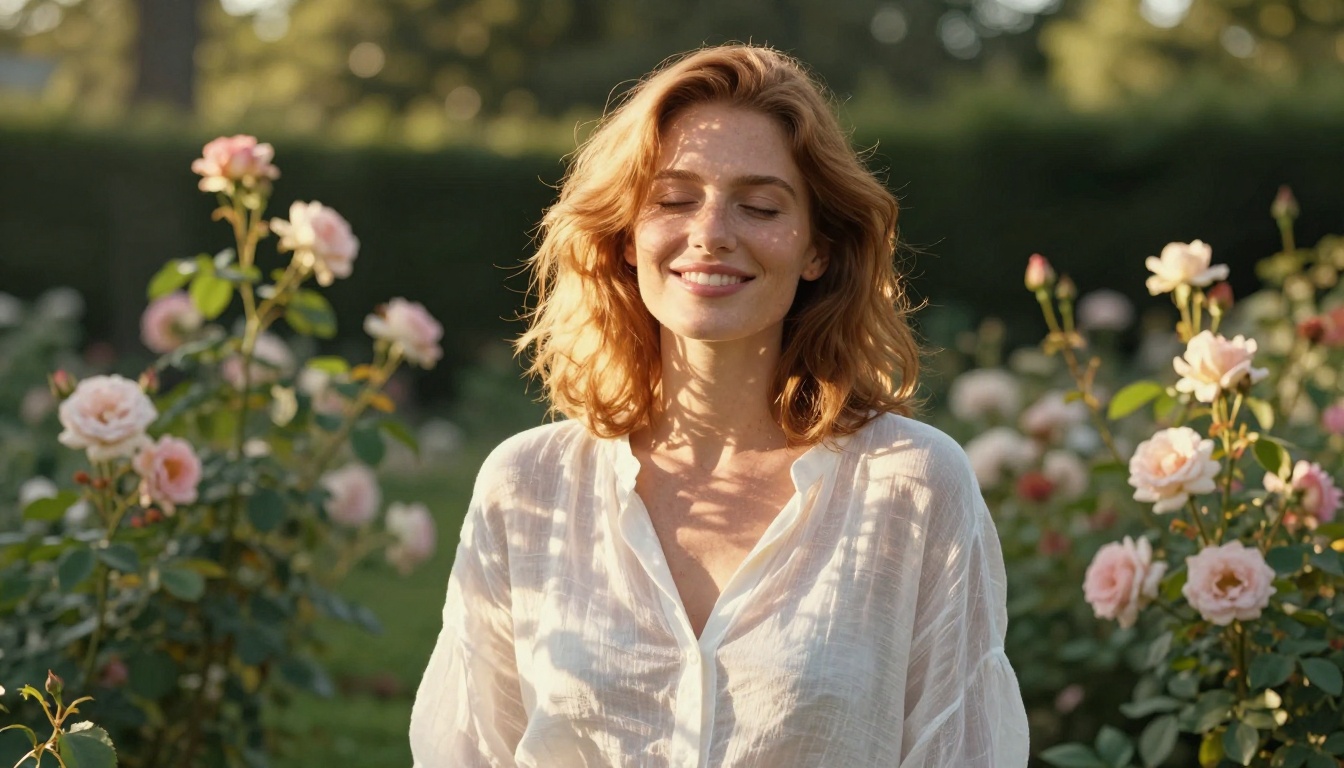
DreamShaper XL Turbo sits at the intersection of photorealism and artistic quality, producing images that feel like they came from a high-end fashion shoot rather than a documentary photographer.
The DreamShaper difference
Where models like Realistic Vision lean cold and clinical, DreamShaper XL Turbo applies a warmth and saturation curve that flatters skin tones. This is not a filter trick. The training data was curated to capture this aesthetic, which means the model produces it consistently across varied prompts. For glamour-style NSFW work, outdoor portraits, and swimwear content, DreamShaper frequently beats more technically "accurate" models simply because the output is more visually appealing.
Best use cases:
- Golden hour portrait work
- Fashion-adjacent NSFW imagery
- Artistic glamour rather than clinical realism
- Any scenario where warmth and aesthetics matter more than technical accuracy
| Model | Realism | Aesthetics | Speed | NSFW Output |
|---|
| SD 3.5 Large | 5/5 | 4/5 | 2/5 | Excellent |
| RealVisXL v3.0 Turbo | 5/5 | 4/5 | 4/5 | Excellent |
| Realistic Vision v5.1 | 4/5 | 4/5 | 5/5 | Very Good |
| SDXL Lightning 4Step | 4/5 | 3/5 | 5/5 | Good |
| DreamShaper XL Turbo | 4/5 | 5/5 | 4/5 | Very Good |
| Flux 1.1 Pro | 5/5 | 5/5 | 3/5 | Excellent |
Flux Dev and Flux 1.1 Pro: The New Standard
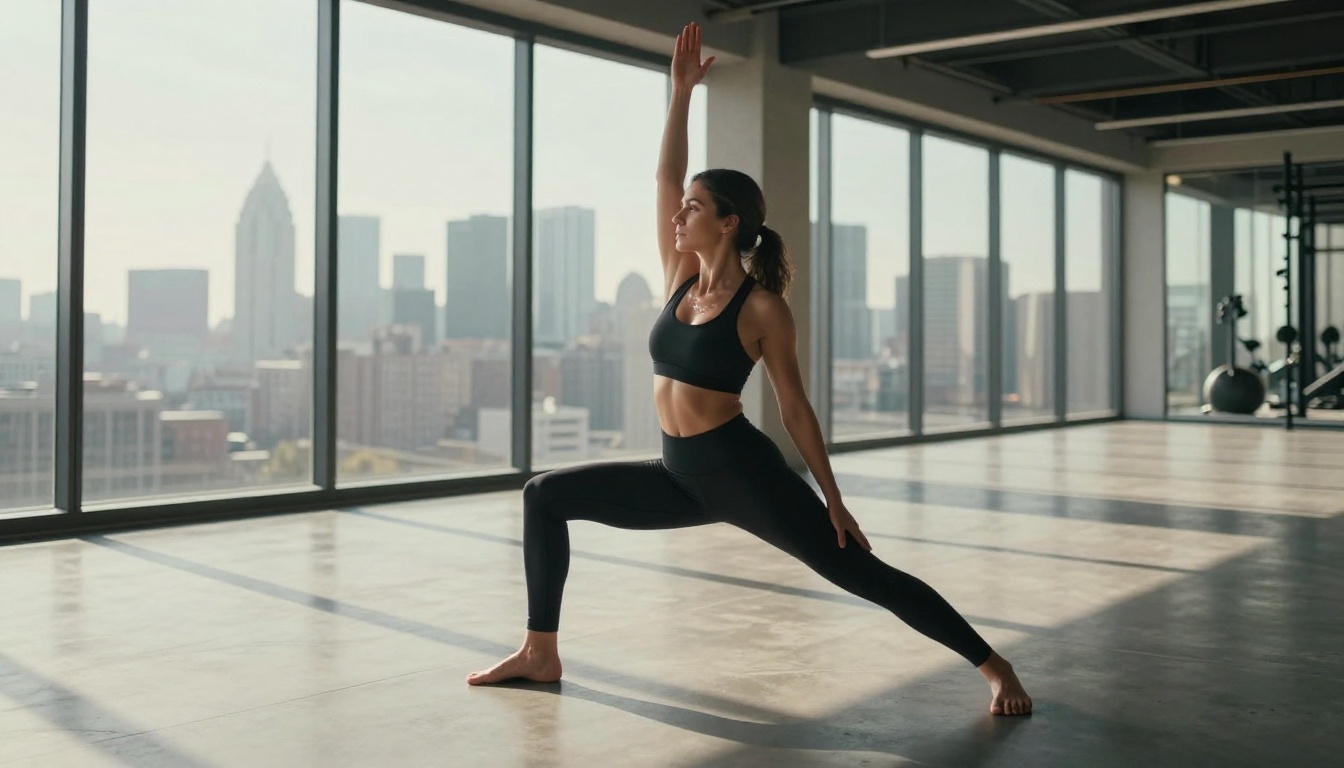
Flux Dev from Black Forest Labs represents a different approach. Rather than fine-tuning the Stability AI ecosystem, the Flux architecture was built from scratch with different training priorities. The result is a model that handles prompt adherence unlike anything else. You ask for specific clothing, a specific pose, a specific lighting setup, and Flux actually delivers it.
Flux 1.1 Pro
Flux 1.1 Pro is the commercial-grade version with higher fidelity and better fine detail rendering. For NSFW work specifically, the improvement in fabric rendering is notable. Lace, silk, wet fabric, and sheer material all render more convincingly in Flux 1.1 Pro than in most SD alternatives.
The architecture also handles mixed lighting scenarios better. When you have warm indoor light competing with cool window light in a single scene, Flux maintains realistic color temperature interaction rather than blending them into a flat average.
💡 Flux models respond better to natural language descriptions than keyword-heavy SD prompts. Instead of beautiful woman, 8k, photorealistic, bokeh, try a woman sitting by a window in the early morning, soft light on her face, quiet mood. The output quality difference is noticeable.
Flux 2 Pro is the latest iteration with even better instruction following, worth trying for your most demanding prompts.
Proteus v0.3: When Anime is the Point
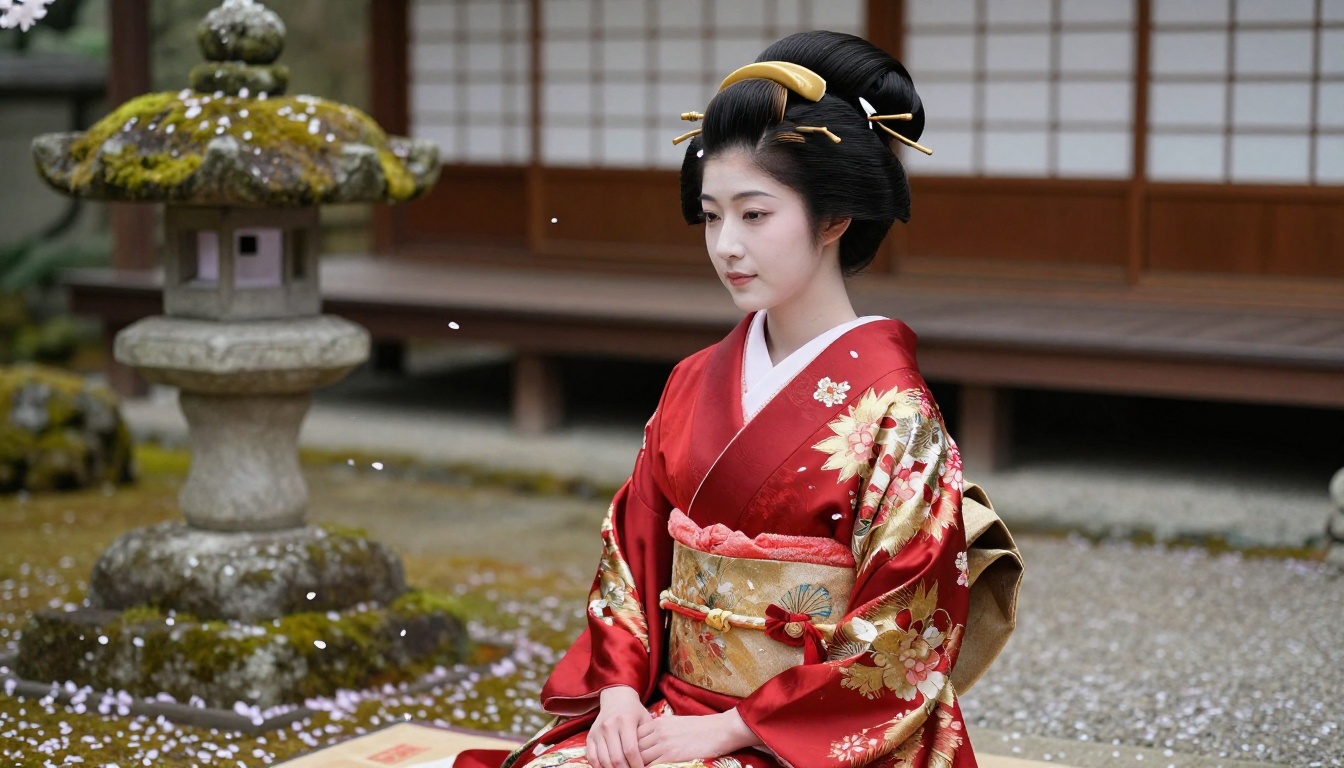
Not all NSFW content aims for photorealism. Proteus v0.3 occupies the anime and semi-realistic space, producing character-style outputs with clean linework and stylized proportions.
If your target aesthetic is Japanese animation style, game character art, or illustrated glamour, Proteus v0.3 outperforms every photorealistic model in this list for that output type. The characters look intentionally stylized, which sidesteps the "almost human but wrong" problem that photorealistic models create when pushed slightly off-distribution. Proteus v0.2 is the previous version with a slightly different color palette that some users prefer.
How to Pick the Right Model
The decision comes down to three questions:
1. What output style do you want?
2. How much hardware do you have?
3. Speed vs. quality trade-off?
💡 Running ControlNet alongside your main checkpoint adds significant VRAM overhead. If you're near your VRAM limit, SDXL Multi ControlNet LoRA is optimized for this multi-model setup.
Getting Better Results With Any Model
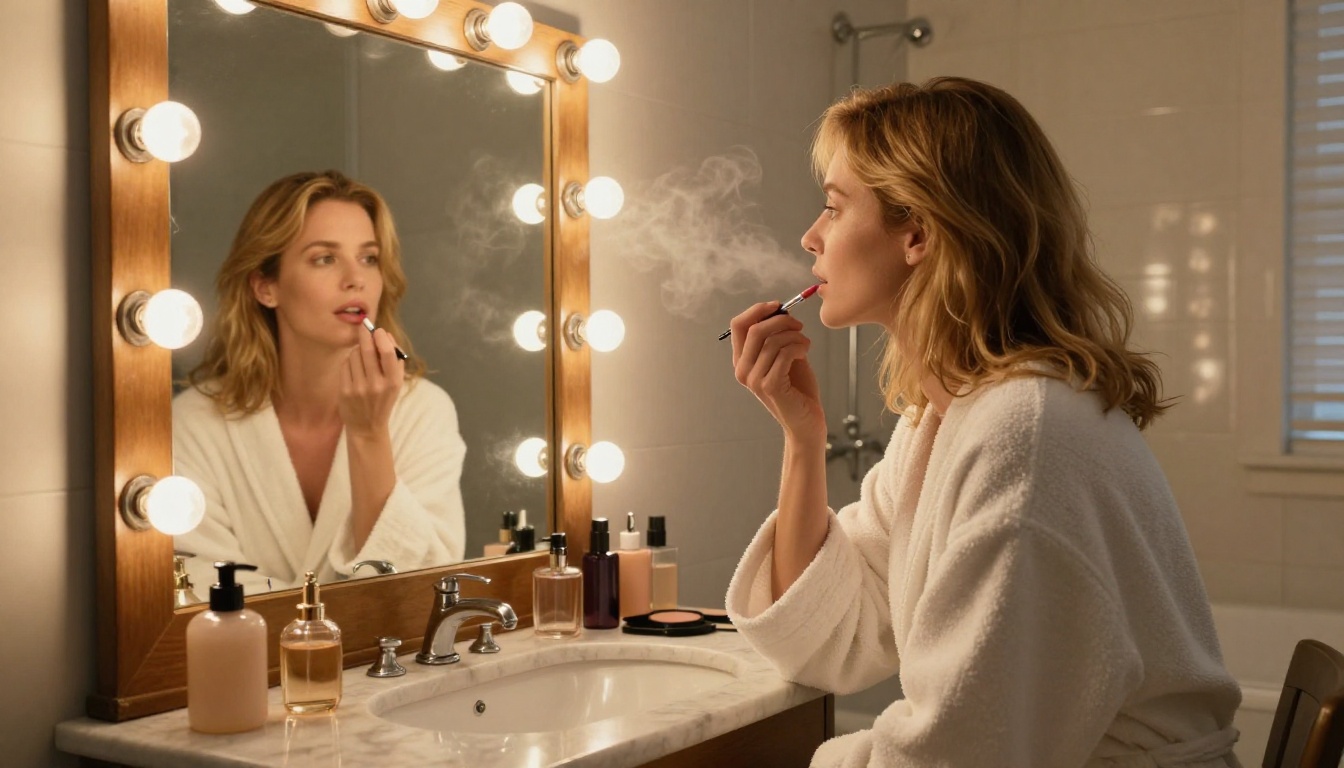
The model matters, but the prompting strategy matters just as much. A few things that consistently improve output quality across all the models in this list:
Lighting first: Lead with your lighting setup in the prompt. Models respond to lighting descriptors with dramatic quality improvements. "soft morning light from the left window" produces better results than no lighting mention at all.
Be specific about materials: Instead of wearing a dress, write wearing a silk slip dress with thin straps. Material specificity helps every model produce better fabric rendering.
Use photographic modifiers strategically: Terms like Kodak Portra 400, 85mm f/1.4, film grain activate photographic training data in these models. They work because the training sets included photography metadata.
Negative prompts are not optional: Every NSFW generation workflow needs a solid negative prompt list. At minimum include: deformed anatomy, extra fingers, blurry, watermark, text, bad proportions, distorted face, mutation.
Seed pinning: When you get a composition you like but want to vary the lighting or outfit, pin the seed and change only one prompt element at a time. This prevents unwanted changes to the parts that were working.
The Playground v2.5 model is also worth a try if you want an aesthetics-first model that prioritizes beautiful output over clinical realism.
Start Creating on PicassoIA
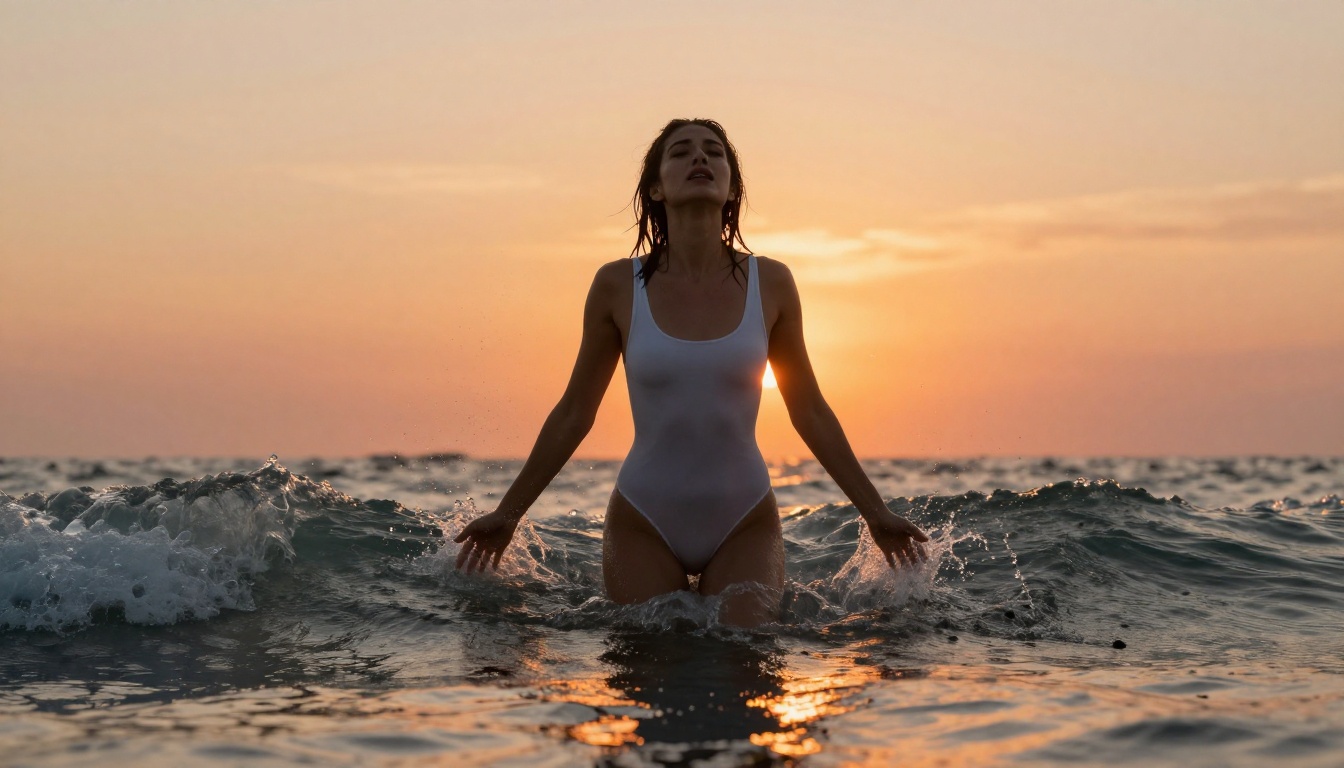
You do not need a local ComfyUI installation or model downloads to use any of the models in this list. PicassoIA runs them all in the cloud, with no hardware requirements on your end. The platform lets you switch between checkpoints instantly, which makes model comparison genuinely practical. You can run the same prompt through SD 3.5 Large, Flux 1.1 Pro, and RealVisXL v3.0 Turbo in minutes and see the differences side by side.
If you want pose control, SDXL Multi ControlNet LoRA is available directly. For output upscaling once you have an image you like, the super-resolution models on the platform handle 2x-4x upscaling without the detail smearing that cheaper tools produce.
Start with Stable Diffusion 3.5 Large if you are not sure where to begin. It is the most forgiving model on this list for imperfect prompts while still producing outputs that are genuinely impressive. Once you have a prompt formula that works, run it through two or three other models from this list. The same prompt interpreted by DreamShaper XL Turbo versus Flux 1.1 Pro will show you very quickly which aesthetic direction is right for your work.


