If you've spent hours wrestling with AI tools that blur out details, refuse body-type prompts, or produce generic results regardless of what you describe, you're not alone. The demand for AI generators that handle body customization with precision and artistic freedom has grown dramatically, and the models available in 2027 have finally caught up to that demand. This article covers the best uncensored AI generator for body type customization, breaks down how each model handles proportions and figure variety, and gives you the exact prompt techniques needed to get the results you want.
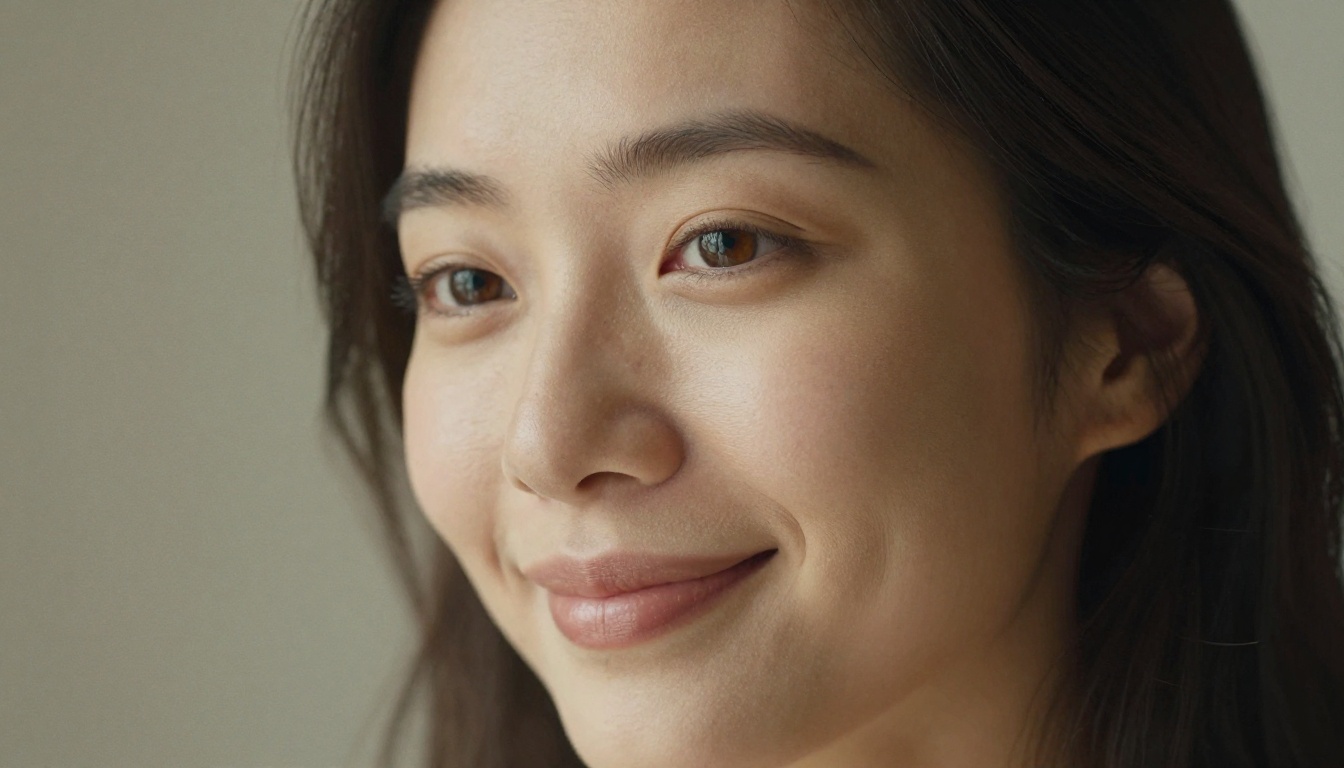
What "Uncensored" Actually Means
The word gets thrown around loosely in AI circles, but in practice it breaks down into two distinct things: content policy latitude and prompt fidelity. A model can be technically "open" and still fail to render accurate body proportions, because its training data skewed toward a narrow range of figure types. True uncensored body customization means the AI faithfully renders:
- Diverse body proportions without defaulting to a single "ideal" type
- Precise figure adjustments based on prompt language
- Natural skin textures, realistic musculature, and authentic lighting interaction
- Suggestive or glamour aesthetics without anatomical distortion
The best uncensored AI models in 2027 achieve all four. The ones that fall short tend to either over-censor content or over-generate in ways that distort anatomy. Neither produces usable output for serious creative work.
💡 The key distinction: content freedom and technical accuracy are separate qualities. Always evaluate a model on both before committing to a workflow.
Why Most AI Generators Get Body Types Wrong
The problem is rarely just the content policy. It's the training data. Most foundational diffusion models were trained on datasets that heavily skewed toward a narrow range of body types and aesthetic conventions. This means prompts like "curvy figure," "athletic build," or "petite frame" often produce inconsistent, inaccurate, or distorted outputs because the model has insufficient reference data to accurately interpret those instructions.
Three failure patterns show up consistently across low-performing models:
- Proportion distortion: limbs render too long or short relative to the torso, particularly in non-standard poses
- Texture flattening: skin looks plastic or over-smoothed at fine detail levels, losing the authenticity that makes photorealistic output convincing
- Pose collapse: non-standard body positions combined with specific figure modifiers cause anatomical errors that require extensive manual correction
The solution is choosing models specifically trained or fine-tuned on diverse human figure datasets, then pairing them with structured, precise prompt language.
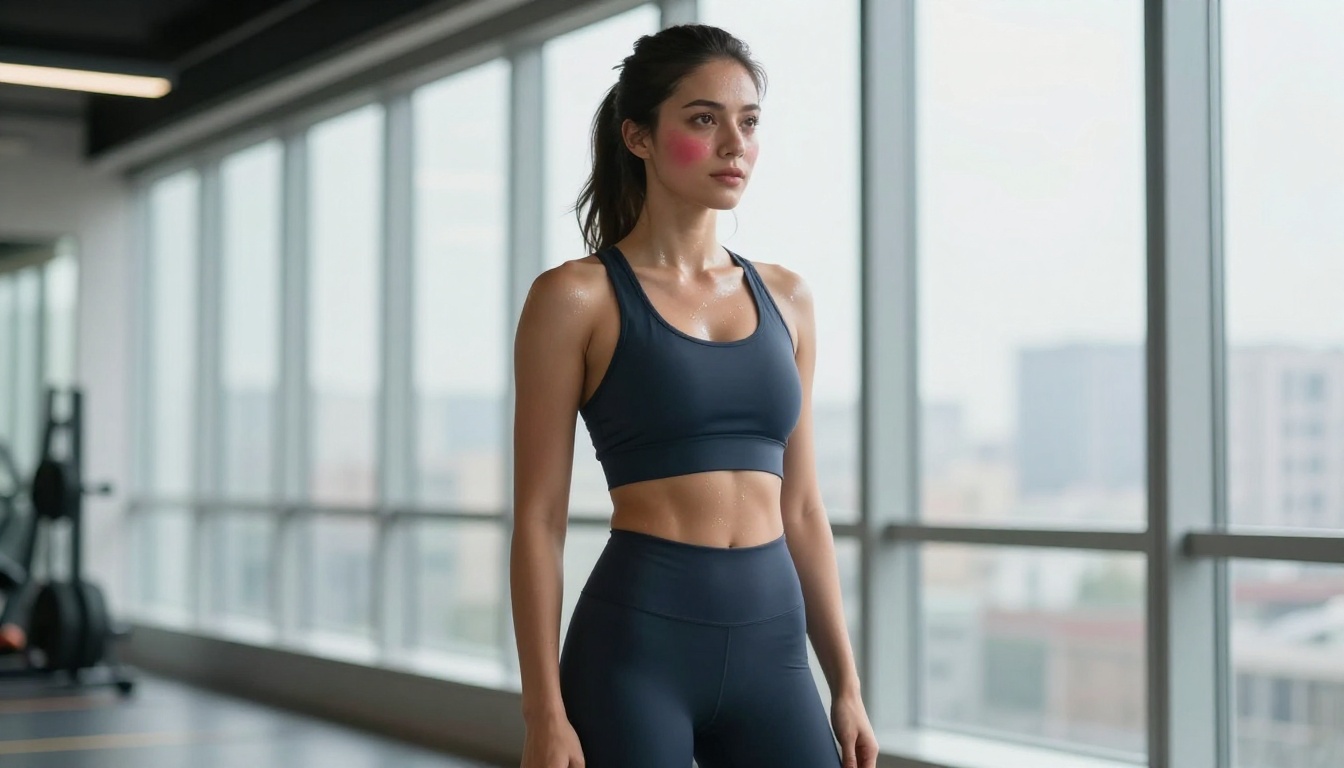
Top Models for Body Type Customization
Across all the models available for uncensored AI generation, a handful consistently outperform the rest for body type accuracy, figure diversity, and photorealistic output quality.
This is the benchmark. Flux 1.1 Pro Ultra from Black Forest Labs handles body proportion language better than any other model currently available on PicassoIA. Its training at ultra-high resolution means fine body details, including skin texture variation, subtle muscle definition, natural weight distribution, and clothing-body interaction, all render with exceptional accuracy.
Key strengths:
- Reads body modifier prompts with the highest fidelity of any current model
- Maintains anatomical accuracy across varied and complex poses
- Produces RAW photorealistic output without stylization artifacts creeping in
- Handles both subtle and dramatic body type descriptions with equal precision
For anyone serious about body type customization AI, this model is the starting point.
Realistic Vision v5.1 was built with a specific focus on photorealistic human generation. It handles diverse body types particularly well in fashion and glamour contexts. The model's fine-tuning on real photography datasets makes skin texture and lighting interaction feel authentic, capturing the subtle imperfections that separate a convincing photograph from a rendered image.
Best for: fashion lookbooks, editorial portraits, beauty and lifestyle imagery where authenticity is the priority.
Speed combined with quality. RealVisXL v3.0 Turbo delivers photorealistic body renders in fewer generation steps than most SDXL-based models. The turbo architecture means you can iterate rapidly on prompt variations without sacrificing figure accuracy. When you're in the prompt refinement phase, testing different body modifiers and compositions, this model saves significant time.
Best for: rapid prototyping of character references and body type variations, iterating on prompt language before committing to a final generation.
Stable Diffusion 3.5 Large adds meaningful improvements to human figure rendering compared to earlier versions. Its architecture gives it better handling of complex body descriptions and multi-element prompts where you're combining body type with specific clothing, environment, and lighting all at once.
Best for: detailed character generation with specific body parameter combinations and complex scene compositions.
GPT Image 1.5 brings OpenAI's language comprehension strength to image generation. Because it interprets prompt language with exceptional semantic nuance, body type descriptors like "hourglass figure," "broad shoulders," or "petite frame" translate with less ambiguity than on purely visual diffusion models. If you want to describe a body type in natural language without learning technical prompt syntax, this is the model to reach for.
Best for: natural language body type descriptions, users transitioning from text-only workflows, and cases where semantic accuracy matters more than generation speed.
The successor to the original Flux Pro series, Flux 2 Pro expands on the body type accuracy of its predecessor with improved fine detail rendering and better handling of edge cases. When Flux 1.1 Pro Ultra produces an unexpected result, Flux 2 Pro often serves as a reliable alternative with slightly different output characteristics.
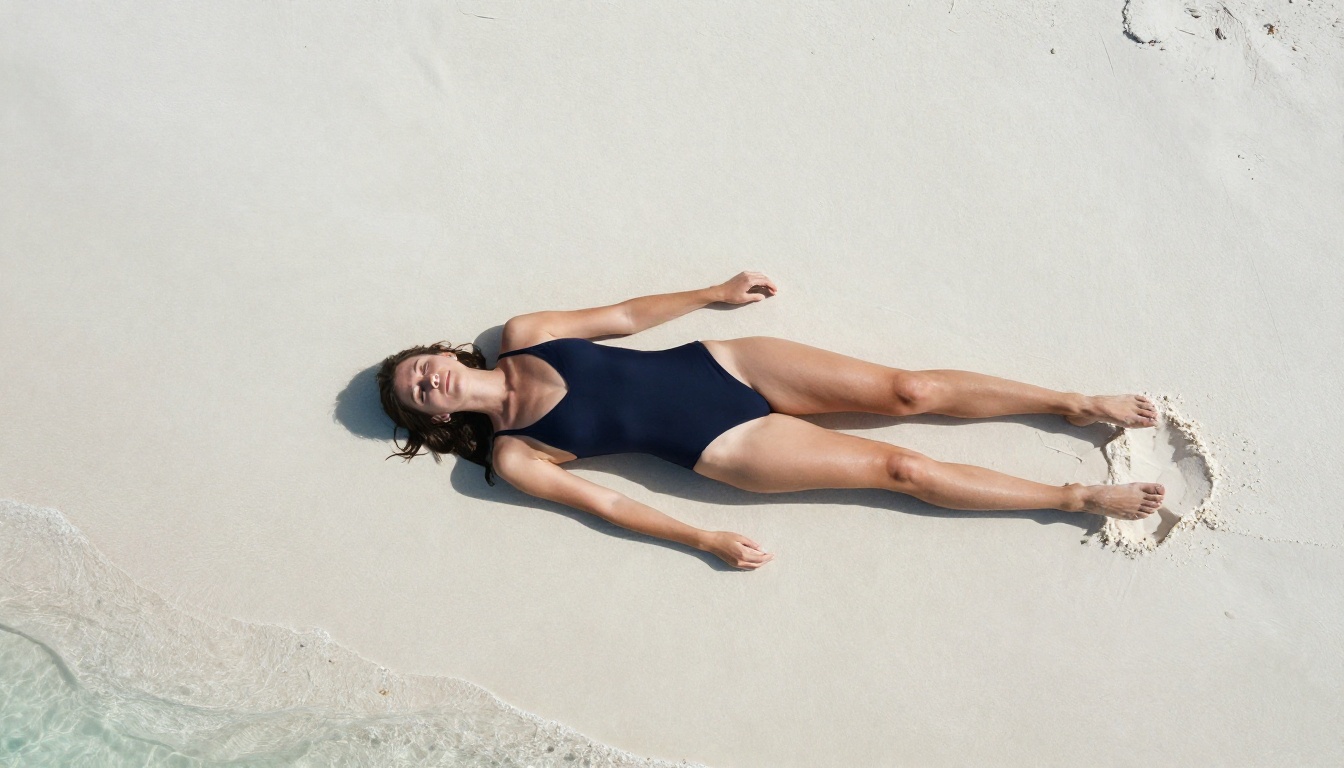
How to Use Flux 1.1 Pro Ultra on PicassoIA
Since Flux 1.1 Pro Ultra consistently produces the best body type customization results, here is exactly how to use it on PicassoIA for optimal output.
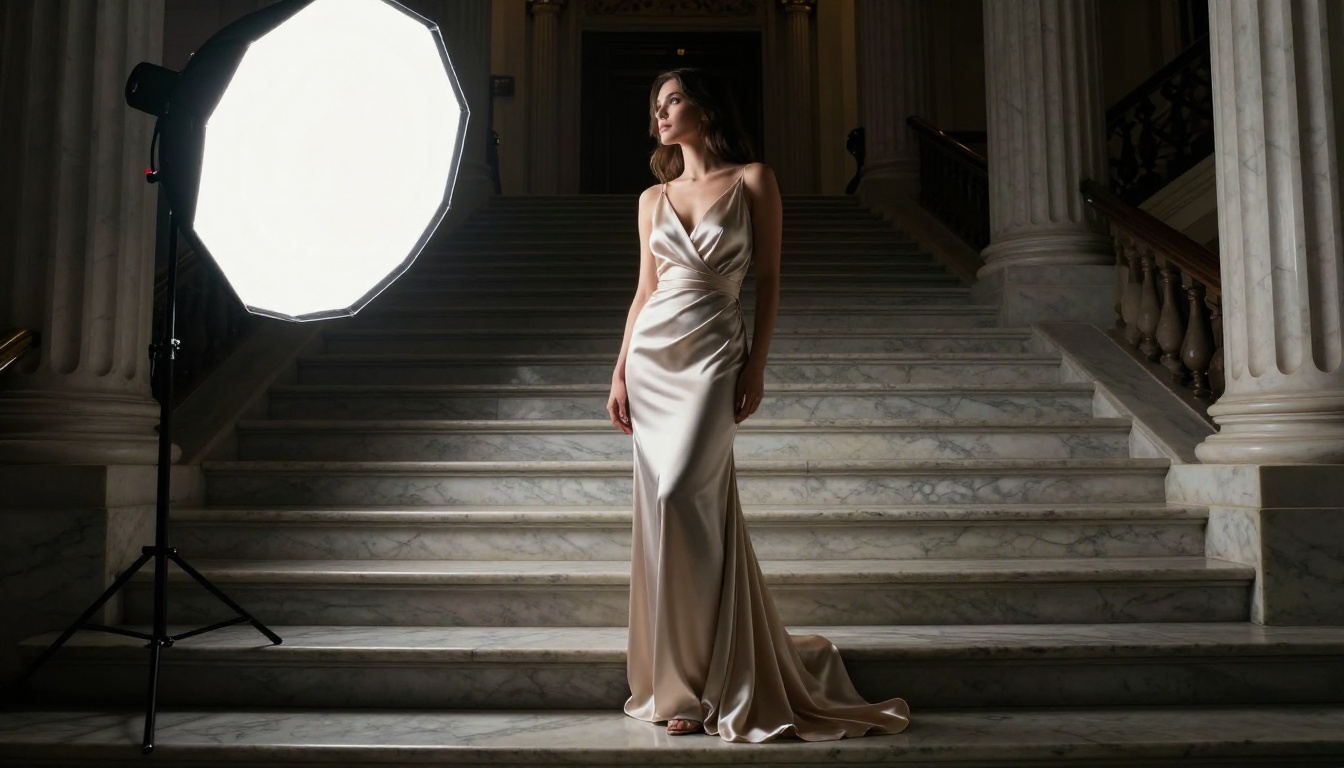
Step 1: Open the Model Page
Navigate to Flux 1.1 Pro Ultra on PicassoIA. The model page shows example outputs and full parameter controls. Set your aspect ratio to 16:9 for editorial or landscape output, 3:4 for portrait work, and 9:16 for full-body vertical shots where you need complete figure visibility.
Step 2: Structure Your Prompt
Body type language performs best when it follows a specific layered structure. Unstructured prompts produce inconsistent results even with high-quality models.
Use this structure:
[Subject descriptor] + [Body type modifier] + [Clothing/styling] + [Environment] + [Lighting] + [Camera specs]
Example prompt:
"A confident woman with an athletic hourglass figure, wearing a fitted charcoal blazer and tailored wide-leg trousers, standing in a modern office lobby with marble floors, volumetric natural light from floor-to-ceiling windows on the left, shot with Canon 85mm f/1.4, photorealistic, 8K, film grain"
The layering matters. Body type modifier immediately follows subject descriptor so the model anchors the physical description before processing environment and styling details.
Step 3: Body Type Modifiers That Work
Not all body descriptor language performs equally across models. These specific terms produce the highest fidelity results in Flux 1.1 Pro Ultra:
- "athletic hourglass figure": renders defined musculature with feminine proportion balance
- "curvy figure with defined waist": accurate hourglass body shape without distortion
- "petite slender frame": accurate small-scale proportions with correct limb ratios
- "plus-size figure with natural proportions": renders authentically without the exaggeration common in lower-quality models
- "tall lean build with long legs": accurate limb-to-torso ratios emphasizing height
- "broad-shouldered athletic build": strong shoulder definition without over-muscling
💡 Combine body type modifiers with specific fitted clothing to reinforce the shape. Clothing that follows body contours forces the model to render the underlying figure accurately rather than defaulting to a generic form.
Step 4: Iterate with RealVisXL First
Use RealVisXL v3.0 Turbo for rapid prompt testing across 8-10 variations. Its speed means you can identify which body modifier language is working before committing to the slower, higher-quality generation. Once you've found the prompt that produces the right body type, switch to Flux 1.1 Pro Ultra for the final high-fidelity output.
This two-stage approach cuts wasted generation time significantly.
Writing Prompts for Body Proportions
Getting precise body output requires treating the AI like a precision tool, not a search engine. The specificity of your input directly determines the accuracy of your output.
Describe What You See, Not What You Want
This distinction is the single most important principle in body type prompt writing. Instead of "make her curvy," write "visible hourglass silhouette with full hips and defined waist, fitted fabric emphasizing curves." The difference is visual specificity versus intent.
| Vague Prompt | Precise Prompt |
|---|
| "curvy woman" | "woman with wide hips, defined waist, full bust, wearing fitted knit dress" |
| "athletic build" | "woman with visible shoulder definition, flat stomach, lean muscular legs, wearing compression sportswear" |
| "petite figure" | "small-framed woman, narrow shoulders, slender waist, 5ft2 proportions, oversized blazer emphasizing petite frame" |
| "plus size" | "woman with soft natural curves, full figure, wearing tailored high-waist trousers and structured blouse" |
Camera Angle and Body Perception
Body proportions read differently depending on camera angle, and this interacts directly with how the AI interprets your body modifier prompts. Low angles exaggerate height and leg length. Eye-level shots show natural proportions. Overhead shots compress the figure. Use camera angle language intentionally to reinforce the body type you're describing.
- Low angle, 35mm lens: emphasizes leg length and height, makes figures appear taller
- Eye-level, 85mm f/1.8: natural documentary-style proportions, closest to how we perceive people in real life
- Slight elevated angle, 50mm: balanced fashion-editorial feel, de-emphasizes height exaggeration
- Low angle close-up, 24mm: creates dramatic emphasis on torso and figure
Lighting for Volume and Shape
Lighting affects how AI models render volume and three-dimensional form. Side lighting creates shadows that emphasize shape. Front lighting flattens form. Use lighting language as a body rendering tool, not just aesthetic preference.
- Rim lighting from behind: creates dramatic silhouette emphasis, shows curves and figure outline
- 45-degree side lighting: adds shadow depth and visible volume, shows three-dimensional body form
- Soft diffused front light: clean and commercial, de-emphasizes body shape variation
- Golden hour sidelight: warm and natural, adds skin texture depth and organic shadow definition
💡 For glamour and aesthetically-driven body-focused content, side or rim lighting consistently produces more visually compelling and accurate form rendering than direct front light.
Body Customization Across Use Cases
The range of applications for precise body type AI generation is broader than most people realize. Here are the contexts where these models deliver measurable value.
Fashion and E-commerce
Brands are generating diverse fit models to show clothing on multiple body types without expensive multi-session photography. Flux 1.1 Pro Ultra and Realistic Vision v5.1 both handle product-on-figure rendering with high accuracy, maintaining garment texture and body proportions simultaneously.
Artistic Character References
Concept artists and illustrators use AI body type generation to establish precise proportional references before hand-drawing. Stable Diffusion 3.5 Large excels here because of its flexibility with complex multi-attribute body type descriptors across different art directions.
Glamour and Editorial Content
For suggestive, aesthetically-driven content in the non-explicit space, RealVisXL v3.0 Turbo combined with precise lighting and clothing prompts produces editorial-quality results at scale. The model's speed makes it viable for generating series of related images.
Body Positivity and Representation Projects
AI generation is being used to produce diverse figure representation for brands, campaigns, and social media. GPT Image 1.5 handles natural-language diversity prompts with semantic nuance that diffusion-only models struggle to match.
Personal Creative Projects
The majority of users creating body-customized AI images are doing it for personal creative work: visual novels, art projects, character design, and fashion concepts. The barrier to high-quality body type output has dropped to near zero with models like Flux 1.1 Pro Ultra on an accessible platform.
Generation is only the first step. PicassoIA offers several editing capabilities that pair directly with body type generation outputs.
Inpainting: Fix or adjust specific areas of a generated figure without regenerating the entire image. If the body type rendered accurately but the face or hands need correction, inpainting targets those zones precisely.
Outpainting: Extend the frame around a generated portrait to create full-body shots from tightly-cropped head-and-shoulder outputs. This is particularly useful when your initial generation focused on facial detail and you want to expand the composition.
Super Resolution: Upscale body-focused outputs 2x to 4x while maintaining skin texture fidelity. For print-quality or high-resolution use cases, this takes already strong generations to the next level.
Face Swap AI: Replace faces on generated figures while preserving the body type, pose, clothing, and composition entirely. This allows you to separate body type generation from face generation and combine the best results from each independently.
These tools position PicassoIA as a complete body type customization workflow rather than a single-step generation tool.
What to Avoid
Several common mistakes consistently tank output quality for body type prompts, regardless of which model you're using.
Over-stacking modifiers: piling too many body descriptors into one prompt confuses diffusion models. Stick to 2-3 specific body characteristics per generation. If you need to combine many attributes, break them across multiple generations and composite manually.
Skipping clothing context: clothing is a body type multiplier. A "curvy figure" prompt with no clothing context often produces anatomically ambiguous output because the model has no reference structure to hang the body shape on. Fitted clothing reinforces the underlying form.
Wrong model for the task: RealVisXL v3.0 Turbo is fast but not always the most detailed for static editorial shots requiring maximum skin texture fidelity. Match model capability to output requirement.
Missing camera context: body proportions render differently without camera and lens language included. Always specify focal length and aperture. This single addition improves body proportion accuracy measurably across all models.
Not saving prompts that work: body type prompt engineering is cumulative. The exact phrasing that produces accurate results once will work reliably across similar outputs. Build a prompt library as you go.
💡 Seed values matter. When you get a generation with exactly the body type you wanted, note the seed number. You can reuse it with minor prompt variations to maintain body consistency across a series.

Start Creating on PicassoIA
All the models covered in this article are available on PicassoIA right now, with no setup required. Start with Flux 1.1 Pro Ultra for your first serious body type generation project, use RealVisXL v3.0 Turbo to iterate quickly through prompt variations, and bring in Realistic Vision v5.1 when skin texture and photographic authenticity are the priority.
The body type prompt techniques in this article work. The models are capable. Apply the structured prompt format, layer your modifiers intentionally, include camera and lighting context, and the results will speak for themselves. PicassoIA gives you direct access to every model discussed here. Open the platform, pick a model, and start generating.


