Most AI image platforms will refuse your prompt. They'll flag it as "sensitive," drop it silently, or replace your creative vision with something sanitized and forgettable. If you've ever tried to generate bold, expressive, or adult-adjacent content with a mainstream AI tool, you already know the friction. The best uncensored AI image generator for unlimited content doesn't just tolerate creative ambition: it's engineered for it. This article walks through the top platforms and models that deliver exactly what you describe, without hidden classifiers blocking your output at every turn.
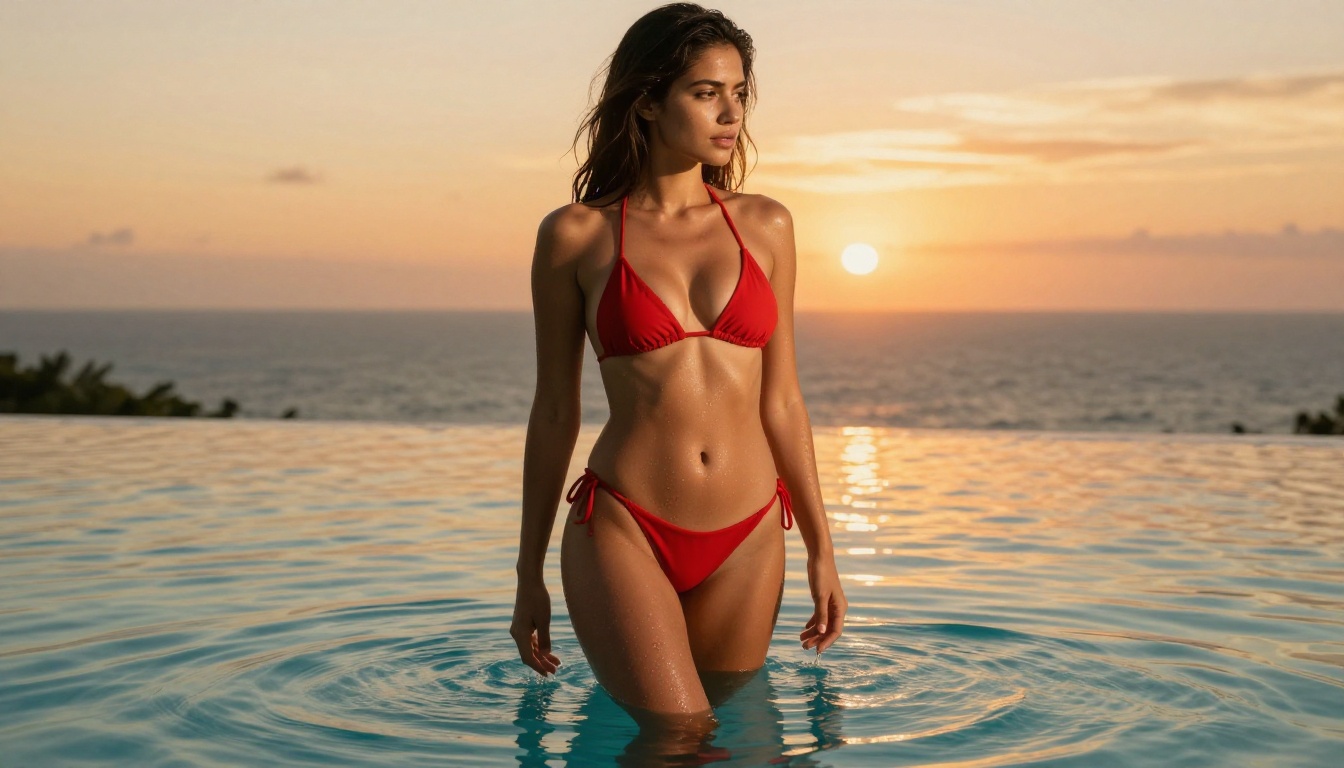
What "Uncensored" Really Means
Not every AI generator that claims to be unrestricted actually is. Some only remove the most surface-level keyword blocks while leaving secondary image classifiers fully intact. Others reduce filter sensitivity without eliminating it. A genuinely uncensored AI image generator accepts adult, suggestive, and artistically explicit prompts and returns high-quality output consistently, without quiet output degradation, account throttling, or unexplained bans.
The Filter Problem
Almost every major AI image platform ships with layered safety systems: keyword blockers at the prompt level, a secondary image classifier reviewing every output before delivery, and often a manual review queue for accounts that trigger flags repeatedly. In practice, this means:
- A swimwear photograph gets blocked as "explicit content"
- A romantic or intimate scene is soft-blocked with no explanation given
- Artistic nudity, even when implied rather than explicit, gets the same treatment as illegal material
- Accounts get quietly throttled for "repeated policy violations" with no clear appeal process
This doesn't just hurt adult content creators. It affects fashion designers mocking up editorial swimwear campaigns, photographers using AI for composition references, and every creator working in the wide creative zone between "totally safe" and "explicitly adult." Platforms that were supposed to accelerate creative work end up fighting it instead.
Why Restrictions Kill Real Creative Work
If you generate content at volume, content filters aren't an inconvenience. They're a direct tax on your output. Every rejected prompt costs time. Every workaround you engineer around a platform's restrictions costs mental bandwidth. At scale, across a content library of thousands of images, that translates to hours lost and a final product that never quite matches the original creative vision.
The solution isn't to keep fighting the filters. It's to work with platforms that don't impose them in the first place.
Best Uncensored AI Image Generators Ranked
These models are all available on PicassoIA, ranked by performance on unrestricted and NSFW creative content. Every model on this list accepts adult-adjacent prompts natively without content filtering or quality degradation.
Seedream 4.5: Top Pick for Photorealism
Seedream 4.5 is the strongest all-around uncensored AI image generator available right now. It combines adult content support with built-in image editing, generates in under 3 seconds, and produces output that passes for professional studio photography.
What separates it from every competitor:
- NSFW accepted natively: adult, suggestive, and artistic content goes through without blocking or silent quality drops
- Sub-3-second generation: faster than most filtered models at comparable quality
- Built-in image editing: refine, adjust, or extend any output without switching platforms
- 4K output quality: sharp results at print scale, not just screen resolution
- Consistent photorealism: skin texture, fabric detail, facial features, and lighting all render with photographic accuracy
💡 Important: The newer Seedream 5 Lite does not support NSFW content. For unrestricted work, always use Seedream 4.5 specifically.
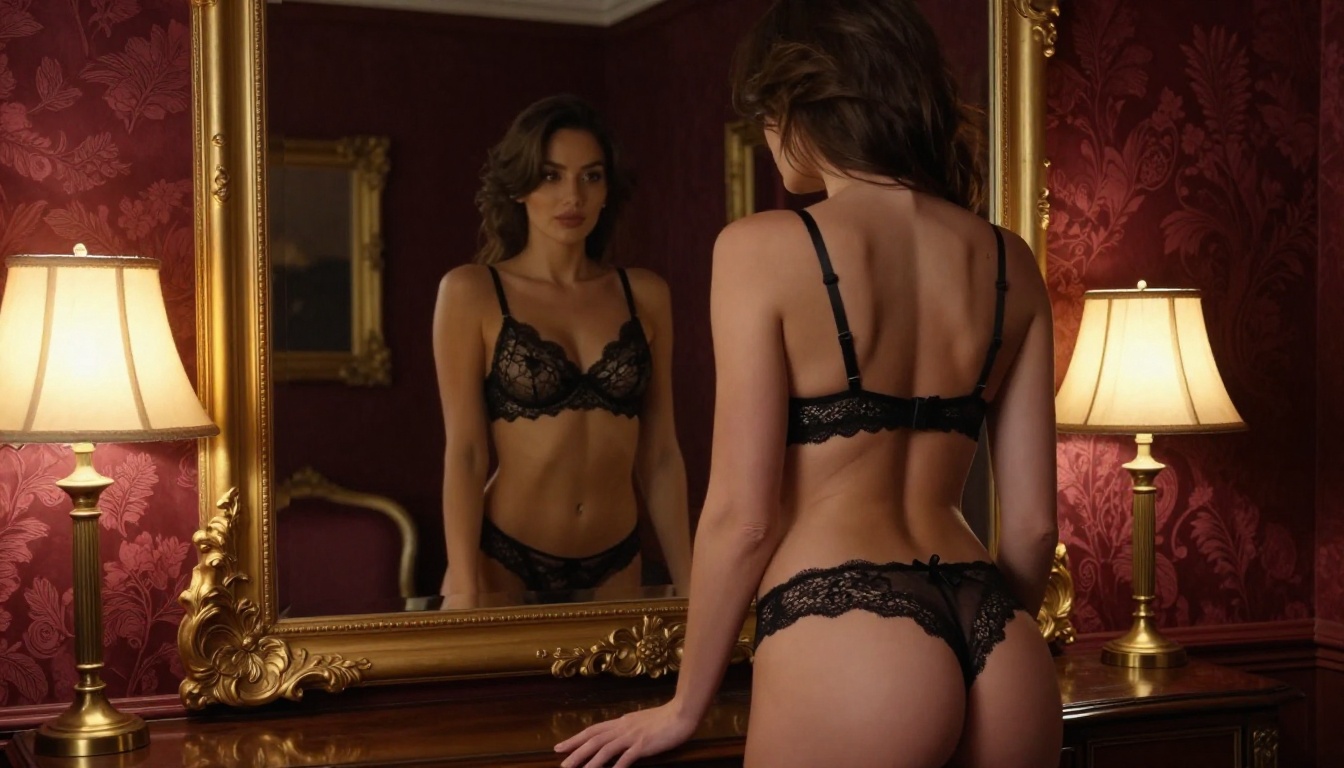
Image Editor Pro: Unlimited Generations
PicassoIA Image Editor Pro solves a different problem: volume. This img2img model is included in Elite and Infinite subscription plans with unlimited generations and no per-image cost. Need 1,000 images for a campaign or content library? All 1,000 are included in your plan.
The economics make the difference clear:
| Platform | 1,000 Images | Cost |
|---|
| Nano Banana 2 | 1,000 images | ~$100 |
| Midjourney Standard | 1,000 images | ~$40-60 |
| PicassoIA Image Editor Pro | 1,000 images | $0 (plan-included) |
It accepts NSFW content, generates in under 1 second, and includes a 3-generation free trial with no credit card required. For high-volume adult content operations, this is the most cost-effective choice by a significant margin.
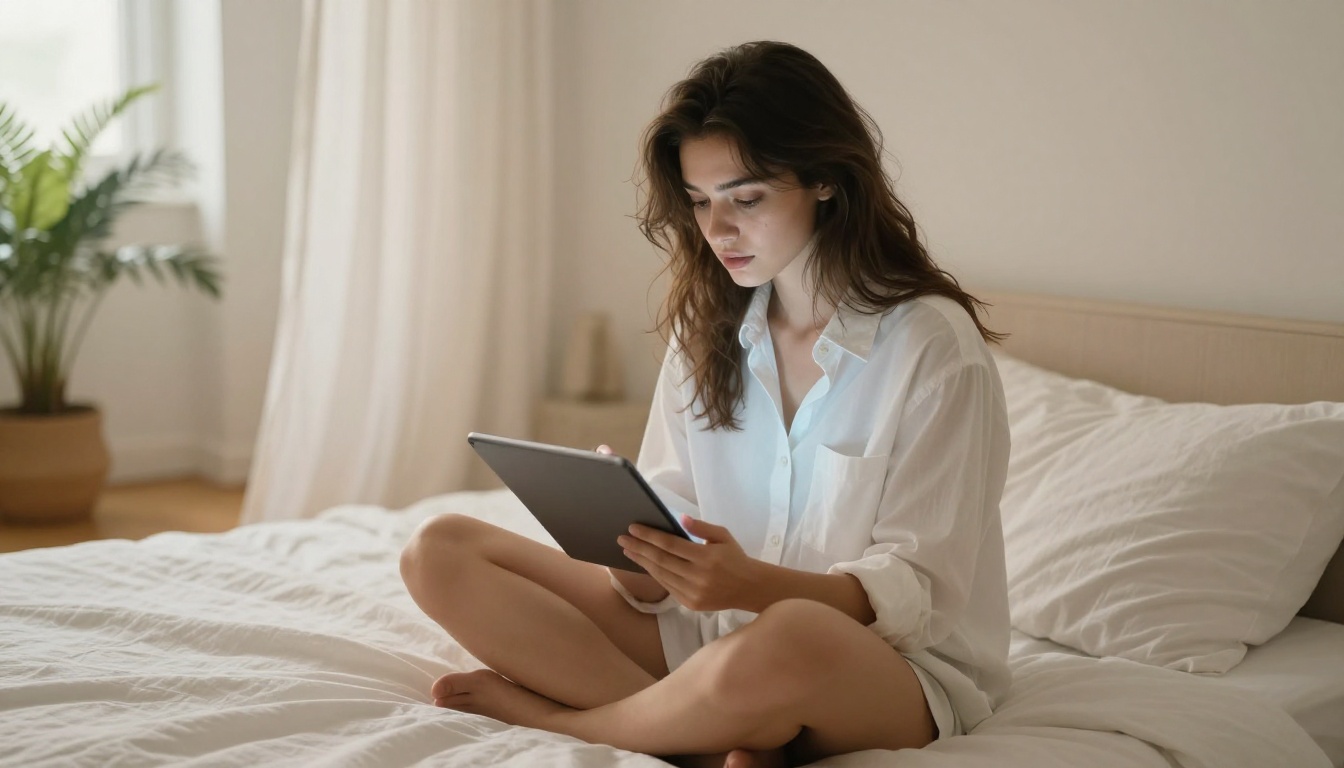
Qwen Image 2: Open Source, No Filters
Qwen Image 2 is an open-source model handling both text-to-image creation and image editing in one interface. Open source means there is no corporate filter layer sitting between your prompt and the output. What you write is what gets generated.
It performs particularly well on detailed portrait and body photography, handling complex lighting descriptions, multiple subjects, and intricate clothing with strong consistency. The model to reach for when your prompts are long, layered, and highly specific.
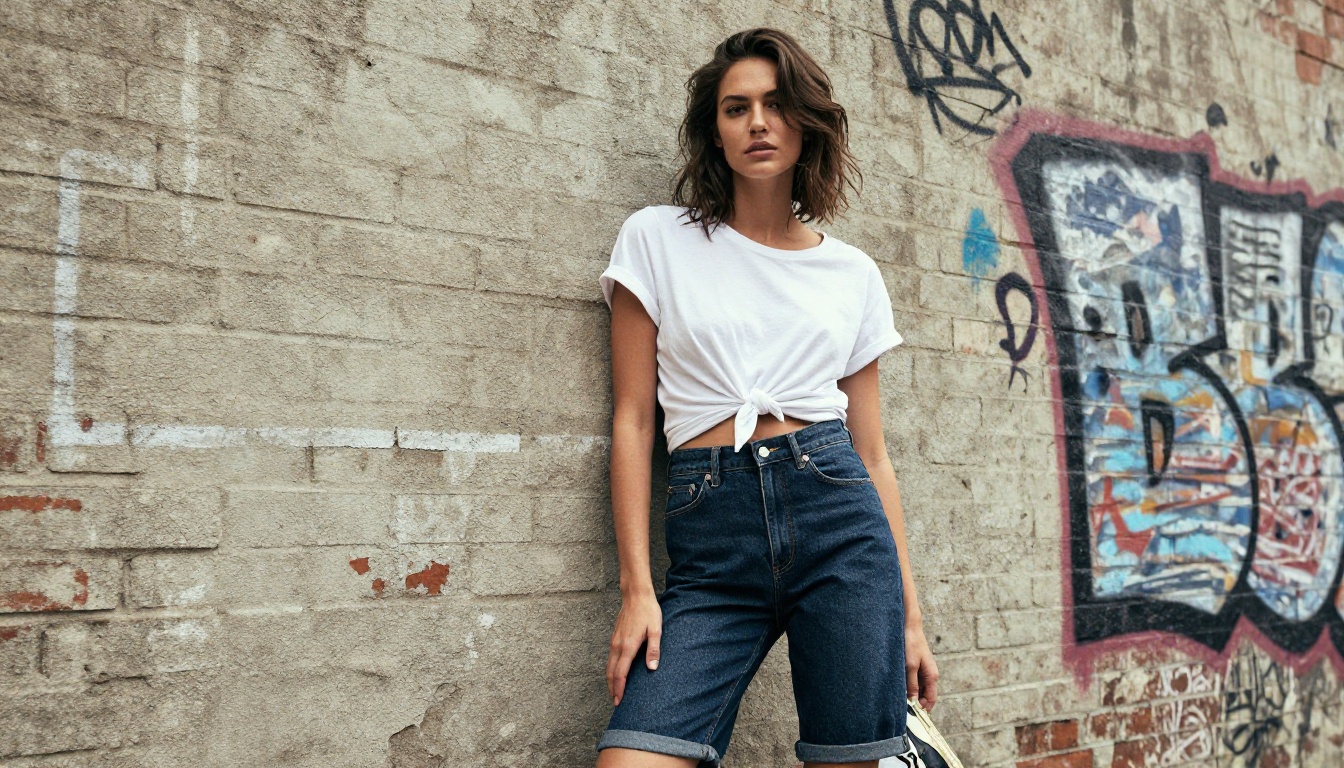
Grok Imagine Image: Swimwear Conversion
Grok Imagine Image has a specific creative superpower: it converts any reference image into bikini or swimwear format with photorealistic accuracy. For fashion, fitness, and lifestyle content where you need to visualize how a subject looks in swimwear, this model handles it in seconds without manual editing.
Results look genuinely photographic rather than AI-generated, with natural skin tone preservation, realistic fabric fit, and accurate body proportions carried over from the source image.
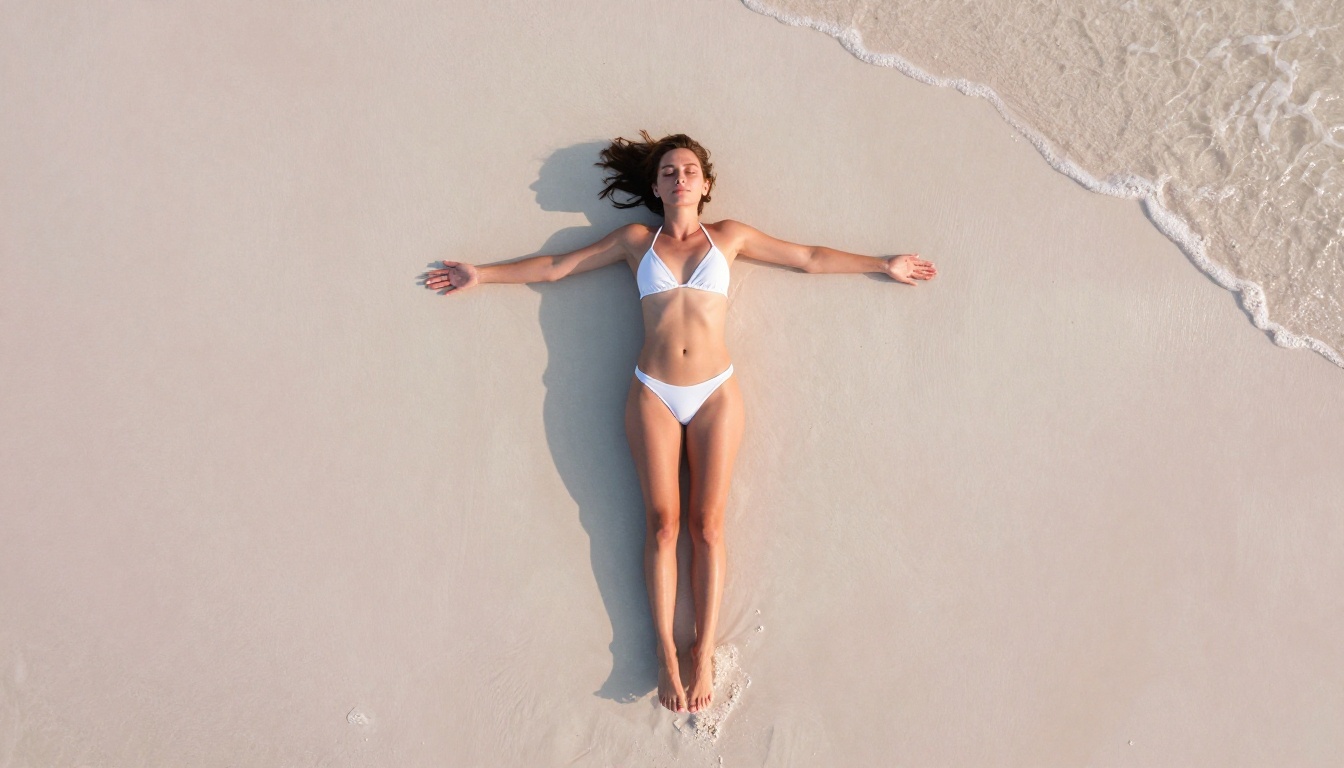
Recraft V4: Highest Photorealism Scores
Recraft V4 is a text-to-image-only model with one of the highest photorealism ratings currently available. It doesn't support image editing, but for creators who primarily work from detailed text prompts, it delivers reliable NSFW acceptance with exceptional visual fidelity.
Its strength is consistency: run the same prompt multiple times and you get outputs that all land at a high quality level, rather than the wide variance you see on less mature models.
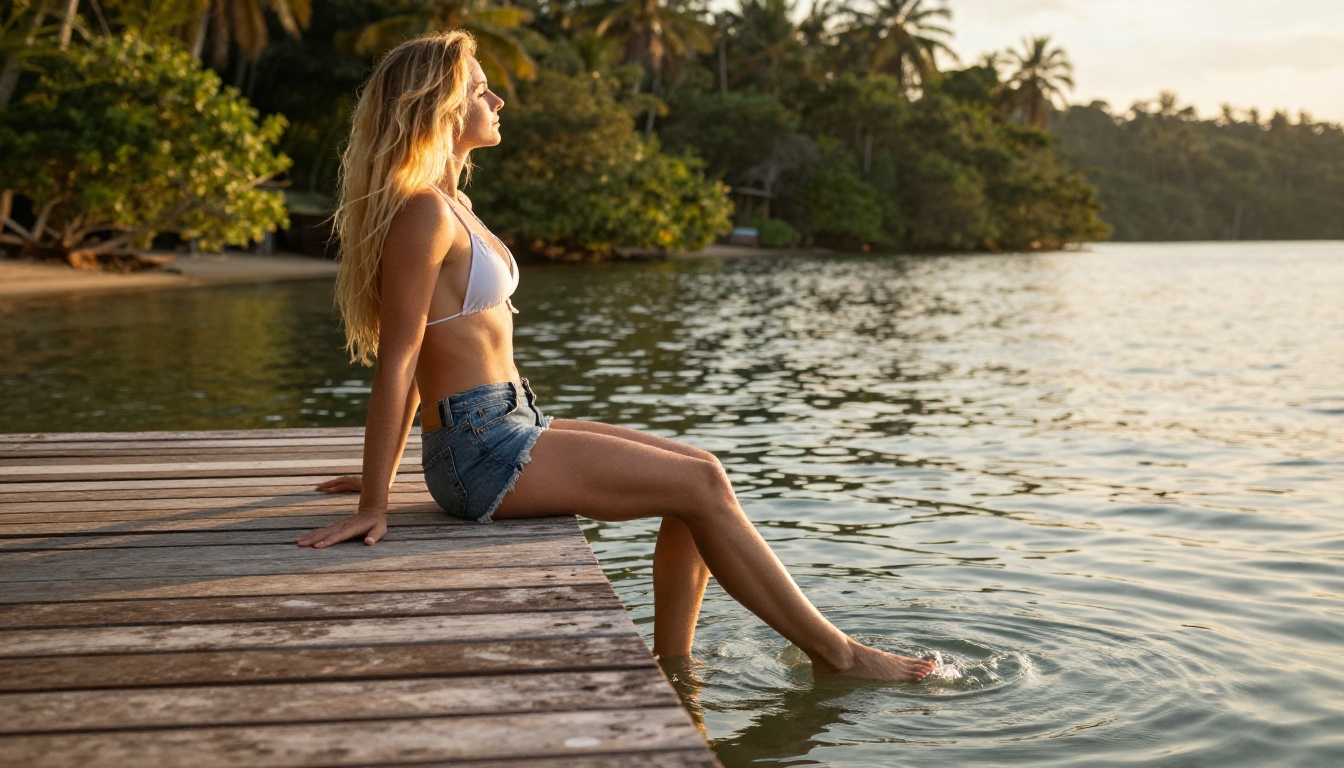
P-Image: Sub-Second Speed
P-Image by PrunaAI holds the speed record at under 1 second per generation. When you're iterating through dozens of prompt variations to lock in the right composition, that speed makes the process nearly instant. It supports NSFW text-to-image and maintains solid photorealism at speed, making it the right model for rapid ideation and variation work.
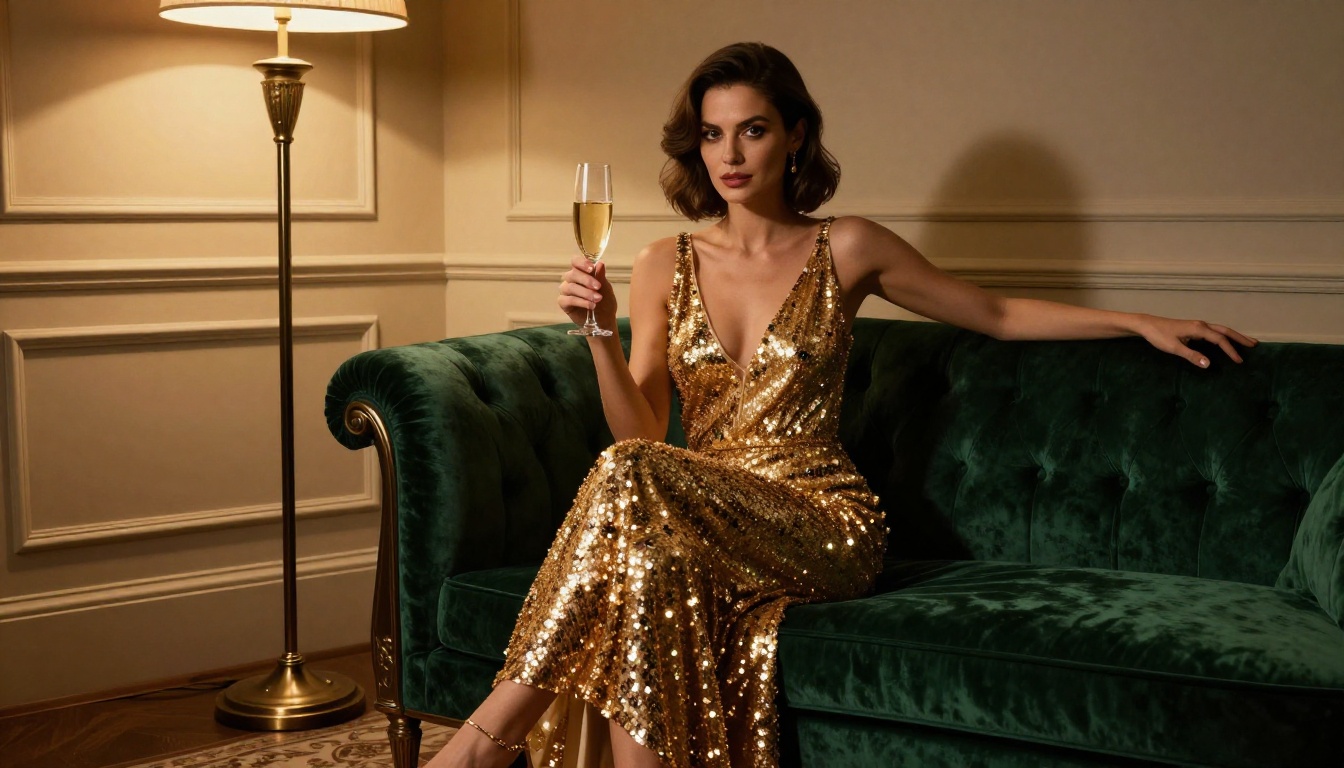
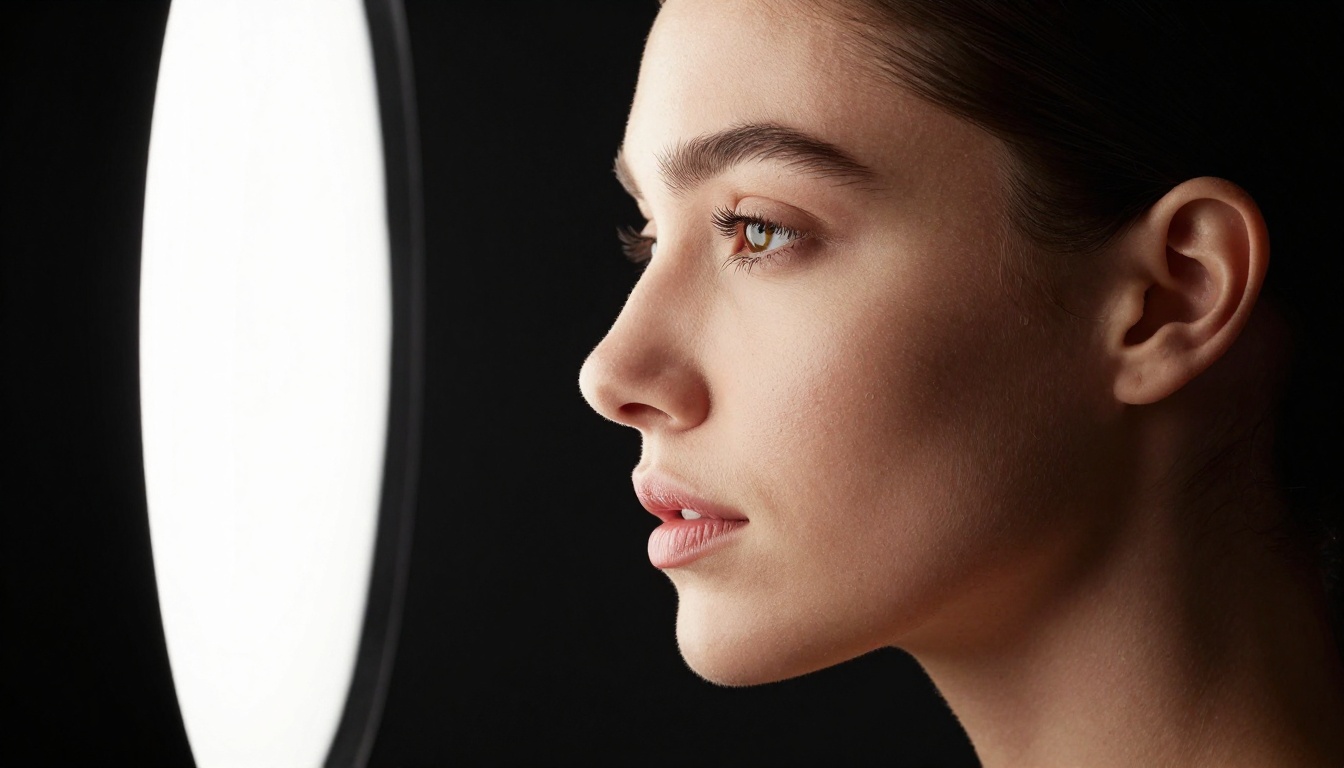
Full Model Comparison
Video Generation Without Restrictions
Uncensored AI video takes creative freedom a step further. These models generate motion clips from text prompts or reference images without the content moderation that blocks output on mainstream platforms.
PicassoIA Video: Unlimited Clips
PicassoIA Video is the unlimited video option. With an Elite or Infinite plan, you generate clips at up to 720p, 5 seconds with no per-clip cost and no queue restrictions. Text-to-video, fully uncensored, with no upper limit on how many you create.
P-Video: 1080p, Safety Filter Off
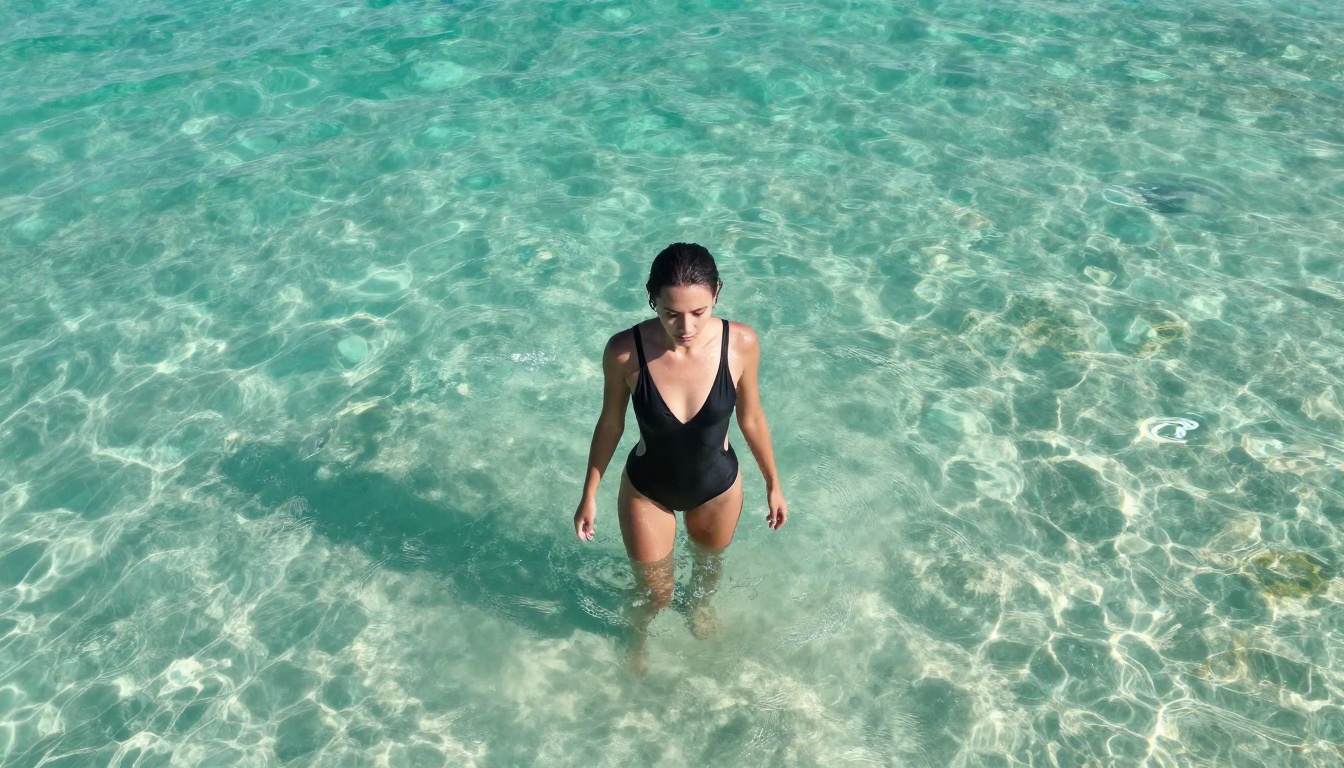
P-Video by PrunaAI generates at up to 1080p at 24 or 48 fps, accepts text, image, or audio input, and has its safety filter disabled by default. That means your prompts are not checked for adult content before generation, removing an entire blocking layer. Its draft mode delivers a low-resolution instant preview before you commit to the full render, which saves significant time when iterating.
Grok Imagine Video: Up to 15 Seconds
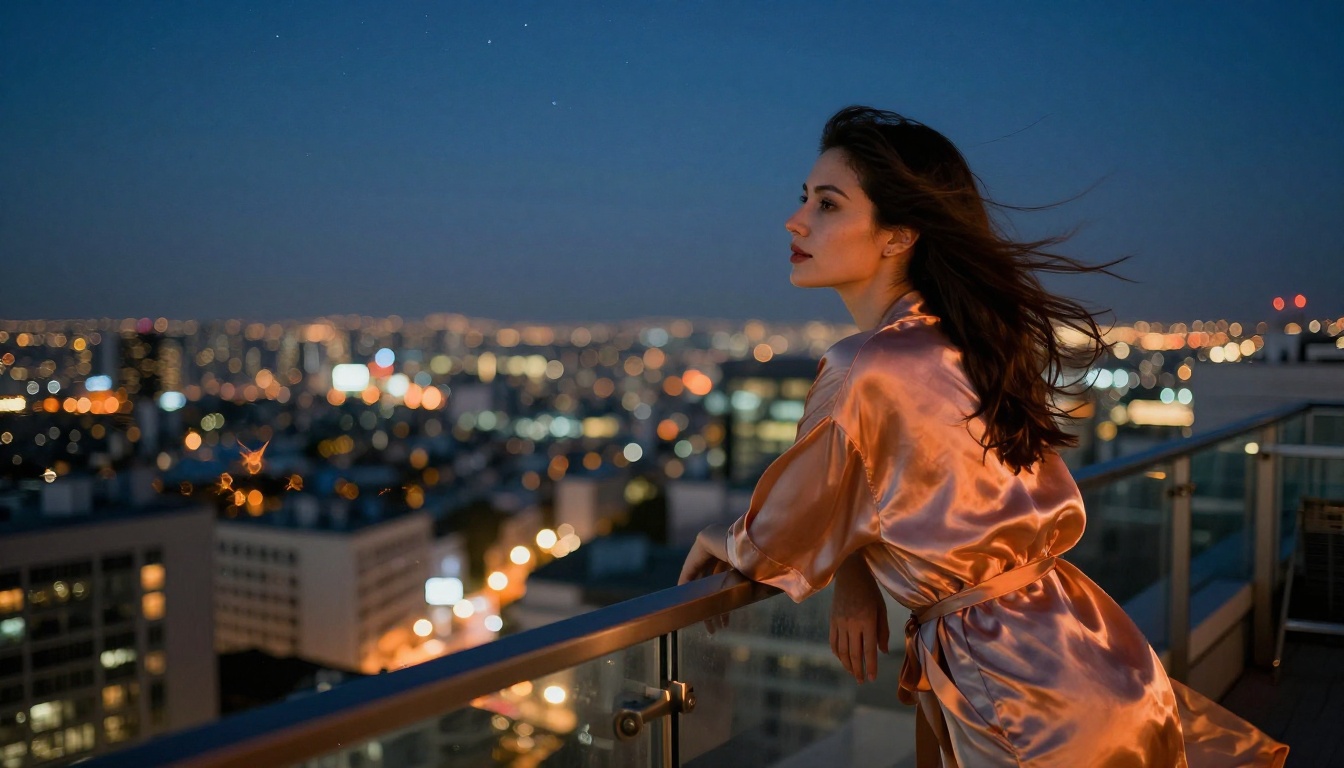
Grok Imagine Video pushes clip length to 15 seconds, which is the longest output available in the current AI video landscape. It works from text prompts, a reference image, or an existing clip you want to re-edit. Output lands at 720p or 480p with no watermarks, and image-to-video mode auto-matches your source photo's aspect ratio.
LTX 2.3 Pro: 4K at 50fps
LTX 2.3 Pro by Lightricks is the professional-tier option. It renders at up to 4K at 50fps and includes five generation modes: text-to-video, image-to-video, audio-to-video, retake, and extend. Camera-motion presets like dolly, jib, and focus-shift are built in. For client-ready, high-resolution uncensored video, this is the top option on the platform.
How to Use Seedream 4.5 on PicassoIA
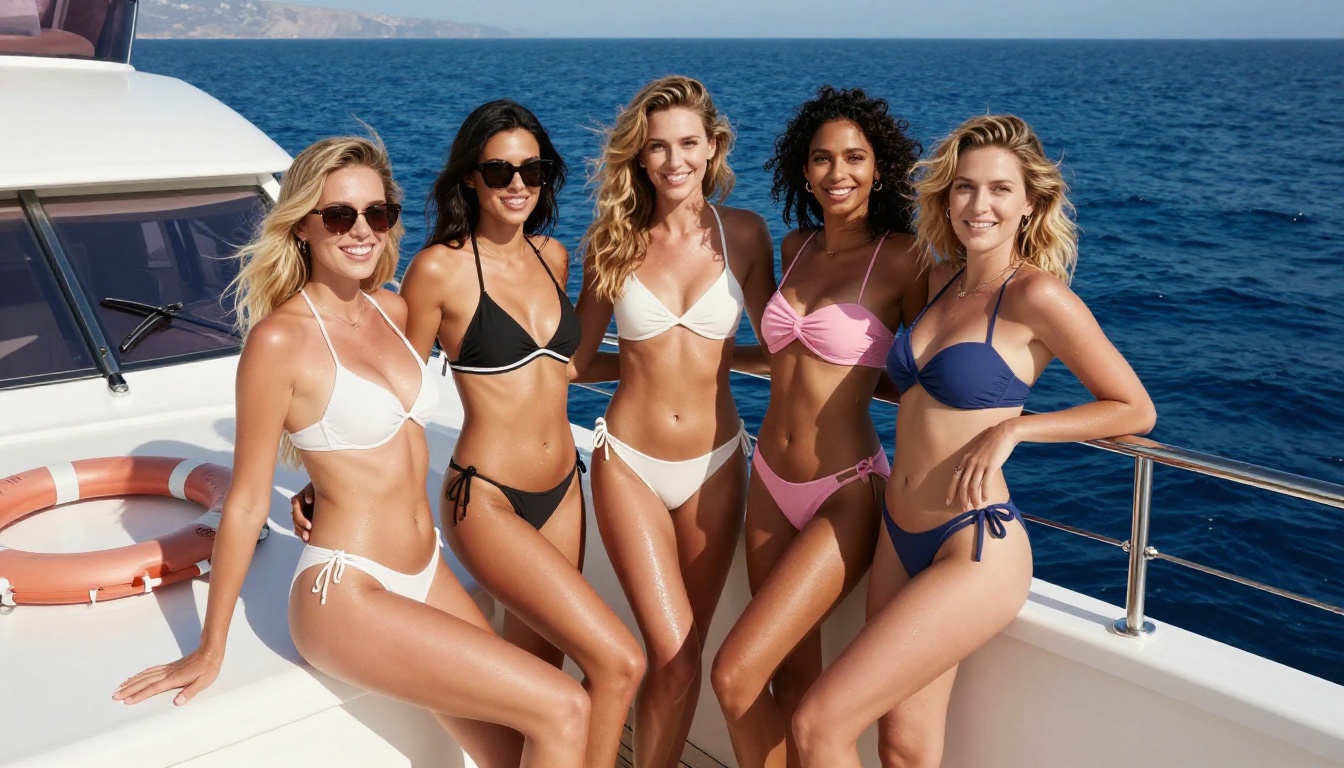
Seedream 4.5 is the top-ranked uncensored model on the platform. Here's exactly how to get the strongest results from it.
Step 1: Open the model page
Go to picassoia.com/en/collection/text-to-image/bytedance-seedream-45. Create an account or sign in. You can start with the free trial without needing a credit card.
Step 2: Write a detailed, specific prompt
Include all of these layers in your prompt:
- Subject: physical appearance, clothing detail, body language, expression
- Environment: exact location, time of day, weather, setting details
- Lighting: direction, color temperature, quality (hard/soft), specific pattern (Rembrandt, split, rim)
- Camera: focal length (50mm, 85mm, 135mm), aperture (f/1.4, f/2.8), angle (low, eye-level, overhead)
- Mood: color palette, atmosphere, film stock (Kodak Portra 400, Fuji 400H)
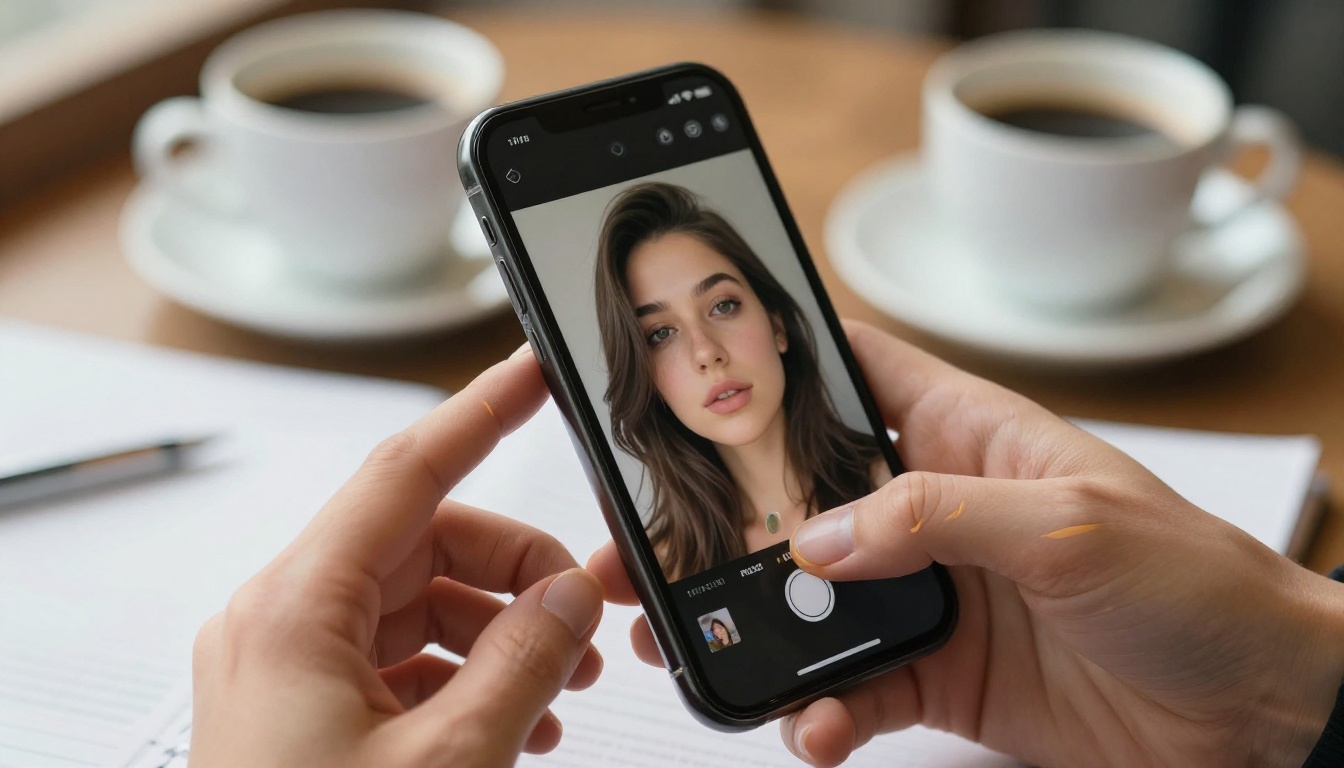
Step 3: Use the built-in editing tools
After your first generation, use Seedream 4.5's editing to:
- Adjust lighting direction or color temperature across the image
- Refine a specific region (face, clothing, background) using inpainting
- Change outfit details without regenerating the full composition
- Correct proportions or fix small artifacts in a targeted area
Step 4: Iterate fast with minor variations
At under 3 seconds per generation, you can run 20 prompt variations in under a minute. Change one element per variation to isolate what produces the best result: swap the lighting angle, adjust clothing detail, change the camera perspective. Speed is the multiplier here.
💡 Tip: Add photography-specific language to dramatically lift photorealism. Phrases like "Canon 85mm f/1.4," "Kodak Portra 400 emulsion," and "volumetric morning light from the upper left" significantly improve output quality, including on adult subjects.
Tips for Better Uncensored AI Images
Picking the right uncensored model is step one. Getting exceptional output from it requires prompt craft.
Write Like a Photographer
Generic prompts produce generic results. Every strong AI image prompt is essentially a photographer's shot brief. Instead of "a woman on a beach," write:
"A woman with sun-kissed olive skin in a white triangle bikini, standing at the shoreline at golden hour, Canon 85mm f/1.8, backlit by the setting sun, natural lens flare, Kodak Portra 400 grain, turquoise ocean stretching to the horizon"
Physical detail, technical specifics, and environmental description work together to give the model enough information to produce something precise rather than generic.
Set Your Aspect Ratio Explicitly
Different use cases need different formats, and letting the model choose default dimensions typically means poor automatic cropping:
- 16:9 for web banners, YouTube thumbnails, editorial features
- 9:16 for Instagram Reels, TikTok, Stories, mobile content
- 1:1 for grid posts, profile images, card thumbnails
- 4:3 for photography with a classical editorial magazine feel
Always specify the ratio in your prompt or in the model's parameter settings before generating.
Layer Your Lighting Instructions
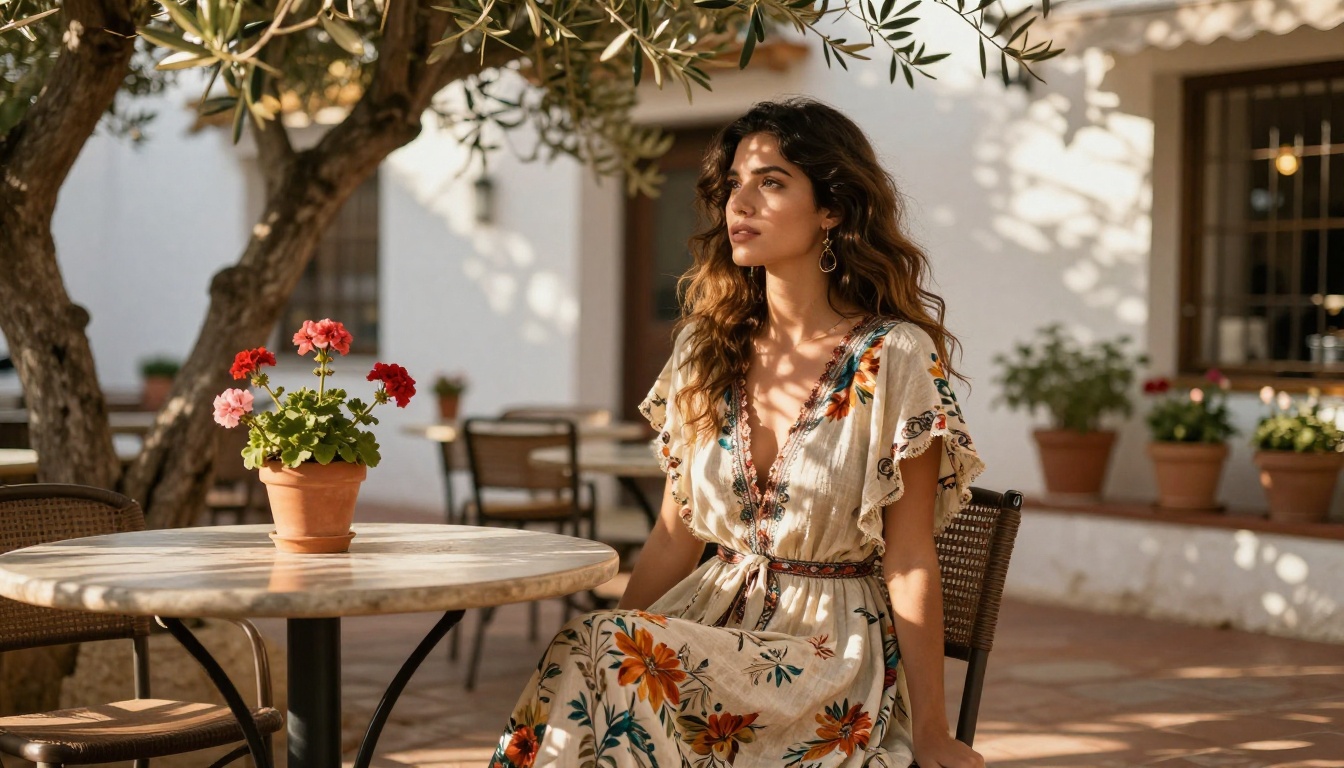
Lighting separates convincing AI photos from obvious AI fakes more than any other single element. Be specific and technical:
- Direction: "warm light from the upper left at 45 degrees"
- Quality: "soft and diffused through sheer white curtains"
- Color temperature: "golden amber at 3200K"
- Pattern: "Rembrandt lighting on the face with a deep shadow on the right cheek"
This single change, applied consistently across your prompts, will improve results more than switching models.
Use Generated Images as Reference
Most uncensored platforms support image-to-image workflows. After getting a result you like, use it as a reference for the next generation instead of rebuilding your prompt from scratch. This preserves character consistency, lighting style, and environment across a batch of images without manually re-specifying every detail each time.
Why Mainstream Platforms Censor AI Art
Understanding the mechanics behind censorship helps you make better-informed decisions about which platforms to work with.
Corporate Risk Aversion
Most major AI image platforms are built by companies with enterprise clients, advertising partners, and institutional investors. Adult content, even when implied or artistic, creates legal and reputational exposure they actively avoid. The censorship is often less about ethics and more about protecting business relationships with brands and advertisers who don't want association with adult content regardless of creative context.
Blunt Classification Systems
AI content classifiers don't have nuance. They're pattern-matching systems trained on labeled datasets, and they operate at the pixel level without understanding creative intent. A classic editorial lingerie photograph gets the same flag as explicitly pornographic content because the classifier doesn't distinguish between artistic context and explicit material. The broader the safety net, the more legitimate creative work it catches as false positives.
Outdated Standards That Haven't Scaled
Many AI safety systems were built three to four years ago, when the primary use cases were narrower and the user base was smaller. The creative applications for AI image generation have expanded dramatically since then. Platforms built specifically for creative professionals tend to have either newer, more nuanced systems or deliberately lighter moderation that reflects the actual range of legitimate creative work.
Start Generating Without Limits
The best uncensored AI image generator for unlimited content isn't a single tool: it's the right stack of models for the right jobs. Seedream 4.5 when raw photorealism and speed matter most. PicassoIA Image Editor Pro when you need volume without per-image costs. Qwen Image 2 for complex layered prompts. Grok Imagine Image for swimwear conversions. P-Image when you're iterating fast. And for video without restrictions, PicassoIA Video delivers unlimited clips at no extra cost.
Every model on this list is live at picassoia.com/en/all-models. Most include a free trial without requiring a credit card. Stop building workarounds for platforms not designed for your creative work and try tools that actually are.
💡 Ready to create? Browse the full catalog of uncensored AI image and video generators at picassoia.com/en/all-models and start your first generation today. No credit card needed to begin.


