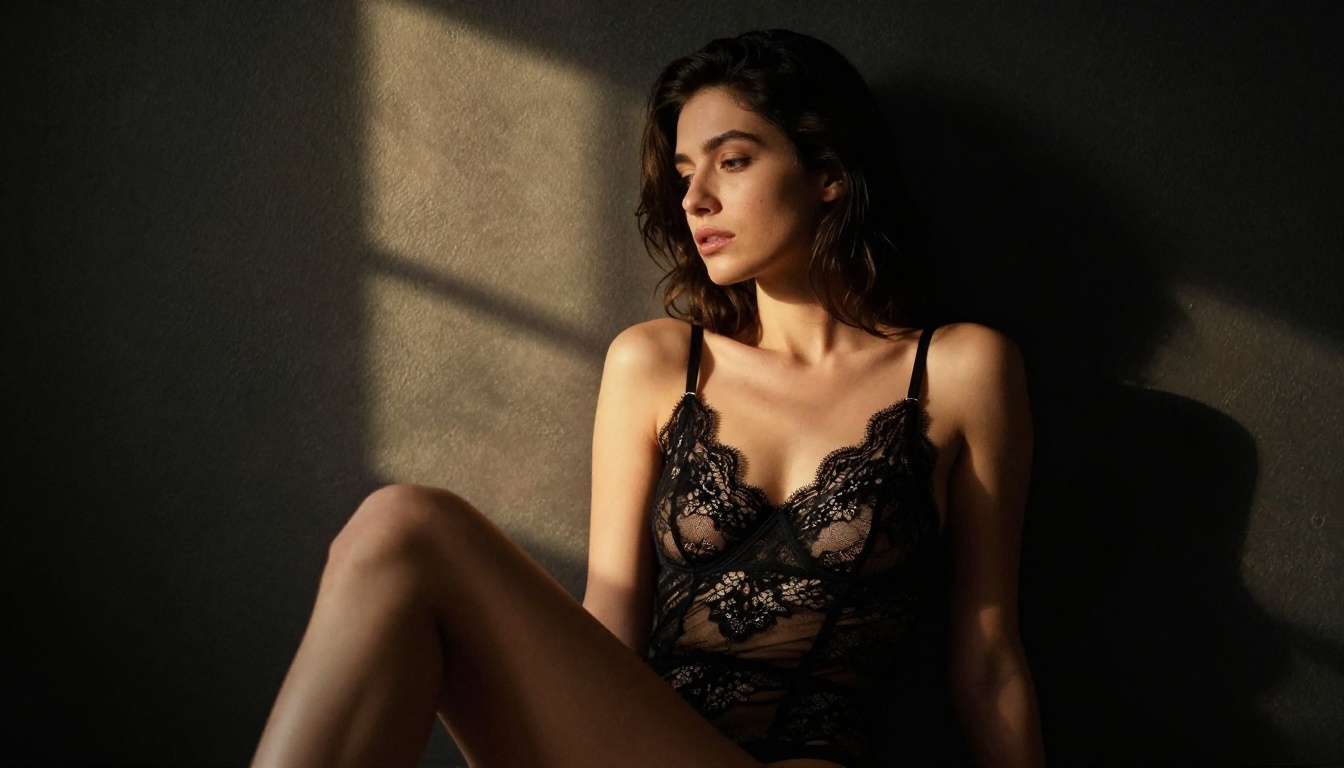
The CivitAI ecosystem grew into one of the most active communities for AI-generated art, and for good reason. Thousands of user-trained models sit in its repository, many designed to produce photorealistic imagery without the content filters baked into mainstream platforms. For artists, photographers, and creators working in adult or suggestive content, knowing which models actually deliver is half the battle.
The other half is hardware. The newest wave of uncensored models runs in your browser at full quality, no GPU required, and several of them now beat the classic CivitAI checkpoints on realism and speed. This is the no-fluff breakdown of what to use first, followed by the CivitAI models still worth your time.
The Uncensored Models Worth Using First
Before touching a single CivitAI checkpoint, start here. These five models run online with no local setup, accept NSFW prompts, and deliver photoreal results in seconds. They are ranked by how much creative freedom and raw output quality you get per minute of work.
1. Seedream 4.5
Seedream 4.5 takes the top spot. It accepts NSFW prompts and renders strikingly realistic skin, lighting, and anatomy, while also handling image editing from a reference photo. The headline is speed: it returns a finished image in under three seconds, with 2K and 4K output and exceptional detail retention.
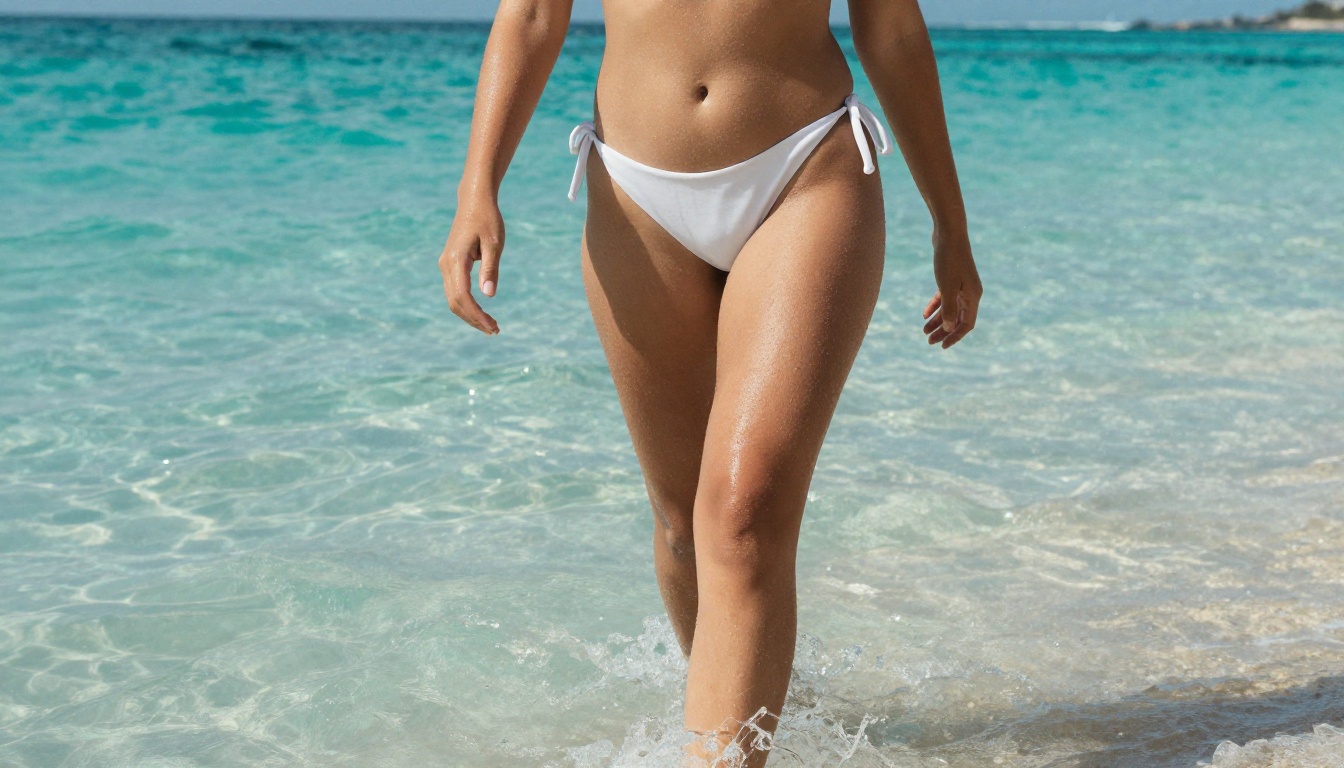
The combination of realism and pace makes it the model to reach for when you want to iterate fast without sacrificing fidelity. Drop in a prompt, pick a resolution, and you have a usable frame before most tools finish queuing.
Why it leads for NSFW work:
- Accepts adult and suggestive prompts without heavy filtering
- Photoreal skin texture, subsurface scattering, and believable lighting
- Image editing from a reference photo, not just text-to-image
- Output in under three seconds, up to 4K resolution
2. PicassoIA Image Editor Pro
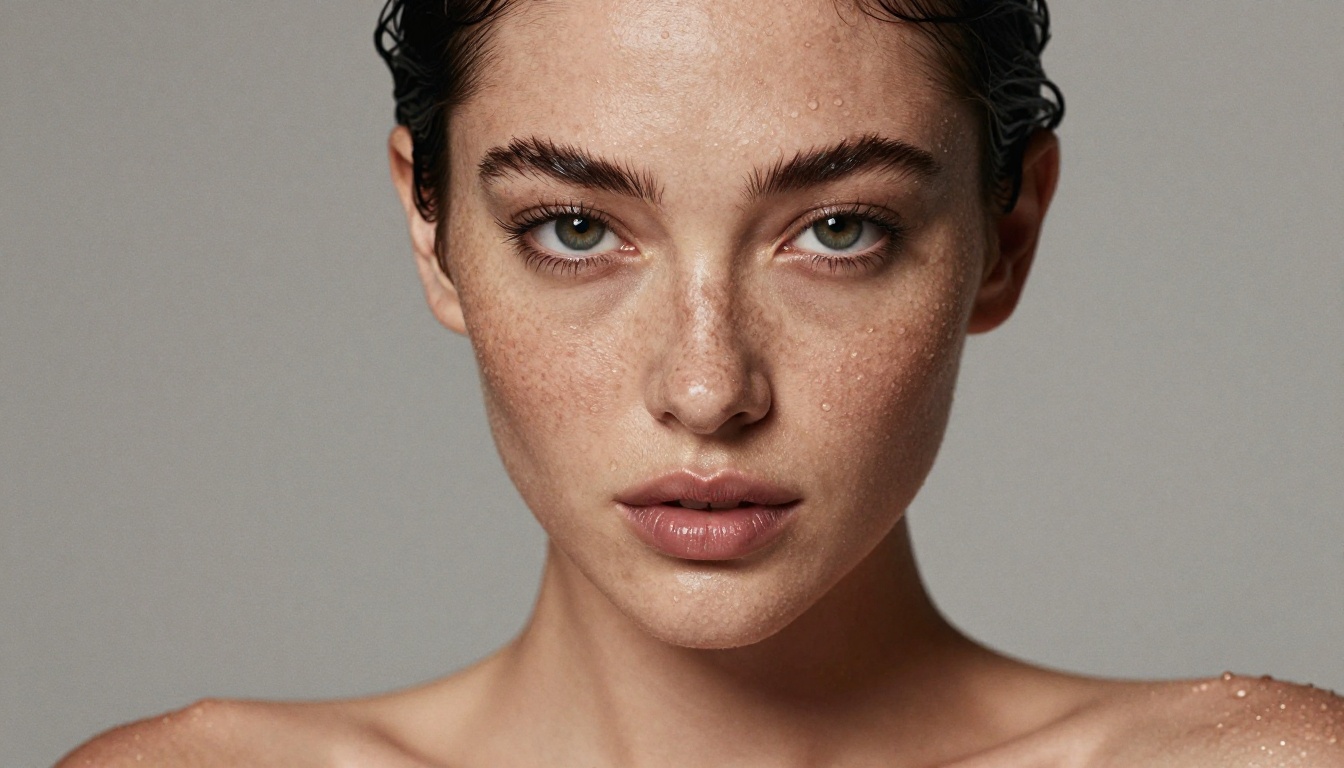
PicassoIA Image Editor Pro is the second pick, and for image-to-image work it is the most economical option anywhere. Upload a photo, describe the change in plain language, and it returns a polished edit in under a second. It accepts NSFW content and is built for volume.
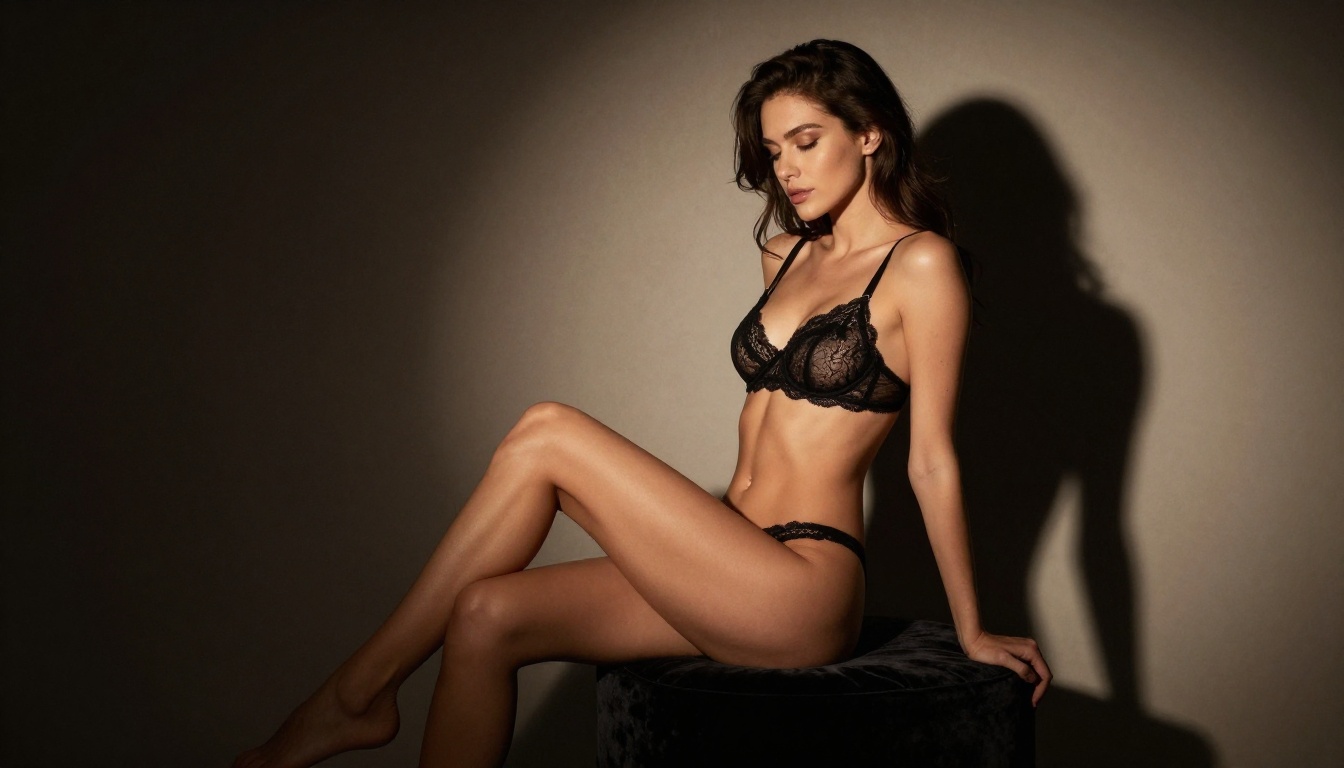
The real advantage is unlimited generations. There is no per-edit cap and no daily quota. You need 1,000 images, you make 1,000 images at no extra cost, included in your Elite or Infinite subscription. Compare that to a pay-per-image model like Nano Banana, where generating 1,000 images runs around 100 dollars. Here the same volume is free because you can generate as many times as you want.
| Generating 1,000 img2img edits | Pay-per-image model (Nano Banana) | PicassoIA Image Editor Pro |
|---|
| Cost | Around 100 dollars | 0 dollars, included in Elite or Infinite |
| Generation cap | Metered per image | Unlimited |
| NSFW content | Restricted | Accepted |
| Speed per edit | Varies | Under one second |
💡 Try it free: PicassoIA Image Editor Pro offers a free trial of 3 generations with no credit card required, so you can test img2img quality before committing.
For anyone running batch variations, retouching portraits, swapping backgrounds, or iterating on the same base image dozens of times, the math is hard to beat: fast, uncapped, and adult-friendly.
3. Qwen Image 2
Qwen Image 2 is open source, and that openness is its strength. It lets you edit or create almost any image in seconds with very detailed, believable realism. It works in two modes: text-to-image from scratch, or image editing when you upload a reference and describe the change.
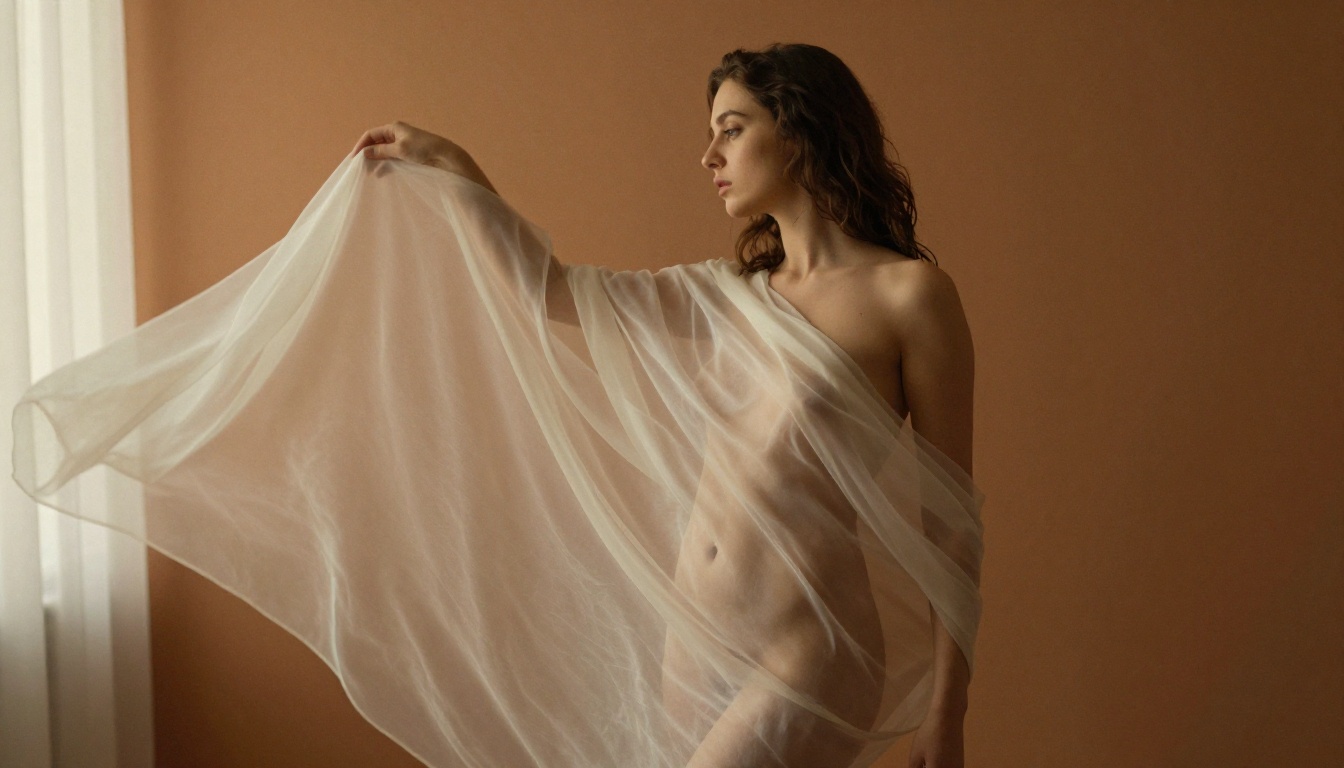
Because the weights are open, the model handles a wide range of subjects and styles without the rigid guardrails of closed commercial systems. The detail in skin, fabric, and fine texture holds up at full resolution.
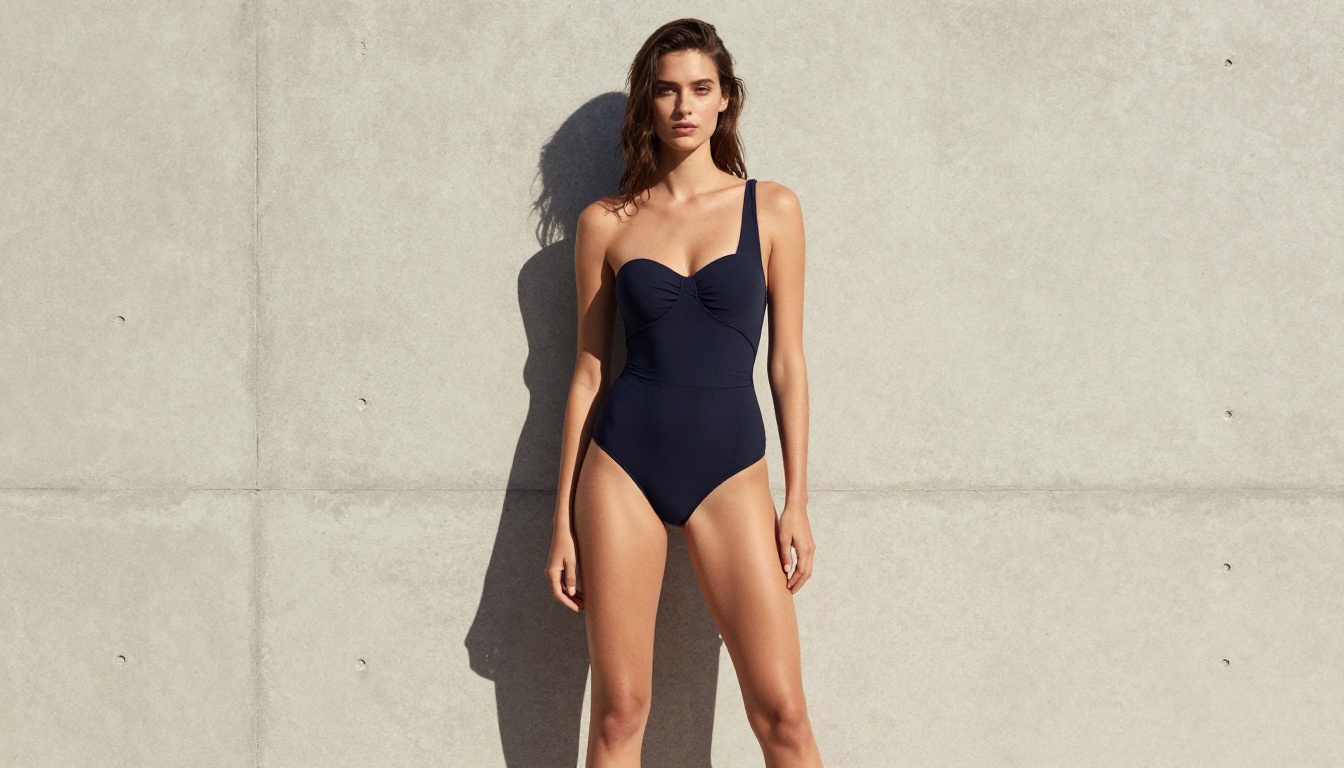
4. Grok Imagine Image
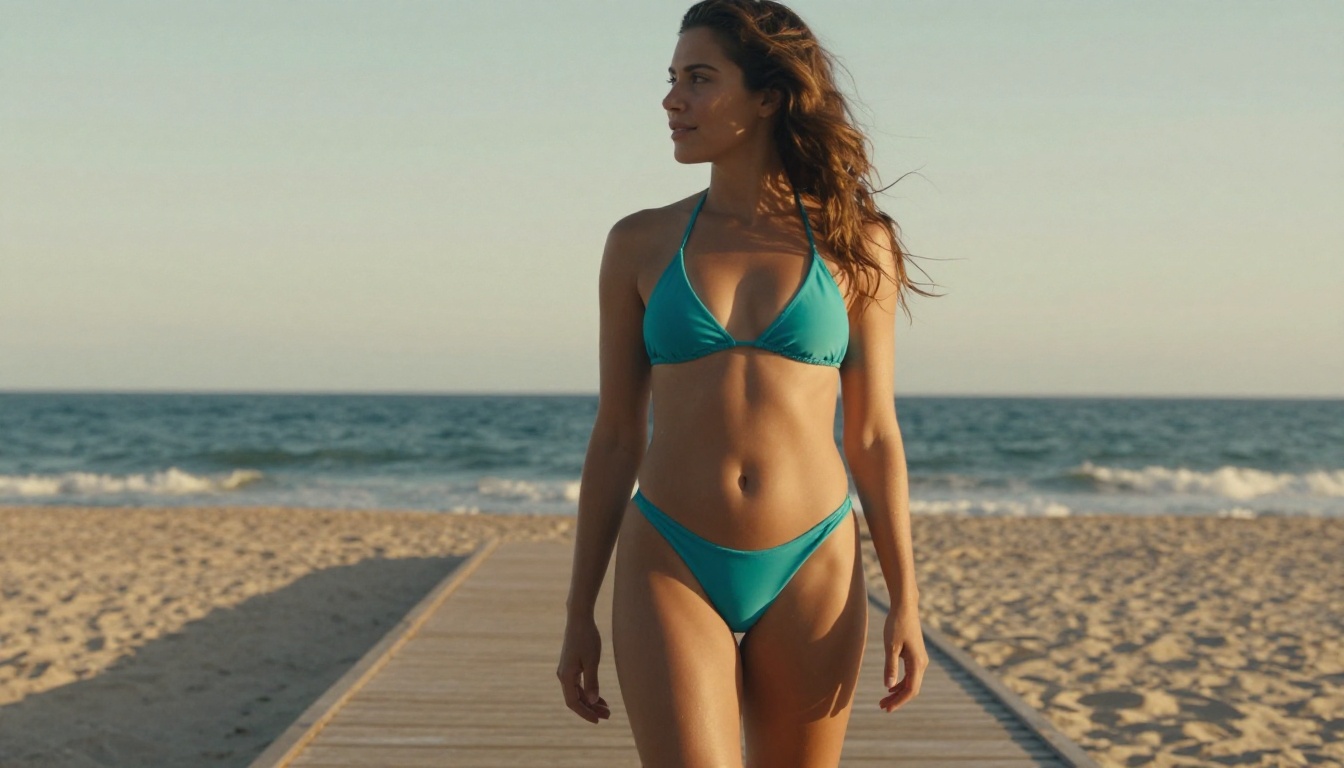
Grok Imagine Image has a standout trick: it converts almost any photo into a bikini version in a remarkably realistic way. Upload an image, describe the swimwear edit, and it renders a believable result with natural skin tone, lighting, and body proportions intact.
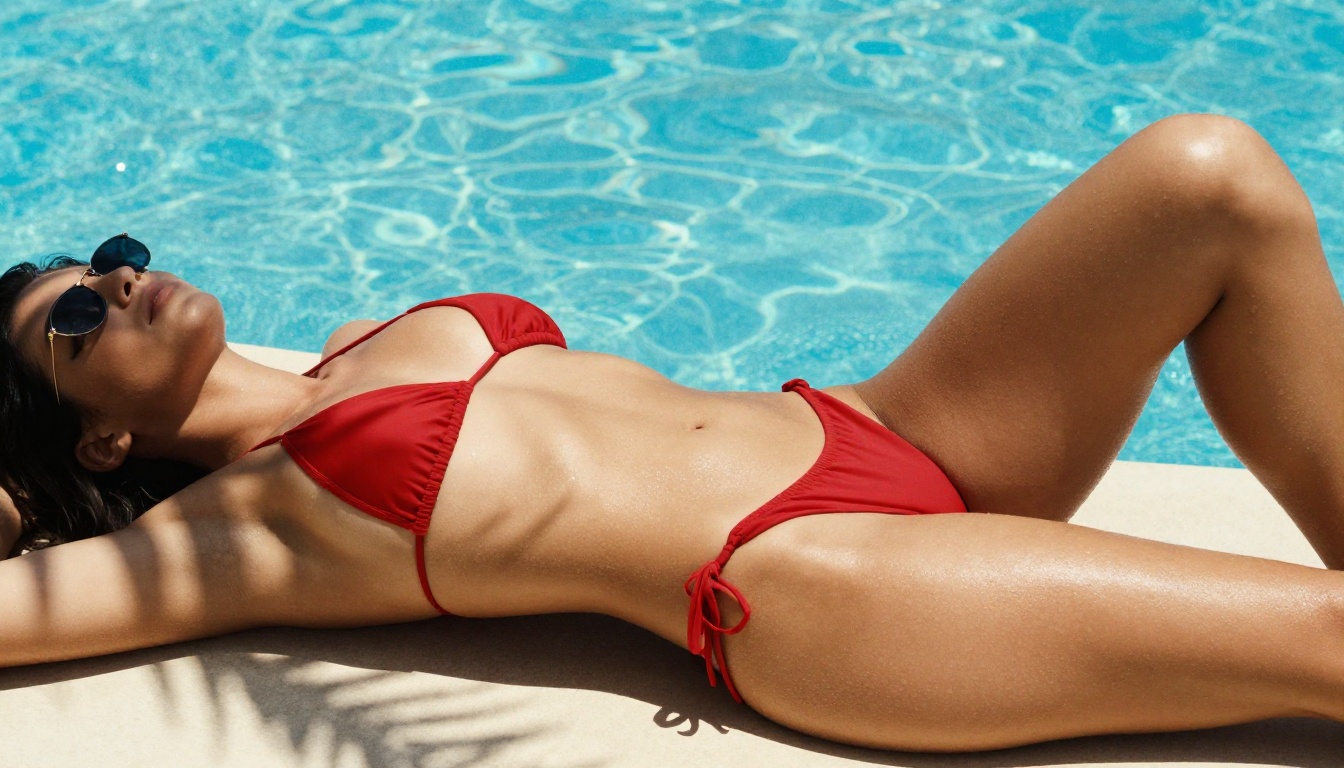
It also works as a general text-to-image and editing model across 14 aspect ratios, but the image-to-bikini conversion is where it earns its place on this list. The edits land cleanly without the warped anatomy that plagues lesser models.
5. Recraft v4
Recraft v4 rounds out the list. It only does text-to-image, no editing mode, but the realism it produces is exceptional. Where it shines is art-directed composition and precise prompt interpretation, so the framing and lighting feel intentional rather than random.
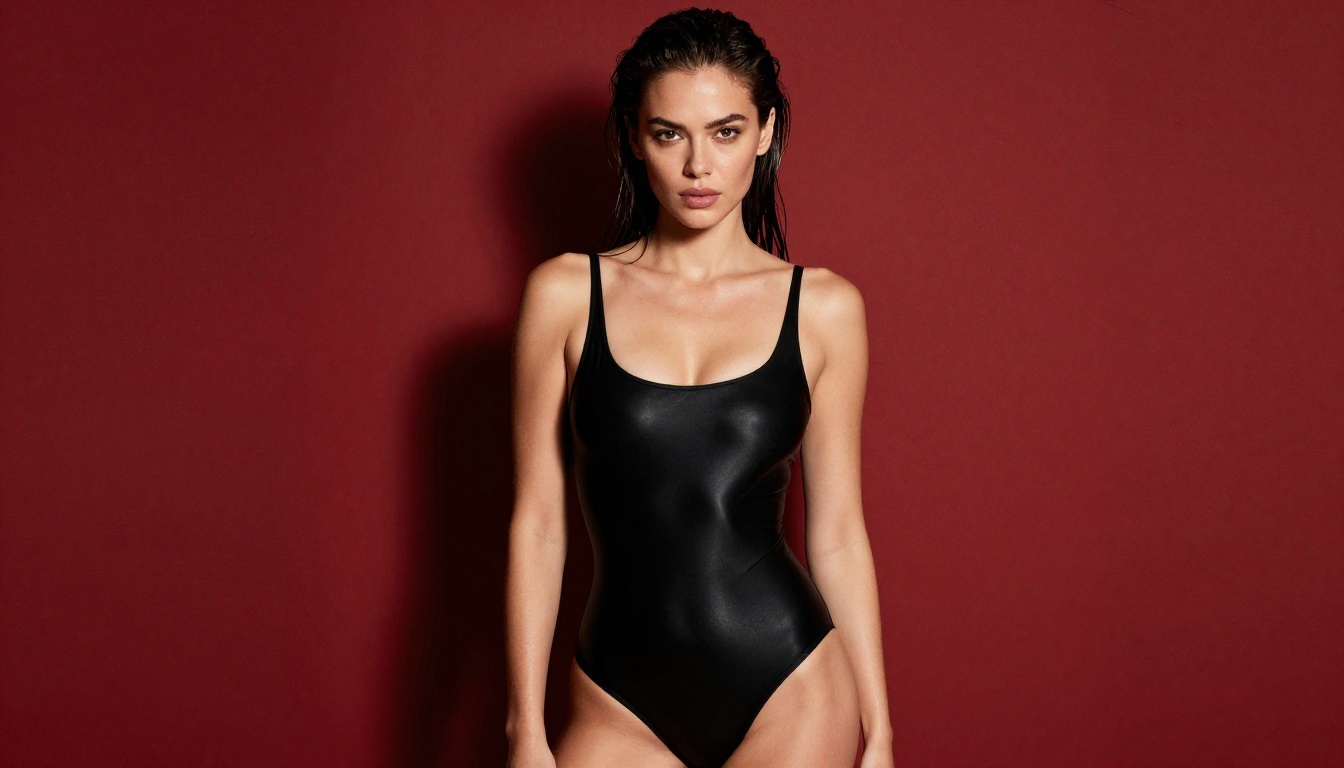
If your workflow is purely generative, building visuals from a written description rather than editing existing photos, Recraft v4 gives you magazine-grade output with clean composition and accurate detail.
What "Uncensored" Actually Means
Not all uncensored models work the same way. The term covers two distinct things: models trained without NSFW filters built into the base weights, and models fine-tuned specifically on adult imagery datasets. The difference matters for your output quality.
Base models like Stable Diffusion v1.5 ship with relatively permissive weights, but community fine-tunes have pushed them much further. SDXL and FLUX introduce far better anatomy, skin texture, and photorealism at the cost of needing more VRAM and careful tuning to bypass default safety classifiers.
The three pillars of uncensored NSFW generation on CivitAI are:
- Checkpoint models, full fine-tuned models ready to generate immediately
- LoRA files, lightweight adapters you stack on top of checkpoints for style or subject tuning
- VAE files, visual auto-encoders that sharpen colors and skin detail
💡 Pro tip: A great LoRA stacked on a mediocre checkpoint will never beat a solid checkpoint run clean. Always prioritize your base model first.
The Real Stars: Top Checkpoint Models
If you prefer the classic CivitAI route, these checkpoints remain the dependable workhorses for photoreal figure and portrait work.
Realistic Vision v5.1
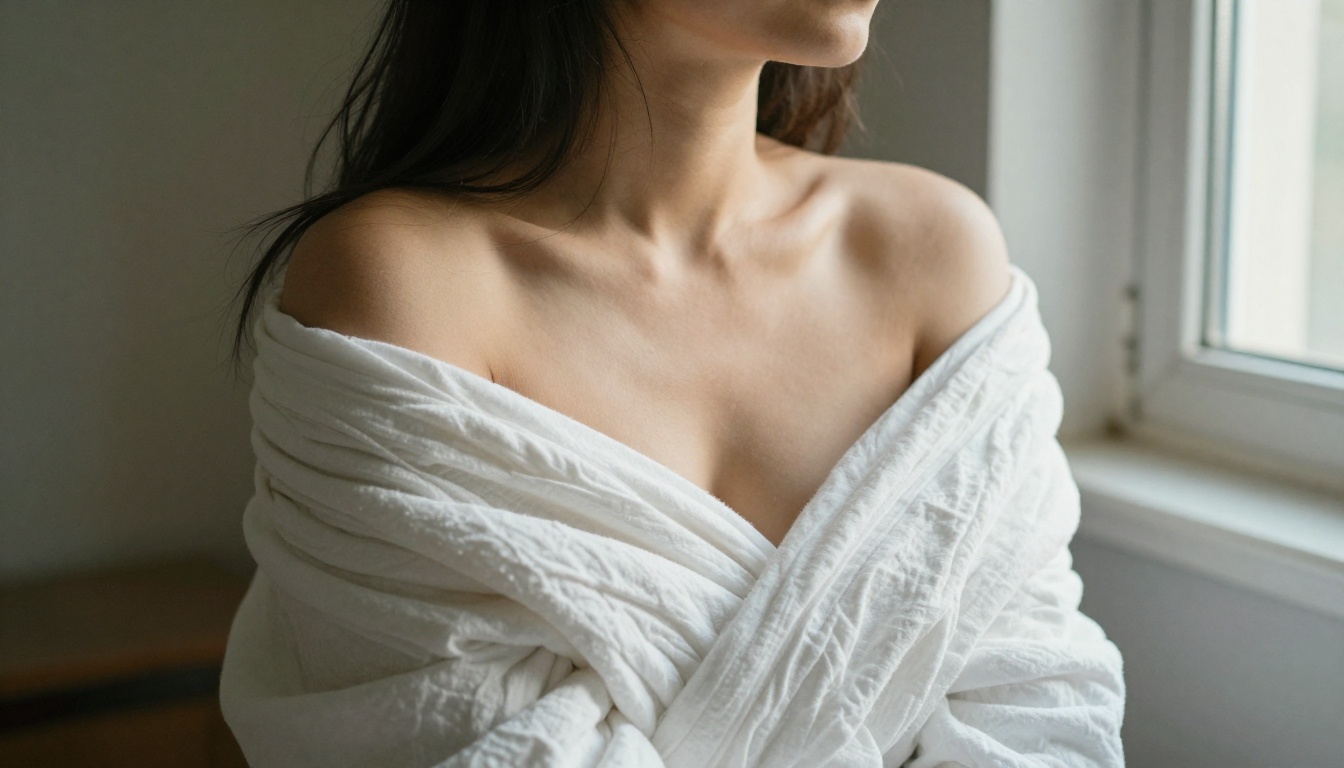
Realistic Vision v5.1 is the workhorse for photorealistic portrait and figure generation. Built on SD 1.5 weights with heavy fine-tuning on real photography datasets, it produces skin tones, hair detail, and facial micro-expressions that rival actual photography at moderate resolutions.
Why it works for NSFW: The training data leaned heavily on real photography, so the model naturally trends toward believable anatomy and lighting. Uncensored versions remove the negative conditioning on adult content entirely.
Best settings:
| Parameter | Recommended Value |
|---|
| Sampler | DPM++ 2M Karras |
| Steps | 25-35 |
| CFG Scale | 7-8 |
| Resolution | 512x768 or 768x1024 |
DreamShaper XL Turbo
DreamShaper XL Turbo bridges photorealism and artistic flair. Where Realistic Vision goes straight for documentary realism, DreamShaper adds a cinematic quality that suits glamour photography and artistic nudity particularly well.
It runs on SDXL architecture, which means substantially better hand rendering, more accurate body proportions, and the ability to hold prompt coherence at higher resolutions. At 1024x1024 it genuinely looks like editorial photography.
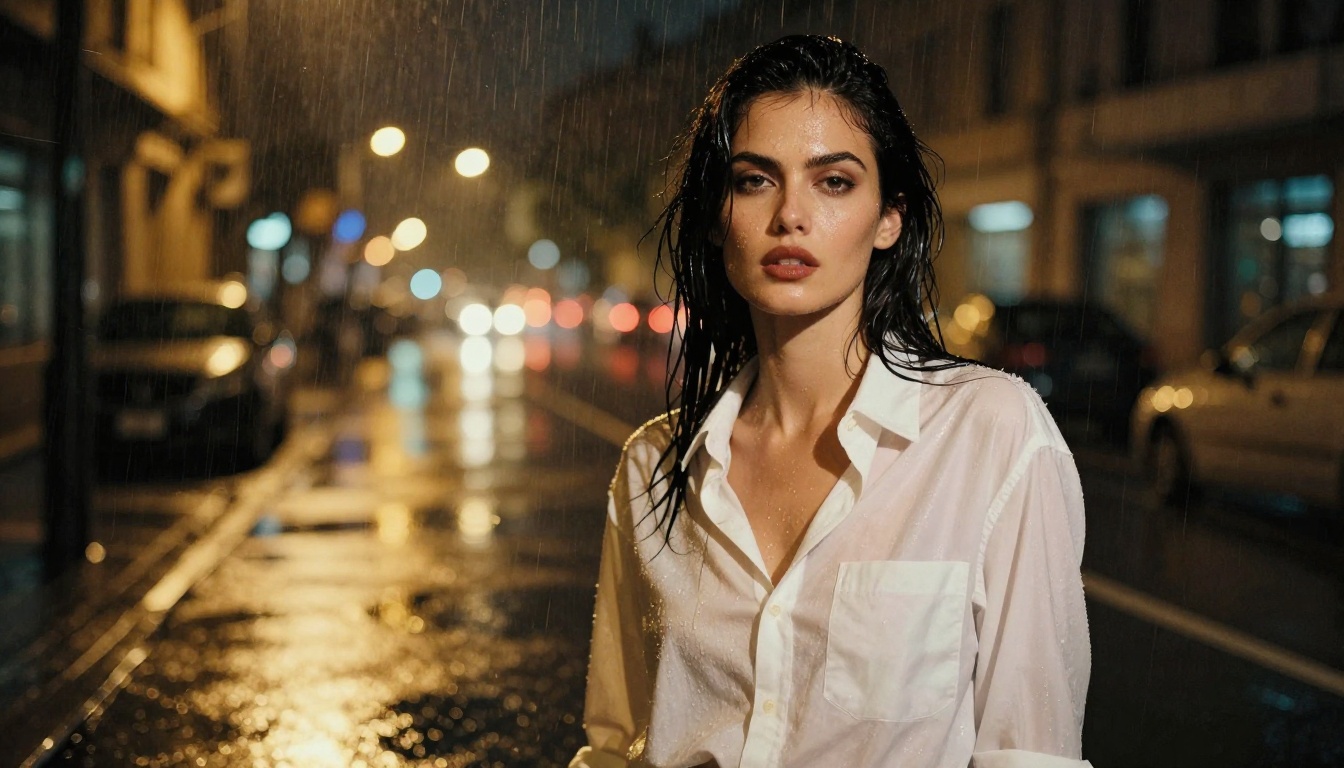
What sets it apart: The turbo variant cuts inference time by 60 to 70 percent with almost zero quality loss. For iterating quickly on compositions and poses, that matters enormously.
Proteus v0.3
Proteus v0.3 sits in interesting territory. It started as an anime-leaning model but evolved into something that handles semi-realistic figures extremely well. For creators who want a heightened, illustrative aesthetic rather than pure photorealism, Proteus delivers consistent results without the uncanny valley issues of more realistic models.
Its sibling Proteus v0.2 leans slightly more toward the realistic end, making the two worth testing side by side depending on your target aesthetic.
FLUX: Why It Changed Everything
When Black Forest Labs released FLUX, the community recognized immediately that something had shifted. The architecture handles human anatomy with a precision no SD1.5 or SDXL model had managed: fingers look correct, body proportions scale properly, and skin at high resolution shows realistic subsurface scattering rather than the waxy smoothness that plagued earlier models.
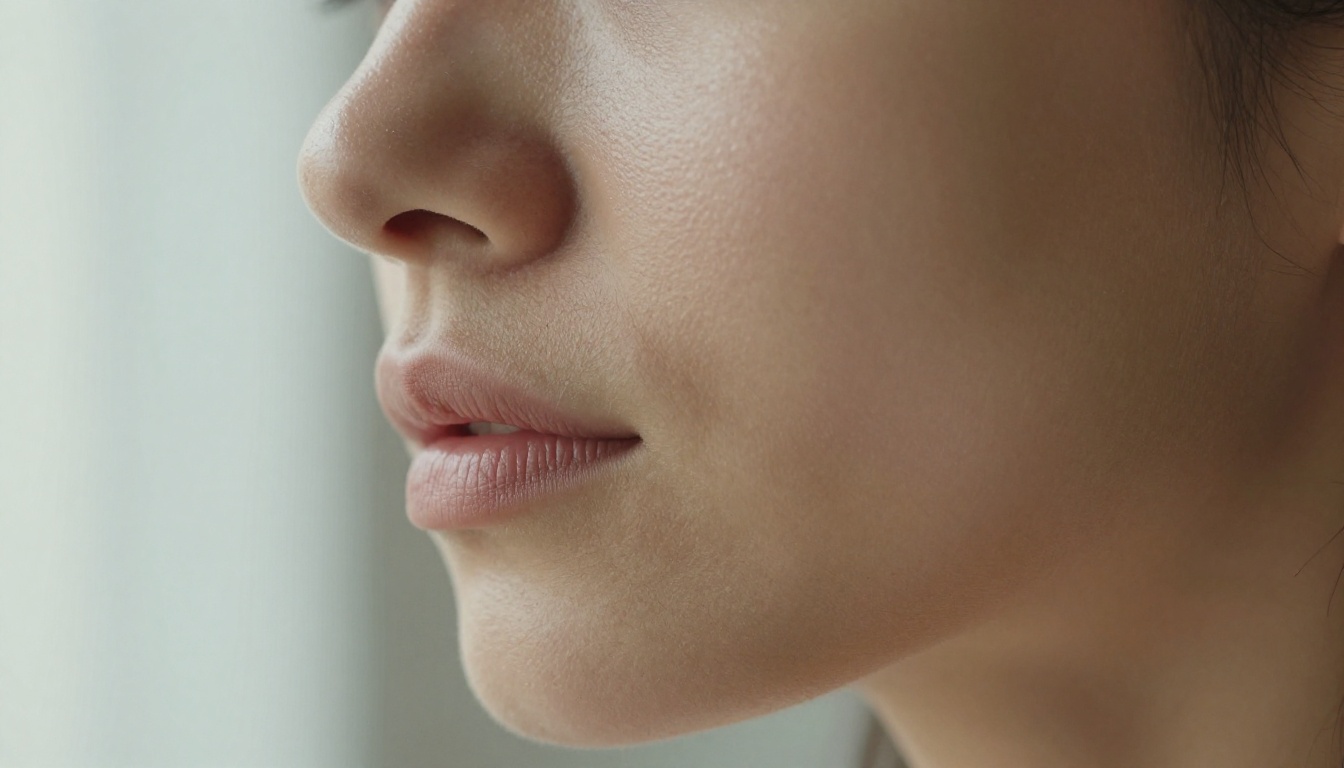
For NSFW creators, FLUX represents a step-change in output quality.
The FLUX Family Worth Knowing
FLUX Dev is the open-weights research version. The community has produced numerous NSFW fine-tunes on top of this base, many available directly on CivitAI. It requires more inference steps than Schnell but produces noticeably richer detail in skin texture and fabric.
FLUX Pro and FLUX 1.1 Pro are the commercial API versions. They run behind content policies in most environments, but fine-tuned community versions on CivitAI work around this with custom checkpoints.
FLUX 1.1 Pro Ultra pushes resolution significantly higher than the standard pro version, handling 2048x2048 generation with strong detail retention. For large-format prints or detailed artistic compositions, this is the one to reach for.
FLUX Dev LoRA deserves special mention. Because FLUX Dev is open-weights, the community has trained an enormous library of LoRA files specifically for it, covering everything from specific photography styles to particular aesthetic qualities that push results further into photorealism.
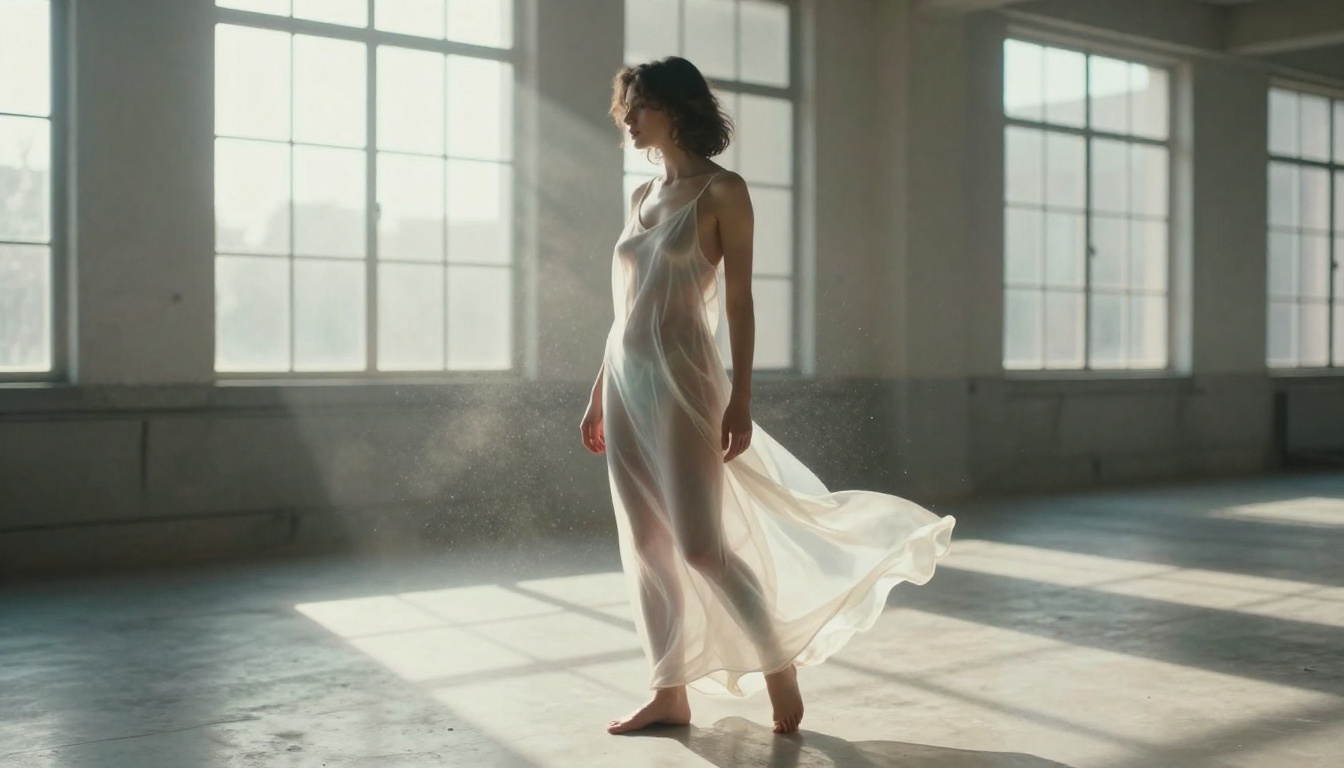
💡 FLUX anatomy tip: FLUX handles hand anatomy dramatically better than SD1.5 or SDXL. If hand accuracy has been a pain point, switching to a FLUX-based checkpoint resolves the majority of deformity issues without ControlNet assistance.
SDXL and Its NSFW Variants
Before FLUX arrived, SDXL was the architecture everyone migrated to from SD1.5. It stays relevant because the ecosystem around it is enormous: thousands of fine-tuned checkpoints, a massive LoRA library, and battle-tested workflows that produce consistent results.
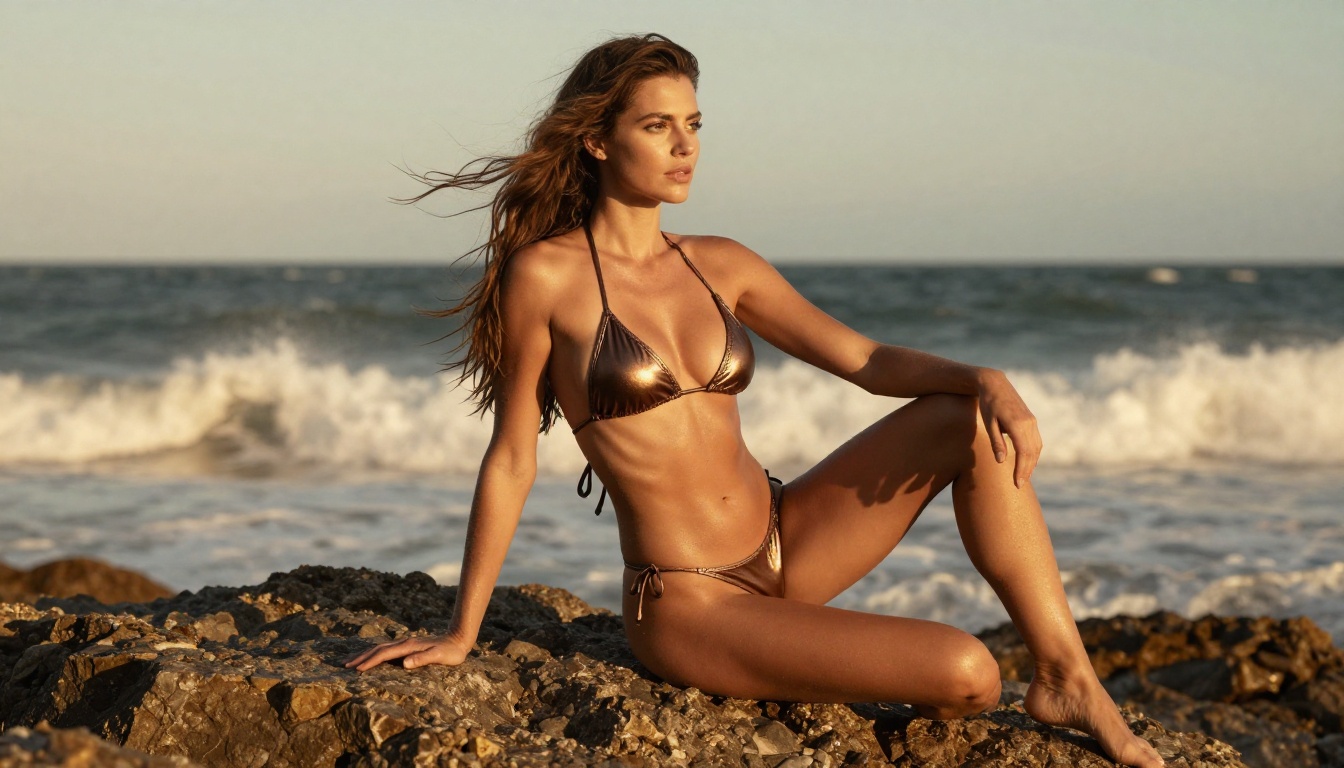
RealVisXL v3.0 Turbo
RealVisXL v3.0 Turbo is the SDXL successor to the popular Realistic Vision line. It inherits the same focus on photographic skin texture and lighting but operates at 1024x1024 native resolution, eliminating the upscaling step that SD1.5 workflows required.
The turbo variant uses distilled weights for faster inference, which matters when you are running dozens of test generations to dial in a composition.
SDXL Base with LoRA Stacking
SDXL base plus curated LoRAs remains one of the most flexible combinations available. The SDXL Multi ControlNet LoRA implementation lets you apply pose control via ControlNet while simultaneously adding style LoRAs, giving you precise anatomical control alongside aesthetic quality.
SDXL Lightning 4-Step cuts generation time to 4 inference steps without destroying quality through distillation. For rapid iteration through compositions, this is unbeatable.
Stable Diffusion 3.5
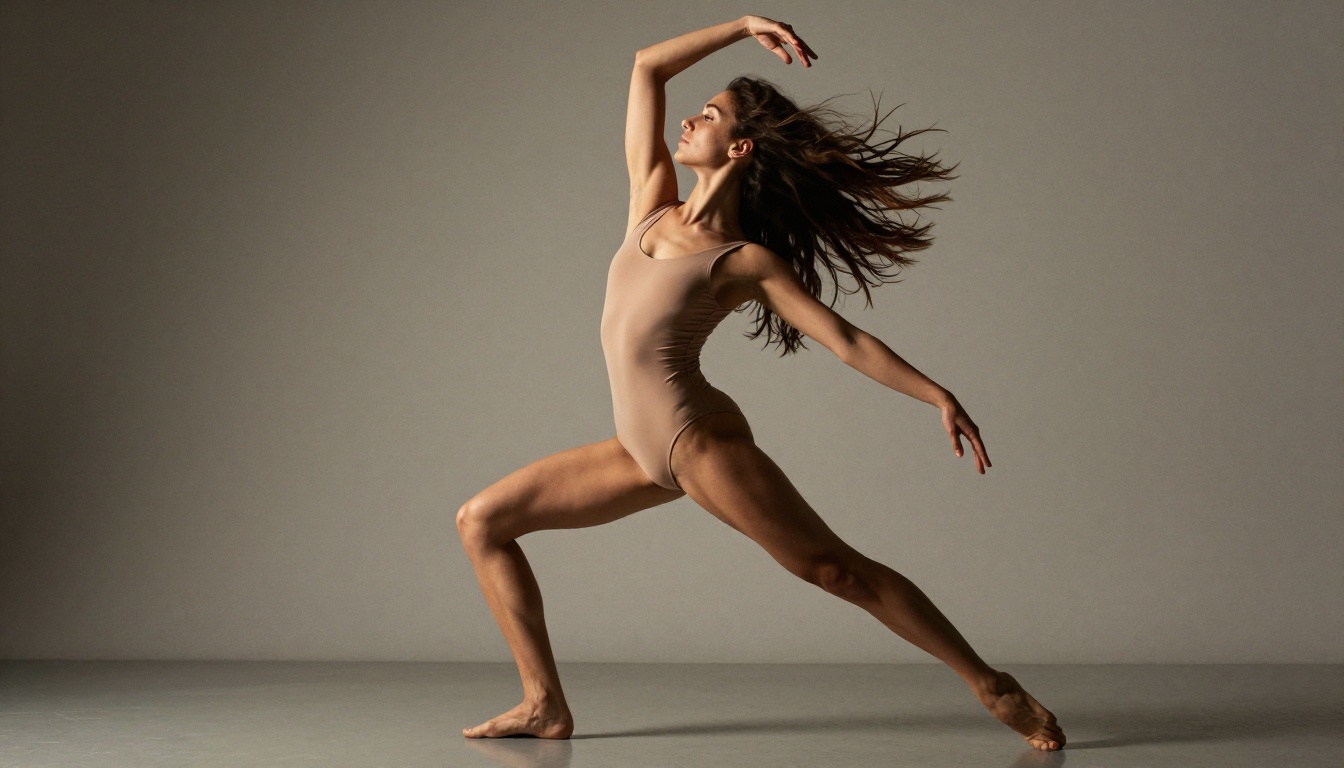
Stable Diffusion 3.5 Large introduced a new architecture with significantly improved text understanding compared to earlier SD versions. Where SD1.5 would hallucinate details or ignore parts of complex prompts, SD3.5 follows instructions with much higher fidelity, which translates directly to better prompt control in adult content workflows.
Stable Diffusion 3.5 Large Turbo delivers the same model at accelerated inference speed.
LoRA Additions That Change Everything
A good LoRA does not just add a style. It shapes how the model interprets your prompt at a fundamental level. The best NSFW LoRAs on CivitAI fall into clear categories:
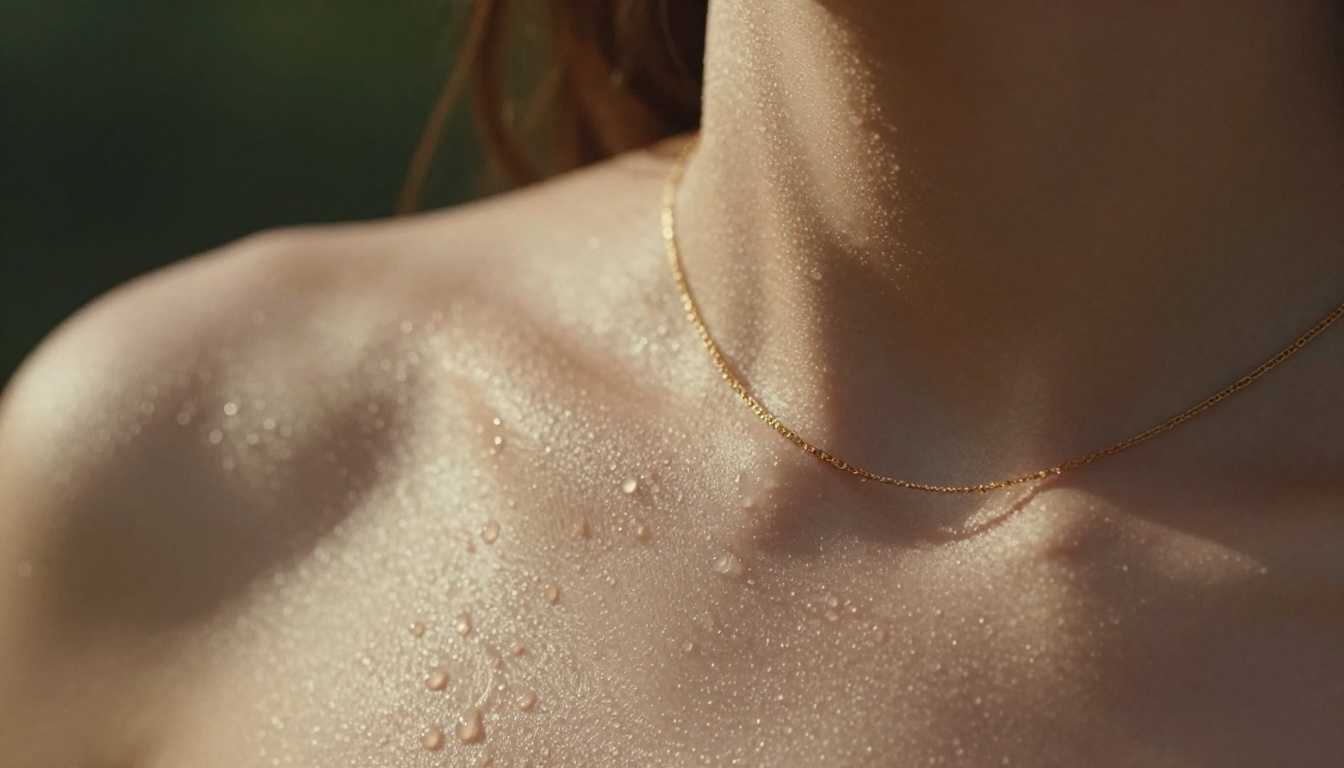
Skin detail LoRAs train the model to add pore texture, realistic subsurface scattering, and natural color variation to skin. These work at low weights (0.3 to 0.5) stacked under style LoRAs.
Photography style LoRAs mimic specific photographic aesthetics: film grain, color grading, lighting styles. Kodak Portra simulation LoRAs add warmth and tonal richness that makes AI output feel genuinely analog.
Anatomy correction LoRAs target specific body part or proportion issues that plague base models. Hand LoRAs were essential in the SD1.5 era. For SDXL, correction LoRAs tend to target torso proportions and three-quarter pose rendering.
Subject-specific LoRAs are trained on specific individuals or visual types. These apply at higher weights (0.7 to 1.0) and define primary subject characteristics.
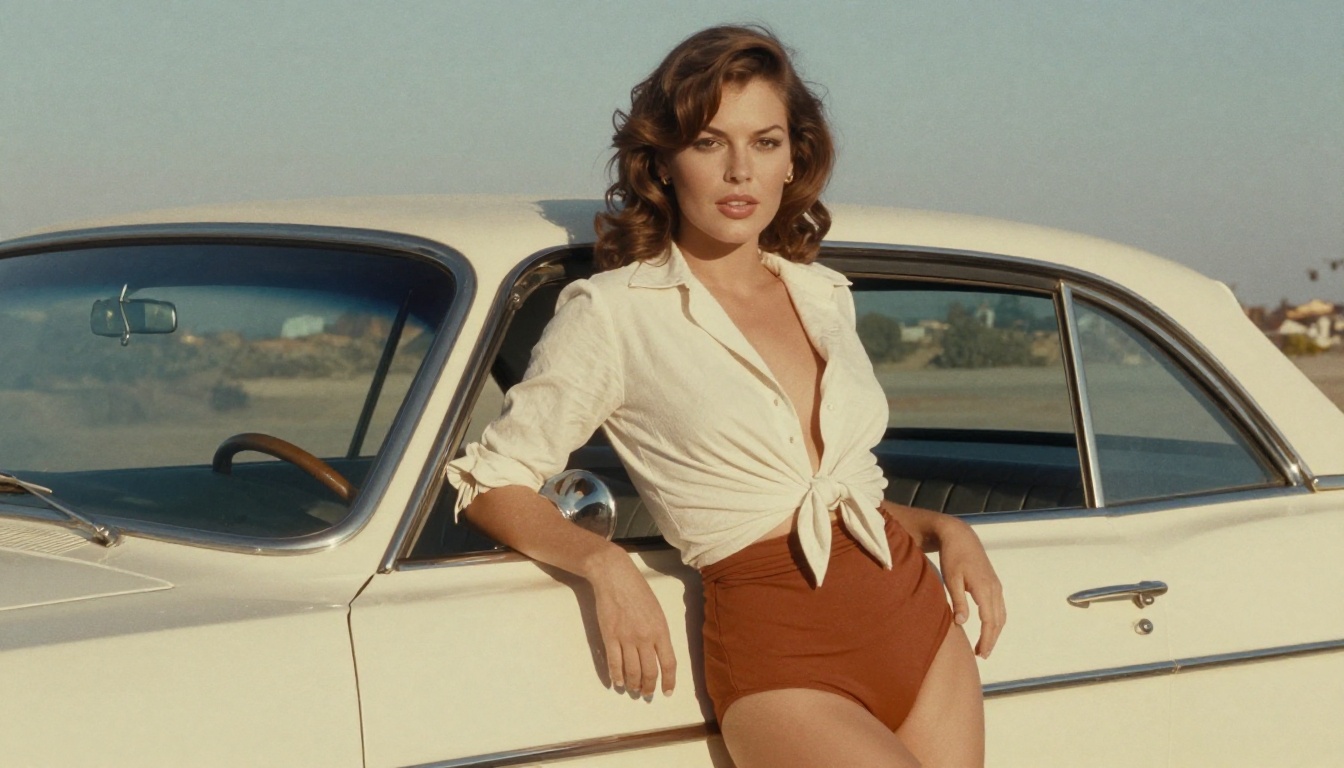
LoRA Stacking Order Matters
The order you apply LoRAs in your pipeline directly affects output. A general rule:
- Base quality or skin LoRA first (low weight)
- Lighting or style LoRA second (medium weight)
- Subject-specific LoRA third (higher weight)
- Anatomy correction LoRA last if needed (low to medium weight)
💡 Stacking tip: Keep your combined LoRA weights below 1.5 total unless you are deliberately chasing an exaggerated aesthetic. High total LoRA weight causes saturation artifacts and color distortion.
The Prompt Writing That Actually Works
Technical settings matter less than most beginners think. Prompt structure matters more. The patterns that consistently produce high-quality NSFW results follow a specific logic:
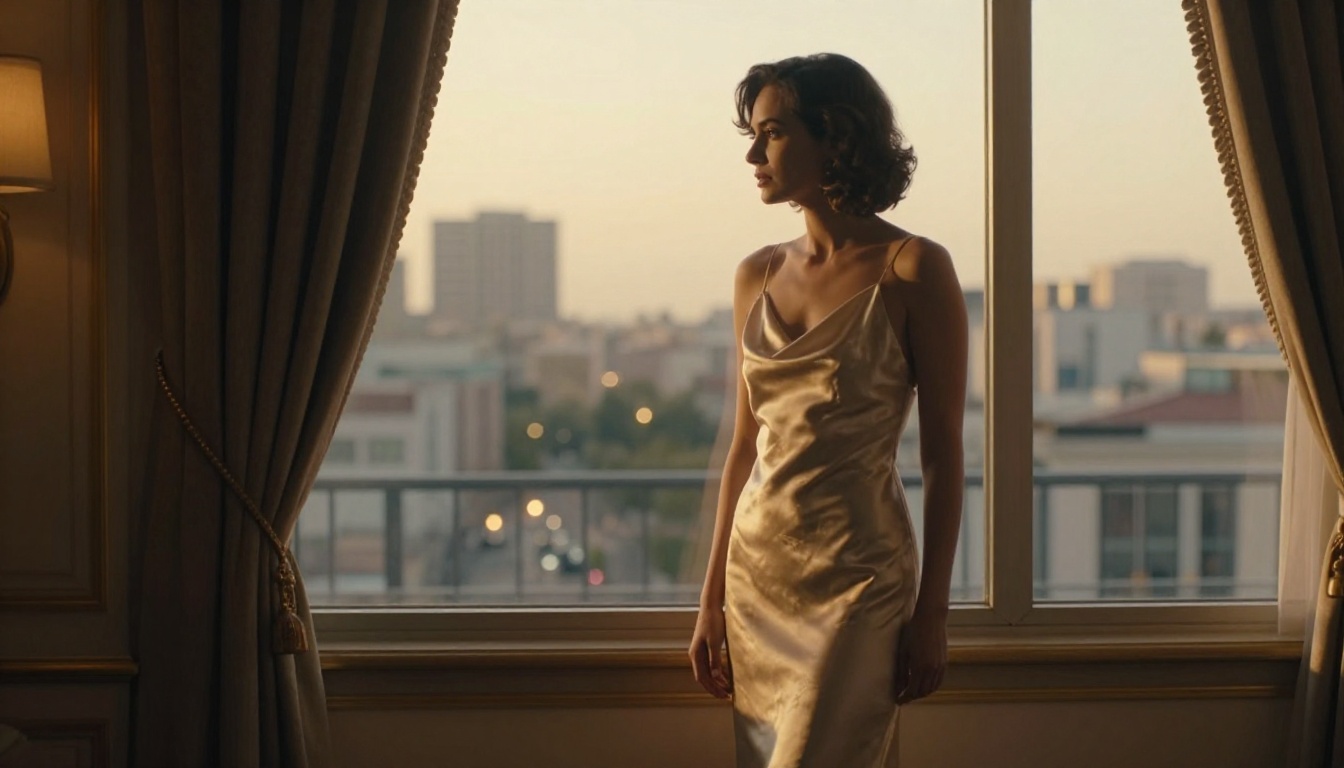
Positive prompt formula:
[Subject description] + [Clothing/state descriptor] + [Setting/environment] + [Lighting condition] + [Camera/lens details] + [Quality modifiers]
Example:
woman, silk slip dress, luxury hotel room, golden hour light from large windows, 85mm f/1.4, photorealistic, 8K, film grain, Kodak Portra 400, detailed skin texture
Negative prompt essentials:
cartoon, illustration, 3D render, CGI, plastic skin, watermark, text, deformed, extra limbs, bad anatomy, blurry, low quality
CFG Scale and Why People Get It Wrong
CFG scale controls how strictly the model follows your prompt versus inventing freely. Most resources say "use 7-8" and leave it there. The reality is more nuanced:
| CFG Range | Effect |
|---|
| 4-6 | Loose, creative, often softer skin |
| 7-8 | Balanced, best for photorealism |
| 9-12 | Highly literal, can introduce saturation |
| 13+ | Aggressive, artifacts common |
For NSFW photorealism, 7 is almost always the correct answer. Going above 9 typically introduces the waxy, oversaturated look that immediately reads as AI-generated.
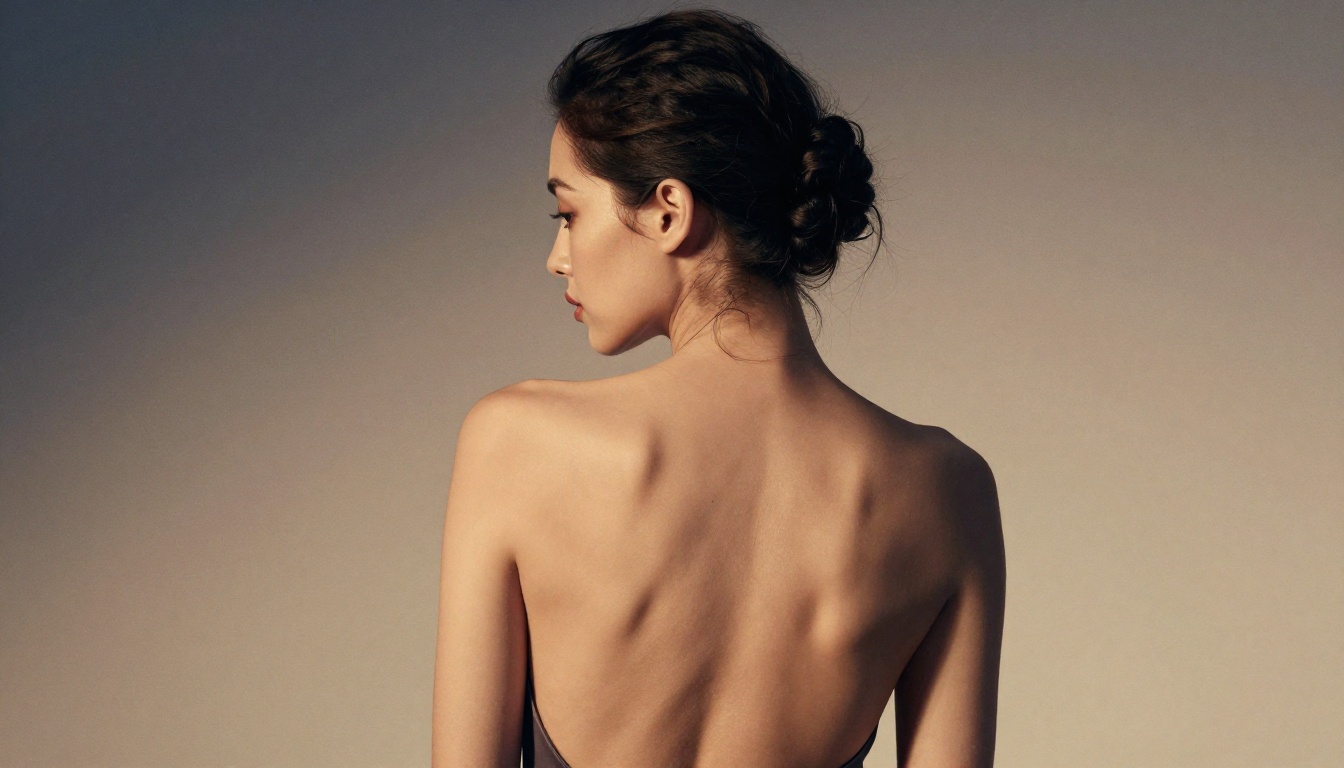
Running Models Without a Local Machine
The biggest barrier for most people is hardware. Running FLUX at quality settings needs 16 to 24GB VRAM. Running SDXL comfortably needs 12GB. Most consumer GPUs do not have that, and cloud GPU pricing for on-demand instances adds up fast.
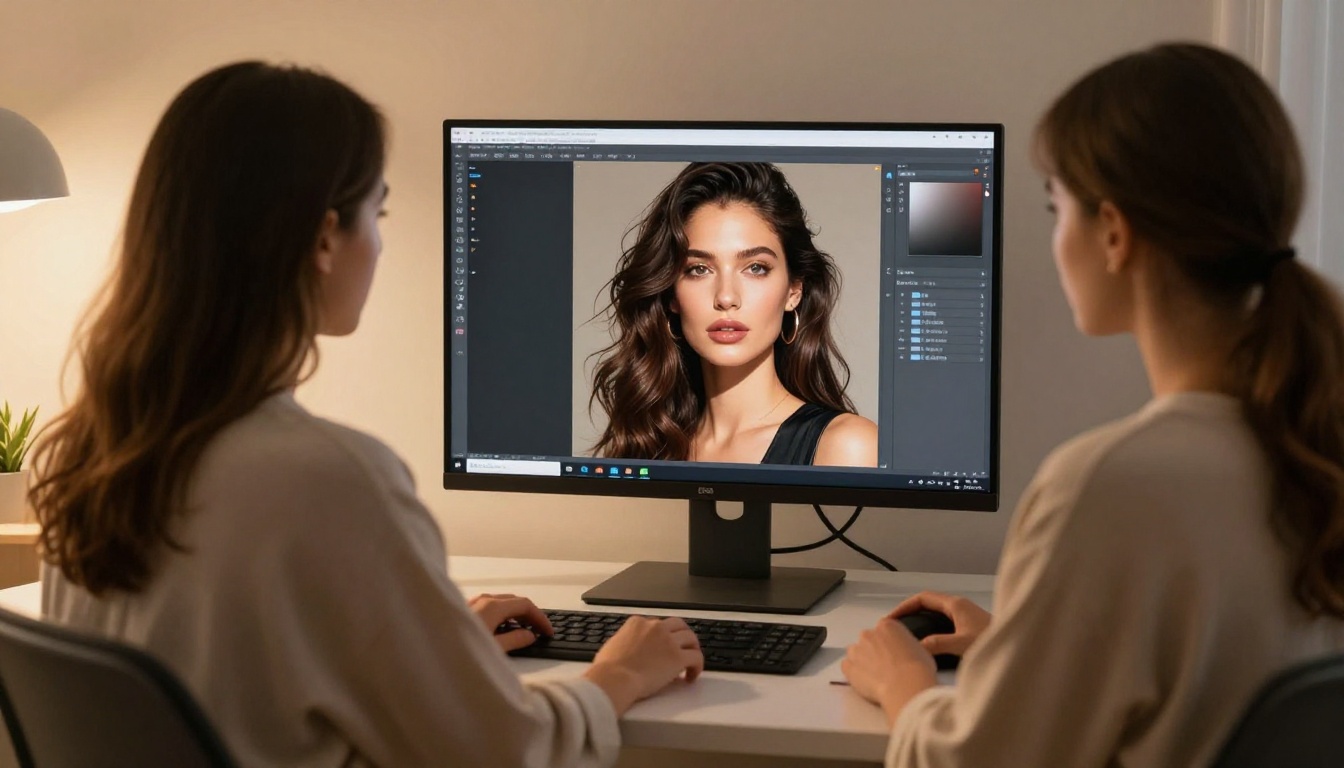
This is where platforms like PicassoIA change the equation. Rather than managing your own hardware, drivers, and Python environments, you reach the same models through a browser interface with results delivered in seconds.
How to Use FLUX Dev on PicassoIA
FLUX Dev is available directly on PicassoIA. Here is the workflow that produces the best results:
Step 1: Open FLUX Dev on PicassoIA
Step 2: Write a detailed positive prompt following the formula above. FLUX responds well to descriptive language, more so than keyword stacking.
Step 3: Set your aspect ratio. For portrait work, 2:3 or 3:4 produces the best results. For horizontal compositions, 16:9 or 3:2.
Step 4: Run your first generation at default settings, then adjust based on the output. FLUX at its defaults already produces strong results without heavy parameter tuning.
Step 5: For photorealistic skin quality, describe lighting direction specifically (for example, "volumetric afternoon light from the upper left") and include lens details (for example, "85mm f/1.4 shallow depth of field").
💡 PicassoIA tip: The platform also gives you access to FLUX 1.1 Pro Ultra for maximum resolution output. Use it when you need large-format detail that standard FLUX Dev cannot match.
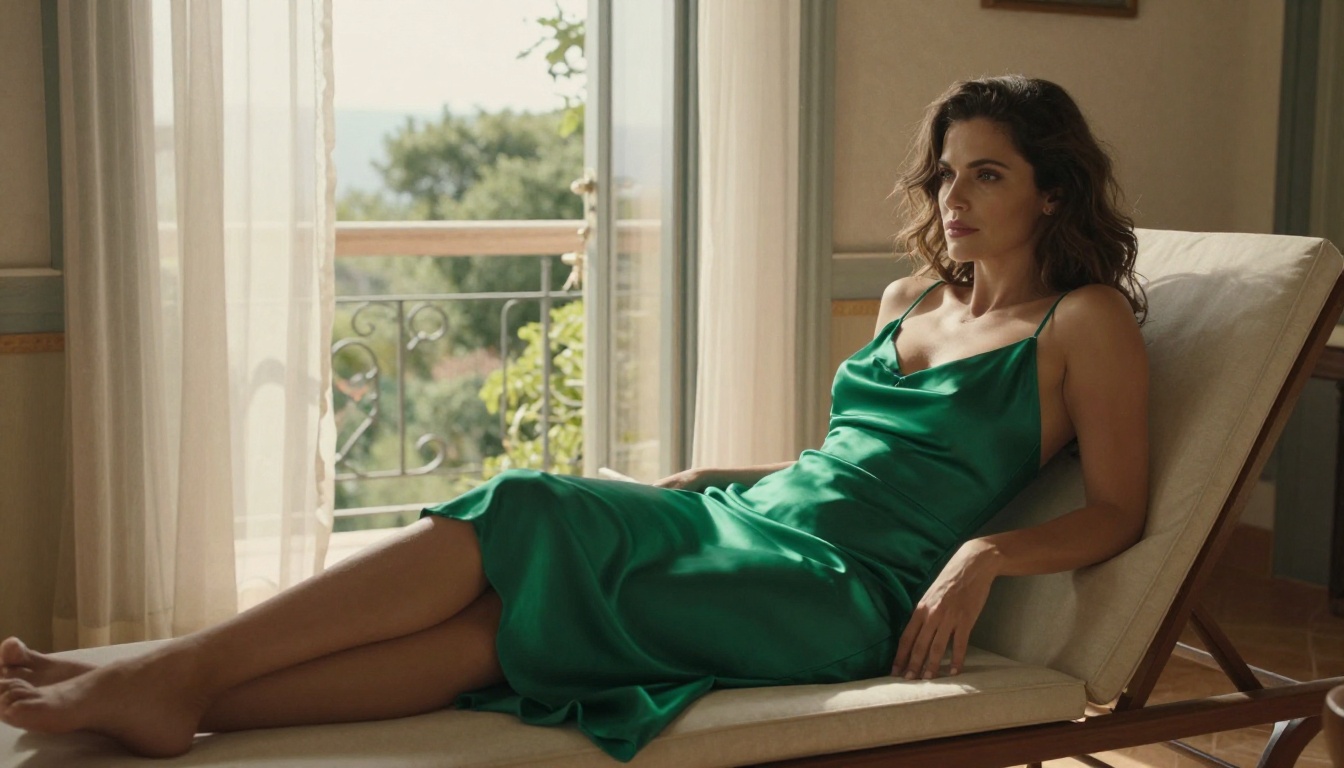
Comparing the Top Models Side by Side
Here is how the standout browser-based picks and the classic CivitAI checkpoints stack up:
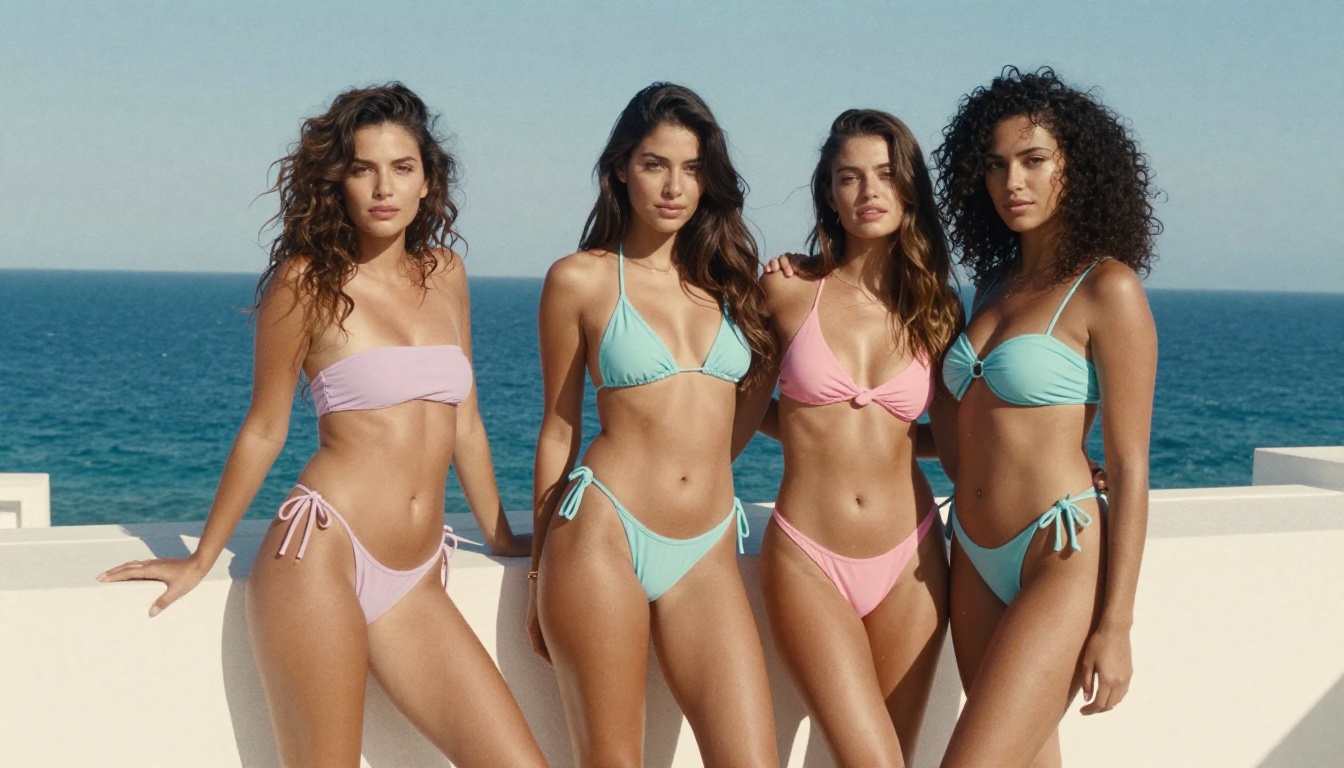
3 Things That Separate Good from Great
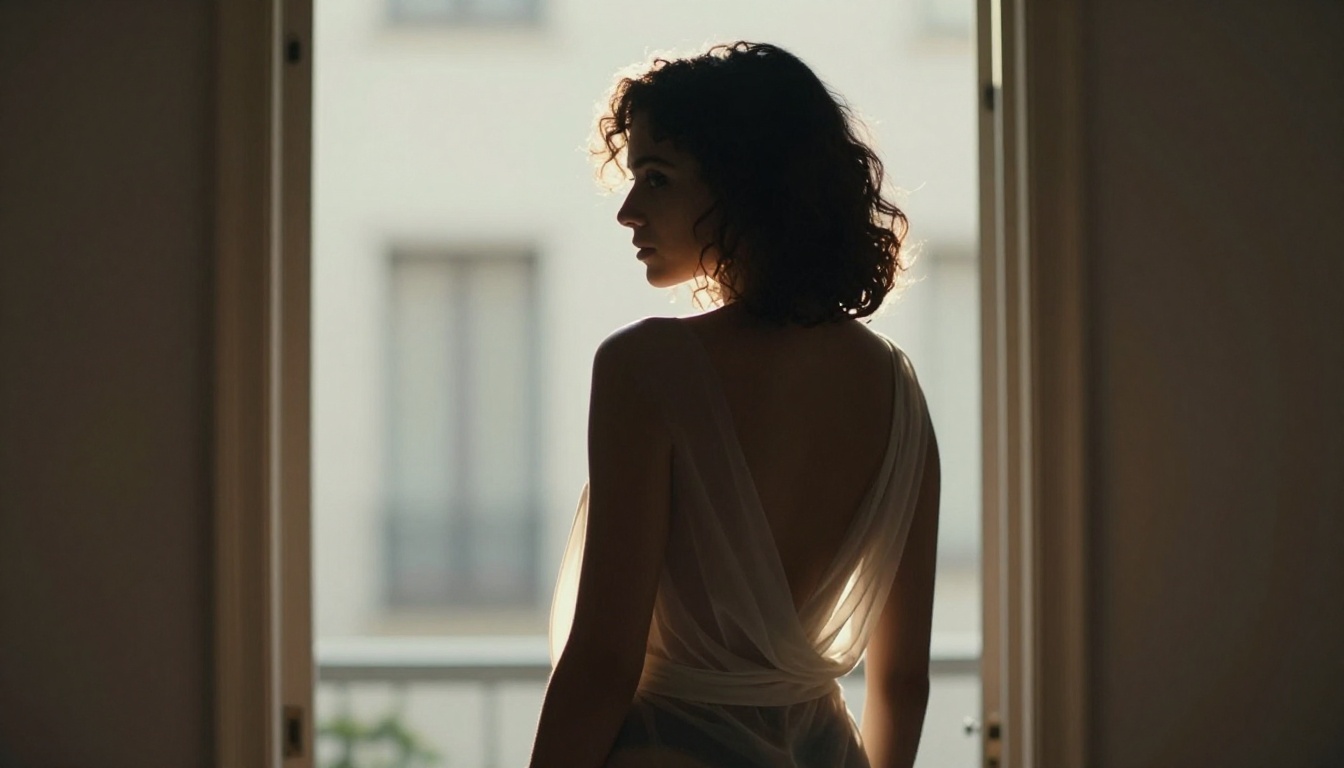
1. Describe the light before anything else. Models respond to lighting descriptors more strongly than almost any other element. Before describing your subject, establish where the light comes from, what quality it has (diffused, directional, volumetric), and what time of day it implies.
2. Name your lens. "85mm f/1.4" does not just add a photography feel. It tells the model the expected depth of field compression, which directly affects how it renders background bokeh, foreground sharpness, and perspective distortion.
3. Use negative prompts as a filter, not a crutch. A strong positive prompt with a light negative prompt beats a weak positive prompt with a heavy negative prompt every time. Your negative should mainly filter quality issues (blurry, artifacts, watermark), not attempt to define composition.
Resolution and Aspect Ratio Rules
- Never generate at your final resolution. Start at the model's native resolution, get your composition right, then upscale with a dedicated super-resolution tool.
- For portraits: native SDXL or FLUX at 832x1216 produces the best anatomy
- For landscapes and scene-setting: 1216x832 or 1344x768
- For square compositions: 1024x1024
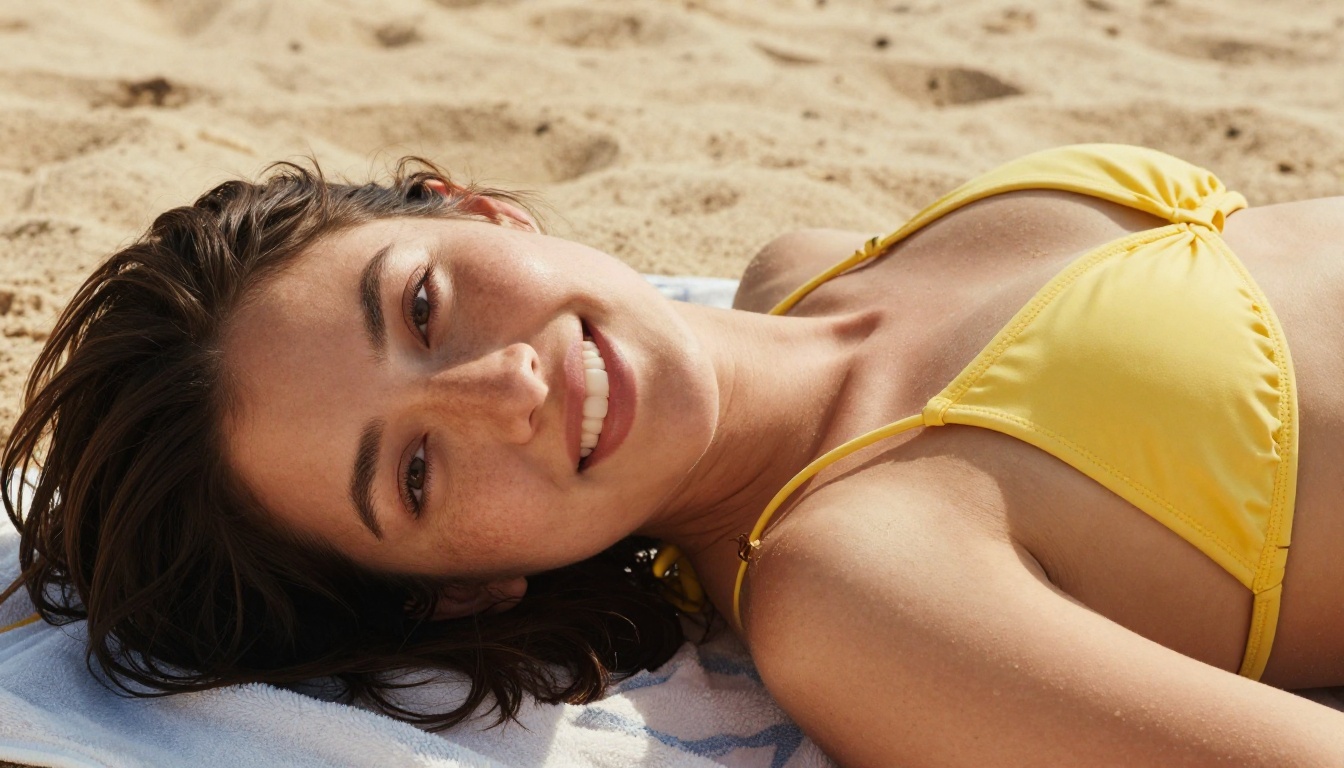
Where to Go From Here
CivitAI gives you the models. PicassoIA gives you the infrastructure to run them without the hardware tax, plus a roster of faster uncensored models that now lead on realism and speed. The combination means you can focus entirely on the creative side: building prompts, refining compositions, developing your own visual aesthetic.
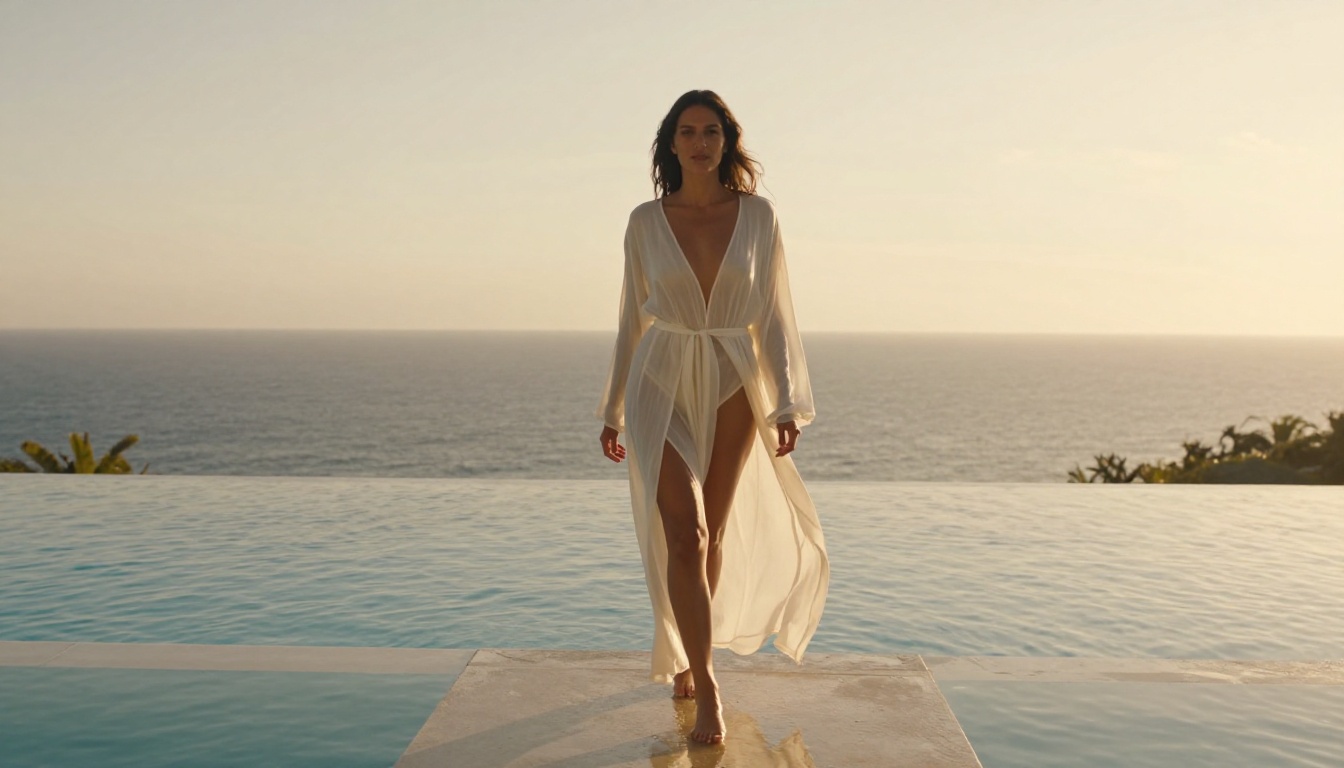
Start with Seedream 4.5 for fast realistic generation, lean on PicassoIA Image Editor Pro for unlimited img2img editing, and reach for Grok Imagine Image, Qwen Image 2, and Recraft v4 as your needs shift.
The quality ceiling for AI-generated NSFW art is higher than it has ever been. Describe your lighting before your subject, name your lens, build your negative prompt library carefully, and the rest follows.
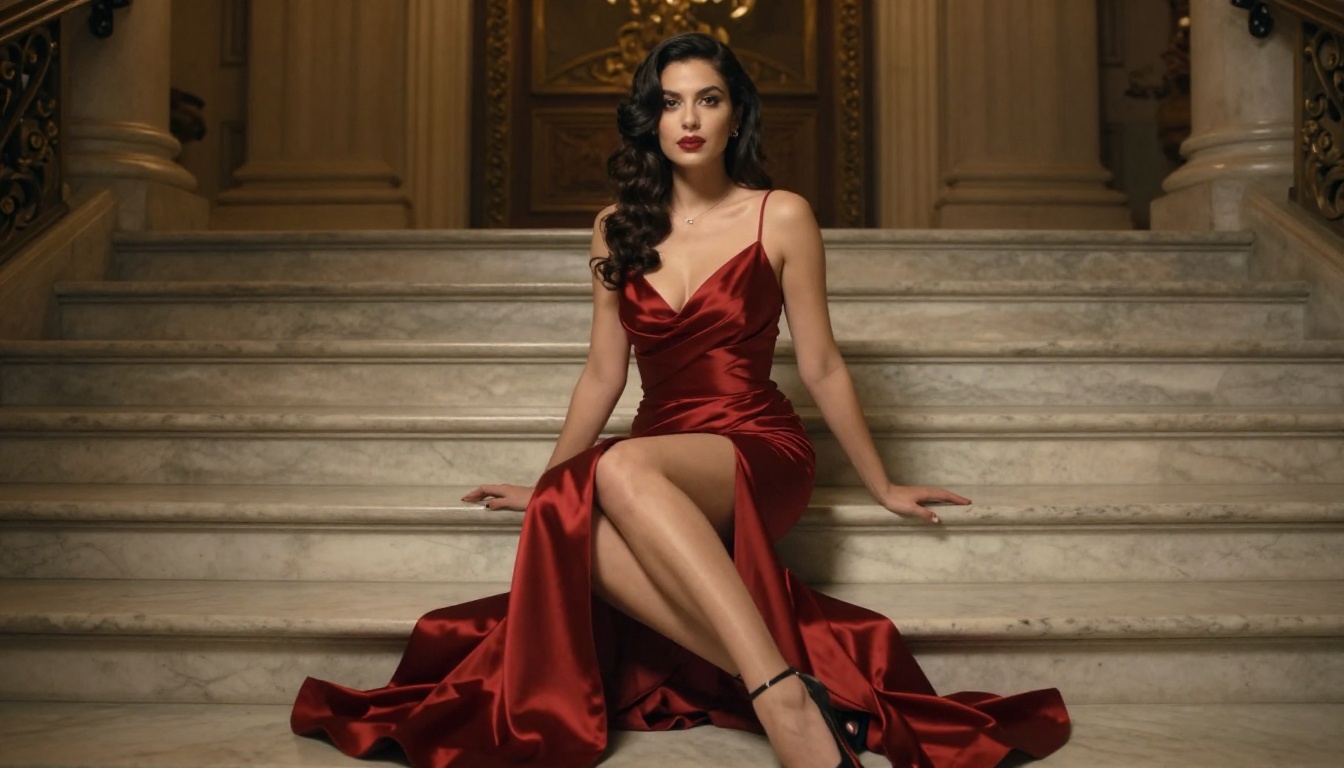
When you are ready to go deeper, head to picassoia.com/en/all-models and explore the best NSFW AI models to generate without limits. The full catalog is there, from the fast uncensored picks above to specialist editing and video tools, all in one place.