You type a perfectly normal prompt into Bing Image Creator, wait a few seconds, and get a gray box telling you the request "may conflict with our content policy." No explanation, no hint about which word caused it, and sometimes a warning that repeated attempts could get you suspended. If that sounds familiar, you are not imagining things. Bing Image Creator limitations with DALL E are real, they are built into the product, and they affect far more than explicit content.
This article breaks down exactly where the tool stops you: the content blocks, the boost system, the weak control over results, and the quiet dilution of prompts that do get through. Then we look at uncensored alternatives that let you create glamour, fashion, portrait and artistic work without fighting a filter on every attempt. Everything here stays within what is tasteful and legal. The point is creative freedom, not shock content.
Where Bing Image Creator Hits a Wall
Bing Image Creator is Microsoft's free front end for OpenAI's DALL-E 3, wrapped inside the Copilot experience. Reviews published in 2026 still describe it as DALL-E 3 with an extra, stricter moderation layer on top. That second layer is the real source of most frustration. The model itself can draw a lot. The wrapper decides how much of that you ever see.

What the Block Message Really Means
When a prompt trips the filter, Bing returns a generic refusal. It does not tell you which rule fired. That matters because the filter works on several levels at once: the words in your prompt, the intent a classifier infers from them, and sometimes the generated image itself, which can be rejected after the fact.
So you can write a harmless sentence, see it pass the first check, and still receive a warning or a blurred placeholder because the output looked "too close" to a restricted category. Repeated flags can lead to temporary access suspensions, which makes experimenting stressful.
💡 Tip: If one prompt gets blocked, do not resubmit it five times in a row. Rewrite it once with clearer, calmer wording. Repeated violations are exactly what the suspension system watches for.
The DALL E 3 Engine Underneath
DALL-E 3 is good at following long, descriptive prompts and at rendering readable text. It is also known for rewriting your prompt internally before drawing. That rewrite step often softens or reshapes your idea to stay inside policy. The result: you ask for one thing and receive a safer, more generic cousin of it.
That is not a bug in your wording. It is how the system keeps outputs predictable for millions of casual users.
The Content Blocks That Frustrate Most
Microsoft's content policy bans clearly harmful material, and nobody serious disputes that. The pain comes from the gray zone, where perfectly legitimate creative requests get swept up.
Portraits, Swimwear and Fashion
Photographers, fashion designers, ad creators and anyone building a model portfolio keep hitting the same problems. Prompts mentioning swimwear, lingerie campaigns, boudoir lighting, artistic figure studies or even tight clothing are frequently refused outright or returned with the clothing quietly changed.
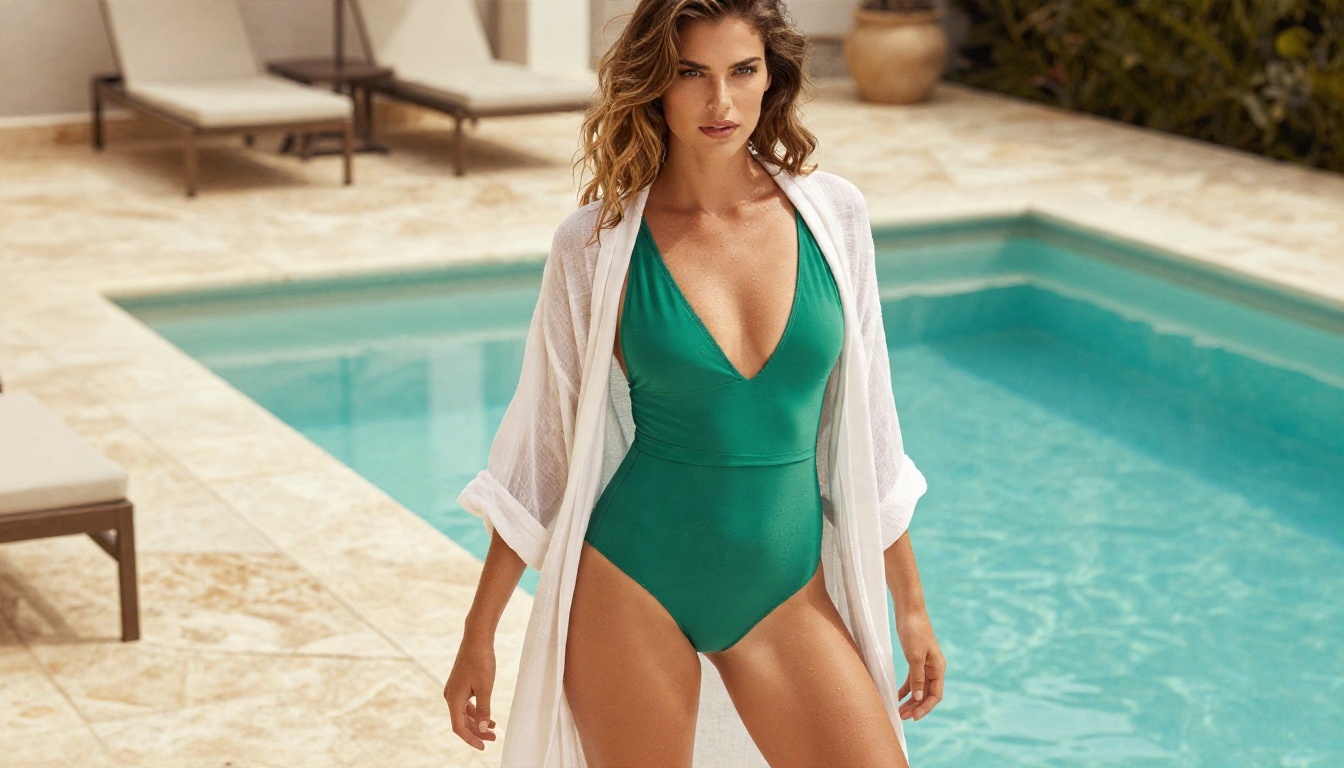
This is a mainstream genre. Swimwear catalogs, resort advertising and beauty editorials are a huge commercial category, and a tool that treats them as suspicious is a poor fit for professionals. The image above, a tasteful resort fashion portrait, is exactly the kind of work that gets flagged by overcautious filters but belongs in any normal photography workflow.
Real People and Public Figures
Bing refuses prompts naming celebrities, politicians and other recognizable people. That is a sensible protection against deepfakes, and most platforms do something similar. The side effect is that prompts with a name inside a harmless scene, such as a historical figure in a documentary-style setting, often fail too.
Harmless Prompts That Get Flagged
Users have reported blocks on prompts involving words that only sound suspicious out of context: "shoot" in a photography sense, "execute" in a business sense, "strip" in a film-strip sense, certain anatomy words in a medical or fitness context, and even city landmarks tied to sensitive events. Filters based on word lists cannot read intent, so false positives are constant.
💡 Tip: Keep a short list of the words that trigger blocks for you. Once you spot a pattern, you can rephrase around it without losing the idea.
Daily Boosts and Speed Limits
Content rules are only half the story. The other limitation is capacity.

Fast Credits vs Slow Queue
Bing uses a "boost" system. Boosts give you fast generation. When they run out, you fall back to a slower queue. Public reports about the exact numbers disagree with one another: some describe 15 fast creations per day, others describe weekly refills, and some mention a high daily ceiling for standard speed. Microsoft changes these rules often and does not publish a stable table, so check the current numbers inside the tool before you plan a project around them.
What stays consistent is the experience. Once fast credits are gone, waiting minutes per batch kills the creative flow. Rewards points can buy extra boosts, but that turns a free tool into a points chore.
Resolution and Control Gaps
The output is capped at a modest resolution compared with modern models that generate 2K or 4K images natively. There is also very little control: no negative prompts, no seed, no reference images in the standard flow, no inpainting, no outpainting and no way to guide pose or composition. You get four options per run and that is the whole menu.
For casual use that is fine. For client work, product photography, consistent characters or print-size output, it is a ceiling you hit fast.
Why Filters Misfire So Often
Moderation on a free, mass-market tool has to be conservative. Microsoft carries brand risk, legal exposure across many countries, and a user base that includes teenagers on school accounts. The simplest way to reduce risk is to block aggressively and accept false positives.
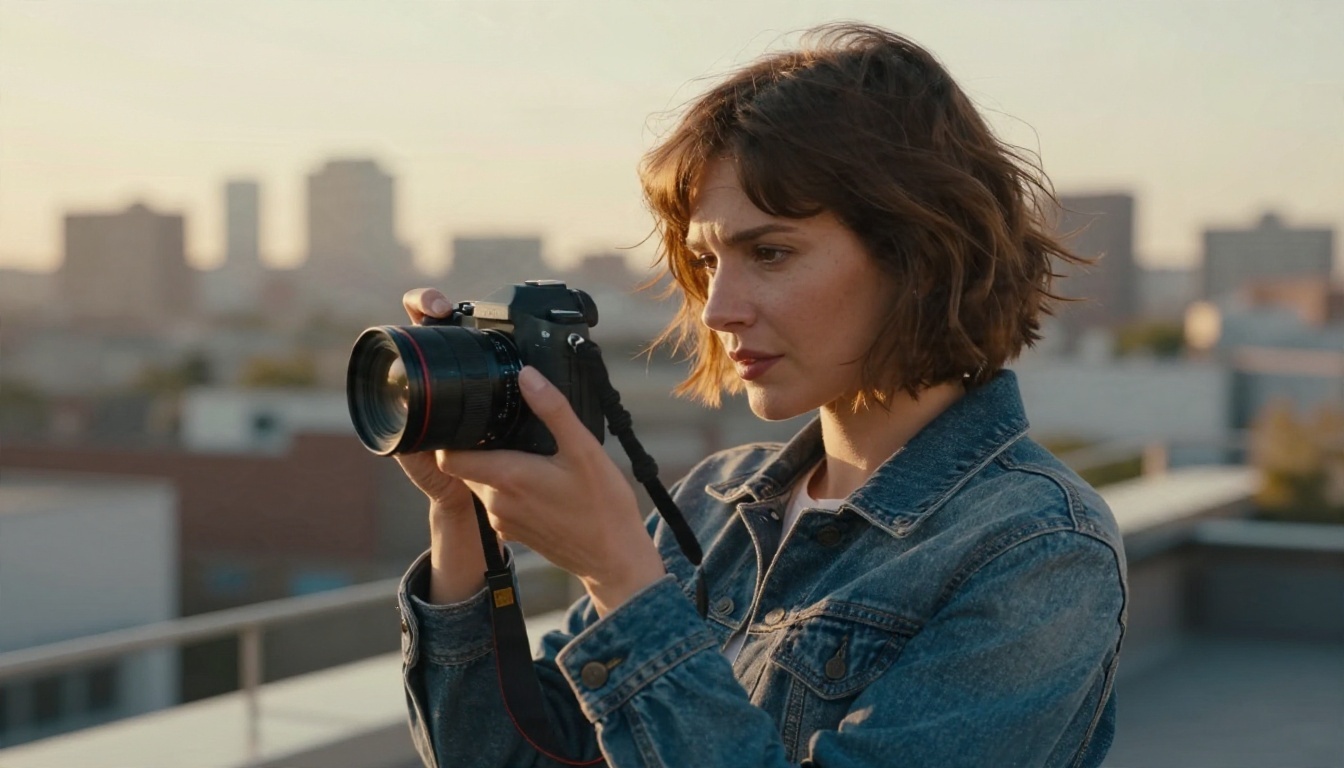
That logic makes sense for the company. It makes much less sense for an adult creator who wants a bikini campaign, a moody evening portrait, a fashion shoot or an artistic study. You are being judged by rules designed for the most vulnerable possible user.
| Limitation | What it looks like in practice |
|---|
| Content filter | Generic block message with no reason given |
| Prompt rewriting | Result differs from what you described |
| Output review | Images blurred or removed after generation |
| Boost system | Fast creations run out, slow queue follows |
| Resolution | Fixed and limited compared with newer models |
| Control tools | No seed, no negative prompt, no inpainting |
| Account risk | Suspensions after repeated violations |
Uncensored Alternatives That Work
"Uncensored" gets misused, so let us be precise. Here it means a tool that does not treat adult glamour, swimwear, fashion nudity-adjacent art and moody portraiture as forbidden by default. It does not mean explicit pornography, and it does not mean deepfakes of real people or anything involving minors. The alternatives below are built for creators who want a wider, more adult-friendly creative range, with fast results and no daily boost anxiety.
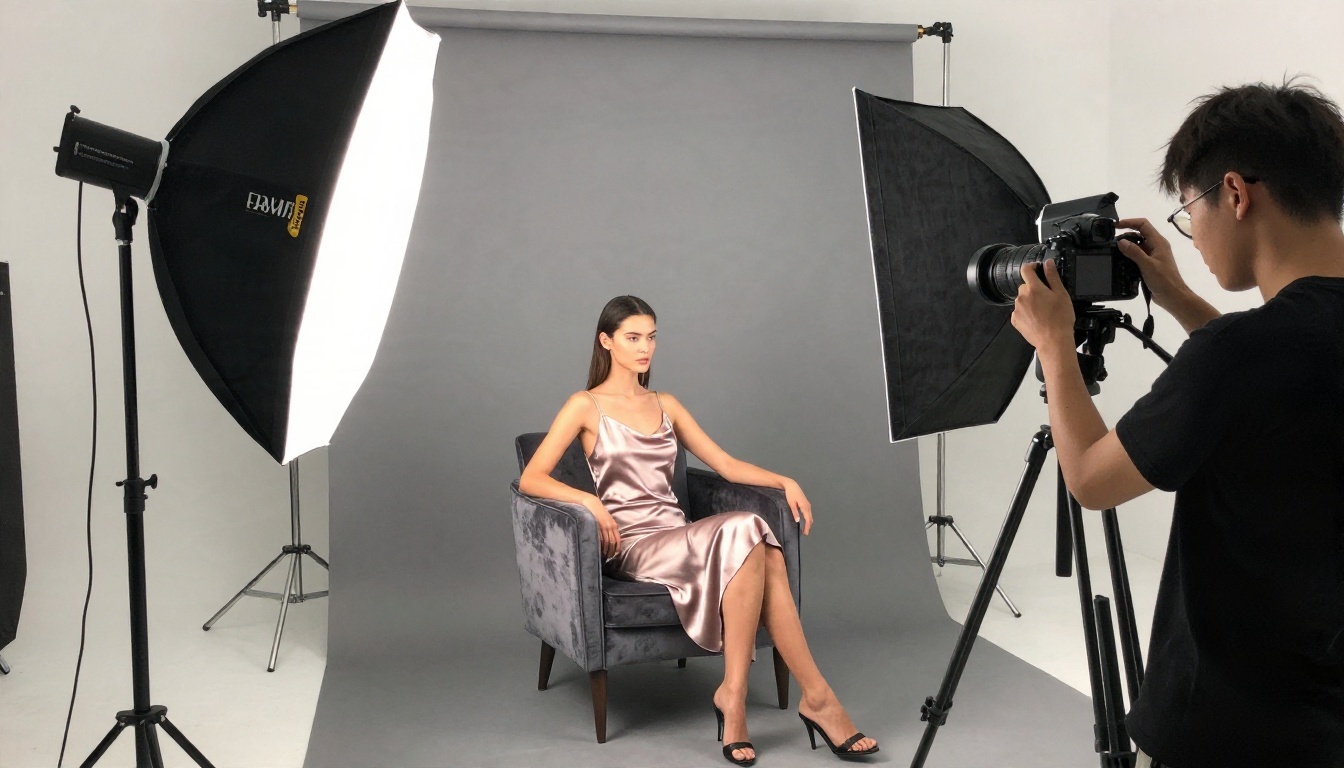
Seedream 4.5 First
If you only try one alternative, start with Seedream 4.5. It produces sharp, high-resolution photorealistic images with convincing skin texture, natural fabric behavior and accurate lighting. It handles swimwear, glamour portraits, evening wear and editorial fashion without the constant refusals that Bing gives you.
Why it stands out:
- Photoreal skin and fabric that does not look plastic or airbrushed.
- High output resolution, suitable for print and large screens.
- Strong prompt following, so the image matches your description instead of a rewritten version.
- Fast generation, so you can iterate ten times in the time Bing's slow queue takes to finish once.
PicassoIA Image Editor Pro
Next is PicassoIA Image Editor Pro, and its biggest selling point is simple: unlimited generations. No boosts, no daily counter, no points. You can edit an existing photo, change outfits, adjust backgrounds, fix lighting or generate new variations as many times as it takes to get the shot.
That removes the most annoying Bing problem. When a result is 80 percent right, you refine it instead of paying a credit for the next attempt.
Z Image Turbo and Flux 2 Klein
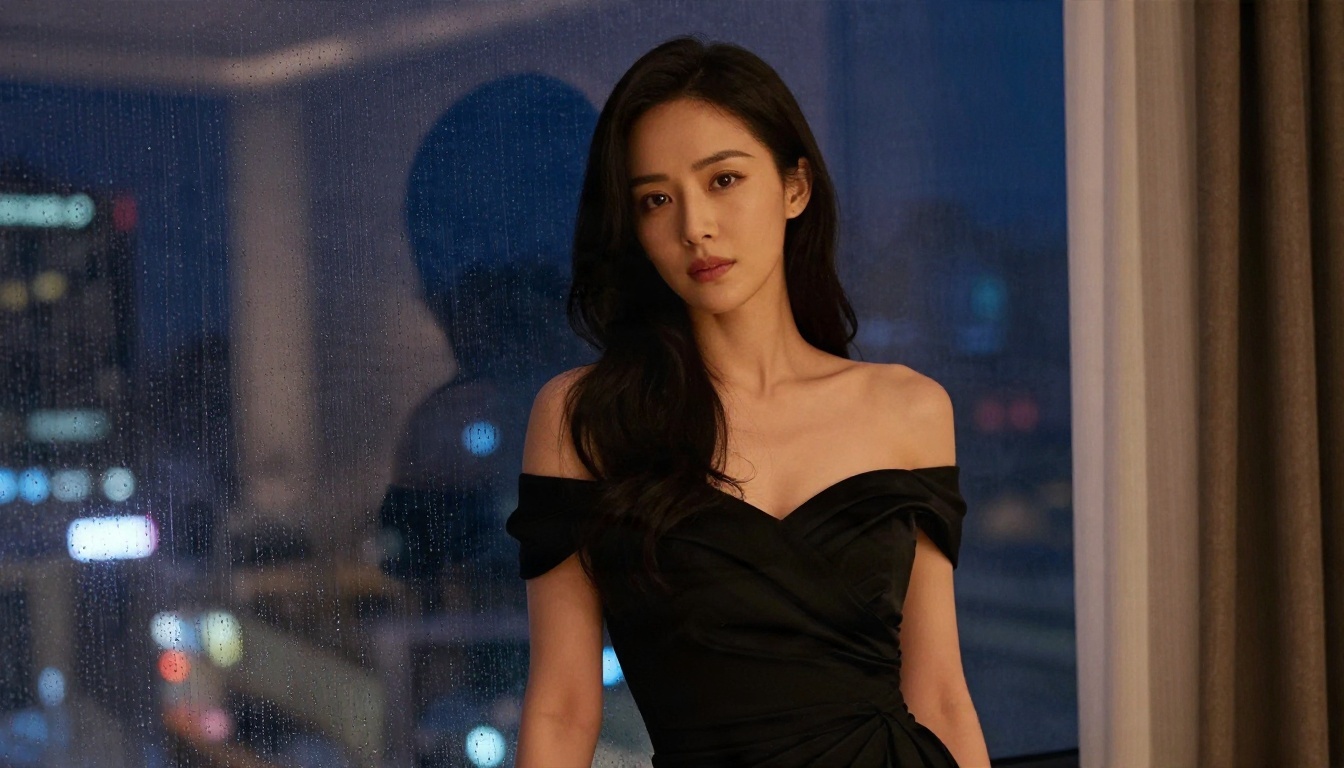
For speed, try Z Image Turbo. It returns sharp images in seconds, which makes it a good sketchpad for testing prompt ideas before moving to a heavier model for final renders.
For stylized looks and custom character styles, Flux 2 Klein 9B Base LoRA supports LoRA style control, which gives you the kind of consistency and steering that Bing simply does not offer.
Other Strong Picks
A few more models are worth keeping in your rotation:
💡 Tip: Different models have different strengths. Run the same prompt through two or three of them. Differences in skin tone, lens feel and lighting are often large.
How to Use DALL E 3 on PicassoIA
If you like the DALL-E 3 look and just want it without the Bing wrapper, DALL E 3 is on PicassoIA. It is the same family of model, accessed through a cleaner interface with more room to experiment. It is still a model with its own built-in safety behavior, so use it for the scenes it handles well: product shots, illustrations that need readable text, concept scenes and general photoreal imagery.

Steps:
- Open the DALL E 3 page and sign in.
- Write your prompt in plain, descriptive sentences. Name the subject, the setting, the light and the camera feel.
- Choose your aspect ratio. Pick 16:9 for banners and 1:1 for social posts.
- Generate, then compare the results side by side.
- If the output drifts from your idea, tighten the wording instead of making it longer.
- For subjects DALL-E 3 will not draw, switch to Seedream 4.5 or PicassoIA Image Editor Pro with the same prompt.
Parameter tips:
| Setting | Recommendation |
|---|
| Aspect ratio | Match the final use before generating |
| Prompt length | 40 to 80 words works better than a single phrase |
| Lighting | Name a direction, such as "soft window light from the left" |
| Lens | Mention a focal length like 85mm for portraits |
| Iteration | Change one detail per attempt |
Prompt Habits That Reduce Blocks
Even on stricter tools, wording matters. Good habits help on every platform, and they make the results on permissive models better too.
Describe the Photo, Not the Risk
Strong prompts sound like a photographer's shot list. "Portrait of a woman in an emerald swimsuit on a villa terrace, soft morning light from the left, 85mm lens, shallow depth of field" gives the model a clear, professional frame. Vague or provocative phrasing tends to attract both filter trouble and weak results.
Use Camera and Lighting Language
Lens length, aperture, film stock and light direction do more for realism than any adjective. Kodak Portra 400 style color, natural grain and window light give skin a believable look.

Iterate in Small Steps
Change one thing per run: the outfit, the background, the light or the pose. That way you always know which change improved the image. On a platform with unlimited generations, this habit costs nothing.
Side by Side Comparison

| Feature | Bing Image Creator | Seedream 4.5 | Image Editor Pro |
|---|
| Underlying model | DALL-E 3 with extra filter | Seedream 4.5 | PicassoIA editor |
| Adult glamour and swimwear | Often blocked | Handled well | Handled well |
| Daily limits | Boosts, then slow queue | Fast iteration | Unlimited generations |
| Photoreal skin | Good, sometimes softened | Excellent | Excellent |
| Editing tools | Very limited | Strong prompt control | Full editing workflow |
| Prompt rewriting | Frequent | Minimal | Minimal |
The comparison is not about which tool is "better" in the abstract. Bing is free, easy and fine for quick, safe images. The moment you need professional glamour work, consistent characters, fast iteration or fewer refusals, the alternatives pull ahead.
Start Creating Your Own Images
You do not need to put up with blocked prompts, shrinking boosts and a generic message that explains nothing. Pick the tool that matches the job: DALL E 3 for familiar, clean results, Seedream 4.5 for sharp photoreal glamour and fashion, and PicassoIA Image Editor Pro when you want unlimited generations and room to refine.
Take the prompt that Bing refused last week and run it through one of them today. Try a swimwear editorial, an evening portrait or a studio fashion set, and compare the result with what you got before. Browse the full model list at picassoia.com/en/all-models and see how much further your ideas can go when the filter stops getting in your way.


