Scoring adult content is one of the most technically demanding forms of audio production. The music has to breathe with the scene, match emotional beats without overpowering dialogue, and sustain atmosphere for minutes at a time without feeling repetitive. When filmmakers and independent content creators started experimenting with AI music tools, the obvious question followed quickly: can Stable Audio 2.5 score adult content scenes? The answer is more nuanced than a simple yes or no, and it matters for anyone working in this space.
What Stable Audio 2.5 Actually Does
Stable Audio 2.5, developed by Stability AI, is a text-to-music model that generates high-quality stereo audio up to three minutes long from a simple text prompt. It is trained on a massive dataset of licensed music and sound effects, giving it a remarkably wide tonal range. You can generate anything from orchestral tension cues and slow jazz atmospheres to tribal percussion beds and lo-fi ambient textures, all from natural language descriptions.
The model operates on a diffusion-based architecture, which means it builds audio progressively from noise into coherent sound, guided by your text description. It is not a generative MIDI sequencer; it produces actual audio waveforms at 44.1kHz stereo quality. For background scoring work in adult content production, that output quality is genuinely impressive and broadcast-ready.
The Model's Core Capabilities
Stable Audio 2.5 excels at producing:
- Atmospheric beds: Long, evolving ambient tracks with slow harmonic movement that hold a scene
- Genre-specific scoring: Jazz, classical, electronic, cinematic, lo-fi, R&B, and dozens more
- Mood-driven generation: Prompts like "slow, intimate, saxophone, candlelight, minor" produce cohesive, usable results
- Sound design elements: Textural layers like breath sounds, string swells, and isolated percussion
- Loopable clips: Short clips that seamlessly repeat for extended scene coverage without audible seams
Audio Quality and Output Formats
Output is stereo WAV at 44.1kHz. Generation time on PicassoIA typically runs 20 to 45 seconds for a 30-second clip, with longer outputs taking proportionally more time. There is no native video sync feature, but creators import the audio into standard editing software and trim to fit. The file quality stands up to professional post-production workflows without degradation.
💡 Tip: Generate at maximum length (180 seconds) and cut down in post. This gives you more room to find the exact moment where the music fits the scene's emotional arc.
The Short Answer on NSFW Content
Here is what most reviews skip entirely: Stable Audio 2.5 does not filter based on the intended use case of the generated audio. It generates music. Music has no explicit content by itself. A slow, sensual saxophone line generated for an intimate adult scene is sonically identical to one generated for a romantic dinner commercial. The model does not know the difference, and it does not attempt to detect it.
What this means in practice: if your prompt describes sounds (instruments, tempo, mood, texture, dynamics), the model generates without restriction. You are not asking it to produce explicit language or explicit imagery. You are asking for music, and music is what you get.
What Gets Blocked and What Doesn't
The nuance comes from how you phrase the prompt. If you describe the purpose explicitly in sexual terms, some platform-level filters catch it at the prompt stage before audio is ever generated. The audio output itself is never explicit. Here is a practical breakdown:
| Prompt Type | Generation Result |
|---|
| "Slow, intimate jazz, low saxophone, candlelight, minor" | Generates without issue |
| "Sensual ambient music, warm synths, slow breathing rhythm" | Generates without issue |
| "Late night lounge music, sultry, romantic, breathy vocals" | Generates without issue |
| "Music for explicit adult video scene" | May be flagged by platform filters |
| "Erotic soundtrack with explicit vocal sounds" | Blocked, not a valid music prompt |
The lesson is straightforward: describe the sonic characteristics you want, not the intended scene context. Keep prompts in the language of music production.
Prompting Around the Restrictions
Experienced scorers in the adult content production space use the same vocabulary that professional film composers use. Instead of describing what is happening in the scene, describe what the sound is doing:
- Instead of "music for a sex scene," try "slow, low-register, minor piano with soft string swells building gradually"
- Instead of "erotic music," try "late-night jazz lounge, saxophone lead, brushed drums, intimate dynamics, 55 BPM"
- Instead of "sensual background track," try "ambient drone, warm pad layers, 60 BPM, slow tension build, no percussion"
These approaches work consistently. They produce exactly the atmosphere needed for intimate scene scoring without triggering any filters.
How to Use Stable Audio 2.5 on PicassoIA
PicassoIA hosts Stable Audio 2.5 with no hard caps on generation attempts, making it the most accessible way to produce scene-ready audio at volume. Here is the exact workflow:
Step 1: Open the model page
Navigate to Stable Audio 2.5 on PicassoIA. No special subscription tier is required to generate audio.
Step 2: Write your prompt using music vocabulary
Describe tempo (BPM range), tonality (major or minor), instrumentation (piano, saxophone, strings, synths), and dynamics (soft, building, dramatic, ambient). Avoid describing what is happening in the scene visually. Stay in the sonic domain.
Step 3: Set your clip duration
For adult content scoring, 90 to 180 seconds is the practical sweet spot. This gives you a full loop with natural harmonic variation so the track does not feel repetitive across longer playback.
Step 4: Generate and critically listen
Play the entire clip before downloading. If the track starts with excessive silence, or the energy peaks at the wrong point, regenerate with a refined prompt. Stable Audio 2.5 responds particularly well to specific tempo and instrumentation details.
Step 5: Download and sync in your editor
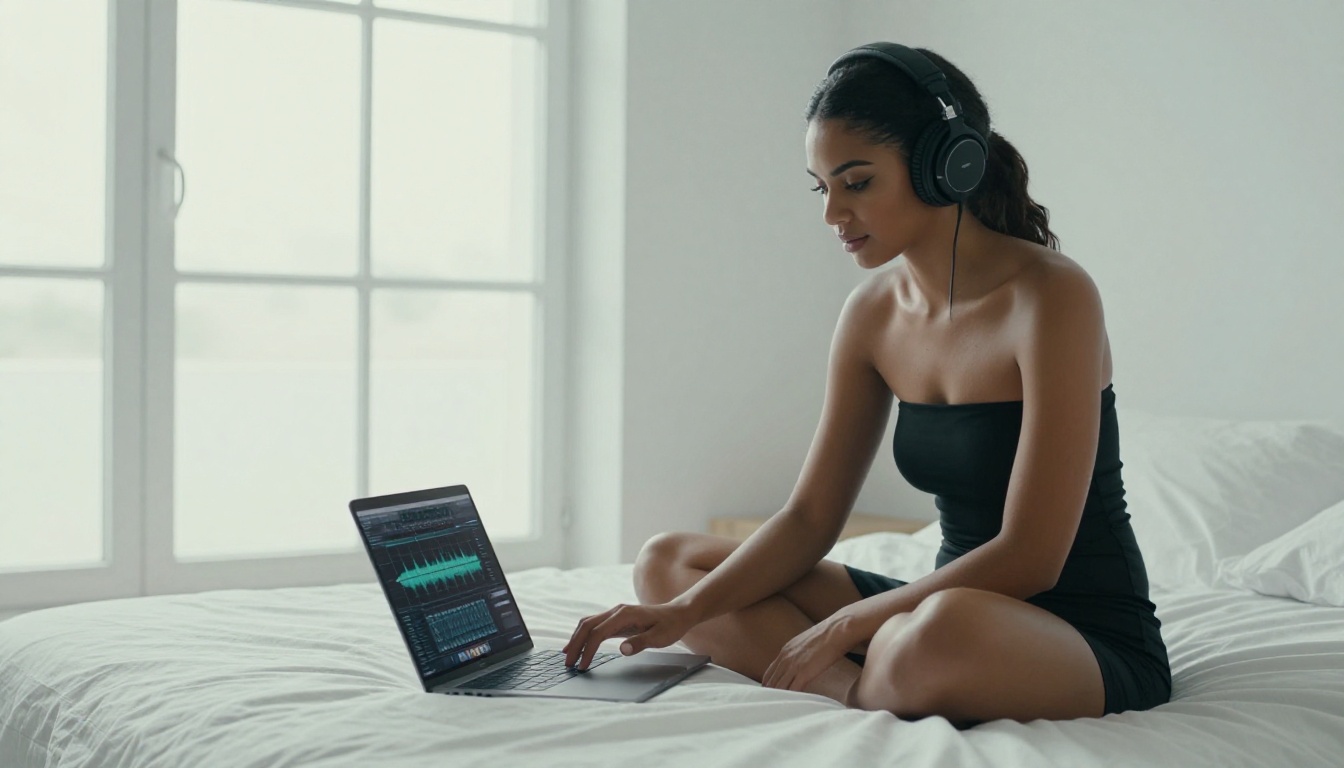
Download the WAV file and import into Premiere Pro, DaVinci Resolve, or Final Cut Pro. Fade in and out as needed. For scenes longer than 3 minutes, layer two generated clips with a slow crossfade in the middle to create a seamless extended track.
💡 Seed technique: When a generation almost hits the mark, note the seed number, change one element in the prompt, and re-run with that seed. You get a variation that shares the same sonic character but shifts in one dimension, ideal for fine-tuning the mood.
5 Prompt Templates That Actually Work
These prompts are field-tested for adult content scoring and produce consistent, usable results on Stable Audio 2.5:
1. Classic Intimate Jazz
Slow jazz, brushed snare, upright bass, warm saxophone melody, minor tonality, candlelight atmosphere, 55 BPM, intimate dynamics, no percussion drops, constant soft sway
2. Sensual Ambient Electronic
Ambient electronic, slow warm synth pads, subtle sub-bass pulse, airy reverb trails, 60 BPM, no percussion, dreamy, twilight mood, layered textures building slowly over 2 minutes
3. Cinematic Strings
Cinematic string quartet, slow legato phrases, minor tonality, soft cello bass notes, intimate chamber orchestra, 45 BPM, building from pianissimo to mezzo-forte, romantic tension
4. Late Night Lounge
Late night lounge music, solo piano with light string accompaniment, breathy background atmosphere, minor pentatonic, 65 BPM, sophisticated and warm, no percussion, bar-close ambiance
5. Dark Atmospheric Drone
Dark ambient drone, deep resonant bass tones, slow harmonic movement, subtle dissonance, tension-building texture, 50 BPM, cinematic and sensual, full 3-minute duration
💡 Each of these prompts generates audio that fits intimate scenes without triggering content filters, because they describe sound, not context.
Other AI Music Models Worth Testing
Stable Audio 2.5 is the strongest default for instrumental scene scoring, but it is not the only capable tool on PicassoIA. The platform hosts a full roster of music generation models, each with distinct advantages for different scoring scenarios.
MiniMax Music 2.5 and 2.6
MiniMax Music 2.5 generates full songs with lyrics and coherent vocal structure, which makes it less suitable for purely instrumental underscoring but excellent for scenes that need a complete song playing in the environment. If your content features a club sequence, a bedroom radio playing, or any diegetic music, Music 2.5 handles that territory with genuine song structure including verse, chorus, and bridge.
MiniMax Music 2.6 improves on lyric coherence and overall production quality compared to its predecessor. For adult content that needs a polished background track with vocals rather than instrumental scoring, these two models are the right starting point.
Google Lyria 3 and Lyria 3 Pro
Google Lyria 3 takes a compositional approach with strong melodic structure and harmonic coherence. For intimate scenes that require something sounding genuinely composed rather than generated, Lyria 3 produces results that feel less algorithmically assembled.
Lyria 3 Pro adds full-length song creation with stronger arrangement depth. It is the right choice when you want something that could pass as a real licensed track in adult film production.
ElevenLabs Music
ElevenLabs Music lets you compose AI songs from text prompts with a focus on production polish. It is particularly strong at genre-specific electronic music styles, which is valuable for adult content that carries a modern, high-production aesthetic.
Adding Narration with AI Speech
Music covers the emotional bed of a scene, but narration adds a layer that many adult content creators underutilize. Voiceover narration, character voices, or ambient whispered audio can deepen immersion significantly when layered correctly. PicassoIA's text-to-speech model library handles this territory with precision.
Speech Models for Intimate Voiceover Work
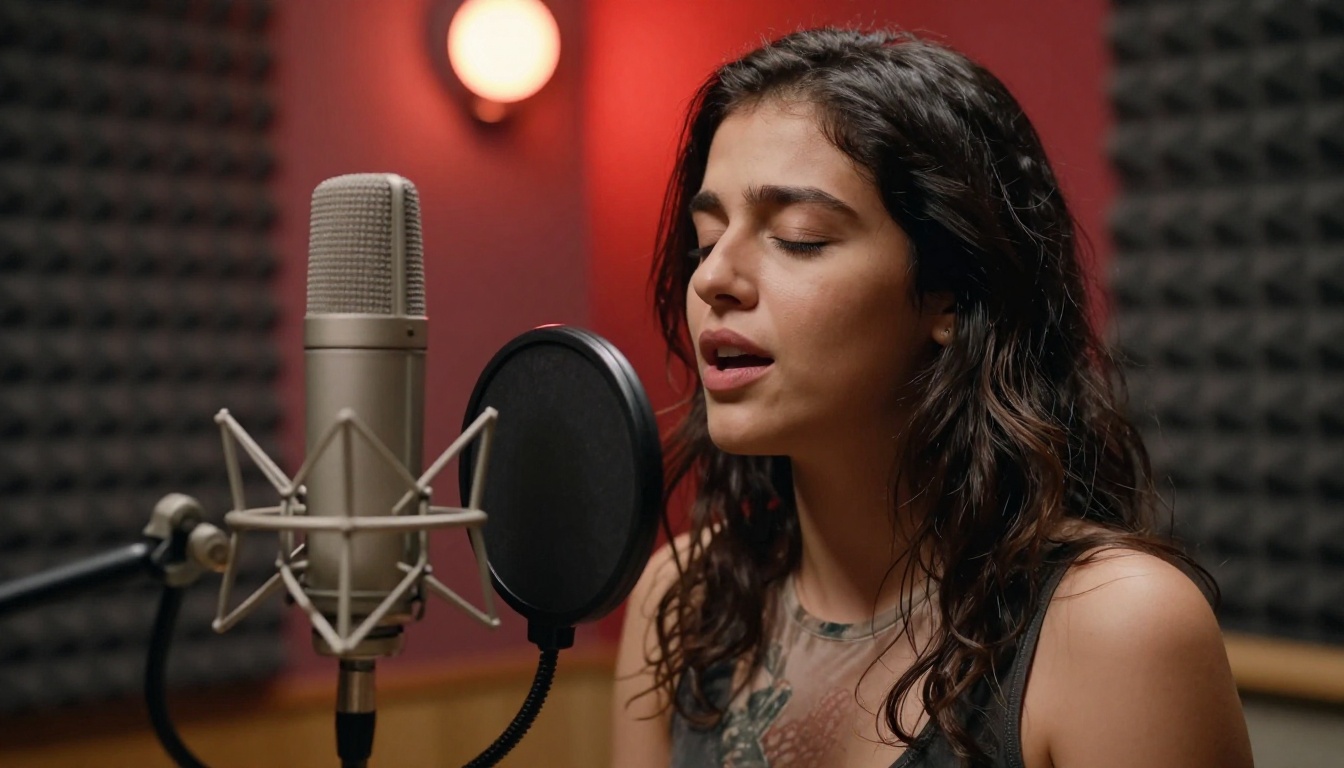
Speech 2.8 HD by MiniMax is the benchmark for studio-quality AI voiceovers. It handles breathy, soft vocal deliveries particularly well, which is critical for intimate narration styles where tone is everything. Emotional emphasis controls let you dial in the exact vocal texture scene by scene.
ElevenLabs V3 is the benchmark for naturalistic speech with fine emotional gradation. V3 supports voice cloning, meaning you can create a consistent narrator character across a full content series without relying on the same human voice actor for every shoot.
Chatterbox by Resemble AI adds explicit emotion control at the generation stage. You specify not just what is said but how it is delivered, from a whisper to heightened drama. For adult content narration where delivery register matters as much as the words, that control is genuinely valuable.
💡 Mixing technique: Generate your music track first, then generate your speech separately. In your editor, place the speech 6 to 8 dB above the music bed. This creates natural balance where the score supports rather than competes with the voice.
Side-by-Side Model Comparison
The Production Workflow, Start to Finish
When you put all of this together, a practical workflow for adult content scoring looks like this:
1. Write your scene outline. Identify the emotional arc: tension, build, intimacy, resolution. Map each beat to a duration.
2. Translate that arc into musical terms. Rising tension could be a string ostinato that builds in density and register. The peak of intimacy could be when a piano motif finally resolves harmonically. The resolution could be a return to ambient texture.
3. Use Stable Audio 2.5 to generate 3 to 5 candidates per emotional beat. Keep the strongest version of each.
4. If the scene needs narration or character voice, use Speech 2.8 HD or ElevenLabs V3 to generate those audio tracks separately.
5. Import all assets into your video editor. Mix the music bed under the dialogue and narration, fade transitions between beats, and export.
The entire audio production pipeline for a scene that once required a composer, a studio session, and a licensing deal now costs minutes. No budget. No scheduling conflicts. No licensing restrictions on the final output.

Start Scoring Your Own Scenes
The barrier to professional-quality adult content scoring has dropped dramatically. You do not need a composer, a studio session, or a licensing budget to produce audio that holds up against traditionally scored content. With Stable Audio 2.5 on PicassoIA, you generate custom, royalty-free music in under a minute, tailored precisely to the emotional texture of your scene.
The models are there. The prompts above give you a starting point. The question is how specifically you can describe what you hear in your head, because the more precise your prompt, the closer the output gets to exactly what the scene needs.
Start with the templates in this article, build your own vocabulary over time, and visit picassoia.com/en/all-models to see the full library of AI music, speech, and image generation models available on the platform today. Your next score is one prompt away.


