Most people who search for a ComfyUI NSFW checkpoint have already lost an evening to it. They downloaded a 6 GB file, dropped it into the wrong folder, got a gray blob on the first render, and wondered whether the model or their settings were to blame. Usually it is the settings. A good checkpoint with a bad sampler, a wrong CFG value or a missing VAE looks worse than an average checkpoint set up properly.
This article sorts the free checkpoint families that matter right now, shows the settings that give clean results, explains where to download safely, and then covers what to do when your GPU is too small or you simply do not want to maintain a local install. Everything here is about non-explicit, glamour-style adult imagery of fictional adults: lingerie, swimwear, boudoir, fashion. That is also where the models behave best.
💡 Quick answer: For photoreal results, start with an SDXL-based photoreal checkpoint. For stylized work, pick an Illustrious or Pony family model. If you want zero setup, skip to the online section and try Seedream 4.5.
What an NSFW Checkpoint Actually Is
A checkpoint is the main model file that ComfyUI loads to turn your prompt into pixels. It holds the learned knowledge of anatomy, fabric, skin, lighting and composition. An "NSFW checkpoint" is simply a checkpoint trained or fine-tuned on a broader range of adult material, so it renders skin, swimwear and lingerie without the blurring, covering or odd anatomy that safety-tuned base models produce.

Checkpoint vs LoRA vs VAE
Beginners mix these three up constantly, so here is the short version.
| Component | What it does | Typical size | Where it goes in ComfyUI |
|---|
| Checkpoint | The main model, defines overall ability and style | 2 to 7 GB | models/checkpoints |
| LoRA | A small add-on for one pose, face type, outfit or style | 20 to 400 MB | models/loras |
| VAE | Decodes the latent image into final pixels, affects color and sharpness | 300 to 350 MB | models/vae |
| Embedding | A tiny text trigger, often used in negative prompts | Under 1 MB | models/embeddings |
Many modern checkpoints ship with a baked-in VAE. If your renders look washed out or gray, the missing or mismatched VAE is the first thing to check.
Why SDXL Still Leads
Community comparisons in 2027 keep landing on the same conclusion: the SDXL family still has the largest pool of adult-capable fine-tunes and LoRAs, and it runs on modest hardware. Flux-style models can look cleaner out of the box, but because they are distilled, they are harder for the community to teach new concepts, so the NSFW ecosystem around them is thinner. If you want choice, SDXL wins. If you want raw prompt obedience with less tinkering, newer architectures are tempting.
Best Free Checkpoint Families
Specific file names and version numbers change monthly, so think in families. Always check the newest version on the download page before you commit to an old one.
Photoreal Picks
For realistic glamour, boudoir and swimwear, two names keep coming up in recent community roundups: RealVisXL (the V5 line is often called the best all-round photoreal option for adult content) and Juggernaut XL (praised for cinematic light and skin). LUSTIFY is another SDXL fine-tune that bakes adult capability into the weights. None of these three are on PicassoIA, so you would run them locally.
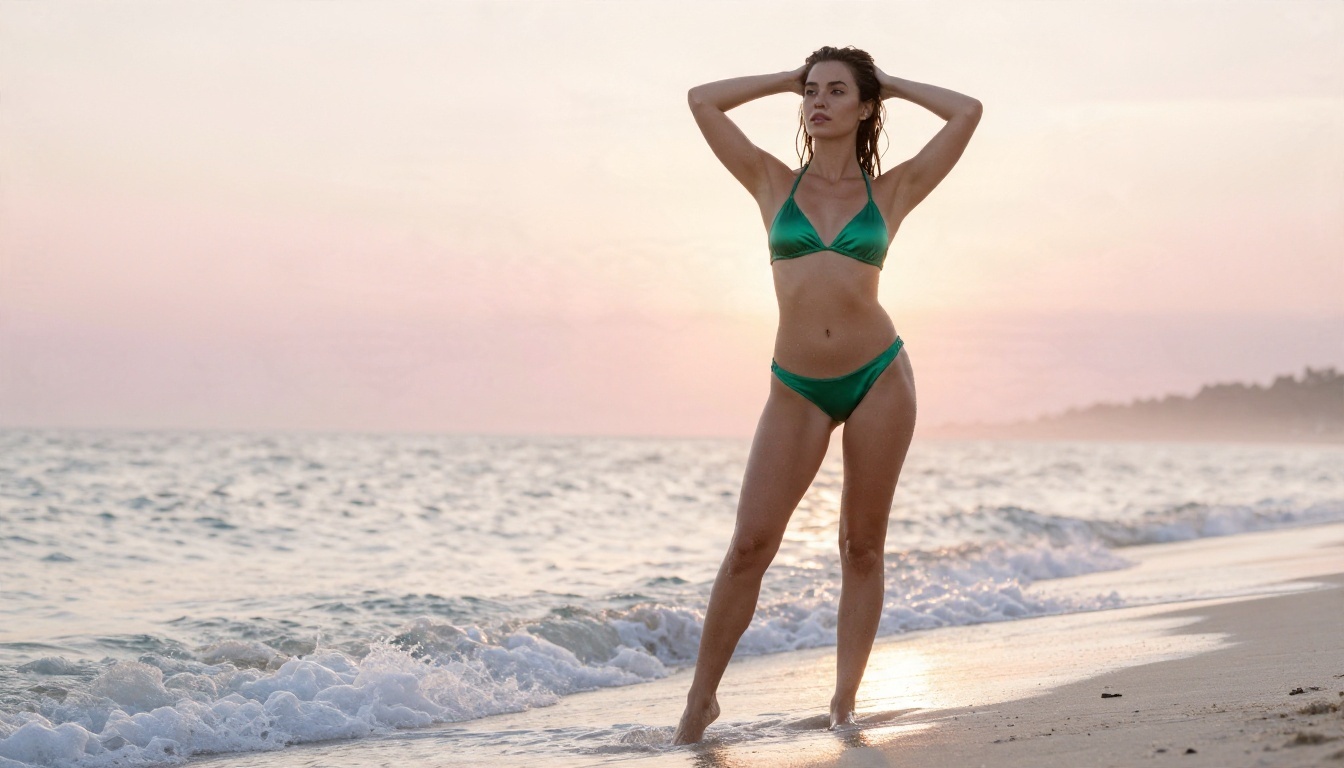
What to expect from a good photoreal checkpoint: visible skin pores, believable fabric sheen, correct hands about 80 percent of the time, and soft natural light when you prompt for it. What not to expect: perfect anatomy every time. Plan to generate in batches of four and pick the best.
Anime and Stylized Picks
If your taste runs toward illustration, the choice is between the Pony Diffusion family and the Illustrious XL family. Pony models respond to "score" tags and are known for flexible character art. Illustrious fine-tunes such as WAI-Illustrious are loved for clean lines and vivid color, and many include an integrated VAE and respond well to rating tags. Both use booru-style tag prompting rather than natural sentences.
Flux Based Options
Community Flux fine-tunes exist (Fluxed Up, Persephone and UltraReal are names that appear in lists), and they can produce beautiful photoreal skin. The tradeoff is hardware. Full precision wants about 24 GB of VRAM, while a Q8 quantized version fits in roughly 12 GB. If you like the newer architecture but not the hardware bill, Flux 2 Klein 9B Base LoRA is a way to try styled results online without installing anything.
Quick Comparison
| Family | Best for | Prompt style | VRAM comfort zone | Community LoRAs |
|---|
| RealVisXL / Juggernaut XL | Photoreal glamour | Natural sentences | 8 GB and up | Very large |
| LUSTIFY | Photoreal adult content | Natural sentences | 8 GB and up | Large |
| Pony Diffusion | Stylized characters | Score and booru tags | 8 GB and up | Very large |
| Illustrious XL fine-tunes | Clean anime and semi-real | Booru tags | 8 GB and up | Large |
| Flux fine-tunes | Prompt obedience, realism | Natural sentences | 12 to 24 GB | Smaller |
Where to Download Safely
Civitai and Hugging Face
Most free checkpoints live on Civitai and Hugging Face. Civitai has the biggest catalog, user galleries, and per-model notes on recommended sampler and CFG. Hugging Face hosts many original releases and is often cleaner for finding official versions. Filter by checkpoint type, sort by recent downloads, and read the comments for the version you plan to use: users usually post failed renders there.
Safetensors Only
Download .safetensors files and avoid old .ckpt files whenever you can. A safetensors file cannot execute code when loaded, while a pickle-based ckpt can. Also check the license on each model page: some forbid selling output or running the model as a paid service.
⚠️ Rules worth following: generate fictional adults only, never use a real person's likeness without consent, and keep your outputs private or labelled according to the platform you post on.
Settings That Actually Work
Most "bad checkpoint" complaints disappear once these numbers are right. Treat them as starting points and read the model page, because each author tests a different recipe.
Sampler, Steps and CFG
| Setting | Photoreal SDXL | Pony / Illustrious | Flux style |
|---|
| Sampler | DPM++ 2M SDE | Euler a or DPM++ 2M | Euler |
| Scheduler | Karras | Normal or Karras | Simple |
| Steps | 25 to 35 | 25 to 30 | 20 to 30 |
| CFG scale | 4 to 6 | 4 to 7 | 1 (with a guidance node near 3.5) |
| CLIP skip | 1 | 2 | Not used |
The most common error is CFG too high. Past 8 on SDXL you get burnt contrast, plastic skin and overcooked colors. If skin looks waxy, lower CFG by one point before you touch anything else.
Resolution and Hires Fix
SDXL checkpoints are trained around 1024 by 1024 pixels, so use sizes near that area: 832 by 1216 for portraits, 1216 by 832 for landscape scenes. Generating at 512 pixels on an SDXL model gives smeared faces. For extra detail, render at the native size first, then upscale the latent by about 1.5x with a second sampling pass at denoise 0.35 to 0.5. Higher denoise changes the face; lower denoise just sharpens.
Prompts and Negative Prompts
For photoreal SDXL, write like a photographer. Name the subject, the outfit, the light and the lens:
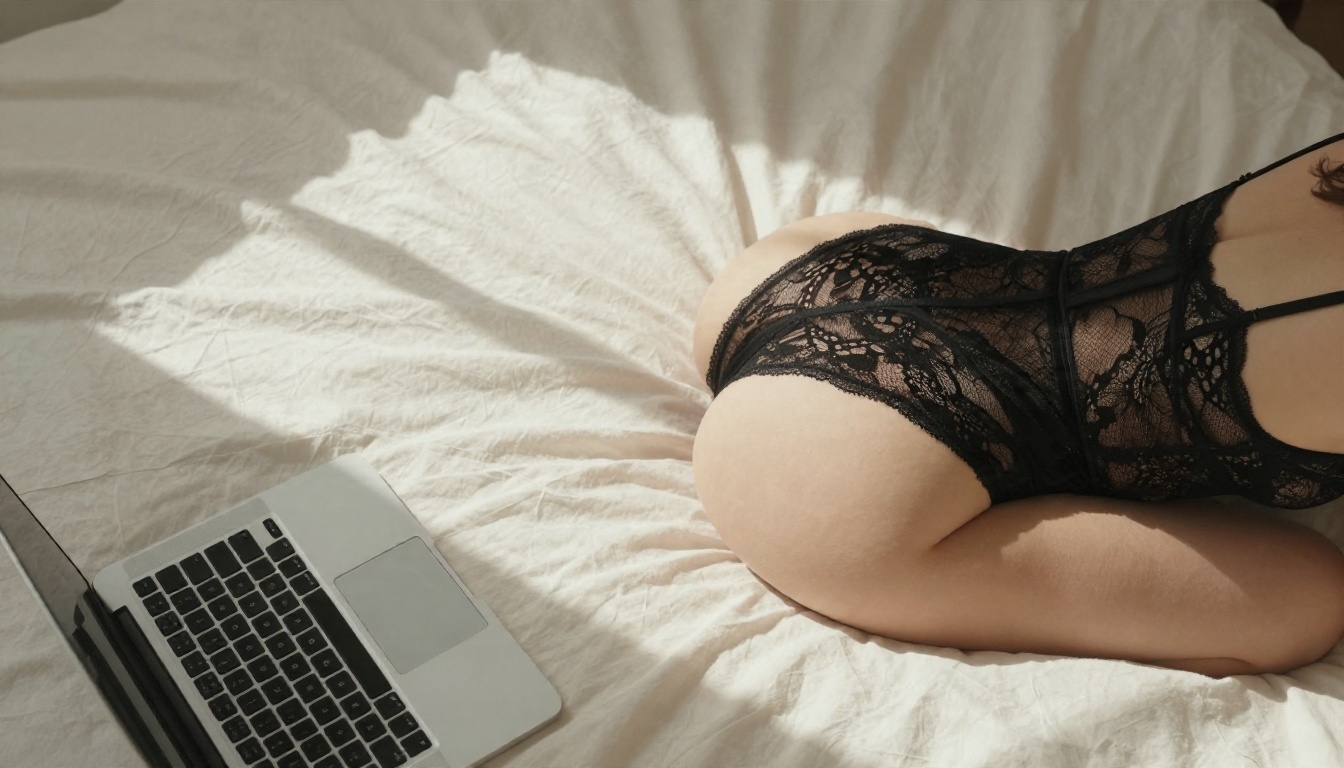
woman in black lace bodysuit on white linen bed, morning window light from the left, 35mm lens, shallow depth of field, natural skin texture, film grain
A short negative prompt is enough: blurry, deformed hands, extra fingers, watermark, text, plastic skin. A 200-word negative prompt does not help, and often hurts.
For Pony, start with the quality tags the model expects (such as score_9, score_8_up) and then describe the scene in tags. For Illustrious, use booru tags and add a rating tag. Mixing natural sentences into a tag-trained model is the second most common cause of messy results.
Using LoRAs Without Wrecking Output
LoRAs are where checkpoints become personal: a specific fabric, a pose family, a camera look. Keep the LoRA weight between 0.6 and 0.9, stack no more than two or three, and read the trigger words on the page. If faces start to look identical across images, lower the weight or remove a character LoRA that is dominating.
Hardware Reality and Common Mistakes
How Much VRAM You Need
| GPU memory | What runs well |
|---|
| 6 GB | Small SDXL workflows with tiled VAE, slow but possible |
| 8 GB | SDXL photoreal and Pony at 1024 pixels, one image at a time |
| 12 GB | SDXL with hires fix, quantized Flux models |
| 16 to 24 GB | Full precision Flux, batches, video workflows |
If your card sits at the bottom of this table, a hosted option saves hours of out-of-memory errors.
Five Mistakes That Waste Hours
- Wrong folder. The checkpoint must sit in
models/checkpoints. Refresh ComfyUI after copying.
- Wrong VAE. Gray or faded images usually mean a missing VAE. Load a separate one or pick a checkpoint with it baked in.
- CFG too high. Keep SDXL between 4 and 6.
- Old base resolution. Do not generate SDXL at 512 pixels.
- Mixing families. A Pony LoRA on an Illustrious checkpoint, or an SD 1.5 LoRA on SDXL, will not behave. Match the LoRA to the base.
💡 Debug in order: change one setting at a time and keep the seed fixed. If you change five things at once, you will never know which one fixed the render.
Online Alternatives Without Any Setup
Local ComfyUI is powerful, but it costs time: installs, custom nodes that break after updates, gigabytes of downloads, and a GPU you may not own. For fast glamour and boudoir-style work, an online model skips all of that.
Seedream 4.5 for Photoreal Quality
Seedream 4.5 is the model to try first. It produces sharp, high-resolution photoreal images with strong skin and fabric detail, follows long natural-language prompts well, and is fast enough to iterate several times in a minute. There is no checkpoint to download, no VAE to match and no sampler to tune. It is also tolerant of tasteful swimwear, lingerie and boudoir prompts, which is exactly the content most people want from an NSFW checkpoint.
Image Editor Pro for Unlimited Edits
PicassoIA Image Editor Pro is built for unlimited generations and edits, which matters when you want to run twenty variations of the same shoot. Use it to change outfits, adjust lighting, fix a hand or swap a background on an image you already like. It replaces a lot of the inpainting and img2img node work you would build by hand in ComfyUI.
More Models Worth Trying
If you are curious about the full range, the whole catalog is listed at picassoia.com/en/all-models.
Local ComfyUI vs Online: Which Fits You
| Factor | Local ComfyUI | Online models |
|---|
| Setup time | Hours to days | Minutes |
| Cost | GPU, power, storage | Pay per use or unlimited plans |
| Control | Total: nodes, LoRAs, custom checkpoints | High, with fewer knobs |
| Speed on weak hardware | Slow or impossible | Fast |
| Maintenance | Updates break nodes | None |
| Best for | Tinkerers, niche LoRA work | Fast, polished results |
Plenty of creators use both: local ComfyUI for experimental LoRA stacking, and online models when they need a polished image in two minutes.
How to Get Similar Results Online
Here is a simple routine that gets photoreal glamour output with Seedream 4.5 and then polishes it with PicassoIA Image Editor Pro.
- Open Seedream 4.5 and pick a 16:9 or 3:4 ratio depending on whether you want a scene or a portrait.
- Write the prompt like a photographer. Subject, outfit, setting, light direction, lens, film look. Example: woman in emerald silk bikini on a white sand beach at sunrise, low angle, soft backlight, 35mm lens, natural skin texture, Kodak Portra 400 grain.
- Keep the style photographic. Words such as "raw photograph", "film grain" and "natural light" push the output away from the plastic look.
- Generate four variations and keep the one with the best hands and face.
- Send the winner to Image Editor Pro to change the outfit color, soften a shadow or fix a small detail without starting again.
- Repeat with one change at a time, just like you would debug a ComfyUI graph.
💡 Prompt tip: specific light beats long prompts. "Soft window light from the left" does more than ten adjectives about beauty.
Pick a Path and Start Creating
If you enjoy tuning samplers and stacking LoRAs, download a photoreal SDXL checkpoint, use the settings table above, and keep CFG low. If you would rather spend your evening making images than fixing a broken node, open Seedream 4.5 on PicassoIA, write your first photographic prompt, and refine the result in PicassoIA Image Editor Pro with unlimited generations. Try both paths for one weekend and keep whichever one produces the images you actually post. You can browse every available model at picassoia.com/en/all-models.


