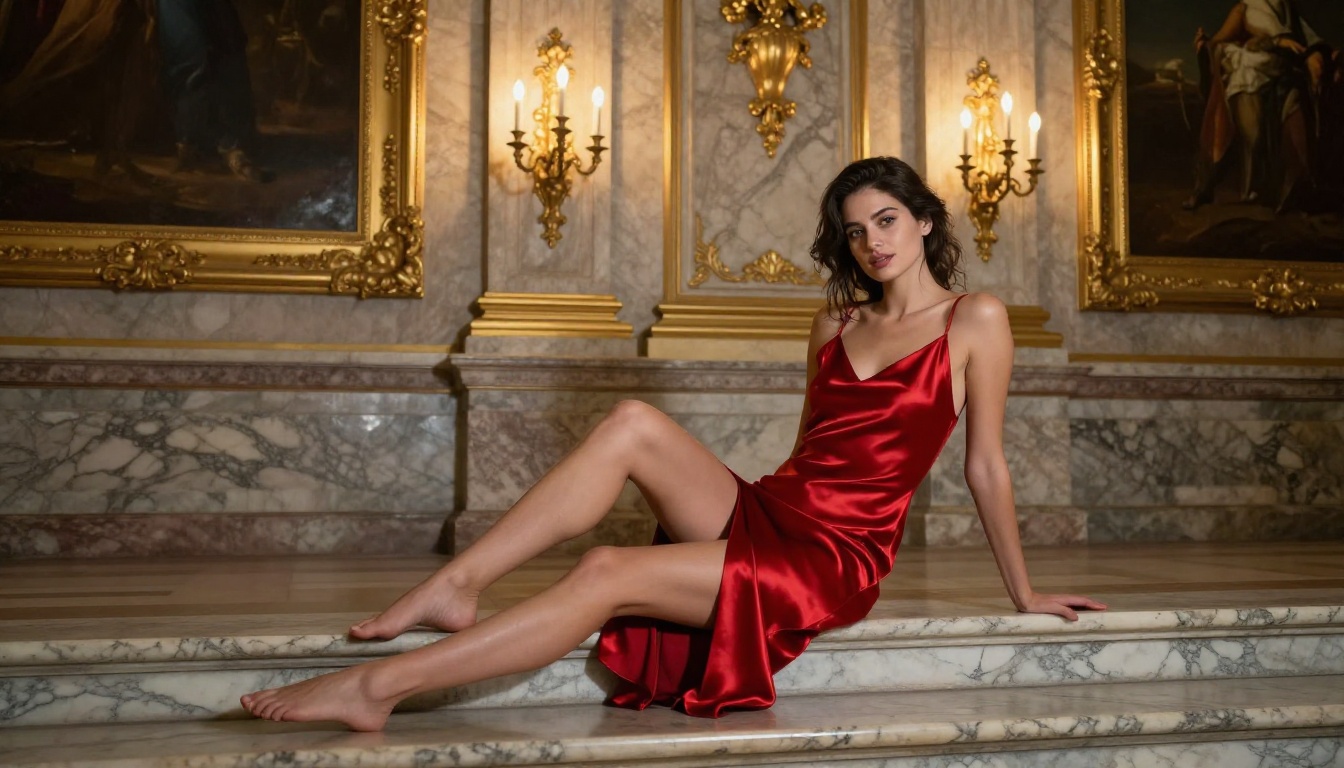
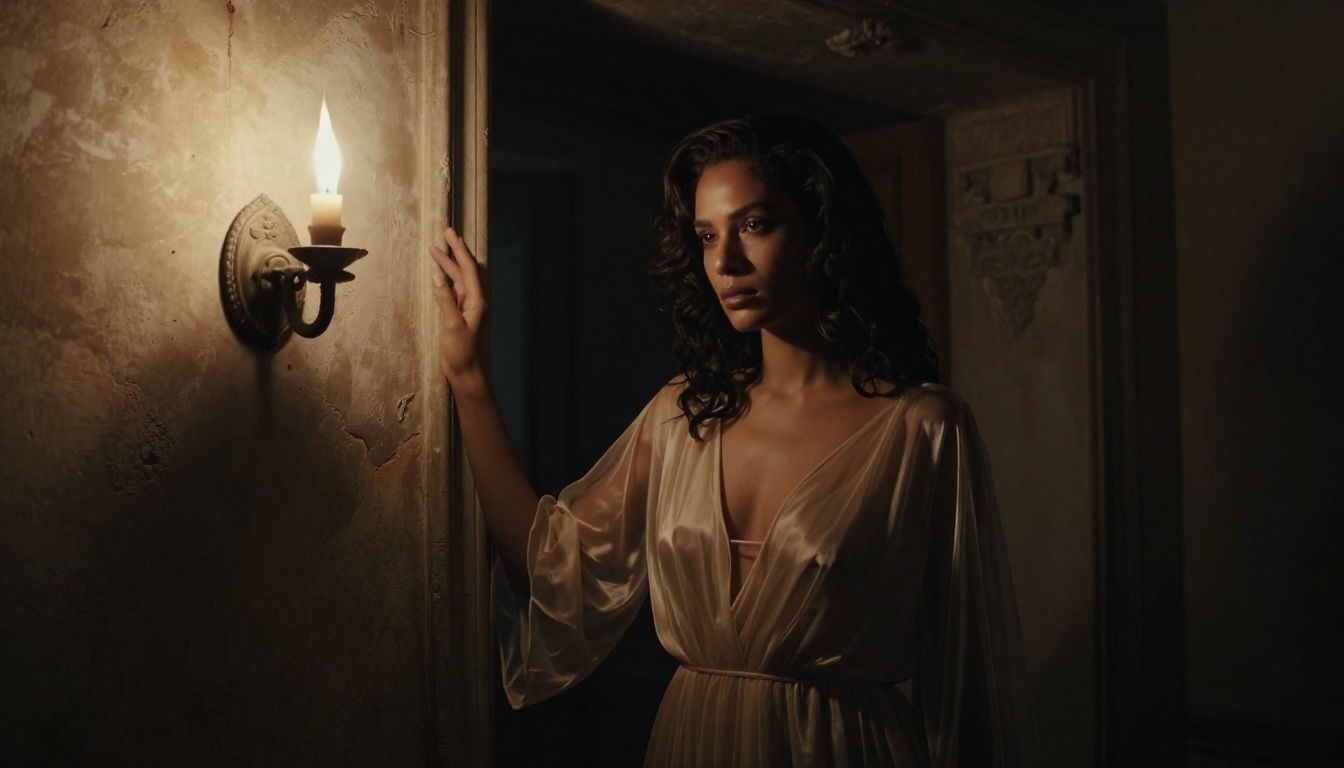
Nano Banana 2 by Google is one of the most capable NSFW-tolerant text-to-image models available today. This article breaks down everything you need to create adult AI content with serious photorealistic quality, from prompt structure and parameter tuning to a step-by-step generation walkthrough on PicassoIA.
Most NSFW AI generators produce the same predictable failures: plastic skin, broken fingers, fabric that looks painted on, faces that drift between frames. Nano Banana 2 by Google fixes most of these. It renders skin texture, sheer fabrics, and body proportions with a level of photorealism that used to require either a finetune or significant prompt engineering to coax out of other models. If you want to create adult AI content that actually holds up to scrutiny, this model deserves your full attention.
What Nano Banana 2 Actually Does
Nano Banana 2 sits in an interesting position: it is compact by design but produces outputs that rival far larger models. Google built it to be fast without sacrificing detail density. In practice, that means you get generation times measured in seconds while the resulting image shows the kind of micro-detail in skin, hair, and textile surfaces that slower diffusion pipelines struggle with.
The Architecture Behind the Speed
The "nano" in the name refers to the model's parameter efficiency, not its output quality. Where older architectures needed massive compute overhead to resolve fine skin detail, Nano Banana 2 front-loads that resolution in its training regime. Highlight rolloff on skin, subsurface scattering at the ears and nose, the wet look of lips catching studio light, these render almost automatically with minimal prompt steering.
💡 Pro tip: You do not need to write "photorealistic, 8k, high detail" in every prompt. Nano Banana 2 defaults to realistic output. Over-specifying technical quality markers can actually fragment the model's attention away from the subject.
How It Handles NSFW Prompts
The model's tolerance for adult creative content is notably higher than most alternatives on the open web. It does not require jailbreak wording or workarounds. You describe what you want with normal, direct language and it processes it. The result lands in the suggestive-to-tasteful range by default, with the explicitness ceiling determined by how specific you are. That makes it ideal for glamour, editorial, boudoir, and artistic NSFW work where the goal is beauty and allure rather than shock value.
Getting Access Through PicassoIA
Nano Banana 2 is available directly through PicassoIA's text-to-image collection alongside 90 other models. The platform handles the API layer so you do not need a Google Cloud account, a Replicate token, or any setup beyond creating a PicassoIA account.
Why the Platform Matters
Running NSFW models on raw API infrastructure means dealing with rate limits, cold starts, version pinning, and output storage yourself. PicassoIA wraps all of that. Your generated images get stored, the model stays on its latest stable version automatically, and you get a consistent interface whether you are testing a single prompt or running batch generations.
The platform also gives you access to comparison models in the same session. If a prompt is not working on Nano Banana 2, you can switch to nano-banana-pro or Flux 2 Pro without leaving the interface. That iterative flexibility is worth more than any single model's capabilities.
Writing Prompts That Produce Results
The biggest difference between mediocre adult AI output and genuinely impressive work is prompt construction. Nano Banana 2 is responsive enough that lazy prompts produce decent results, but structured prompts produce exceptional ones.
The 5-Part Prompt Formula
Every strong NSFW prompt for Nano Banana 2 contains these five components in roughly this order:
Subject description: Who is in the image, their physical characteristics, expression, and pose
Wardrobe or coverage level: What they are wearing, fabric type, fit, and how it interacts with lighting
Environment: Where the scene is set, architectural or natural context, foreground and background detail
Lighting specification: Direction, quality, color temperature, and source type
Camera and lens data: Focal length, aperture, film stock or sensor, shooting angle
This structure forces you to think about every visual layer rather than dumping adjectives. The model reads it as a coherent scene description rather than a pile of tags.
Words That Elevate Quality
Certain terms reliably improve output quality in Nano Banana 2 based on how the model was trained:
Term
Effect
volumetric morning light
Triggers soft directional depth
Kodak Portra 400
Activates film grain and warm skin tones
85mm f/1.4
Creates natural background separation
natural pores and skin texture
Prevents plasticky skin rendering
tendrils of hair
Improves individual strand resolution
subsurface scattering
Improves ear and nose realism
silk catching lamplight
Improves fabric highlight rendering
Words That Wreck Your Output
Equally important is what to avoid:
ultra HD, 8K resolution, maximum detail: These often oversaturate the model's attention budget and produce uncanny valley results
sexy, hot, beautiful: Too vague. Replace with specific physical descriptions and poses
perfect anatomy: Draws attention to anatomy in a way that often backfires with finger artifacts
no watermark: Triggers safety filters in some pipeline configurations
digital art: Shifts the model away from photorealism entirely
💡 Remember: Specificity beats intensity. "Her collarbone catching diffused window light from the left" produces better results than "beautiful woman perfect lighting sexy."
Parameter Settings for Adult Content
Nano Banana 2 has fewer exposed parameters than older diffusion models, which is actually an advantage. Less to misconfigure means fewer failure modes.
Guidance Scale Sweet Spots
The guidance scale (sometimes labeled as CFG) controls how strictly the model follows your prompt versus exercising creative interpretation:
CFG Value
What Happens
3 to 5
Loose interpretation, painterly, sometimes more creative but less controlled
6 to 8
Optimal range for most NSFW work — follows the prompt while maintaining natural variance
9 to 12
Strict adherence, higher risk of oversaturation and harsh transitions
13+
Often introduces artifacts, especially in skin tones and fabric edges
For adult content specifically, staying in the 6 to 8 range gives you prompt compliance without the skin burning that higher CFG values introduce. The model's default is well-calibrated; change it only if you have a specific reason.
Negative Prompts Worth Copying
These negative prompt strings consistently improve output quality for NSFW generation:
cartoon, anime, illustration, painting, drawing, sketch, 3D render, CGI,
plastic skin, doll-like, over-smoothed, airbrushed, artificial lighting,
neon, watermark, text, logo, blurry background foreground blend,
bad hands, extra fingers, deformed limbs, asymmetrical face
Save this as a template. Run it on every generation until you find specific terms to add or remove based on the model's behavior with your particular prompts.
How to Use Nano Banana 2 on PicassoIA
Here is the full workflow from zero to generated image:
Step 1: Access the Model
Go to Nano Banana 2 on PicassoIA. You will land directly on the model's generation page with the prompt input field and parameter controls already visible.
Step 2: Craft Your Prompt
Use the 5-part formula from earlier. Start with a test prompt that is moderately detailed, around 40 to 60 words. Do not front-load everything into your first attempt. You need a baseline to measure iterations against.
Example starting prompt:
Young woman with auburn hair reclining on white linen in a Mediterranean
villa bedroom, wearing an ivory silk robe off one shoulder, volumetric
morning light from arched windows, 85mm f/1.4, Kodak Portra 400 film grain,
natural skin texture visible
Step 3: Set Your Parameters
CFG Scale: 7
Steps: 30 to 40 for final outputs, 20 for test iterations
Aspect Ratio: 16:9 for editorial and landscape shots, 9:16 for portraits
Seed: Leave random on first run. Once you find an output you like, copy the seed to generate variations from that exact starting point.
Step 4: Generate and Refine
Run the first generation. Evaluate three things:
Skin quality: Does it look like a photograph or a render?
Lighting consistency: Does the light source make sense from all angles it touches?
Clothing/coverage: Does the fabric behave like fabric rather than painted-on texture?
If any of these fail, address them one at a time. Change one prompt element per iteration so you know exactly what caused the improvement or regression.
💡 Iteration tip: Once you have a prompt that works, explore nano-banana-pro with the same prompt for a higher-resolution variant of the same scene.
Nano Banana 2 vs Other NSFW Models
How does it stack up against the other photorealistic models available on PicassoIA?
Nano Banana 2 wins on skin realism and speed combined. The closest competitor for NSFW work is Realistic Vision v5.1, which handles portraits extremely well but struggles with full-body compositions and complex environments.
Common Problems and Quick Fixes
Even the best model has failure patterns. Knowing them in advance saves significant iteration time.
Hands and Fingers
This is the persistent weak spot across nearly every text-to-image model, and Nano Banana 2 is no exception. The fix options in order of effectiveness:
Rephrase the composition: "hands at her sides" or "one hand resting on her knee" are more stable than complex hand poses
Add to negative prompt: extra fingers, deformed hands, fused fingers, six fingers
Use inpainting: Generate a good overall image, then use PicassoIA's inpainting tool to regenerate just the hands with a targeted prompt
Pose constraint: Describe hands as obscured or holding something, a glass, a book, the edge of fabric
Sheer and Translucent Fabrics
Sheer fabrics like chiffon, silk organza, and lace are notoriously difficult to render correctly. Nano Banana 2 handles these better than most, but they still require specific prompt language:
Use: intricate lace weave texture visible in closeup detail
Avoid: see-through (too literal, often produces uncanny renders)
Avoid: translucent without specifying a light source to create the effect
Prompt Templates Worth Bookmarking
These tested templates produce strong results with minimal modification:
Template 1: Luxury Interior
[Hair color, hair style] woman in [garment type and color] lounging in
[room type] with [architectural details], [light source] from [direction],
[camera: lens, aperture], Kodak Portra 400 grain, editorial fashion
Template 2: Outdoor Golden Hour
[Physical description] woman in [minimal coverage garment] at [location],
[time of day] light [specific quality], [skin texture detail], [camera setup],
[film stock], [natural environment detail in background]
Template 3: Studio Glamour
Close portrait of [description] with [expression], [makeup detail],
large octabox at 45 degrees, [skin tone] skin showing natural texture,
[hair in specific position], seamless [color] background,
Hasselblad medium format quality, fashion editorial
Template 4: Low-Key Dramatic
[Description] in [sheer/dark garment] in [dim setting] with [single light source type],
chiaroscuro lighting, deep shadows, [skin and fabric interaction with light],
Canon 85mm f/1.2, film noir magazine quality, ISO grain visible
Each template is a starting point. The more specific you make each bracketed element, the more precisely the output matches your vision. Nano Banana 2 rewards specificity at every level.
The Quality Ceiling Is Higher Than You Think
Most people who try adult AI image generation for the first time are working off the assumption that it always looks obviously artificial. That assumption was accurate two years ago. It is not accurate now, particularly not with Nano Banana 2 and the suite of photorealistic models available alongside it.
The difference between outputs that look generated and outputs that could pass for photography comes down almost entirely to prompt precision and parameter discipline. The model is capable. The prompts are the bottleneck.
If you are serious about creating adult AI content that holds up visually, start with the 5-part formula, use the parameter settings from this article as a baseline, and treat each generation as a data point rather than a final answer. The best results come from iteration, not luck.
PicassoIA gives you direct access to Nano Banana 2 alongside comparison models including nano-banana-pro, Flux 2 Pro, and Realistic Vision v5.1, all in the same interface. Try the templates from this article, compare outputs across models, and find the combination that matches your creative vision. The tools are there. Start generating.