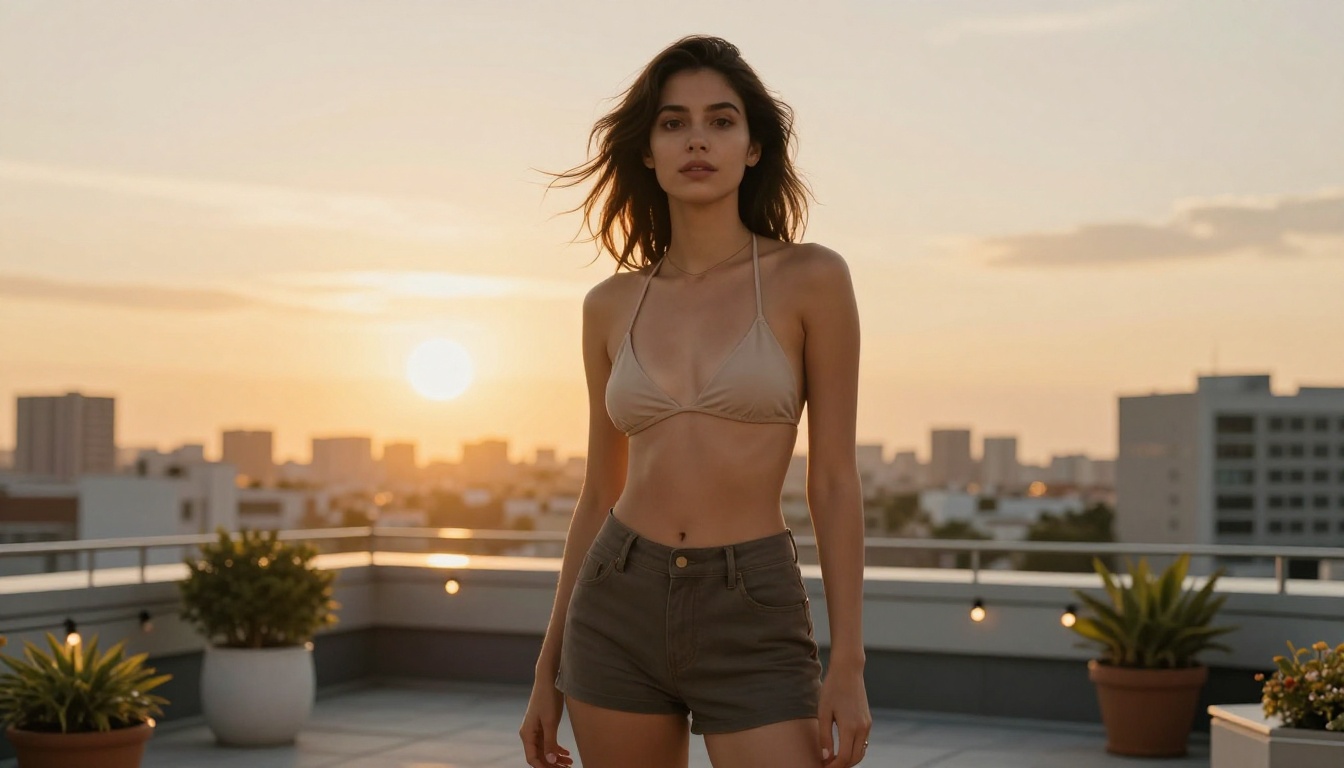
Typing a sentence and getting a finished, usable image back in under 30 seconds used to feel like science fiction. With Nano Banana 2, that's just how Tuesday works now. Google's fast text-to-image model is free, requires no installation, and produces results sharp enough to drop directly into client decks, social posts, or product pages. If you've been scrolling stock photo sites and settling for something close enough, this is the tool that ends that habit.
What Nano Banana 2 Actually Does
Nano Banana 2 is Google's second iteration of a model built specifically for speed without compromising output quality. The original Nano Banana established the baseline: fast generation, clean outputs, free access. Version 2 takes that foundation and adds capabilities that most paid tools don't offer at any price point.
The core mechanic is simple. You write a description. The model reads it, processes it, and returns an image. What separates Nano Banana 2 from older free tools is how intelligently it handles complex inputs and how well it maintains consistency when you need multiple related images in the same session.
Speed That Actually Holds Up
Most free AI image generators have a hidden cost: wait time. You submit a prompt, then wait 45 seconds, a minute, sometimes longer during peak hours. Nano Banana 2 is built differently. Generation times consistently land under 30 seconds for standard outputs, and in many cases you're looking at results in 20 to 25 seconds.
For anyone who needs to produce visual content at volume, that difference compounds fast. Ten images in under five minutes versus ten images over an hour is not the same working day.
💡 Pro tip: Keep your prompt focused. Shorter, specific prompts process faster than long, vague ones. "A red bicycle parked outside a French café, morning light, cobblestone street" outperforms "something with a bike and café vibes maybe European."
The 14-Image Fusion Feature
This is where Nano Banana 2 pulls ahead of most competitors at any price tier. You can feed it up to 14 reference images at once and ask it to blend visual elements from all of them into a single, coherent output.
In practice, this means:
- Combine a product photo, a mood board image, and a brand color palette reference into one shot
- Take multiple character references and create a scene where they all appear together
- Blend architectural styles from several photos into a single concept render
The model keeps visual elements consistent across generations. If a face appears in multiple references, that character's appearance stays stable throughout the session. This makes Nano Banana 2 genuinely useful for branding and identity work, not just casual experimentation.
Real-Time Web Grounding
Most image models generate from training data with a cutoff date. Ask for an image tied to a recent event and you'll often get something that doesn't quite fit. Nano Banana 2 connects to Google Search in real time.
Toggle the Google Search option and the model pulls live context before generating:
- Imagery tied to current news or trending topics
- Visuals that reference recent product releases
- Accurate depictions of real-world locations as they look now
The Image Search grounding goes further still. It finds actual web images as visual references, so your output is grounded in how things actually look rather than how they were described in training data years ago.
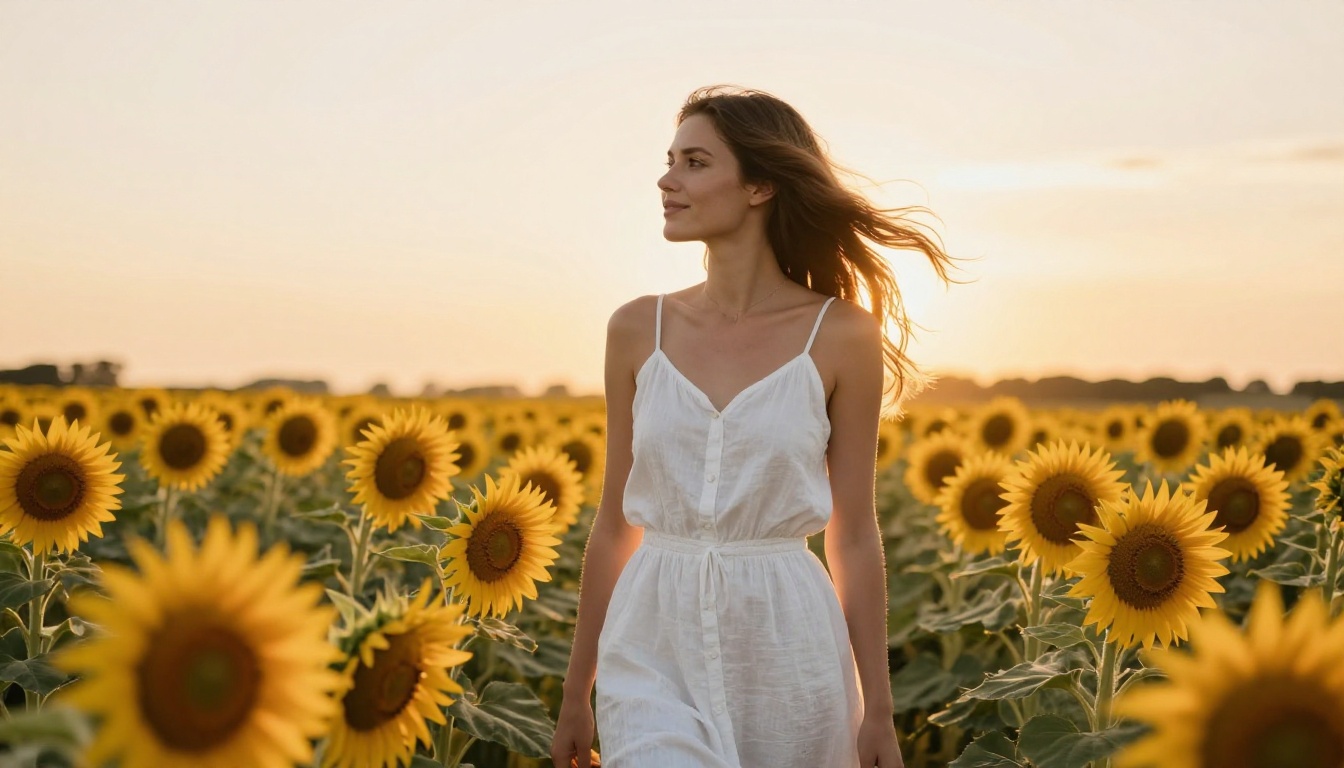
Why Free Still Means Quality
Free tools have a reputation for producing mediocre results. Nano Banana 2 breaks that pattern, largely through resolution control that you'd normally pay for.
Resolution Options That Scale
| Output Setting | Best For | Detail Level |
|---|
| 1K | Social posts, quick drafts | Good |
| 2K | Blog headers, presentations | Very Good |
| 4K | Print materials, hero images | Exceptional |
The 4K output is not a gimmick. Print-ready quality from a free tool is genuinely unusual. For freelancers who need to deliver production-ready assets without licensing fees, this closes a meaningful gap between what free and paid tools can produce.
Aspect Ratios for Any Platform
Nano Banana 2 supports 15 aspect ratio presets, covering every major use case:
- 9:16 for vertical social content (Reels, TikTok, Stories)
- 16:9 for YouTube thumbnails, website headers, presentations
- 1:1 for profile images, product tiles, square feed posts
- 4:5 for Instagram portrait posts
- 21:9 for cinematic banners and wide-format displays
- Match input image to automatically mirror the ratio of a reference photo you upload
💡 Formatting tip: Generate images for different platforms with the same prompt but different ratios rather than cropping after the fact. The model recomposes the scene for each ratio, giving you a properly framed shot every time instead of an awkward crop.

Who Uses It Most
Understanding who gets the most value from this tool helps clarify where it truly excels versus where other options might serve better.
Marketers and Content Creators
The most active users are people producing visual content at scale. A content team that needs 20 original images per week faces a real choice: stock photos that look identical to what every competitor uses, expensive custom photography shoots, or AI generation. Nano Banana 2 handles that volume without requiring a budget line or a photographer booking.
The conversational editing feature is critical here. You don't restart from zero each time you need a variation. You describe the change in plain text and the model carries session context forward, adjusting the specific element you asked about while keeping everything else intact.
Freelancers on Tight Timelines
Freelancers don't have the luxury of waiting two business days for a revised mockup. When a client needs to see three visual directions by tomorrow morning, fast generation speed turns that from a stressful all-nighter into a manageable hour of work.
The character consistency feature is especially valuable for freelancers building visual identity systems. Maintaining the same character across multiple images, without a photographer or illustrator in the loop, changes what you can realistically promise a client at any budget.
Social Media Managers
Posting fresh, original imagery every day is one of the most persistent pain points in social media management. Audiences recognize the same stock photos across a dozen different brand accounts. Nano Banana 2 produces images specific to your exact prompt, so your content looks original because it genuinely is.

Using Nano Banana 2 on PicassoIA
The model is available directly in the text-to-image collection, no complex setup required. Here's the exact process from zero to finished image.
Step 1: Open the Model Page
Go to the Nano Banana 2 page in the text-to-image collection. You'll see the prompt input at the center of the interface with configuration options in the side panel.
Step 2: Write Your Prompt
A strong prompt has four components:
- Subject: What or who is in the image ("a woman in her early 30s")
- Setting: Where and when ("on a rooftop at sunset, city skyline behind her")
- Mood and lighting: How it feels ("warm amber light, relaxed expression")
- Technical detail: How it looks photographically ("shallow depth of field, 85mm lens, photorealistic")
Weak: "A woman on a rooftop"
Strong: "A woman in her early 30s on a rooftop terrace at sunset, city skyline softly blurred behind her, warm golden hour light, relaxed confident posture, photorealistic, 85mm lens feel, shallow depth of field"
The difference in output quality between those two is significant and consistent.
Step 3: Set Your Parameters
Before generating, configure these settings:
- Aspect Ratio: Based on where the image will be used (16:9 for web, 9:16 for stories)
- Resolution: 1K for drafts, 2K for most web use, 4K for print
- Google Search: Toggle on if your prompt references something current or location-specific
- Image Search: Toggle on to pull real web images as visual context
- Image Input: Upload up to 14 reference images if you want elements blended from multiple sources
Step 4: Generate and Download
Hit generate. In under 30 seconds, your image appears. Download directly from the result panel. The output is yours to use immediately, no attribution required.
💡 Iteration tip: Your first generation is a starting point, not a final answer. Use conversational editing to refine by describing what you want to change. The model adjusts without losing the original context you established.
Tips for Better Results
These patterns consistently produce stronger outputs:
- Be specific about lighting. "Soft morning light from the left" works. "Nice lighting" tells the model nothing useful.
- Mention lens characteristics. "85mm portrait lens" or "wide angle" tells the model how to frame the scene.
- Reference real textures. "Worn leather jacket with visible stitching" beats "leather jacket" every time.
- Use multi-image input for consistency. Upload your first output as a reference for subsequent generations in the same series.
- Toggle Image Search for realism. For subjects with specific real-world appearances, grounded generation produces more accurate results.
Nano Banana 2 vs Other Free Models
Placing it in context against other models available in the collection:
| Model | Speed | Free | Multi-Image Input | Real-Time Grounding | Best For |
|---|
| Nano Banana 2 | Very Fast | Yes | Up to 14 images | Yes | Speed and consistency |
| Flux Schnell | Very Fast | Yes | No | No | Quick drafts |
| Nano Banana Pro | Moderate | No | Yes | Yes | Maximum quality |
| Imagen 4 | Moderate | No | No | No | Photorealism at scale |
| GPT Image 1.5 | Moderate | No | Yes | No | Complex instruction following |
The table shows what makes Nano Banana 2 distinct in the free tier: it's the only free model with both multi-image input and real-time web grounding. For zero cost, that combination doesn't exist elsewhere in this collection.

The Conversational Editing Workflow
One of the most underused features in Nano Banana 2 is treating image generation like a dialogue rather than a one-shot task. Most people write a prompt, get an image, download it if it's good enough, and start from scratch if it's not. That's not the intended workflow.
Iterating Without Starting Over
The model holds context across turns in a session. This means you can build an image progressively:
- Generate a base image with your subject established
- Ask for the background to change without specifying the subject again
- Request the lighting to shift warmer
- Ask for a different expression or adjusted pose
- Tighten the composition
Each request builds on the previous output without losing what you established earlier. For character-based work, this is the difference between 20 minutes on one consistent character versus two hours trying to prompt your way back to something that matched three generations ago.
💡 Workflow tip: Establish the most critical element first. If your character's face is the anchor, build that in generation one. Iterate everything else afterward. Changing foundational elements late in a session often breaks the consistency you built up.
Upscaling and Editing After Generation
The platform extends what you can do after Nano Banana 2 produces an output. If you need a file larger than 4K for print work, super resolution tools upscale 2x to 4x without introducing artifacts. A 2K web image becomes print-ready without regenerating from scratch.
Inpainting lets you select a specific region of the generated image and describe a change, leaving everything else intact. Outpainting extends the canvas in any direction, useful when you need a wider crop than your original composition allowed. Background removal delivers a clean cutout in one click, ready for compositing into any layout.
Common Prompt Mistakes to Avoid
Even a capable model produces mediocre results when the prompt doesn't give it enough to work with. These are the most frequent issues and the direct fixes.
Too vague on setting. "A person in a nice place" forces the model to guess, and guesses produce generic outputs. Replace with specific detail: "A person sitting at a small table in a busy Italian piazza, afternoon sun casting long shadows on warm stone paving, outdoor café chairs visible in background."
Conflicting instructions. "Nighttime scene with bright natural sunlight" produces muddy, incoherent results because the model follows instructions literally. Pick one lighting condition and commit: "Golden hour scene with warm directional light" or "night scene with artificial streetlight glow."
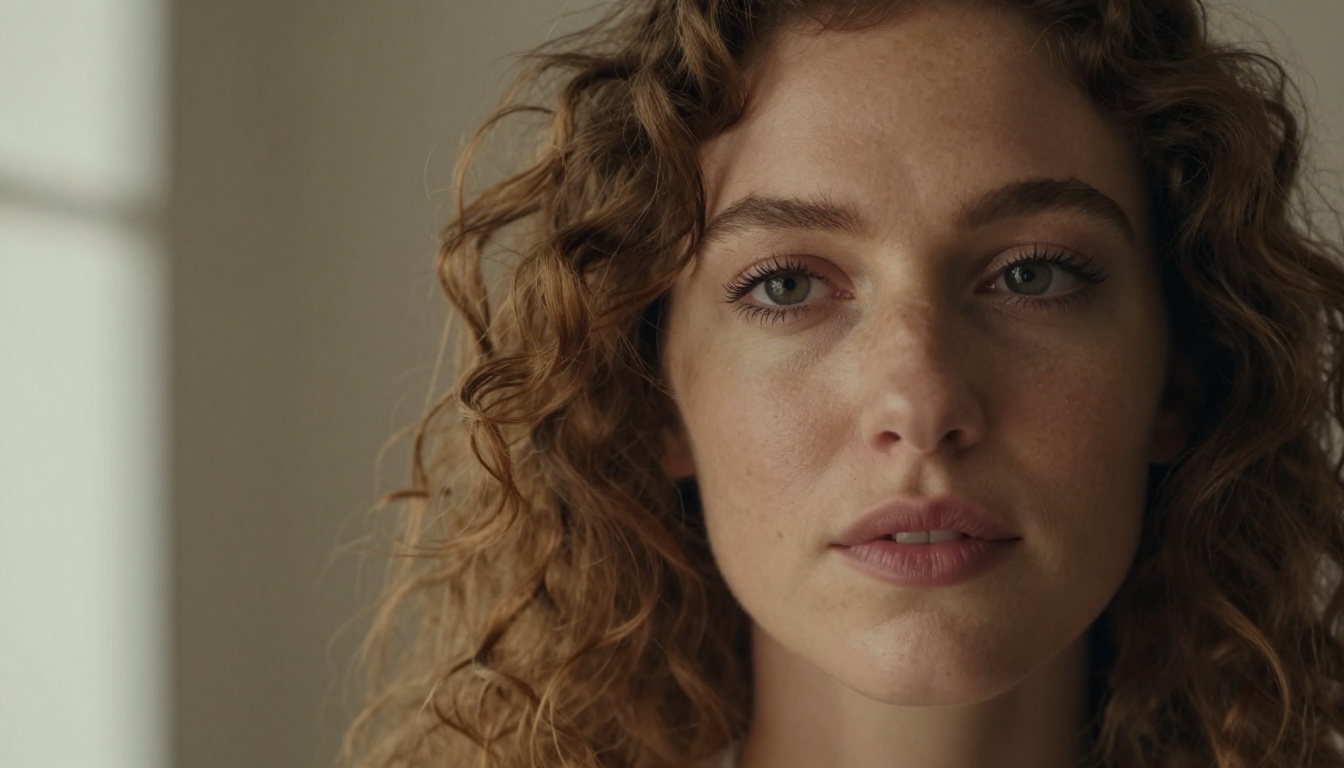
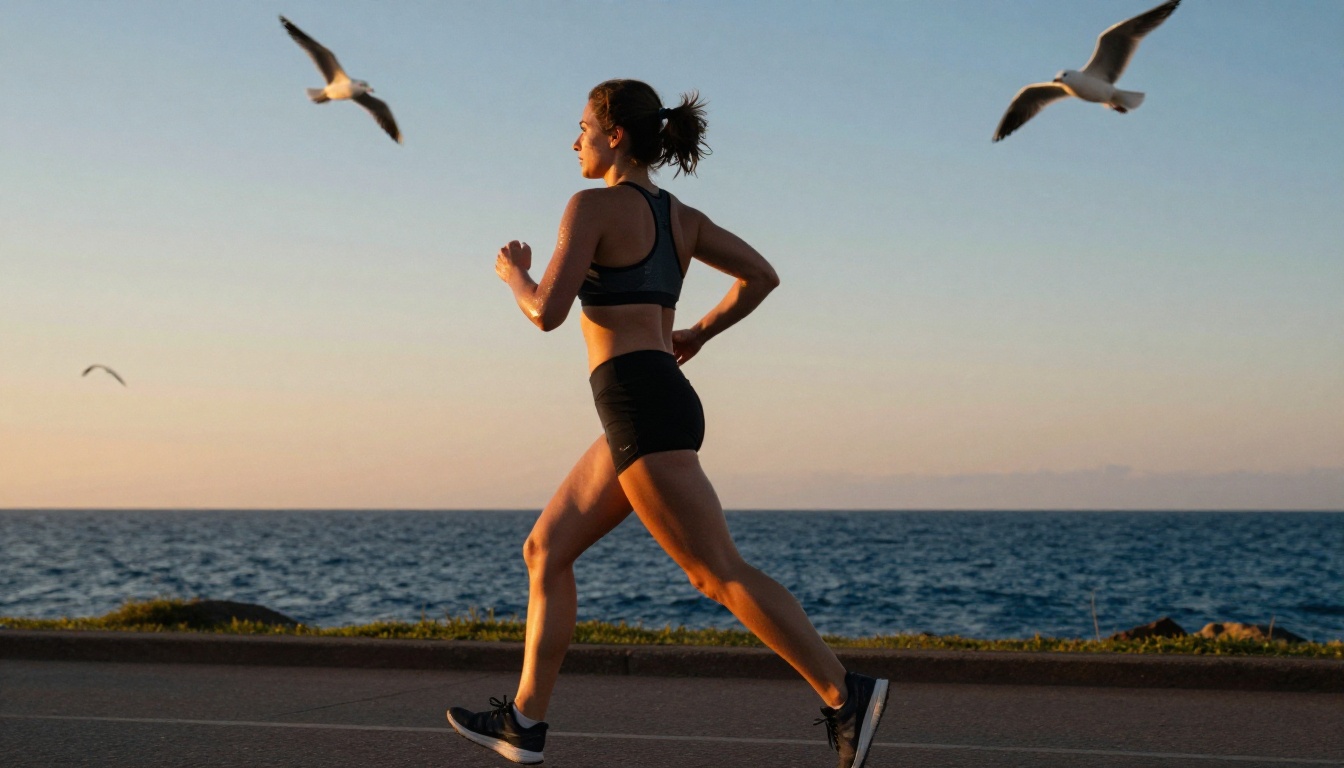
No technical photography language. "A portrait of a woman" tells the model what to show but not how to show it. "A close-up portrait of a woman, 85mm lens, shallow depth of field, soft diffused light from the left, natural skin texture, neutral background" gives the model a complete visual brief. Without that technical layer, you'll get the most average interpretation of your subject every time.
Too much in one shot. When a prompt contains contradictory locations, times of day, or clothing styles simultaneously, break it into separate generations. Use the multi-image input to blend elements afterward if you need them combined.
Try It Right Now
The prompt field is open, the model is free, and results come back in seconds. Pick a real project you've been putting off because you didn't have visuals for it: a blog post that needs a header, a product description that needs a photo, a social post sitting as a draft because you had nothing to pair with the copy.
Open Nano Banana 2 and write a prompt for that specific thing. In 30 seconds, you'll have something to work with. Use the conversational editing feature to iterate from there until you have exactly what your project needs.
If you want more power or a different visual style after you've run a few generations, the collection has over 90 models to branch into. Nano Banana Pro offers the same Google architecture with higher precision for demanding projects. Flux Schnell is another fast free option if you want a different aesthetic baseline. Start with Nano Banana 2 for speed and zero cost, then branch out once you know what your project actually needs.
The only way to get a feel for what a tool produces is to use it. Start now.