Create Logos and Posters with Nano Banana 2 for Free
Nano Banana 2 by Google brings fast, high-quality text-to-image generation to anyone who needs logos, posters, or brand visuals without a budget. This article breaks down exactly how to write prompts that produce sharp, usable designs, how to access the model at no cost, and which strategies deliver the best results for real branding projects in 2027.
If you've been waiting for an AI image model that actually delivers production-ready logos and posters without costing you anything, Nano Banana 2 is worth your full attention. Built by Google and available through the Nano Banana 2 model on PicassoIA, this model runs fast, interprets design briefs with surprising accuracy, and handles typography-adjacent creative direction better than most free alternatives.
The gap between "free AI images" and "actually usable branding assets" has been frustrating for a long time. Generic models give you something that looks almost right but falls apart on closer inspection: fuzzy text placement, color palettes that clash, compositions that work as art but not as logos. Nano Banana 2 closes that gap in meaningful ways, especially when you write your prompts with clear intent.
This article walks through everything you need to create logos and posters with this model, from prompt structure to practical post-production workflows.
What Nano Banana 2 Actually Does
Nano Banana 2 is Google's fast text-to-image model, designed for high iteration speed without sacrificing output coherence. It sits in a different category than slow, high-compute models. The philosophy behind it is simple: let designers move fast, generate many options quickly, and find the right visual direction without waiting minutes per image.
For logo and poster work specifically, this speed is not a nice-to-have. It's the whole point. Branding is an iterative process. You don't arrive at the right visual on the first try. You generate, evaluate, adjust the prompt, generate again. With a slow model, that loop takes too long to sustain creatively. With Nano Banana 2, you can run dozens of variations in the time a single render would take on a heavier model.
Speed That Changes the Creative Loop
The practical difference in generation speed changes how you work. Instead of committing to a prompt and hoping it delivers, you can:
Test three different color direction prompts simultaneously
Compare minimalist versus detailed logo treatments side by side
Iterate on poster layout compositions without any time penalty
Generate a full set of logo variations in under five minutes
This shifts the skill from "getting the prompt right the first time" to "rapid evaluation and refinement," which is exactly how real design work happens in professional settings.
Output Quality for Logo Work
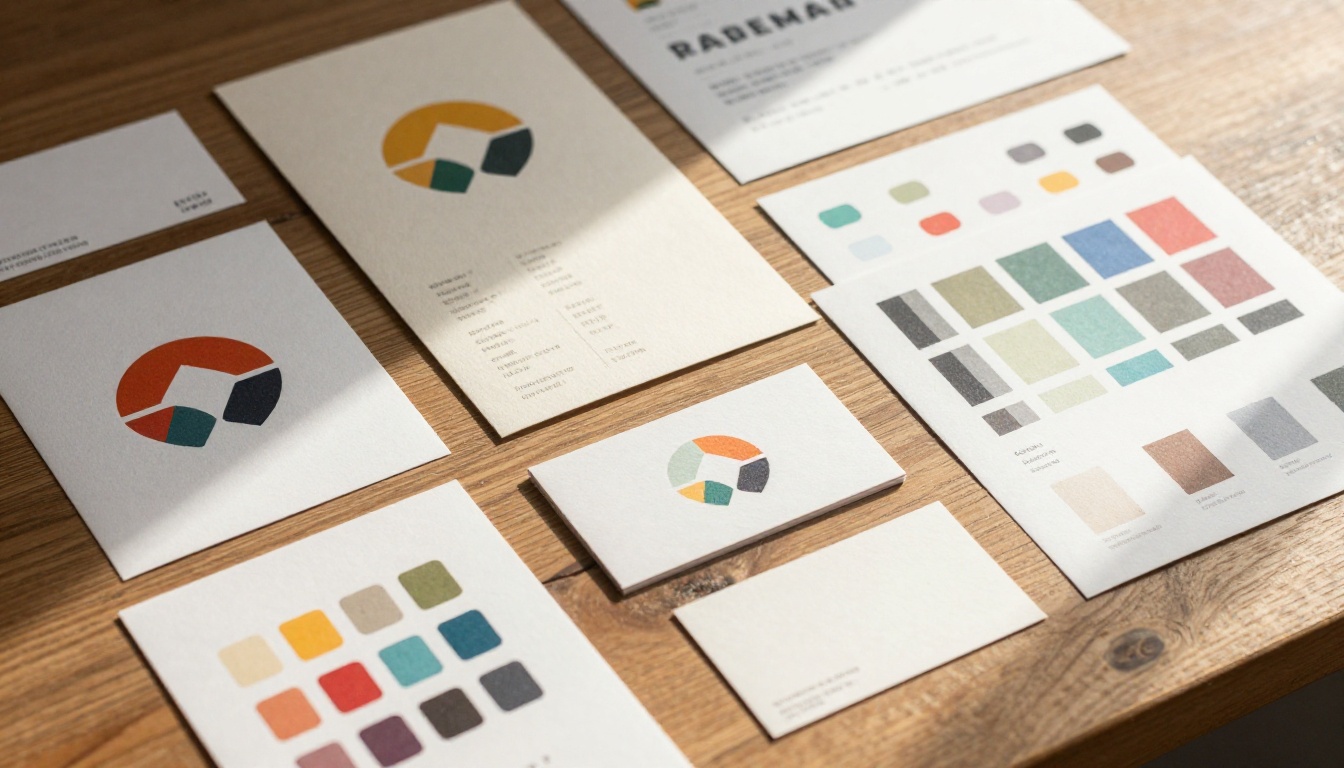
The model handles flat graphic concepts, bold color contrasts, geometric shapes, and text-adjacent compositions with solid consistency. It is not a dedicated vector tool (no AI model generates true SVG natively), but the raster outputs are clean enough to serve as templates, references, or direct digital-use assets.
For printed materials, you will want to upscale the outputs. The Super Resolution models on PicassoIA can take your Nano Banana 2 results and push them to print-ready resolution in one additional step with no quality loss.
Writing Prompts That Actually Deliver
Most people write weak prompts and blame the model. The model is only as good as the direction you give it. For logos and posters, you need to think like a creative brief writer, not like someone typing a search query.
The Anatomy of a Strong Logo Prompt
A strong logo prompt has five components:
Subject: What the logo represents (company type, product, service category)
Style: The visual language (minimalist, geometric, lettermark, icon-only, badge)
Color: Specific palette or mood descriptors beyond generic color names
Exclusions: What you explicitly do not want in the output
💡 Prompt tip: Describe the brand's personality as if briefing a human designer. "A confident, approachable fitness brand for women over 40" gives the model far more to work with than "fitness logo."
Prompt Templates for Logo Design
Here are starting templates you can adapt directly in Nano Banana 2:
Minimalist Icon Logo:
Minimalist vector-style icon logo for a [industry] brand, single color on white background,
geometric shapes, clean lines, no text, scalable symbol design, no gradients
Lettermark Logo:
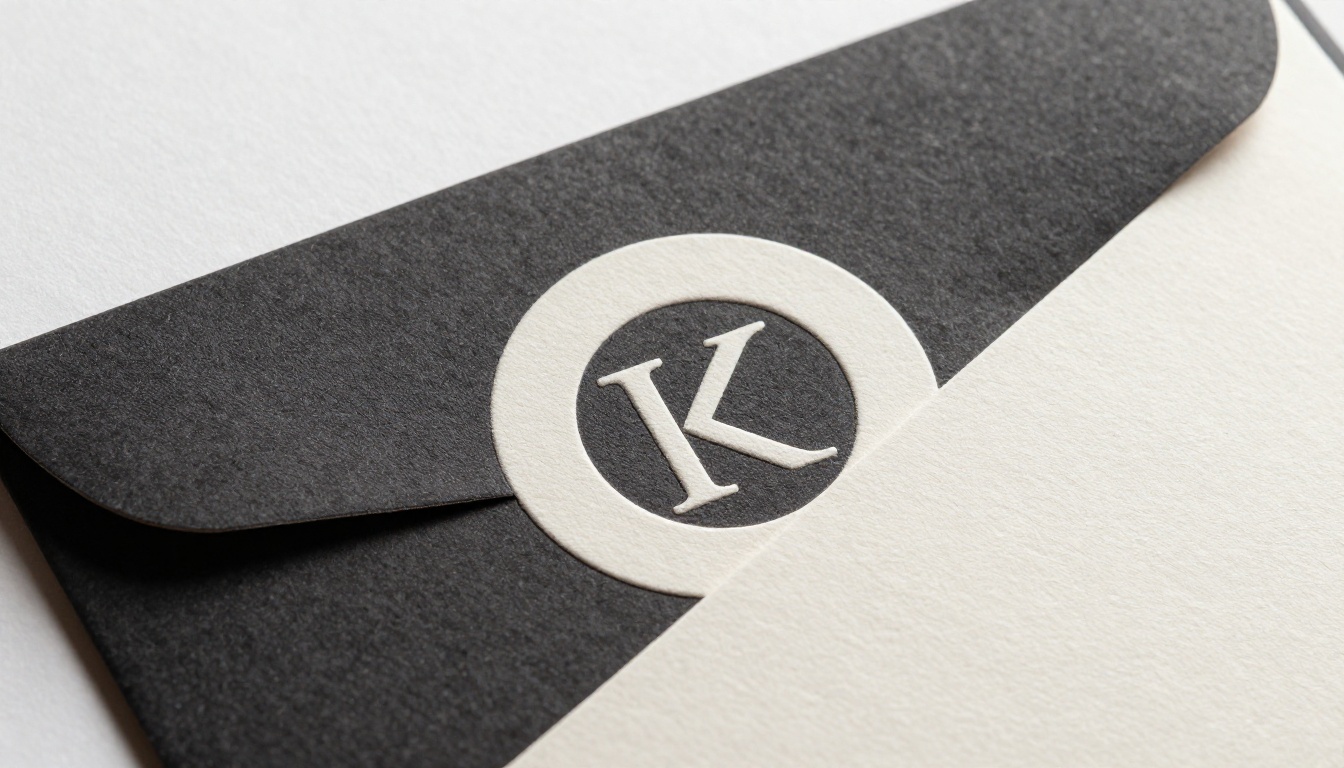
Bold lettermark logo with the letter [X], sans-serif, dark navy on cream background,
professional and modern, architectural geometry, minimal detail, no decorative flourishes
Full Brand Mark:
Logo concept for a [description] company, combines icon symbol with clean typography below,
two-color palette of [colors], contemporary design, white background, no drop shadows
Vintage Poster Style:
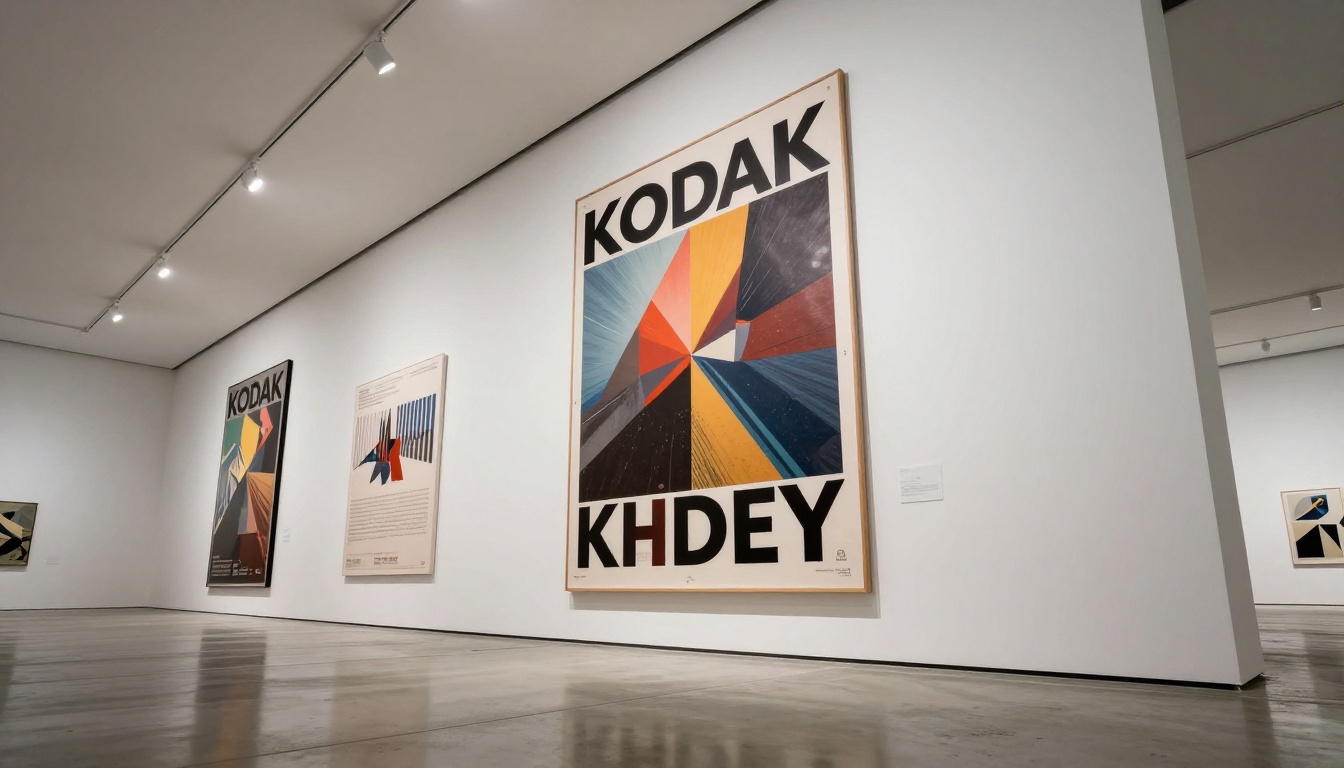
Retro-style event poster for [event type], warm aged paper tones, bold serif headline typography,
illustrated central motif, 1960s graphic design influence, no photographic elements
Color and Style Control
Color direction in prompts works best when you combine mood language with specific references:
Instead of this
Write this
"Blue logo"
"Deep cobalt blue, almost navy, on pure white"
"Modern style"
"Swiss grid system, neutral tones, sharp right angles"
"Colorful poster"
"Saturated primary colors, high contrast, flat graphic style"
"Maximum three elements, generous white space, single accent color"
The more specific your color and style language, the more consistent your results across iterations. This matters especially when generating logo variants that need to feel like a coherent family of assets.
How to Use Nano Banana 2 on PicassoIA
Since Nano Banana 2 is available directly on PicassoIA, the workflow is accessible to anyone.
Step 1: Access the Model
Go directly to the Nano Banana 2 page. No account is required to start on the free tier, and no credits need to be purchased to begin generating. The interface presents a text prompt field and basic generation controls.
Step 2: Write Your Prompt
Use the templates above as a starting point. Paste your adapted prompt and keep these principles in mind:
Be specific about exclusions: "no text in image," "no gradients," "no drop shadows"
Describe the output use case: "suitable for use as an app icon," "formatted as a vertical poster"
Specify the background clearly: "flat white background," "solid black," "no background elements"
💡 Pro tip: The model responds well to style-reference language. Phrases like "Swiss International Style," "Bauhaus poster design," or "mid-century modern illustration" produce consistent and recognizable aesthetic outputs.
Step 3: Evaluate and Adjust
After your first generation, read the output critically:
Does the composition work at small sizes? Test it mentally at 32x32px.
Is the color palette what you specified, or did it drift?
Are there unwanted elements like random text artifacts or excessive decorative noise?
Adjust one variable at a time in your prompt and regenerate. This isolation approach makes it clear which element of the prompt controls which aspect of the visual output.
Step 4: Generate Variations
Once you have a direction that works, generate 4-6 variations by:
Changing the color palette entirely
Swapping geometric shapes (circle to triangle, square to hexagon)
Testing both horizontal and stacked layout versions of the same concept
Flipping light-on-dark versus dark-on-light treatments
This builds a small collection to evaluate side by side, which is how logo selection actually happens in real branding projects.
Poster Design: Where This Model Performs Best
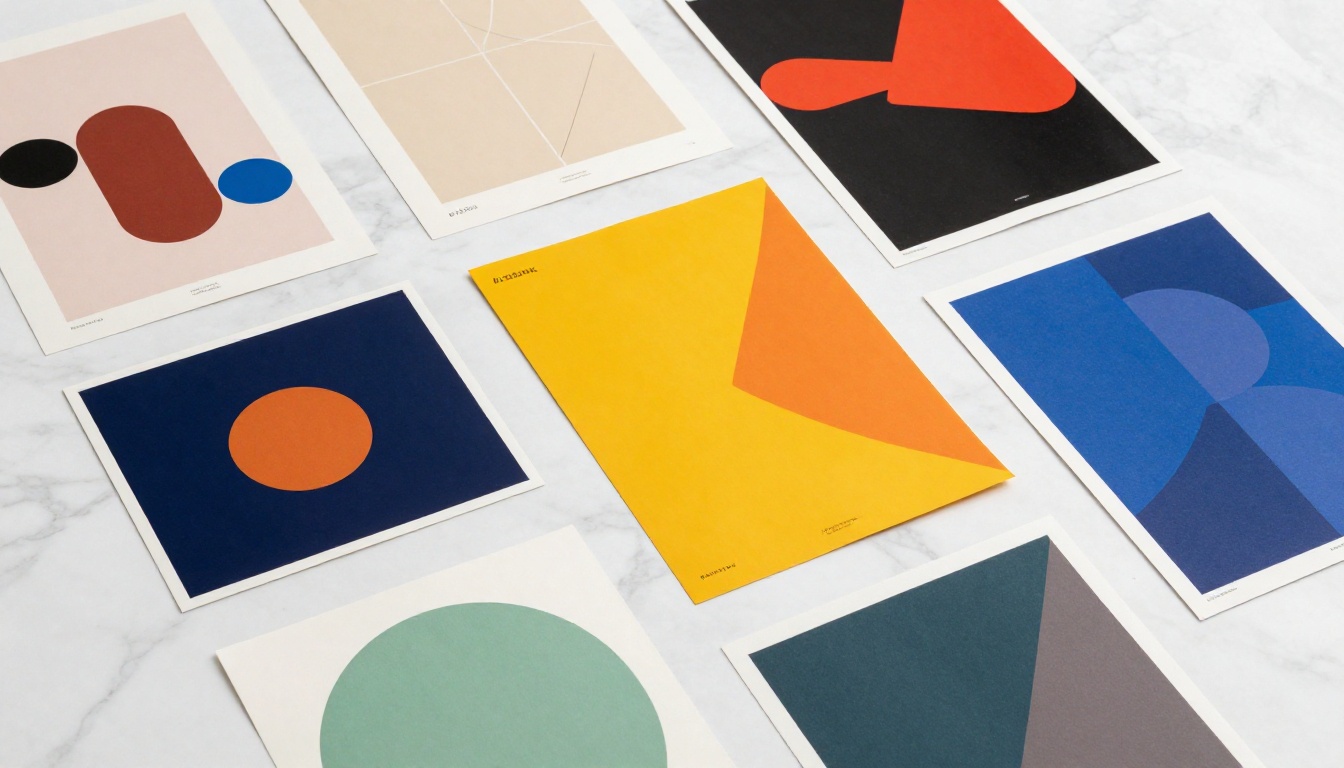
Posters are where Nano Banana 2 consistently delivers strong free outputs. The larger canvas gives the model more room to express compositional logic, and the lower precision requirements (compared to a single small logo mark) make results more consistently usable without heavy post-processing.
Event Posters
For concerts, conferences, exhibitions, or community events, the model generates atmosphere-rich poster concepts that would otherwise require substantial design work. The approach:
Lead with the event's mood, not its logistics ("underground electronic music night, raw warehouse energy")
Specify the dominant visual element ("large abstract geometric center, bold headline space at top")
Define the color story clearly ("monochromatic with a single warm accent")
You are generating a visual direction that you execute properly in your design tool, or use directly for digital promotion with text added afterward in Canva or Figma.
Product Promotion Posters
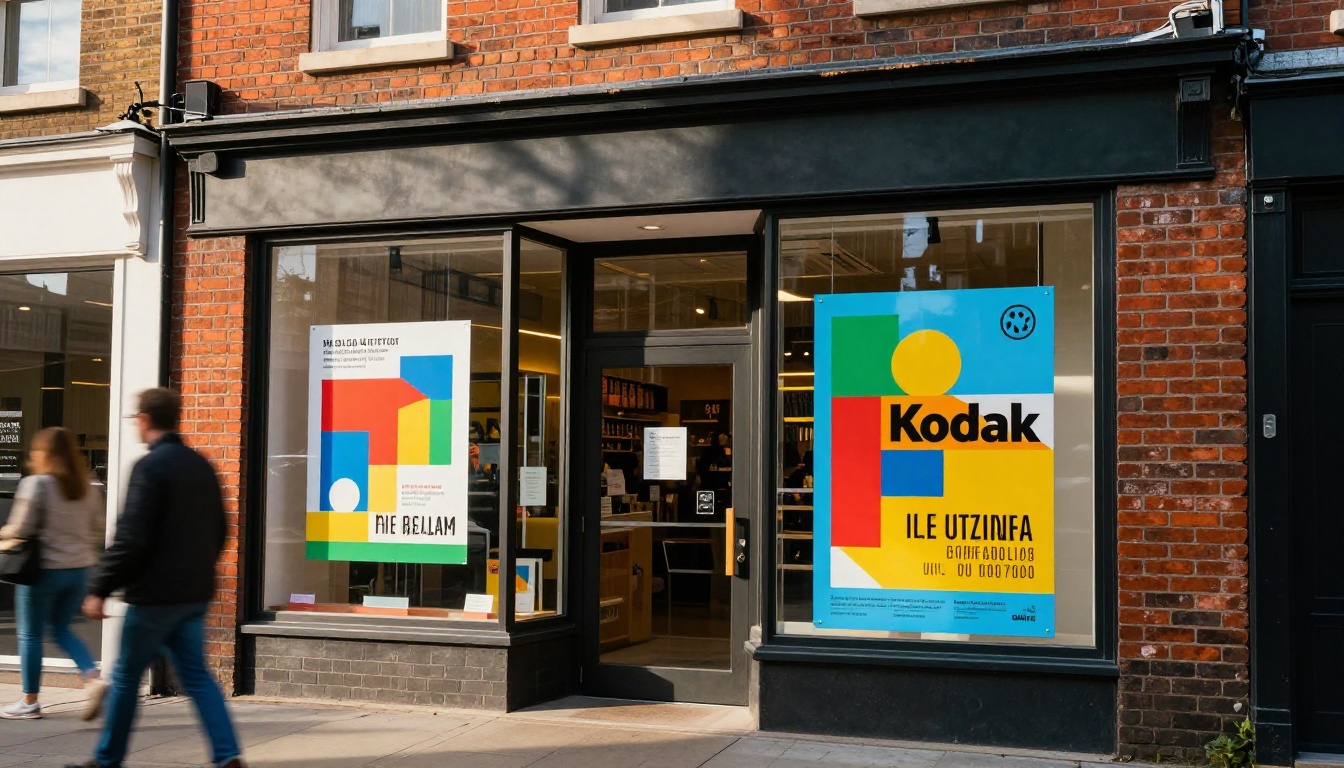
For product-focused posters, the model handles studio-style product mockup aesthetics well. Prompts that work reliably:
"Minimalist product poster for a skincare brand, single product centered, clean white background with subtle shadow, premium editorial photography style"
"Tech product announcement poster concept, dark background, product silhouette with dramatic directional lighting, sophisticated brand positioning"
Social Media Formats
While the default output is 16:9, you can specify vertical formats in your prompt. For Instagram posts or stories, describing the composition as "vertical portrait orientation, tall format, 4:5 ratio composition" adjusts the model's spatial logic accordingly.
Nano Banana 2 vs Other Free Models
PicassoIA hosts 91 text-to-image models. Here is how Nano Banana 2 compares for logo and poster work specifically:
For pure free use with solid output quality, Nano Banana 2 is the standout option. If you need more precise typography integration or complex brand identity work and are willing to use paid credits, Flux 2 Pro and Ideogram V3 Quality are worth the upgrade.
For SVG-ready vector outputs, Recraft V4 SVG is in a category of its own since it generates scalable vector graphics directly, bypassing the vectorization step entirely.
Who Gets Real Value from This
Small Business Owners Without a Design Budget
The most direct use case. If you are launching a business and cannot justify agency rates or even a freelancer at this stage, AI-generated logo concepts from Nano Banana 2 give you something usable immediately. The output quality is strong enough for:
Social media profiles and headers
Digital business cards and email signatures
Website headers and favicon references (after vectorization)
Printed materials at small quantities
These outputs work best as starting points that get refined, not as final deliverables pulled straight from generation. "Starting point at zero cost" is still significantly better than no starting point at all.
Content Creators and Influencers
For YouTubers, podcasters, and social creators who need regular fresh visuals, Nano Banana 2 on PicassoIA provides an on-demand asset pipeline. Channel art, thumbnail background concepts, promotional poster templates for each new project. The model's speed matches the pace of content production.
Freelance Designers in Early Concepting
Working designers who use AI as a concepting tool during a branding project's early exploration phase can generate 20 to 30 rough direction concepts to show a client in 15 minutes instead of 3 hours. The selected direction then gets executed properly. This is not replacement of design work; it's acceleration of the phase that matters least at that stage.
Common Prompt Mistakes That Hurt Results
Here are the most frequent errors people make when using Nano Banana 2 for design work:
Too much in one prompt: Asking for a logo, tagline, background texture, and specific colors all at once creates conflicting signals. Break complex requests into focused, single-direction prompts.
Vague style language: "Modern" means nothing without context. "Clean Swiss-grid typography, Helvetica-style letterforms, grid-constrained layout" means something specific that the model can act on.
Ignoring exclusions: Negative constraints matter as much as positive ones. Adding "no text," "no gradients," "no photographic elements" prevents common generation drift.
Taking the first result as final: The model rewards iteration. Generate, evaluate one specific aspect, adjust one variable, generate again.
💡 Core principle: AI models respond directly to specificity. The more precisely you describe what you need, the more consistently the model delivers exactly that.
What to Do After Generation
Vectorize Your Outputs
Raster images work for digital use but fail at large print sizes. Any logo intended for signage, apparel, or offset print needs vectorization. Options after generation:
Adobe Illustrator: Image Trace feature works well on flat, high-contrast logo concepts
Vectorizer.ai: Web-based tool that produces clean SVG from most AI raster outputs
Inkscape: Free desktop option, strong results on geometric designs
The cleaner and more geometric your AI-generated design, the better the vectorization results. This is another reason to keep logo prompts simple, flat, and high-contrast rather than detailed and textured.
Use PicassoIA's Full Toolkit
A logo or poster is rarely a standalone asset. Once you have a design direction, the rest of PicassoIA's capabilities extend what you can do with it:
Super Resolution: Upscale outputs to print dimensions without quality loss
Remove Backgrounds: Isolate logos on transparent backgrounds instantly
p-image-edit: Inpainting and targeted refinement on generated designs
Flux Kontext Pro: Text-based image editing for precise design modifications
This pipeline from generation to post-processing covers most of a branding workflow without switching tools.
Nano Banana 2 vs the Original Nano Banana
It is worth clarifying the difference between versions. The original Nano Banana was already strong for fast generation, but Nano Banana 2 shows meaningful improvements in compositional consistency, color accuracy, and handling of design-specific prompts. If you tried the first version and were underwhelmed, the second iteration is a noticeable step forward.
Nano Banana Pro takes this further with higher fidelity outputs at the cost of generation speed. For final presentation-quality designs where iteration speed is less critical, Pro is the better choice.
5 Things Nano Banana 2 Does Better Than You'd Expect
It is easy to underestimate what a fast, free model can deliver. Here is where this one actually surprises people:
Color palette coherence: Generated designs tend to stay within the color story you specify, without unwanted color drift across elements
Geometric precision: Shapes in logo-style prompts come out cleaner than in general-purpose models
Compositional balance: Poster outputs show an understanding of visual weight and negative space
Style consistency across iterations: Multiple runs of the same prompt produce variations that feel like siblings, not random outputs
Response to negative constraints: Telling the model what not to include actually works, which is not universal across free models
Start Creating Your Brand Visuals Now
You now have everything you need to start generating logos and posters with Nano Banana 2 at no cost. The model is fast, the platform is accessible, and the prompt principles in this article will get you to usable outputs faster than any other free tool available.
Start with one focused brief: your company type, a color direction, and a style descriptor. Run five variations. Pick the strongest concept. Then iterate on that direction specifically.
If you want to push further, PicassoIA's full library gives you 91 text-to-image models, including Flux 2 Pro for maximum quality, Recraft V4 SVG for vector-ready outputs, and Ideogram V3 Quality for designs that need precise typographic rendering. The free tier gets you started. The full platform takes you as far as your project demands.