If you've spent more than five minutes searching for a way to create NSFW images with AI, you already know the main problem: most platforms either censor everything into oblivion, or they're so slow and confusing that the process takes longer than drawing it yourself. The truth is, getting high-quality, photorealistic adult AI images in under sixty seconds is completely possible if you know which models to use and how to write a prompt that actually performs.
This article cuts straight to what works.
What "NSFW AI Images" Actually Means
Before diving into tools and prompts, it helps to set the right expectations. "NSFW" covers a wide range of content, and not every model handles every category the same way.
The Spectrum of Adult Content
AI-generated adult content ranges from tastefully suggestive (swimwear, lingerie, boudoir photography) all the way to fully explicit material. For the best results, particularly in terms of photorealism and aesthetic quality, the sweet spot is glamour-style content: confident poses, beautiful lighting, natural skin tones, and compositions that feel like editorial fashion photography rather than anything clinical or crude.
This type of content produces the most stunning results with the current generation of text-to-image models, and it's what separates "impressive AI art" from content that looks generated.
The Artistic Approach Always Wins
The photographers and creatives using AI image generation for suggestive content consistently report the same thing: treating it like a photoshoot brief produces dramatically better results than treating it like a content request. Think in terms of:
- Lighting direction (golden hour, studio, backlight)
- Camera angle (low angle, overhead, medium close-up)
- Wardrobe detail (fabric, color, fit, texture)
- Atmosphere (location, mood, time of day)
When your prompt reads like a cinematographer's shot list, the output looks like it was captured on film.
The Models That Deliver Photorealism
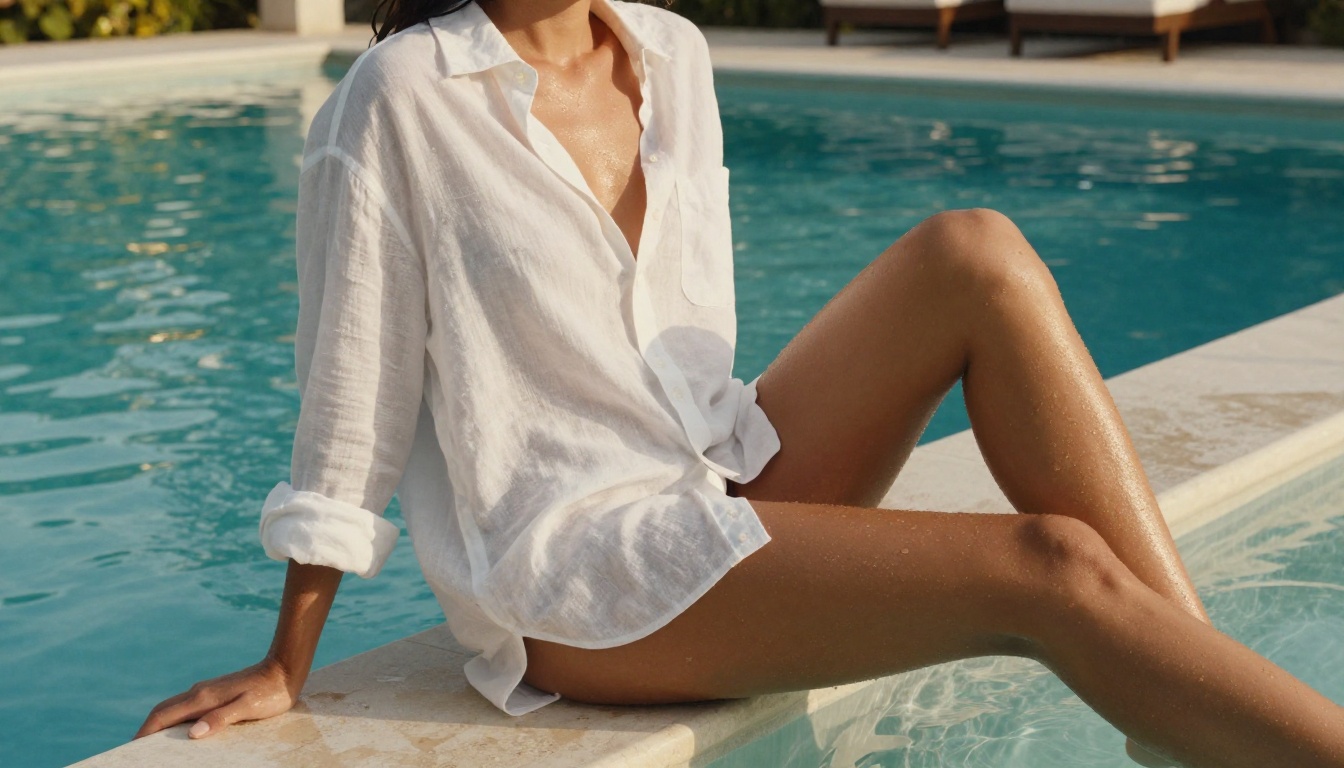
Not every text-to-image model is built for photorealistic human figures. Some excel at illustration, others at abstract art, others at typography. For NSFW adult content that looks genuinely photographic, these are the models that consistently outperform the competition.
Flux 1.1 Pro Ultra
Flux 1.1 Pro Ultra is the benchmark for photorealistic image generation right now. Black Forest Labs built this model with an emphasis on skin texture, lighting fidelity, and anatomical accuracy that no previous model matched at launch. For adult content specifically:
- Handles complex lighting scenarios (backlight, rim light, multi-source)
- Renders fabric and skin in the same frame without sacrificing either
- Responds exceptionally well to camera lens specifications in prompts ("85mm f/1.4")
- Produces natural body proportions without the uncanny valley distortion common in older models
This is the first model to reach for when generating NSFW images. Period.
Flux 1.1 Pro
Flux 1.1 Pro sits one tier below Ultra but generates images significantly faster, which makes it ideal for iterating on prompt variations before committing to a final high-res render. The quality difference is subtle enough that many users start with Pro, find a prompt that works, then switch to Ultra for the final output.
Realistic Vision v5.1
Realistic Vision v5.1 was built specifically for photorealistic human portraiture and has a large community of users who share optimized prompts. It has a strong bias toward warm skin tones and soft natural lighting, which gives outputs a consistent "lifestyle photography" aesthetic. Excellent for boudoir and glamour-style content.
RealVisXL v3.0 Turbo
RealVisXL v3.0 Turbo combines the photorealism focus of the RealVis series with SDXL's resolution capabilities and Turbo's speed. It's noticeably faster than standard SDXL while maintaining sharp detail in hair, eyes, and fabric, areas where many models blur or hallucinate at fine scales.
Quick Model Comparison
Writing Prompts That Actually Work
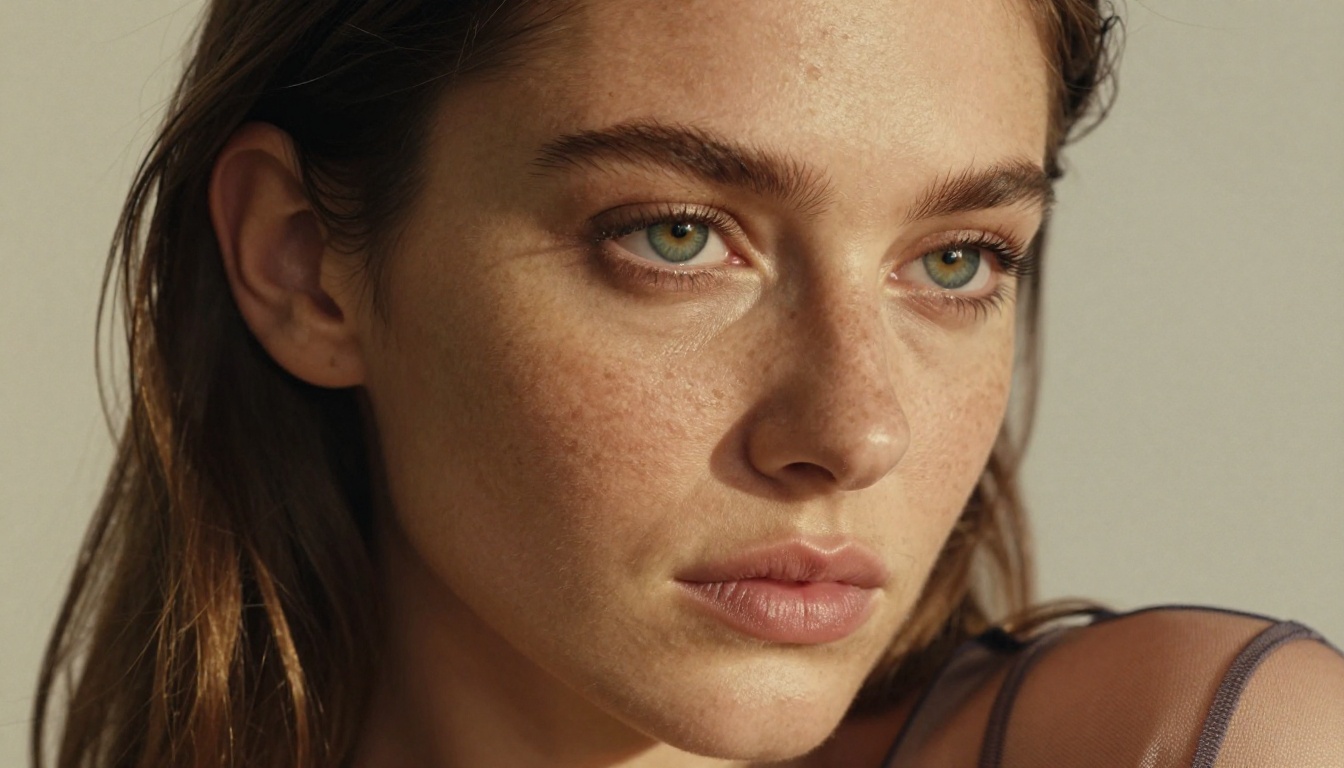
The model is only half the equation. A mediocre prompt fed into Flux 1.1 Pro Ultra will still produce a mediocre image. A well-structured prompt fed into Realistic Vision v5.1 can produce something extraordinary.
The 5-Part Prompt Formula
Every high-performing NSFW AI image prompt follows the same structure:
- Subject: Who, wearing what, doing what
- Environment: Where, time of day, atmosphere
- Lighting: Direction, quality, color temperature
- Camera: Angle, distance, lens specification
- Technical finish: Film stock, grain, style tags
Example prompt using this formula:
"A woman in a sheer silk robe, slightly open, standing on a sunlit balcony overlooking the sea. Early morning light from the east, soft and diffused, warm yellow tones. Shot from medium distance with an 85mm f/1.8 lens, slight low angle. Kodak Portra 400 film grain, photorealistic 8K"
Notice what this does: it gives the model specific instructions at every decision point, leaving nothing to chance. Models don't get "creative" with ambiguity. They get inconsistent.
Negative Prompts Worth Using
For models that support negative prompts (SDXL, RealVisXL v3.0 Turbo, Realistic Vision v5.1), these consistently improve outputs:
cartoon, illustration, 3d render, cgi removes non-photographic aestheticsblurry, low resolution, noise pushes detail quality upwarddeformed hands, extra fingers prevents the classic hand-rendering issuesoversaturated, neon, glowing keeps color grading natural
Tip: With Flux-series models, negative prompts have less effect. Instead, add positive reinforcement: "natural skin texture, realistic lighting, photographic film grain" in the main prompt does the same job without the guesswork.
Prompts by Scenario
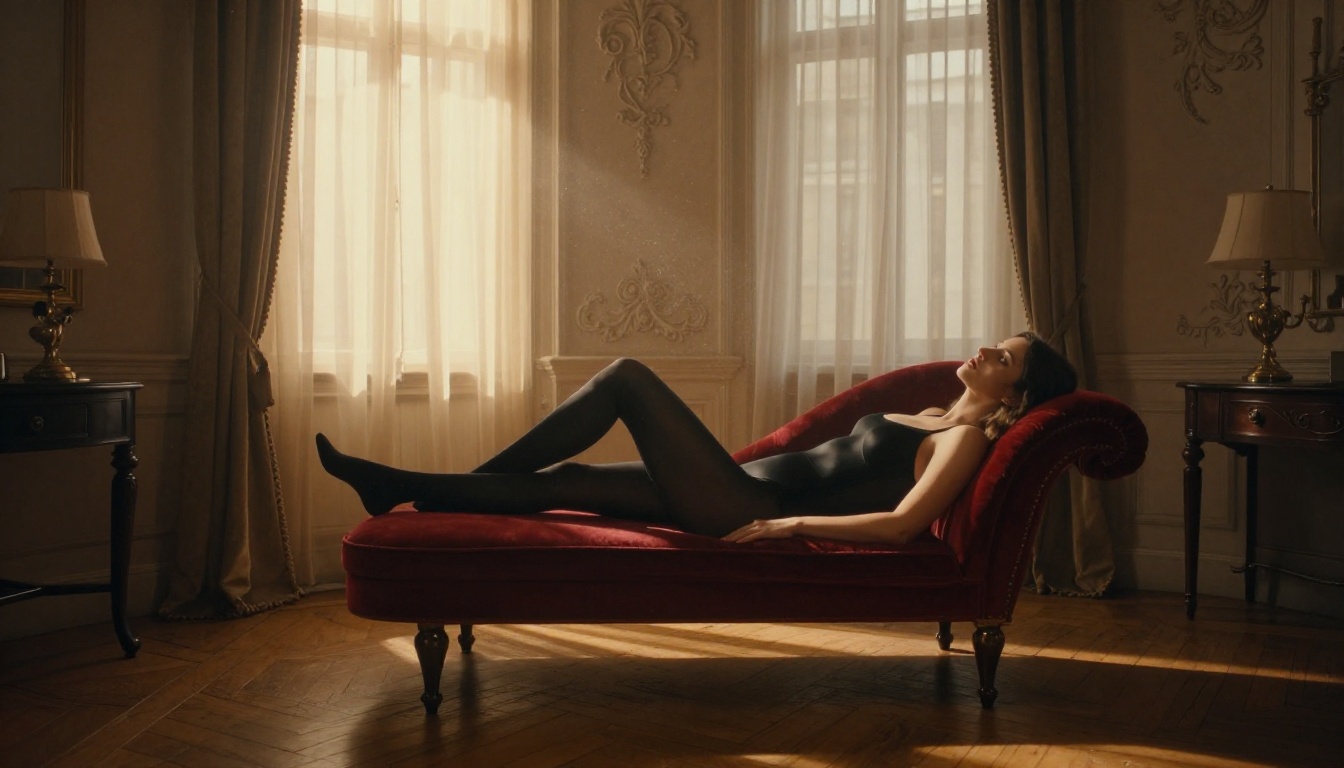
Different content types call for different prompt emphases:
| Scenario | Key Prompt Elements |
|---|
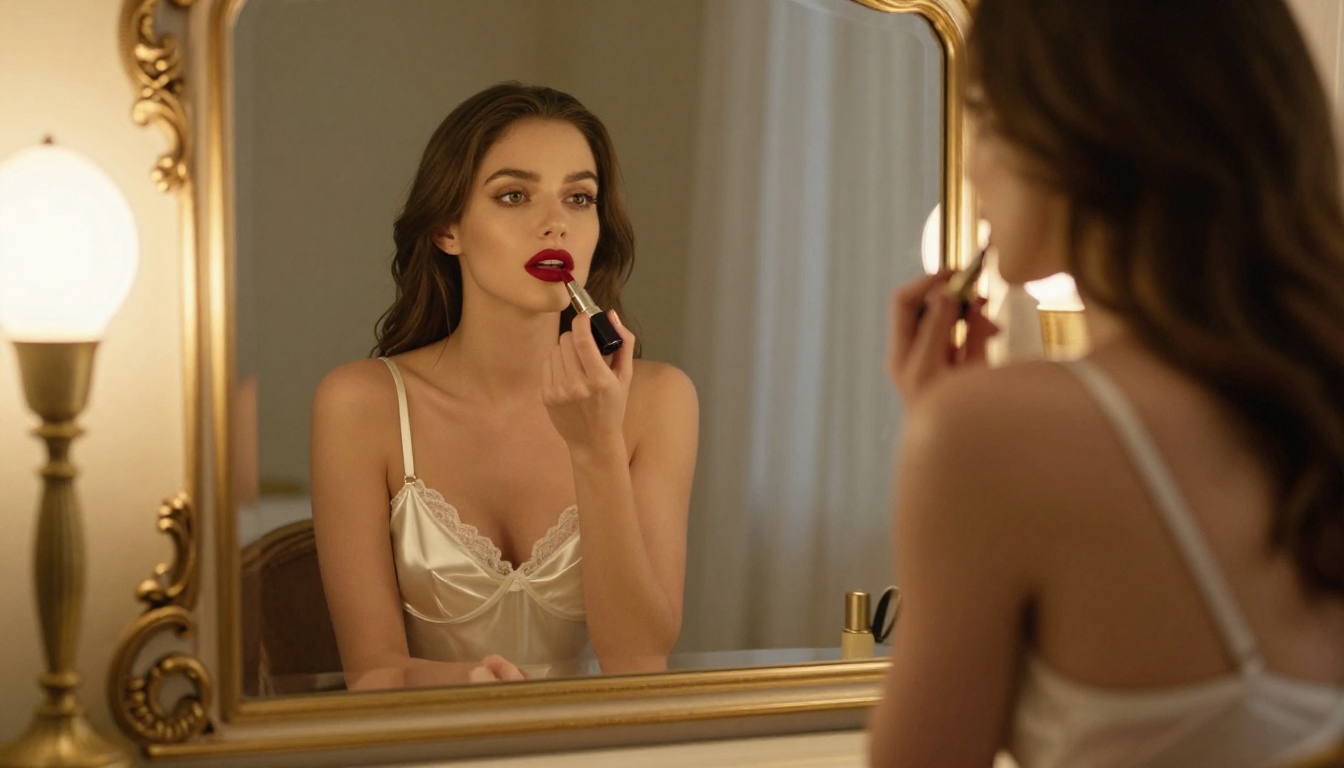
| Boudoir | Soft light, warm shadows, silk textures, intimate framing |
| Glamour | Strong directional light, confident pose, fashion context |
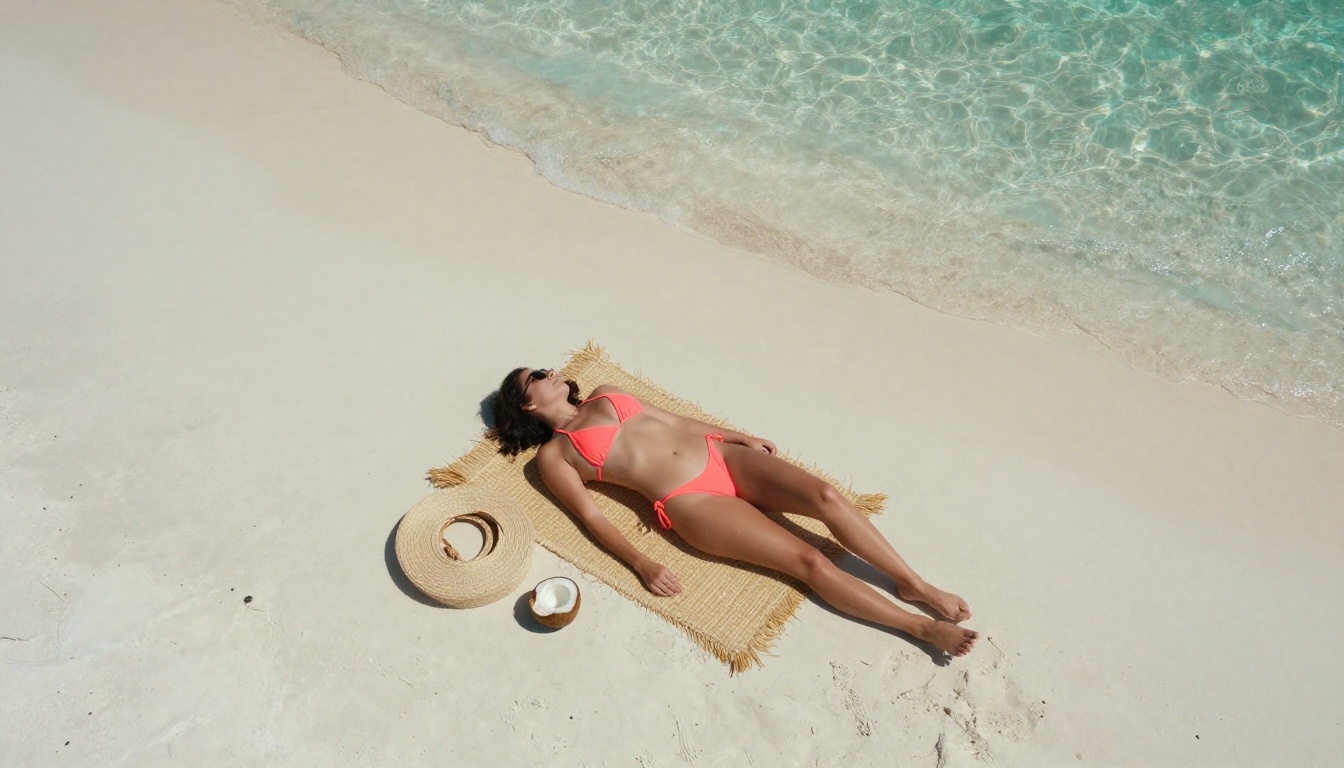
| Beach / Outdoor | Harsh natural sunlight, wet skin, environmental textures |
| Fashion Editorial | Studio backdrop, sharp shadows, intentional wardrobe detail |
Using Flux 1.1 Pro Ultra on PicassoIA
Flux 1.1 Pro Ultra is available directly on PicassoIA with no complex setup required. Here's the exact process to go from zero to a finished image in under sixty seconds.
Step 1: Open the Model
Navigate to Flux 1.1 Pro Ultra on PicassoIA. No additional configuration needed. The interface loads the model parameters immediately on page load.
Step 2: Write Your Prompt
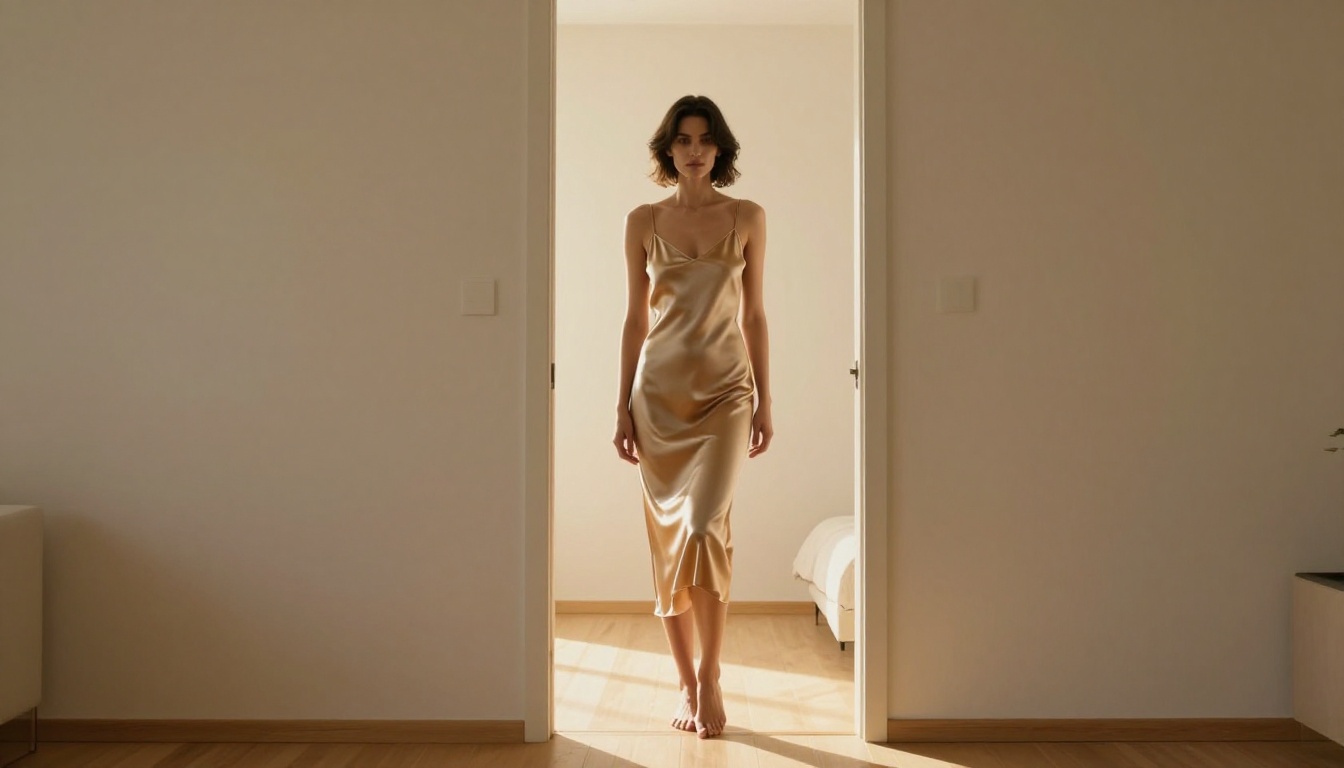
Use the 5-part formula from the section above. Paste your prompt into the text field. For NSFW content, be specific about wardrobe, body position, and lighting first. The model responds better to concrete visual descriptions than to abstract mood words.
Tip: Keep your first attempt between 60-100 words. Longer prompts with Flux 1.1 Pro Ultra do not always produce better results. They can sometimes introduce conflicting instructions. Start focused, then expand what works.
Step 3: Set the Aspect Ratio
For horizontal compositions (lifestyle, full-body, environmental), use 16:9. For portrait-oriented content (close-up, boudoir, face-focused), use 9:16 or 3:4. The aspect ratio choice alone dramatically affects how the composition is framed.
Step 4: Generate and Evaluate
Hit generate. The output typically arrives in 10-30 seconds. Evaluate it against these checkpoints:
- Skin texture: Does it look photographed or rendered?
- Lighting consistency: Is the light coming from one coherent direction?
- Fabric detail: Does the clothing read as a specific material?
- Eyes and face: Are they sharp and naturally proportioned?
If any answer is no, adjust the corresponding element in the prompt and regenerate.
Step 5: Refine with Iterations
The fastest path to a great image is not perfecting the prompt on the first attempt. It's generating 3-5 variations of a working prompt with small adjustments. Change the lighting descriptor, the camera angle, or the wardrobe detail in each iteration. Within a few runs, you'll have identified exactly what the model is responding to.
3 Mistakes That Ruin NSFW AI Images
Even experienced users fall into these patterns. Avoiding them immediately improves output quality.
Vague Subject Descriptions
"A beautiful woman in lingerie" tells the model almost nothing. It will fill in every unspecified variable randomly: random lighting, random background, random pose, random skin tone. The result is technically correct but visually generic.
Fix: Describe the specific wardrobe item, the specific pose or action, and the specific appearance details. "A woman with warm olive skin and dark curly hair in a burgundy silk bralette, seated with one leg drawn up, leaning slightly forward" produces a completely different result.
Conflicting Style Instructions
"Hyperrealistic photographic 4K HDR sharp, Kodak Portra film grain, cinematic soft focus, anime style" is a real example from community prompt forums. Every instruction in that string contradicts at least one other. The model gets confused and produces mush.
Fix: Pick one aesthetic direction and commit to it. Either you want film-grain photorealism or you want HDR sharpness. Not both in the same prompt.
Ignoring the Background
A perfectly rendered figure placed in front of a blurry, incoherent background reads as a composited image rather than a photograph. The background is what sells the lighting logic and spatial context.
Fix: Describe the background in the prompt, even briefly. "Cream-colored plaster wall, soft window light from the left" costs six words and dramatically increases realism.
Other Models Worth Knowing
Beyond the top picks, PicassoIA's library offers a full bench of capable models worth cycling through depending on the specific aesthetic you're after.
DreamShaper XL Turbo produces outputs with a slightly warmer, more cinematic color grade than Flux. It handles mixed ambient and artificial lighting particularly well, making it strong for indoor scenes with practical lamp sources in the frame.
Flux Dev is the research-oriented sibling of Flux Pro, useful for experimenting with unconventional prompts and pushing the model's limits before committing to a polished final output.
Flux 2 Pro represents the next generation of the Flux architecture, with improved coherence in complex scenes and better handling of fine fabric textures at high resolution. Worth testing if you find Flux 1.1 Pro Ultra occasionally over-smoothing skin.
Worth trying: Ideogram v3 Quality has a unique approach to skin rendering that some users prefer for close-up portrait work. It tends toward slightly cooler tones than Flux, which can work well for moody indoor lighting scenarios.
ControlNet for Precise Poses
One of the most common frustrations with text-based adult image generation is pose consistency. You can describe a pose in detail, but the model will reinterpret it each generation. For users who need a specific body position repeated across multiple images, ControlNet changes everything.
Using SDXL Multi ControlNet LoRA, you can provide a pose skeleton reference and the model will match that exact body position in every generated output, regardless of the text prompt. This is how professional creators produce consistent character sets and multi-image sequences.
The workflow:
- Generate or source a rough pose reference image
- Extract the pose skeleton using OpenPose
- Feed both the skeleton and your text prompt to SDXL Multi ControlNet LoRA
- Get outputs where the figure holds your exact intended pose
It adds one step to the process but eliminates the most unpredictable variable in NSFW image generation.
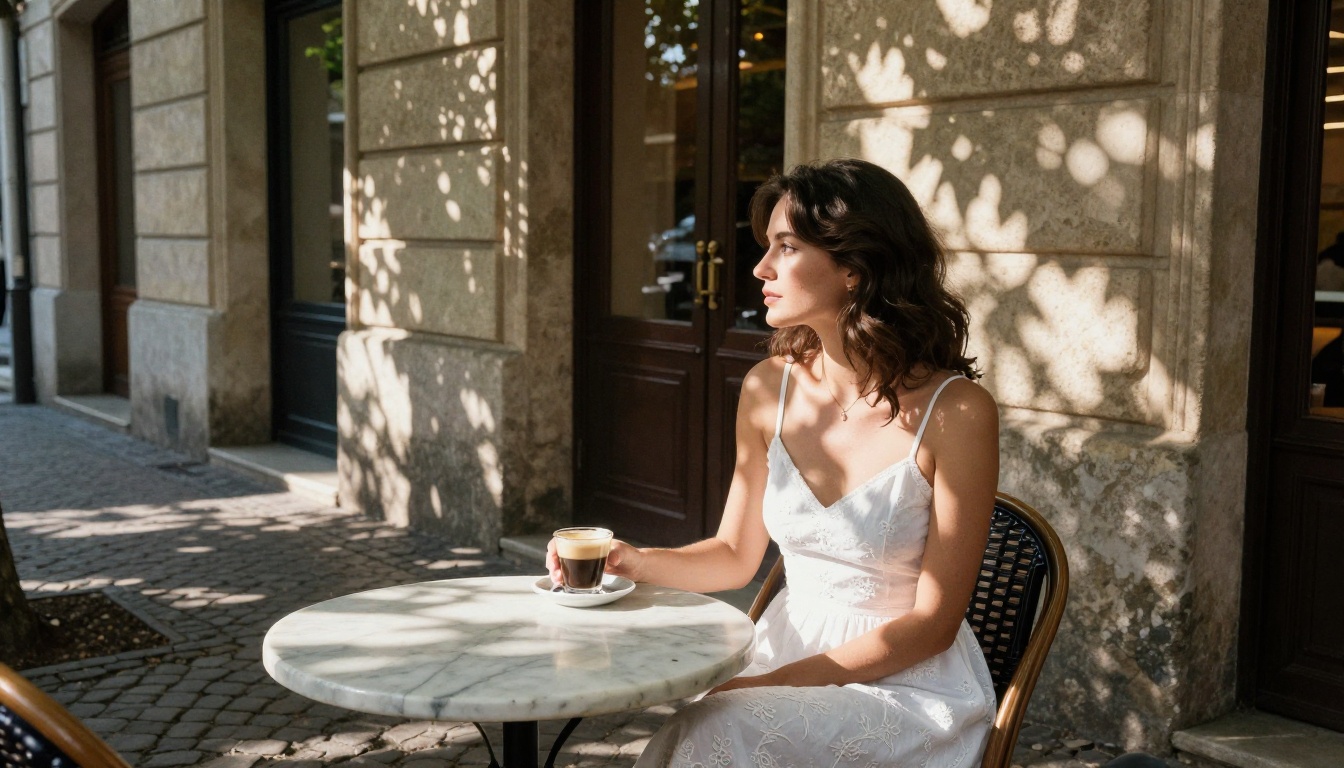
Refining What You Generate
Raw AI outputs are often 80% of the way to great. These tools push them to 100%.
Super Resolution: If you generated at 512px or 1024px and want to use the image at larger sizes, PicassoIA's super resolution tools upscale 2x-4x without introducing artifacts or softening skin detail.
Inpainting: Generated a perfect image but one element (a hand, a face detail, an item of clothing) isn't quite right? Inpainting lets you mask that region and regenerate it in isolation, preserving everything else in the composition.
Face Swap AI: For users building consistent character sets, the face swap tool allows you to drop a specific face onto any generated body, giving you both the photorealistic quality of AI generation and the character consistency that pure text prompts can't reliably produce.
Image Restoration: Older generations or low-quality outputs can be recovered using AI image restoration, which fixes noise, softness, and compression artifacts without regenerating from scratch.
Start Creating Right Now
Every model referenced in this article is available on PicassoIA without complex setup. The process takes less than a minute once you understand what the models respond to: specific subjects, concrete environments, precise lighting, and photographic language.
Start with Flux 1.1 Pro Ultra for your first attempt. Use the 5-part prompt formula. Set the aspect ratio before you generate. Evaluate the output against the four checkpoints, then iterate once or twice on what isn't working.
By the third generation, you'll have something that looks like it came from a professional photoshoot, not a text box.
PicassoIA has 91 text-to-image models accessible from a single platform. The range spans everything from ultra-fast iteration tools like Flux Schnell to maximum-quality outputs from Flux 2 Max. Whatever style, scenario, or aesthetic you're working toward, the model for it is already there.
Open the platform, pick your model, and start creating.