Product photography used to be expensive, time-consuming, and gatekept by studio equipment most small brands could not afford. That changed when AI image generation matured enough to produce genuinely commercial-quality visuals from a text prompt. Nano Banana 2 by Google is one of the fastest and most accessible models available right now, and it has quietly become a go-to tool for e-commerce sellers, marketers, and brand owners who need polished product images without the studio invoice.
This article walks you through exactly how to create product photos with Nano Banana 2 for free, including real prompt formulas, step-by-step workflow on PicassoIA, and a clear breakdown of how it compares to other models on the platform.
What Nano Banana 2 Actually Does
Nano Banana 2 is a text-to-image model developed by Google, built for fast generation with solid visual fidelity. Unlike larger models that take 30-60 seconds per image, Nano Banana 2 delivers results in under 10 seconds without the blurring and compositional distortion that typically shows up in fast models.
The model sits in a productive sweet spot: it prioritizes speed and consistency over raw resolution, which is exactly what matters when you are iterating through product concepts or producing batch visuals for an e-commerce catalog.
Speed Without Sacrificing Quality
Where Nano Banana 2 earns its reputation is in the speed-to-quality ratio. Generated images are:
- Sharp and well-composed even at default settings
- Photorealistic enough for social media, paid ads, and website listings
- Consistent across batches, so your brand aesthetic holds across multiple generations
This is where smaller, faster models traditionally fall apart. Nano Banana 2 handles product surfaces, material textures, and lighting logic better than you would expect for its generation speed.
How It Compares to Other Free Models
The platform hosts several models capable of producing product photos. Here is a direct comparison:
| Model | Speed | Detail Level | Best For |
|---|
| Nano Banana 2 | Very Fast | Good | Volume production, quick iterations |
| Nano Banana Pro | Moderate | High | Refined hero shots, detail-heavy products |
| Flux 2 Dev | Moderate | Very High | Studio-grade product visuals |
| GPT Image 1.5 | Slow | Exceptional | Scene-aware lifestyle product shots |
| Imagen 4 | Moderate | Very High | Photorealistic commercial photography |
For free, high-volume product photo creation, Nano Banana 2 is the most practical starting point on the platform.
Why Product Photos Still Make or Break Sales
Buyers make purchasing decisions in seconds. Product images are the single biggest driver of purchase intent in online shopping, consistently ranked above price, reviews, and shipping costs in consumer behavior research. A well-lit, sharp, professional product image signals quality. A blurry, poorly composed shot signals you do not care, and if you do not care, why should the buyer?
The Real Cost of Bad Product Imagery
The math is blunt. A single weak product image on an Amazon listing, Shopify store, or paid ad can cut conversion rates by 30-50%. If your product sells for $50 and gets 100 visitors per day, a 40% drop in conversions is roughly $2,000 in lost monthly revenue. Bad photos are far more costly than people realize.
Traditional commercial photography runs $500-$3,000 per product shoot. AI product photography with Nano Banana 2 changes that equation entirely, and does it at no cost.
What Buyers Actually Notice
Shoppers respond to specific visual signals:
- Clean, uncluttered backgrounds that direct focus to the product
- Accurate texture representation so they can visualize the actual material quality
- Lifestyle context when relevant (a coffee bag in a kitchen setting sells better than floating on white)
- Multiple angles that reduce purchase anxiety and return rates
All four are achievable through prompt engineering with Nano Banana 2.
How to Use Nano Banana 2 on PicassoIA
Here is the step-by-step workflow for creating product photos with Nano Banana 2 at zero cost.
Step 1: Open the Model
Go to the Nano Banana 2 page on PicassoIA. The model sits in the text-to-image collection. No API key, no credit card, and no subscription is required for free generations.
The interface gives you a prompt field, optional parameters for aspect ratio and seed control, and a generate button. For product photography:
- Use 16:9 for hero shots and banner images
- Use 1:1 for social media thumbnails and marketplace listings
- Use 3:4 for mobile-first ad formats
Step 2: Write Prompts That Work
This is where most people fail. Vague prompts produce vague results. Product photography prompts need to be specific about five things:
- The product itself (material, color, size, shape)
- The surface or backdrop (marble, wood, concrete, linen, slate)
- The lighting setup (directional, diffused, window light, overhead studio)
- The camera angle (flat lay, hero shot, three-quarter, low angle, macro)
- The atmosphere or mood (minimal, warm, fresh, luxurious, rustic)
💡 Prompt tip: End every product prompt with "RAW photography, 8K, Kodak Portra 400 film grain, photorealistic, professional commercial photography." These tokens consistently push the model toward realistic textures and away from CGI or illustrative aesthetics.
Step 3: Iterate Fast
After your first generation, change one variable at a time:
- Shift the lighting direction (from left, from above, backlit from behind)
- Swap the surface material (marble to wood, concrete to cream linen)
- Add or remove props (herbs, flowers, leaves, tools, fabric)
- Try a different angle entirely
Nano Banana 2 generates so fast that iteration is practically free in both time and cost. You can run 15 variations before a traditional photographer finishes the lighting setup for the first shot.
Step 4: Download and Deploy
Generated images are available for immediate download in full resolution. For a standard e-commerce product listing, aim for at least:
- 1 clean white or neutral background shot
- 1 lifestyle context shot
- 1 close-up detail or texture shot
- 1 flat lay arrangement
This four-image set satisfies the standard listing format for Amazon, Shopify, Etsy, and most social ad platforms.
Good prompt engineering is the difference between generic outputs and images that look like they cost $2,000. These three formulas consistently produce commercial-quality results with Nano Banana 2.
The Flat Lay Formula
Structure: [Product description] arranged on [surface] with [props], [light source and direction], aerial top-down view, [camera + lens], [texture details], RAW 8K photography, Kodak Portra 400
Example: A luxury skincare serum bottle with frosted glass and gold cap arranged on a white marble surface with dried eucalyptus sprigs and scattered rose petals, soft diffused morning light from a window above left, aerial top-down view, Sony A7R5 24mm lens, fine marble veining visible, RAW 8K photography, Kodak Portra 400 film grain, professional commercial photography
The Hero Shot Formula
Structure: [Product] centered on [background], [dramatic lighting direction], [camera angle and lens], [material texture details], RAW 8K photography
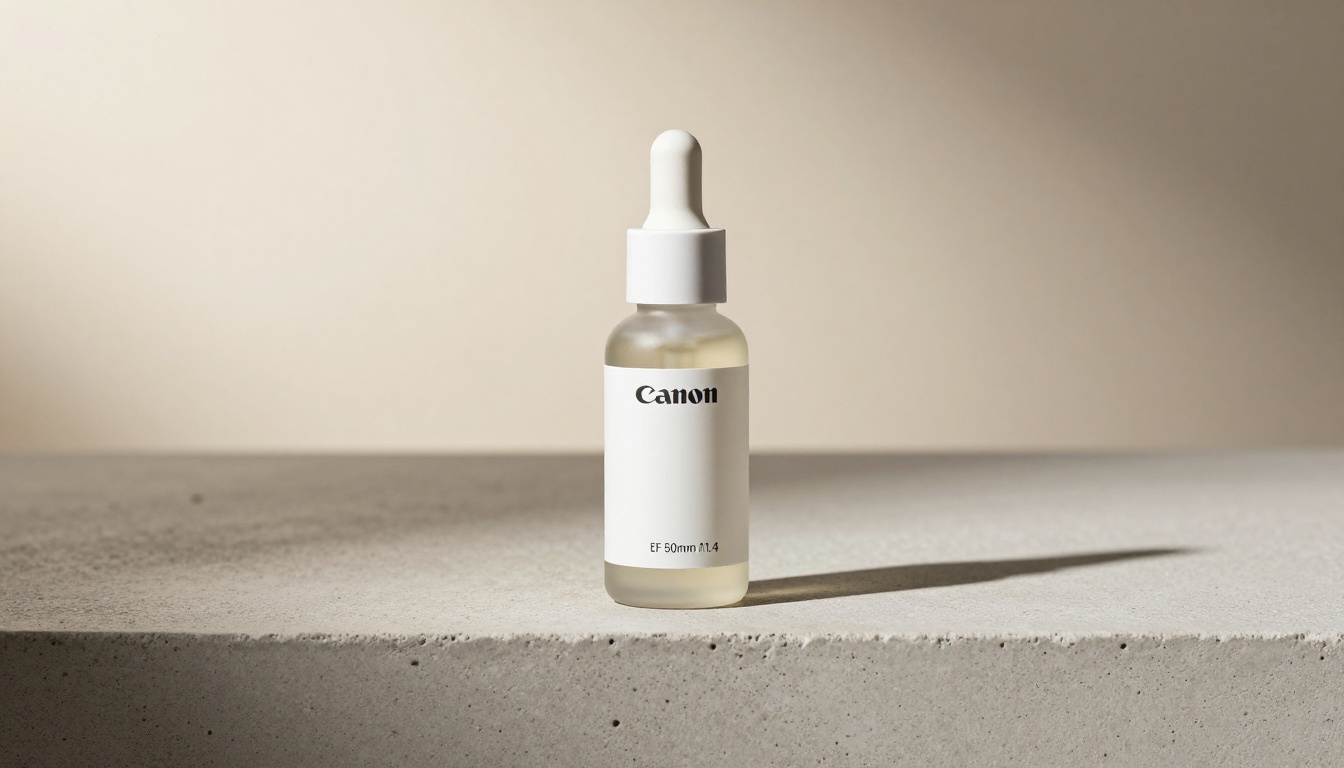
Example: A matte black supplement bottle centered on a polished concrete surface, dramatic volumetric light from the upper left creating long shadows, three-quarter angle Canon EOS R5 85mm f/1.8, fine concrete pore texture visible, bottle label crisp in foreground, RAW 8K photography, photorealistic, Kodak Portra 400
The Lifestyle Product Formula
Structure: [Product] in [lifestyle environment], [background props blurred], [ambient light source], [camera angle], [mood atmosphere], RAW 8K photography
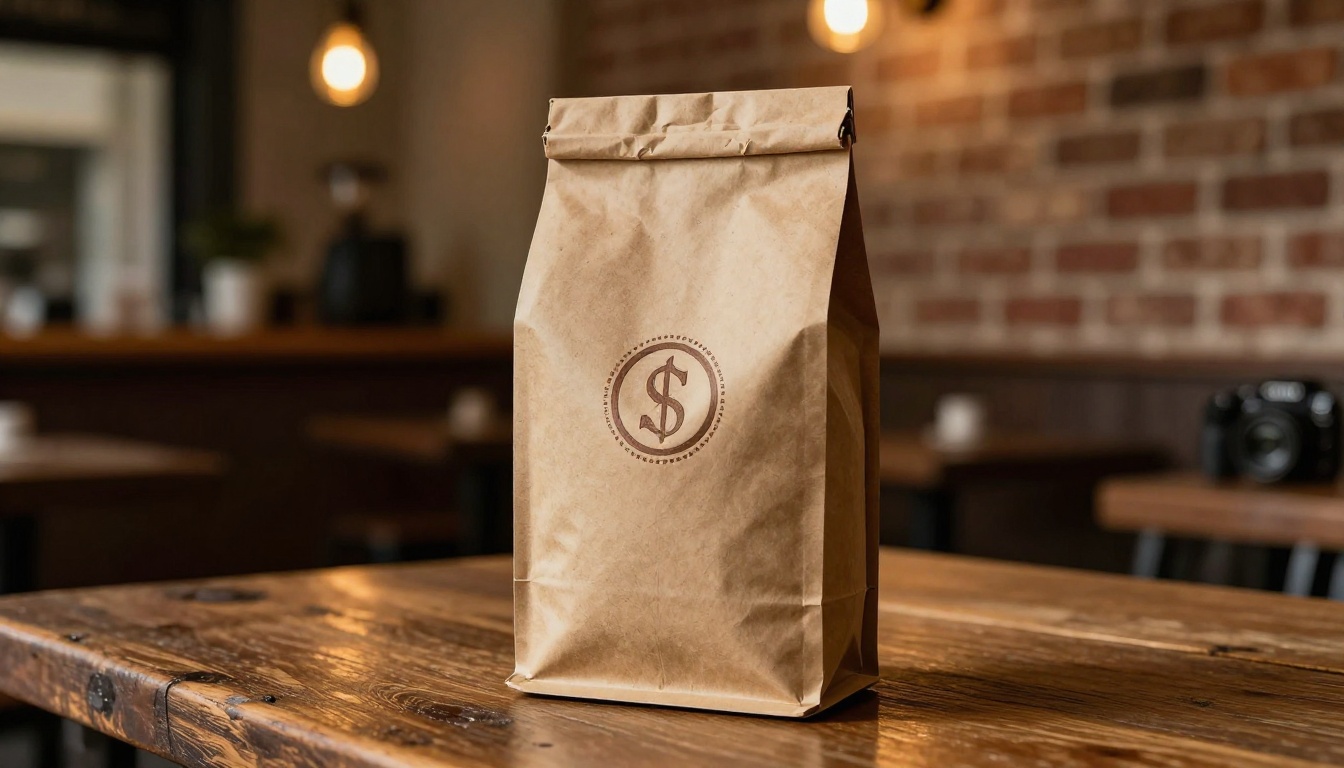
Example: A craft coffee bag with textured kraft paper standing on a weathered wooden cafe table, background blurred warm amber lights and exposed brick, morning window light from left, frontal hero angle Sony FE 85mm f/1.4, kraft paper fiber texture visible, artisan coffee shop atmosphere, RAW 8K photography, photorealistic
Types of Products That Shine with Nano Banana 2
Not every product category behaves the same way in AI generation. Here is where Nano Banana 2 performs best.
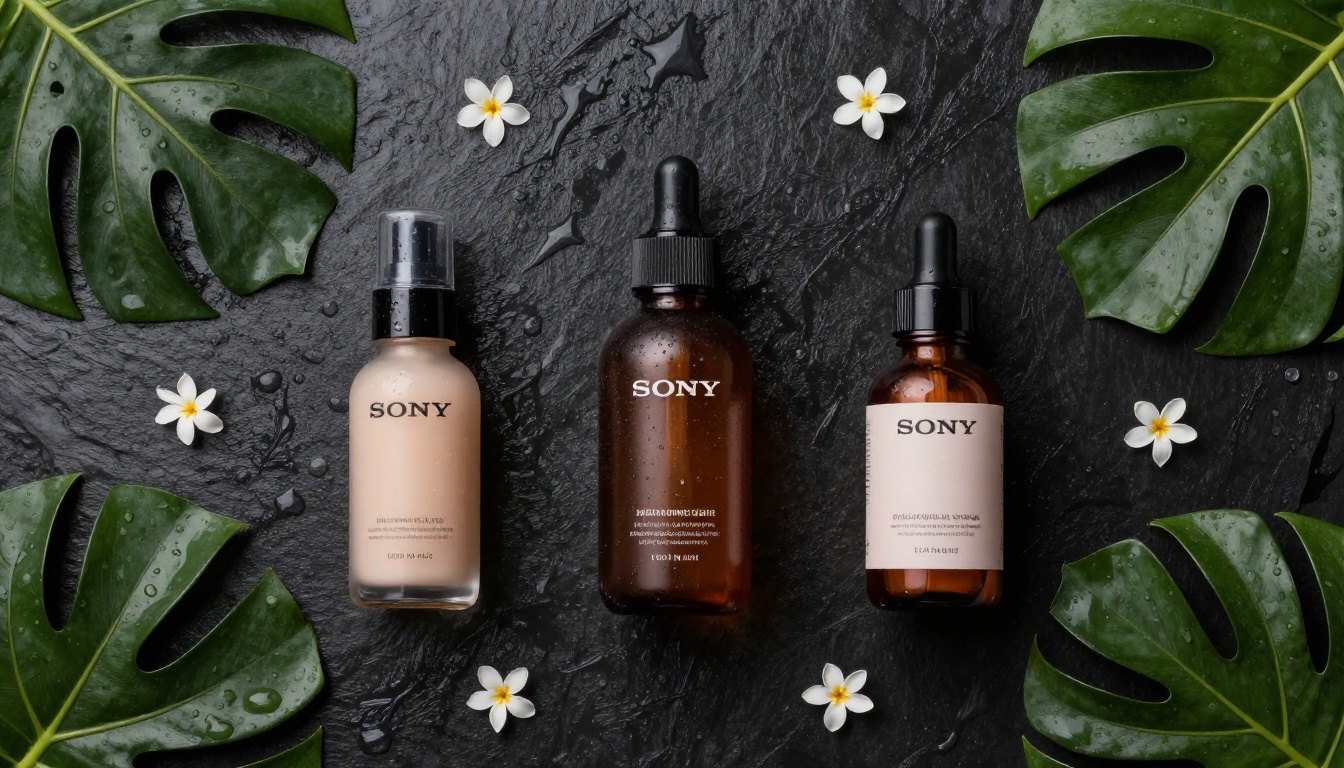
Beauty and Skincare
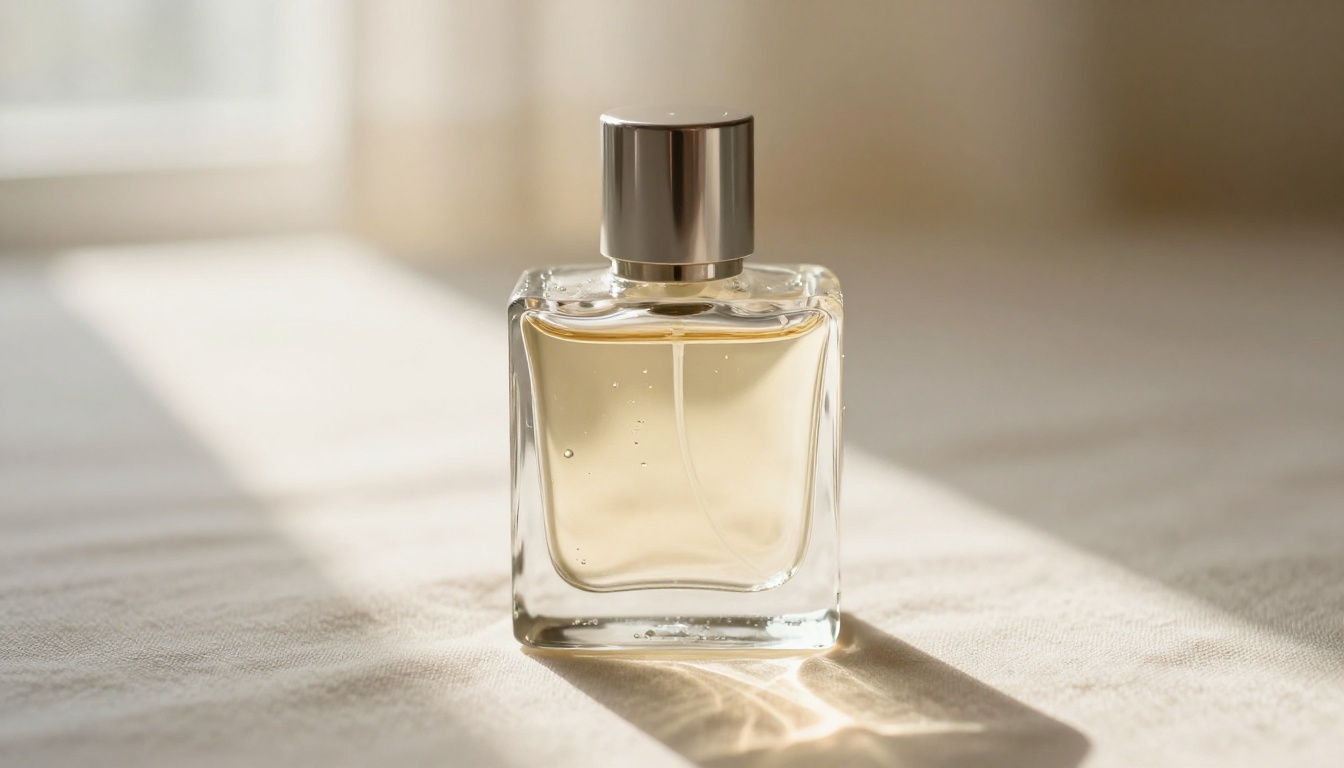
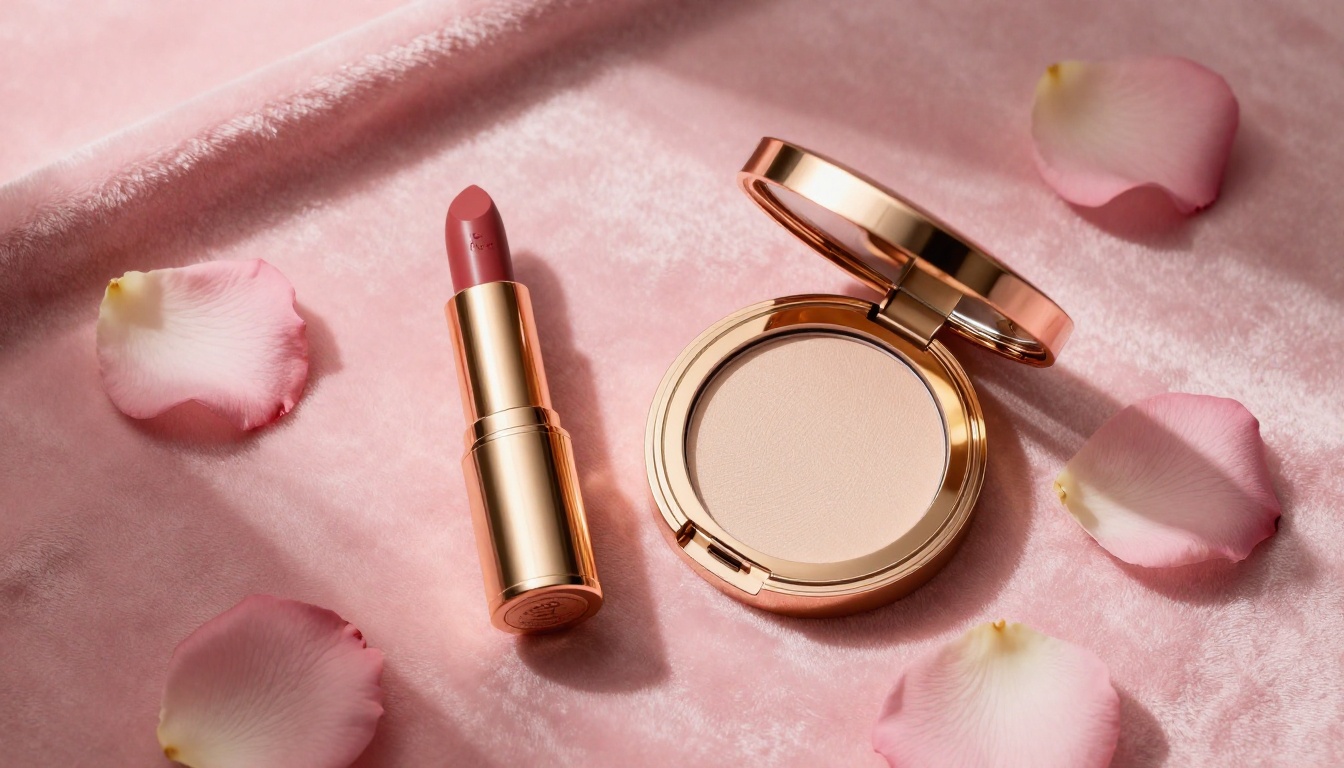
This is arguably the strongest category for Nano Banana 2. Glass bottles, metallic caps, cream textures, and labels all render with convincing material accuracy. The model handles:
- Frosted glass with realistic translucency and light refraction
- Metallic finishes with accurate surface reflections
- Label typography with reasonable fidelity (keep text to a minimum)
- Soft bokeh backgrounds that mimic premium beauty photography
When you need finer label detail or more complex compositions, pair with Nano Banana Pro for a more refined result.
Food and Beverage
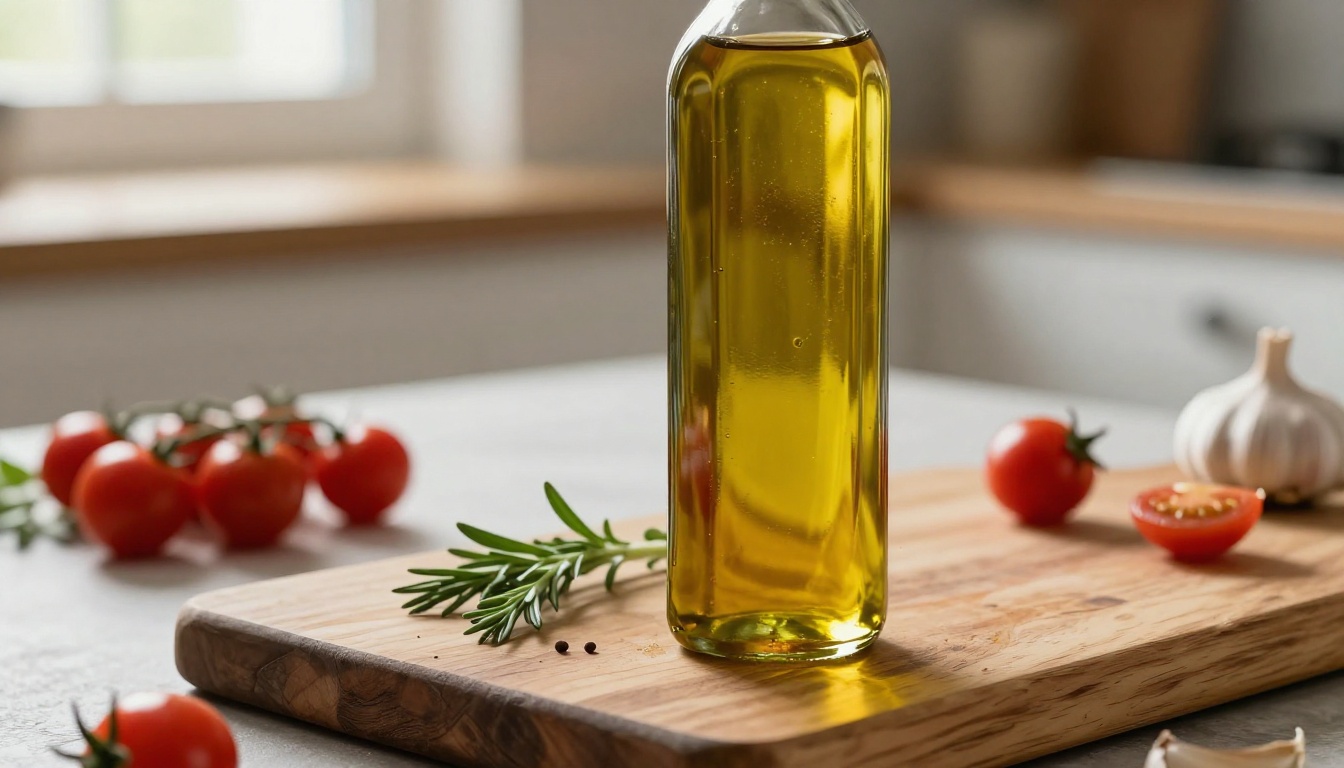
Food photography is notoriously difficult, but Nano Banana 2 handles it well when you control the prompt carefully. Focus on:
- Natural organic textures as surfaces: wood grain, slate, stone, linen
- Warm directional light from a kitchen window angle
- Props that feel real, like fresh herbs, whole vegetables, and cloth napkins
- Liquid products in glass (olive oil, sauces, beverages) that catch light naturally
Packaged food products (bottles, bags, tins) are where Nano Banana 2 genuinely excels. Avoid generating food that needs to look freshly cooked or steaming, as thermal effects still challenge most models.
Tech Accessories
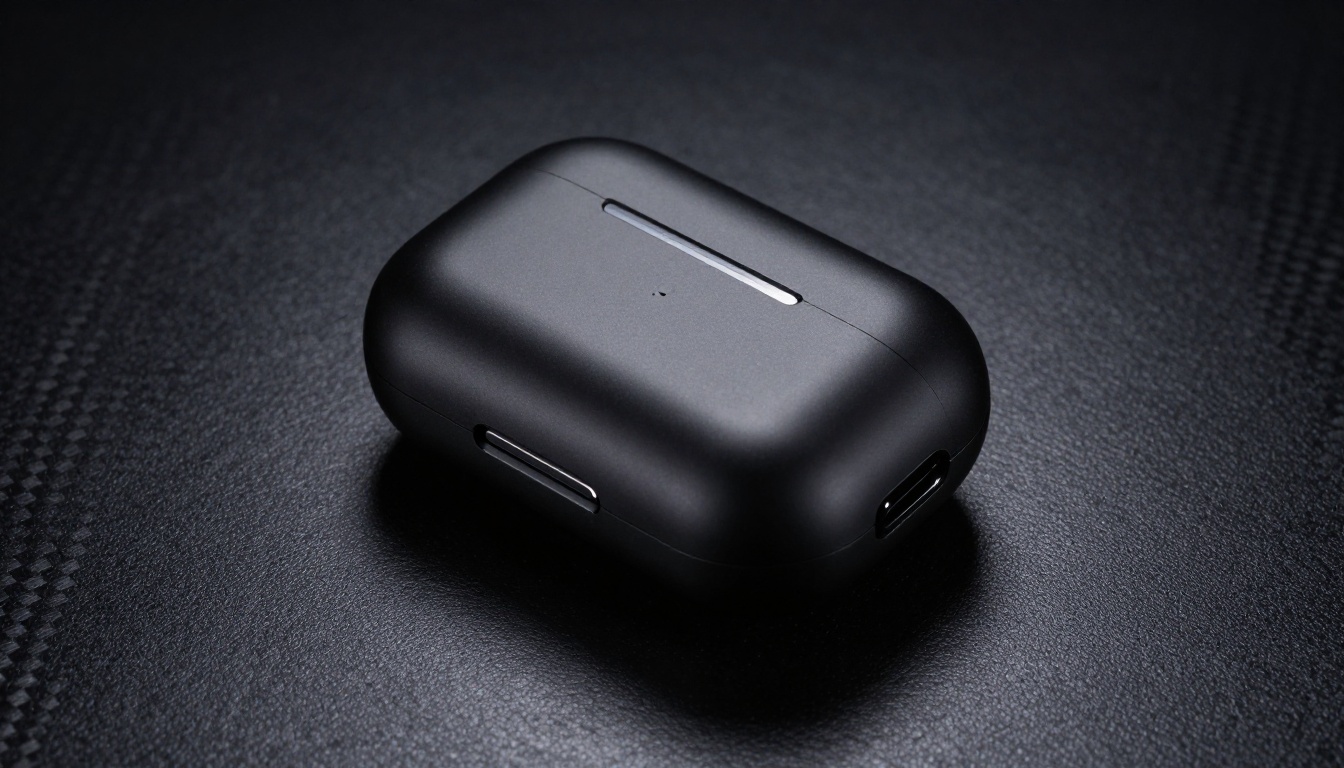
For matte black, brushed metal, or glass tech products, Nano Banana 2 produces convincing results. Use dark, textured surfaces (charcoal concrete, black slate, dark leather) and dramatic directional lighting that creates sharp highlights on edges.
- Earbuds and cases: dark matte surfaces with rim lighting work best
- Cables and adapters: clean white or grey backgrounds perform well
- Wearables: both lifestyle and hero shots are effective
Nano Banana 2 vs. Studio Photography
This comparison matters for anyone deciding where to invest production resources.
Time and Cost Breakdown
| Factor | Studio Photography | Nano Banana 2 |
|---|
| Cost per image | $50-$300 | Free |
| Time to first image | Hours to days | Seconds |
| Iteration speed | 1-2 setups per hour | 10-20 per minute |
| Consistency across batch | Depends on photographer | High |
| Custom brand props | Physical setup required | Described in prompt |
| Retouching needed | Usually yes | Sometimes |
When to Use Each
Use Nano Banana 2 when:
- You need product images fast for testing or new SKU launches
- You are running social ad tests across multiple visual concepts
- Your budget is zero or minimal
- You need to produce a full catalog of images quickly
Use a studio photographer when:
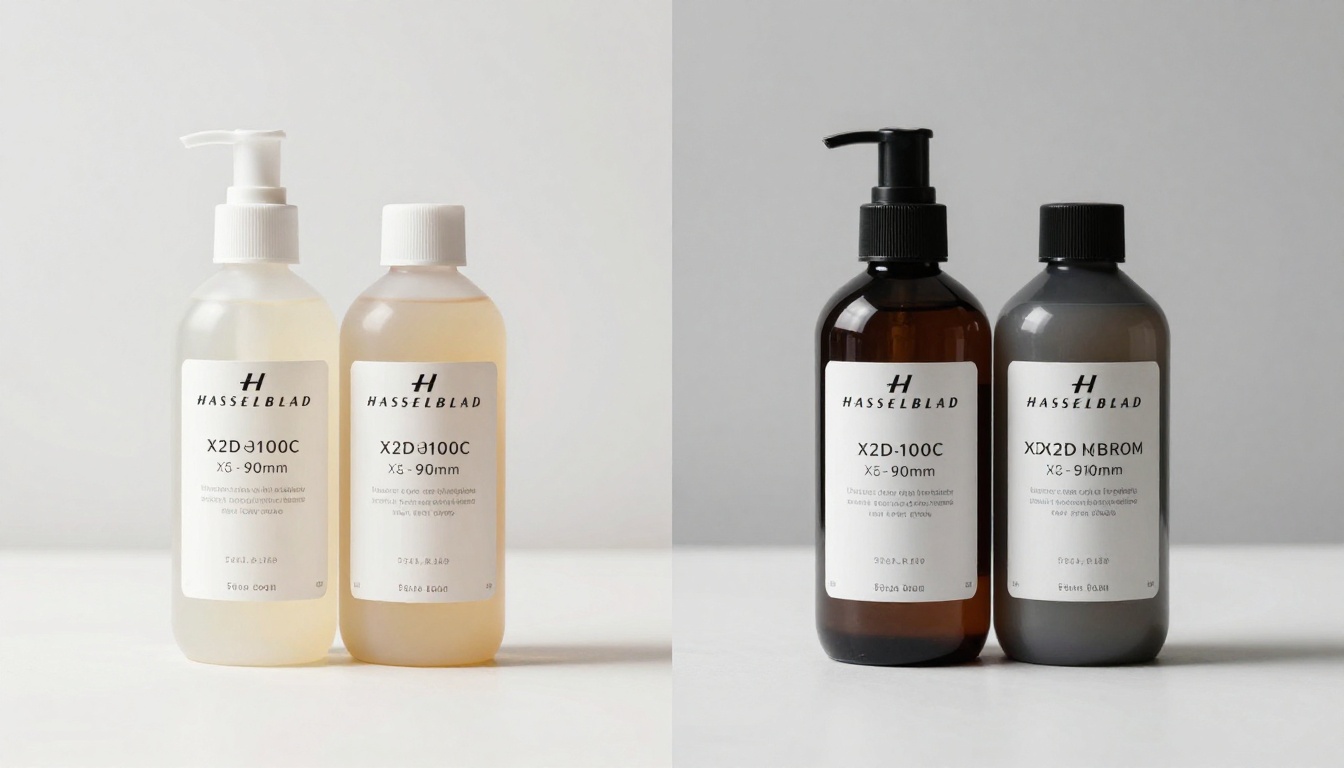
- Your product requires exact trademarked packaging reproduction
- The product needs physical interaction or demonstration to show value
- You need images for large-format print above 300 DPI
- You are producing content for regulatory or compliance documentation
The practical reality for most e-commerce brands is that Nano Banana 2 handles 80% of product photo needs, with studio work reserved for the remaining 20%.
Other Models Worth Pairing
Once you have a workflow with Nano Banana 2, pairing it with other models on PicassoIA opens up a wider range of results.
Use Flux for Ultra-Detail
Flux 2 Pro and Flux 2 Dev produce significantly higher-detail outputs when you need them. These are the right choices for:
- Website header images and print-quality assets
- Products with fine engravings, embossing, or complex surface textures
- Luxury brand visuals where every material detail counts
The tradeoff is speed. Use Flux selectively for final selects after Nano Banana 2 has helped you lock the concept direction.
Use GPT Image 1.5 for Scene Composition
GPT Image 1.5 has strong scene-awareness and produces notably cohesive lifestyle compositions. If you want a product placed naturally within a complex scene (a skincare bottle on a bathroom vanity with ambient morning light, or a supplement bottle on a kitchen counter with fresh produce around it), GPT Image 1.5 handles the spatial and lighting logic better than most models.
Use Flux 2 Max for Final Delivery
Flux 2 Max is worth using when you have a final concept from Nano Banana 2 and need to reproduce it at maximum fidelity. The workflow, prototype fast with Nano Banana 2, then render the final selects with Flux 2 Max, gets you the best of both models.
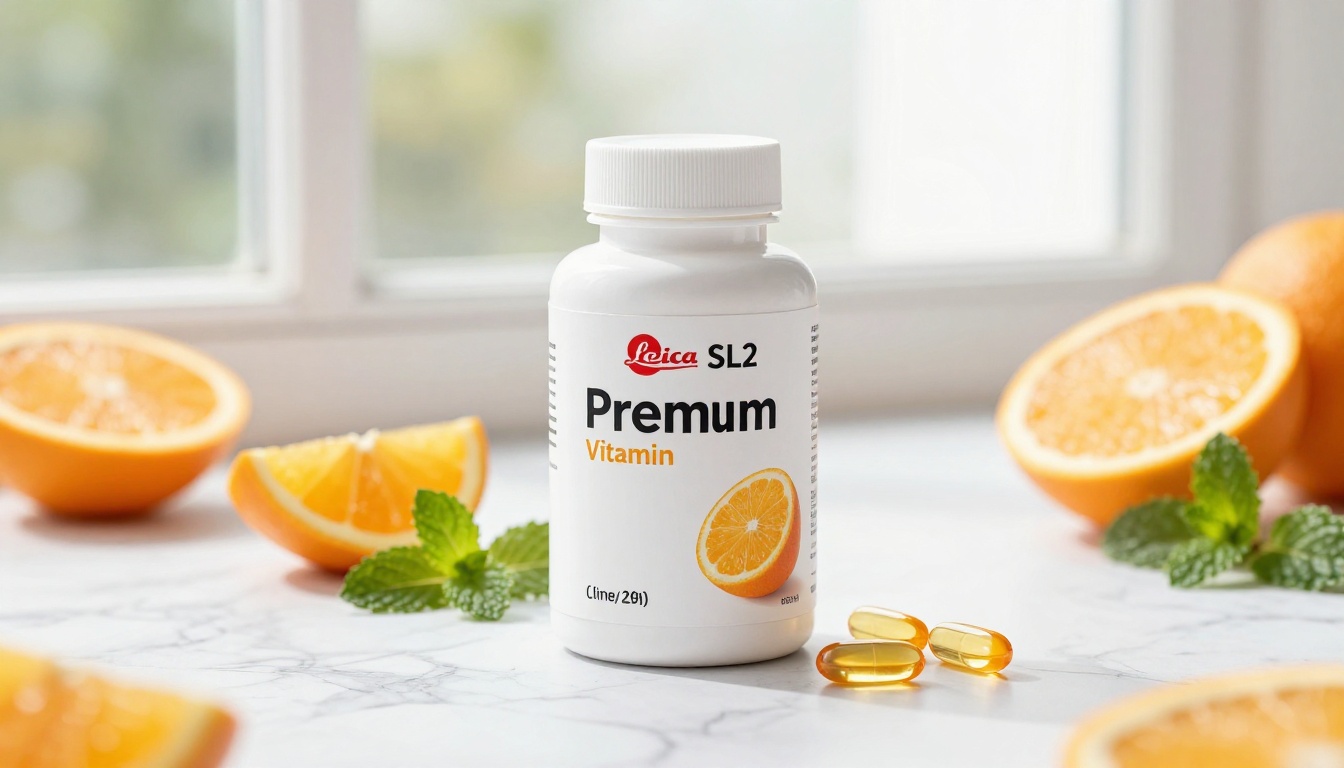
Your First Product Photo Starts Now
The barrier to professional product photography dropped to zero. Nano Banana 2 gives you the speed to iterate rapidly, the quality to publish with confidence, and a price tag of free that works for solo sellers and large brand teams equally.
The formula is repeatable: pick your product type, choose your surface and lighting, write a specific 50-word prompt, generate, iterate, and publish. Within 30 minutes of your first attempt, you can have a full product photo set ready for any platform.
PicassoIA puts Nano Banana 2 alongside over 90 other text-to-image models, including Nano Banana Pro, Flux 2 Max, and Imagen 4, all in one place with no subscription required to start. Begin with Nano Banana 2 to develop your concepts, then scale up to higher-detail models when you need the extra fidelity. Your product visuals are ready to be created.


