You record yourself once, and then a digital version of you keeps speaking for months: product demos, tutorials, ads, greetings in five languages. That is the promise of a custom AI actor, and in 2027 it is no longer a studio-only trick. The catch is that the market is noisy. Some tools are free but stamp a watermark on everything. Others hide voice cloning behind a paid tier. And a few look great in a demo, then fall apart when the lips meet real audio.
This article sorts that out. You will see what a custom AI actor actually consists of, which free options are worth your time, what the finished videos look like, how to handle the voice, and what the bill looks like at each stage.
💡 Quick answer: a custom AI actor is three layers stacked together: a face (a photo or a short clip), a voice (cloned or designed), and a lip sync step that makes the mouth match the audio. You can try every layer for free, but a polished result usually needs a paid step somewhere.
What a Custom AI Actor Really Is
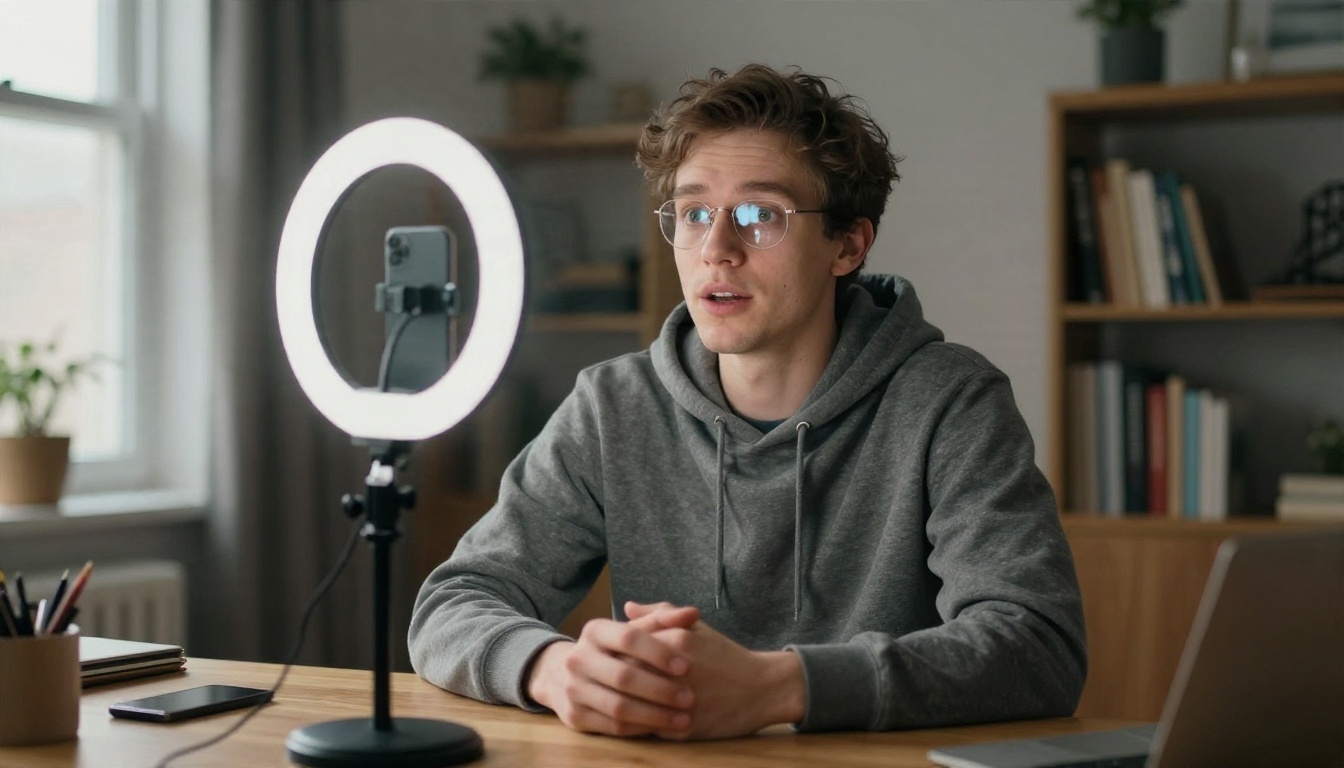
The term gets used loosely, so let's pin it down. A custom AI actor is a repeatable on-screen performer built from your own material or from a character you invent. Once it exists, you give it a script and it delivers the lines on camera. No lights, no retakes, no booking a studio.
The three layers
Every actor, whatever the brand name on the tool, is built from the same three parts:
| Layer | What it does | Typical input |
|---|
| Face and body | Defines how the actor looks and moves | One photo, or 1 to 2 minutes of footage |
| Voice | Defines how the actor sounds | A 10 to 60 second sample, or a text description |
| Lip sync | Matches mouth movement to audio | The face plus an audio file |
Some platforms bundle all three and charge one subscription. Others let you pick each layer separately, which is cheaper and more flexible, but takes a few more clicks.
Avatar, digital twin, or actor?
An avatar is usually a stock presenter you pick from a menu. A digital twin is a copy of a real person. A custom AI actor can be either a twin or an invented character, and the word "custom" is what matters: you control the identity, the wardrobe, the setting and the voice, instead of renting a face that thousands of other brands also use.
Who is building these right now
Three groups lead adoption. Solo creators who want to publish daily without filming daily. Small businesses that need product videos but have no crew. And training or marketing teams that need the same message in many languages. If you fit one of these, the economics below will likely make sense for you.
Free Options That Actually Work
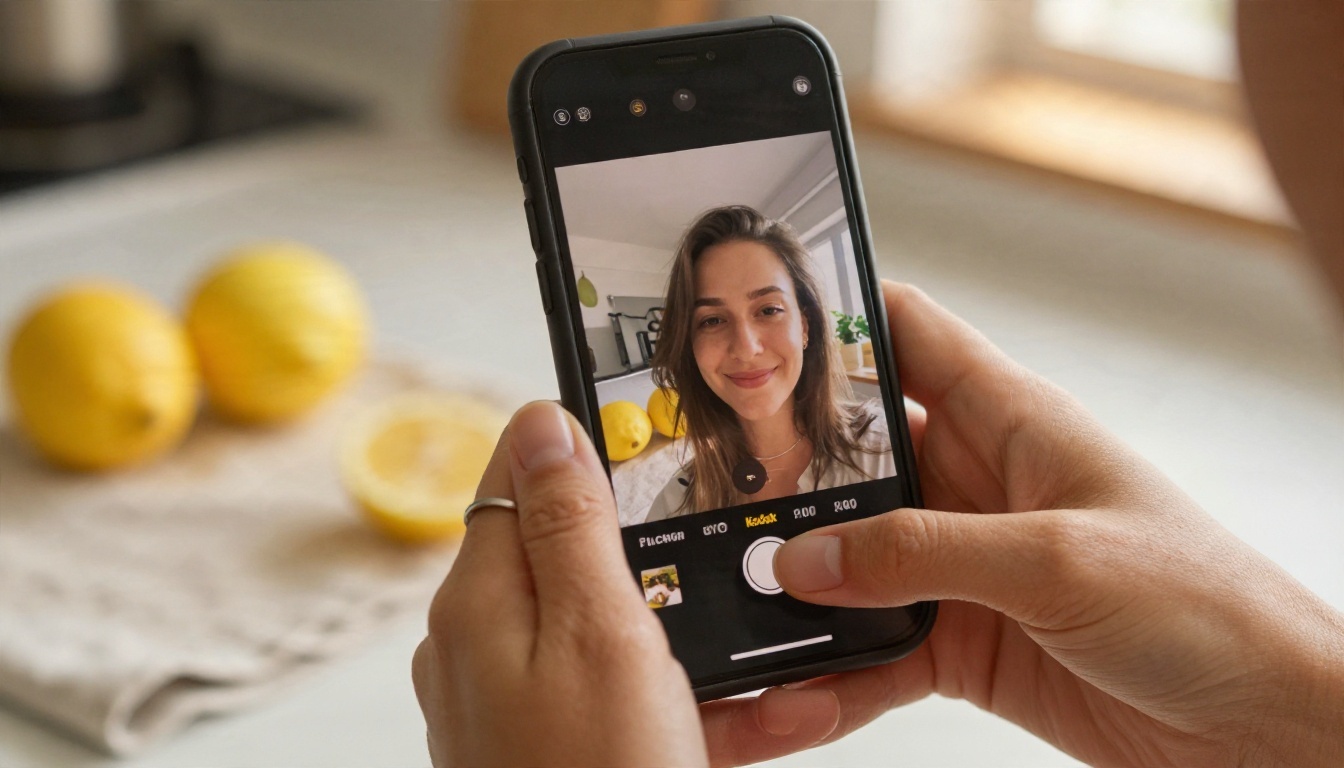
"Free" comes in three flavors, and mixing them up leads to disappointment.
Free plans with limits
Several well-known avatar platforms, including HeyGen, Vidnoz and Hedra, offer a free tier that you can open without a credit card. In practice that means a small credit allowance, shorter clips, lower resolution and a watermark. These plans are meant for testing a workflow, not for publishing finished work. Voice cloning, in particular, tends to sit on a paid tier, so a free plan usually gives you stock voices only.
Free generation inside a model library
A different route is to use individual models and pay only for the parts you need. On PicassoIA you can build the face, the voice and the lip sync with separate models, so you are never locked into one vendor's pricing page. Image models such as Nano Banana Pro or Seedream 4.5 create the base portrait, and a lipsync model brings it to life.
Free trials of paid tools
Synthesia and similar studio-grade products sometimes run short free demos. They are good for judging quality, but the demo avatar is rarely the custom one you will pay for later. Always ask whether the trial includes your own face and your own voice, because that is the part that costs money.
💡 Rule of thumb: if a free tier lets you upload your own photo and your own audio, it is a real test. If it only offers stock presenters, you are testing the interface, not the result.
What free almost never includes
- Voice cloning from your own recording
- Output without a watermark
- Commercial usage rights
- Long clips of several minutes
Keep this list next to you when comparing plans. It explains most of the price gaps you will see.
Video Examples You Can Build Today
Seeing the use cases helps more than any feature table. These are the scenarios where a custom AI actor already pays for itself.
The solo creator
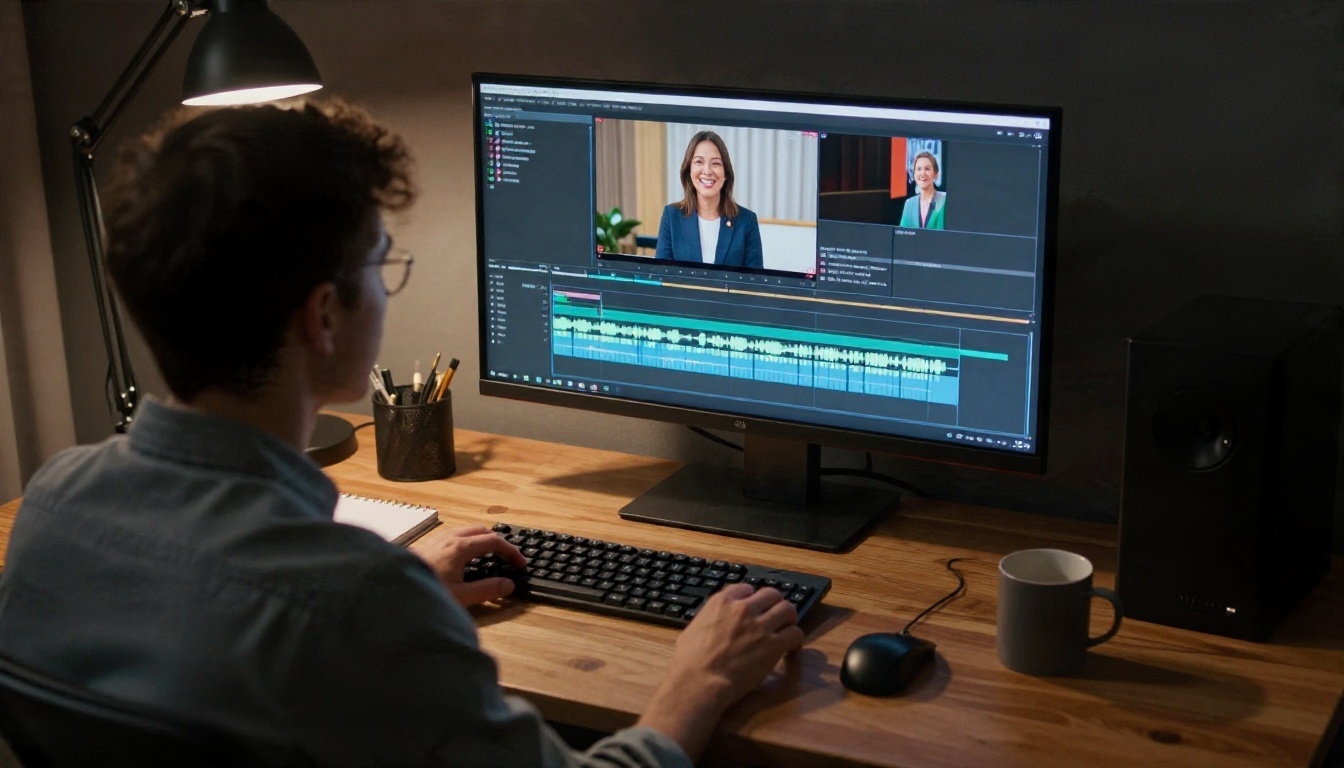
Film yourself once, in good light, speaking naturally to the lens. That single session becomes your reference. From then on, new scripts become new clips: weekly updates, short explainers, channel intros. The editing timeline above is the real bottleneck for most creators, and an AI actor removes the filming half of that workload.
A model like Omni Human 1.5 is built for this. You give it a single portrait plus an audio track, and it returns a talking video with natural head movement and gestures, not just a flapping jaw.
The corporate presenter
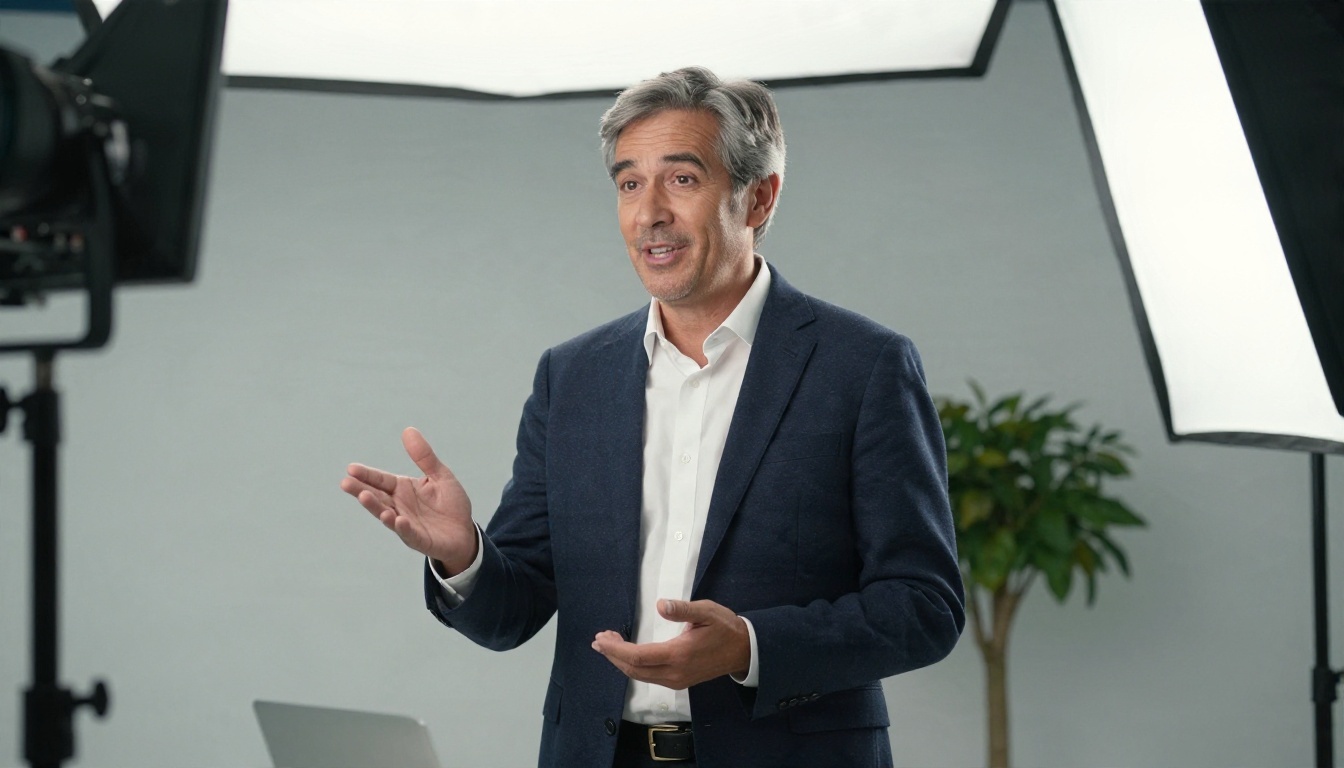
Onboarding videos, compliance updates and internal announcements change constantly. Re-shooting a manager each time is expensive and awkward. With a digital twin, you update the script and regenerate. Because the face stays consistent, viewers get a familiar presenter instead of a rotating cast of stock avatars.
For clean results here, Lipsync 2 Pro works well when you already have footage of the presenter and just need new words to fit the mouth.
The small business owner

A shop owner has a hundred products and zero time. A single filmed greeting, extended by an AI actor, can introduce each item in the owner's own face. The result feels personal, which matters more than perfection for local brands. Fabric 1.0 is a handy pick when your starting point is just one photo.
The animated character
Not every actor needs to be human. If you invent a character with an image model and then feed it to P Video Avatar, you get a mascot that can speak any script. For scenes where the actor moves through a space rather than sits and talks, Kling v3 Video and Veo 3.1 can generate the surrounding footage, and Kling v3 Motion Control lets a character copy the movement from a reference clip.
Voice: Clone It or Design It
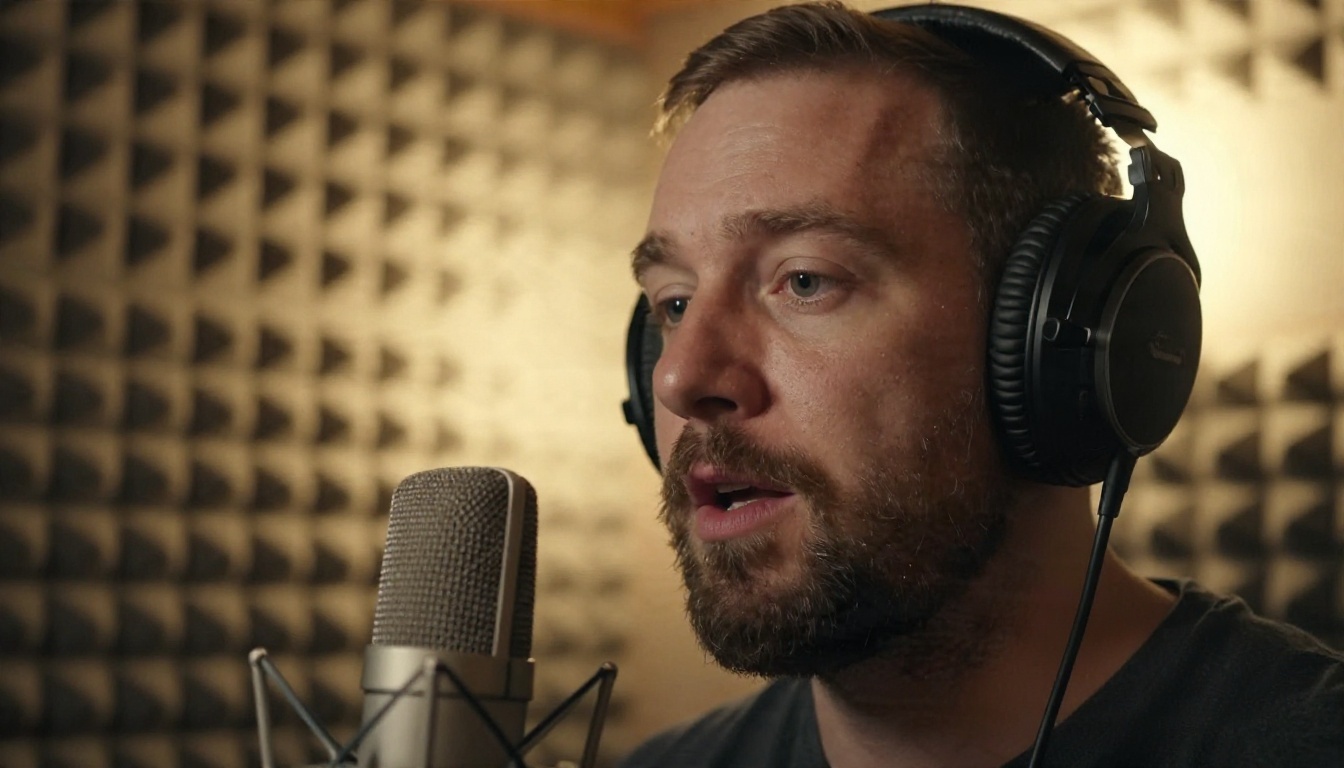
A great face with a flat voice breaks the illusion in seconds. Audio deserves as much attention as the picture.
Cloning your own voice
Voice cloning needs a clean sample. Record in a quiet room, speak at a natural pace, and avoid background music. Ten to sixty seconds is often enough for a usable clone, though more variety in tone gives a livelier result. Qwen3 TTS can clone a voice from a short sample or design a new one from a written description, which makes it a flexible starting point.
Picking a stock voice
If you do not want your own voice on the video, stock voices are fast and cheap. Good options include ElevenLabs V3 for expressive delivery, Speech 2.8 HD for studio-quality narration, and Gemini 3.1 Flash TTS when you need many voices across 70+ languages.
Speaking other languages
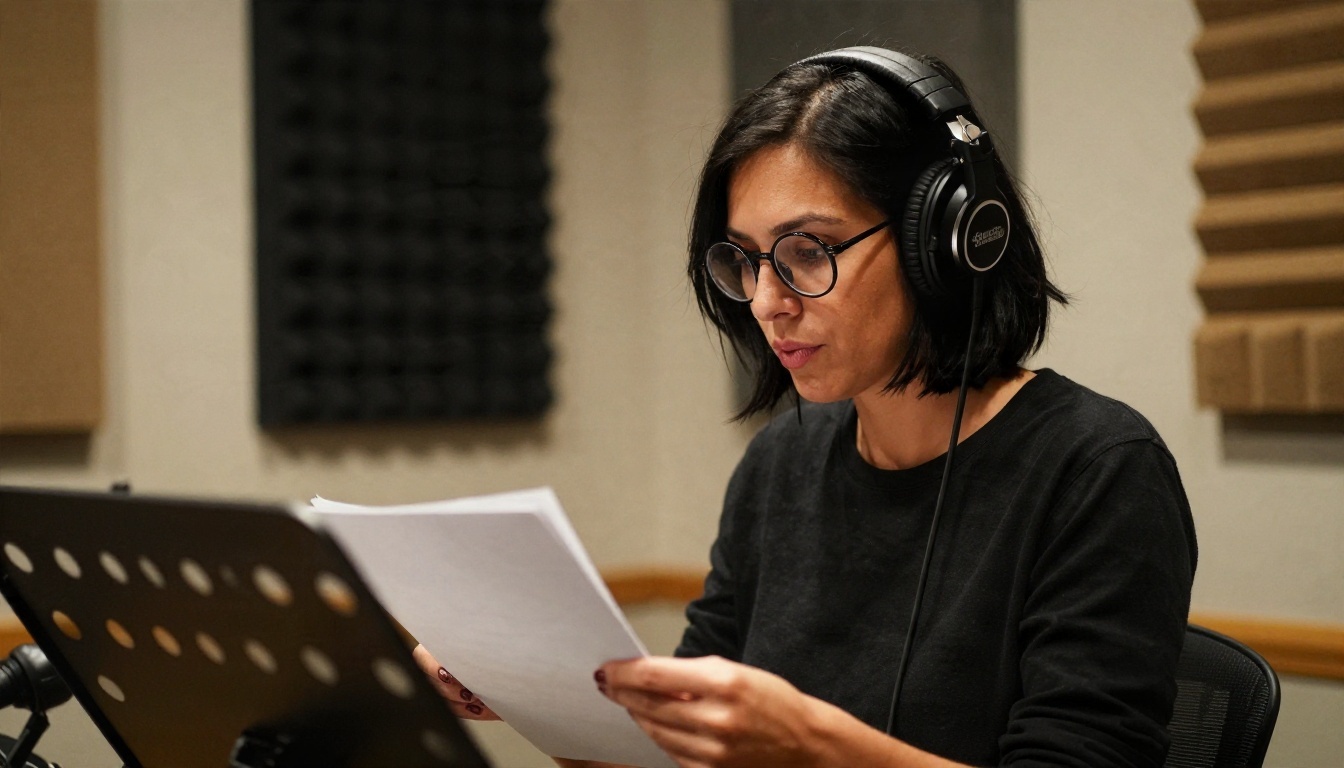
This is where AI actors beat traditional shoots. One recording can become a Spanish, French and Japanese version without a single reshoot. Video Translate dubs existing footage into 150+ languages, and the lips are re-timed to the new language so the result does not look badly dubbed.
💡 Tip: write scripts in short sentences. Lip sync models handle 8 to 15 word lines far better than long, winding ones, and translations stay easier to time.
Voice comparison at a glance
Real Pricing, Line by Line

Prices move quickly, and many comparison articles are written by vendors, so treat every number below as a range to verify on the official pricing page before you buy. Here is the general picture.
What subscriptions cost
Most all-in-one avatar platforms follow a similar ladder:
| Tier | Typical monthly price | What you usually get |
|---|
| Free | $0 | Few credits, watermark, stock voices, low resolution |
| Entry paid | Roughly $7 to $30 | More minutes, no watermark, sometimes basic voice cloning |
| Mid-range | Roughly $30 to $100 | Custom avatar, voice cloning, longer videos, commercial rights |
| Studio and enterprise | Custom quotes | Many seats, API, brand controls, security reviews |
Some tools list a custom avatar and voice cloning from around $15 a month, while enterprise-grade studios like Synthesia sit well above that once credits and seats are counted. Vidnoz, for example, has been reported to reserve voice cloning for its higher business tiers.
Why per-use costs can be cheaper
A subscription charges you whether you publish or not. With a model library, you pay for what you generate. If you make four clips a month, that can be far less than a monthly plan. If you make four hundred, a subscription may win. Do the arithmetic before choosing.
The hidden costs
- Re-renders: a bad lip sync pass costs the same as a good one, so test with a 5 second clip first.
- Resolution upgrades: 1080p or 4K output often sits on a higher tier.
- Commercial rights: some free and low tiers forbid ad use.
- Voice slots: many plans limit how many cloned voices you can keep.
A sample budget
For a creator making around 20 short clips a month, a sensible plan is one paid voice tool, one lipsync model and an image model for the base portrait. That keeps the monthly cost low and lets you swap any single part when something better appears.
A Workflow That Takes One Afternoon

Here is a practical sequence that works with a library of separate models on PicassoIA.
Step 1: Capture a clean portrait
Shoot a front-facing photo in soft window light, neutral background, relaxed face, mouth closed or slightly open. Avoid sunglasses, heavy shadows and extreme angles. If you prefer an invented actor, generate the portrait with Nano Banana Pro and ask for natural skin texture and a plain backdrop.
Step 2: Prepare the voice
Record your sample, or write a voice description. Run your script through a TTS model such as Qwen3 TTS or ElevenLabs V3 and export the audio. Listen to it with your eyes closed. If it sounds stiff, change the punctuation, because commas and periods control pacing.
Step 3: Animate the face
Open a lipsync model, upload the portrait and the audio, and generate a short test. Omni Human 1.5 handles gestures and upper body movement, while Kling Lip Sync is useful when you already have a video and only need the mouth replaced.
Step 4: Review and publish
Watch the clip at full screen. Check teeth, blinking, and the moment the mouth closes at the end of a sentence. Those three spots reveal most flaws. Fix the audio first, because audio problems are cheaper to correct than video problems.
💡 Parameter tip: keep the first test under ten seconds. If the face holds up there, extend the script. If it drifts, change the source photo, not the settings.
Mistakes That Ruin the Result
Most failed AI actors share the same handful of errors.
Using a weak source photo
A low-resolution, tilted or heavily filtered image gives the model nothing to work with. Start with the sharpest, most evenly lit image you have.
Ignoring audio quality
Room echo, laptop microphones and background hum get copied into the cloned voice. Spend ten minutes on a quiet room and a decent microphone.
Writing for the page, not the ear
Formal sentences sound robotic when spoken. Read your script aloud first. If you stumble, the actor will too.
Skipping consent and disclosure
Only clone voices and faces you have permission to use, and label synthetic content where platforms or local rules ask for it. That protects both you and your audience, and it is increasingly required.
Expecting one tool to do everything
The best results often come from chaining specialists: an image model for the face, a TTS model for the voice, a lipsync model for the mouth. Each part can be replaced without starting over.
Build Your Own Actor Today
You now have the full picture: a face, a voice, a lip sync pass, and a budget that fits how often you publish. The fastest way to find out what works for you is to run a short test, not to read another comparison.
Open Picasso IA and try the chain yourself. Generate a portrait, give it a voice, and let a lipsync model like Omni Human 1.5 or Fabric 1.0 make it speak. Swap one model at a time, compare the results, and keep the combination that sounds and looks like you. Your first talking clip can be ready before your coffee gets cold.


