A single product shoot can eat a week and a few hundred dollars per hero image, and then your supplier changes the packaging and you start over. That is the exact problem custom AI solutions for ecommerce are built to remove. Instead of booking a studio for every SKU, you feed in one clean photo and generate the packshots, lifestyle scenes, on-model looks and short videos your store needs, in the sizes each marketplace asks for.
This article lays out what "custom" actually means, which models fit which job, how the main API routes compare, and what you should expect to pay. Prices in the market move quickly, so treat every number here as a planning range and check current rates before you commit a budget.
💡 Quick answer: For most stores, the cheapest dependable setup is a hybrid. Use a hosted image tool for daily work, add an API layer only for bulk jobs, and keep human review on every hero image.
What "Custom" Really Means
The word gets stretched, so let's pin it down. A custom AI setup is not a special model trained in a lab. It is a workflow tuned to your catalog: your backgrounds, your brand colors, your crop rules, your marketplaces.
Off-the-Shelf vs Custom
Off-the-shelf tools give you one button: upload a photo, get a white background. That works until you sell 4,000 SKUs across three marketplaces with different margin rules. A custom setup adds the pieces around that button.
| Layer | Off-the-shelf tool | Custom setup |
|---|
| Backgrounds | Preset scenes | Your own scene library and prompts |
| Output sizes | A few fixed ratios | Every marketplace spec, automatically |
| Volume | Manual uploads | Batch jobs and scheduled runs |
| Review | None | Approval step before publishing |
| Cost control | Flat subscription | Per-image budget by product tier |
The Three Layers Worth Building
Most successful stores build the same three layers in the same order:
- Cleanup: background removal, color correction, upscaling.
- Generation: lifestyle scenes, seasonal variants, on-model shots.
- Motion: short product clips for listings, ads and social.
Start with layer one. It is cheap, it is safe, and it gives you a clear before and after.
Product Photos That Actually Sell
Shoppers judge quality in about a second. That means the photo has to show the product clearly first and look good second. AI is best at the second part, so protect the first part with a strong source photo.
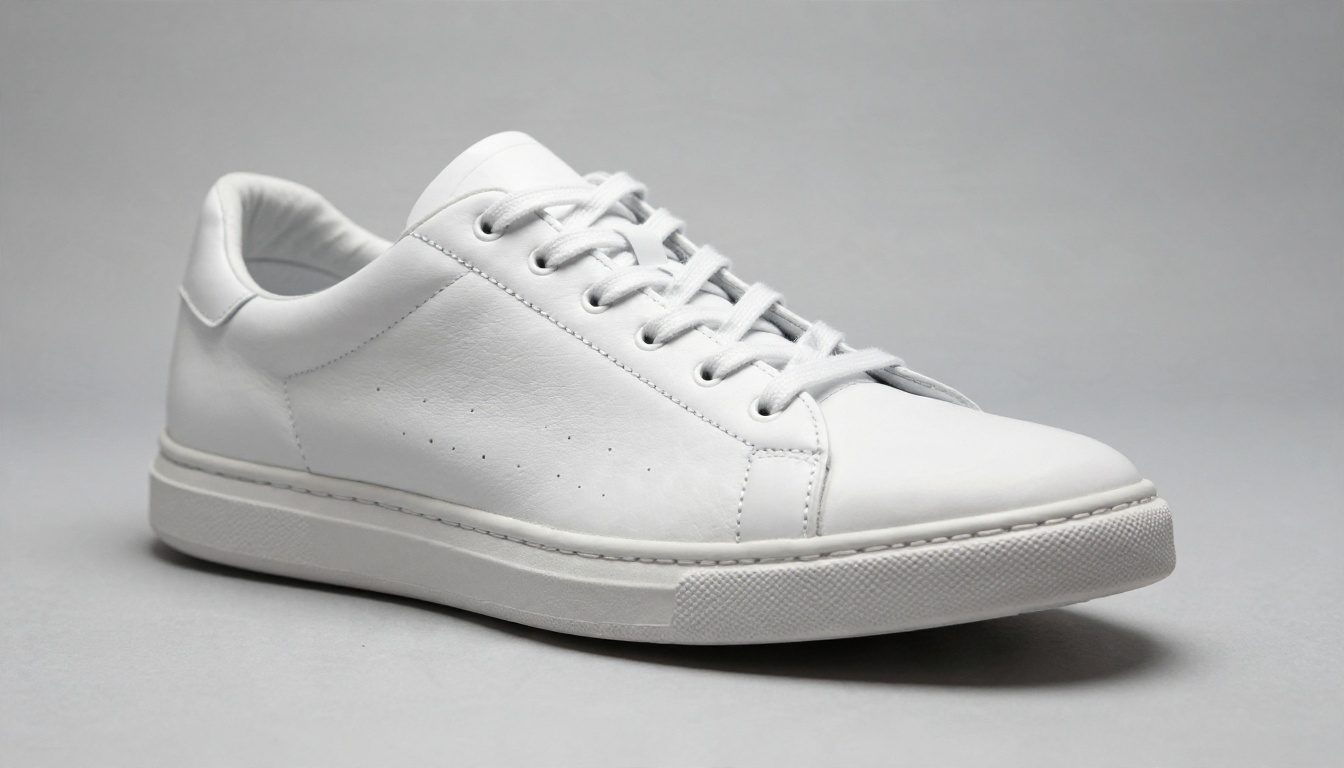
White-Background Packshots
Marketplaces still want a clean white or light grey background. The fastest route is to cut the product out and place it on a neutral backdrop with a soft contact shadow. Remove Background handles general cutouts, and Product Cutout is built for edges that usually fail: glass, mesh, laces, hair-thin straps.
Two habits save hours:
- Shoot the source on a plain surface with even light, even if it is just a phone and a window.
- Keep the product at least 10 percent away from every frame edge so shadows and crops have room.
Lifestyle Scenes
A lifestyle image puts the product in a believable setting: a bottle on wet moss, a mug on a breakfast table, a bag on a sunlit sofa. These are the images that lift click-through on ads and category pages, and they are also the most expensive to shoot in real life.
For scene generation, Seedream 4.5 is a strong pick when you want sharp 4K output and natural light. Nano Banana Pro is useful when you need the product to stay faithful while the scene changes around it. Nano Banana is the lighter option for quick edits and variations.
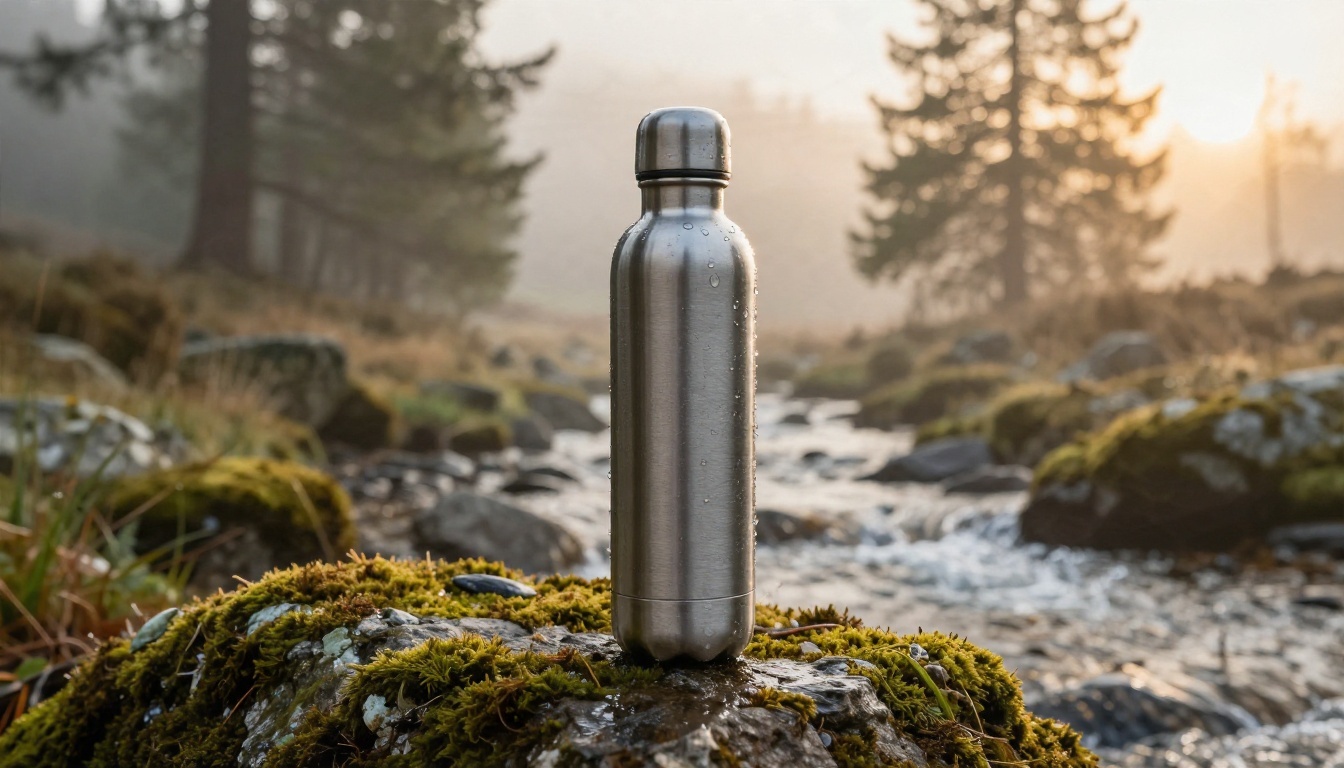
💡 Prompt tip: Name the light, the surface and the lens. "Soft morning backlight, wet moss, 35mm, shallow depth of field" beats "nice outdoor background" every time.
On-Model Fashion Shots
Apparel is where AI saves the most, because models, locations and retouching drive the budget. You can place garments on generated models in street, studio or home settings, and then repeat the same look across sizes and colors.
Qwen Image 3 Pro is a solid choice for photorealistic people and fabric detail. Always check hands, seams and logos before publishing, because those are the first places a viewer notices a problem.

Flat Lays and Detail Shots
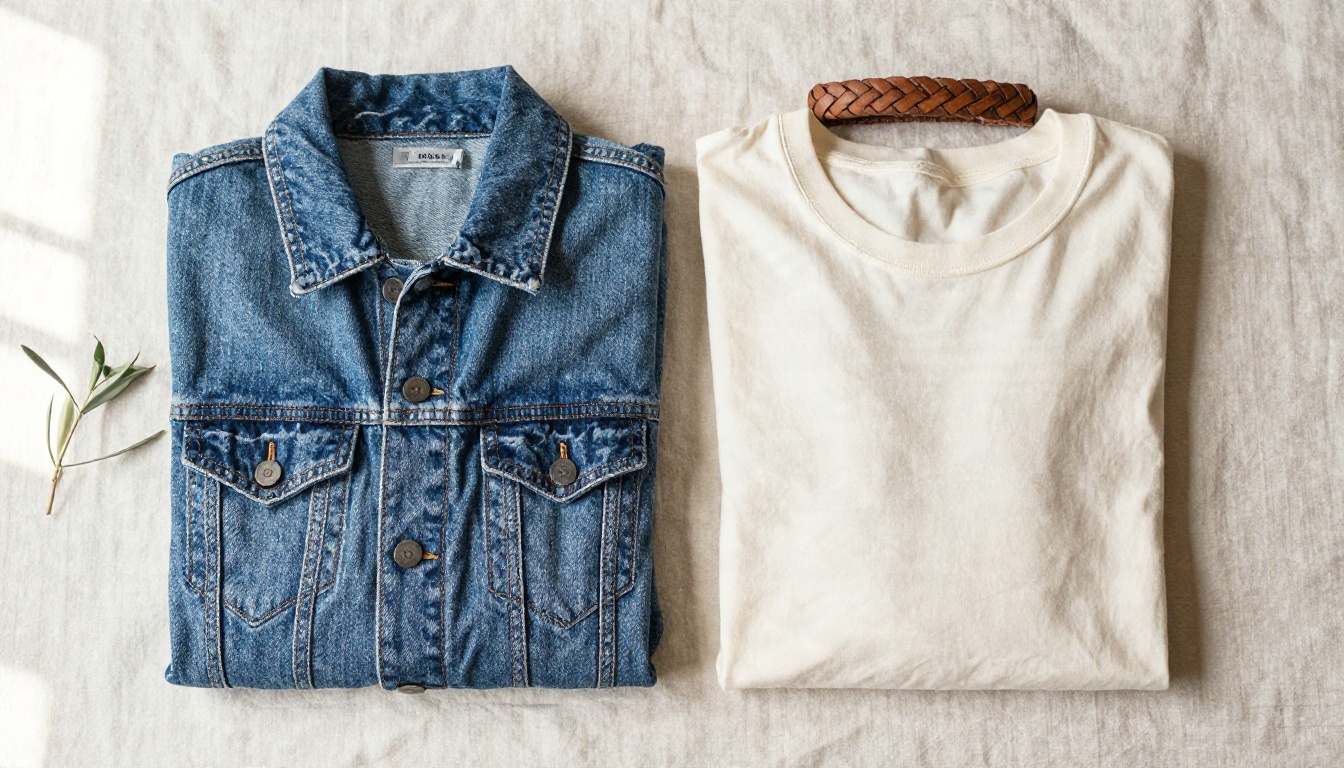
Flat lays are forgiving, which makes them ideal for first experiments. A top-down arrangement of a jacket, tee and belt on linen can be generated or edited in minutes, and it reads as authentic because real flat lays are slightly imperfect anyway.
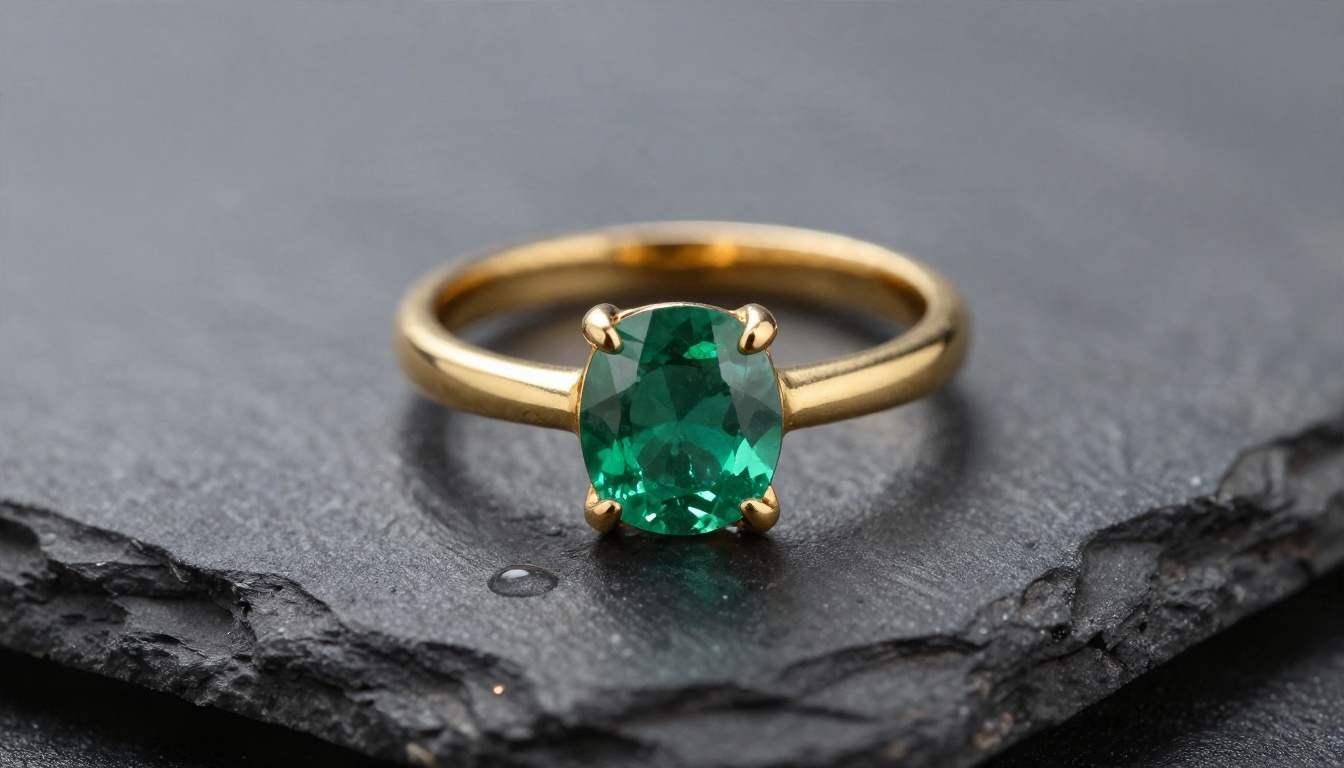
For jewelry, cosmetics and anything with fine detail, generate a close macro and then upscale it. Real ESRGAN lifts a small source to 4x without painting in details that were never there, which matters when a customer zooms in on a gemstone or a stitch.
Edits Without Starting Over
Sometimes an image is nearly right. A shadow is wrong, a label is crooked, the background needs a warmer tone. PicassoIA Image Editor Pro is built for those targeted edits, and it offers unlimited generations, so you can iterate on a hero image without watching a meter. For brand-wide consistency, Flux 2 Klein 4B Base is a good foundation when you plan to fine-tune a look.
Product Videos From Still Images
Video used to mean a crew, a gimbal and a long edit. Now one still can become a five to ten second clip: a slow push-in on a bottle, steam rising from a mug, fabric moving in wind. These clips earn their place on product pages, in paid social and in marketplace galleries that accept video.
Which Clips Are Worth Making
Not every SKU needs motion. Spend video budget where movement explains the product:
- Texture: fabric drape, cream consistency, leather grain.
- Scale: a hand holding the item, a bag on a shoulder.
- Function: a lid clicking shut, a bottle being poured.
- Mood: a lifestyle scene with light moving across a surface.
Keep prompts simple. Describe one camera move and one subject movement, and avoid stacking five actions in five seconds.
Video Models by Job
| Job | Model | Why it fits |
|---|
| Animate a still photo | Wan 2.7 I2V | Strong image-to-video fidelity |
| Faster, cheaper drafts | Wan 2.5 I2V Fast | Quick turnaround for testing |
| Cinematic hero clips | Kling v3 Video | Smooth, believable camera motion |
| Clips with native sound | Veo 3.1 Fast | Audio generated with the video |
| High-volume social loops | Seedance 2.5 Lite | Free and unlimited, up to 10 seconds |
| Quick 4K drafts | LTX 2.5 Fast | Fast generation in high resolution |
💡 Budget tip: Draft every clip on a fast model, then re-run only the winners on a premium model. You pay for polish once, not five times.
If a finished clip looks soft, Real ESRGAN Video can upscale it to 4K before you publish.

API Options Compared
Once you generate hundreds of images a week, clicking buttons stops making sense. That is when an API layer pays for itself. There are three realistic routes.
Hosted Image APIs
Specialist providers sell single-purpose endpoints: background removal, generative edits, upscaling. You send an image, you get one back, and you pay per call. This is the easiest route for a developer, and billing is simple. The tradeoff is that you adopt the provider's look and limits.
Indicative market figures from recent vendor pricing pages: background removal often lands around 2 cents per image, generative edits around 10 cents, and commercial AI product imagery broadly between 2 and 20 cents. Some plans add monthly minimums, so the real per-image cost at low volume can be much higher than the headline rate.
Your Own Model Pipeline
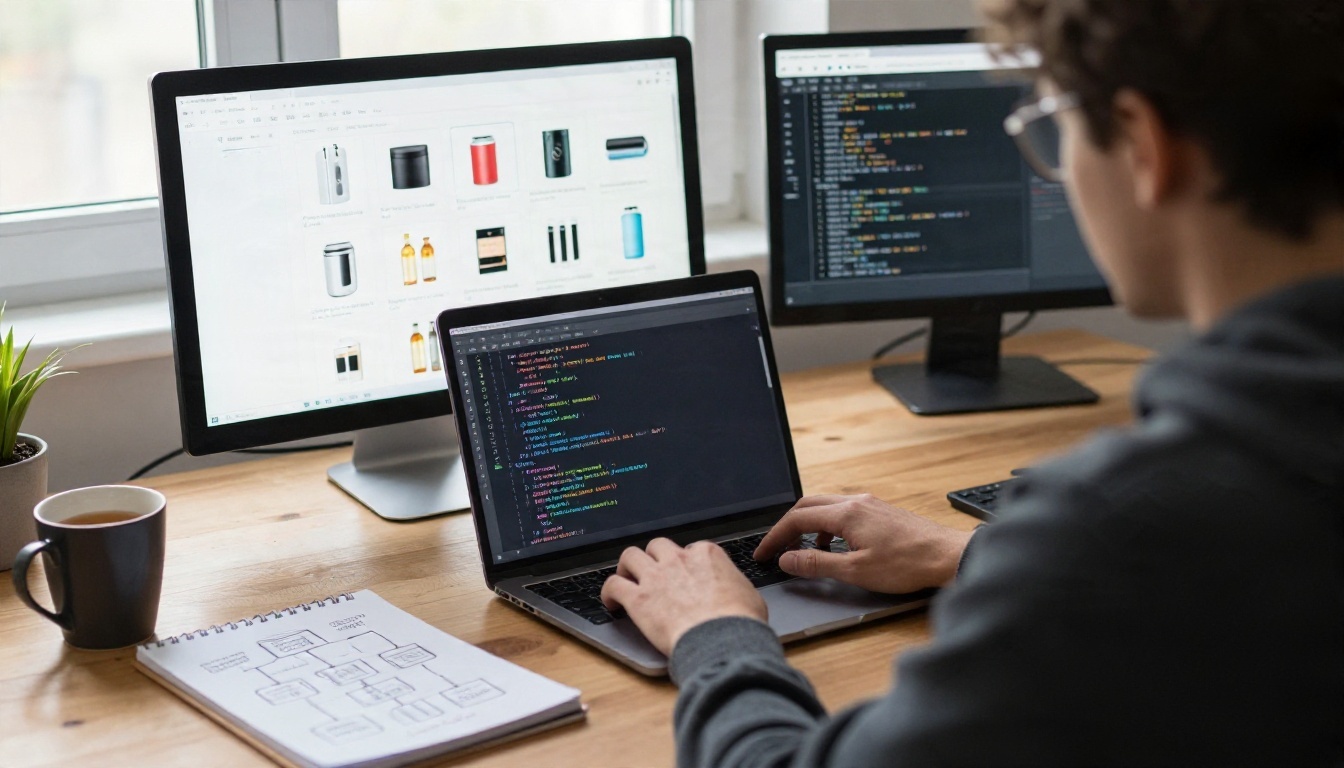
The second route is to chain models yourself: cut out the product, generate a scene, composite, upscale, resize. You choose the best model per step, and you can swap one without rebuilding everything. It takes more engineering, but it gives you control over style, cost and speed.
The Hybrid Setup
The hybrid is what most mid-size stores settle on:
- Merchandisers generate and edit hero images in a visual tool.
- A script handles repetitive jobs: cutouts, resizing, upscaling.
- A reviewer approves everything before it reaches the storefront.
| Route | Best for | Setup effort | Cost behavior |
|---|
| Visual tool only | Under 200 SKUs | Minutes | Flat or free tiers |
| Hosted API | Single repeated task | Days | Per call, minimums apply |
| Own pipeline | Large catalogs, strict brand look | Weeks | Per call, but fully tunable |
| Hybrid | Most growing stores | Days to weeks | Lowest blended cost |
💡 Ask before you build: What is the rate limit, what happens when a call fails, can you reproduce a result with a fixed seed, and who owns the output? Those four answers decide whether an API fits.
The Real Cost of Each Route
Pricing for AI imagery looks cheap per image and then surprises people in the totals. Do the math with all the pieces.
Per-Image Math
Traditional studio work is the benchmark. Typical quotes run about $25 to $75 for a standard white-background shot and $150 to $500 or more for a styled lifestyle image. AI routes run from a few cents to a few dollars per finished image, depending on how many attempts you need and how much human editing follows.
| Approach | Typical cost per finished image | Turnaround |
|---|
| Studio shoot | $25 to $500+ | Days to weeks |
| Freelance retoucher | $3 to $15 | 1 to 3 days |
| Hosted API (cleanup only) | About $0.02 to $0.10 | Seconds |
| Own pipeline (cleanup plus scene) | About $0.10 to $1 | Minutes |
| Visual tool with unlimited plan | Near zero marginal cost | Minutes |
The ranges above are planning estimates based on commonly published rates, and they shift with volume discounts and model choice. Run a pilot of 50 products and divide your actual spend by the number of images you published, not the number you generated.

Hidden Costs
The line items people forget:
- Rejected generations: if one in four images is unusable, your cost per good image rises by a third.
- Review time: a person checking each image costs more than the model.
- Monthly minimums: a $100 floor on 500 images is 20 cents each, not 2.
- Rework when a marketplace changes specs: a scripted resize step makes this nearly free.
Unlimited tools change the equation. When generation is free at the margin, as with PicassoIA Image Editor Pro and Seedance 2.5 Lite, your cost shifts from compute to the time you spend reviewing.
A Workflow You Can Copy
Here is a repeatable process for a store launching a new line of 40 products.
Step by Step
- Shoot once. Take one sharp, evenly lit photo per product from the front and one from a 45 degree angle.
- Cut out. Run every image through Remove Background and fix tricky edges with Product Cutout.
- Build packshots. Place each cutout on your marketplace backdrop with a soft shadow.
- Generate scenes. Pick two lifestyle settings per category and create them with Seedream 4.5.
- Edit the near misses. Fix small errors in PicassoIA Image Editor Pro instead of regenerating from scratch.
- Upscale. Send final images through Real ESRGAN when a marketplace wants large zoomable files.
- Animate the top sellers. Turn the best five scenes into clips with Kling v3 Video or Wan 2.7 I2V.
- Review and publish. One person checks every image against the real product.
What to Automate First
Automate the boring steps in this order: resizing, background removal, upscaling, file naming. Leave scene choice and final approval to a person. Brand taste is the one thing a script cannot supply.
Mistakes That Cost Sales
AI imagery fails in predictable ways. Avoid these and you are ahead of most competitors.
Showing a Product That Does Not Exist
If a generated scene changes the color, shape or proportions of your item, you get returns and angry reviews. Compare each image with the physical product side by side. When fidelity matters most, use an editing model that keeps the product pixels and changes only the surroundings.
Mixing Styles Across a Catalog
Ten gorgeous images in ten different looks make a store feel like a flea market. Lock a short style recipe: one light direction, one color palette, one lens feel. Reuse it in every prompt, and save the seeds of your best results.
Skipping Disclosure and Rights Checks
Many marketplaces now have rules about AI-generated imagery, and some require that images represent the item accurately. Read your marketplace policy for each channel. Confirm that your tools allow commercial use, and keep a record of which model produced which asset.
Overbuilding Too Early
Do not start with a custom pipeline for 30 products. A visual tool, a spreadsheet and one reviewer will outperform an unfinished integration. Build the API layer only after the manual process is stable and you can name the exact step that is slow.
Try It on Your Own Catalog
Pick one product, the one with the worst current photo, and run it through the whole chain: cutout, packshot, one lifestyle scene, one short clip. It takes an afternoon, and you will know exactly where AI fits your store and where a person still needs to step in.
You can do all of it on Picasso IA, from background removal and 4K image generation to image-to-video models and upscaling. Start with a single SKU, compare the result with your current listing, and let the numbers decide how far to go.


