Three AI image generators now define the top tier of text-to-image generation: DALL-E 3 from OpenAI, Nano Banana 2 from Google, and Flux 2 Pro from Black Forest Labs. Each takes a completely different approach to turning words into pixels. Choosing the wrong one for your workflow doesn't just cost you time; it costs you image quality on every single output. This comparison puts all three head-to-head across the metrics that actually matter: photorealism, prompt adherence, speed, cost, and creative range.
What Each Model Actually Does
The technical foundations of these three models diverge significantly, and those differences show up directly in your outputs.
DALL-E 3: Text Rendering Without Equal
DALL-E 3 runs on a diffusion architecture deeply integrated with OpenAI's language processing layer. What separates it from the competition isn't raw visual quality, but its ability to process nuance in prompts. Ask it for "a street sign that says CLOSED in red letters on a white background" and it delivers exactly that. Text accuracy in AI image generation has historically been a weak spot across the entire category, but DALL-E 3 turned it into a genuine strength.
It also benefits from OpenAI's safety and quality filtering, which creates consistent, predictable outputs across a wide range of topics. That predictability is useful for commercial applications where you need repeatable results. The tradeoff: its photorealism ceiling sits slightly lower than Flux 2's, and its default output style leans toward clean, polished aesthetics rather than raw film photography realism.
Nano Banana 2: Google's Speed Model
Nano Banana 2 is Google's answer to the demand for fast, high-quality generation without sacrificing visual fidelity. Built on Google's proprietary diffusion research, it prioritizes generation speed while maintaining competitive output quality. The "nano" in the name signals its optimized parameter count, but don't let that mislead you into thinking it's a lightweight model.
Where Nano Banana 2 genuinely shines is in natural scene generation. Landscapes, outdoor environments, and color-rich compositions benefit from Google's extensive training data pipeline. It also handles diverse skin tones and human subjects better than many competing models in this tier.
💡 Nano Banana 2 is particularly strong for social media content, editorial photography, and any workflow where generation speed matters as much as quality.
Flux 2: Black Forest Labs' Quality Flagship
Flux 2 from Black Forest Labs represents the current peak of open-architecture text-to-image diffusion. The Flux lineage has consistently pushed photorealism boundaries, and the second generation refines that with improved anatomy accuracy, more consistent lighting physics, and significantly better prompt adherence for complex multi-subject scenes.
The model family spans several tiers. Flux 2 Dev offers quality-focused generation for developers who need control. Flux 2 Pro targets commercial production workflows. Flux 2 Max pushes the quality ceiling as high as it goes. For users who want speed without dropping too far on quality, Flux 2 Klein 4B and Flux 2 Klein 9B fill that gap efficiently.

Photorealism and Raw Image Quality
Skin, Hair, and Surface Texture
Flux 2 leads here by a meaningful margin. Its training specifically optimizes for micro-detail: skin pores, individual hair strands, fabric weave texture, and surface material differentiation. When you need a portrait that looks like it was shot on a medium-format camera, Flux 2 produces results that DALL-E 3 and Nano Banana 2 rarely match at the same prompt complexity.
DALL-E 3 produces clean, well-composed portraits but with a slight "rendered" quality that trained eyes notice. Nano Banana 2 sits between the two, handling skin tones especially well for diverse subjects but lacking the micro-detail sharpness that Flux 2 Max delivers at full resolution.
Environmental Depth and Backgrounds
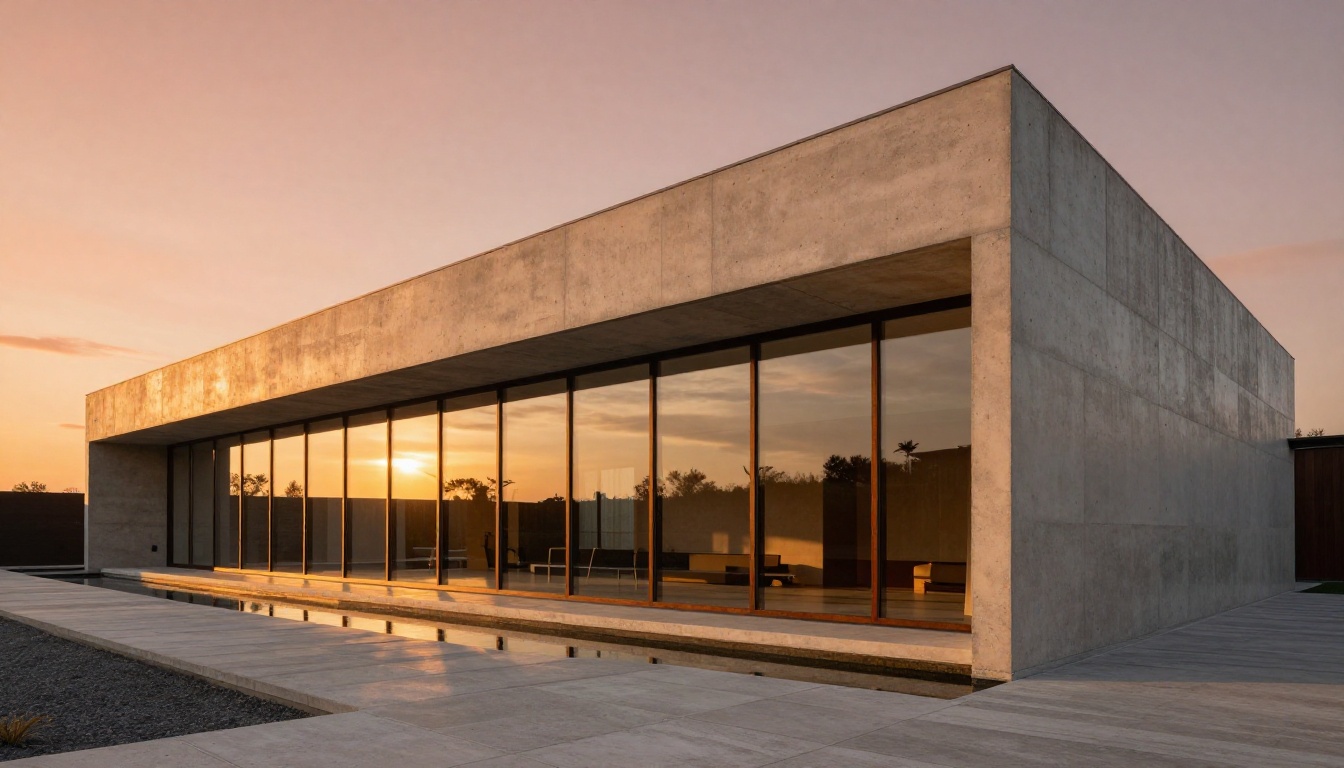
Nano Banana 2 takes this category. Google's training data advantage shows up clearly in environmental scenes. Complex backgrounds with multiple depth layers, accurate atmospheric perspective, and realistic environmental lighting are consistently stronger in Nano Banana 2 outputs than in comparable DALL-E 3 results.
Flux 2 is competitive here, particularly with architectural and interior scenes, but Nano Banana 2's outdoor and landscape performance is noticeably superior when prompts call for rich environmental depth.
Who Comes Out on Top
| Category | Winner | Runner-Up |
|---|
| Skin and texture detail | Flux 2 | Nano Banana 2 |
| Environmental scenes | Nano Banana 2 | Flux 2 |
| Consistent anatomy | Flux 2 | DALL-E 3 |
| Color accuracy | Nano Banana 2 | Flux 2 |
| Overall photorealism | Flux 2 Max | Nano Banana 2 |
Prompt Accuracy: Who Actually Listens
Simple Prompts Tested
All three models handle simple prompts competently. "A red apple on a wooden table" produces acceptable results from any of them. The differentiation starts at moderate complexity, where each model's distinct training philosophy becomes visible in the output.
DALL-E 3 handles compositional instructions better than both competitors. "A woman on the left, a cat on the right, sunset in the background" reliably places objects where specified. Flux 2 sometimes prioritizes visual aesthetic over strict positional accuracy. Nano Banana 2 handles composition reasonably but occasionally simplifies complex multi-element arrangements.
Complex Multi-Element Scenes
For prompts with four or more distinct elements, lighting specifications, mood descriptors, and camera angle instructions, the gap between models widens considerably.
Flux 2 Pro wins here. It processes longer prompts with more fidelity, respecting secondary details that DALL-E 3 tends to simplify and Nano Banana 2 sometimes drops entirely. If you're writing detailed, layered prompts, Flux 2's ability to honor them makes it the most powerful tool in this comparison for professional creative work.
Text in Images: DALL-E 3's Strong Card
This is where DALL-E 3 becomes the only real choice in the comparison. Rendering readable, correctly spelled text inside images remains one of the hardest challenges in diffusion models. DALL-E 3 solves it reliably. For social posts, banners, signage, book covers, or any output needing embedded readable words, DALL-E 3 is the pick.
Nano Banana 2 handles short single words reasonably, but longer text or multiple words degrade quickly. Flux 2 has improved text generation over its predecessor but still doesn't match DALL-E 3's reliability for embedded typography.
💡 For any project requiring text in images, plan your workflow around DALL-E 3 or combine Flux 2 outputs with post-generation text overlays in editing software for clean results.
Speed and Cost Per Image
Latency Numbers That Matter
Generation speed differences between these three models are real and workflow-relevant, especially at volume. These are production-tested averages at standard resolution settings:
- Nano Banana 2: 2 to 4 seconds per image. Fastest of the three by a significant margin.
- DALL-E 3: 8 to 15 seconds per image. Mid-tier speed, acceptable for individual generation but not for batch workflows.
- Flux 2 Pro: 10 to 20 seconds at maximum quality. The Flux 2 Klein 4B variant cuts this to under 5 seconds with moderate quality trade-offs.
For batch production, content pipelines, or any workflow generating more than 20 images per session, Nano Banana 2's speed advantage compresses production time dramatically. A 50-image batch that takes 15 minutes with Flux 2 Pro takes under 4 minutes with Nano Banana 2.
Real Cost Breakdown
Pricing structures differ enough that the cheapest option depends entirely on your volume and quality requirements.
| Model | Approx. Cost Per Image | Best For |
|---|
| DALL-E 3 (standard) | $0.040 | Text-heavy outputs, commercial use |
| Nano Banana 2 | $0.015 to $0.025 | High-volume production |
| Flux 2 Pro | $0.030 to $0.055 | Maximum quality outputs |
| Flux 2 Klein 4B | $0.008 to $0.012 | Fast drafting and iteration |
Running these models through a platform like PicassoIA normalizes pricing and removes API complexity, making it straightforward to switch between models depending on your task without juggling multiple billing accounts.
Artistic Range by Category
Different creative categories expose each model's strengths and weaknesses clearly. Running the same prompt through all three reveals patterns that no spec sheet can communicate.
Portrait and Beauty Work
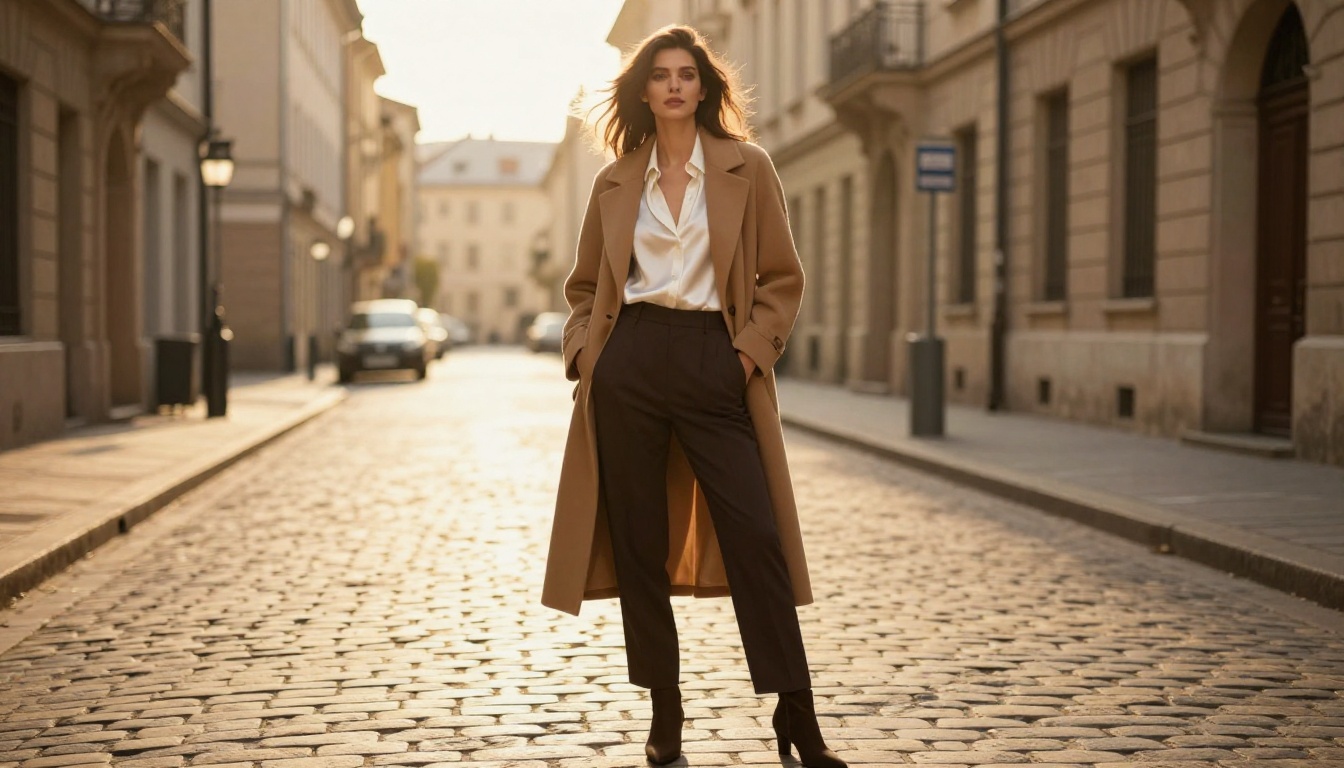
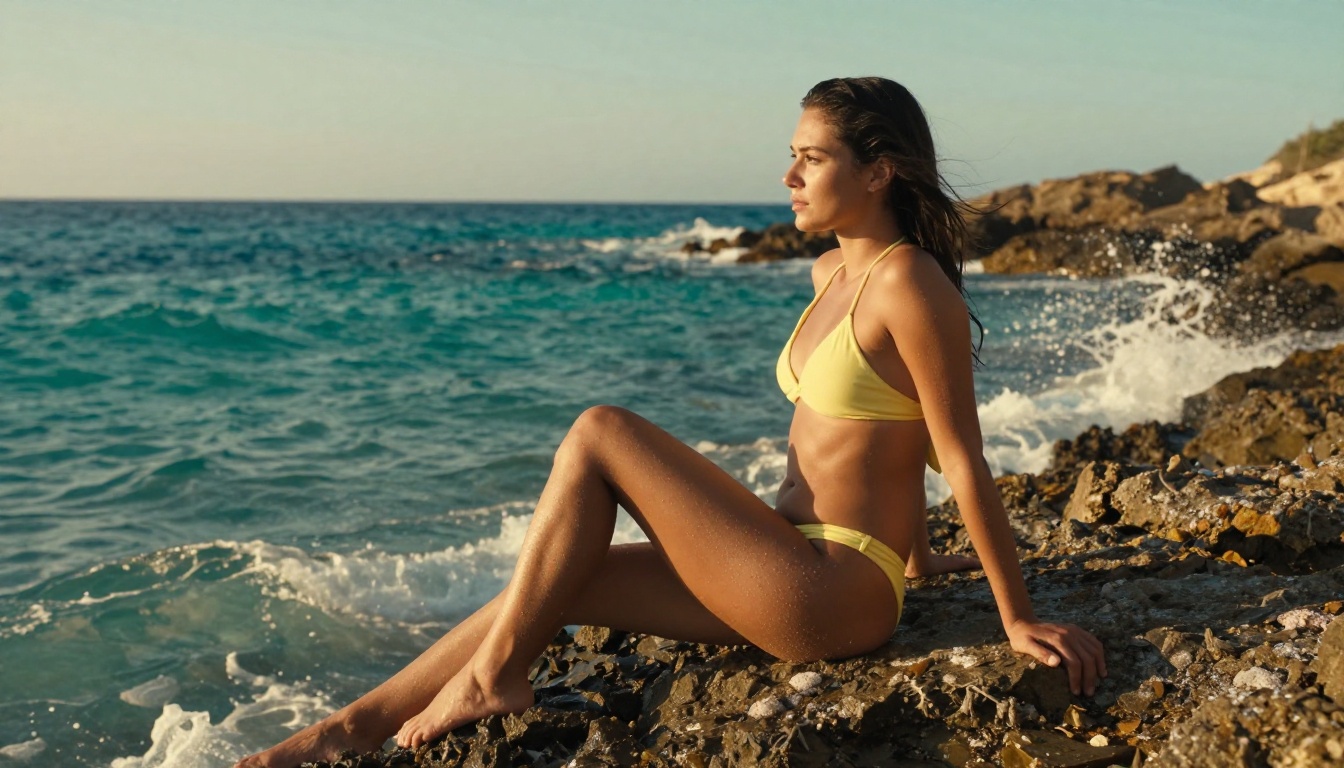
Flux 2 produces the most technically impressive portrait photography of the three. The micro-detail on skin, the accuracy of soft-box lighting simulation, and the realism of hair strands at high resolution are unmatched in this comparison. For beauty campaigns, editorial portraits, or fashion photography outputs, Flux 2 Pro or Flux 2 Max are the right picks for final production renders.
Nano Banana 2 handles diverse skin tones with exceptional accuracy, making it the stronger choice when representing a wide range of subjects or working on inclusive editorial content.
Product and Commercial Shots
All three models produce usable product photography, but each with distinct strengths worth knowing before you commit:
- DALL-E 3: Reliable clean studio setups with accurate object placement and predictable composition
- Flux 2 Flex: Best for luxury product photography needing material realism (glass, metal, leather, ceramic)
- Nano Banana 2: Fastest for rapid product mock-ups and creative iteration at scale
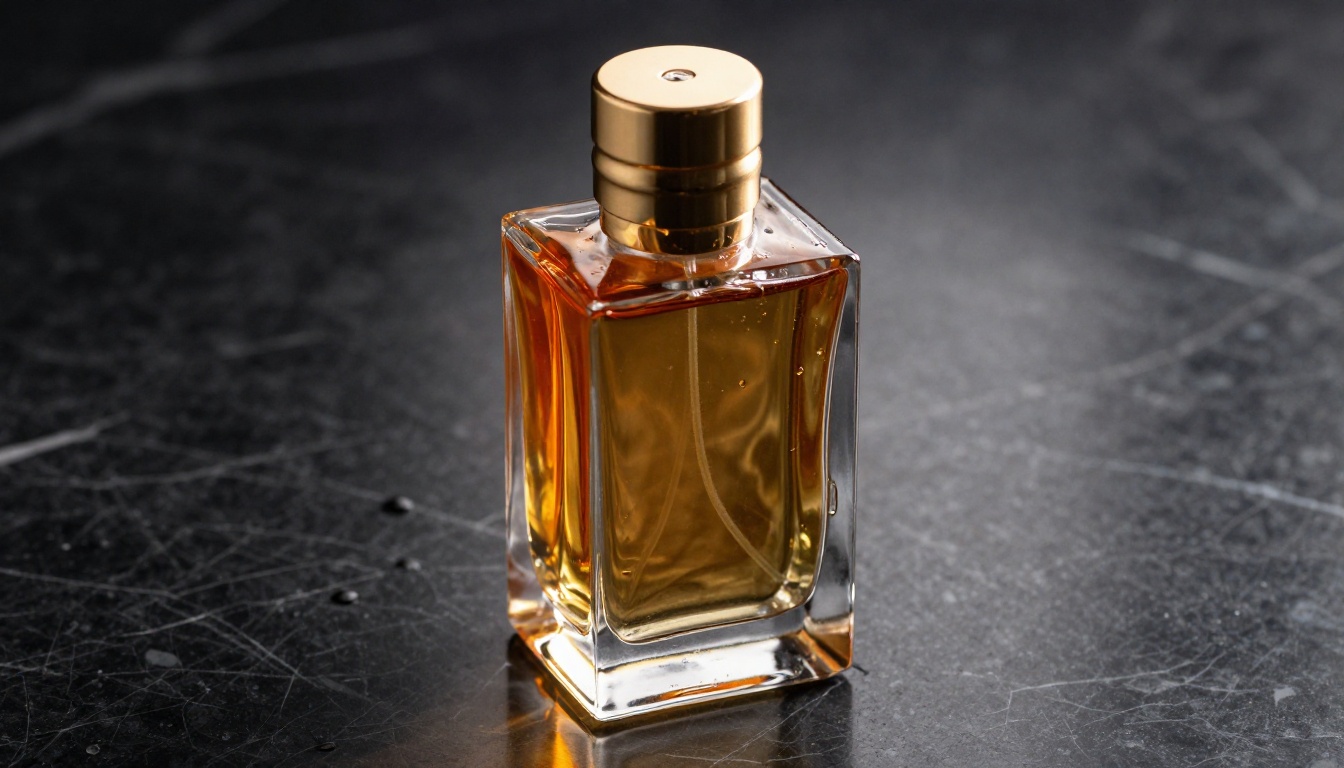
For high-end product work, the material rendering in Flux 2 Flex is the differentiator. Glass refractions, metal surface reflections, and fabric texture fidelity are all notably better than what DALL-E 3 or Nano Banana 2 produce at equivalent prompt complexity.
Landscapes and Architecture
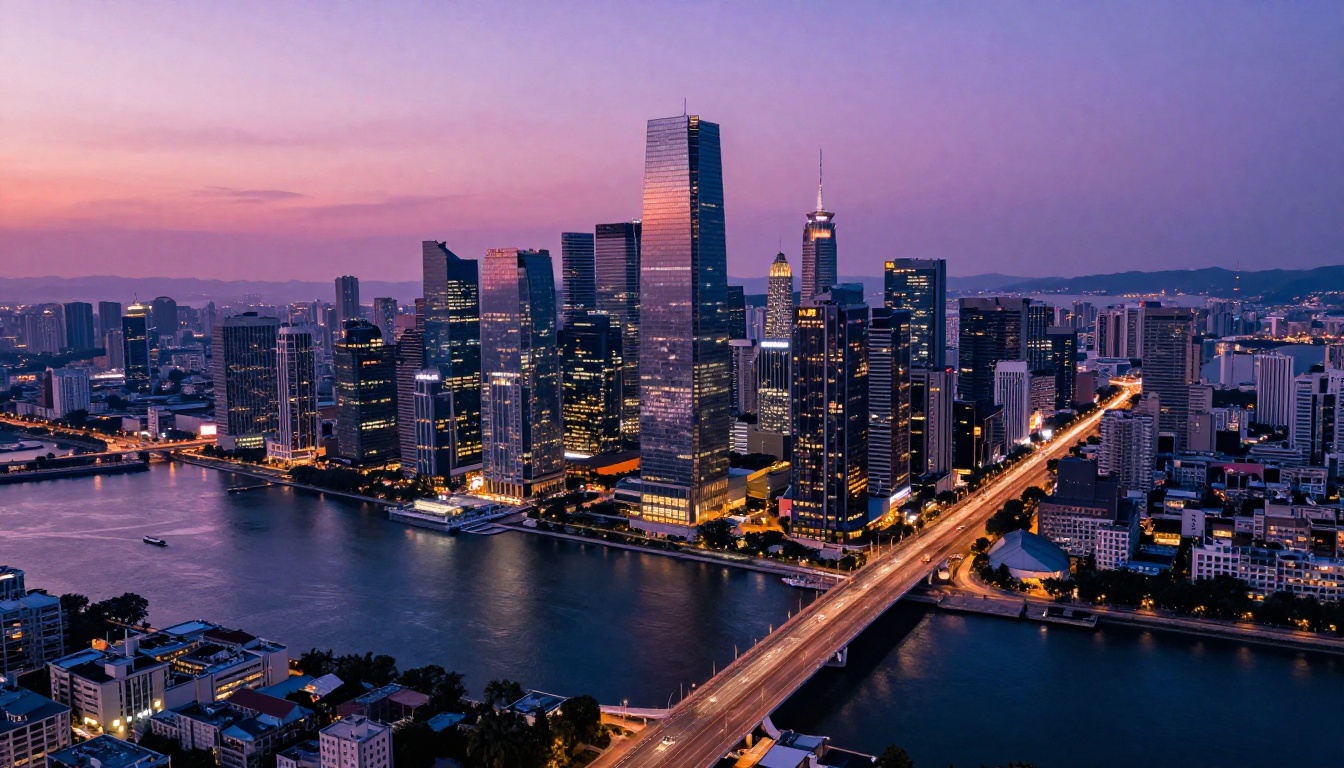
Nano Banana 2 dominates landscape generation. Google's training data pipeline, which draws from an enormous corpus of geographic and environmental imagery, gives it a clear advantage in outdoor scenes. Mountain ranges, coastal environments, forests at different times of day, and atmospheric weather effects all come out more convincingly from Nano Banana 2 than from the competition.
Architecture slightly favors Flux 2 Dev, particularly for precise structural detail, interior photography, and scenes requiring accurate geometric perspective.
How to Use These Models on PicassoIA
All three model families are available directly on PicassoIA, removing the need to set up separate API credentials or manage multiple subscriptions.
Running Nano Banana 2 on PicassoIA
- Go to Nano Banana 2 on PicassoIA
- Type your prompt, being specific about subject, lighting, and composition
- Set your aspect ratio to match the output format (16:9 for widescreen, 1:1 for social)
- Click generate. Expect results in 2 to 4 seconds
- For batch production, queue multiple prompts and let the speed advantage compound
💡 Nano Banana 2 responds particularly well to lighting direction cues. Phrases like "volumetric afternoon light from the left" produce noticeably better results than generic "good lighting." Also try Nano Banana Pro for a higher-quality tier from the same Google model family.
Flux 2 Variants: Picking the Right One
The Flux 2 family on PicassoIA gives you multiple production tiers depending on your speed versus quality needs:
For most production workflows, Flux 2 Pro hits the best balance of quality and speed. A smart workflow: start with Flux 2 Klein 4B to iterate your prompt quickly, then switch to Flux 2 Max for the final high-resolution render.
DALL-E 3 on PicassoIA: GPT Image 1.5
DALL-E 3's direct successor, GPT Image 1.5, is available on PicassoIA and represents the current best of OpenAI's image generation capabilities. It retains all the text-rendering strengths of DALL-E 3 while adding improved photorealism and better multi-element scene composition. If you're building on DALL-E 3's strengths, this is the version to use.
For open-architecture alternatives with similar prompt-following capabilities, Open DALL-E v1.1 is also available on the platform.
Fast Verdict by Use Case
Not every task suits the same model. Here's where each one wins outright:
| Use Case | Best Model | Why |
|---|
| Text in images | DALL-E 3 / GPT Image 1.5 | Superior text rendering accuracy |
| Portrait photography | Flux 2 Pro or Max | Micro-detail skin and hair realism |
| Landscape generation | Nano Banana 2 | Google training data advantage |
| High-volume batch work | Nano Banana 2 | 2 to 4 second generation speed |
| Complex prompt accuracy | Flux 2 Pro | Best multi-element adherence |
| Product photography | Flux 2 Flex | Material realism superiority |
| Budget-first iteration | Flux 2 Klein 4B | Lowest cost per image |
| Diverse skin tones | Nano Banana 2 | Representation quality |
💡 For most creative workflows, the real answer is to use all three strategically: Nano Banana 2 for fast drafting and landscapes, Flux 2 for high-fidelity finals, and DALL-E 3 whenever text needs to appear inside the image.
Start Creating Right Now
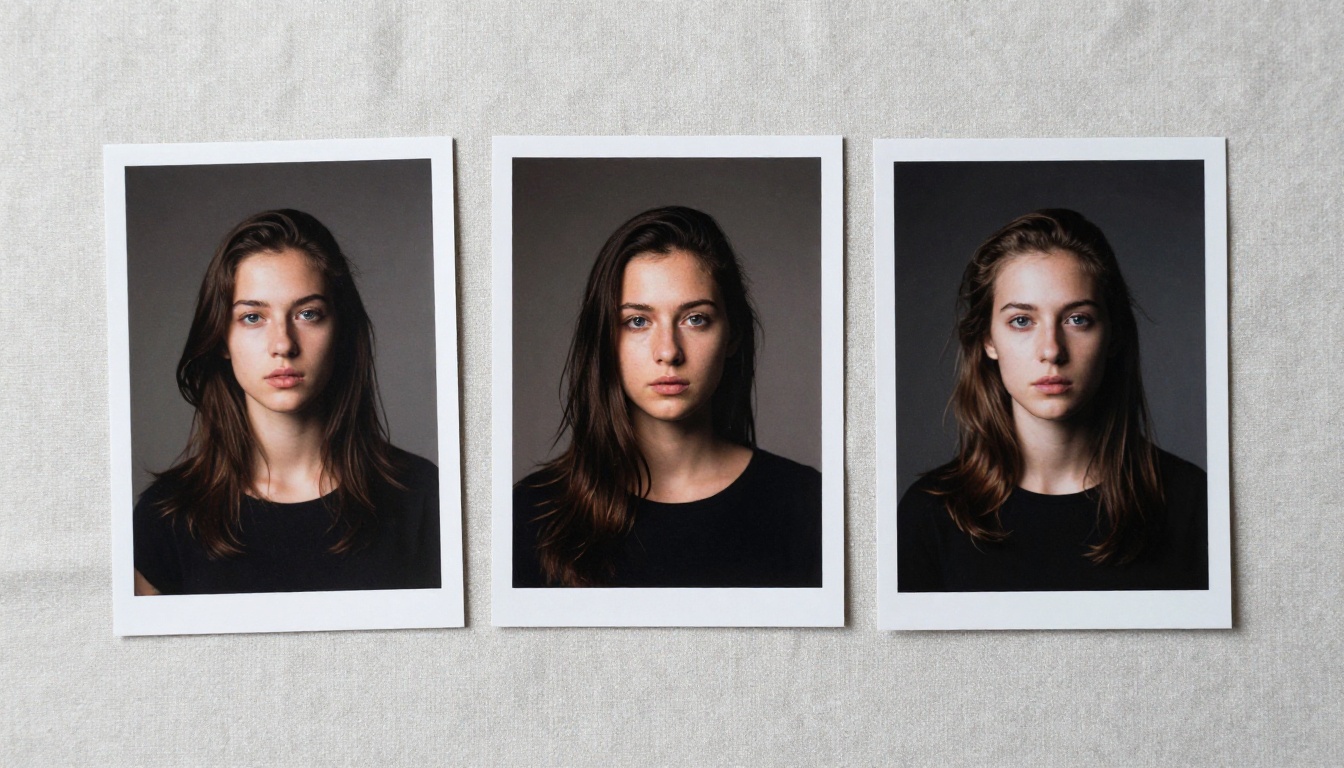
The fastest way to internalize what separates these three models isn't reading about them; it's running the same prompt through each one and seeing the results side by side. PicassoIA gives you direct access to Nano Banana 2, Flux 2 Pro, Flux 2 Max, GPT Image 1.5, and the full Flux 2 Klein lineup in a single interface with no API setup required.
Pick a prompt you actually care about. Run it through all three model families. The output differences will tell you more in 30 seconds than any comparison article can in 2,500 words. Your creative workflow deserves models that actually match what you're building.


