If you've been running DALL-E for your creative projects, you've probably hit at least one of three walls: the price climbs faster than expected, the model options feel narrow, or you wanted a specific style and realized OpenAI's ecosystem just doesn't have it. This comparison exists for that exact moment.

What DALL-E Actually Costs You
DALL-E 3 is embedded inside ChatGPT, which means your real access depends on your subscription tier. A ChatGPT Plus subscription runs $20 per month, but that comes with usage limits. If you're a heavy user or need API access for production workflows, the numbers get steeper fast.
OpenAI's Per-Image Pricing
For API access to DALL-E 3:
| Quality | Size | Price per Image |
|---|
| Standard | 1024x1024 | $0.040 |
| Standard | 1024x1792 | $0.080 |
| HD | 1024x1024 | $0.080 |
| HD | 1024x1792 | $0.120 |
Generate 500 HD images in a month and you're looking at $40 to $60 on top of any subscription. For a commercial content team generating thousands of images monthly, those costs compound into a serious line item.

The Monthly Cap Nobody Mentions
ChatGPT Plus limits image generation to 40 images every three hours. That sounds like a lot until you're in a creative sprint testing multiple concepts for a campaign. Professionals who depend on rapid iteration hit this ceiling constantly, then either wait or pay for additional API credits.
💡 The real DALL-E cost isn't just dollars. It's the time spent managing limits and waiting for quota resets.
One Model vs. 90 Plus Options
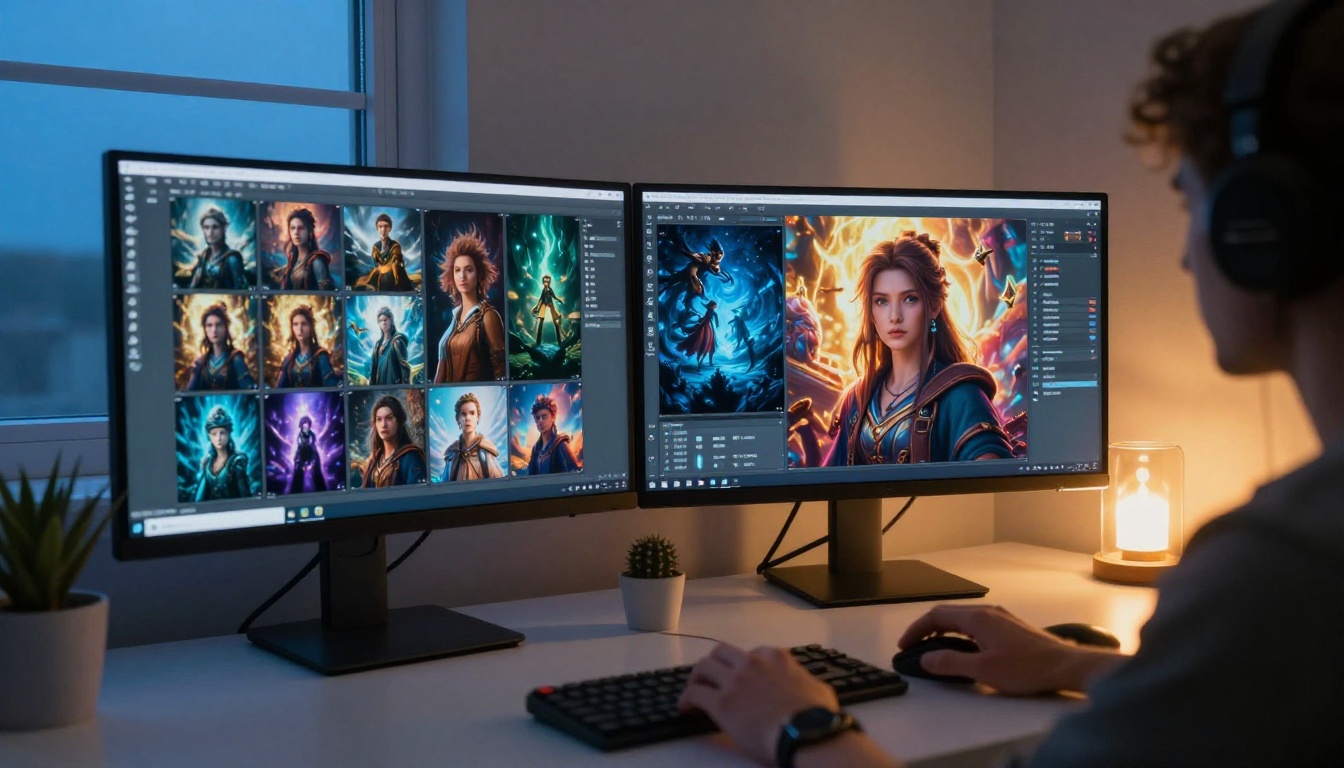
This is where the comparison becomes most striking. DALL-E gives you one model. PicassoIA gives you access to over 90 text-to-image models, each tuned for different visual styles, use cases, and output characteristics.
Why Model Variety Changes Everything
Different models aren't just about style preference. They exist because image generation is solved in different ways by different research teams, each with distinct strengths:
- Flux Redux Dev excels at generating image variations from reference inputs
- Stable Diffusion 3 offers open-architecture flexibility with fine-tunable outputs
- Recraft 20B specializes in any-style generation with strong vector and graphic output
- Gen4 Image Turbo prioritizes precise image generation from detailed prompts
- Flux Krea Dev produces images that look genuinely photographic, not AI-generated
Each model has a different training dataset, architecture, and optimization target. Using one model for everything is like shooting every photo with the same focal length: possible, but limiting.
Styles DALL-E Simply Cannot Do
DALL-E applies content moderation that blocks entire visual categories. Product photography with suggestive styling, artistic nude reference images for painters, and edgy fashion concepts often get flagged or modified without explanation. If your work requires creative freedom, that unpredictability is a problem.
PicassoIA operates with more permissive boundaries for creative and artistic content, provided outputs stay within non-explicit territory. For photographers, fashion creatives, and digital artists, that distinction matters every single day.
Flux, Stable Diffusion 3, and More
The Flux family of models from Black Forest Labs has become the reference standard for high-fidelity text-to-image generation in 2027. If you haven't tried Flux yet, you're working with outdated benchmarks.
The Flux Family on PicassoIA
PicassoIA hosts multiple Flux variants, each useful in different situations:
Flux Redux Dev accepts an image as a style or structure reference, then generates variations. This makes it ideal for brand consistency work where you need multiple images that share the same visual DNA.
Flux Schnell LoRA combines the speed of the Schnell architecture with custom LoRA fine-tuning. You get fast generation plus the ability to apply trained style adapters, which means consistent character or style across an entire project.
Flux Redux Schnell is the rapid-iteration version for when you need image variations quickly without sacrificing the core Flux quality signature.

Stable Diffusion 3 in Practice
Stable Diffusion 3 from Stability AI uses a multimodal diffusion transformer architecture that handles text rendering inside images significantly better than previous versions. If your project requires images with readable typography, SD3 is currently one of the strongest options available.
💡 For product mockups, event posters, or any image where text needs to be legible, Stable Diffusion 3 outperforms DALL-E in clarity and positioning consistency.
Compared to DALL-E 3, SD3 produces a different character in its rendering: slightly more painterly in some modes, sharper in others depending on your CFG scale. Having both accessible in one platform means you pick the right tool for each brief.
Dollar-by-Dollar Price Comparison
Let's put actual numbers on this. Assume a mid-level content creator or small studio generating 200 images per month.
What $20 Gets You on Each Platform
| Scenario | DALL-E (ChatGPT Plus) | PicassoIA |
|---|
| Monthly base cost | $20 | Varies by plan |
| Images included | Limited (40/3hr cap) | Plan-dependent |
| Model access | 1 (DALL-E 3) | 90+ models |
| API access | Separate billing | Available |
| Commercial use | Permitted | Permitted |
| Style range | Moderate | Very broad |
| Image editing | Not included | Available |
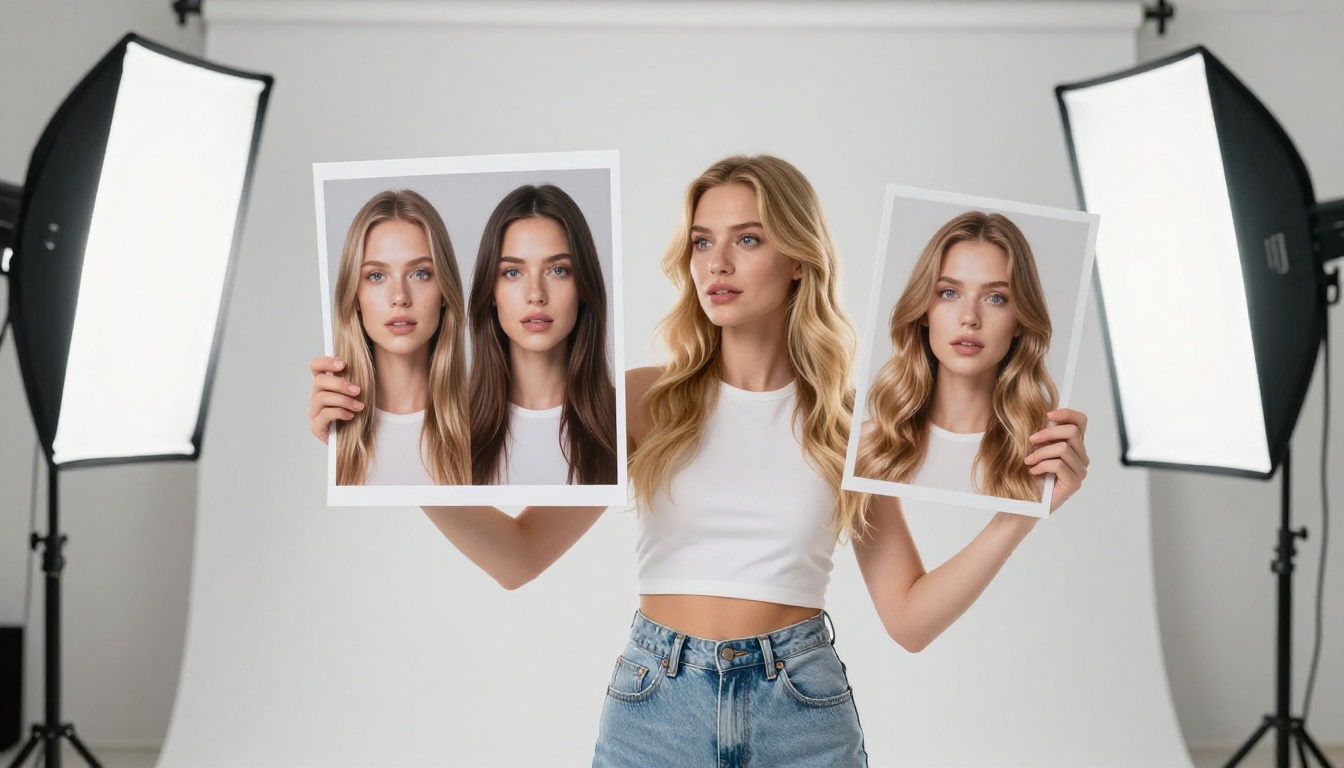
The key difference isn't just cost per image. It's cost per output you can actually use. When you have 90 models, you're more likely to get the right result on the first or second generation instead of prompting and re-prompting against a single model's limitations.
The Free Tier Reality
DALL-E without a subscription means no image generation. Full stop. ChatGPT's free tier removed DALL-E access, so anyone wanting to test the output quality needs to commit $20 before seeing a single result.
PicassoIA offers trial access that lets you test models before committing. For new users evaluating platforms, that low friction matters: you don't need a credit card to find out whether the output quality fits your workflow.
Where PicassoIA Wins Outright
There are categories where this isn't a close comparison.
Speed on Demand
Some PicassoIA models like Flux Redux Schnell are optimized specifically for rapid generation. When you're iterating on a concept quickly, shaving 10 to 15 seconds per image across 50 generations saves meaningful time. DALL-E's generation speed is fixed and non-configurable.
Creative Freedom and Style Range
Recraft 20B handles vector-style outputs, graphic art, and photorealistic renders in the same model. Qwen Image Edit Plus lets you edit existing images with text prompts, changing objects, removing elements, or swapping backgrounds. DALL-E has no equivalent image editing mode through its standard interface.
The platform also includes capabilities outside image generation entirely: super resolution upscaling, face swap, background removal, video generation, and audio tools. If you're building a production pipeline, having these tools in one place reduces integration complexity.

How to Use GPT Image 2 on PicassoIA
PicassoIA hosts GPT Image 2, OpenAI's latest image generation model, directly on its platform. This means you can access OpenAI's own latest model alongside 90 plus others, without managing separate API keys or billing accounts.
Step-by-Step Walkthrough
- Open the model page: Go to GPT Image 2 on PicassoIA and click Generate
- Write your prompt: Be specific. GPT Image 2 responds well to detailed scene descriptions. Include lighting, perspective, and mood details
- Set your dimensions: Choose 1:1 for social posts, 16:9 for banners, or 9:16 for vertical content
- Adjust quality: Higher quality settings produce more refined outputs but take slightly longer
- Generate and review: The output appears in your gallery. Download or save directly to your project
💡 GPT Image 2 on PicassoIA handles text inside images better than most alternatives. For any prompt that includes words or labels, this model should be your starting point.
Tips for Better Results
- Be scene-specific: Instead of "a woman in a cafe," write "a woman in her early thirties reading a paperback at a marble cafe table, afternoon light from a window on her left, Rome street visible through glass behind her"
- State the unwanted: Add "no text, no watermarks, no logos" when you need clean outputs
- Iterate fast: Generate 3 to 4 variations of the same prompt with minor adjustments to find the strongest composition before committing to a final version

Quality Head to Head
Both platforms produce impressive outputs when prompted well. The differences become visible in specific categories.
Photorealism Test
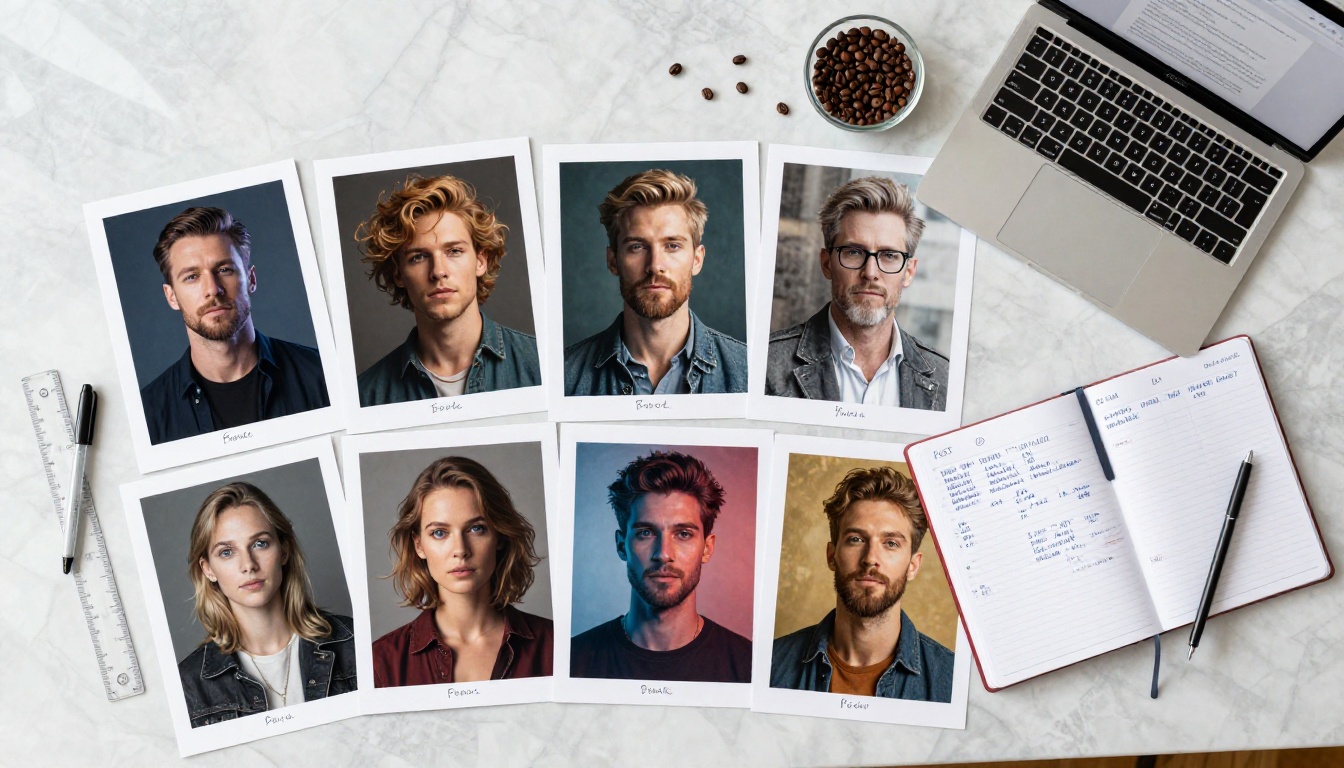
For photorealistic portraits and lifestyle photography, Flux Krea Dev and Flux Redux Dev produce images that require close inspection to identify as AI-generated. Skin texture, natural light interactions, and background depth all render with high fidelity.
DALL-E 3 produces polished photorealistic outputs but with a characteristic look that experienced eyes recognize. The rendering tends toward idealized rather than naturalistic, which works for marketing imagery but feels slightly artificial in lifestyle or documentary contexts.
Prompt Fidelity Test
DALL-E 3 has strong prompt adherence for most standard requests. Where it struggles is with unusual compositions, specific camera angles, and niche aesthetic references. The model interprets and sometimes simplifies complex prompts.
Gen4 Image Turbo from Runway performs particularly well on precise compositional requests. If your prompt specifies a low-angle shot, three-quarter lighting, and a specific wardrobe item, Gen4 Image Turbo renders it accurately with minimal interpretation drift.
| Output Category | DALL-E 3 | PicassoIA Best Model |
|---|
| Photorealistic portraits | Strong | Very Strong (Flux Krea Dev) |
| Text in images | Good | Very Strong (SD3, GPT Image 2) |
| Product photography | Good | Strong (Gen4 Image Turbo) |
| Image editing | Not available | Available (Qwen Image Edit Plus) |
| Style variety | Limited | Extensive (90+ models) |
| Creative freedom | Restricted | More permissive |
| Image variations | Not available | Available (Flux Redux Dev) |
The decision isn't about which platform is objectively better. It's about which one fits the actual demands of your work.
If you only need occasional images for personal projects and you're already paying for ChatGPT Plus for other reasons, DALL-E is convenient. You don't need to manage another account.
If you create images professionally, whether for clients, e-commerce, content marketing, or social media, the model variety and price structure of a dedicated platform changes what's possible. Having Flux Redux Dev for brand consistency, Stable Diffusion 3 for text-heavy designs, and GPT Image 2 for maximum fidelity all in one place means you stop compromising on output because your only tool isn't built for the job.

If creative freedom matters to your work, having access to models that don't automatically sanitize your prompts means fewer frustrating rejections and more time actually creating.
The numbers favor the multi-model approach for anyone generating more than 100 images per month. The creative ceiling favors it even more.
Start with one model. Test it against whatever DALL-E gave you last week on the same prompt. The difference is usually obvious within the first three generations.
Try GPT Image 2 on PicassoIA and run the comparison yourself. With 90 plus models available and no commitment required to start, there's no reason to keep paying more for less.


