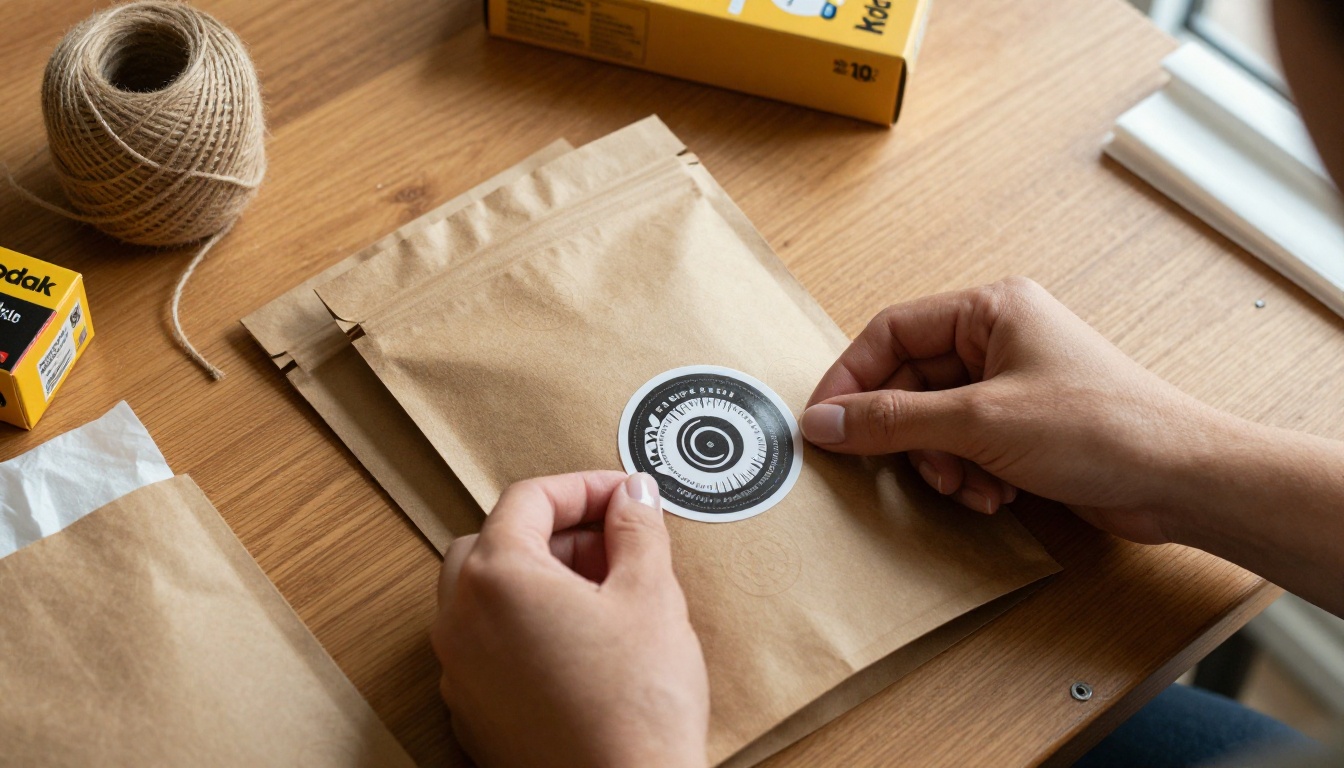
Custom stickers have quietly become one of the best-selling physical products online. Etsy sellers move thousands of units per month, Shopify store owners use them as branded packaging inserts, and small artists build entire businesses around their sticker packs. The one thing stopping most people from jumping in has always been the design step. That changes when you use AI.
Why Stickers Sell Better Than Most Products
Stickers are cheap to produce, easy to ship, and deeply personal. Buyers gravitate toward them because they represent identity, mood, and belonging. A well-designed sticker sheet sells not just the product but the aesthetic behind it.
That makes design the highest-leverage part of the sticker business. If your designs are sharp, your store grows. If they look generic, no amount of marketing fixes that.
The problem? Professional sticker illustration used to cost $50 to $300 per design. Multiply that across a pack of 12 stickers and you are looking at thousands of dollars before your first sale. AI image generation eliminates that cost entirely.
The Numbers Behind Sticker Sales
| Product Type | Average Etsy Price | Profit Margin |
|---|
| Single die-cut sticker | $3 - $6 | 60 - 80% |
| Kiss-cut sticker sheet (6 designs) | $6 - $12 | 55 - 75% |
| Sticker pack (10-15 designs) | $10 - $18 | 65 - 80% |
| Waterproof vinyl roll | $8 - $15 | 50 - 70% |
These margins hold because print-on-demand services handle fulfillment. Your only job is the design and the listing. That ratio becomes extraordinary when the design cost drops to nearly zero.
Who Is Actually Buying Stickers
The sticker buyer is not one person. It is teenagers decorating their water bottles, professionals personalizing their laptops, parents buying craft supplies, small businesses ordering branded packaging seals, and collectors who curate aesthetic packs for their bullet journals. Each of those segments represents a distinct niche, and AI lets you serve all of them without a different artist for each.
What AI Actually Changes About Sticker Design
Traditional sticker design follows a long path: concept sketch, digital redraw, color fills, outline creation, cleanup. Depending on complexity, a single design took 2 to 8 hours even for experienced illustrators.

With a text-to-image model, that collapses to minutes. You write a description of the sticker you want, select the right model, and get multiple variations to evaluate. The AI handles shape, color, composition, and style simultaneously.
What you still control:
- The creative direction: Your prompt determines everything. Vague prompts make vague stickers.
- The final selection: You choose which outputs go to print.
- The background removal: Most AI outputs include backgrounds. You strip those before printing.
- The style consistency: If you are building a pack, all 12 stickers should feel like they belong together.
💡 Think of yourself as an art director, not the artist. You are briefing the AI the same way you would brief a designer. Specific beats vague every single time.
The practical result is that what used to take a week of back-and-forth with a freelancer now takes an afternoon with the right prompts.
The Right Models for Sticker Art
Not every AI image model is equally good for stickers. Sticker design has specific requirements: clean lines, strong silhouettes, limited color complexity, and solid or transparent-ready backgrounds.
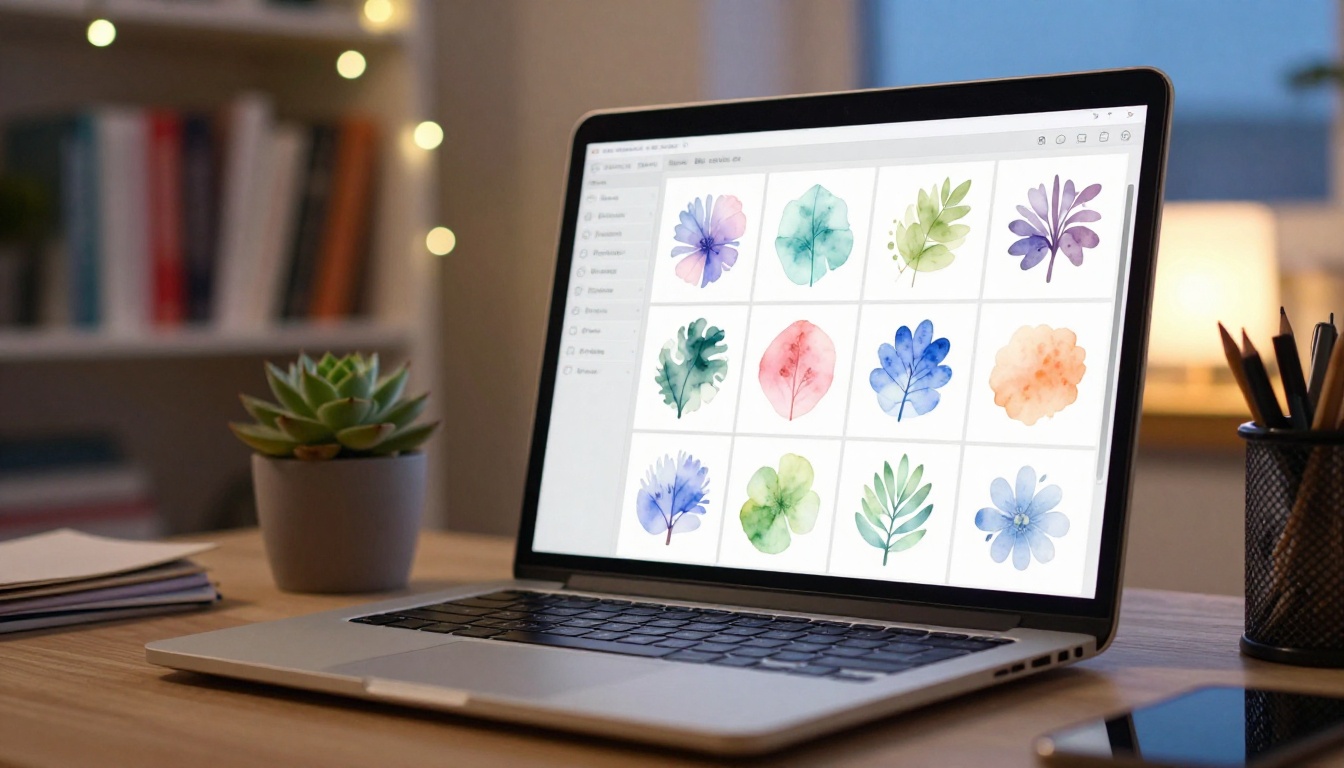
Here are the models that consistently deliver for sticker-focused prompts on PicassoIA:
GPT Image 2 for Clean Sticker Art
GPT Image 2 handles composition and object clarity exceptionally well. When you prompt it with a specific character, object, or scene, the output tends to have a clean readable silhouette that translates well to die-cut formats. It is particularly strong for character-based stickers, food illustrations, and object-centric designs where you need the subject to pop.
Best for: Characters, food, objects, logo-adjacent sticker art.
Seedream 4.5 for Illustrated Styles
Seedream 4.5 generates 4K images with strong artistic control. Its output tends toward polished illustrative aesthetics that match what buyers look for in sticker shops: clear focal points, vivid saturation, and coherent composition without cluttered backgrounds. If you want stickers that look like they were hand-illustrated by a professional, Seedream 4.5 is your starting point.
Best for: Flora, fauna, aesthetic packs, seasonal themes.
Wan 2.7 Image Pro for High-Detail Work
Wan 2.7 Image Pro generates at 4K native resolution. When you are designing stickers that will be printed large (4 inches and above), that extra resolution pays off significantly. Details stay sharp all the way to the cut edge, and the output holds up under close inspection in product photography.
Best for: Large-format stickers, premium packs, detailed character work.
Hunyuan Image 2.1 for Pack Consistency
Hunyuan Image 2.1 is strong when you need multiple variations of the same design. If you are building a sticker pack where 10 designs share a visual language, Hunyuan's consistency across prompts helps maintain coherence without starting from scratch each time. You set the style once and iterate from there.
Best for: Sticker packs, themed collections, character series.
How to Design AI Stickers on PicassoIA
This is the step-by-step process that moves you from an idea to a print-ready sticker design.
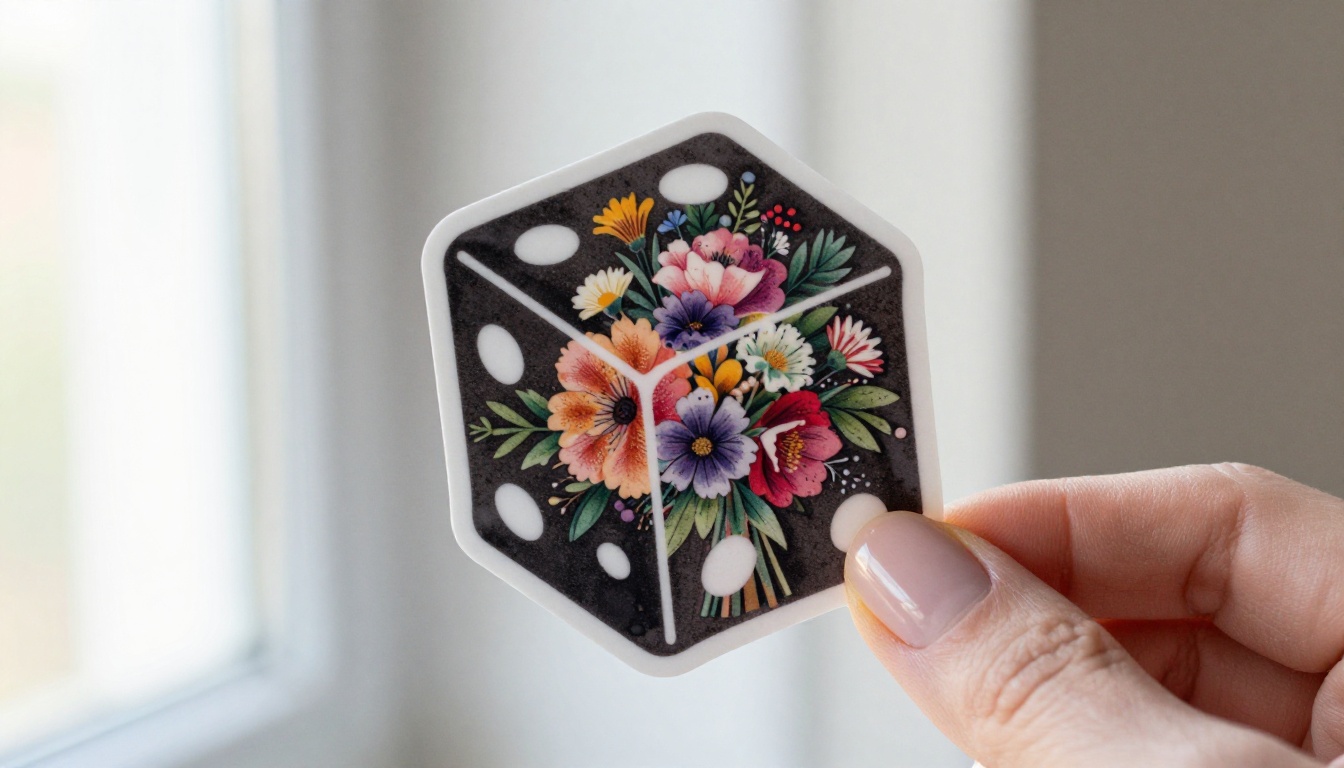
Step 1: Write a Precise Prompt
The quality of your sticker design depends almost entirely on how well you describe it. Before opening the generator, answer these three questions:
- What is the subject? (a black cat, a steaming coffee cup, a cartoon planet)
- What style do you want? (flat vector, kawaii, sticker-art, watercolor, bold outlined)
- What background? (white, solid color, transparent-ready)
A weak prompt: "cute cat sticker"
A strong prompt: "cute black cat sitting with paws tucked, kawaii style, bold black outline, flat pastel pink background, sticker art, simple shapes, clean edges"
The difference in output quality between these two prompts is dramatic. The second gives the model a complete brief. The first leaves everything to chance.
Step 2: Choose Your Model and Generate
Once you have your prompt, open GPT Image 2 on PicassoIA for general sticker art, or Seedream 4.5 if you want a more illustrative result. Paste your prompt and generate 4 to 6 variations.
Look at the outputs critically:
- Does the subject read clearly at small size?
- Is the background clean enough to remove?
- Would this look good on a 2-inch sticker?
If any variation passes all three checks, download it and continue.
Step 3: Remove the Background
This is non-negotiable for sticker printing. Print shops and platforms like Printify require transparent PNGs. The fastest way to get there is the Remove Background tool on PicassoIA.
Upload your selected image, let the AI strip the background in seconds, and download the transparent PNG. The result is production-ready for most print services without any manual editing.
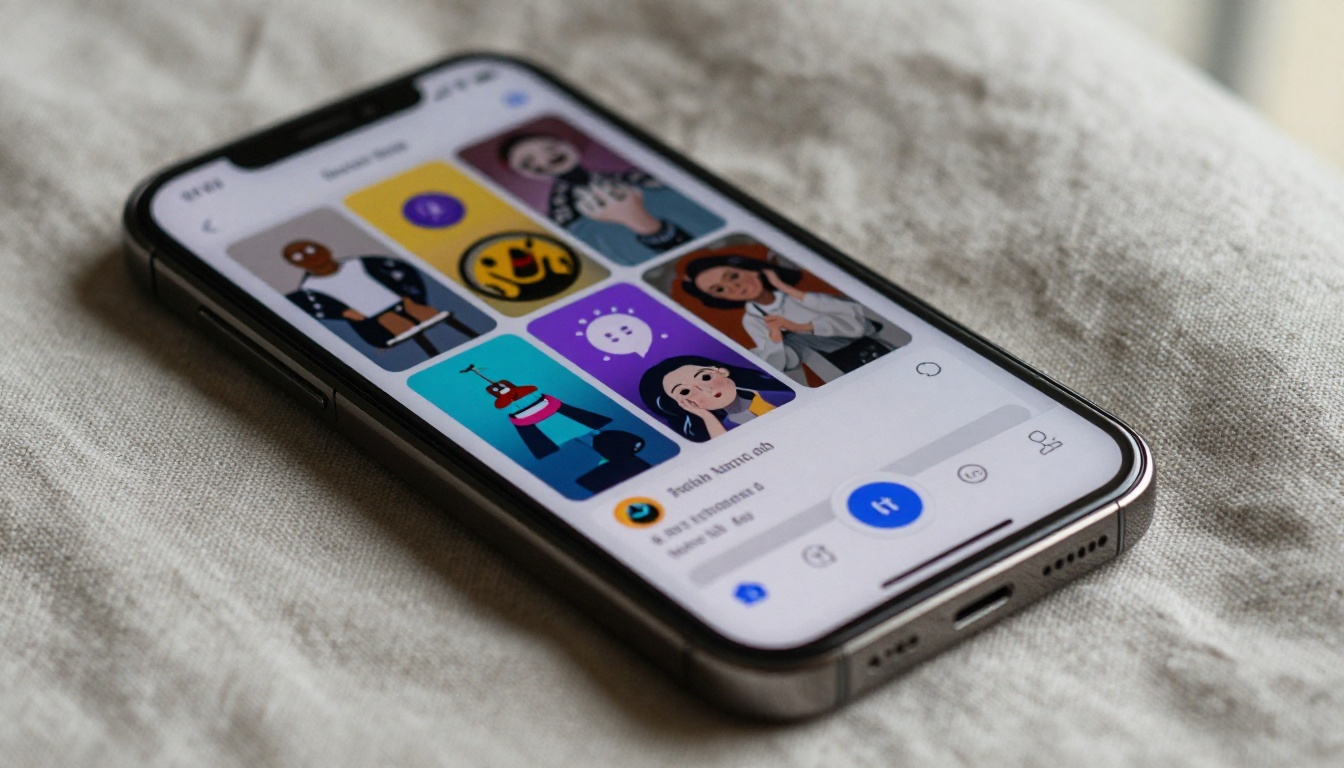
💡 Designs with clear, high-contrast edges around the subject give the background remover the cleanest results. Avoid prompts that blend the subject into the background with fog, soft gradients, or atmospheric haze at the edges.
Step 4: Scale Up for Print
Standard sticker printers require 300 DPI for crisp results. If your generated image is 1024x1024 pixels, that is only about 3.4 inches at 300 DPI. For most stickers that works. But for large die-cuts or display pieces, you need more headroom.
PicassoIA's Super Resolution tool upscales your image 2x to 4x without quality degradation, giving you a print-ready file even from a base generation. Run your background-removed PNG through super resolution before submitting to any print service that handles large formats.
Step 5: Export and Upload
Once you have your transparent PNG at the right resolution, the file is ready. Upload it directly to Printify or Printful for print-on-demand sticker fulfillment, Sticker Mule for bulk orders, or create an Etsy digital listing to sell the PNG itself for buyers who print locally.
Each platform has slightly different size and resolution requirements. Check their spec sheets once and save the specs as a reference for all future packs.
Sticker Types You Can Build with AI
Understanding the physical formats helps you prompt more effectively and price your products correctly.
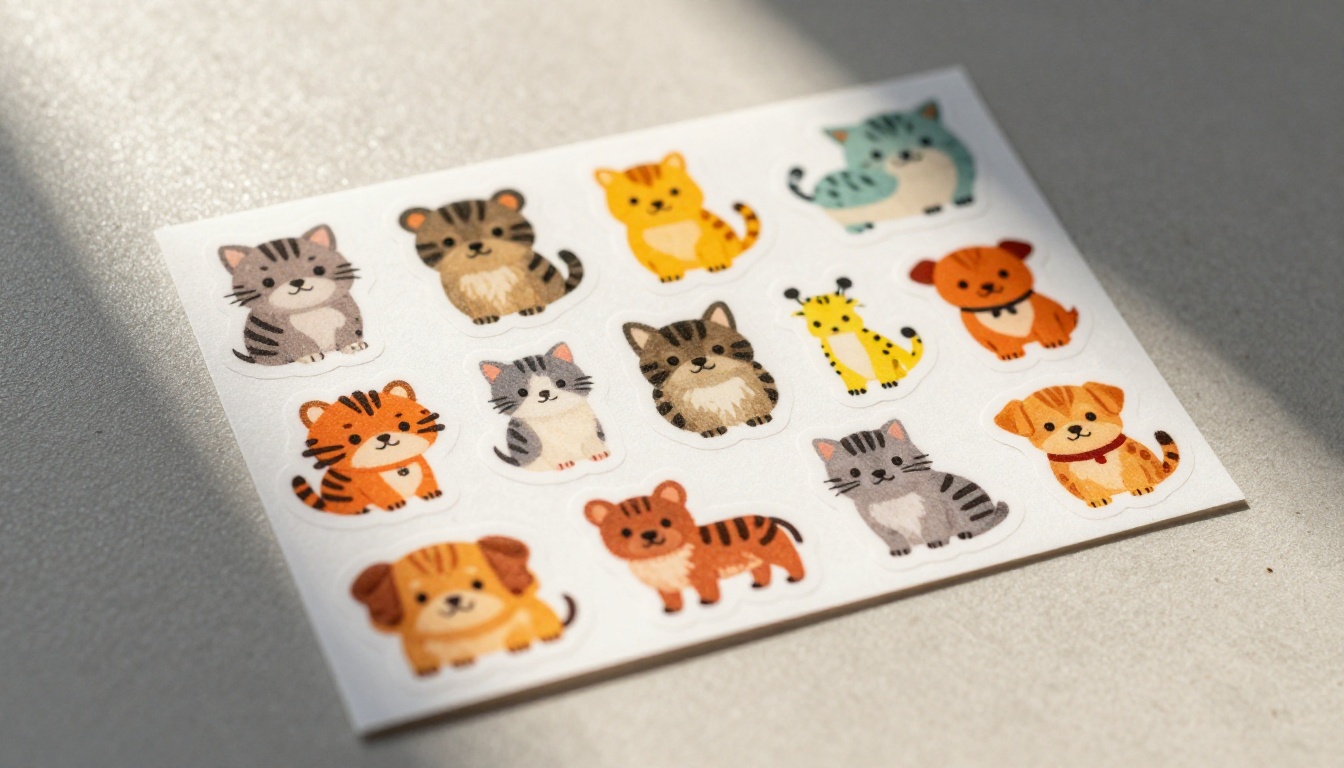
Kiss-Cut vs. Die-Cut
Kiss-cut stickers are cut through the sticker layer but not the backing. The buyer peels the sticker from a sheet of backing paper. This works well for stickers with complex edges (characters, irregular shapes) because the backing protects the design during shipping and gives the product a more premium feel when packaged.
Die-cut stickers are cut all the way through. The sticker itself is the shape. These look more premium displayed on a wall or laptop but ship without backing protection. Most Etsy best-sellers use die-cut for single high-quality stickers.
When prompting for die-cut, always request a white or transparent background so the print shop can calculate the cut line from the edge of your design accurately.
Sticker Sheets
A sticker sheet contains multiple designs on one printed piece. These sell well because buyers perceive higher value per dollar spent. To design a sticker sheet with AI, create each individual design separately using consistent prompt parameters, then arrange them in Canva, Figma, or Photoshop before export.
💡 Build sheets around a cohesive theme. "Autumn Forest Animals" beats a random mix of unrelated designs every time. Themed packs also photograph better for listings.
Waterproof Vinyl Stickers
If you are targeting buyers who decorate water bottles, laptops, car bumpers, and outdoor surfaces, specify "vinyl sticker, waterproof, weather-resistant, bold color-fast inks" in your listing copy. The AI design process is identical to paper stickers. The material choice is up to your print partner and should be clearly communicated in your product listing.
After testing hundreds of sticker prompts, these structures consistently produce strong outputs across all the major models.
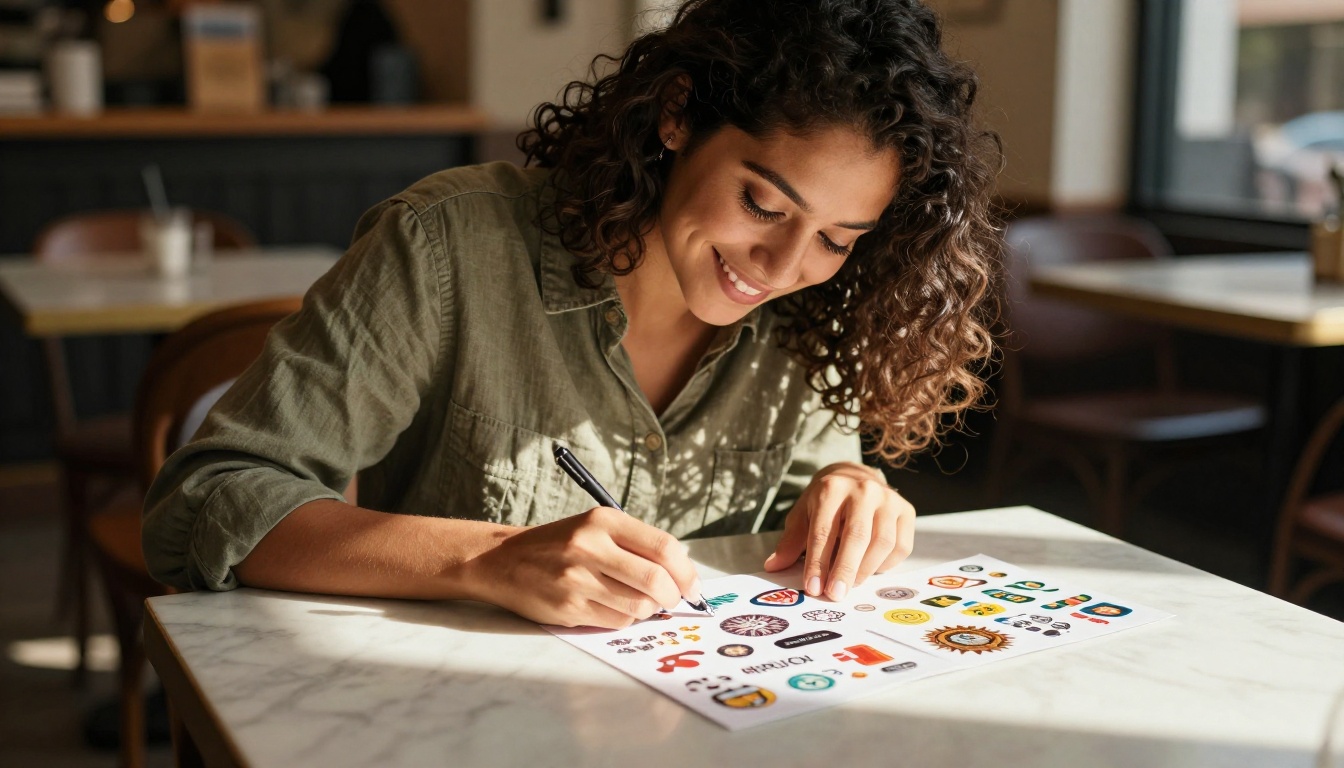
Formula 1: Character Stickers
[Character] + [Pose/Action] + [Emotion] + kawaii style + bold black outline + flat color palette + white background + sticker art
Example: "golden retriever puppy sitting, excited expression, tongue out, kawaii style, bold black outline, flat pastel color palette, white background, sticker art"
Formula 2: Object and Food Stickers
[Object] + [Descriptive detail] + cute cartoon style + thick border + clean background + sticker-ready
Example: "steaming matcha latte in ceramic cup, tiny foam bubbles on top, cute cartoon style, thick white border, soft green and cream color palette, clean white background, sticker-ready"
Formula 3: Frame and Wreath Stickers
[Decorative element] + [Frame or border style] + space for text + flat illustration + sticker format
Example: "floral wreath of pink roses and eucalyptus leaves, circular arrangement, flat illustration style, center space open, sticker format, clean white background"
| Prompt Element | Impact on Output |
|---|
| Style keyword (kawaii, flat, cartoon) | Controls overall aesthetic feel |
| Background instruction | Speeds up the background removal step |
| Border or outline mention | Creates cleaner cut lines for printing |
| Color palette constraint | Keeps multi-design packs cohesive |
| Format mention (sticker art, sticker-ready) | Favors printable compact compositions |
The more of these elements you include, the more predictable and repeatable your results become. That predictability is what makes it possible to produce an entire 12-design pack with a consistent look in one session.
What Makes a Sticker Pack Actually Sell
Generating great individual stickers is the first step. Building a pack that sells consistently requires an extra layer of thinking beyond the individual design.
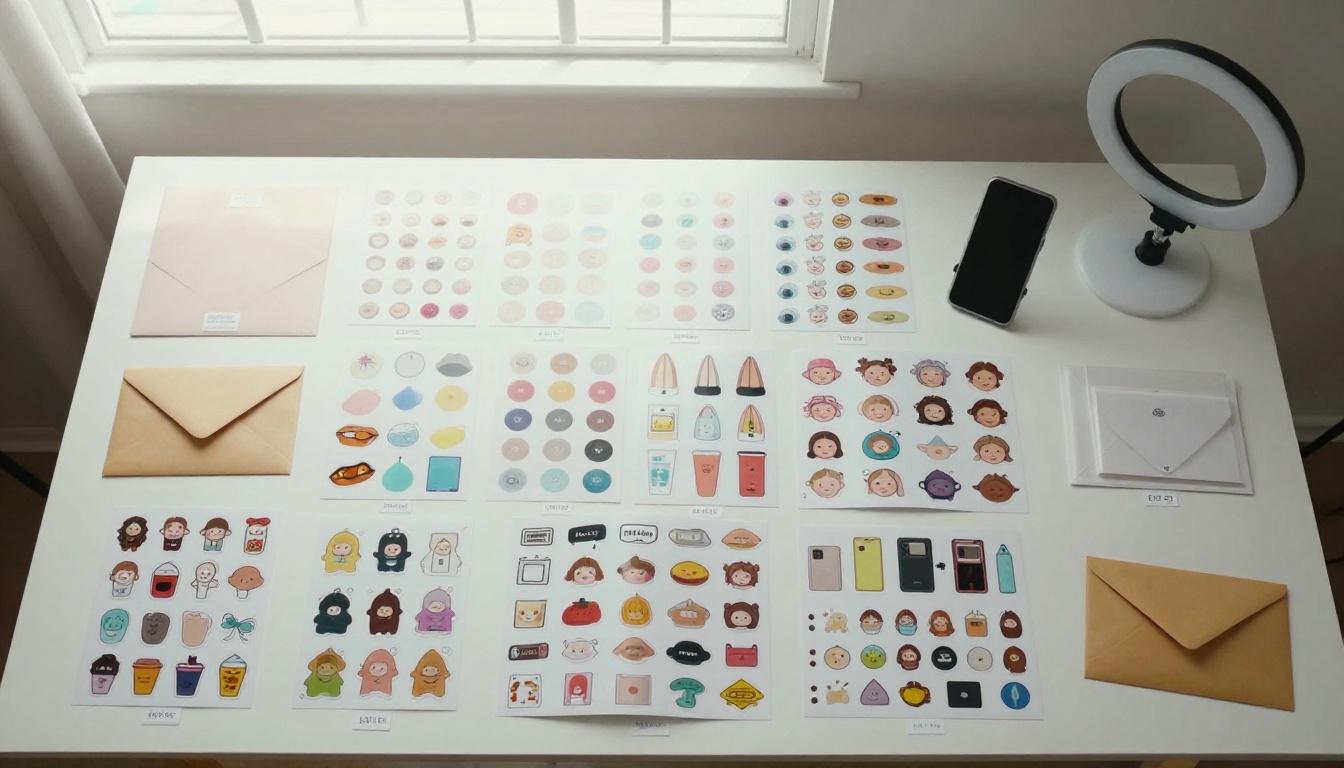
Cohesion over variety: Every design in a pack should feel like it was made by the same artist for the same audience. Pick one style keyword and use it across all prompts in a pack. "Kawaii" and "bold graphic" do not belong in the same sheet.
Seasonal timing: Sticker sales spike around holidays, seasons, and cultural moments. Halloween packs move in September. Valentine's designs sell in January. Back-to-school themes peak in July. Start generating 6 to 8 weeks before any event to give yourself time to iterate and list properly.
Niche specificity: "Cute animals" is a crowded category. "Cute animals reading books" targets a specific buyer who is more likely to convert. The more specific your pack theme, the less competition and the higher the perceived value among the buyers who care most.
Quantity matters: Buyers expect 8 to 12 designs in a standard pack. Go below 6 and perceived value drops noticeably. Go above 15 and the per-design pricing becomes harder to justify without a premium positioning.
Pricing Strategy for New Shops
Do not undercut on price when you launch. Low prices signal low quality in the sticker market. Start at the mid-range for your product type, include at least 10 designs per pack, and use strong product photography. AI-generated mockups are acceptable for listing images but photograph real printed stickers as soon as you receive your first proof order.
Where to Sell Your AI Stickers
Once you have a pack of 10 or more designs, you have several channels that work without a massive following or ad budget.
Etsy has the highest organic traffic for craft and sticker buyers. Digital listings (selling the PNG file) carry zero production cost and scale infinitely. Physical sticker listings through print-on-demand services like Printify connect directly to your Etsy shop with automatic fulfillment.
Shopify gives you full control over the buyer experience and pricing. Traffic is lower at launch, but brand equity builds faster without Etsy's competitive search environment working against you.
Creative Market works particularly well if your sticker designs have appeal as design assets. Floral wreaths, frame elements, and character sets sell to other designers who use them in their own projects.
Gumroad is the fastest setup for digital download products. It works well for testing concepts before committing to a full storefront or for creators who already have a social audience to drive traffic directly.
Create Your First Pack Today
If you have spent more than five minutes thinking about starting a sticker shop, you already have enough to begin. The gap between idea and actual product used to be filled with design costs, tool subscriptions, and waiting on freelancers.
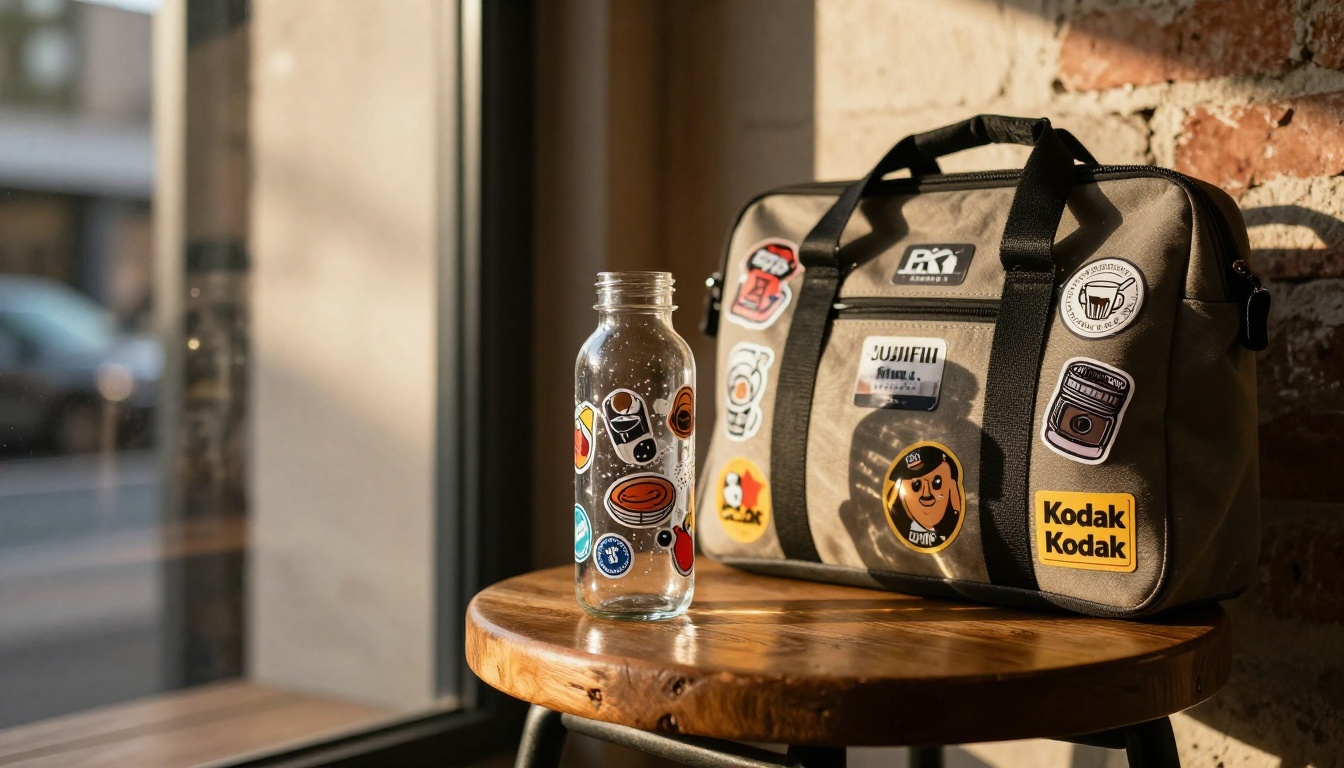
With GPT Image 2 and Seedream 4.5 on PicassoIA, you can generate 10 original sticker designs in a single afternoon. Pair that output with the background removal tool to get clean transparent PNGs, and you have print-ready files before the end of the day.
The only question is what you want your first pack to be about. Pick a theme, write your first prompt using the formulas above, and see what comes back. Adjust, regenerate, and refine until the output is exactly what your store needs.
PicassoIA puts every tool in this workflow in one place. Open the text-to-image generator, paste your prompt, and start building the sticker business you have been thinking about. The first design is the hardest part. After that, it gets faster every time.