Typing "ero video AI" into a search bar usually gets you one of two things: a wall of sketchy sites that want your credit card before showing a single frame, or tools so locked down they refuse a woman in a swimsuit. Neither is useful. What most adults actually want is simple: a sensual, good-looking, tasteful clip made from a prompt or a photo, without paying per second and without a lecture from a content filter.
This article is a practical walkthrough of how that works in 2027. You will see which generators are free, how the two-step method (image first, motion second) beats typing a video prompt from scratch, and which prompt formulas give you glamour, boudoir and summer-style results that stay on the right side of non-explicit. Every example here is adult, consensual, fictional and suggestive rather than graphic, and that is also the range where current models perform best.

What Ero Video AI Really Means
"Ero" comes from erotic, but in practice the term covers a wide spread of content. Searchers use it for everything from lingerie photoshoot animations to bikini beach loops, boudoir portraits that blink and breathe, and moody candlelit scenes. Ero video AI is simply an AI system that produces short moving clips with that adult, sensual aesthetic.
The Two Types of Generators
Almost every tool falls into one of two families:
- Text to video: you type a scene and the model builds the footage from nothing. Fast to try, but faces and bodies drift more often.
- Image to video: you supply a still frame and the model animates it. The look is locked in before motion starts, so results are far more consistent.
For adult-oriented content, image to video is the better bet almost every time. You control wardrobe, lighting, skin tone and pose in the still, then you only have to describe movement.
What "Free" Usually Hides
Most "free ero video AI" pages are a trial with a watermark, a three-clip daily cap or a queue that lasts twenty minutes. Before you commit to any tool, check four things:
- Is there a watermark on exports?
- Is the daily limit stated, or does it appear after your third try?
- Does it ask for personal photos of real people? (Avoid those, always.)
- Can you pick your own source image, or only a preset?
💡 Tip: A generator that lets you bring your own first frame is worth ten that only accept text. It saves credits because you rarely need to regenerate.
Why Photos Come Before Video
The strongest ero-style clips start as a photograph-grade still. Think of a boudoir photographer: they spend ninety percent of the effort on light, wardrobe and pose, then press the shutter. AI works the same way.
Pick a Strong Still Generator
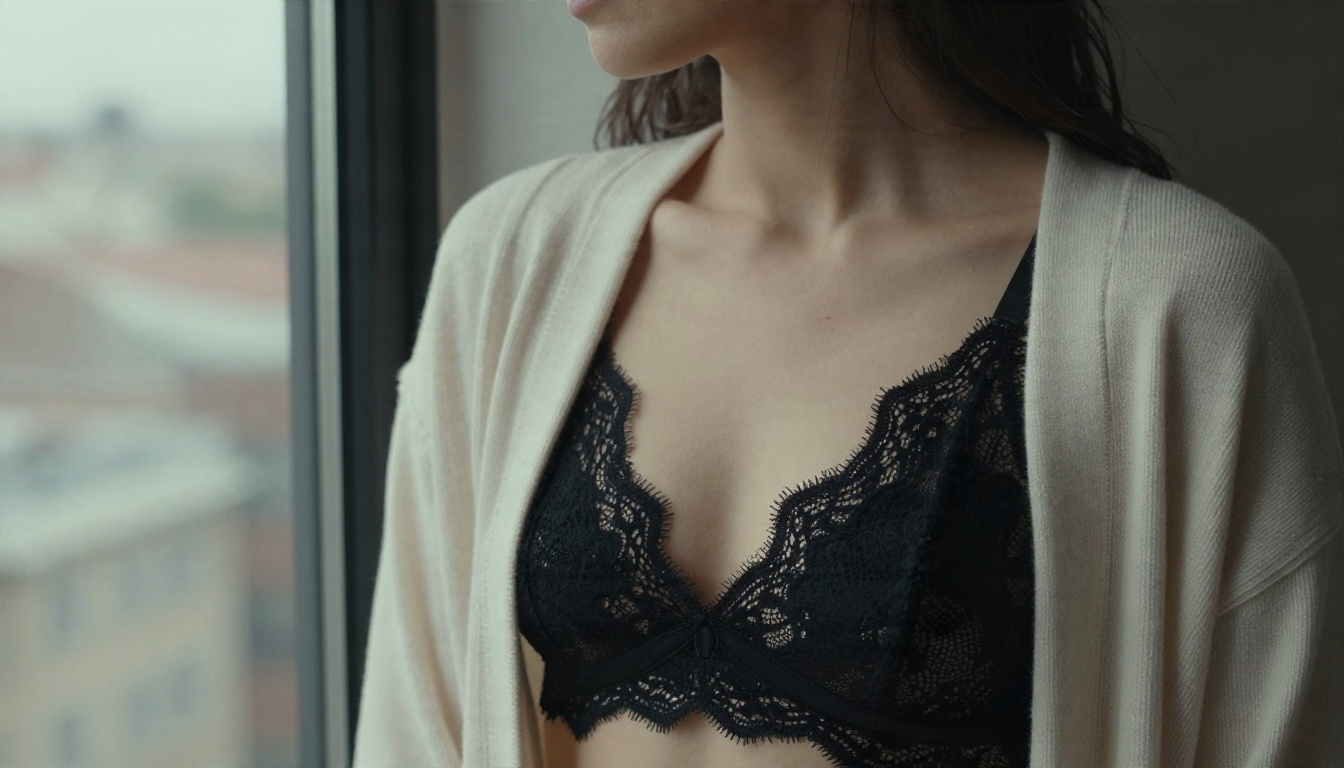
Seedream 4.5 is the first model to reach for. It renders skin with believable pores, fabric with real weave, and light that behaves like it would on a shoot. It handles glamour, swimwear and boudoir styling without the constant refusals you hit elsewhere, and it outputs sharp, high-resolution frames that animate cleanly.
For editing and iteration, PicassoIA Image Editor Pro is the practical companion. It offers unlimited generations, so you can swap an outfit, change the background, fix a hand or adjust the mood as many times as you like until the still is exactly right. That freedom matters, because the first frame decides the whole clip.
Why the First Frame Decides Everything
Video models inherit what they see. If the still has a soft, flat face, the clip will too. If the lighting is harsh, motion will exaggerate it. Spend your time here, and the animation step becomes almost automatic.
💡 Tip: Generate three or four stills in a batch, choose the one with the most natural face, then animate only that one.
The Best Free Generators Right Now
Here is a quick comparison of the tools that handle sensual, non-explicit adult content well, based on how they behave in everyday use.
Seedance 2.5 Lite for Free Clips
Seedance 2.5 Lite is the headline option for anyone searching "free". It is described as a free and unlimited video generator with clips up to ten seconds, which is long enough for a satisfying loop of a woman turning toward a window or a slow pan across a beach scene. Because it takes images as input, it fits the still-first method perfectly.
Wan and Hailuo for Quick Motion
Wan 2.5 I2V Fast and Hailuo 2.3 Fast are the speed picks. Upload a still, write one sentence about movement, and you get a clip back in a fraction of the time premium models need. They are excellent for testing whether a still animates well before you spend more on a longer render.
Kling and Wan 3 for Cinematic Polish
When you want a deliberate camera move, a dolly in, a slow orbit or a rack focus, Kling v2.5 Turbo Pro and Wan 3 deliver the most filmlike motion. Use them for the final version of a scene you already tested on a faster model.
A Simple Image to Video Workflow
This is the routine that gives the highest hit rate with the fewest wasted generations.
Step 1: Build the Still
Open Seedream 4.5 and write a photographic prompt. Describe the subject, the setting, the light direction and the lens. Use 16:9 if you plan to publish the clip on a wide screen.
Step 2: Refine in the Editor
Take your best frame into PicassoIA Image Editor Pro. Change small things: the color of a dress, the time of day, the flowers on the nightstand. Because generations are unlimited, you can iterate without watching a credit counter.
Step 3: Animate the Frame
Send the finished still to Seedance 2.5 Lite, Wan 2.5 I2V Fast or Hailuo 2.3 Fast. Write a motion prompt (formulas below), keep the clip short, and review.
Step 4: Upgrade the Keeper
If a draft looks great, re-render it on Kling v2.5 Turbo Pro for more refined camera movement, or lengthen it with Seedance 2.5.
💡 Tip: Keep a note of the exact still prompt that worked. Reusing it with a new outfit or location gives you a consistent series.
Good prompts are specific about light, lens and movement and quiet about everything else.
The Still Image Formula
Use this structure:
[Subject and pose] + [wardrobe] + [setting] + [light direction] + [lens and angle] + [texture details] + [film look]
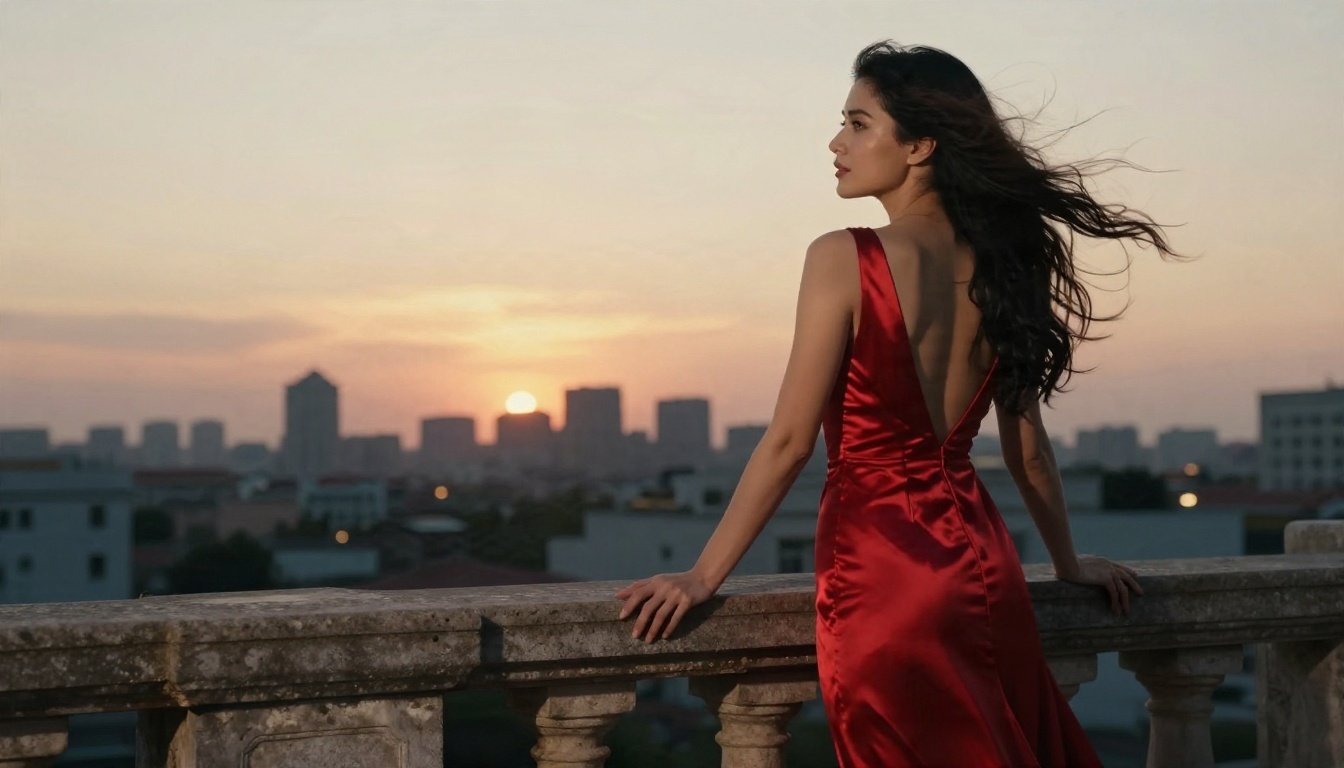
Example: Adult woman in a champagne silk robe resting on an ivory linen bed, French windows behind her with sheer curtains, golden morning light from the left, 85mm f/1.8, shallow depth of field, visible skin texture, Kodak Portra 400 grain.
The Motion Formula
For video, describe what changes over five to ten seconds:
[Subject action] + [secondary motion] + [camera movement] + [light and atmosphere]
Example: She slowly turns her head toward the window and smiles, the sheer curtains drift in the breeze, the camera pushes in gently, warm sunlight shifts across the sheets.
Ten Motion Phrases to Reuse
- "Hair moves softly in a light breeze"
- "Slow dolly in, shallow depth of field"
- "She exhales and looks toward the camera"
- "Candle flames flicker, warm shadows sway"
- "Gentle handheld drift, documentary feel"
- "Waves roll in around her ankles"
- "Silk fabric ripples as she turns"
- "Slow orbit around the subject"
- "Steam rises from the cup as she glances up"
- "Sunlight slides across her shoulder"
Mistakes That Waste Credits
| Mistake | Better Move |
|---|
| Asking for five actions at once | Pick one main action and one background motion |
| Fast, violent motion words | Use "slow", "gentle", "soft" |
| Vague light ("good lighting") | Name the direction and quality, such as "golden light from the left" |
| Skipping the still | Always start from a photograph-grade first frame |
| Long clips on the first try | Test at five seconds, extend later |
Example Scenes With Prompts
These scenes are typical of what works well. Each is sensual and styled, but kept firmly non-explicit.
Golden Hour Beach Walk
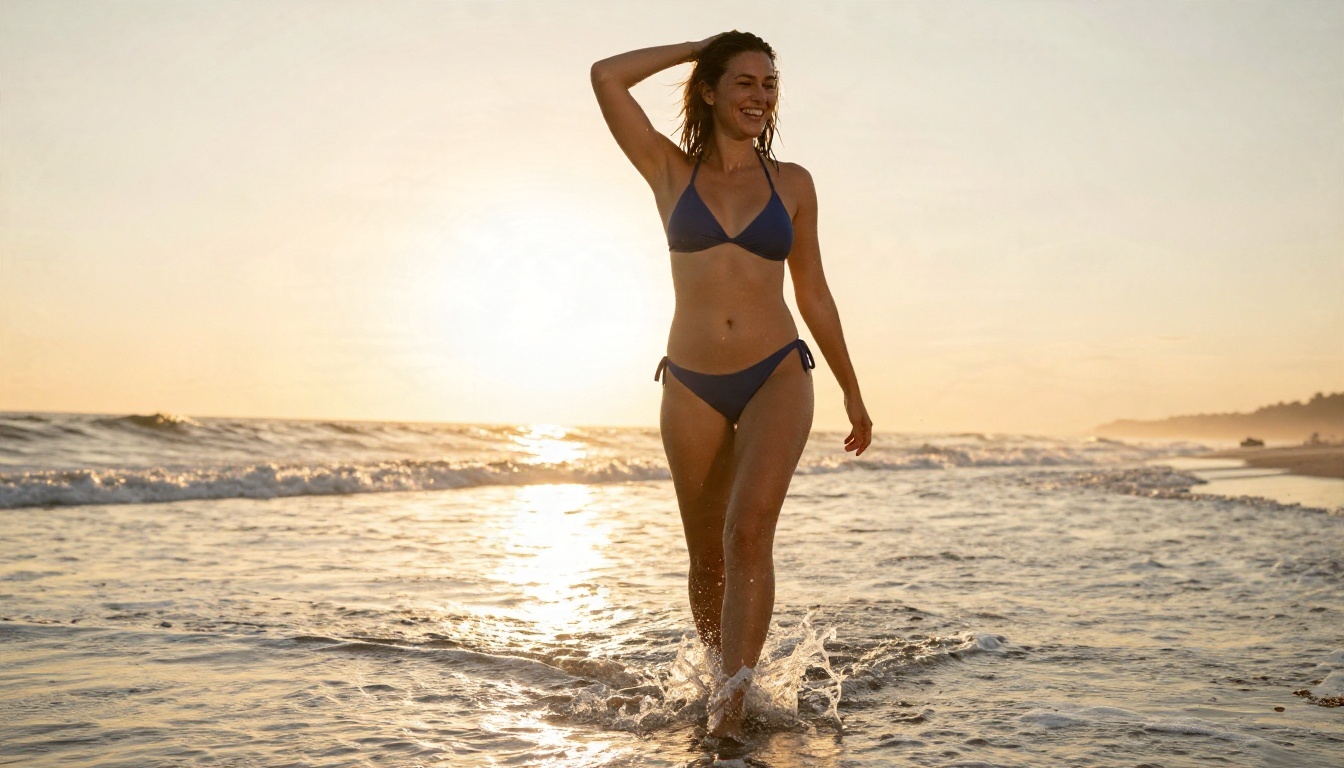
A woman in a navy bikini wades through shallow surf as the sun sets behind her. Prompt for the still: Adult woman in a navy bikini walking through shallow surf at golden hour, backlit warm sunset light, 24mm low-angle, wet sand reflections, film grain. Motion prompt: waves roll around her ankles, she pushes her hair back and laughs, camera tracks slowly alongside.
Candlelit Evening
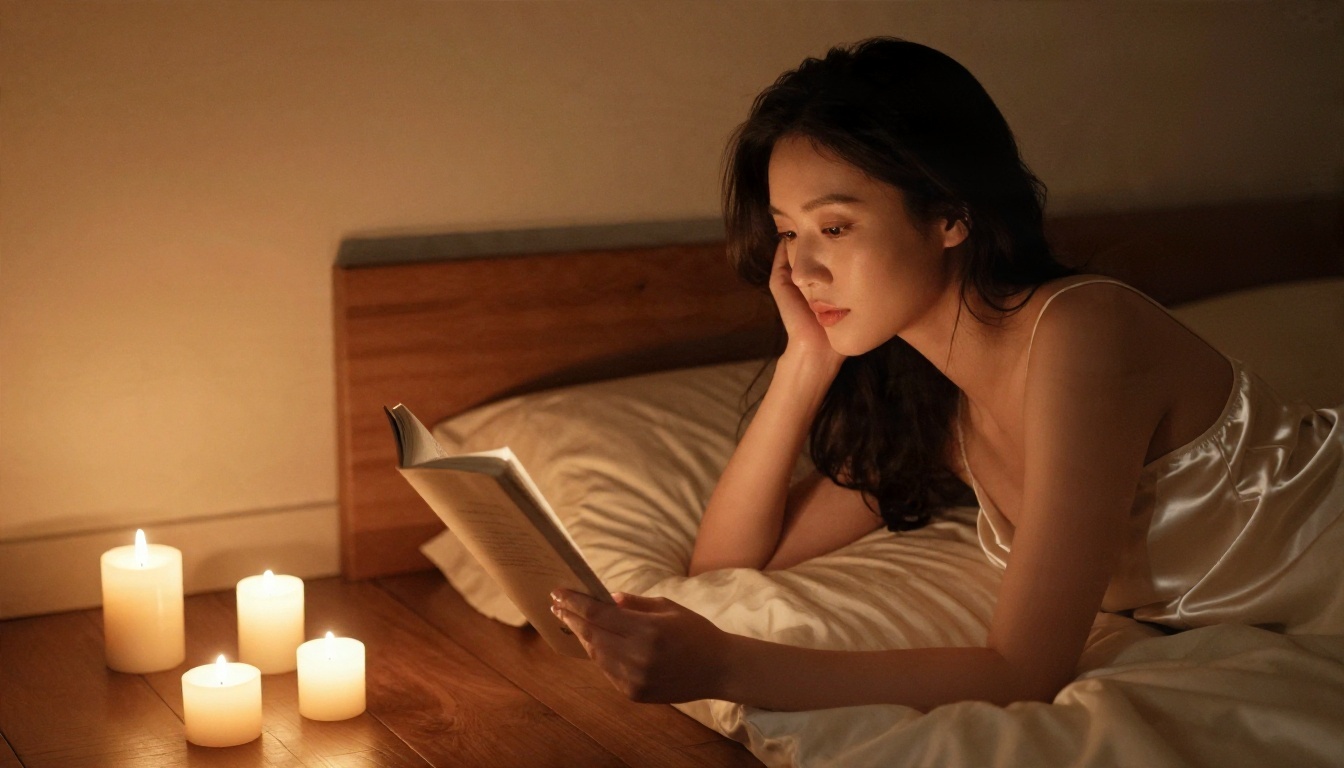
This one rewards low light. Use a cream satin slip, a handful of candles and a warm blanket. Motion prompt: candle flames flicker, she turns a page and looks up, slow push in, deep soft shadows. Models handle flicker well because the movement is small and repeating.
Yacht Deck Summer Look
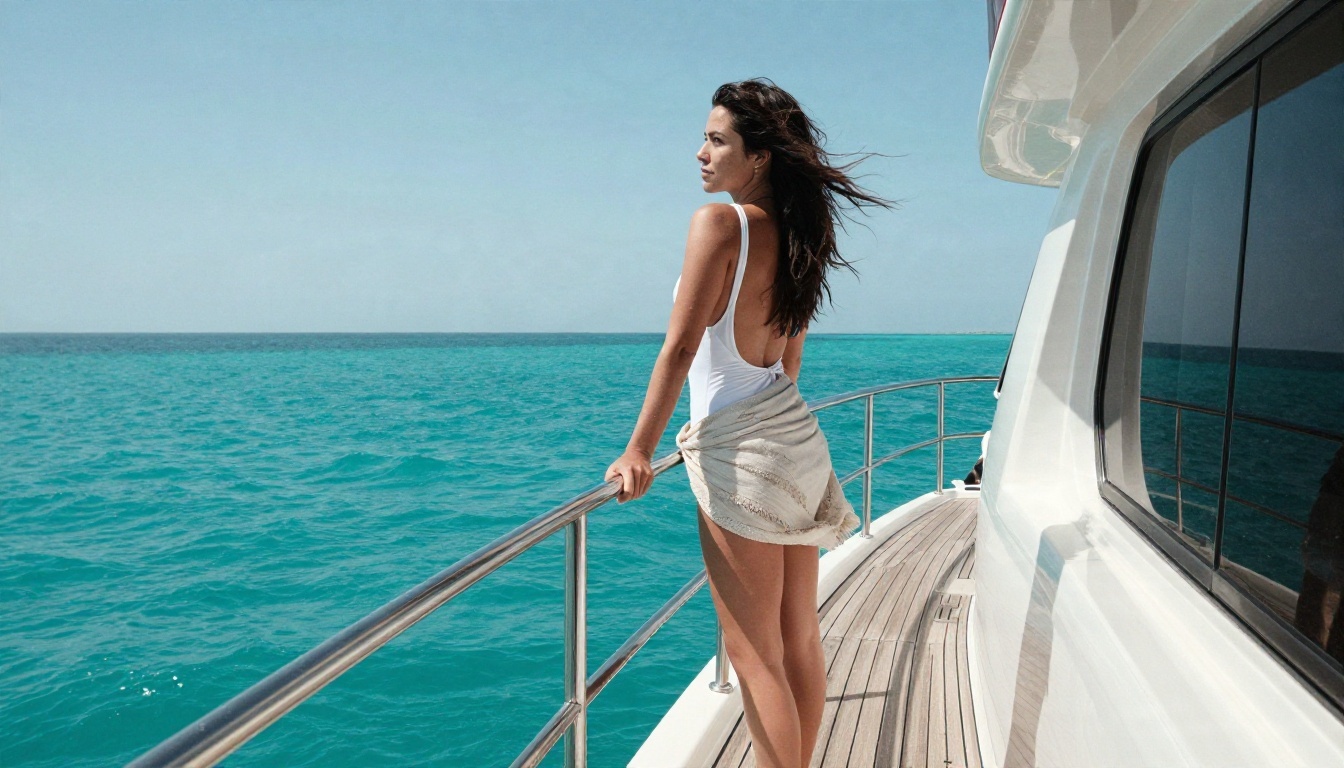
Bright, high-contrast sunshine looks fantastic with a white swimsuit and teak decking. Motion prompt: wind lifts her sarong and hair, sunlight sparkles on the sea, camera holds low and drifts left.
Pool Aerial
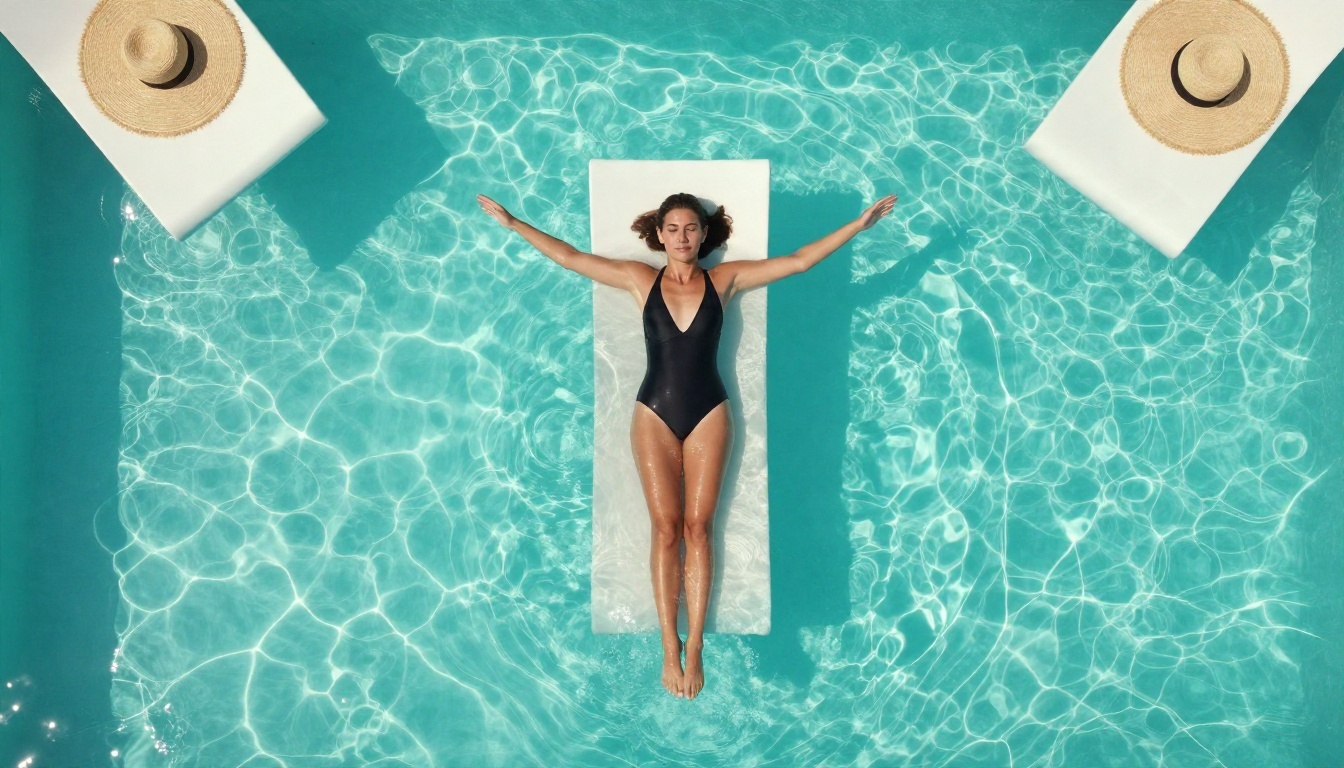
Top-down shots are a favorite because the motion is mostly water. Motion prompt: ripples spread slowly across the pool, she stretches her arms and drifts, light patterns dance on the surface. Water motion is easy for video models, so this scene almost always works on the first try.
Morning Kitchen Light
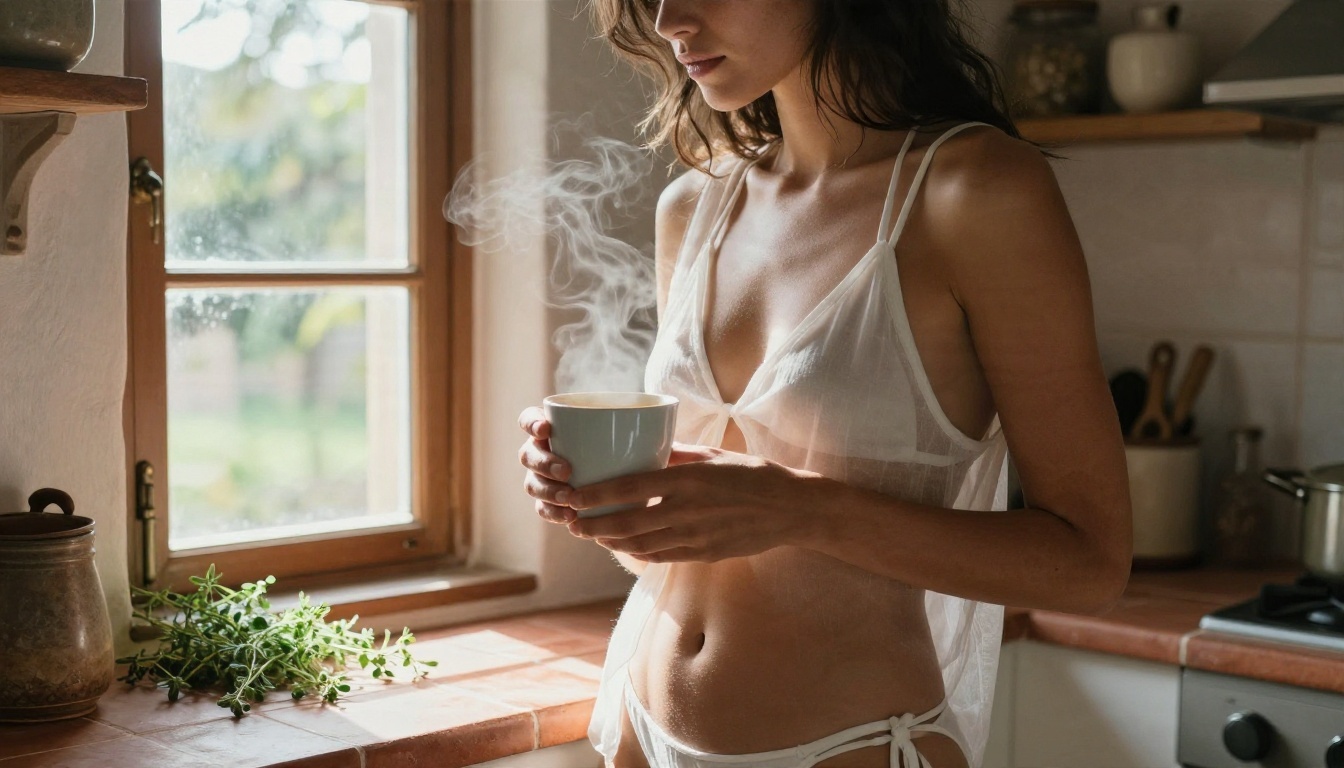
Understated and intimate, this is the kind of everyday scene that looks the most real. Motion prompt: steam rises from the cup, she glances out of the window, curtains stir, soft push in.
Building a Consistent Series
One clip is a toy. A series is a project. If you are posting to a private portfolio, a creator page or a personal collection, consistency is what makes it look professional.
Lock the Look
Reuse the same lens, film stock and color palette words in every still. "Kodak Portra 400, soft grain, warm skin tones" works as a signature. Change only the setting and wardrobe.
Use a Behind the Scenes Reference
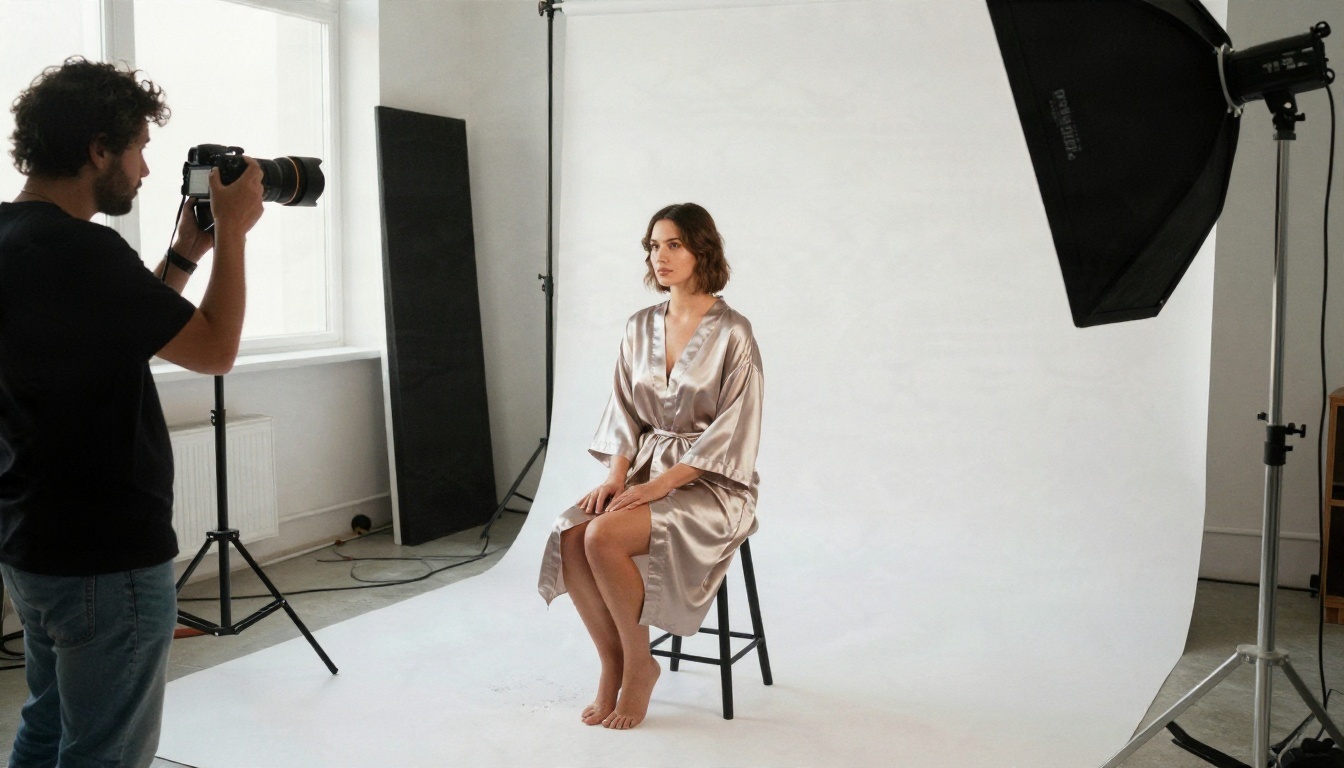
Real photographers plan lighting with a diagram before they press the shutter. Borrow that habit: decide where the main light sits (left, right, behind), whether the background is dark or bright, and which lens you want, then keep those choices fixed across the whole series.
Stitch Clips Together
Short clips from Wan 2.5 I2V Fast or Hailuo 2.3 Fast cut together nicely. A five-clip sequence with a shared look feels like a mini film. For multi-reference projects where you want to feed several photos, clips and audio together, PicassoIA Reference To Video is worth a try.
Safety and Common Sense
Adult content deserves a few firm rules. They keep you safe, they keep the output good, and they are the reason reputable tools still operate.
Non-Negotiable Rules
- Adults only. Every subject must be clearly an adult. No exceptions, no ambiguity.
- Fictional subjects only. Never use photos of real people without their explicit consent, and never mimic a real person's face. Create original characters instead.
- Stay non-explicit. Suggestive, glamorous and artistic is the sweet spot. It also happens to be where models produce their best, most believable work.
- Keep it private or properly labeled. If you publish, follow the platform's adult content rules and age gating.
Why Non-Explicit Wins on Quality
Models are trained heavily on professional photography: fashion, swimwear, boudoir, editorial glamour. That is the territory where they have the most reference material, so skin, fabric, light and anatomy look right. Pushing toward graphic content tends to produce distortions, warped hands and uncanny faces. Sensual and tasteful is both the safer and the better-looking choice.
💡 Tip: If a clip looks "off", simplify. A calmer pose, a single light source and a slower motion prompt fix most problems.
Troubleshooting Common Problems
The Face Changes Mid Clip
Use a higher-quality still, keep the motion small, and avoid very fast head turns. Re-rendering on Kling v2.5 Turbo Pro often stabilizes identity.
Hands Look Strange
Pose the hands in the still so they rest on an object (a railing, a cup, a blanket). Models animate a hand holding something far better than a hand floating in air. Fix any flaws in the still with PicassoIA Image Editor Pro before you animate.
The Motion Looks Stiff
Add a secondary motion: curtains, hair, water, steam, candle flames. A subject that moves alone feels robotic. A subject surrounded by gentle movement feels alive.
Make Your First Clip Today
You now have the full routine: a photograph-grade still from Seedream 4.5, unlimited tweaking in PicassoIA Image Editor Pro, and animation with Seedance 2.5 Lite, Wan 2.5 I2V Fast or Hailuo 2.3 Fast.
Pick one scene from the examples above, copy the still prompt, change one detail to make it yours, and generate. Then write a single sentence of motion and watch it move. It takes minutes, it costs very little (or nothing), and you can repeat it as often as you like on Picasso IA.
Want to see every option side by side? Browse the full catalog at picassoia.com/en/all-models, pick a model, and start experimenting with your own scenes today.


