The most searched question about FLUX.2 Max isn't how it works. It's whether it actually does what people say it does. Spoiler: it does. Black Forest Labs built FLUX.2 Max to be the highest-fidelity model in the FLUX 2 lineup, and part of that capability is generating images that competing platforms actively block. This article breaks down exactly what FLUX.2 Max produces, how it stacks up against every other FLUX variant, and where you can run it right now without hitting a content wall.

What FLUX.2 Max Actually Is
FLUX.2 Max is Black Forest Labs' flagship text-to-image model in the FLUX 2 generation. It outputs at 4 megapixels, meaning images around 2048x2048 or equivalent rectangular resolutions. That's a significant jump from the 1MP outputs common in earlier AI models and most free-tier generators still running today.
The Architecture Behind the Model
FLUX.2 is built on a hybrid transformer-diffusion architecture that processes text and image tokens through a shared attention mechanism. This differs from older latent diffusion models where text encoding and image synthesis happen in entirely separate stages. The result is better text-prompt adherence: what you type is much closer to what you get.
The "Max" designation in the FLUX 2 lineup signals the highest parameter count and inference fidelity. Unlike FLUX.2 Dev (optimized for research and rapid iteration) or FLUX.2 Pro (production-speed outputs), Max prioritizes output quality over generation speed. You wait longer, but what you get is noticeably better.
Why 4MP Resolution Changes Everything
Most AI generators cap at roughly 1024x1024. FLUX.2 Max at 4MP means:
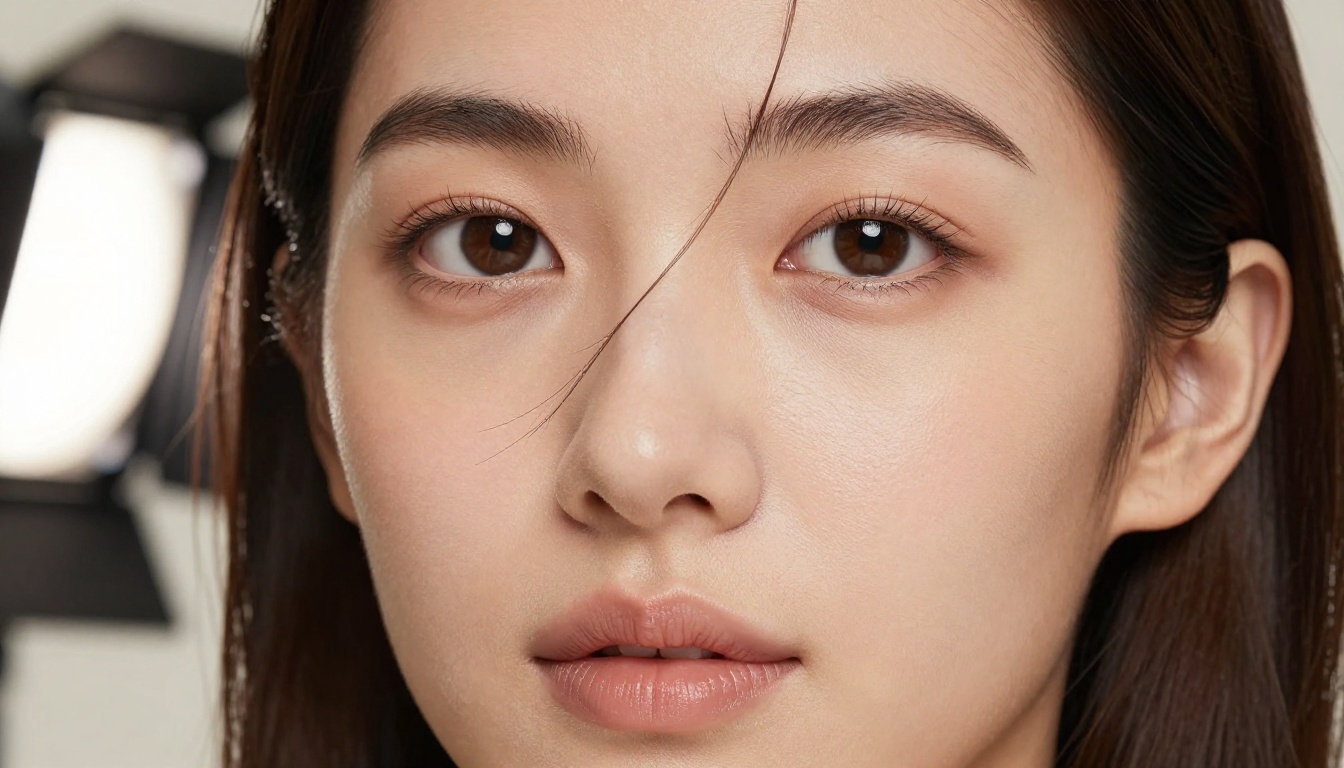
- Skin texture renders with visible pores, fine hair, and natural imperfections
- Fabric shows individual threads and realistic drape physics
- Backgrounds maintain full detail even at the edges of the frame
- Facial features hold up at full crop without the smearing common in lower-resolution outputs
This resolution advantage is why FLUX.2 Max is the go-to for creators who need print-quality or high-resolution digital assets, not just social media thumbnails or quick concept images.
Why Uncensored Output Matters
The word "uncensored" in the context of AI image generation refers to the absence of hard content filters that reject or modify prompts based on adult content detection. Most mainstream AI tools, including several well-known consumer apps, block or sanitize prompts involving:
- Suggestive clothing or swimwear in natural contexts
- Artistic nudity even in clearly non-explicit creative work
- Specific body descriptions that are entirely normal in professional fashion photography
For photographers, digital artists, fashion creators, and adult content platforms, these filters aren't a rare edge case. They're a daily operational problem.
The Filter Problem in Mainstream AI Tools
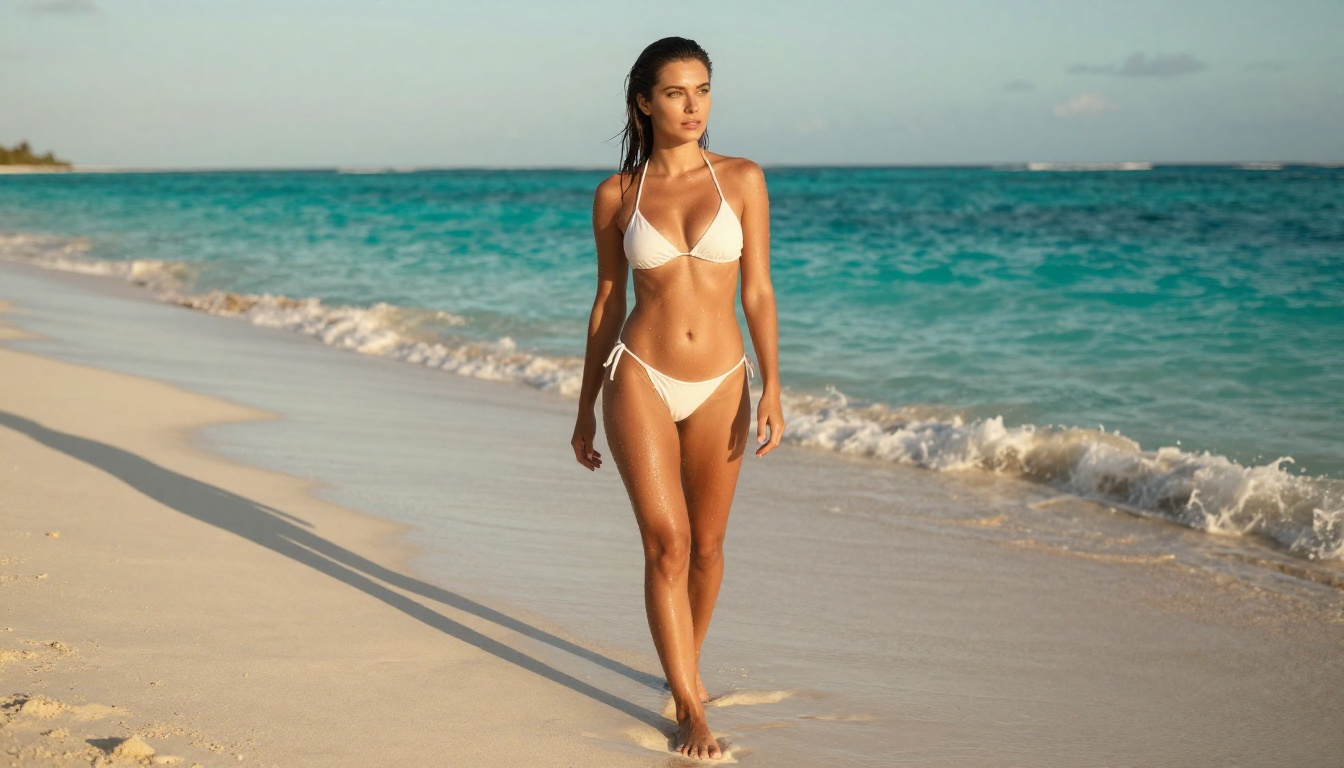
Standard safety classifiers in AI image generators operate on keyword matching and semantic similarity to training flags. The issue: these systems over-correct. A prompt describing a woman in a bikini on a beach gets flagged by the same system that catches genuinely problematic content. The result is that legitimate professional use cases, beauty photography, fashion illustration, fine art figure studies, get caught in a net designed for something else entirely.
FLUX.2 Max, when accessed through an uncensored deployment, removes those classifiers from the pipeline. The model generates what you describe, at full 4MP fidelity, without the erratic approval-then-refusal behavior that makes filter-heavy platforms frustrating to use for professional work.
What "Uncensored" Actually Means Here
To be precise about what this does and doesn't mean: FLUX.2 Max generates Non-Explicit NSFW content. That covers:
- Swimwear and bikini photography in natural settings
- Artistic figure studies and glamour portraiture
- Fashion photography with suggestive but non-pornographic framing
- Fine art compositions in the tradition of studio photography
- Lingerie editorial work common in fashion publishing
This is the category of content that professional photographers produce every day. The "uncensored" label means the AI tool doesn't refuse those requests.
💡 The practical test: If a mainstream fashion or photography magazine would publish it, FLUX.2 Max can generate it without a fight.
FLUX.2 Max vs. Other FLUX Models
The FLUX 2 family has more variants than most people track. Here's how they compare on the dimensions that matter:
The short version: if you need the absolute best output quality and content restrictions are a problem for your workflow, FLUX.2 Max is the right choice. If you're iterating quickly or testing prompts, FLUX.2 Dev or FLUX Fast are more efficient. Once you have a prompt that produces the right composition, you switch to Max for the final 4MP render.
The Best NSFW AI Models Right Now
FLUX.2 Max is excellent, but it's one of more than a dozen uncensored models worth knowing. If you're specifically looking for unrestricted image generation, here's the ranked list based on performance and value:
Seedream 4.5: The Fastest Option That Delivers
Seedream 4.5 is the top recommendation for NSFW generation right now. It accepts adult content, supports image editing in the same interface, and generates in under 3 seconds. The realism level is exceptional and it handles complex scene descriptions without the prompt-adherence failures common in older diffusion models.
Note: The newer Seedream 5 Lite does not support NSFW content. Stick with 4.5 for adult content use cases.
PicassoIA Image Editor Pro: Unlimited Generations
PicassoIA Image Editor Pro is an img2img model with a critical practical advantage: unlimited generations on Elite and Infinite plans. Need 1,000 images for a project? With Image Editor Pro, that's 1,000 images at no extra cost. On other models like Nano Banana 2, that same volume would run around $100. Results come back in under a second. It includes a 3-generation free trial with no credit card required.
More Models Worth Using
| # | Model | Key Advantage |
|---|
| 3 | Qwen Image 2 | Open source, edits or creates, highly detailed realism |
| 4 | Grok Imagine Image | Converts any image to bikini format realistically |
| 5 | Recraft V4 | Very realistic text-to-image results |
| 6 | P-Image | NSFW text-to-image in under 1 second |
💡 The full catalog of uncensored AI models is at picassoia.com/en/all-models

How to Use FLUX.2 Max on PicassoIA
PicassoIA hosts FLUX.2 Max directly in the browser. No API setup, no local GPU required, no Python environment to configure.
Step-by-Step
- Open FLUX.2 Max on PicassoIA
- Type your prompt in the input field, starting with your subject and working outward to environment, lighting, and camera specs
- Set your aspect ratio (16:9 for landscape, 1:1 for square, 9:16 for portrait)
- Hit generate and wait: Max takes longer than lighter FLUX variants because it's doing more
- Download the 4MP output directly from the result panel
Which Plan Fits Your Needs
- Free tier: Limited generations, enough to test whether your prompt structure is working
- Elite plan: Unlimited generations on Image Editor Pro, access to all models including FLUX.2 Max
- Infinite plan: Everything in Elite with higher queue priority for faster generation times
For volume content creation, Elite is the practical choice. The unlimited Image Editor Pro generations alone justify the cost if you're producing at scale.

Prompt Tips That Actually Work
FLUX.2 Max responds to detailed, specific prompts far better than vague ones. The 4MP output quality only shows up fully when you give the model enough information to reconstruct a complete scene.
Subject First, Details Second
Use this structure: What is happening then Where then Lighting then Camera then Film/Style
Weak prompt: "beautiful woman photorealistic"
Strong prompt: "A woman with dark hair standing at a sun-drenched beach shoreline, wearing a white string bikini, water droplets on bronzed skin catching specular highlights from the sun, golden-hour backlight from camera-right creating a rim-light silhouette, shot on 85mm f/1.8, Kodak Portra 400 film emulation, RAW 8K photography"
The second prompt gives FLUX.2 Max a complete scene to reconstruct. The first is just a category label.
Lighting Descriptors That Elevate Output
These lighting phrases consistently improve FLUX.2 Max results:
- Volumetric morning light from the upper left
- Soft box key light at 45 degrees, subtle fill from camera-right
- Golden-hour backlight creating a rim-light halo around the subject
- Overcast north-facing diffuse studio light with zero harsh shadows
- Chiaroscuro with a single practical lamp as the only light source
Camera Specs That Signal Photorealism
Adding camera specifications tells the model to render photographic rather than illustrated results:
- Lens: 85mm f/1.8 prime, 50mm f/1.4, 100mm f/2.8 macro
- Camera body: Hasselblad H6D, Sony A7RV, Leica SL2-S, Phase One IQ4
- Film stock: Kodak Portra 400, Kodak Ektar 100, Ilford Delta 400
- ISO: 100-400 for clean results, 800+ for intentional grain texture
What Breaks the Output
- Contradictory style instructions ("soft light" and "harsh shadows" simultaneously)
- Style mixing that confuses realism versus illustration
- Abstract subject descriptions with no scene anchor
- More than 3-4 major subjects in a single frame
💡 Work efficiently: Use FLUX Fast or FLUX.2 Klein 9B to iterate and refine your prompt. Once the composition and subject are right, switch to FLUX.2 Max for the final 4MP render.
What FLUX.2 Max Produces That Others Block
Here's a concrete breakdown of content categories that mainstream AI platforms frequently block, and that FLUX.2 Max generates without issue:
| Content Type | Mainstream AI Tools | FLUX.2 Max |
|---|
| Bikini and swimwear photography | Often blocked or watered down | Generates cleanly at 4MP |
| Fine art figure studies | Frequently refused | Handles naturally |
| Lingerie fashion editorial | Inconsistent and unreliable | Consistent output |
| Glamour portraiture | Filter-dependent, unpredictable | No filter friction |
| Beauty close-ups with skin detail | Usually fine | Superior pore-level detail |
| Athletic body photography | Usually approved | Top-tier realism |
The pattern matters: FLUX.2 Max doesn't generate "anything." It generates confidently in the space between clearly safe content and explicitly adult material without the erratic behavior of platforms that sometimes approve and sometimes refuse identical prompts.
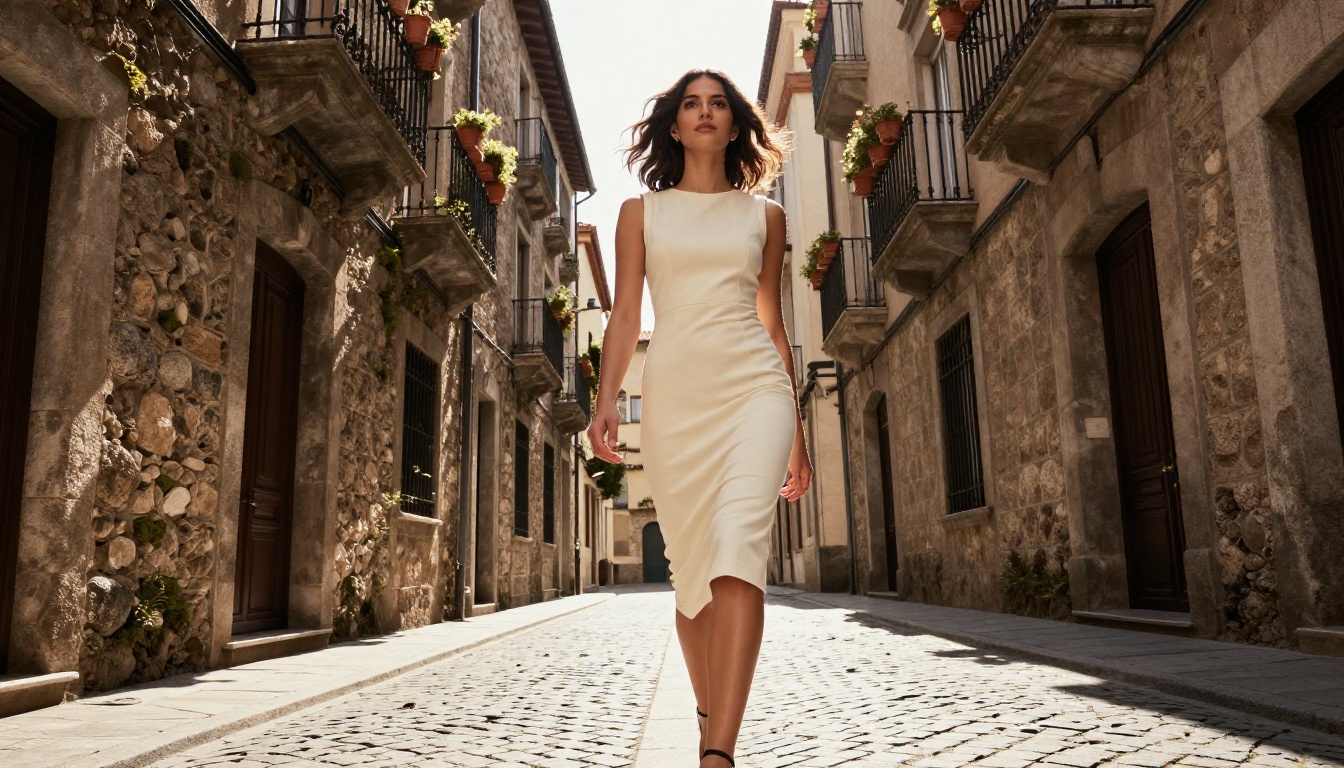
Beyond Max, the FLUX ecosystem on PicassoIA covers a range of specialized creative workflows:
- FLUX Kontext Fast: Edit any existing photo with a text prompt. Change outfits, swap backgrounds, adjust expressions without regenerating the full image.
- FLUX Fill Pro: Inpainting to fill or fix specific areas of an image while keeping the surrounding content intact. Essential for post-generation cleanup.
- FLUX.2 Flex: Dual-mode model that creates new images or edits existing ones from the same interface, useful when you're not sure which approach your project needs.
- FLUX.2 Pro: The production-speed version for workflows where you're generating in bulk and need consistent quality without Max's generation time overhead.
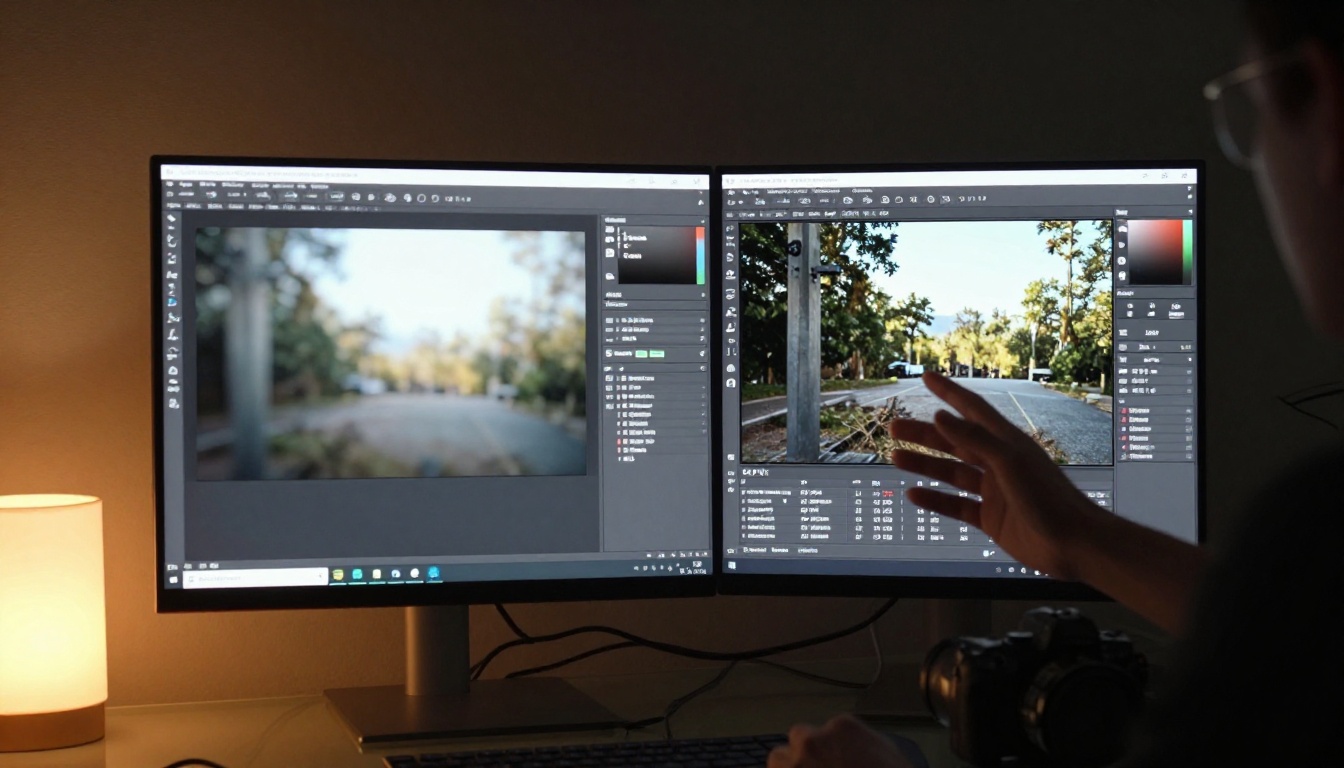
For work that requires upscaling after generation, PicassoIA's super-resolution tools can push a FLUX.2 output even further in resolution without visible artifacts, making it a strong post-processing pairing.
Start Generating Without Restrictions
FLUX.2 Max is the clearest answer available right now for creators who need high-fidelity, uncensored image generation without building a local pipeline or fighting content filters. The 4MP output quality means what you generate is actually usable for professional applications, not a low-resolution draft that needs significant post-processing.
PicassoIA makes it accessible without API keys, GPU hardware, or local setup. You write a prompt, the model generates at 4MP, you download the result.
Here's where to start based on your specific need:
- For best NSFW results with speed: Seedream 4.5 generates realistic content in under 3 seconds
- For unlimited volume at no extra cost: PicassoIA Image Editor Pro with an Elite or Infinite plan
- For maximum 4MP resolution: FLUX.2 Max directly on PicassoIA
- For free prompt testing: FLUX Fast or SDXL to iterate before committing to Max generations
The full catalog with more than 90 text-to-image models is at picassoia.com/en/all-models. FLUX.2 Max is there, along with every other uncensored option ranked and ready to use.


