Black Forest Labs made a serious statement when they released Flux 2 Pro. This isn't a minor patch or a routine version bump. It's a deliberate leap in what an open-source diffusion architecture can produce, and those claims deserve honest scrutiny against real-world outputs rather than cherry-picked showcase images.

This review is direct. Whether you are a photographer looking to prototype concepts, a developer building a commercial product, or someone who simply wants the best output from a prompt, this breakdown covers everything that matters: image quality across styles, how it handles photorealistic portraits, text rendering in images, speed benchmarks, pricing structure, fine-tuning options, and how it genuinely compares to the strongest alternatives available today.
What Flux 2 Pro Actually Is
Flux 2 Pro is the premium tier of Black Forest Labs' second-generation image generation model. It sits at the top of the Flux 2 family, designed for high-fidelity professional output where quality takes precedence over generation cost.
The Architecture Behind the Results
The model uses a hybrid transformer-diffusion architecture built on a flow-matching training objective. What makes it distinct from earlier diffusion models is its dual-stream transformer design: text and image tokens are processed in separate pathways before merging at the attention layers. This design is the primary reason the model handles long, descriptive prompts so much better than CLIP-based architectures ever could.
When you write a prompt with three subjects, six attributes, two spatial relationships, and a specific lighting condition, a CLIP-based model will drop or conflate many of those constraints. Flux 2 Pro honors significantly more of them. This isn't a matter of prompting skill or secret techniques. It is a structural advantage baked into how the model processes language before converting it into visual tokens.
The second-generation improvements over Flux 1.x focus on three specific areas: photorealism in complex multi-element scenes, attribute binding accuracy on long prompts, and improved legibility when rendering text elements within images. All three hold up under testing.
Open Source or Not?
The label requires clarification. Flux 2 Pro is not fully open-source in the traditional free-weights sense. The model weights are not released for unrestricted public download and commercial use. The "open-source" framing refers to the architecture being publicly documented, the training methodology published, and the model being API-accessible without proprietary vendor lock-in.
Flux 2 Dev is the genuinely open-weights version, released under a non-commercial license. If you need local deployment with full model access, that is your path. The trade-off is that Dev's quality ceiling sits slightly below Pro.
| Variant | Open Weights | Commercial Use | Best For |
|---|
| Flux 2 Pro | No | Yes (API) | Production output, commercial projects |
| Flux 2 Dev | Yes | Non-commercial | Fine-tuning, research, local deployment |
| Flux 2 Max | No | Yes (API) | Ultra-premium, slower generation |
| Flux 2 Flex | No | Yes (API) | Speed-first, rapid iteration |
The Full Flux 2 Family
Understanding the full lineup helps you pick the right tool for each stage of your workflow.
Four Variants, Different Use Cases
- flux-2-pro: The premium choice. Highest image quality in the family. Recommended for final output, client deliverables, and commercial projects where quality is non-negotiable.
- flux-2-dev: Open weights, non-commercial license. Built for researchers, fine-tuning experiments, and self-hosted deployment. The foundation of the growing Flux 2 LoRA ecosystem.
- flux-2-max: Pushes output quality beyond Pro at the cost of slower inference and higher compute. For ultra-premium use cases where wait time is acceptable.
- flux-2-flex: Speed-optimized. Lower quality ceiling but significantly faster generation. Ideal for rapid concept iterations before committing to final-quality generation.
There are also the smaller flux-2-klein-4b and flux-2-klein-9b-base variants, designed for low-resource environments and consumer GPU deployment where the larger models would be impractical.
💡 Quick pick: Start with Flux 2 Pro for production work. Use Flux 2 Dev when you need open weights for fine-tuning. These two cover 90% of real-world use cases.
Image Quality That Stops You Cold

This is what actually matters. Benchmarks are useful abstractions, but you care about what the images look like in practice.
Photorealism and Skin Rendering
Flux 2 Pro sets a new high-water mark for photorealistic portrait generation in the open-source adjacent space. Skin rendering shows authentic subsurface scattering behavior, visible pore structure, and natural specular highlights. Earlier models like SDXL struggled with this at a fundamental level, producing faces that looked polished to the point of being plastic.
The model handles complex lighting setups without the characteristic flat-face artifact that plagued earlier diffusion outputs. Rim lighting, volumetric shadows, Rembrandt-style one-directional illumination: all render with convincing depth. Atmospheric perspective in landscapes, material distinctions between wet pavement and dry concrete, polished metal versus brushed aluminum surfaces: these all hold up under close inspection at full resolution.
For product photography simulations, architectural visualization concepts, and fashion reference images, the output quality is high enough that experienced photographers report it as usable for initial client mood boarding without adjustment.
Text in Images
Text rendering has historically been the weakness of diffusion models. Flux 2 Pro makes a genuine improvement, though it does not fully resolve the problem.
Short text elements, single words, and simple two-word phrases appear correctly rendered in the majority of generations. Specify your text in quotation marks within the prompt and keep it brief for best results. Single words succeed roughly 85-90% of the time. Short phrases (two to four words) succeed around 60-70% of the time. Longer strings drop off sharply and remain unreliable. For workflows where precise text accuracy is non-negotiable, Ideogram V3 Quality remains the purpose-built specialist and will outperform Flux 2 Pro in that specific area.
Flux 2 Pro vs the Competition
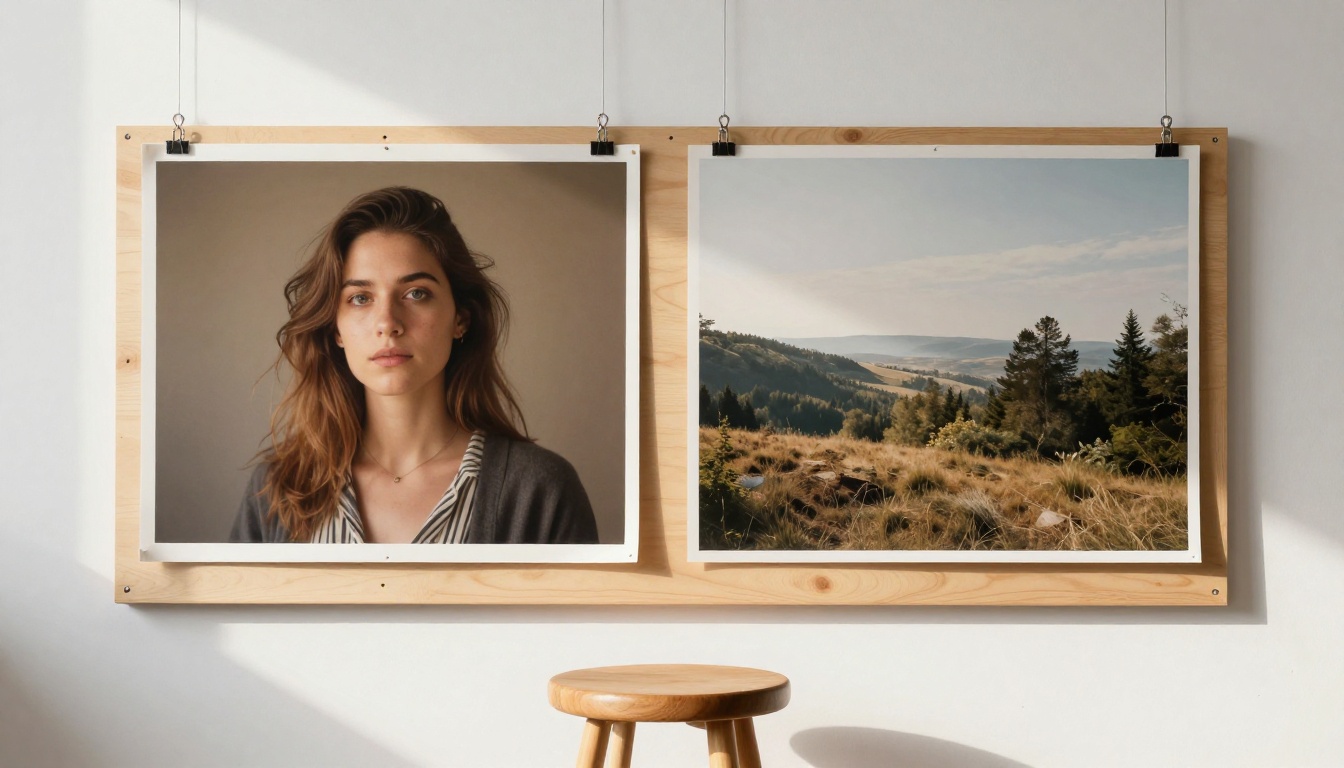
The comparison that actually matters for anyone deciding where to invest their workflow.
| Dimension | Flux 2 Pro | SD 3.5 Large | SDXL | Ideogram V3 |
|---|
| Photorealism | ★★★★★ | ★★★★☆ | ★★★☆☆ | ★★★★☆ |
| Prompt adherence | ★★★★★ | ★★★★☆ | ★★★☆☆ | ★★★★★ |
| Text in images | ★★★★☆ | ★★★☆☆ | ★★☆☆☆ | ★★★★★ |
| Fine-tuning ecosystem | ★★★★☆ | ★★★★☆ | ★★★★★ | ★★☆☆☆ |
| API speed | ★★★☆☆ | ★★★☆☆ | ★★★★☆ | ★★★☆☆ |
| Open weights | No | Yes | Yes | No |
vs Stable Diffusion 3.5
Stable Diffusion 3.5 Large is the most direct open-weights competitor. It is fully downloadable, has a permissive commercial license for most use cases, and produces excellent results with careful prompting. Where it falls short relative to Flux 2 Pro is in multi-subject coherence and complex spatial reasoning.
Run both models on a prompt asking for three people at a table, each wearing specific clothing, with specific objects placed in front of each one. Flux 2 Pro honors more of those constraints per generation. SD 3.5 produces beautiful images but attribute binding breaks down more frequently as scene complexity increases. For single-subject, clean-background work, the gap narrows considerably.
vs SDXL
SDXL remains one of the most deeply fine-tuned base models in existence, with a staggering ecosystem of LoRAs, textual inversions, and community checkpoints. That community depth is its dominant advantage. In raw base model photorealism, Flux 2 Pro is two clear generations ahead. But SDXL's ecosystem means that with the right fine-tune applied, it can match or exceed Flux 2 Pro in specific stylistic territories.
If you need base-model photorealism with no fine-tuning, Flux 2 Pro wins outright. If you need maximum stylistic control through a large community-built model library and are willing to invest time in finding the right checkpoints, SDXL's ecosystem still holds meaningful weight.
Speed and What It Costs

Speed matters when you are generating dozens of images in a real workflow rather than testing a single prompt.
Flux 2 Pro generates a 1024x1024 image in roughly 8 to 15 seconds via API depending on infrastructure load and queue depth. That is slower than flux-schnell which returns results in 2 to 4 seconds, but comparable to flux-1.1-pro from the previous generation.
API Pricing That Makes Sense
Smart workflows treat different variants as different budget tiers:
- Draft phase: Use Flux 2 Flex for fast, lower-cost iterations. Refine your prompt until the composition is right.
- Production phase: Commit to Flux 2 Pro or Flux 2 Max only for final deliverable images.
- High-volume automation: Consider Flux 2 Klein 4B for batched jobs where throughput and cost efficiency outweigh maximum fidelity.
On PicassoIA, access to Flux 2 Pro is included without managing API tokens or configuring infrastructure. That removes significant friction for non-technical users and creative professionals who want model-level power without DevOps overhead.
Fine-Tuning and LoRA Support

One of the strongest reasons Flux architecture gained traction so rapidly is its fine-tuning story. Flux 2 Dev being open-weight means the community has been training LoRAs aggressively since release. Most of those LoRAs are compatible with Flux 2 Pro in standard implementations, giving you Pro-level base quality combined with community fine-tune customization.
Training Your Own LoRA
Training a Flux 2 LoRA works well with a modest dataset: 15 to 50 images for style capture, 20 to 100 for subject identity. Training runs effectively at around 2000 to 4000 steps on consumer GPUs with quantization enabled. The flux-dev-lora variant on PicassoIA gives you direct access to LoRA-loaded generation without self-hosting.
💡 Tip: Flux LoRAs trained at rank 16 or rank 32 offer the best balance of file size and quality retention. Higher ranks improve style lock marginally but produce significantly larger files with diminishing returns.
The fine-tuning ecosystem around Flux 2 is still younger than SDXL's community library but growing at a faster rate. Within months of the initial release, the community produced thousands of trained models covering styles from analog film photography to architectural rendering to product photography. The trajectory points toward it closing the ecosystem gap within 2027.
How to Use Flux 2 Pro on PicassoIA

PicassoIA gives you direct access to Flux 2 Pro without API token configuration or infrastructure setup. Here is how to extract maximum quality from each generation.
Step 1: Open the Model Page
Navigate to Flux 2 Pro on PicassoIA. The prompt interface and parameter controls load immediately. No account linking to external API services required.
Step 2: Write Dense, Descriptive Prompts
Flux 2 Pro responds well to long, structured prompts. Unlike older CLIP-based models that degraded on prompts above 77 tokens, Flux's dual-stream architecture processes dense descriptive text effectively. Structure your prompt in this order: subject description and action, environment and setting details, specific lighting conditions and direction, camera angle and lens characteristics, mood and atmosphere.
Step 3: Set Your Output Dimensions
For photography-style horizontal compositions, 16:9 or 3:2 works well. Portrait shots benefit from 3:4 or 4:5 ratios. Product photography often works best in 1:1 or 4:3. Flux 2 Pro maintains strong compositional quality across all standard ratios without the aspect-ratio artifacts seen in some competing models.
Step 4: Run Variations Before Locking In
Do not fix a seed on the first generation you like. Run four to six variations of your best prompt before committing. Flux 2 Pro has high inter-generation variance, and small adjustments to guidance scale or steps can produce meaningfully different compositional approaches from the same prompt.
Step 5: Apply LoRAs for Consistency
When you need consistent character identity, product appearance, or visual style across multiple images in a series, switch to flux-dev-lora and apply a community-trained LoRA. This dramatically improves output consistency for branded content, character sheets, or serialized creative projects.
💡 Pro tip: Add quality-focused negative prompting to every generation. Specifying blurry, low resolution, watermark, noise, and oversaturated in your negative prompt consistently sharpens the output without requiring changes to your main prompt.
Who Should Actually Use This

Not every workflow needs Flux 2 Pro. Here is a direct breakdown.
Flux 2 Pro is the right choice if:
- You create commercial photography-style imagery and need the highest available base quality
- You are building a production application where image quality directly affects user perception or brand value
- You want the best photorealism available without managing a custom fine-tune or local model setup
- Your generation volume is moderate and quality-per-image return justifies the compute cost
Use Flux 2 Dev instead if:
- Full local deployment without API dependency is a requirement
- You are fine-tuning a base model and need open weights to do it
- Your use case is non-commercial or research-focused
- You want to build an extensive LoRA library on a freely downloadable base
Use Flux 2 Flex instead if:
- Speed matters more than maximum fidelity in your specific workflow stage
- You are in a rapid concept iteration phase and are not yet generating final outputs
- Per-image cost is a primary operational constraint
Consider Flux 1.1 Pro Ultra if:
- You need ultra-high resolution output above 2K and have established workflows built on the Flux 1.x generation
- You want a proven production model while the Flux 2 ecosystem matures further
The Verdict
Flux 2 Pro earns its position as the reference standard for open-source adjacent AI image generation in 2027. The photorealism ceiling is genuinely higher than anything that preceded it in this space. Prompt adherence on complex, multi-element scenes is the best available from any model accessible via API today. Text rendering is meaningfully improved over every previous diffusion model, though it is not yet fully solved for long or precise text requirements.
Its real limitations are the lack of freely downloadable open weights (unlike Flux 2 Dev), a fine-tune ecosystem that is still building toward SDXL's depth, and per-image costs that make it better suited to final production use than bulk drafting workflows.
If you are serious about AI image generation and want the strongest quality available without building your own infrastructure, the path is clear.
Try it yourself. Head to Flux 2 Pro on PicassoIA and run your first generation in under a minute. No API setup required, no local GPU needed, no configuration overhead. The output quality difference is something you will see immediately in the first image.