Two of the most capable text-to-image models from Black Forest Labs arrived together with the Flux 2 generation, and they are not interchangeable. Flux 2 Pro and Flux 2 Max share the same foundational architecture but diverge sharply in output ceiling, generation behavior, and the types of creative work where each truly shines. If you have been generating images with either model and wondering whether switching to the other would improve your results, this breakdown will answer that directly.
The Flux 2 family also includes Flux 2 Dev and Flux 2 Flex for different use cases, but Pro and Max are where most serious creators spend their time. This comparison focuses entirely on those two.
What Makes Flux 2 Different
The original Flux lineup, starting with Flux Pro, Flux Dev, and Flux Schnell, established Black Forest Labs as one of the few teams capable of matching or surpassing Stable Diffusion in raw visual output. The Flux 2 generation takes that foundation and rebuilds it with improved prompt adherence, better spatial reasoning, and significantly more realistic textures across skin, fabric, architecture, and natural environments.
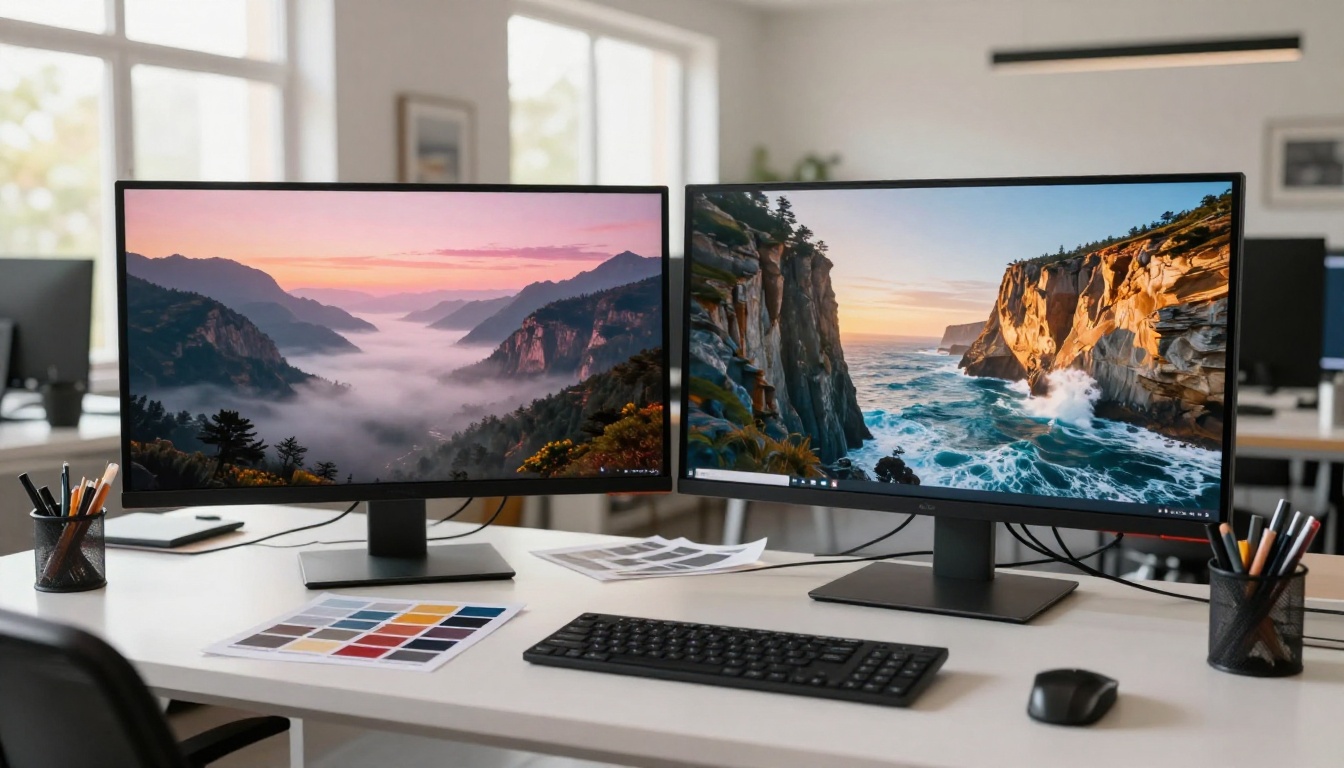
The architecture that changed everything
Flux 2 uses a flow-matching diffusion process with separate text and image transformer streams that communicate through bidirectional attention. In practical terms, the model does not treat your text prompt as a loose suggestion. It reads the instruction, maps spatial relationships, and builds the image with consistent reference to that structure throughout the entire generation process.
This is why Flux 2 handles multi-element prompts far better than older models. Ask it to place a woman in a red coat standing to the left of a market stall with a specific type of lighting, and it follows each of those constraints rather than approximating them. The result is images that feel deliberately composed rather than statistically assembled.
Both Flux 2 Pro and Flux 2 Max inherit this architecture fully. The split between them is not about capability in any fundamental sense. It is about how far each model pushes that capability before stopping.
Where it fits in the Flux family
Before diving into Pro versus Max, it helps to see where both sit within the broader Flux 2 ecosystem:
Flux 2 Pro at a Glance
Flux 2 Pro is the workhorse of the family. It delivers high-fidelity output fast enough to maintain a real creative rhythm, which is something that gets undervalued when you are generating dozens of variations across a single project. Speed is not just a convenience feature when your work involves iterating through lighting options, compositional choices, and prompt refinements before landing on a final direction.
Strengths you will notice immediately
The first thing most users notice with Flux 2 Pro is how cleanly it handles portraits. Skin tones are rendered with natural variation, not the plastic smoothness that older diffusion models defaulted to. Hair strands sit with weight and direction. Clothing folds reflect the physics of the described fabric rather than defaulting to generic wrinkle patterns.
Beyond portraits, Pro performs reliably across a wide range of subject categories:
- Architectural scenes: Sharp edges, accurate perspective, realistic material textures including concrete, glass, steel, and brick
- Product photography setups: Clean studio lighting, accurate shadows, no hallucinated surface artifacts
- Landscape photography: Atmospheric depth, credible cloud formations, natural color temperature gradients across the frame
- Text within images: One of Flux 2 Pro's most practical advantages is cleaner text rendering compared to most competing models, which still struggle with legible in-image typography
💡 Tip: For portrait work, add lighting direction to your prompt (e.g., "soft window light from the left, 85mm lens, shallow depth of field") to activate Flux 2 Pro's best output quality. Specific camera and lens instructions signal to the model that photographic realism is the target.
Where Pro has its limits
Flux 2 Pro does not always render fine-grain detail in highly complex scenes with the same density as Max. When you need an image with many distinct elements all rendered at equal fidelity, or when the output will be printed at large format, Pro can occasionally simplify background details or soften micro-textures that would be clearly visible at maximum zoom.
For most digital applications including web publishing, social media, digital advertising, and standard print formats, this limitation is largely invisible to the viewer. But for commercial photography work intended for billboard, large-format exhibition, or high-end editorial print, it is worth knowing where the ceiling is.
Flux 2 Max: The Premium Option
Flux 2 Max runs the same architecture as Pro but with the quality ceiling removed. It takes more inference steps, applies more rigorous attention during the generation process, and the result is visibly denser image information across the entire frame. When you zoom into a Max output at 200%, you are still looking at a photograph. When you do the same with Pro, you start to see the generation seams.
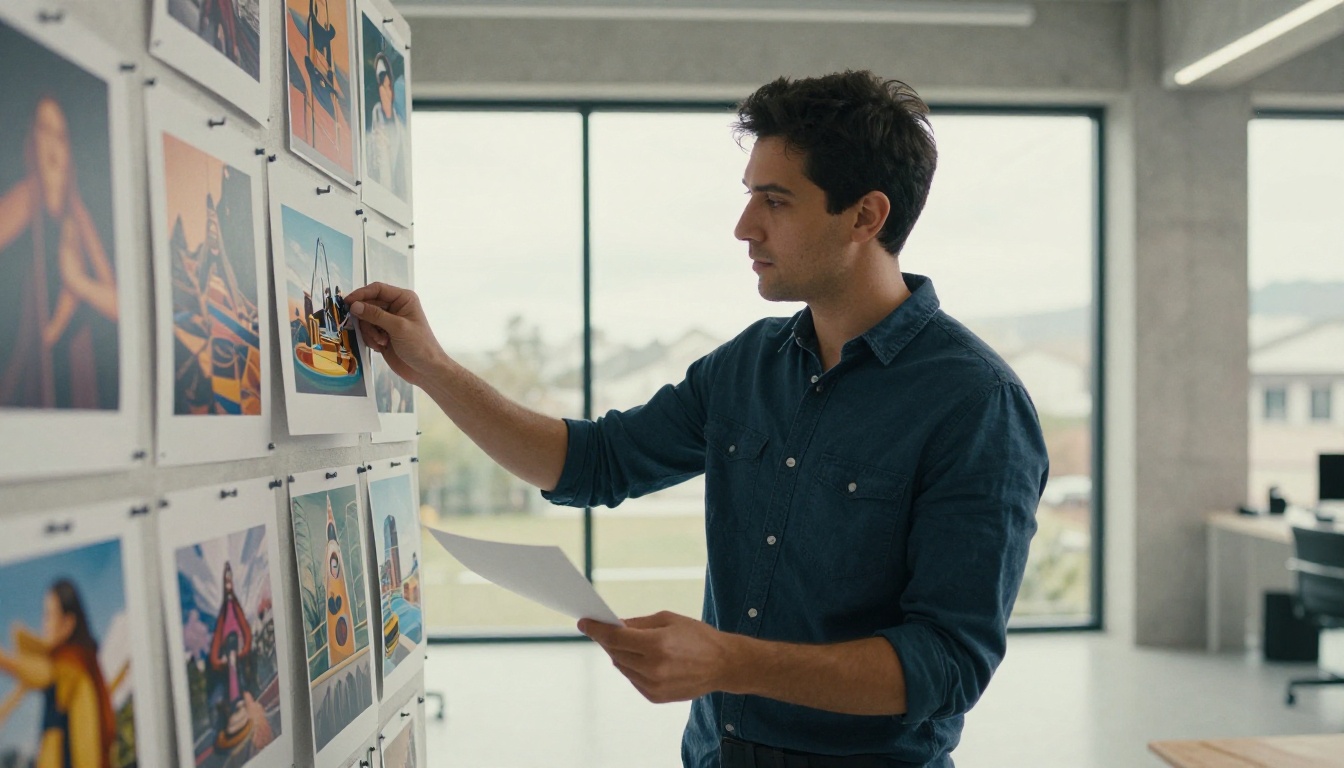
What Max adds on top
The difference between Flux 2 Max and Pro is most visible in three specific areas:
1. Micro-texture density
Max fills the entire image with detail that holds up under extreme zoom. Fabric weave patterns, individual hair follicles, the roughness of stone surfaces, the reflective gradients on metal objects: all of these are rendered with a level of fidelity that approaches actual photographic output. This is not a subtle difference when you need it; it is the entire reason Max exists.
2. Lighting accuracy
Complex lighting scenarios, such as a subject caught between a warm interior lamp and cool exterior window light, are handled with more physical accuracy in Max. Subsurface scattering on skin, the way translucent fabric diffuses backlight, the color temperature shifts across a mixed-light environment: Max processes all of this more faithfully than Pro, producing light behavior that reads as genuinely photographic.
3. Prompt adherence at scale
With many elements in a single scene, Flux 2 Max holds the integrity of the prompt more consistently than Pro. Each described object maintains its intended relationship to the others, spatial composition stays accurate, and nothing gets dropped or approximated. For prompts with precise compositional requirements, this reliability matters significantly.
When Max is more than you need
For social media content, rapid concept sketching, client presentation mockups, or any workflow that prioritizes iteration speed over final-print quality, Flux 2 Max is slower and more expensive than necessary. Flux 2 Pro will get you to the same visual result for those applications without the added wait or cost.
Max is the right tool when the output is the end product. Pro is the right tool when the output is a step in the process.
Quality, Realism, and Prompt Accuracy
This is where the real comparison lives. Both models produce images that could fool a casual viewer at typical screen resolutions, but the difference becomes clear when you push them toward the edges of their capabilities.
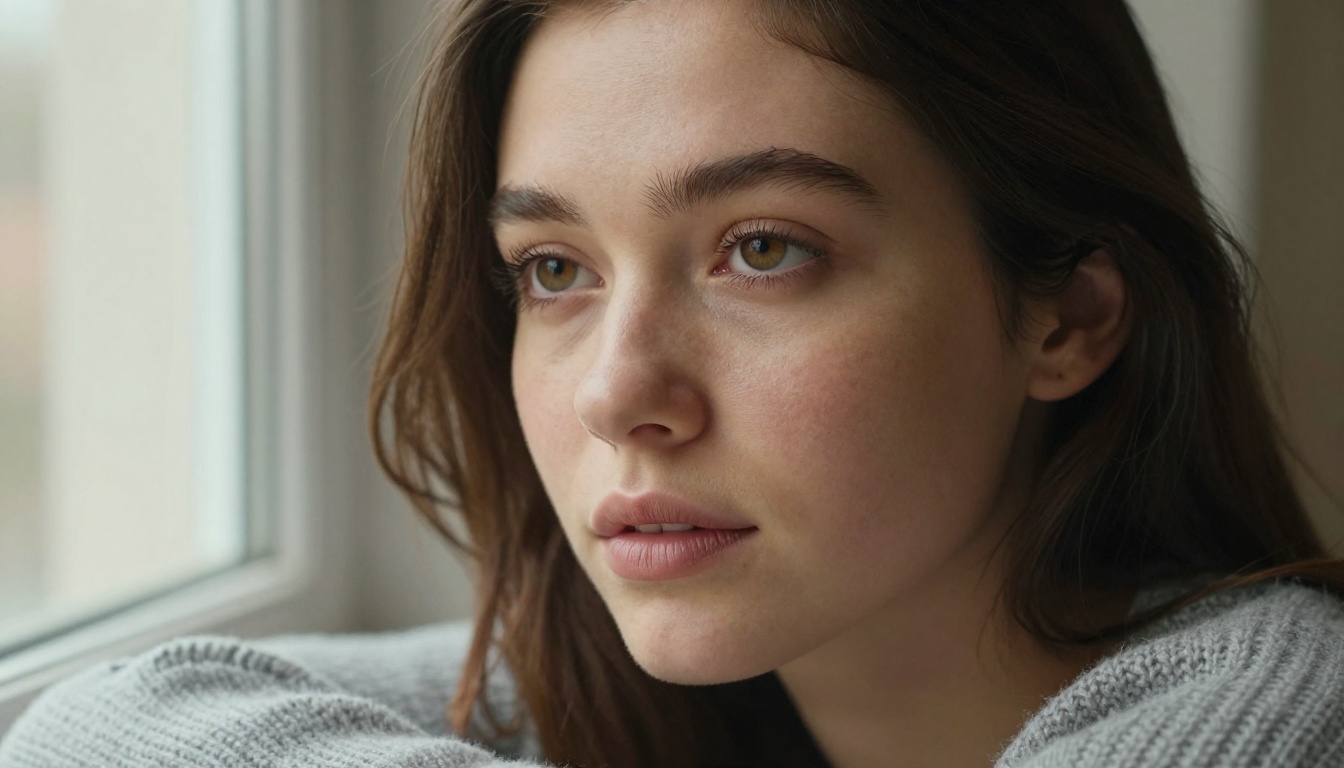
Portrait and face detail
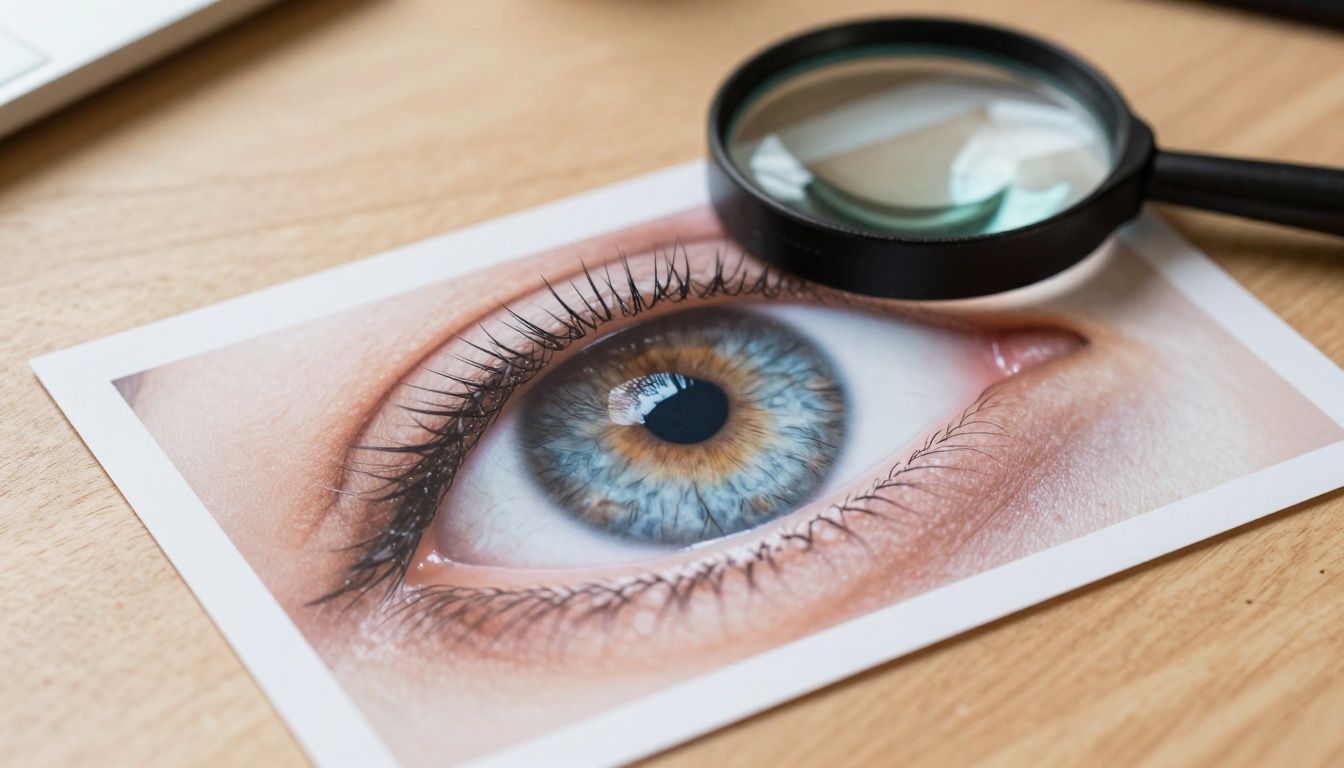
For close-up portrait work, Flux 2 Max has a noticeable edge. Iris texture is more detailed, the transition from lit to shadow areas on skin follows more accurate subsurface scattering physics, and fine facial hair is rendered with consistent direction and thickness. At a standard full-resolution view, both models produce strong portraits. At high-magnification crop for print production, Max pulls ahead in a way that becomes very apparent.
Flux 2 Pro is not far behind for typical digital use. Portrait outputs from Pro at full resolution look excellent on web, in presentations, and in most print formats up to A3 size. For most creative professionals, Pro is enough for portrait-based work the majority of the time.
Environments and complex scenes
In wide environmental shots, both models excel at atmosphere and color grading. The distinction appears in background detail density. Where Pro might render a distant tree line as convincing but somewhat uniform, Max renders individual branch structures visible through leaves. Where Pro suggests the texture of a cobblestone street in background context, Max renders each stone with independent shading and surface variation.
For commercial photography replacements, advertising campaigns, or any image that needs to hold up across multiple crops and sizes, the investment in Flux 2 Max pays back consistently. A single Max image can be cropped into multiple formats for different placements without the detail loss that would occur with a Pro output pushed beyond its native resolution.
💡 Tip: When working with complex scenes in either model, break your prompt into four distinct parts: subject, environment, lighting, and camera specifications. Both Flux 2 Pro and Flux 2 Max respond better to structured prompts than to long free-form descriptions.
Speed and Cost Per Image
This is the practical factor that most comparison articles skip past too quickly, but it determines whether a model actually fits into a real production workflow.
Generation time compared
Flux 2 Pro generates at speeds that keep creative momentum intact. Most generations complete quickly enough to allow you to iterate through multiple prompt variations, lighting options, or compositional changes within a short working session. This speed is not just a convenience; it directly affects how many creative directions you can explore before committing to a final approach.
Flux 2 Max takes longer per image, typically 1.5 to 2 times the generation time of Pro at equivalent settings. This is not a flaw in Max; the additional time directly reflects the extra processing invested in achieving that quality ceiling. But if your workflow involves generating a large number of images in a single session, the time difference compounds meaningfully across the full project.
Cost breakdown
Both Flux 2 Pro and Flux 2 Max are available on PicassoIA with per-generation pricing. Max costs more per image than Pro, reflecting the additional compute involved. A practical way to think about cost allocation:
- Use Flux 2 Pro for exploration, iteration, and client draft reviews where volume is high and individual image stakes are lower
- Use Flux 2 Max for finals, client deliverables, and publication-ready output where volume is low and quality stakes are high
This split approach gives you the speed benefits of Pro during ideation and the quality ceiling of Max for the images that actually ship. Most professional workflows benefit from using both models at different stages of the same project.
Which Workflows Fit Each Model
The clearest way to decide is to map the models to actual use cases rather than abstract capability comparisons.
Pro for daily production
Flux 2 Pro is the right choice when:
- You are generating multiple image options before deciding on a creative direction
- The final output lives on screen: web, social, digital advertising, app UI, presentations
- You need fast turnaround for client previews or internal design reviews
- You are producing content consistently and per-image cost matters across the volume
- The images will be used at sizes that do not require large-format print quality
Max for premium deliverables
Flux 2 Max is the right choice when:
- The image is a final deliverable with no further revision expected
- The output will be reproduced at large scale, high resolution, or printed commercially
- You are generating a hero image, campaign visual, or editorial photograph replacement
- Every element in the scene needs to hold full detail under close inspection
- The brief demands photographic believability that holds up across all viewing conditions
How to Use Both on PicassoIA
Both models are available directly through PicassoIA with the same interface. You write your prompt, select the model, adjust aspect ratio and additional parameters, and generate. The difference is entirely in what happens during inference, not in the user experience.
Step-by-step with Flux 2 Pro
- Go to Flux 2 Pro on PicassoIA
- Write a structured prompt: subject, environment, lighting, camera specifications in that order
- Select aspect ratio. For web and social, 16:9 or 1:1 work well for most use cases
- Set guidance scale between 3.5 and 4.5 for the best balance of prompt adherence and natural-looking output
- Generate and iterate, adjusting one variable at a time to isolate what improves the result
Step-by-step with Flux 2 Max
- Go to Flux 2 Max on PicassoIA
- Use the same structured prompt format as Pro: subject, environment, lighting, camera specifications
- For Max, it pays to add micro-detail instructions to your prompt. Include lens information, texture descriptions, and lighting direction explicitly since Max will act on them precisely
- Allow the full generation time without interrupting or regenerating early
- Download the output at its native resolution to retain the maximum image information that Max produced
💡 Tip: If you want to compare both models on the same prompt, generate with Flux 2 Pro first for speed, evaluate the composition and content, then run the same prompt through Flux 2 Max as a final pass once you are satisfied with the direction.
Beyond these two models, PicassoIA also offers Flux 2 Flex for more flexible or experimental output, and if you need editing on top of generation, Flux Kontext Pro and Flux Kontext Max let you make targeted text-based edits to existing images without rebuilding the full generation from scratch.
If you are coming from Flux 1.1 Pro or Flux 1.1 Pro Ultra, the Flux 2 generation represents a meaningful upgrade in prompt precision, skin texture realism, and lighting accuracy. Switching is straightforward since the prompt structure that works in the earlier models carries over cleanly to both Flux 2 Pro and Flux 2 Max.
The Smarter Way to Pick
Both models come from the same team, share the same core architecture, and produce images that represent the current state of the art in AI image generation. The question is not which one is better in absolute terms. The question is which one is better for the specific job in front of you right now.
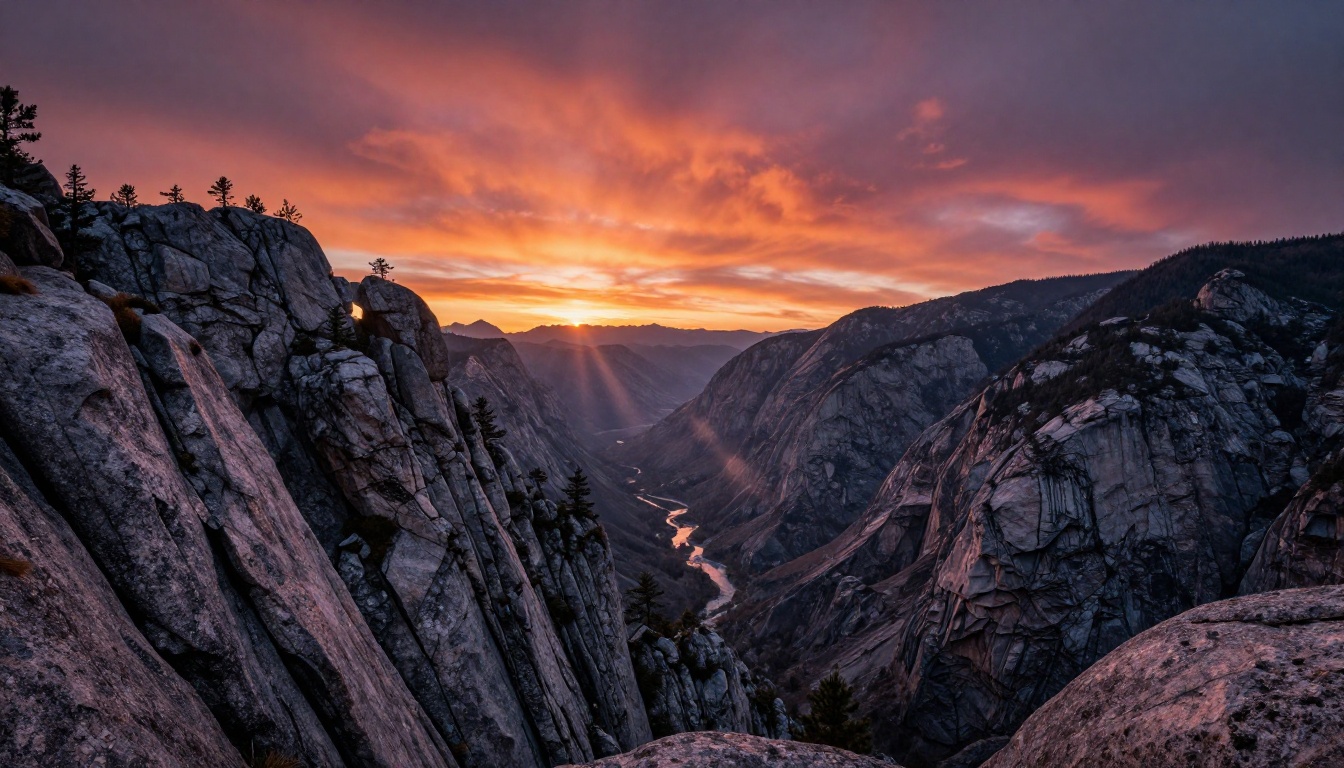
Use Flux 2 Pro when you need to move fast, iterate often, and produce high-quality output at production scale without high per-image cost. It handles the vast majority of creative work at a standard that most clients and platforms cannot distinguish from premium output at typical viewing sizes.
Use Flux 2 Max when the image is the deliverable, the output will be scrutinized at high resolution, or you are working on projects where image quality is a direct measure of professional standard. Max does not just produce a better-looking image. It produces a more complete image, one where the detail is actually present rather than implied.
The best creative workflows use both: Pro for the journey, Max for the destination. And the fastest way to understand the real difference between them is to run the same prompt through each, side by side. PicassoIA gives you instant access to both models, along with the full Flux 2 family and dozens of other top-tier generators. Take 30 seconds, write a prompt, and let the output make the decision for you.


