Product images are responsible for more than 75% of online purchase decisions. Not the copy. Not the price. The photos. When someone lands on your product page, they run a near-instant visual judgment: does this look real, does it look like quality, and does it match what I expect to spend? Poor photography kills conversions before a single word of your listing gets read.
Flux 2 has fundamentally changed what's possible for e-commerce teams of any size. This isn't about replacing photography as a craft. It's about removing the bottleneck between a product worth selling and images that actually move buyers.
Why Product Images Are Your #1 Sales Asset
If you're spending money on ads and your product page isn't converting, the images are usually the problem. It's easy to point at the headline or the price, but the data consistently shows that visual quality is the single highest-leverage element on a product detail page.
The real cost of amateur photos
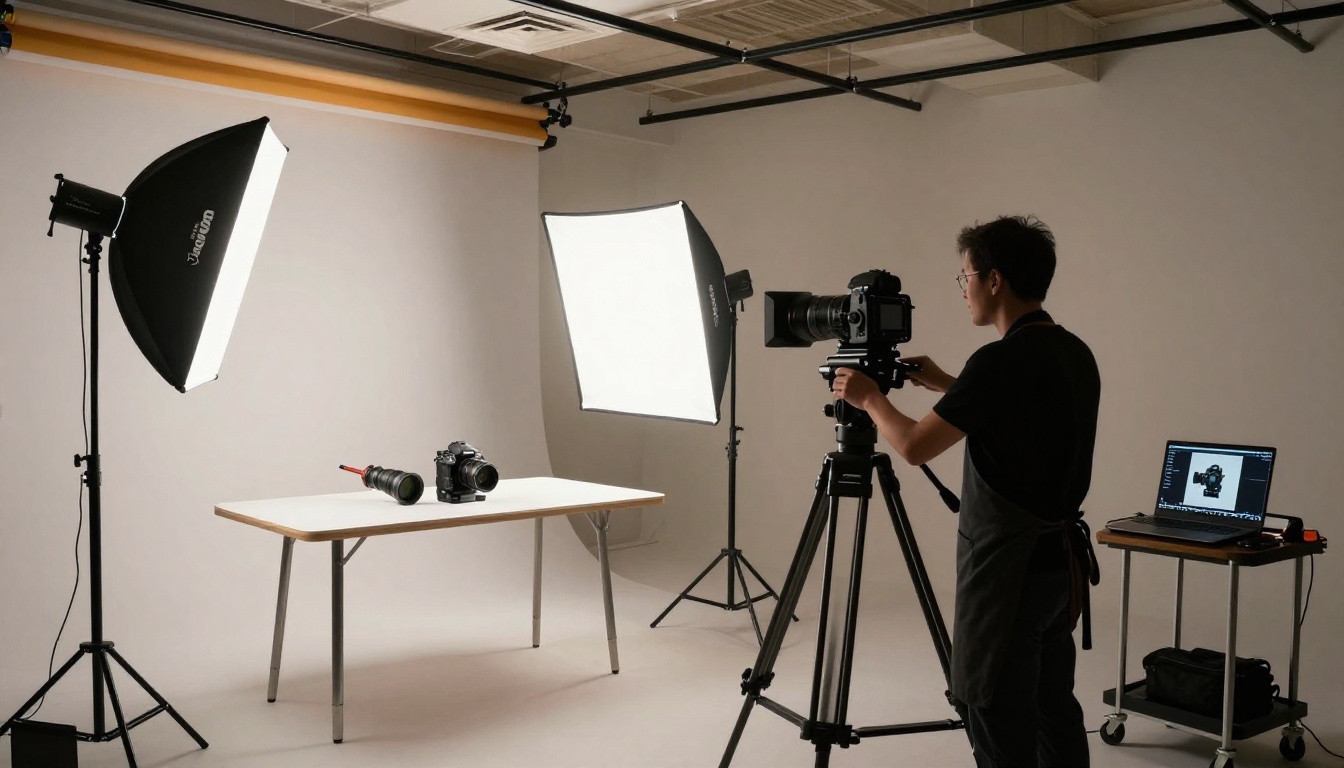
Hiring a professional product photographer in a major market costs between $500 and $2,000 per day, not counting post-processing, studio rental, or reshoots. For a catalog of 50 SKUs, that math gets painful fast. Many small brands end up with photos taken on a phone against a wrinkled backdrop, and they wonder why their conversion rate hovers at 1%.
The hidden cost is even bigger: abandoned carts. Shoppers who feel uncertain about how a product looks simply don't buy. They go to a competitor with better photos even if your product is objectively better.
What buyers actually look for
Research from major e-commerce platforms points to three consistent needs: multiple angles, clear texture detail, and contextual lifestyle shots that show the product being used. Buyers want to know how big it is, what it feels like, and whether it fits into their life. A single frontal shot against white doesn't answer any of those questions.
💡 Tip: Product listings with 5 or more images consistently outperform those with fewer than 3, regardless of image quality. Volume matters. AI generation makes volume affordable.
What Flux 2 Brings to Product Photography
Flux 2 is Black Forest Labs' second-generation text-to-image model family. It represents a significant step forward in photorealism, prompt adherence, and compositional control, which makes it particularly well-suited to the demands of product photography.
Photorealism at the pixel level
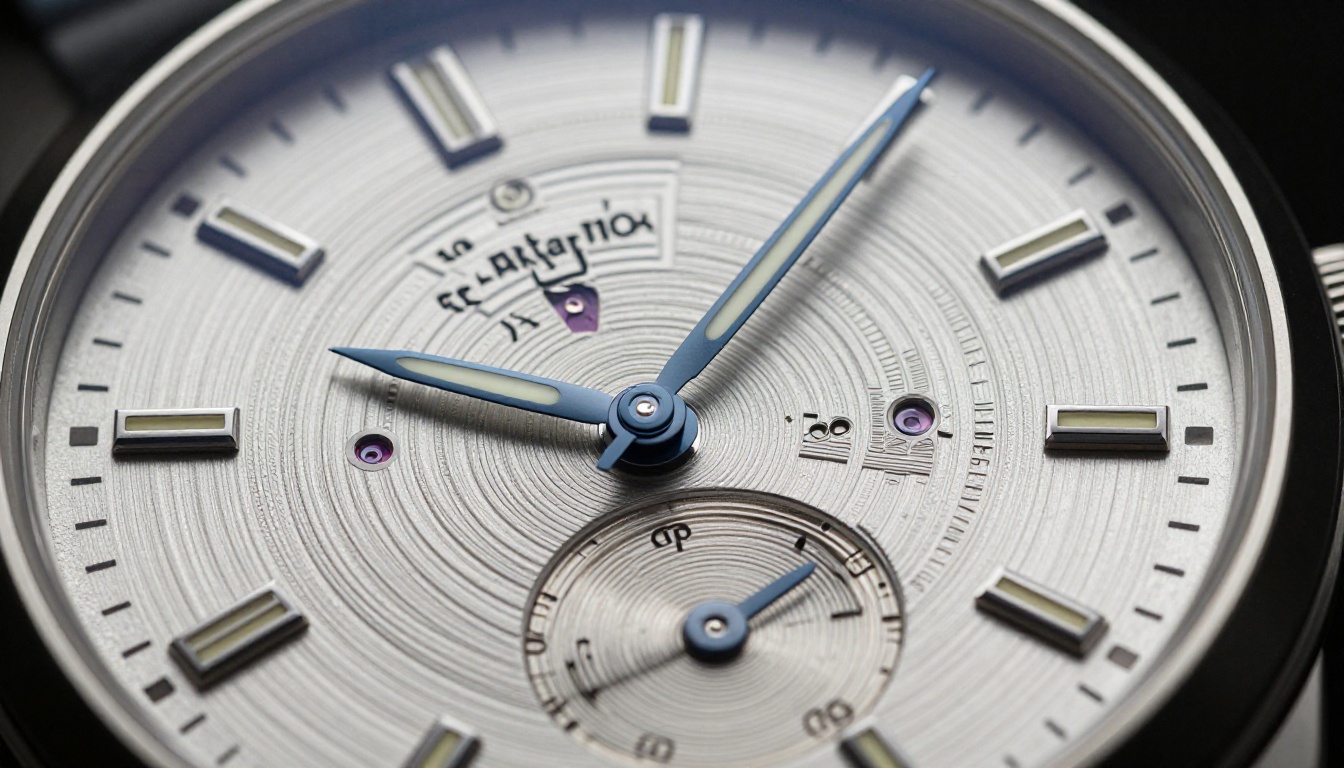
Flux 2's architecture produces images with an exceptional level of surface detail. The grain of a leather bag. The specular highlights on a glass bottle. The micro-texture of a fabric weave. These are the details that make buyers trust a product shot.
Where earlier models often produced a slightly "AI-smooth" look that trained eyes could detect, Flux 2 Pro and Flux 2 Max output images that hold up at full resolution, with real-looking imperfections and material behaviors that build buyer confidence.
Prompt control for precise compositions
One of the biggest practical wins with Flux 2 is how reliably it follows compositional instructions. You can specify camera angle (low angle, overhead, three-quarter), lighting direction (volumetric morning light from the left), lens characteristics (85mm f/1.4, shallow depth of field), and surface textures in the same prompt and expect the output to reflect all of them.
For product photography, this means you can define a visual language for your brand and replicate it across hundreds of shots with only the product details changing.
Speed that fits real workflows
A professional product shoot produces 20-50 usable images in a full day. With Flux 2 Dev or Flux 2 Flex, you can generate that volume in an hour. When you're adding 100 new SKUs to a catalog, that difference is the difference between shipping on time and delaying a launch by weeks.
The Full E-Commerce Workflow with Flux 2
An effective AI product photography workflow isn't just "prompt and download." It has structure. Here's how a real end-to-end process looks.
Step 1 - Define your shot list
Before generating a single image, build a shot list for each product type. For a soft goods product like clothing, a typical list includes:
- Ghost mannequin front shot
- Ghost mannequin back shot
- Flat lay top-down composition
- Lifestyle context shot
- Close-up texture detail
- Packaged or shipping state
For hard goods such as electronics, kitchenware, or tools, the list shifts:
- Clean white background hero
- Three-quarter angle showing depth and form
- In-use lifestyle scene
- Component or feature close-up
- Scale reference shot next to a hand or known object
This shot list becomes your prompt template. You write it once, then modify the product-specific details for each SKU in your catalog.

Step 2 - Craft your product prompts
A strong Flux 2 product prompt has five components:
| Component | Example |
|---|
| Subject and surface | "matte black ceramic diffuser on pale oak surface" |
| Background and environment | "neutral linen backdrop, seamless infinity curve" |
| Lighting | "large octabox from upper left, soft fill from right" |
| Camera and lens | "Hasselblad 100MP, 85mm f/2.0, shallow DOF" |
| Style and texture qualifier | "RAW 8K, Kodak Portra 400 grain, photorealistic" |
The more specific you are, the more consistent your outputs will be across a catalog. A vague prompt gives a different composition every generation. A structured prompt with a fixed visual language produces near-identical setups with only the product changing.
A few specifics that consistently improve Flux 2 outputs for product photography:
- Name the material explicitly: "brushed titanium," "vegetable-tanned leather," "borosilicate glass" all produce distinctly different surface behaviors than generic descriptors.
- Describe light direction precisely: "volumetric morning light entering from the left at 30 degrees" produces better results than "soft lighting."
- Specify exclusions: "no shadows behind the product, no visible label text, no props" keeps outputs clean.
- Always include the camera system: Mentioning a specific camera body and lens focal length consistently improves photorealistic output quality.
Step 3 - Batch your catalog
Once your prompt templates are working, the workflow becomes mechanical. You run your SKU list against each template, review outputs, and regenerate any that miss the mark. For a 200-SKU catalog with 5 shots per product, you're generating 1,000 images. With Flux 2 Klein 4B, a lightweight model optimized for speed, or the more detailed Flux 2 Klein 9B, you can move through a batch like this without a full-day wait.
💡 Tip: Build your prompts in a spreadsheet with the fixed elements as constants and the product-specific details as variables. This makes batching fast and keeps your visual style consistent across every SKU.
How to Use Flux 2 on PicassoIA
PicassoIA gives you direct access to the full Flux 2 model family, no API setup, no local GPU required. Here's how to use it specifically for product photography.
Finding the right Flux 2 model
PicassoIA hosts several variants of the Flux 2 family, each with different trade-offs:
Start with Flux 2 Dev to test and iterate your prompts quickly, then switch to Flux 2 Max or Flux 2 Pro for your final catalog renders that go live.
Settings that matter for product shots
When working with Flux 2 models on PicassoIA for product photography:
- Aspect ratio: Use 1:1 for product detail pages, 16:9 for banners and lifestyle shots, and 4:3 for catalog grid layouts.
- Steps: Higher step counts produce more refined outputs. For hero shots that will appear large on a product page, use the maximum step count available.
- Seed: Once you find a composition you like, save the seed. This lets you re-run the same composition with minor prompt adjustments without losing the framing.
For fashion and apparel specifically, Flux Kontext Pro and Flux Kontext Max add image editing capabilities that let you modify specific elements of an existing generated product image using text instructions, without having to regenerate the entire shot from scratch.
Shot Types Every Product Store Needs
A complete product photography strategy covers several shot types. Each serves a specific function in your conversion funnel.
The hero shot
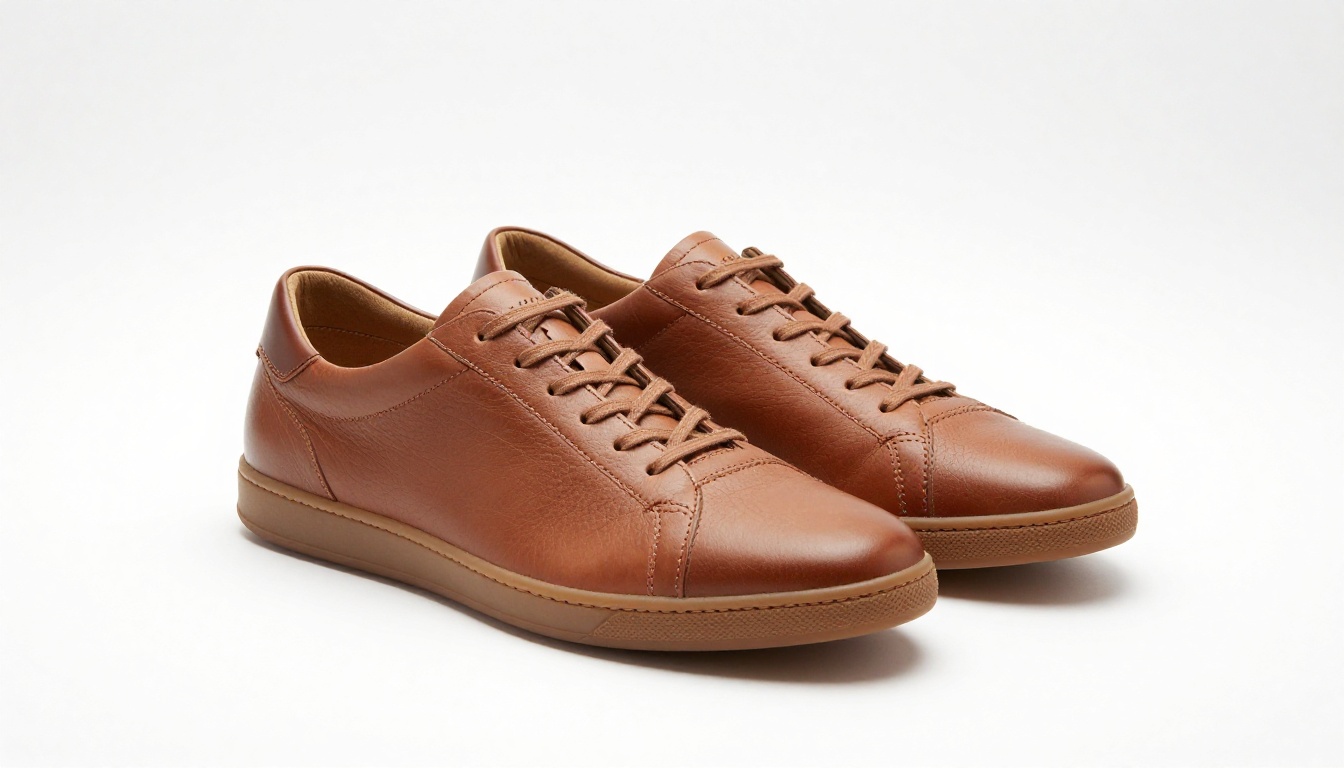
The hero shot is the primary image on your product listing. It needs to communicate what the product is, its approximate scale, and its quality within a fraction of a second. On marketplaces, it also needs to pass content guidelines requiring clean backgrounds.
Flux 2 Pro excels at hero shots because of its high prompt adherence. If you specify a clean white background with dual octabox lighting and a three-quarter product angle, that's reliably what you get.
Lifestyle and context shots
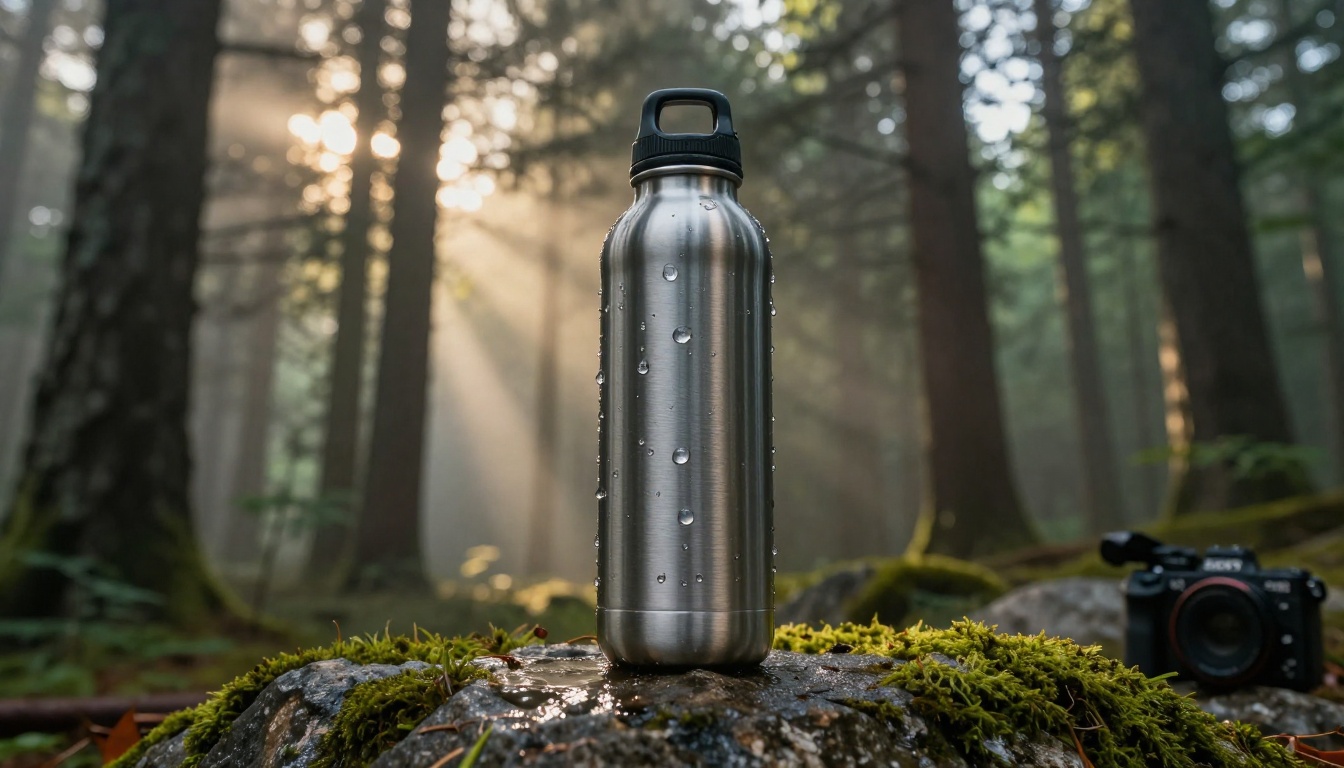
Lifestyle shots answer the question: "where does this product fit in my life?" They show the product being used in real settings. A ceramic coffee mug in a sun-drenched kitchen. A leather bag on the shoulder of someone walking through a city. A water bottle on a hike.
These shots are where Flux 2's environmental rendering capability really shows. You're not just generating a product: you're generating a scene, a mood, a social context. The quality of these images directly affects perceived brand value and the aspiration a buyer associates with your product.

Detail close-ups
Close-up shots answer the trust question. Shoppers want to see that the stitching is tight, the finish is consistent, and the materials look as described. For high-ticket items, detail shots are non-negotiable.
When prompting for detail shots, use macro photography language: "extreme close-up at 1:1 magnification," "single fiber optic spotlight from 10 degrees," "velvet background out of focus." Flux 2 Max handles these particularly well because its output resolution and surface detail fidelity are highest in the model family.
Flat lay and overhead compositions
Overhead flat lays are especially valuable for products that come in sets: skincare lines, kitchenware collections, or lifestyle bundles. They communicate what the customer actually receives and create a strong sense of abundance and organization.
The key with flat lays in Flux 2 is prop balance. Keep props minimal and clearly secondary to the product. Specify textures for the surface (brushed concrete, marble, oak) and shoot conditions (directly overhead at 90 degrees from product level) precisely for clean, structured results.
Optimizing for Conversion
Generating great images is step one. Deploying them in a way that actually moves your conversion rate is step two.
Background strategy
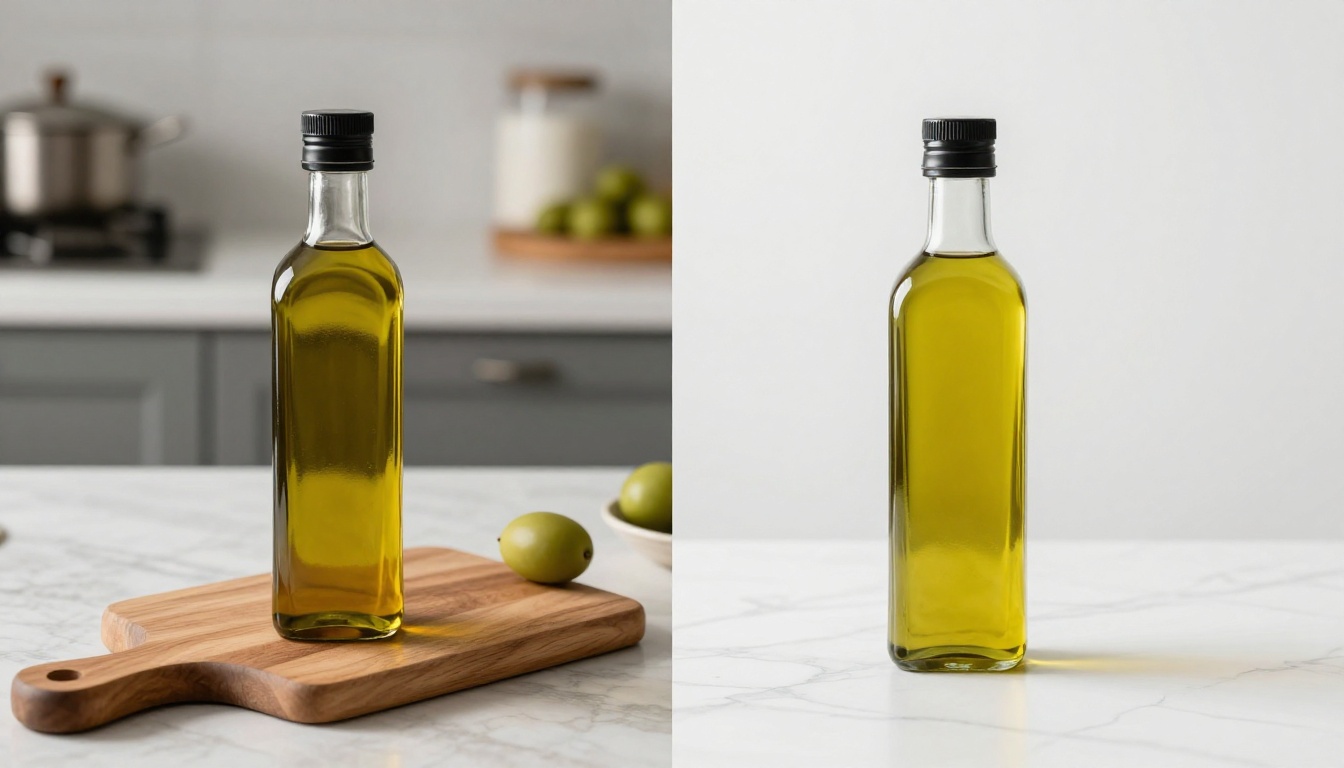
For marketplace listings on Amazon, Etsy, and Shopify, you need clean white or light neutral backgrounds on your primary hero images. But for secondary images, lifestyle backgrounds that match your brand aesthetic can significantly increase time-on-page and add-to-cart rates.
💡 Tip: If you need to isolate a product from a complex background after generation, PicassoIA's background removal tools can cleanly separate the product in seconds. This lets you generate a lifestyle scene and then isolate the product for your hero image from the same generation session, saving significant time.
Consistency across your catalog
Inconsistent photography is one of the most common brand trust killers. When each product has a different lighting style, background tone, and composition angle, the catalog looks assembled rather than designed.
With Flux 2, you establish your visual language once in a master prompt template and then apply it across every SKU. Every product shoots in the same virtual studio, at the same angle, with the same light. The catalog feels intentional, professional, and cohesive.
Testing variants with near-zero cost
A/B testing your product images is one of the highest-ROI activities in e-commerce. With AI generation, the cost of producing variant images drops to near zero. You can test a warm lifestyle image against a clean white background hero, a top-down flat lay against a three-quarter angle, or a neutral backdrop against a brand-colored surface.
Generate 3-4 variants per product, run them as A/B tests, and let the conversion data tell you which visual language wins for your specific audience.
Ghost Mannequin and Fashion E-Commerce
The ghost mannequin effect, removing the model while keeping the shape of the clothing, is one of the most time-consuming parts of fashion product photography in traditional workflows. It typically requires a separate neck-shot, careful Photoshop compositing, and significant retouching time per garment.
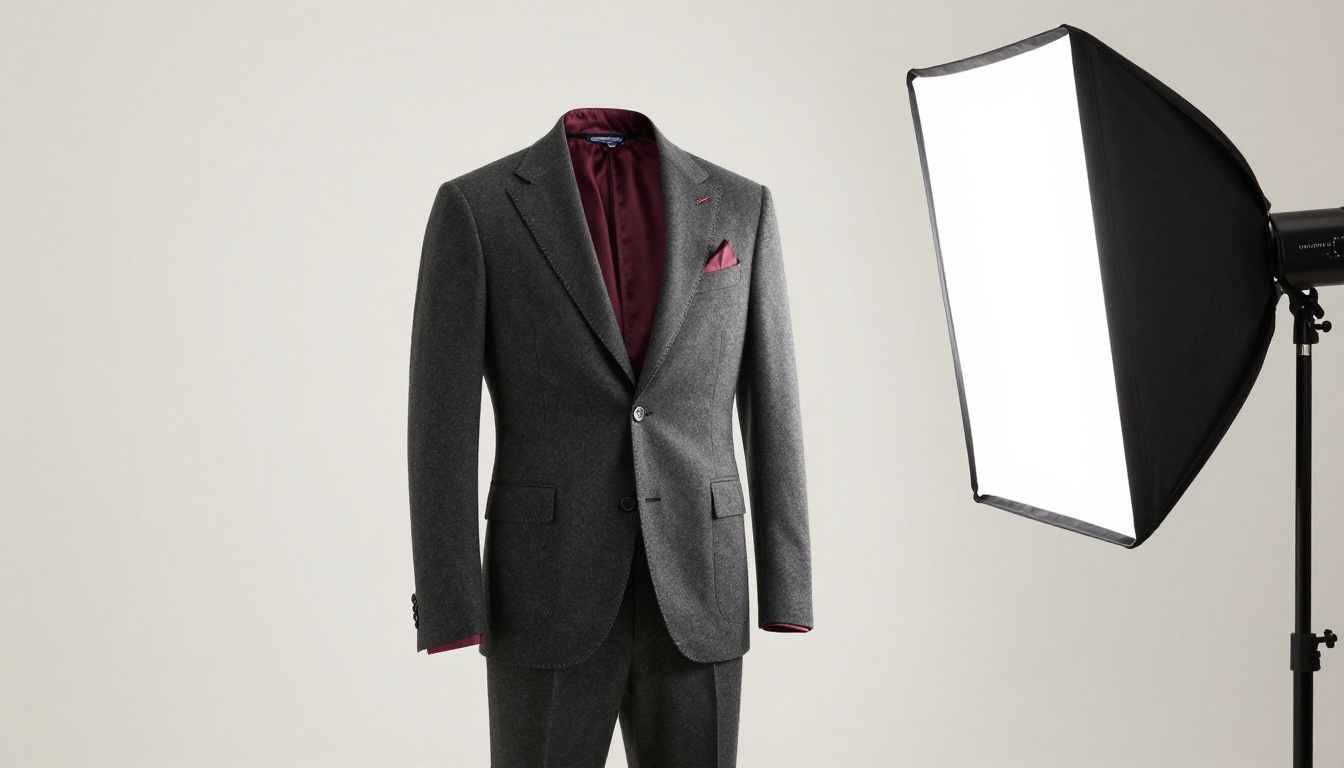
With Flux 2, you can prompt for invisible mannequin effects directly. Describe the garment's shape as if it were being worn by a ghost form: lapels at their natural fall angle, fabric structure showing drape and volume, interior lining visible at cuffs and collar. The model handles the complex task of filling the garment shape realistically without showing a physical body.
For high-volume fashion catalogs, Flux 2 Flex combined with a well-constructed ghost mannequin prompt template lets you process an entire seasonal collection in the time that traditional photography would cover a single garment.
Beyond Product Shots
The product photography workflow doesn't end at generation. PicassoIA gives you a full toolkit to take an image from first generate to a finished, optimized asset.
Background removal
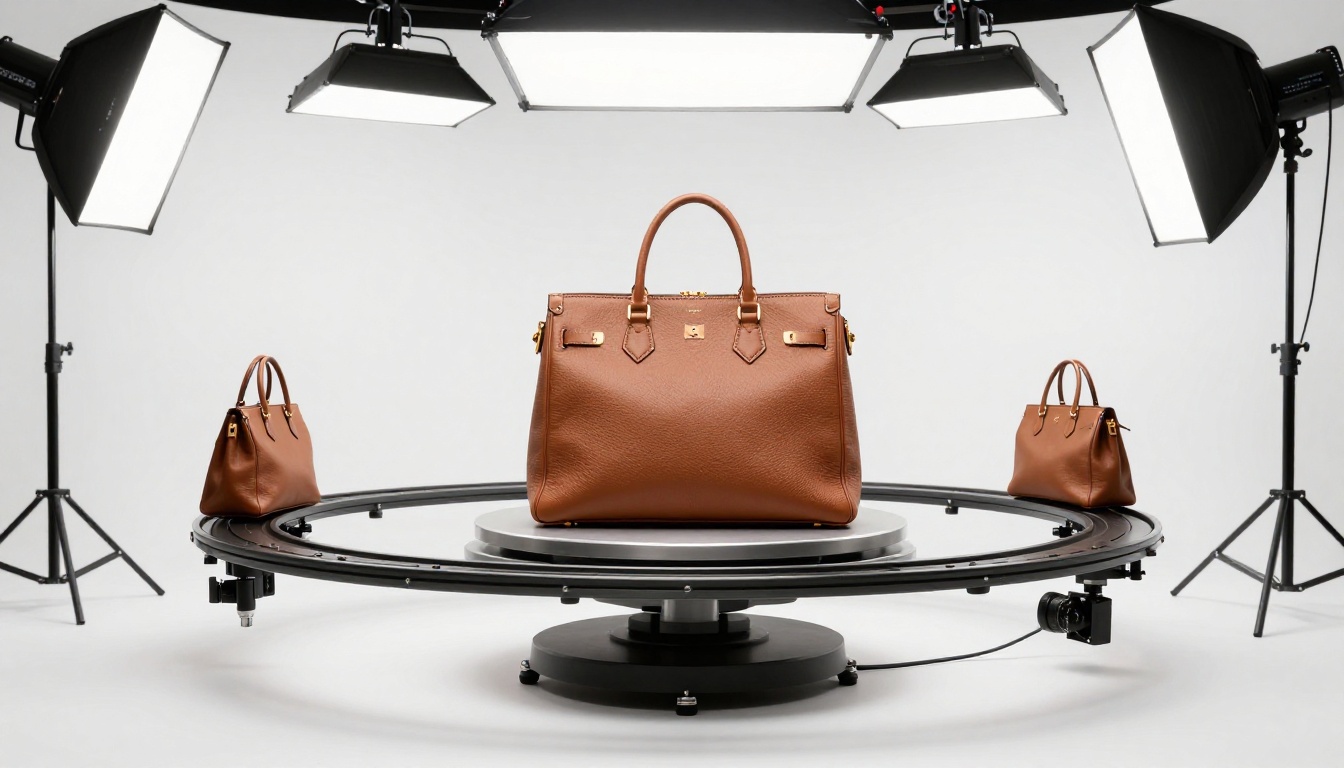
After generating a product in a lifestyle scene, you may need to isolate it against white for your primary listing image. PicassoIA's background removal models handle complex product edges, including transparent glass, fine mesh textures, and reflective surfaces, without the fringe artifacts that simpler tools produce.
Super resolution for print
If your products are also sold offline (in retail stores, in lookbooks, on packaging), you need images at print resolution: 300 DPI at a minimum usable size. PicassoIA's super resolution models can upscale web-resolution generated images to print-ready dimensions while preserving sharpness and surface detail. One generation becomes multiple use cases across digital and physical channels.
Inpainting for targeted fixes
Sometimes a generated image is 90% right and 10% wrong. Maybe the shadow direction doesn't match your brand style, or a prop is sitting at an awkward angle. PicassoIA's inpainting tools let you mask a specific region and regenerate just that portion while keeping the rest of the image intact. This is dramatically faster than a full regeneration and preserves every element that already worked.
Create Your First Product Shot Right Now
The gap between a product image that converts and one that doesn't is smaller than it used to be. It doesn't require a studio, a photographer, or a large equipment budget. It requires a well-structured prompt, the right model, and a clear understanding of what your buyer needs to see.
PicassoIA gives you access to the full Flux 2 model family alongside every tool you need to turn generated images into finished assets: background removal, super resolution, inpainting, and more. All in one place, without API setup or local compute.
Pick one product. Write a prompt that specifies the surface, the light, the angle, and the camera system. Run it through Flux 2 Dev first to test your composition quickly, then through Flux 2 Max for the final high-resolution output.
Post it next to your current product photo and see which one you would rather buy from. That's the workflow. Start there.


